Car 3D Modeling: Expert Workflows, Tips, and Best Practices
скачать 3d модель для chicken gun
Car 3D modeling is a complex yet rewarding task, whether you're working for games, film, or virtual reality. Over the years, I’ve refined my process to balance speed, realism, and production-readiness—leveraging both manual techniques and AI-powered tools. The right workflow minimizes technical headaches and maximizes creative control. This article is a practical guide for artists, developers, and designers seeking efficient, high-quality car models, from concept to completion.
Key takeaways:
- Efficient workflows combine manual skill with AI-powered automation.
- Planning, reference gathering, and topology are crucial for accuracy.
- Texturing and materials drive realism; UV mapping is a common bottleneck.
- Optimization for target platforms prevents performance issues.
- AI tools accelerate modeling but manual techniques maintain creative fidelity.
- Troubleshooting and consistency are ongoing challenges—learn to anticipate them.
My Approach to Car 3D Modeling: Tools and Workflow
Choosing the Right Software and Platforms
I start by selecting tools based on project needs and output requirements. For modeling, I rely on industry-standard software and integrate platforms that support AI-driven workflows. Compatibility with downstream pipelines (game engines, renderers) is non-negotiable.
Checklist:
- Confirm export formats (FBX, OBJ, GLTF).
- Ensure tool supports high-res sculpting and low-poly editing.
- Test integration with texturing and rigging solutions.
Pitfall: Don’t get locked into a platform that limits flexibility or output options.
Integrating AI-Powered Tools for Efficiency
AI-powered platforms like Tripo streamline segmentation, retopology, and even texturing. I use these tools to automate repetitive tasks, freeing up time for creative decisions.
Steps I follow:
- Input concept sketches or reference photos.
- Use AI segmentation for faster part separation.
- Apply auto-retopology to generate clean mesh for animation or games.
- Review and manually tweak outputs for precision.
Tip: Always validate AI-generated geometry and textures—automation can miss subtle details.
Step-by-Step Guide: Creating a 3D Car Model from Concept to Completion
Gathering References and Planning the Model
Solid reference gathering is my foundation. I collect blueprints, photos, and sketches from multiple angles—side, front, rear, and top.
My process:
- Build a reference board with high-res images.
- Break down car features: body, wheels, lights, interior.
- Sketch rough blockouts or use AI to generate concept variations.
Pitfall: Missing reference angles leads to guesswork and inaccuracies.
Blocking Out Shapes and Refining Topology
I block out the car’s main shapes using simple geometry, focusing on silhouette and proportions. Once the blockout feels right, I refine topology for animation or subdivision.
Steps:
- Start with primitive shapes (cubes, cylinders).
- Adjust proportions to match references.
- Use AI-assisted retopology to clean mesh, then manually refine edge flow.
Tip: Keep topology clean and quads-based for easier texturing and animation.
Texturing, Materials, and Realism in Car 3D Models
UV Mapping and Texture Painting Techniques
UV mapping is often the bottleneck. I use automated UV tools when possible, but always check for stretching and seams.
My workflow:
- Unwrap UVs with auto tools, then manually optimize critical areas.
- Bake normal and ambient occlusion maps for realism.
- Paint textures or use AI-generated base maps, then layer custom details.
Checklist:
- Check UV islands for distortion.
- Align seams along natural car panel lines.
Applying Realistic Materials and Shaders
Realism comes from accurate materials. I set up shaders for paint, glass, rubber, and metal, tweaking parameters for reflectivity and surface detail.
Tips:
- Use PBR workflows for consistency across platforms.
- Layer dirt, scratches, and subtle imperfections.
- Reference real-world materials for color and gloss values.
Pitfall: Over-polished materials can look fake; add micro-details for authenticity.
Optimizing Car Models for Games, Film, and XR
Retopology and Polycount Management
Optimization is key for performance. I retopologize models to fit target polycounts, balancing detail and efficiency.
My approach:
- Use AI retopology for base mesh, then manually adjust for critical areas.
- Remove hidden geometry (underbody, interior if not needed).
- Test in engine for real-time performance.
Checklist:
- Target polycount based on platform specs.
- Bake details into normal maps for low-poly models.
Exporting and Integrating into Pipelines
Exporting is more than just saving a file. I ensure models are properly named, scaled, and formatted for target platforms.
Steps:
- Export in required format (FBX, GLTF).
- Check scale and orientation.
- Test import in engine or renderer.
Tip: Automate export steps where possible to minimize errors.
Comparing AI-Powered and Traditional Car 3D Modeling Methods
Speed, Quality, and Flexibility: What I’ve Learned
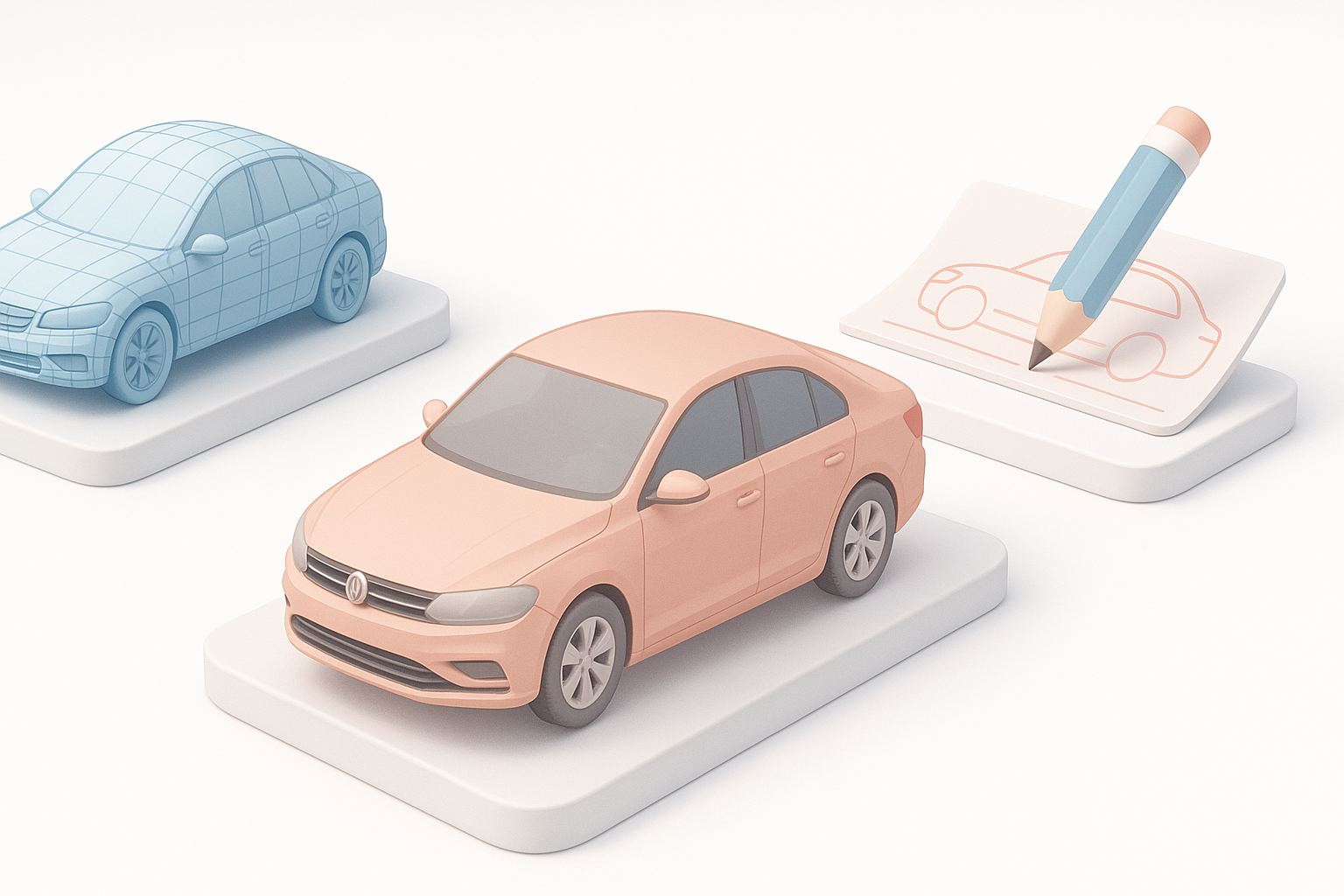
AI tools accelerate modeling, especially for base meshes and repetitive tasks. However, manual techniques still offer unmatched control for complex shapes and fine details.
My findings:
- AI is best for quick iterations and rough blockouts.
- Manual modeling excels at precision and creative tweaks.
- Hybrid workflows deliver both speed and quality.
Pitfall: Relying solely on AI can result in generic or inaccurate models.
When to Use AI Tools vs. Manual Techniques
I use AI for initial stages—segmentation, retopology, and basic texturing. For hero assets or unique designs, manual work is essential.
Checklist:
- Use AI for standard car types and rapid prototyping.
- Switch to manual for custom features, interiors, and complex surfaces.
Tip: Always review AI outputs before finalizing for production.
Common Challenges and My Solutions in Car 3D Modeling
Troubleshooting Geometry and Artifacts
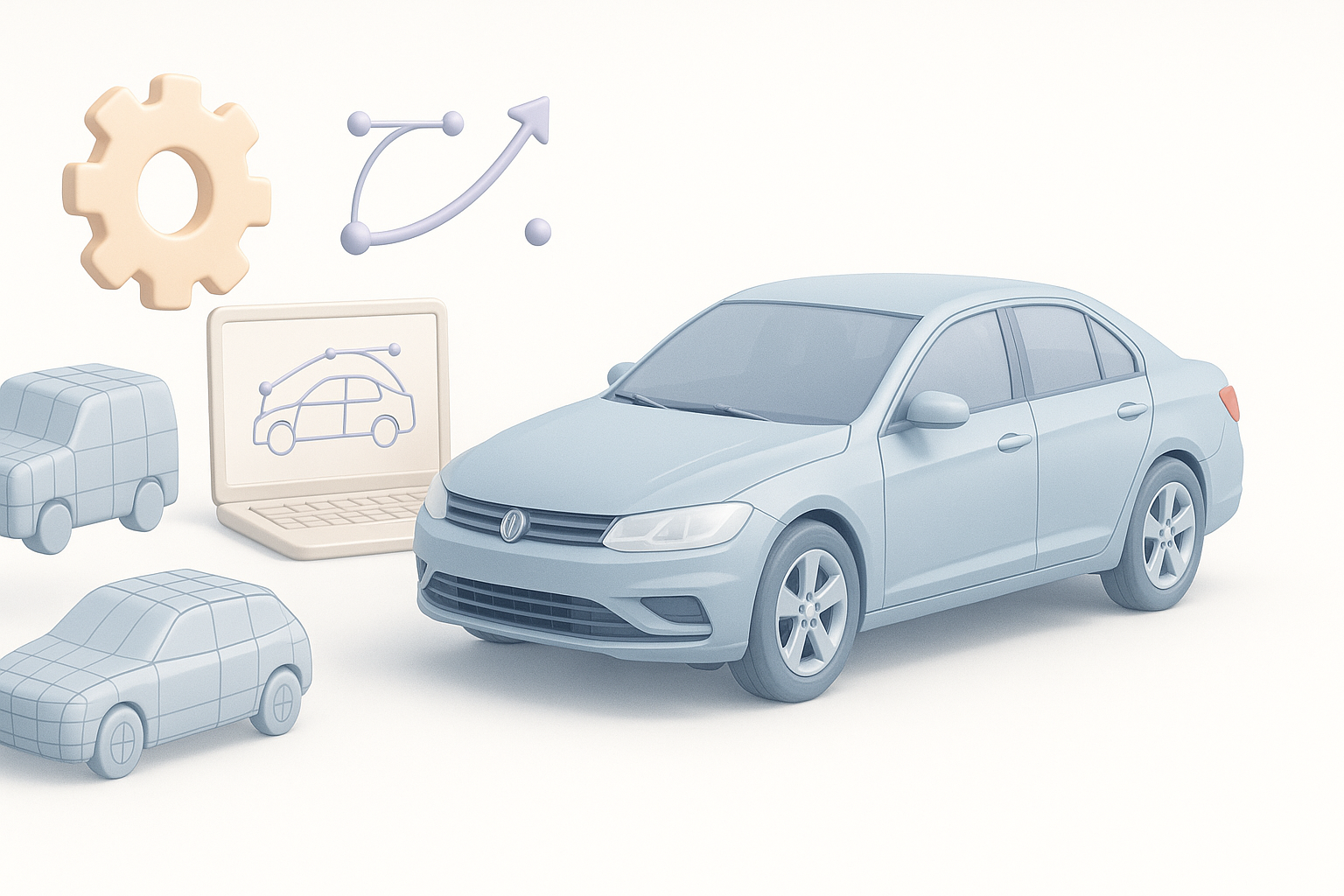
Geometry issues—non-manifold edges, flipped normals, mesh artifacts—are common. I regularly check and fix these before moving to texturing or rigging.
My process:
- Run mesh analysis tools for errors.
- Manually fix problematic areas.
- Use AI to auto-correct, then verify results.
Pitfall: Ignoring geometry issues leads to shading and animation problems.
Achieving Consistent Results Across Projects
Consistency is crucial for large projects or asset libraries. I maintain templates and standardized workflows.
Tips:
- Create reusable presets for materials and export settings.
- Document workflow steps for team alignment.
- Use AI for batch processing but always review for quality.
Pitfall: Inconsistent models disrupt pipeline and visual cohesion.
Summary:
Car 3D modeling is a blend of artistry and technical workflow. By combining manual expertise with AI-powered tools, I achieve efficient, high-quality results—while minimizing repetitive tasks and troubleshooting. Focus on planning, clean topology, realistic materials, and platform-specific optimization for production-ready models.


