How I Build a Boat for Treasure 3D Model: Expert Workflow
Building a "boat for treasure" 3D model for games or interactive projects is now faster and more accessible thanks to AI-powered tools. In my workflow, I leverage these platforms for rapid prototyping, then apply traditional skills for refinement, texturing, and integration. This guide is for 3D artists, game developers, and designers who want to accelerate asset creation without sacrificing quality. I’ll walk through my end-to-end process—from concept to export—highlighting practical tips, pitfalls, and the role of AI in streamlining production.
Key takeaways:
- AI tools can generate solid base models in seconds, saving hours on early-stage work.
- Careful planning and reference gathering are crucial for accuracy and style consistency.
- Retopology and segmentation ensure game-ready, efficient assets.
- Texturing, rigging, and animation require hands-on refinement for best results.
- Export settings must match your target engine/platform to avoid integration issues.
Executive Summary and Key Takeaways

What I’ve learned from building boat for treasure 3D models
After numerous projects, I’ve found that blending AI-driven workflows with manual techniques yields the best results. The speed of initial model generation is unmatched, but fine-tuning—especially for gameplay requirements—still demands a hands-on approach. Consistent reference gathering and clear requirements upfront prevent costly rework later.
Essential tools and workflow overview
My main toolkit includes an AI-powered 3D generation platform (like Tripo), a DCC (Digital Content Creation) suite for editing (e.g., Blender), and texture/animation tools. The workflow is:
- Reference gathering
- Concept sketches
- AI model generation
- Segmentation and retopology
- Texturing, rigging, animation
- Export and integration
Planning and Conceptualizing the Boat Model
Gathering references and defining requirements
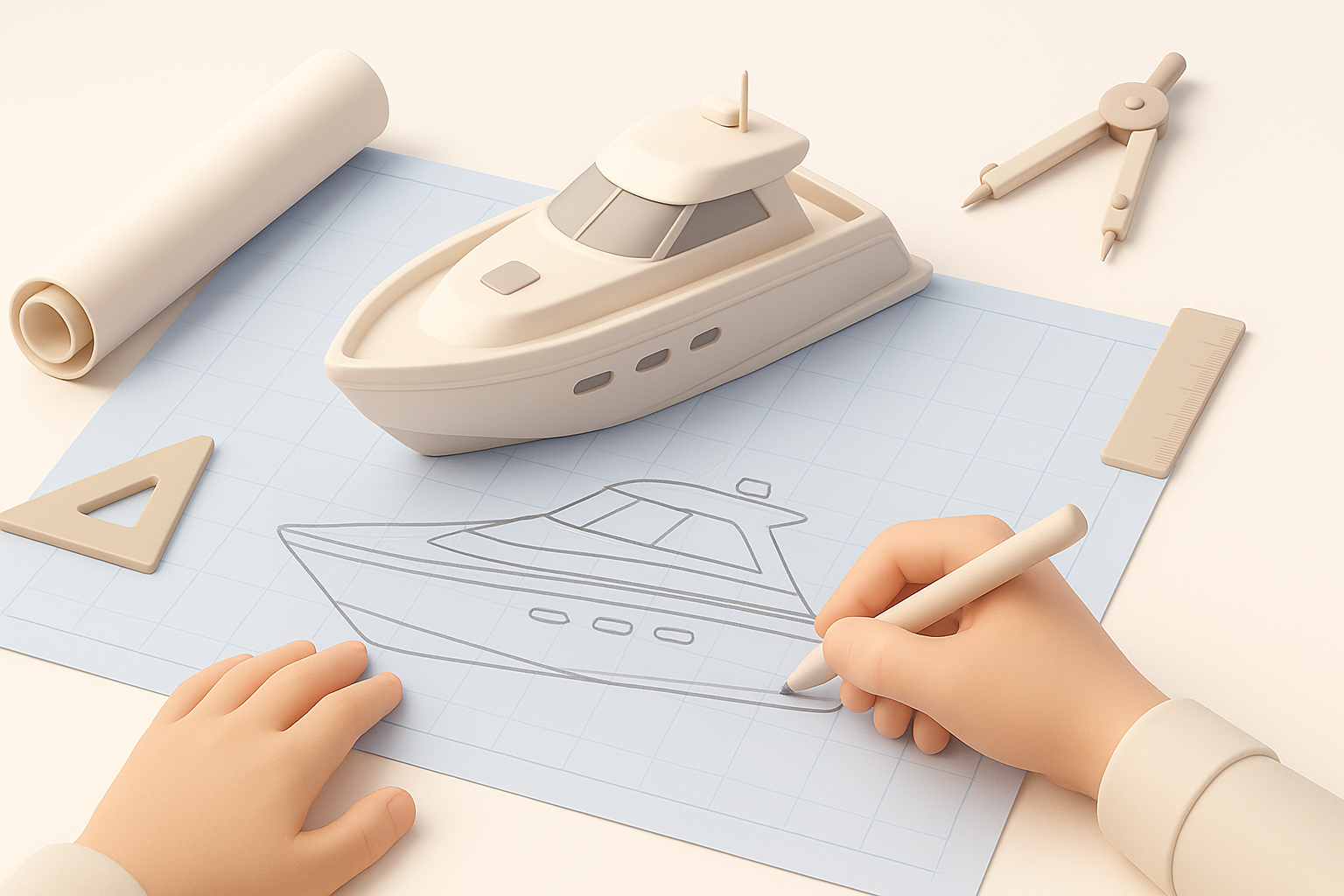
I always start by collecting detailed references—photos, concept art, and in-game screenshots—to align on style, scale, and function. For a "boat for treasure," I pay attention to hull design, deck features, and any unique props (like chests or cannons). Defining technical requirements (polycount, texture resolution, platform constraints) early avoids scope creep.
Checklist:
- Gather at least 5–10 reference images
- Define target polycount and texture size
- List gameplay features (e.g., moving parts, interactables)
Sketching and outlining the boat’s features
Quick sketches help visualize proportions and silhouette. I map out key features—mast, sails, treasure area—ensuring they’re readable and functional in 3D. Even rough line art helps when prompting AI tools or blocking out the model.
Tips:
- Focus on silhouette and major shapes
- Annotate sketches with scale notes and materials
- Identify any gameplay-critical elements (e.g., collision zones)
Generating the Base 3D Model from Text or Images
Using AI-powered platforms for rapid prototyping
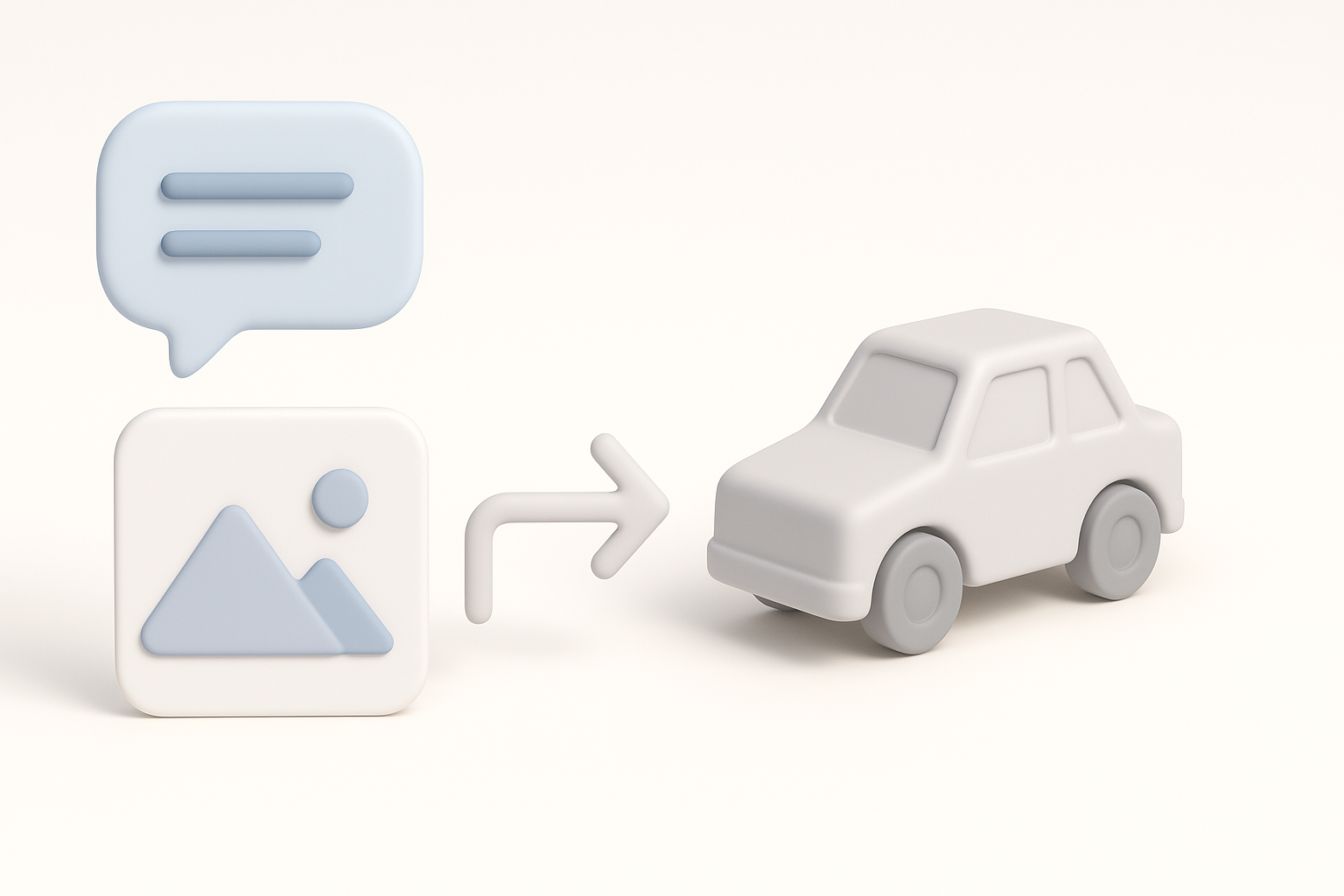
Platforms like Tripo allow me to generate a base boat model from text descriptions, reference images, or even simple sketches. I’ve found that providing clear, descriptive prompts (e.g., "wooden pirate boat with treasure chest on deck") yields more accurate results. The initial mesh is often 80% of the way there, which is a huge time saver.
Steps:
- Input detailed prompt and upload reference images
- Review generated model for overall shape and features
- Iterate on prompts if initial results miss the mark
Tips for refining generated geometry
The first AI-generated mesh usually needs some cleanup. I import it into my DCC tool to fix topology issues, remove artifacts, and adjust proportions. It’s quicker to tweak an existing mesh than to build from scratch, but I always check for hidden geometry problems.
Pitfalls to avoid:
- Over-relying on AI: always inspect for non-manifold edges and overlapping faces
- Ignoring scale: verify model matches game engine units
Segmentation, Retopology, and Best Practices
How I approach intelligent segmentation
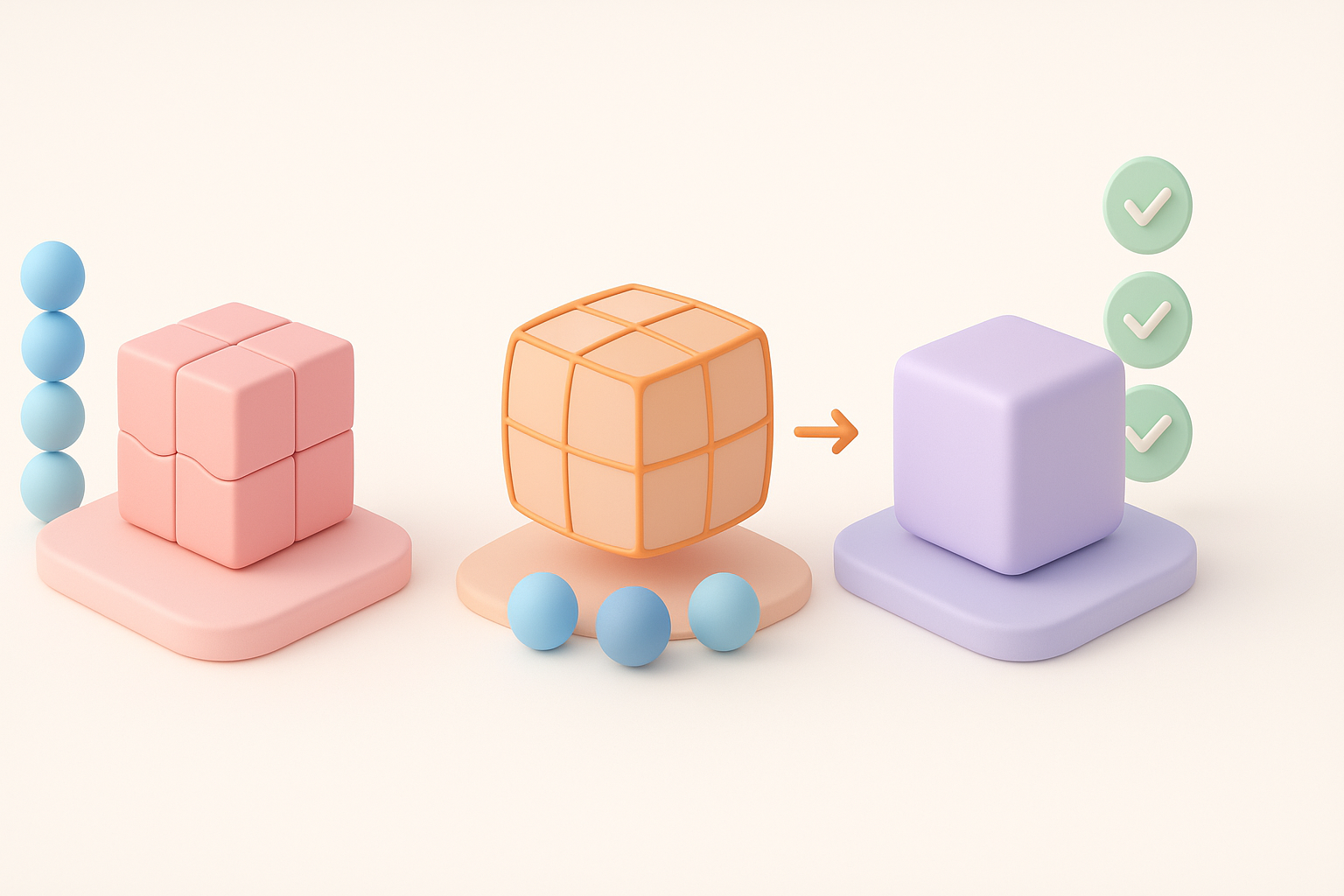
Segmentation—separating the boat into logical parts (hull, sails, deck, props)—is crucial for texturing and animation. I use built-in segmentation tools to automate this, then manually adjust for clean UV seams and logical groupings.
Best practices:
- Segment movable parts (e.g., rudder, sails) for easier rigging
- Ensure each segment has clear UV space for texturing
Retopology for game-ready assets
AI-generated meshes are rarely optimized for real-time use. I retopologize to achieve clean, efficient edge flow and target polycount. Automated retopology tools get me started, but I always review and manually fix any problem areas.
Checklist:
- Check for even quad distribution
- Remove unnecessary edge loops
- Confirm polycount meets platform specs
Texturing, Rigging, and Animation Workflow
Applying realistic textures and materials
For texturing, I bake ambient occlusion and normal maps, then use a PBR workflow for realistic wood, metal, and cloth. I often start with auto-generated textures, but manual painting is essential for wear, decals, and unique details.
Tips:
- Use high-res references for wood grain and weathering
- Layer dirt and edge wear for realism
- Test textures in your target engine’s lighting
Rigging and animating the boat for gameplay
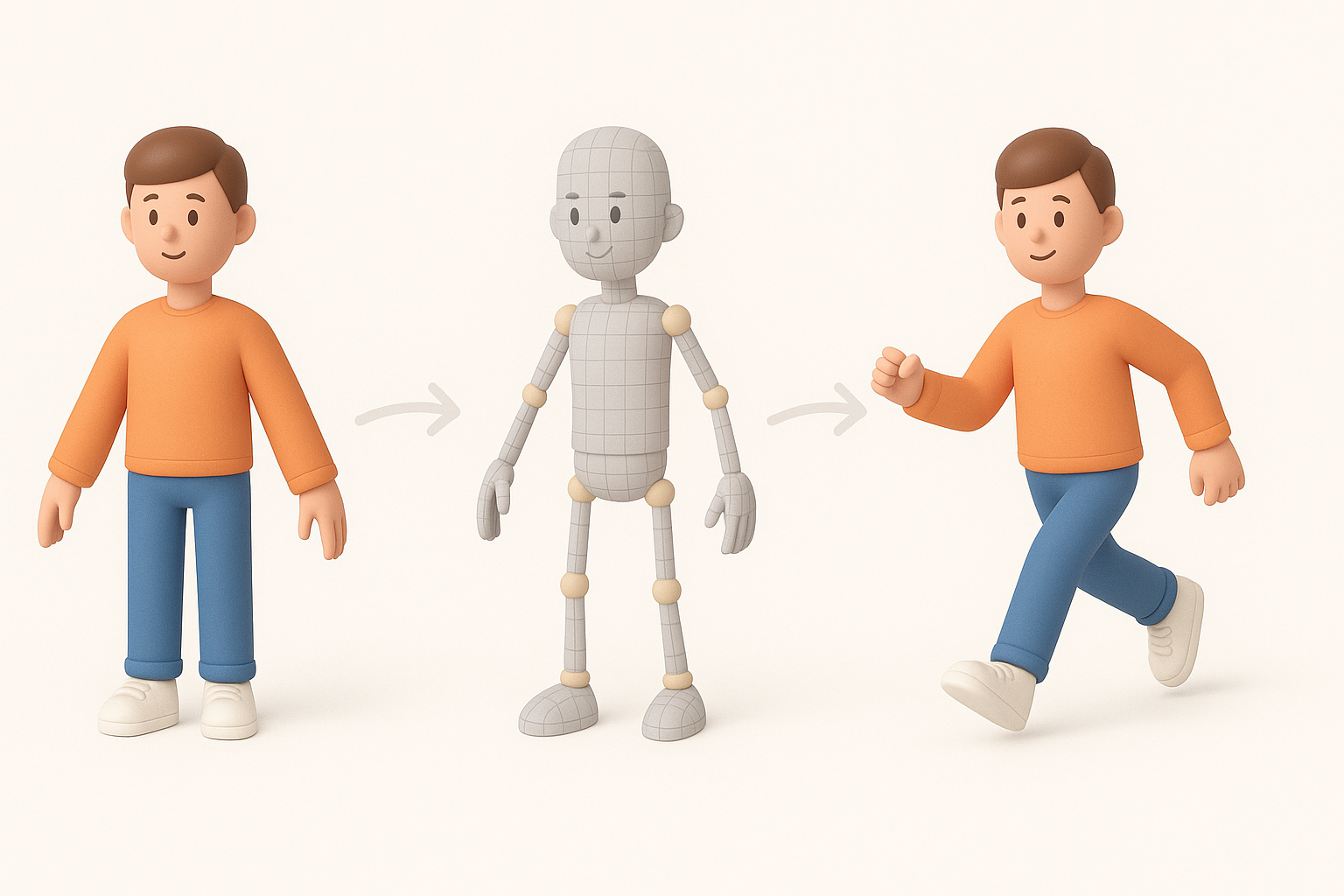
If the boat needs moving parts (e.g., sails, rudder), I rig these with simple skeletons and constraints. For animation, I create loops for idle and movement states. AI-assisted rigging speeds up the process, but manual tweaking ensures smooth deformations.
Pitfalls to avoid:
- Overcomplicating rigs: keep it simple for game assets
- Forgetting to test animations in-engine
Exporting and Integrating the Model into Projects
Optimizing for different engines and platforms
Before export, I check that the model is properly scaled, pivot points are correct, and textures are packed. Export settings (FBX, GLTF, etc.) must match the requirements of the target engine (Unity, Unreal, etc.).
Mini-checklist:
- Freeze transforms and apply scale
- Set correct up-axis (Y or Z)
- Export with embedded or referenced textures
Troubleshooting common export issues
Common issues include flipped normals, missing textures, or animation glitches. I always do a test import into the target engine before final delivery and check for errors.
Tips:
- Double-check material assignments
- Use engine import logs to diagnose problems
- Fix UV issues before export, not after
Comparing AI Tools and Alternative Methods

When to use AI-powered workflows vs. manual modeling
For concepting and non-hero assets, I rely on AI tools to save time. For critical, high-detail, or stylized assets, I often start manually or heavily modify the AI output. The key is balancing speed with control.
What I’ve found:
- AI excels at blocking out shapes and base geometry
- Manual modeling is still best for unique, highly detailed assets
My experience with various 3D creation platforms
I’ve tested a range of AI and traditional tools. Tripo stands out for quick iteration and integrated workflows, especially when I need production-ready assets fast. Other platforms have their strengths, but seamless segmentation, retopology, and export are essential for my pipeline.
Practical advice:
- Match the tool to the project’s needs and your workflow preferences
- Always budget time for manual cleanup, regardless of generation method
By combining AI-driven speed with expert oversight and refinement, I consistently deliver game-ready "boat for treasure" 3D models efficiently—without sacrificing quality or creativity.


