How I Build 3D Models: Tools, Workflow, and Best Practices
Building 3D models efficiently—and to production quality—requires a smart mix of AI-powered tools and traditional techniques. In my workflow, I leverage platforms like Tripo AI to rapidly generate base models from text, images, or sketches, then refine them using manual sculpting, retopology, and texturing as needed. This hybrid approach lets me deliver assets faster without sacrificing creative control or technical quality. Whether you're a game developer, designer, or XR creator, the right workflow can save time and help you focus on what matters: creativity and polish.
Key takeaways
- AI-powered tools can dramatically accelerate 3D model creation, especially for concepting and base meshes.
- Manual refinement remains crucial for detail, topology, and unique requirements.
- Efficient texturing, rigging, and optimization are essential for production-ready assets.
- Integrating AI and traditional workflows yields the best balance of speed and quality.
- Common pitfalls include over-reliance on automation and neglecting performance constraints.
My Step-by-Step 3D Modeling Workflow
Concept and Reference Gathering
Every project starts with a clear concept. I collect references—photos, sketches, or style guides—to nail down proportions, details, and the overall vibe. This step prevents wasted time later and aligns expectations with clients or teammates.
My checklist:
- Gather 5–10 strong reference images from multiple angles.
- Sketch rough silhouettes or blockouts if needed.
- Clarify technical constraints (polycount, texture size, rigging needs).
Choosing the Right Tools for the Job
I select tools based on project needs. For rapid prototyping or when time is tight, I use Tripo AI to generate initial 3D assets from text prompts or concept art. For highly custom or stylized work, I rely more on manual modeling in DCC software.
Tips:
- Use AI tools for quick iterations and base meshes.
- Switch to manual tools when you need precise control or unique topology.
- Maintain a flexible toolset—don't force-fit every project into one workflow.
Using AI-Powered Platforms for Fast 3D Model Creation

Generating Models from Text, Images, or Sketches
Platforms like Tripo AI let me create 3D assets directly from descriptions, reference images, or even quick sketches. This is invaluable for brainstorming and rapid prototyping.
My process:
- Input a clear, descriptive prompt or upload a reference image.
- Review the generated model for overall form and style.
- Use segmentation tools to isolate key parts if needed.
What I’ve learned: The more specific the input, the better the output. Ambiguous prompts yield generic results.
Refining and Customizing AI-Generated Results
AI-generated models often need refinement. I import them into my DCC tool for cleanup—fixing topology, adjusting proportions, and adding unique details.
Steps:
- Check geometry for errors or unnecessary complexity.
- Retopologize if the mesh is too dense or uneven.
- Add or tweak details to match the project’s requirements.
Pitfall to avoid: Don’t skip manual review—AI models can have artifacts or non-optimal geometry.
Traditional 3D Modeling Techniques and When I Use Them
Manual Modeling: Sculpting, Box Modeling, and Retopology
For hero assets or when I need full control, I use traditional methods—sculpting organic forms, box modeling for hard surfaces, and manual retopology for animation-ready meshes.
My approach:
- Block out major shapes first, then refine secondary forms.
- Use symmetry and instancing to speed up repetitive work.
- Retopologize early to avoid headaches later.
Checklist:
- Start with low-poly blockouts.
- Sculpt or model details incrementally.
- Regularly check silhouette and proportions.
Integrating AI and Manual Workflows
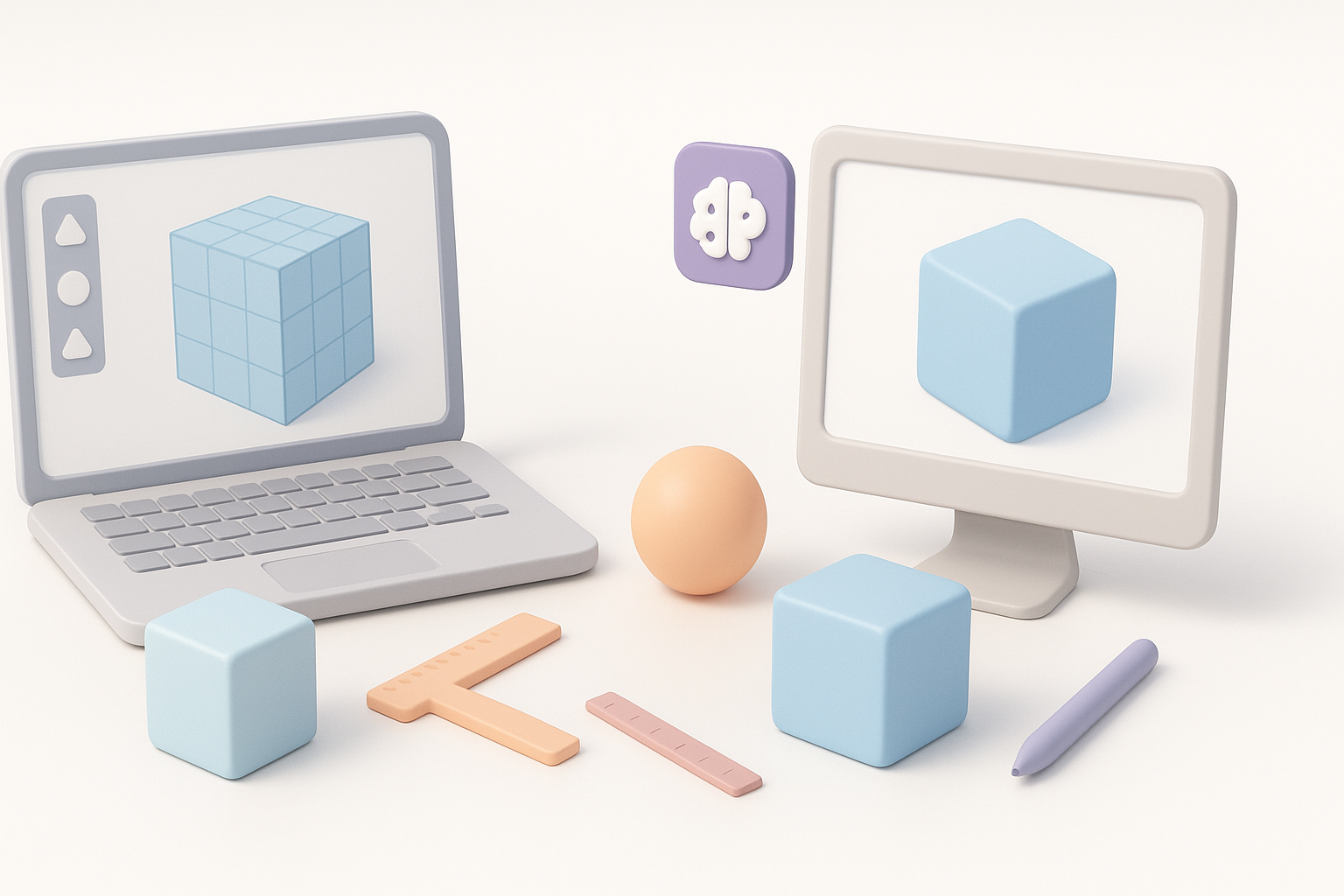
The real power is in combining AI and manual techniques. I often generate a base mesh with Tripo AI, then sculpt details or retopologize as needed.
Best practices:
- Use AI for what it does best: speed and iteration.
- Lean on manual tools for polish and unique requirements.
- Always review and clean up AI outputs before finalizing.
Texturing, Rigging, and Preparing Models for Production
Efficient Texturing and Material Application
Texturing can make or break a model. I use baked maps, smart materials, and procedural techniques to achieve consistency and realism.
My workflow:
- Unwrap UVs efficiently; minimize seams in visible areas.
- Use baked AO, normal, and curvature maps for better material response.
- Test in engine or viewer to catch texture issues early.
Tips:
- Keep texture sets organized.
- Optimize texture resolution for the target platform.
Rigging and Animation Basics
For animated assets, I focus on clean, logical bone structures and weight painting. Tripo AI can auto-rig simple models, but I often tweak weights or add custom bones for complex rigs.
Steps:
- Check topology for deformation-friendly edge flow.
- Use auto-rigging for bipeds or simple characters, then refine.
- Test basic poses and animations to spot issues early.
Best Practices and Lessons Learned from Real Projects
Optimizing Models for Performance and Quality
Optimization is essential, especially for real-time applications. I balance visual fidelity with polycount and texture size constraints.
Checklist:
- Remove hidden faces and unnecessary loops.
- Use LODs for assets seen at multiple distances.
- Test in the target engine or platform for performance.
Common Pitfalls and How I Avoid Them
I’ve learned to watch for these issues:
- Over-modeling: Extra detail where it won’t be seen.
- Ignoring scale: Always match real-world units.
- Skipping cleanup: Always check for n-gons, flipped normals, and non-manifold geometry.
How I avoid them:
- Regularly review models in context.
- Use checklists and automated validation tools.
- Solicit feedback from peers before finalizing.
Comparing AI-Driven and Traditional 3D Modeling Approaches
Speed, Quality, and Flexibility: What Matters Most
AI tools offer unmatched speed for ideation and base mesh creation, but manual techniques still win for custom, high-quality assets. I choose based on project scope, deadlines, and required fidelity.
Summary:
- Use AI for speed, iteration, and prototyping.
- Use manual methods for polish, style, and technical requirements.
- Hybrid workflows deliver the best of both worlds.
Choosing the Right Workflow for Your Needs
There’s no one-size-fits-all approach. For quick concepts or background assets, I rely on AI-driven tools. For hero props or complex characters, I invest more time in manual modeling and refinement.
My advice:
- Match the workflow to the asset’s importance and use case.
- Don’t be afraid to mix and match tools.
- Always prioritize clarity, quality, and performance.
By combining AI-powered platforms like Tripo AI with traditional 3D techniques, I’ve streamlined my workflow and consistently delivered production-ready assets—faster and with fewer headaches. The key is knowing when to automate, when to refine by hand, and always keeping the end use in mind.


