Creating and Optimizing a Brainrot 3D Model: Expert Workflow
Creating a production-ready brainrot 3D model is now faster and more accessible thanks to AI-powered tools. In my experience, combining strong reference gathering, rapid AI prototyping, and hands-on optimization yields stylized, high-quality results. This guide covers my full workflow—from concept to export—highlighting practical steps, best practices, and lessons learned. Whether you’re an artist, game dev, or designer, these insights will help you achieve a polished, ready-to-use brainrot model efficiently.
Key takeaways
- Reference gathering and clear planning are essential for stylized models like brainrot.
- AI tools accelerate prototyping, but manual refinement is still key for production quality.
- Efficient UV mapping, retopology, and stylized texturing are crucial for a clean, appealing result.
- Rigging and export settings should match your target platform (games, XR, film).
- Knowing when to use AI versus manual methods saves time and improves quality.
- Troubleshooting common issues early prevents bottlenecks later in the workflow.
Understanding the Brainrot 3D Model Concept
Origins and Popularity in Digital Art
Brainrot as a visual motif has roots in meme culture and surreal digital art. Its exaggerated, often grotesque features—distorted craniums, bulging eyes, and stylized anatomy—make it popular for both humorous and unsettling character designs. I’ve seen it gain traction in indie games and digital collectibles, where a distinct, meme-driven style stands out.
Key Visual Features and Style
When modeling brainrot characters, I focus on their signature elements: warped proportions, expressive faces, and bold color palettes. The style leans toward cartoonish exaggeration with a touch of the uncanny. Capturing these features means prioritizing silhouette, asymmetry, and readable expressions in the base sculpt.
Practical checklist:
- Emphasized skull/brow shapes
- Enlarged or uneven eyes
- Asymmetrical facial features
- Bright, high-contrast textures
My Step-by-Step Process for Brainrot 3D Model Creation
Gathering References and Planning the Model
I always start by collecting a wide range of references—memes, concept art, and anatomical studies. This helps define the character’s attitude and proportions. I sketch out rough silhouettes and annotate key features before opening any 3D software.
Planning steps:
- Create a moodboard with diverse references
- Sketch 2–3 variations of the character
- Annotate unique features to prioritize in modeling
Using AI Tools for Fast Prototyping
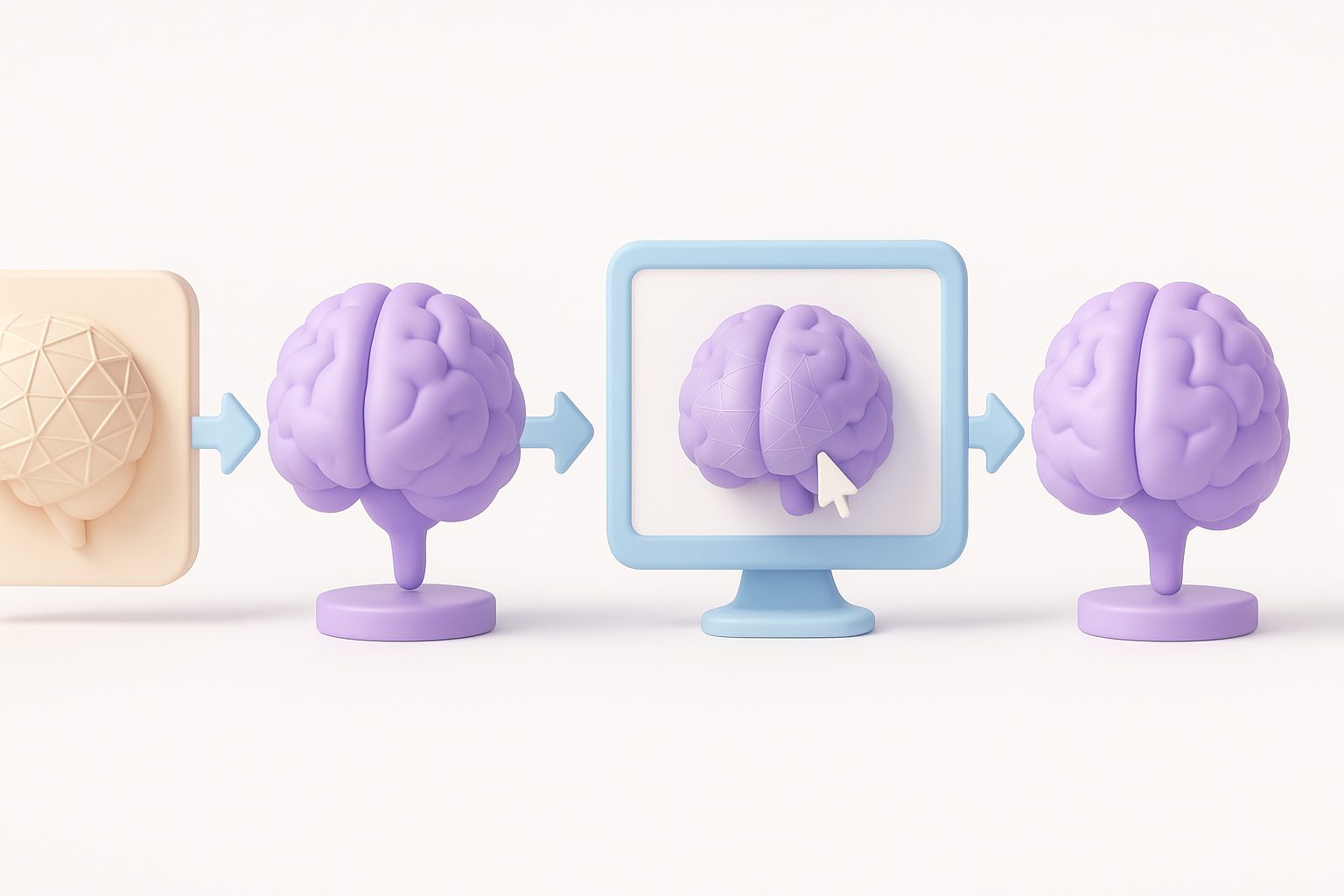
AI-powered platforms like Tripo have transformed my workflow. I input sketches or descriptive prompts to generate a base mesh in seconds. This gives me a solid starting point, which I then refine manually for accuracy and style.
My approach:
- Use Tripo to generate a rough model from a sketch or text prompt
- Quickly iterate on proportions and pose
- Export to my DCC (Digital Content Creation) tool for manual sculpting and refinement
Pitfall: Relying solely on AI output can result in generic forms; always plan for manual passes.
Best Practices for Texturing and Detailing
Efficient UV Mapping and Retopology
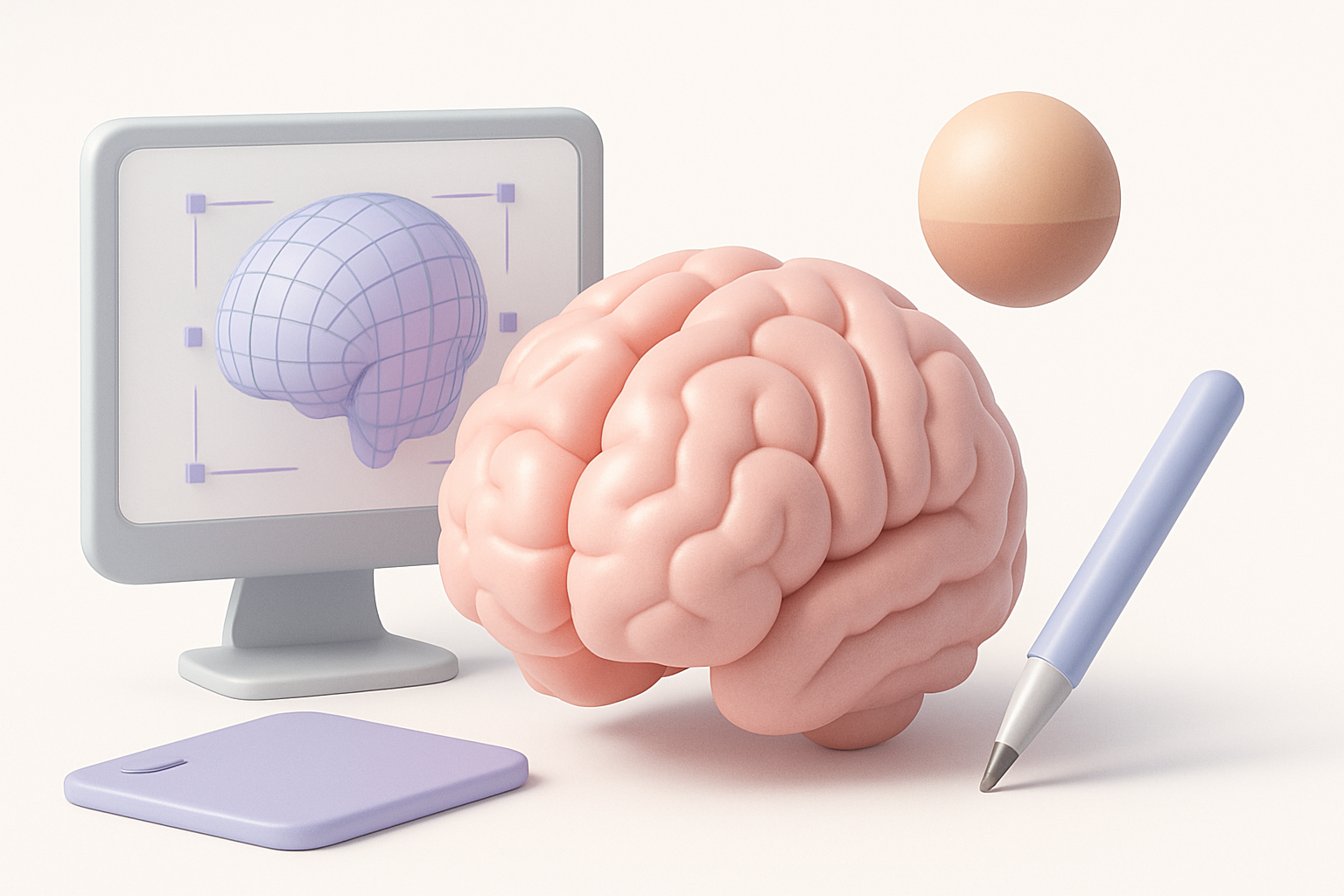
Clean topology is critical for stylized models. After generating the base mesh, I use Tripo’s built-in retopology tools to create animation-friendly geometry. For UVs, I aim for even distribution and minimal stretching, which helps when hand-painting stylized textures.
Checklist:
- Retopologize for clean edge flow (especially around eyes/mouth)
- Use auto-unwrap tools, then manually tweak seams
- Check UV islands for stretching or overlap
Applying Stylized Textures and Materials
For brainrot models, I favor bold, hand-painted textures. I use a mix of procedural fills and manual painting, focusing on exaggerating highlights and shadows to reinforce the cartoon style.
My workflow:
- Bake AO and curvature maps for guide layers
- Block out base colors and accentuate key features
- Add surface details (cracks, veins) with custom brushes
Tip: Use a consistent color palette to maintain the brainrot aesthetic.
Rigging, Animation, and Exporting for Various Platforms
Preparing the Model for Animation
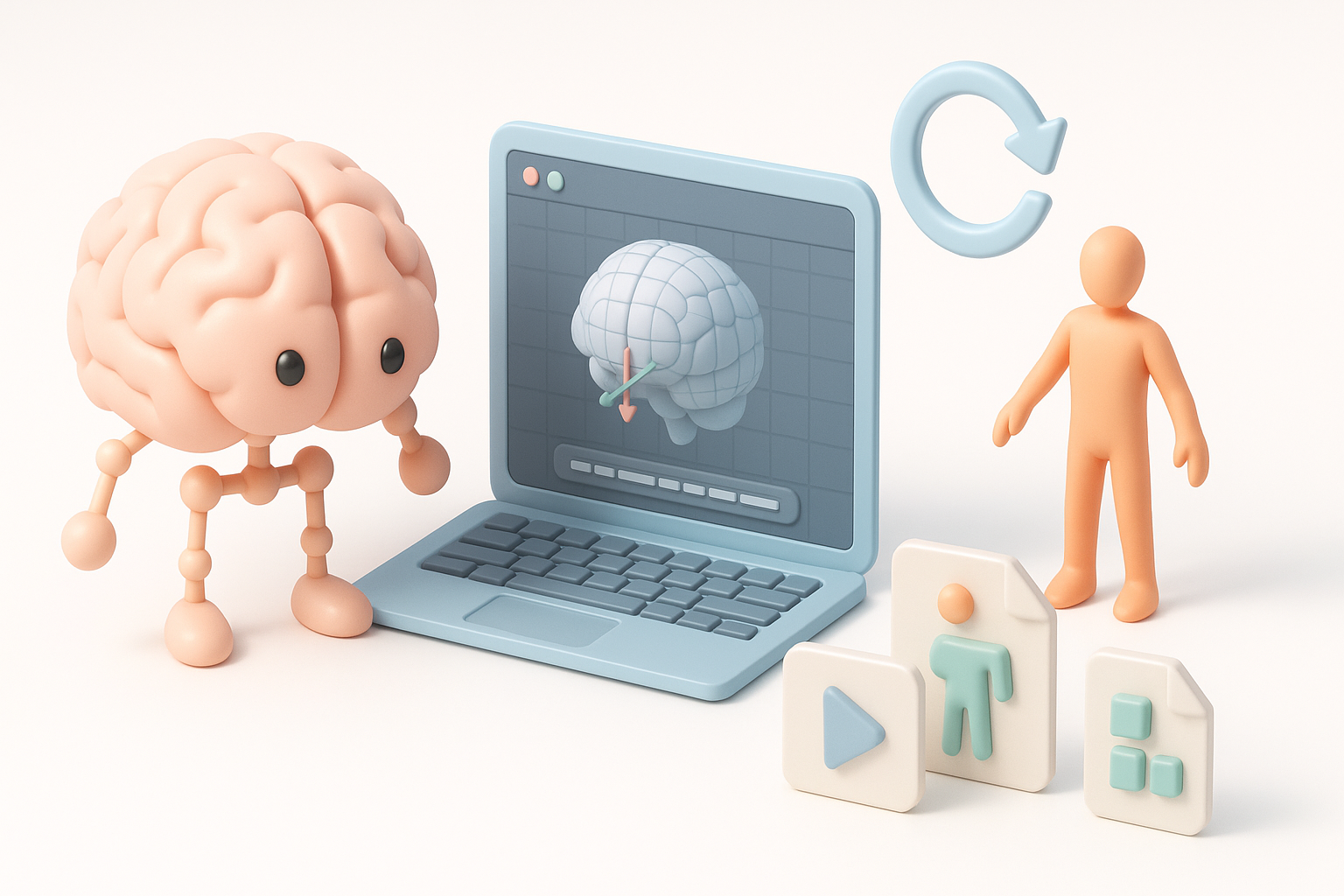
Even simple brainrot characters benefit from basic rigging—especially for expressive faces. I use auto-rigging tools where possible, then manually adjust weights for key deformations.
Steps:
- Generate a basic skeleton (auto-rig if available)
- Add facial bones or blendshapes for expressions
- Test deformations with quick animation cycles
Export Settings for Games, XR, and Film
Export requirements differ by platform. For games and XR, I keep polycount and texture sizes optimized. For film, I preserve higher detail and export additional passes.
Export checklist:
- FBX for games/XR; OBJ or Alembic for film
- Texture maps in PNG or TGA (diffuse, normal, roughness)
- Check scale and orientation before export
Pitfall: Forgetting to apply transforms or freeze scale can cause import issues downstream.
Comparing AI-Powered and Traditional 3D Workflows
Speed and Quality Differences
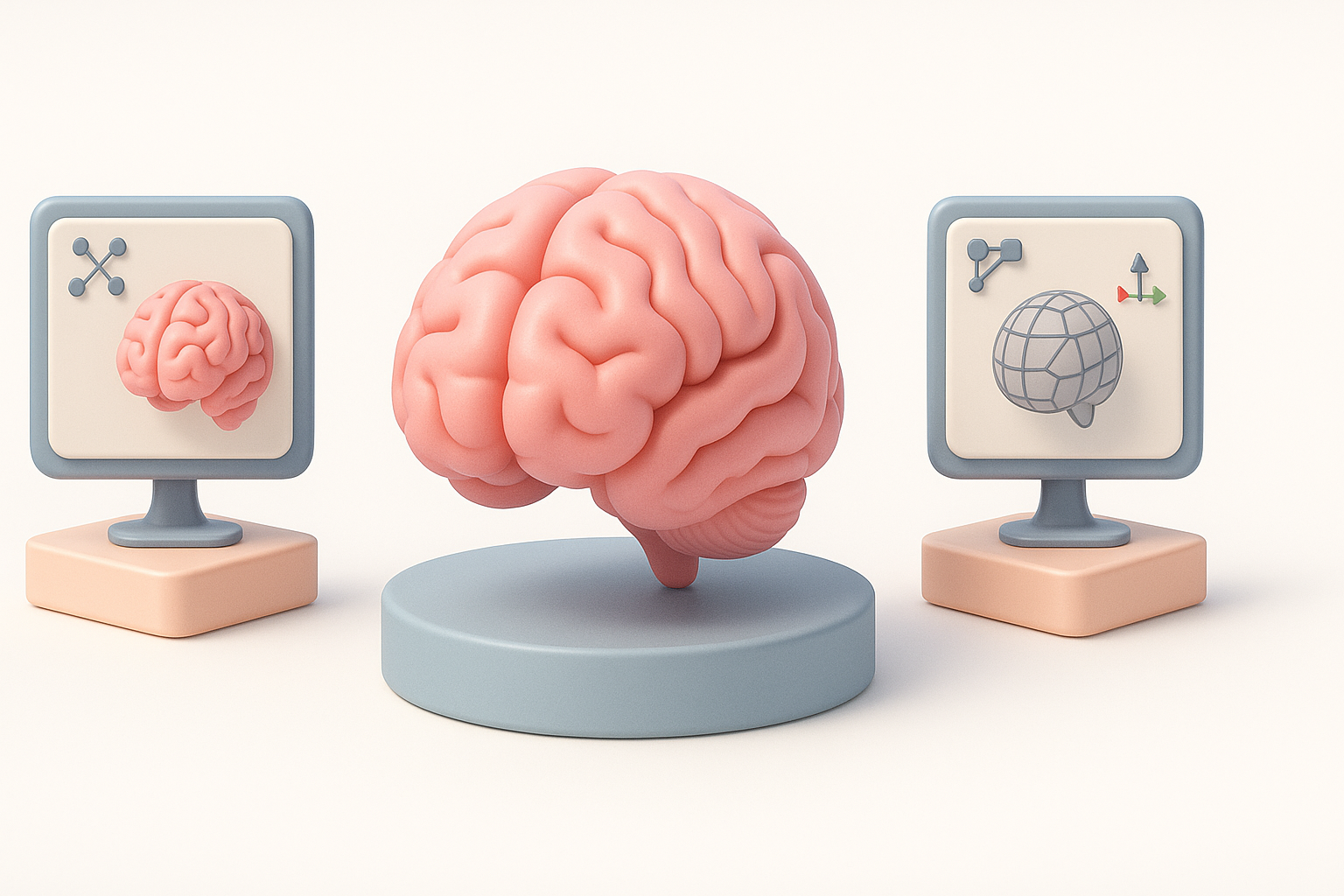
AI tools like Tripo dramatically reduce the time from concept to prototype. What used to take hours now takes minutes. However, the highest quality results still require manual passes—especially for stylized or non-standard characters like brainrot.
My findings:
- AI excels at blocking out forms and iterating quickly
- Manual refinement yields better edge flow and unique style
When to Use AI Tools vs. Manual Methods
I use AI for ideation, rapid prototyping, and repetitive tasks (retopology, UVs). For creative control and polish, I switch to manual sculpting, texturing, and rigging.
Guidelines:
- Use AI for: base mesh, segmentation, initial UVs
- Use manual methods for: stylization, detailing, final polish
Troubleshooting and Lessons Learned
Common Challenges and How I Solve Them
Frequent issues:
- Mesh artifacts after AI generation
- UV stretching on exaggerated features
- Rigging problems with asymmetrical faces
My solutions:
- Always inspect and clean up AI-generated geometry
- Manually adjust UV seams on high-distortion areas
- Test facial rigs with extreme poses early
Tips for Achieving Production-Ready Results
- Don’t skip manual passes—AI is a starting point, not the end.
- Keep your reference board visible throughout the process.
- Regularly test your model in the target engine or renderer.
- Save incremental versions to avoid losing progress.
By combining AI-driven speed with hands-on artistry, I consistently achieve high-quality, production-ready brainrot 3D models. This workflow minimizes bottlenecks and lets me focus on creativity, not technical hurdles.


