Creating and Using 3D Brain Models: Expert Workflows
Creating accurate 3D brain models is essential for professionals in medicine, research, and creative industries. In my experience, leveraging AI-powered platforms like Tripo has dramatically streamlined the process, making it possible to go from concept to production-ready assets in a fraction of the time. This article walks through my expert workflow, highlights best practices for anatomical accuracy, and compares traditional versus AI-driven methods—so you can choose the right approach for your needs. Whether you’re a medical illustrator, XR developer, or educator, these insights will help you produce high-quality, interactive brain models efficiently.
Key takeaways
- 3D brain models offer clear advantages for visualization, education, and simulation over 2D images.
- Choosing the right data source and workflow is crucial for anatomical accuracy.
- AI-powered tools like Tripo can cut modeling time dramatically, but manual refinement is sometimes necessary.
- Segmentation, retopology, and texturing are the most critical steps for quality and usability.
- Export and optimization steps ensure models work seamlessly in XR, games, and film pipelines.
Why Use 3D Brain Models?
Applications in Medicine, Research, and Education
I’ve used 3D brain models extensively in surgical planning, neuroscience research, and interactive classroom demos. Their value lies in their ability to represent complex structures—like gyri, sulci, and vascular networks—in ways that 2D images simply can’t. For medical teams, these models support preoperative mapping and patient education. In research, they enable precise simulation and hypothesis testing. Educators benefit from immersive, hands-on experiences that boost retention and understanding.
Key Benefits Over 2D Visualizations
The leap from 2D to 3D isn’t just about aesthetics. In my workflow, 3D models allow for:
- Interactive exploration from any angle
- Layer isolation (e.g., cortex only, or just the ventricles)
- Realistic simulation of interventions or pathologies
- Integration with AR/VR for deeper engagement
Pitfall: Relying solely on 2D references often leads to oversimplification and missed spatial relationships.
How I Create a 3D Brain Model: Step-by-Step
Choosing the Right Tools and Data Sources
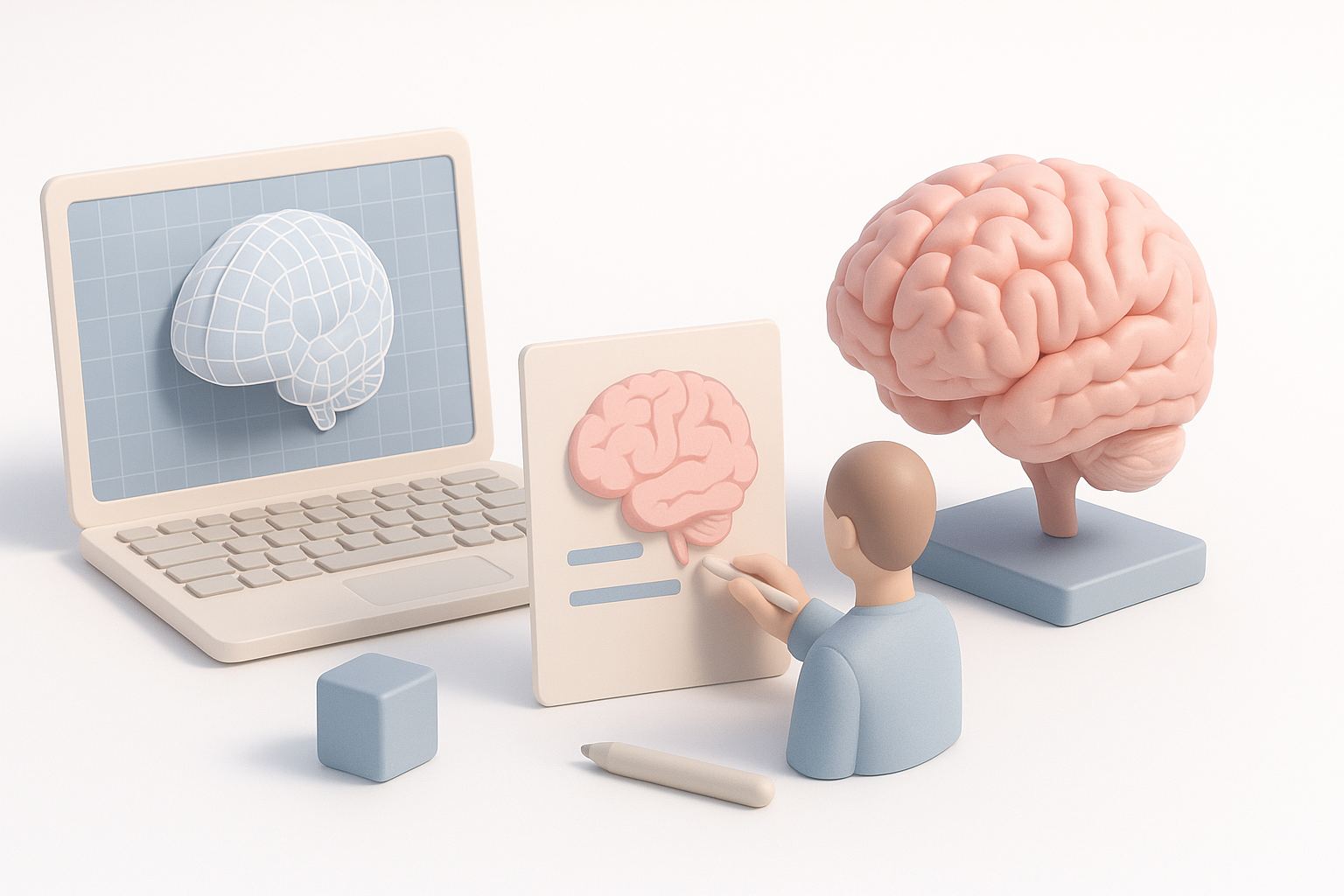
I always start by defining the project’s end-use. For clinical accuracy, I prefer MRI or CT datasets, often sourced from open databases or institutional partners. For creative or educational projects, high-resolution reference images or sketches suffice.
Tool selection checklist:
- Can it handle medical imaging formats (DICOM, NIfTI)?
- Does it support AI-assisted segmentation and retopology?
- Are export options compatible with my target platforms (e.g., Unity, Unreal, WebXR)?
Tripo AI stands out for its ability to generate models from both images and sketches, with built-in segmentation and texturing.
My Workflow: From Concept to Production-Ready Model
- Data import: Load MRI/CT data or reference images into the platform.
- Segmentation: Use AI tools to isolate brain structures; manually refine if needed.
- Retopology: Optimize mesh density for performance without losing detail.
- Texturing: Apply realistic or stylized textures, depending on the project.
- Export: Output to the required format, ensuring compatibility with downstream tools.
Pro tip: Always validate the initial AI-generated segmentation against anatomical references before moving forward.
Best Practices for Accurate and Efficient Modeling
Segmentation, Retopology, and Texturing Tips
- Segmentation: Let AI handle the bulk, but always spot-check boundaries—especially around intricate areas like the hippocampus.
- Retopology: Aim for a balance between polygon count and surface detail. Automated retopology in Tripo saves time, but manual tweaks may be needed for animation or real-time use.
- Texturing: Use high-resolution maps for medical realism; for interactive projects, optimize textures for performance.
Checklist:
- Double-check segmentation results in multiple cross-sections.
- Test mesh integrity (no holes, flipped normals).
- Preview textures under various lighting conditions.
Ensuring Anatomical Accuracy and Usability
What I’ve found is that even minor anatomical inaccuracies can undermine a model’s credibility, especially in medical contexts. I always:
- Cross-reference with atlases and peer-reviewed sources.
- Solicit feedback from domain experts (e.g., neurologists).
- Test usability in the intended application—whether it’s VR, print, or animation.
Pitfall: Over-reliance on automated tools without expert review can introduce subtle but critical errors.
Comparing AI-Powered and Traditional 3D Modeling Methods
Speed, Quality, and Workflow Differences
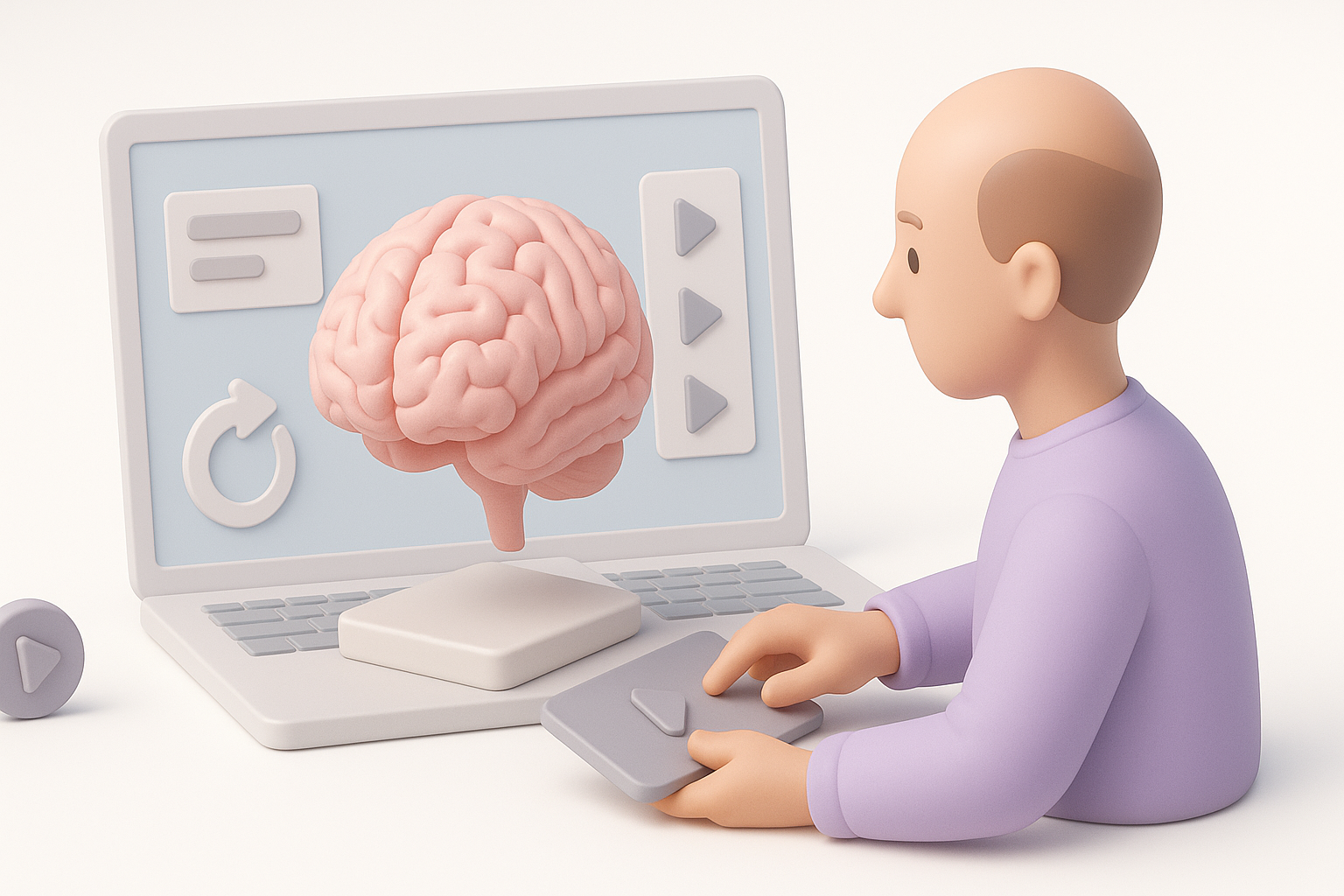
AI-powered tools like Tripo have transformed my workflow. What used to take days—manual segmentation, sculpting, and retopology—now takes minutes. Quality is generally high, especially for educational and interactive uses, but I still invest time in manual refinement for clinical or research-grade assets.
Comparison:
- AI workflows: Fast, accessible, great for prototyping and non-critical applications.
- Traditional workflows: More control and precision, but time- and labor-intensive.
When to Use AI Tools vs. Manual Techniques
- Use AI tools: When speed is paramount, or for early-stage concepting and visualization.
- Use manual techniques: For final production in clinical, regulatory, or research settings where every detail matters.
Hybrid workflows—starting with AI and finishing with manual refinement—yield the best balance in my experience.
Integrating and Animating Brain Models in Projects
Rigging and Animation for Interactive Applications
For interactive projects (e.g., AR/VR, training simulations), rigging is essential. I use built-in rigging tools or export to specialized animation software. Key steps include:
- Defining pivot points for brain regions (e.g., lobes, ventricles)
- Adding basic deformation rigs for educational animations (e.g., “open brain” views)
- Testing animations in the target environment
Tip: Keep rigs simple unless complex deformations are needed—overcomplicated rigs slow down real-time applications.
Exporting and Optimizing for XR, Games, and Film
Exporting is often overlooked but critical. I always:
- Choose formats compatible with my engine (FBX, GLTF, OBJ)
- Reduce polygon count for real-time apps without sacrificing essential detail
- Compress and optimize textures for fast loading
Pitfall: Neglecting optimization can lead to performance issues or crashes in XR and game environments.
By following these expert workflows and best practices, you can create 3D brain models that are both accurate and production-ready—whether your focus is medicine, research, or interactive media. AI-powered platforms like Tripo have made this process more accessible than ever, but attention to detail and expert oversight remain essential for top-tier results.


