Creating and Optimizing Batman Arkham Knight 3D Models
скачать 3d модель для chicken gun
As a 3D artist working with game assets, I’ve tackled the challenge of creating Batman Arkham Knight-inspired models using both traditional and AI-powered workflows. The goal is always to achieve visually striking, production-ready assets quickly—while keeping them optimized for real-time performance. This guide distills my hands-on experience, covering everything from initial model generation to animation and engine integration. Whether you’re a game developer, designer, or hobbyist, you’ll find actionable strategies for leveraging AI tools and best practices to streamline your process and avoid common pitfalls.
Key takeaways
- AI-powered workflows accelerate complex 3D model creation and reduce technical barriers.
- Intelligent segmentation and retopology are essential for game-ready assets.
- Realistic texturing and efficient rigging bring characters like Batman to life.
- Optimize models for real-time performance before engine import.
- Use AI tools for rapid prototyping, but traditional methods may be needed for advanced customization.
- Always check compatibility and polygon counts when integrating into game engines.
Overview of Batman Arkham Knight 3D Models
Key features and visual style
Batman Arkham Knight models are defined by their gritty realism, intricate armor detailing, and stylized proportions. I focus on capturing the layered textures—metal, fabric, and leather—while maintaining the character’s iconic silhouette. High-resolution normal maps and physically-based materials are crucial for the moody, cinematic look.
How 3D models enhance gameplay and storytelling
Detailed 3D assets drive immersion and narrative impact. When Batman’s suit flexes realistically or his cape reacts dynamically, it deepens player engagement. I’ve seen how well-crafted models can support dynamic lighting, environmental effects, and in-game cinematics, reinforcing the dark tone and storytelling.
My Workflow for Generating Batman Arkham Knight Models
Text, image, and sketch-based generation techniques
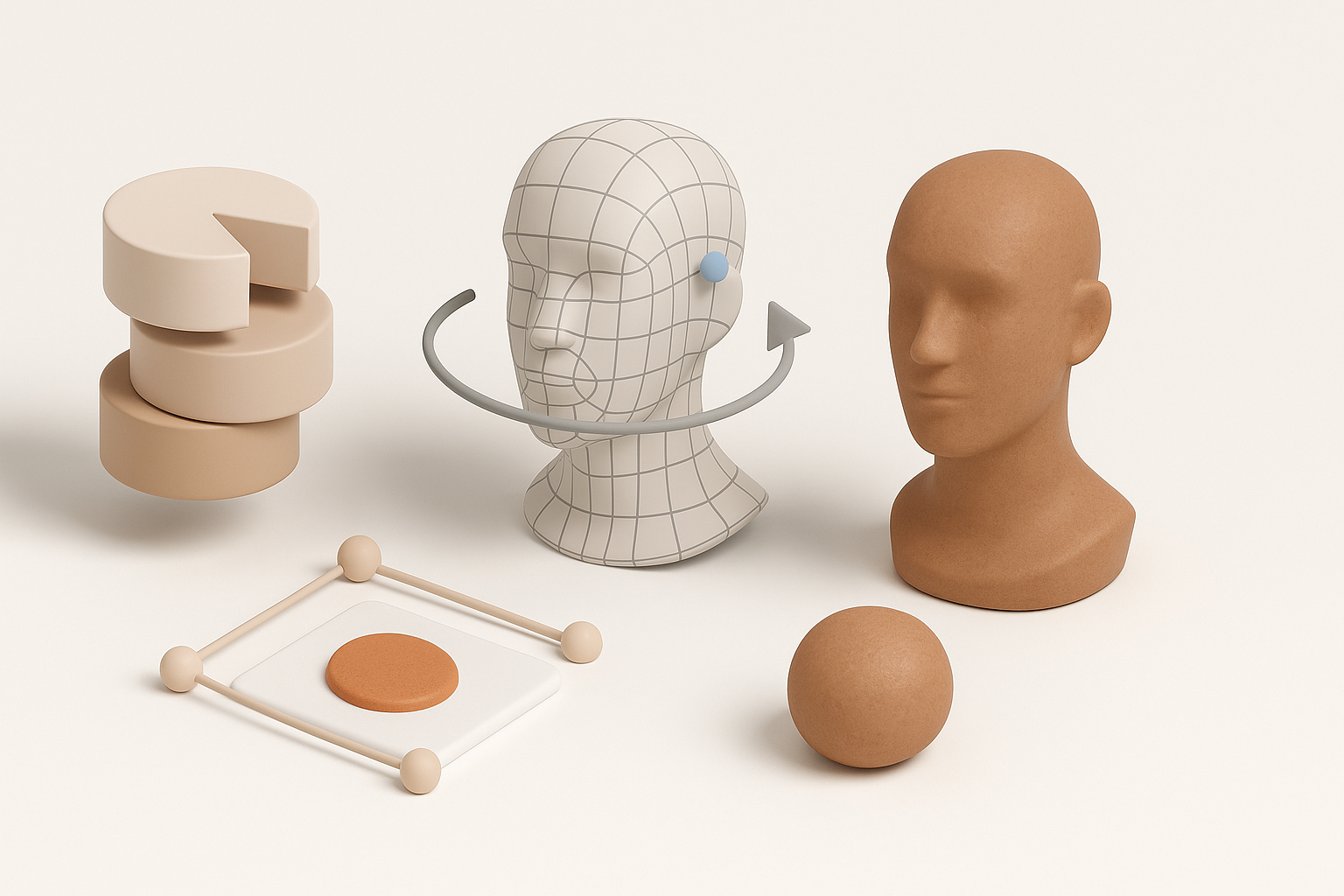
I start with reference images, concept art, or even rough sketches. Using Tripo AI, I input descriptive prompts or upload sketches to generate base meshes—this saves hours compared to manual sculpting. For complex characters, combining text and image inputs yields more accurate results.
Steps:
- Gather high-quality references (screenshots, concept art).
- Input text prompts (e.g., “Batman Arkham Knight armored suit”) or sketches into AI tool.
- Review generated mesh for accuracy and adjust prompt/sketch as needed.
Integrating AI-powered tools for rapid prototyping
AI tools like Tripo streamline prototyping by automating segmentation and mesh generation. I iterate quickly, refining shapes and proportions before committing to detailed sculpting. This rapid workflow lets me focus on creative decisions rather than technical setup.
Tips:
- Use AI segmentation to organize mesh components (armor, cape, gadgets).
- Prototype multiple variations to test visual impact.
- Avoid over-reliance on AI; manual tweaks are often needed for unique features.
Best Practices for Segmentation, Retopology, and Texturing
Intelligent segmentation for complex characters
Segmenting Batman’s armor, cape, and body parts is critical for animation and texturing. I use Tripo’s segmentation tools to separate components, ensuring clean boundaries and logical hierarchy. This prevents rigging issues and makes UV mapping easier.
Checklist:
- Separate mesh into logical parts: torso, limbs, cape, gadgets.
- Assign clear naming conventions for each segment.
- Double-check for overlapping geometry.
Efficient retopology and realistic texturing tips
Retopology ensures models are optimized for real-time use. I let AI handle initial retopology, then manually refine edge flow around joints and facial features. For texturing, I rely on high-res scans and PBR workflows, tweaking maps for realism.
Pitfalls:
- Avoid dense meshes—keep polygon count game-engine friendly.
- Watch for texture stretching on curved surfaces.
- Always bake normal and ambient occlusion maps for added depth.
Rigging and Animation: Bringing Batman to Life
Automated rigging workflows
Rigging can be tedious, but AI-powered auto-rigging speeds things up. I use Tripo’s rigging tools to generate skeletons and assign weights, then manually adjust for tricky areas like the cape or fingers. Automated workflows handle most cases, but custom rigs may be needed for complex poses.
Steps:
- Apply auto-rig to segmented mesh.
- Test joint deformations (shoulders, knees, cape).
- Fine-tune weight painting for natural movement.
Animating for games and cinematic sequences
For in-game animation, I focus on performance-friendly rigs and loopable actions (walking, gliding, combat). Cinematic sequences demand higher fidelity, so I use layered animation tracks and blend shapes for facial expressions.
Tips:
- Use reference video for realistic movement.
- Keep animation cycles short and seamless.
- Export animations in compatible formats (FBX, GLTF).
Comparing AI Tools and Traditional Methods
Advantages of AI-powered platforms
AI tools dramatically reduce model creation time and automate repetitive tasks. In my experience, they’re ideal for prototyping, segmenting, and generating base meshes—especially when deadlines are tight or resources limited.
Benefits:
- Rapid iteration and feedback.
- Automated retopology and rigging.
- Lower technical barrier for beginners.
When to use alternative methods
Traditional modeling and sculpting are still essential for highly customized or stylized assets. I switch to manual workflows when AI output lacks detail or when unique topology is required (e.g., custom armor pieces).
Pitfalls:
- AI tools may produce generic results without careful prompting.
- Manual refinement is often needed for hero assets.
Exporting and Integrating Models into Game Engines
Optimizing models for real-time performance
Before exporting, I always check polygon counts, texture sizes, and material setups. LODs (levels of detail) and efficient UV packing are critical for smooth gameplay. Tripo’s export tools help automate these checks, but I review settings to avoid performance issues.
Checklist:
- Reduce polygons where possible.
- Compress textures for faster loading.
- Test model in engine preview for performance.
Importing into popular game engines
I export models in engine-compatible formats (FBX, OBJ, GLTF) and verify material assignments. Most engines require specific naming conventions and skeleton setups, so I double-check compatibility. Once imported, I test animations and lighting for consistency.
Tips:
- Use engine documentation for import settings.
- Run playtests to spot visual or performance issues.
- Iterate on materials and shaders for final polish.
Conclusion:
Leveraging AI-powered workflows and best practices, I’ve found creating Batman Arkham Knight 3D models can be both efficient and creatively rewarding. By combining rapid prototyping with manual refinement, and optimizing for game engines, you can achieve production-ready assets that enhance gameplay and storytelling.


