Creating Baldur’s Gate 3 3D Models: Workflow & Best Practices
Creating production-ready 3D models for Baldur’s Gate 3 demands both technical skill and creative vision. In my experience, the process is streamlined by leveraging AI-powered tools, which help eliminate repetitive tasks and accelerate iteration. This guide is for artists and developers aiming to build custom game assets efficiently, from concept to engine integration. I’ll cover my step-by-step workflow, best practices for texturing and rigging, and lessons learned from real-world projects. Whether you’re enhancing mods or developing new content, these strategies will help you deliver high-quality, game-ready models.
Key takeaways
- Reference gathering and planning are critical for authenticity and consistency.
- AI tools can dramatically speed up segmentation, retopology, and texturing.
- Optimizing models for game engines avoids performance issues and visual artifacts.
- Realistic textures and materials require careful UV mapping and reference-driven design.
- Exporting with the right formats and settings prevents compatibility headaches.
- Continuous learning and iteration are essential for mastering game asset workflows.
Overview of Baldur’s Gate 3 3D Model Creation
What Makes Baldur’s Gate 3 Models Unique
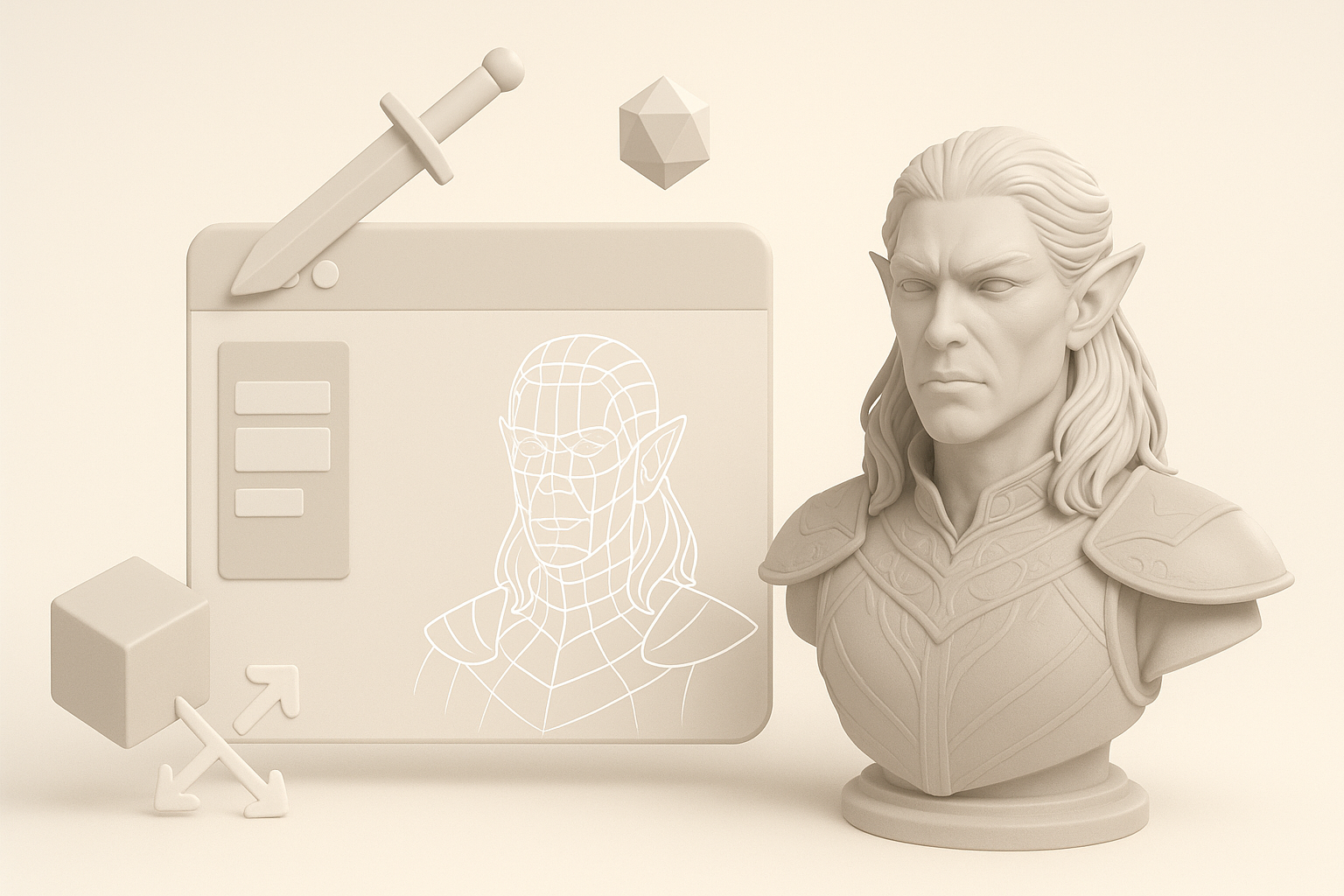
Baldur’s Gate 3 models stand out for their detailed fantasy aesthetics and optimized polygon counts. Characters, creatures, and environments all require a balance between realism and stylization—something I’ve found crucial for immersion. The game’s assets are designed for real-time rendering, so every mesh needs efficient topology and consistent scale.
Common Use Cases for Custom Models
Most often, I create custom models for mods, new character races, environmental props, or unique weapons. These additions must blend seamlessly with the game’s visual style and technical requirements. Typical use cases include:
- Adding new playable races or NPCs
- Designing custom armor, weapons, or magical artifacts
- Building environmental pieces for new locations
- Creating unique creatures or monsters
Step-by-Step Workflow for Building 3D Models
Gathering References and Planning
I always start with thorough reference gathering—screenshots, concept art, lore descriptions, and in-game assets. This ensures the model fits the game’s universe and avoids inconsistencies. My planning checklist:
- Collect visual references from official and community sources
- Analyze proportions, materials, and silhouette
- Sketch or block out rough concepts for approval
From Concept to Production-Ready Model
Once planning is done, I move to modeling. Here’s my typical workflow:
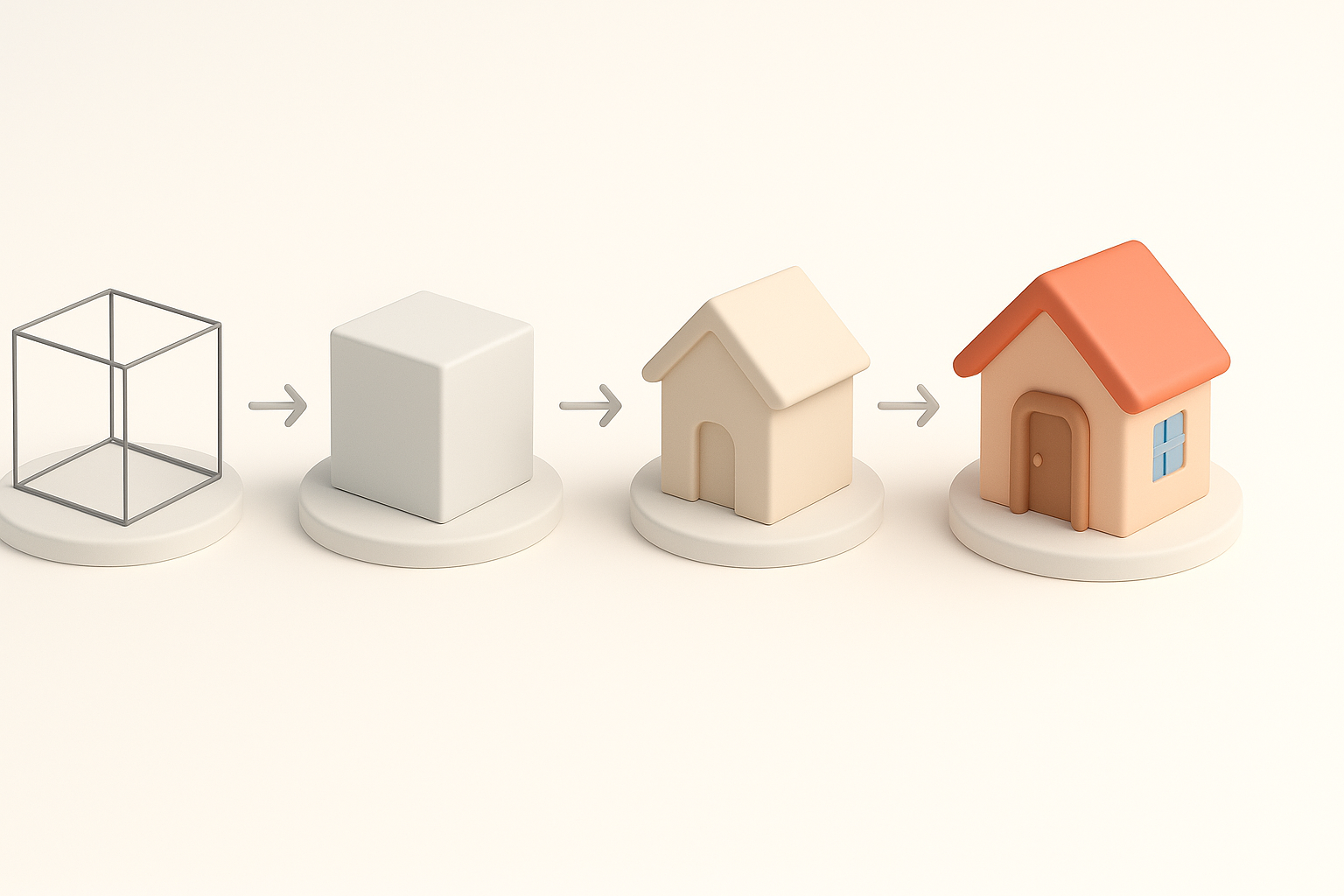
- Block out base shapes: Start with simple geometry to establish scale and form.
- Detail sculpting: Add anatomy, folds, and accessories using sculpting tools.
- Retopology: Optimize meshes for real-time use (AI-powered tools like Tripo AI help automate this step).
- UV mapping: Lay out UVs for efficient texturing and minimal distortion.
- Bake maps: Generate normal, AO, and other maps for detail transfer.
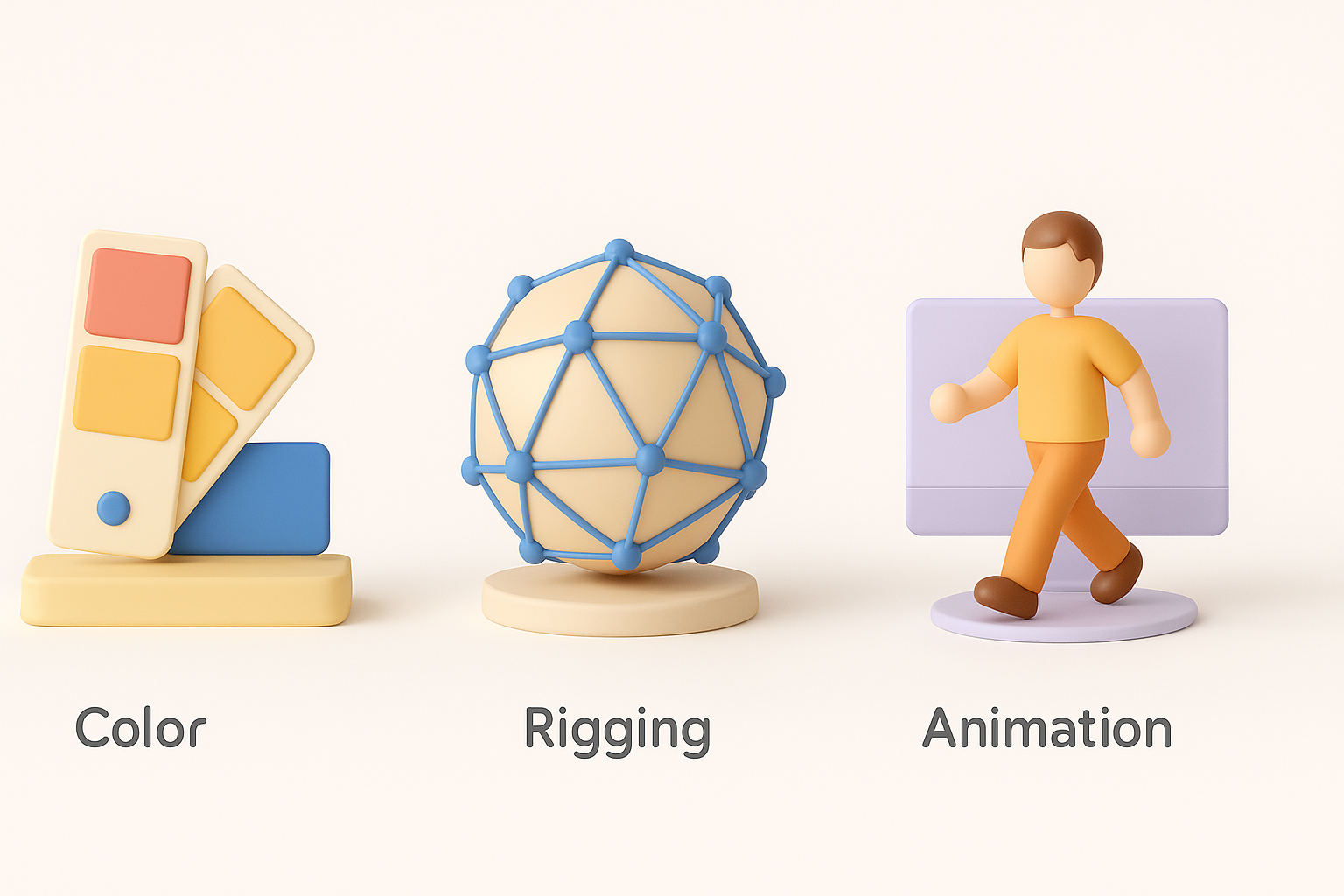
- Texture painting: Apply color, roughness, and metallic maps.
Pitfall: Skipping retopology leads to laggy performance and visual glitches in-game.
Best Practices for Texturing, Rigging, and Animation
Optimizing for Game Engines
I always check polygon counts, texture resolution, and rig complexity to ensure models run smoothly in Baldur’s Gate 3. My optimization checklist:
- Keep polycount within engine guidelines (consult modding docs)
- Use texture sizes that balance quality and performance (2K or 4K for hero assets, 1K for props)
- Rig only necessary joints—avoid overcomplicating skeletons
Tips for Realistic Textures and Materials
Realistic textures require attention to detail and proper UV layout. I recommend:
- Use high-quality reference images for texture painting
- Leverage AI-assisted tools for rapid material generation and texture upscaling
- Test materials under in-game lighting to check for consistency
Pitfall: Poor UV mapping leads to visible seams and stretched textures.
Using AI-Powered Tools in the 3D Pipeline
How I Integrate AI for Faster Model Creation
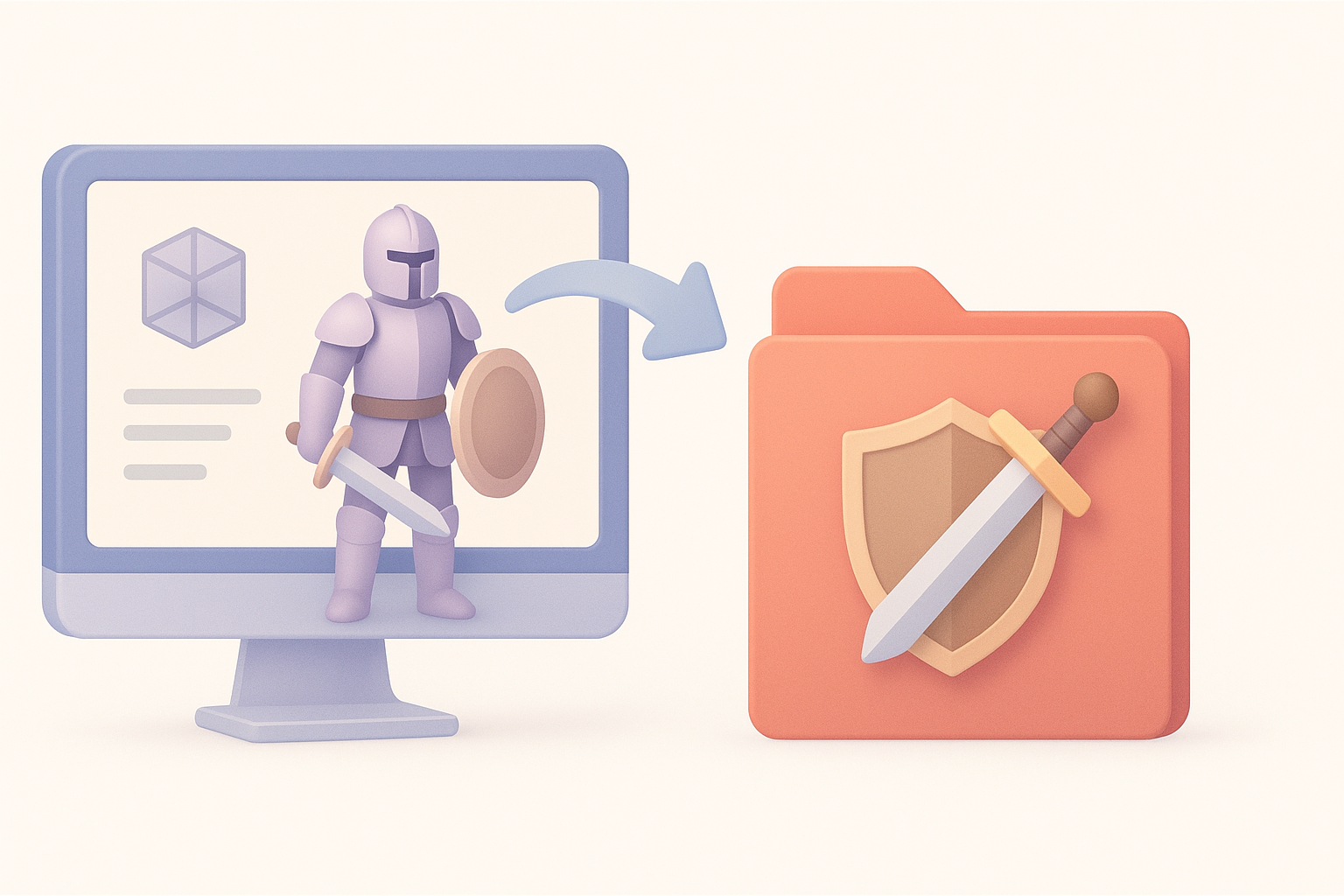
AI-powered platforms like Tripo AI have become central to my workflow. They automate segmentation, retopology, and initial texturing, freeing me to focus on creative decisions. Typical integration steps:
- Input concept art or sketches to generate base meshes
- Use AI for automatic retopology and UV unwrapping
- Refine textures and materials with manual tweaks
This approach cuts hours from the process and reduces repetitive manual labor.
Comparing AI Tools and Manual Techniques
While AI tools speed up production, manual techniques still matter for fine details and stylization. I usually:
- Use AI for base mesh and technical tasks
- Switch to manual sculpting for hero assets and unique features
- Combine AI-generated textures with hand-painted layers for depth
Pitfall: Over-reliance on AI can result in generic-looking assets—always add custom touches.
Exporting and Implementing Models in Baldur’s Gate 3
File Formats and Compatibility
Baldur’s Gate 3 typically supports formats like FBX and OBJ for mesh imports. My export checklist:
- Export meshes in FBX with correct axis orientation
- Ensure textures are in PNG or DDS, mapped properly in the material slots
- Test imports in the modding toolkit before final deployment
Pitfall: Incorrect axis or scale settings can cause models to appear distorted in-game.
Troubleshooting Common Issues
Common issues include texture mismatches, rigging errors, or missing materials. My troubleshooting steps:
- Double-check UVs and texture paths
- Validate rig hierarchy and bone names
- Use the game’s asset previewer to spot issues early
Lessons Learned and Expert Tips
What I Wish I Knew Starting Out
Early on, I underestimated the importance of reference fidelity and engine-specific optimization. What I’ve learned:
- Always start with detailed references and planning
- Test models in-engine frequently, not just in your DCC tool
- Use AI for time-consuming steps, but don’t skip manual polish
Resources for Further Learning
For those looking to deepen their skills, I recommend:
- Official Baldur’s Gate 3 modding documentation
- Community forums and Discords for troubleshooting
- Online courses focused on game asset workflows and AI-assisted 3D modeling
If you follow these workflows and best practices, you’ll be able to create high-quality, game-ready assets for Baldur’s Gate 3 efficiently—without sacrificing creativity or technical integrity.


