How to Create an Accurate Atom 3D Model: Expert Workflow
Creating an accurate atom 3D model requires a blend of scientific understanding and practical 3D skills. In my experience, getting the right balance between visual clarity and scientific accuracy is essential—especially for educational, gaming, or XR projects. AI-powered tools like Tripo have dramatically sped up my workflow, but knowing when to use manual techniques is still crucial for precision. This guide is for 3D artists, educators, and developers looking to streamline the process, avoid common pitfalls, and achieve visually compelling, scientifically sound results.
Key takeaways
- Understand atomic structure before modeling for accuracy and clarity.
- Use AI tools for rapid prototyping; refine manually for precision.
- Reference scientific visuals to guide proportions and colors.
- Optimize models early for intended platforms (games, XR, animation).
- Pay attention to file formats and compatibility during export.
Understanding the Structure of an Atom for 3D Modeling

Key Atomic Components and Their Visual Representation
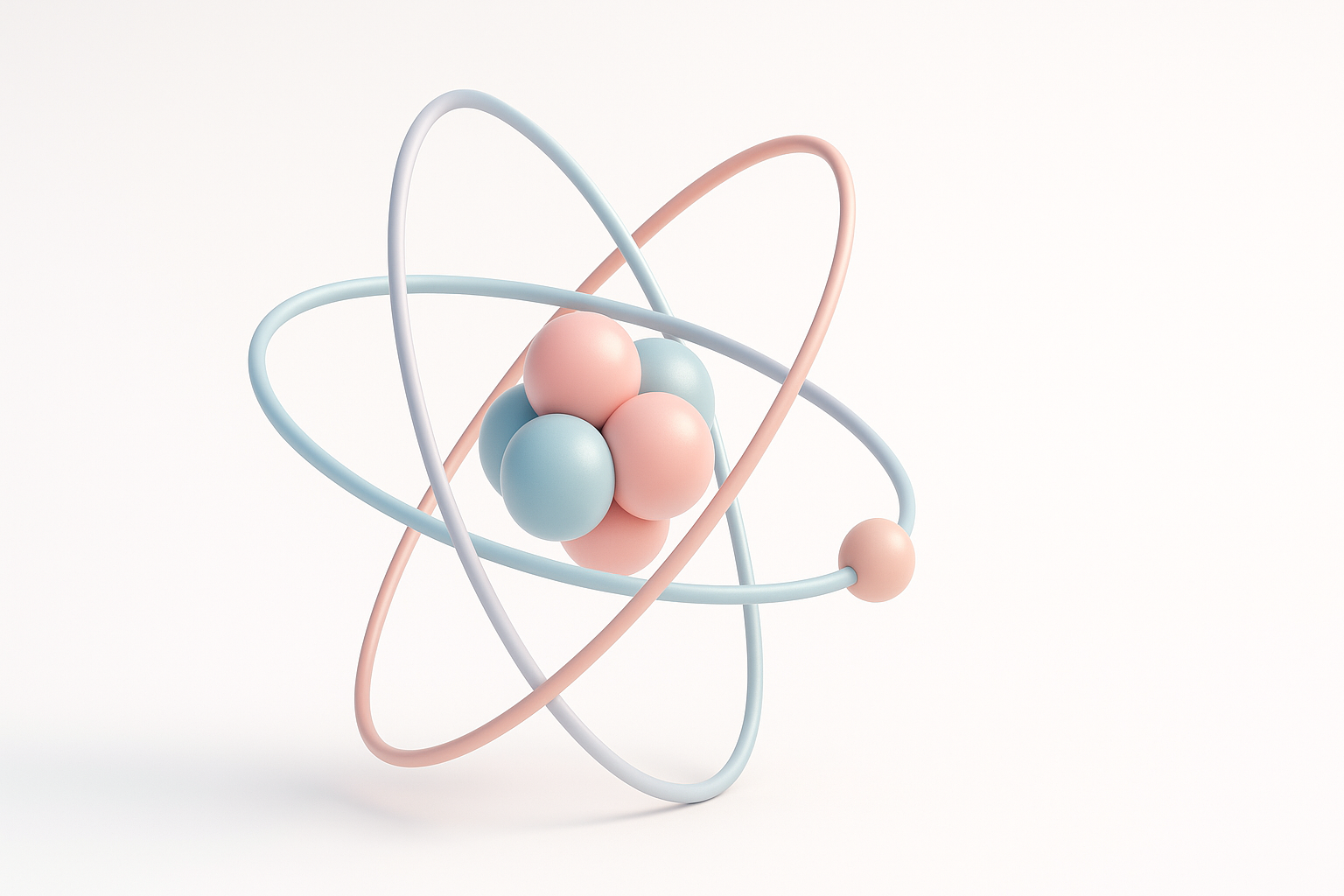
Before opening any 3D software, I always refresh my knowledge of atomic structure. An atom consists of a nucleus (protons and neutrons) and surrounding electron shells. For most models, I represent:
- Nucleus: Cluster of spheres (protons in red, neutrons in blue/gray).
- Electrons: Smaller spheres or animated particles in orbital paths.
I avoid overcrowding the nucleus—too many spheres can make the model unreadable. For clarity, I sometimes exaggerate distances between components, as real atomic scales aren’t visually practical.
Common Challenges When Modeling Atoms in 3D
The main challenges I encounter are:
- Scale distortion: Real atoms are mostly empty space, but visualizing that can make models look sparse.
- Electron orbits: True electron clouds are probabilistic, not fixed paths. For clarity, I use simplified orbits.
- Scientific accuracy vs. visual appeal: Striking a balance is key, especially for educational use.
Tips:
- Decide early if accuracy or clarity is your priority.
- Use color codes and legends for educational models.
- Avoid overcomplicating electron paths—simple rings or animated dots work best.
Step-by-Step Workflow: Building an Atom 3D Model

Gathering References and Planning the Model
I always start by collecting reference images—textbooks, scientific diagrams, and molecular renderings. This helps me lock down:
- The type of atom (hydrogen, carbon, etc.).
- The number of protons, neutrons, and electrons.
- Color schemes and labeling conventions.
Checklist:
- Reference at least three scientific sources.
- Sketch a basic layout before moving to 3D.
- Choose a consistent color palette.
Using AI Tools and Manual Techniques for Efficient Creation
My workflow typically blends AI and manual modeling:
- AI Generation: I use Tripo to quickly generate a base atom model from a sketch or text prompt (e.g., “carbon atom with labeled protons, neutrons, electrons”).
- Manual Refinement: I adjust proportions, positions, and groupings in my 3D software. For educational models, I add labels or arrows.
- Segmentation: Tripo’s segmentation tools help me isolate components for easier texturing and animation.
Pitfalls to avoid:
- Relying solely on AI outputs—always review for scientific accuracy.
- Skipping manual tweaks, especially for educational or high-detail projects.
Best Practices for Texturing and Rendering Atom Models
Applying Realistic Materials and Colors
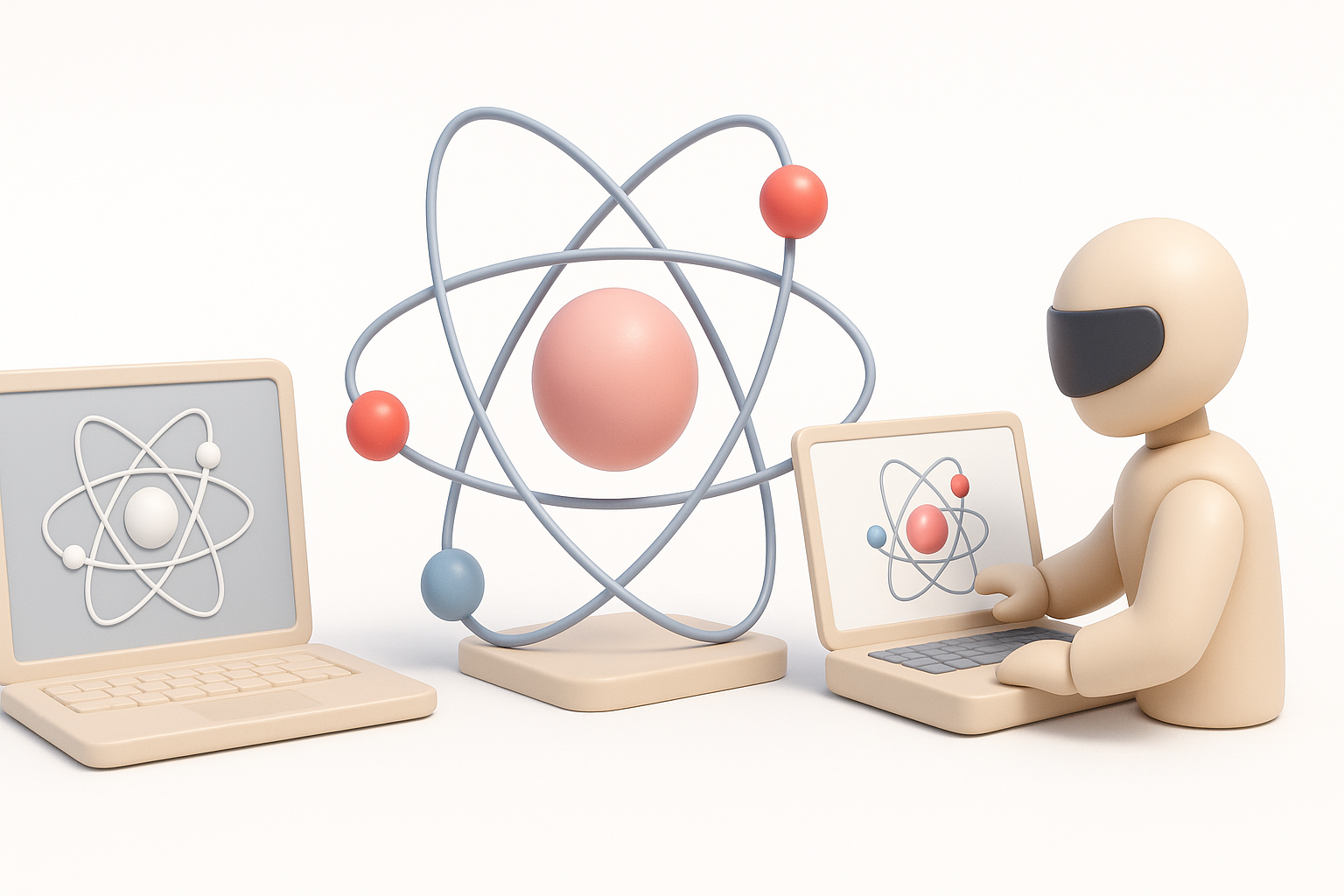
Atoms aren’t visible to the naked eye, so I rely on established conventions:
- Protons: Red or pink.
- Neutrons: Blue or gray.
- Electrons: Yellow or green.
In my experience, using slightly glossy materials helps spheres stand out. For electron orbits, I often use semi-transparent rings or animated trails.
Mini-checklist:
- Stick to a color scheme for consistency.
- Use subtle gloss or reflection for clarity.
- Avoid overly complex textures—simplicity aids comprehension.
Lighting and Rendering Tips for Scientific Visuals
Good lighting is critical for readability:
- I use three-point lighting to highlight the nucleus and electron paths.
- For scientific visuals, I prefer neutral backgrounds and soft shadows.
- When rendering for XR or animation, I keep lighting simple to avoid distractions.
Tips:
- Render at high resolution for print or educational content.
- Use depth of field sparingly to focus attention on key components.
Comparing AI-Powered and Traditional 3D Modeling Methods

Speed, Accuracy, and Flexibility: What I’ve Learned
AI-powered tools like Tripo have transformed my workflow for atomic models. I can generate base meshes in seconds, saving hours compared to manual modeling. However, manual techniques still offer:
- Finer control over geometry and layout.
- The ability to add custom details or annotations.
In practice, I use AI for speed and manual editing for accuracy.
When to Use AI Tools Versus Manual Workflows
AI tools excel when:
- You need quick prototypes or concept visuals.
- Time is tight, and scientific precision can be refined later.
Manual workflows are better when:
- The model requires exact scientific accuracy.
- Custom animation or labeling is needed.
My advice: Start with AI, then refine manually for best results.
Exporting and Integrating Atom Models into Projects
Optimizing Models for Games, XR, and Animation
Optimization is crucial, especially for interactive projects:
- I reduce polygon count on spheres and rings.
- I use efficient materials and minimal textures.
- For animation, I keep electron paths as simple curves or particles.
Checklist:
- Test performance in the target engine early.
- Bake animations if needed for real-time use.
File Formats and Compatibility Considerations
I typically export atom models as:
- FBX or GLB: For games and XR platforms.
- OBJ: For static visuals or 3D printing.
- USDZ: For AR applications.
I always check compatibility with the target software and test imports before final delivery.
Tips:
- Embed textures when exporting for portability.
- Keep a master file with full detail for future edits.
By combining a solid understanding of atomic structure with the efficiency of AI-powered tools and manual refinement, I consistently deliver accurate, visually engaging atom 3D models for a wide range of projects.


