Creating Anime Moe 3D Models: Expert Workflow & Tips
скачать 3d модели для chicken gun
Anime moe 3D modeling is a niche that blends stylized aesthetics with technical precision. Over years of hands-on work, I’ve refined workflows that consistently deliver authentic, appealing results—whether for games, animation, or XR. The rise of AI-powered platforms has dramatically sped up production, but achieving true moe charm still requires careful attention to detail and style translation. This guide covers the essentials: understanding the moe look, picking the right tools, step-by-step workflow, and my personal tips for avoiding common pitfalls. If you’re aiming for production-ready anime moe characters, these insights will help you streamline your process and boost quality.
Key takeaways:
- Moe 3D models require careful style translation from 2D references.
- AI-powered tools can accelerate modeling, texturing, and rigging.
- Proper segmentation, topology, and animation prep are crucial for game/film use.
- Avoid common mistakes like overcomplicating geometry or losing facial expressiveness.
- Balancing manual and AI-driven workflows yields the best results.
- Focus on signature moe features: big eyes, soft forms, expressive poses.
Understanding Anime Moe Style in 3D Modeling
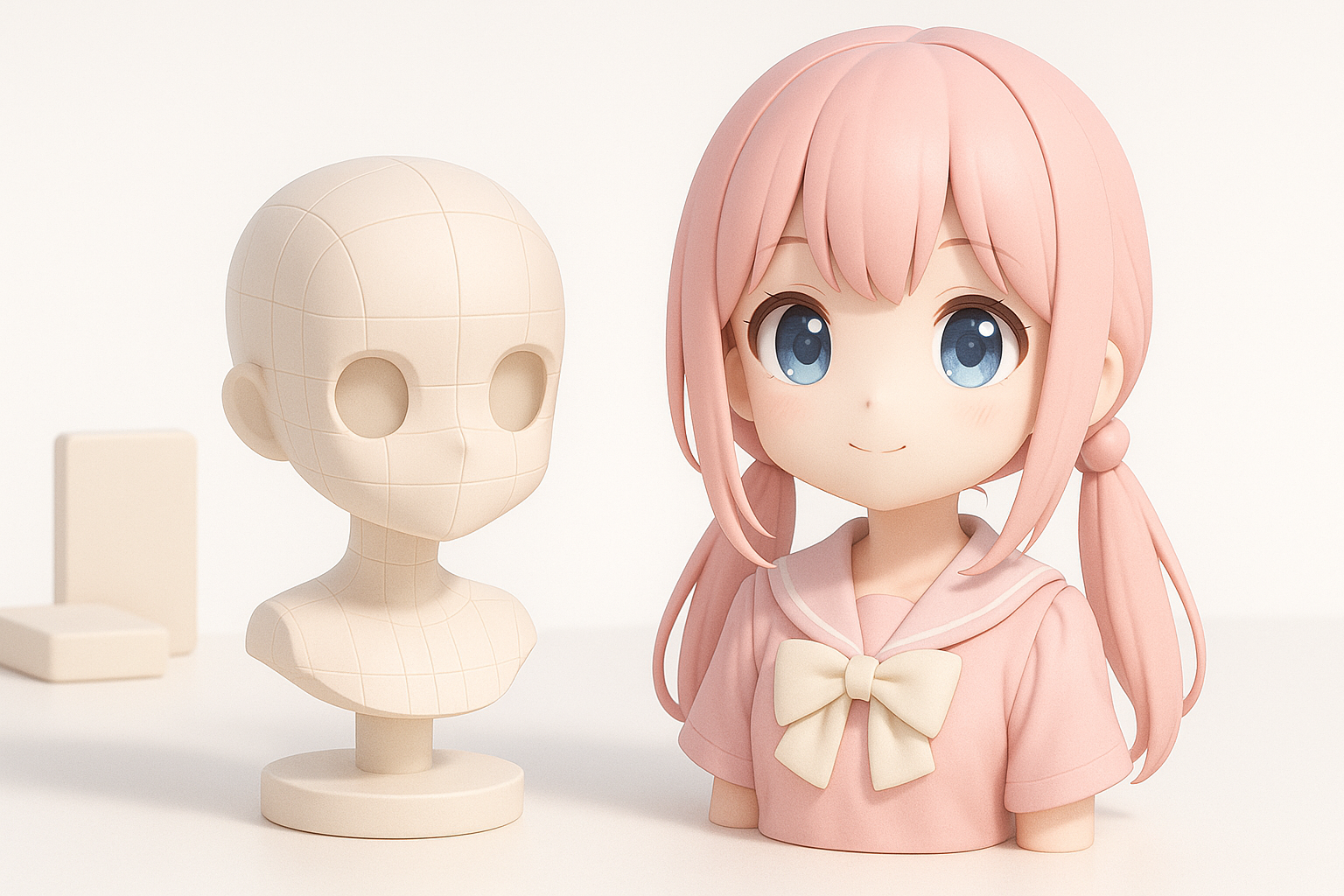
Key Characteristics of Moe Aesthetics
Anime moe is defined by exaggerated cuteness—large eyes, rounded features, and soft color palettes. In my experience, the key is capturing emotional expressiveness and simplicity. This means:
- Big, sparkly eyes with detailed irises
- Small noses and mouths, often understated
- Soft, rounded body shapes and gentle curves
- Pastel or vibrant color schemes
I always keep reference sheets handy, focusing on facial proportions and silhouette. Over-detailing can ruin the style, so I prioritize clean lines and minimalistic geometry.
Translating 2D Moe to 3D Forms
Moving from 2D sketches to 3D models is tricky; depth and volume must be implied without losing the original charm. What I’ve found works:
- Use orthographic references for front/side views
- Block out main shapes first, then refine facial features
- Pay close attention to eye placement and size—these drive the ‘moe’ appeal
Mini-checklist:
- Match 2D proportions in 3D space
- Keep geometry light for animation
- Test expressions early with blend shapes or morph targets
Essential Tools and Software for Anime Moe 3D Models
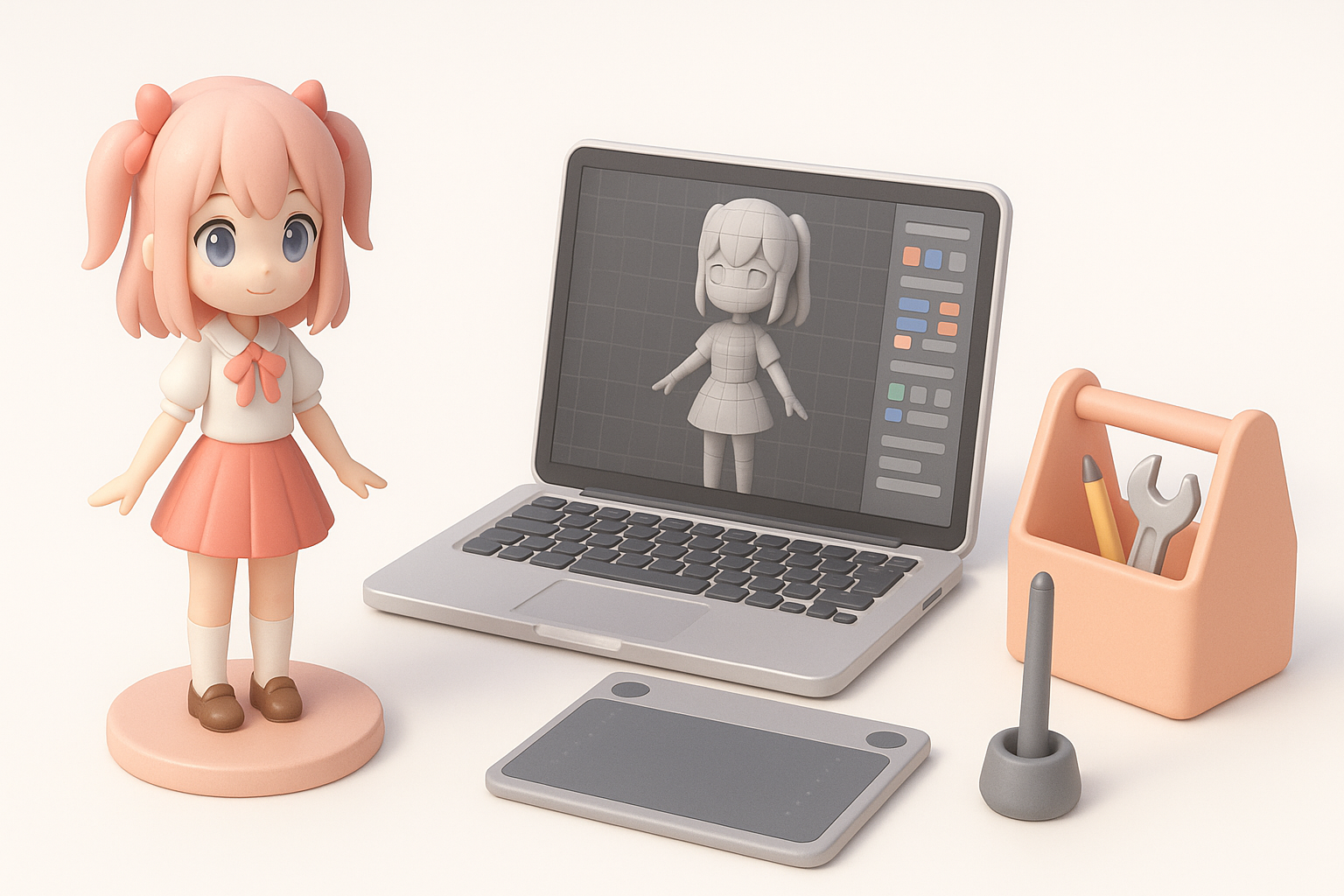
Choosing the Right 3D Creation Platform
Selecting a platform depends on workflow needs. I prefer tools that streamline segmentation, retopology, and texturing—especially when working under tight deadlines. For anime moe, platforms with stylized shader support and easy UV mapping are essential.
Tip: Use platforms that allow quick iteration and export to game engines or animation software.
Integrating AI-Powered Workflows
AI-based platforms like Tripo AI have changed my workflow dramatically. With text/image/sketch inputs, I can generate base meshes quickly, then refine topology and textures. This is especially helpful for:
- Rapid prototyping of character designs
- Automatic segmentation and retopology for clean animation-ready meshes
- Smart texturing and material assignment
Checklist for AI workflow:
- Prepare clear reference images/sketches
- Review generated topology and tweak as needed
- Use AI tools for initial passes, manual polish for final details
Step-by-Step Workflow: From Concept to Finished Model
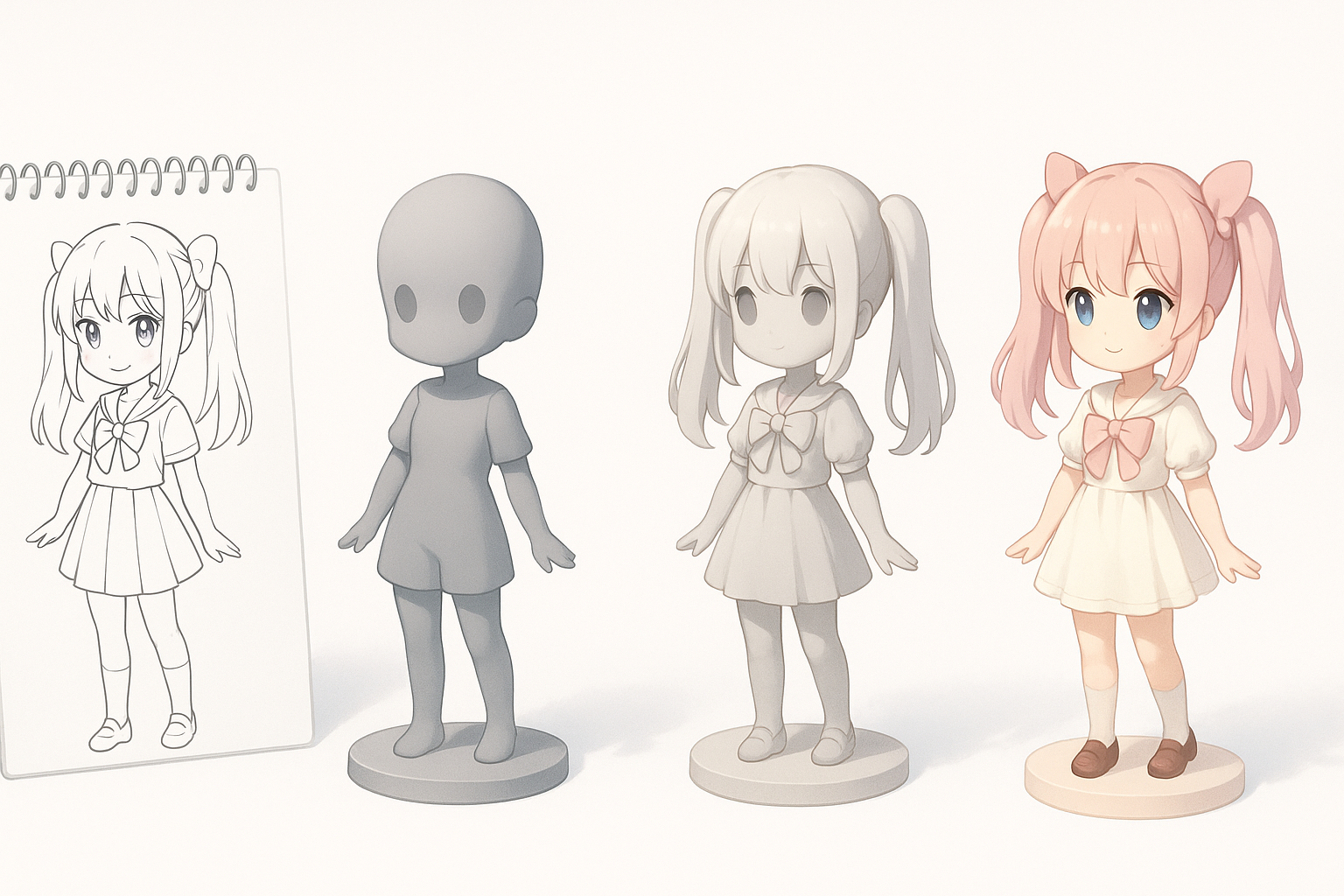
Sketching and Reference Gathering
Every project starts with clear concept art. I gather multiple references—front, side, and pose sheets. Sometimes, I sketch quick thumbnails to nail down proportions and expressions.
Steps:
- Collect high-quality anime moe references
- Create or commission detailed concept art
- Annotate key features (eyes, hair, outfit details)
Modeling, Texturing, and Rigging Process
With references ready, I use AI platforms to generate a base mesh, then manually adjust for style accuracy. My typical workflow:
- Block out main shapes in 3D
- Refine facial features and proportions
- Apply stylized textures (hand-paint or AI-assisted)
- Rig with simple skeletons, focusing on facial controls
Tips:
- Use smart retopology tools for clean edge flow
- Test deformations early with simple animations
- Keep UV layouts simple for easy texture editing
Best Practices and Common Pitfalls
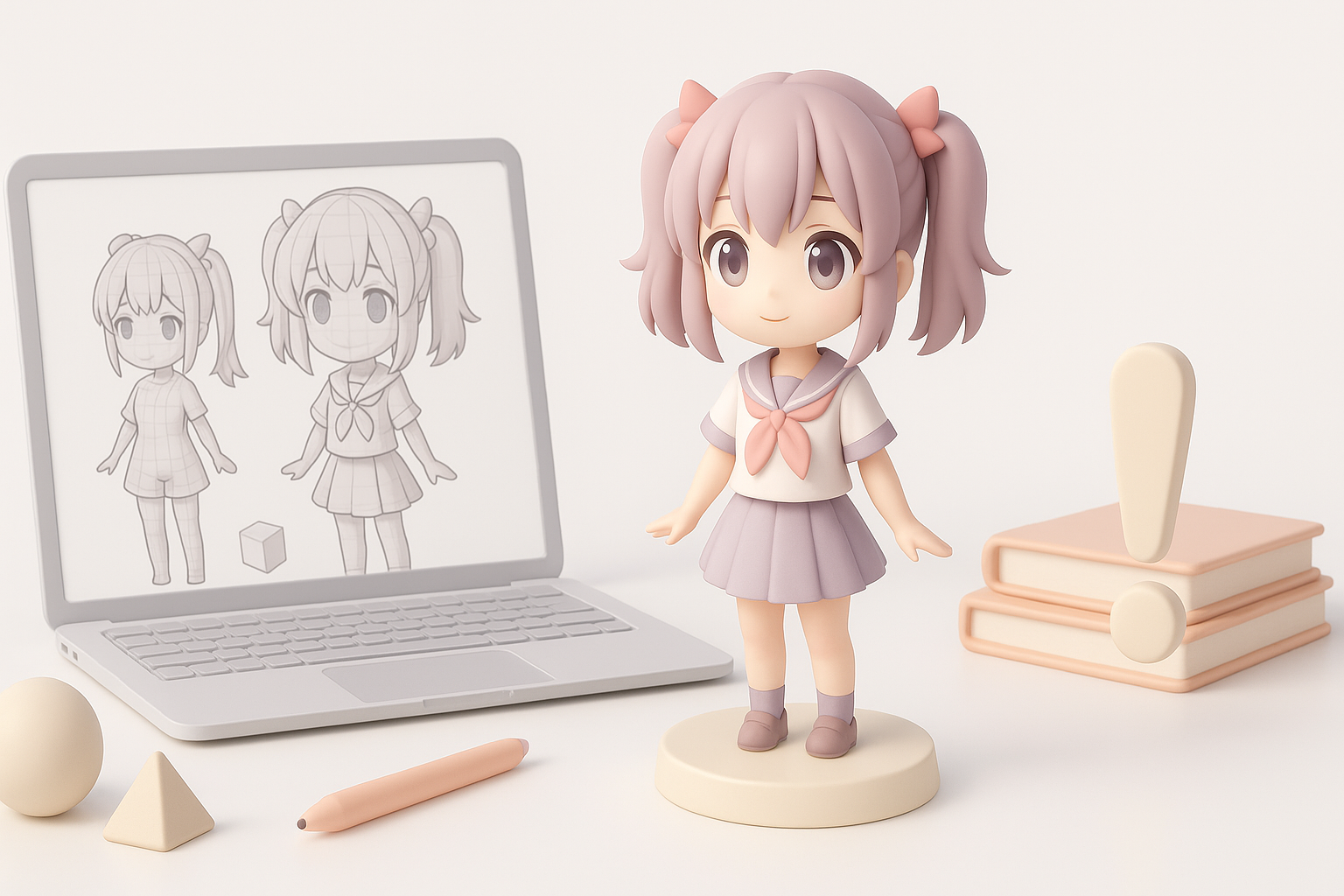
Optimizing for Animation and Games
For real-time use, I optimize geometry and rigging:
- Limit polycount without sacrificing silhouette
- Use blend shapes for expressive faces
- Test in game engine for performance
Checklist:
- Clean topology for smooth deformations
- Simple rig with IK/FK controls
- Efficient UV and texture maps
Avoiding Typical Mistakes in Moe 3D Modeling
Common issues I see:
- Overcomplicated geometry (hurts performance and style)
- Flat or lifeless expressions
- Inconsistent proportions across body and face
How I avoid them:
- Regularly check against 2D references
- Use symmetry tools and proportional guides
- Keep geometry and textures minimalistic
Comparing AI-Driven and Manual 3D Creation Methods
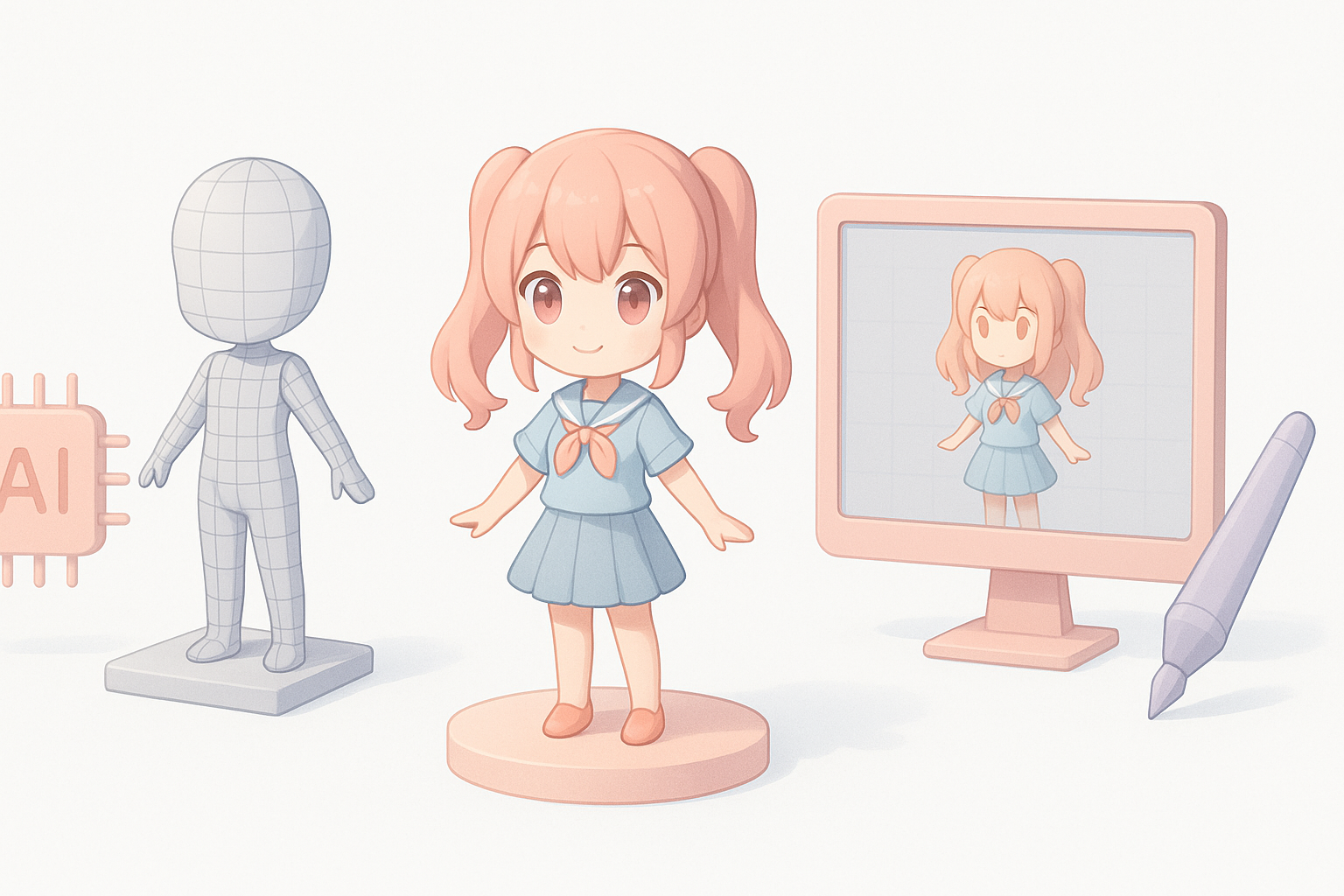
Speed and Quality Considerations
AI tools are much faster for base mesh generation and initial texturing. However, manual refinement is essential for achieving true moe appeal and animation quality. In my projects:
- AI: Great for rapid prototyping, concept iteration
- Manual: Necessary for fine-tuning proportions, facial rigging, and polish
When to Use AI Tools vs. Traditional Techniques
I use AI platforms for:
- Early-stage mesh and texture generation
- Batch creation of character variants
- Quick fixes for topology or UV issues
Manual methods are best for:
- Final stylization and expression tweaks
- Complex rigging setups
- Custom shader and material work
Mini-checklist:
- Start with AI for speed, finish with manual for quality
- Always review and adjust AI output before production
My Personal Tips for Achieving Authentic Moe Appeal
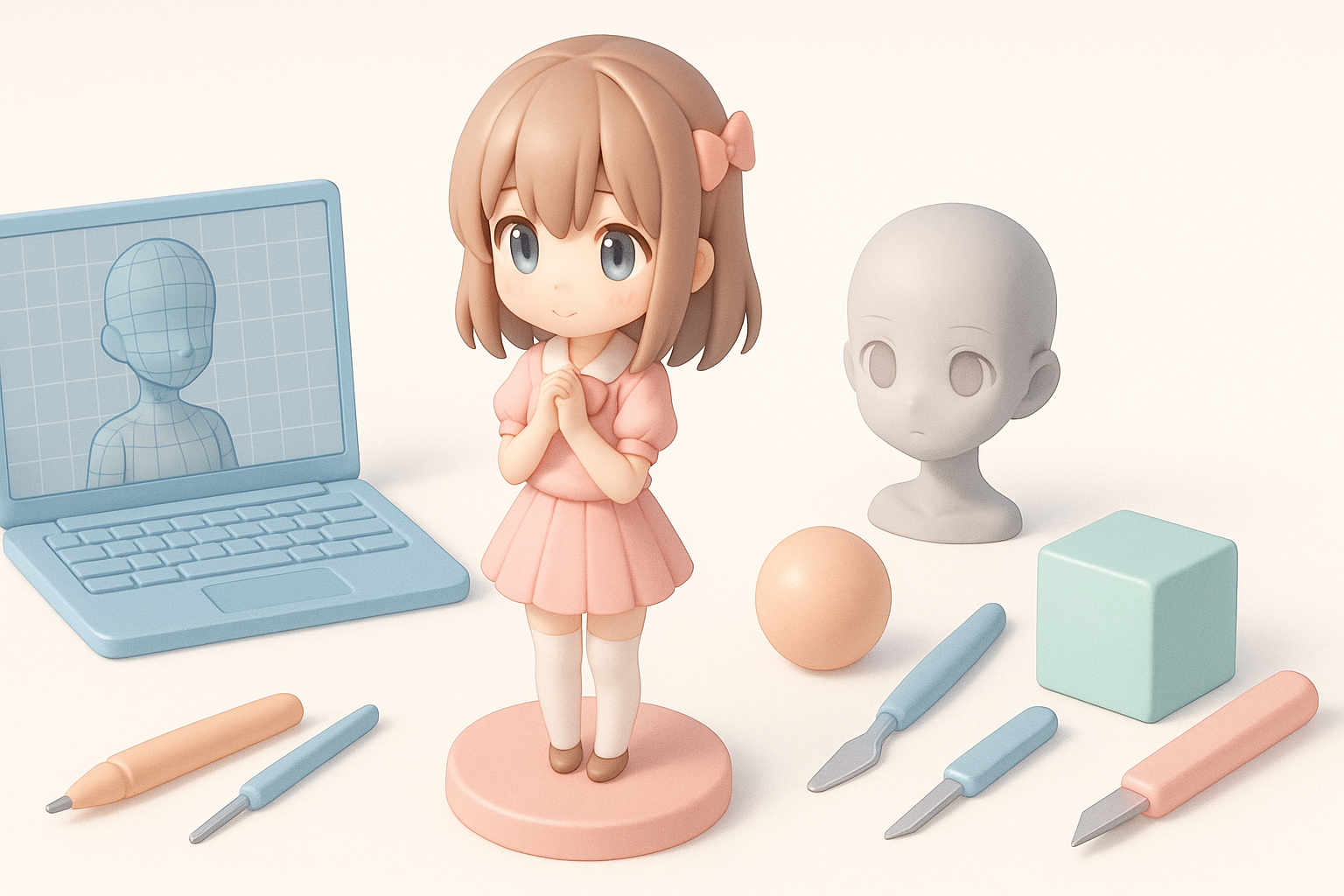
What I Focus on During the Creation Process
My main focus is always on facial expressiveness and silhouette. I constantly check proportions, eye shape, and pose dynamics. In my workflow:
- Spend extra time on eye modeling and texturing
- Use blend shapes for subtle expressions
- Keep body shapes soft and appealing
Lessons Learned from Real-World Projects
From real-world projects, I’ve learned:
- Reference is everything—never skip this step
- AI tools are invaluable for speed, but manual polish is irreplaceable
- Testing in context (animation/game engine) reveals issues early
Final tips:
- Iterate often; don’t settle for first results
- Collaborate with concept artists for feedback
- Always balance style and technical requirements
Slug suggestion: anime-moe-3d-model-workflow-tips
Meta description: Learn expert workflows, tools, and tips for creating anime moe 3D models, including AI-powered methods, best practices, and personal insights from hands-on experience.


