Creating and Using Among Us 3D Models: Expert Workflow Guide
As a 3D artist working across games and XR, I regularly create stylized assets like Among Us characters. In this guide, I’ll share my proven workflow for modeling, texturing, rigging, and optimizing Among Us 3D models—whether for game engines, animation, or rapid prototyping. I’ll also highlight how AI-powered tools like Tripo streamline the process, when manual methods are better, and what pitfalls to avoid. If you’re a developer, artist, or designer looking to produce production-ready assets efficiently, these tips will help you deliver quality results without getting bogged down in complexity.
Key takeaways
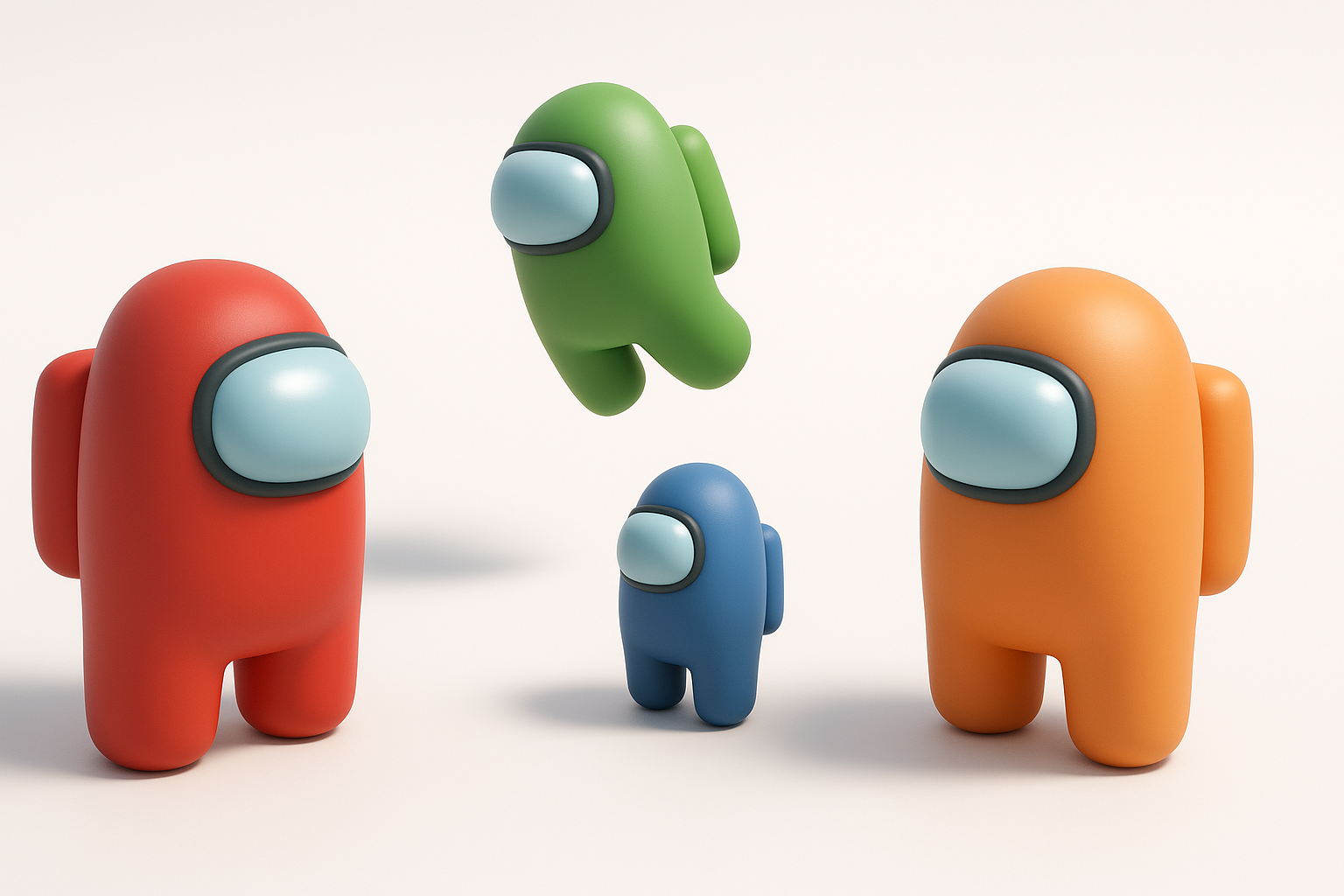
- Among Us models are simple but require careful stylization and optimization for different platforms.
- AI-powered tools can accelerate modeling, segmentation, and texturing, but manual tweaks are often needed for polish.
- Clean topology, proper rigging, and efficient UVs are critical for game-ready assets.
- Always tailor polycount and export settings to your target engine or platform.
- Use references and checklists to avoid common mistakes in stylized asset creation.
Overview of Among Us 3D Models
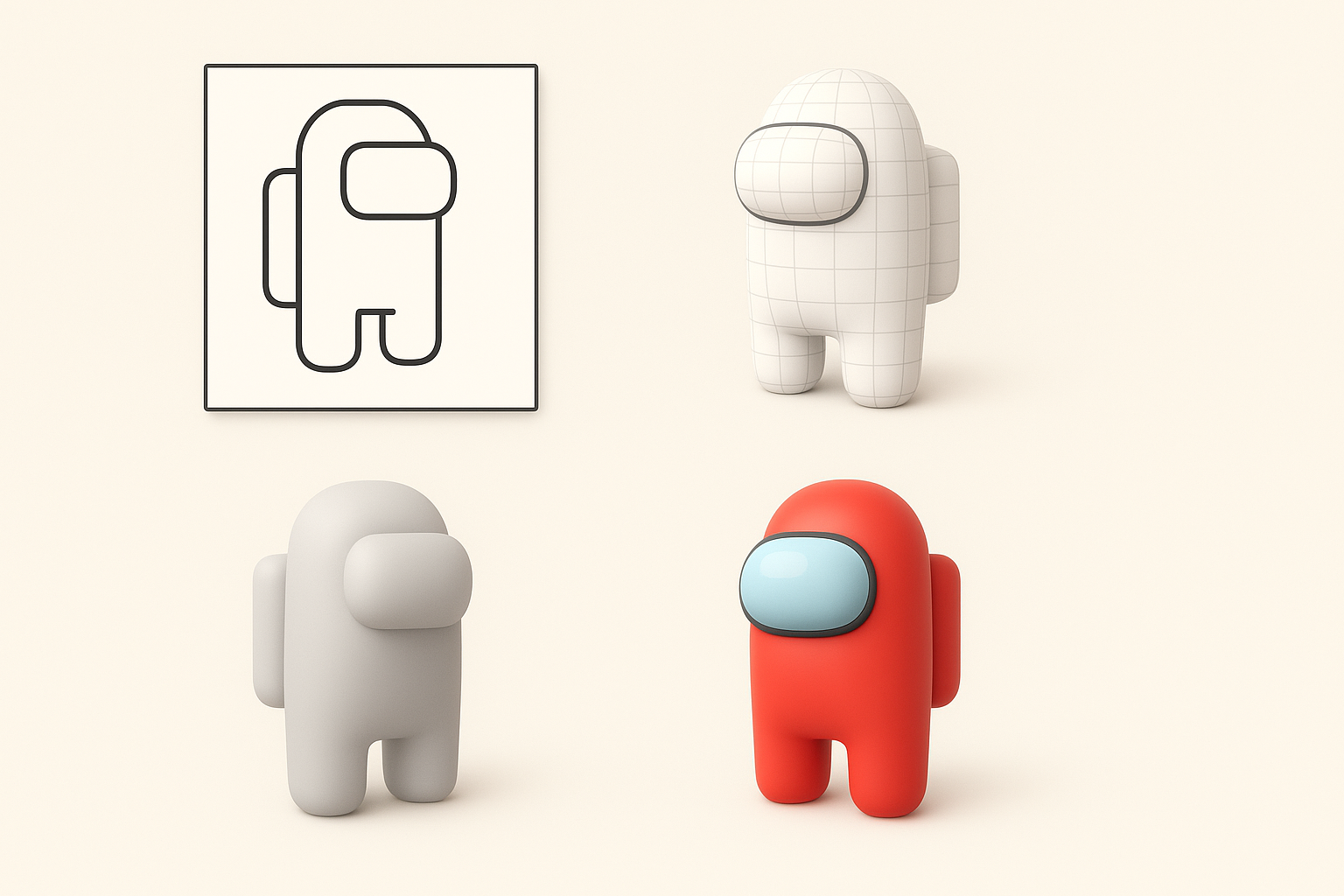
What Makes Among Us Characters Unique in 3D
Among Us characters are instantly recognizable for their minimalist, cartoonish design: bean-shaped bodies, stubby legs, and a single large visor. In 3D, their appeal comes from clean lines, exaggerated proportions, and bold colors. What I’ve found is that the simplicity makes them easy to model but hard to get “just right”—small tweaks in shape or proportions can break the look.
Tips:
- Focus on silhouette and proportions first.
- Use orthographic references to maintain consistency.
- Avoid overcomplicating geometry—keep it simple.
Common Use Cases for Among Us 3D Models
I’ve used Among Us 3D models for a range of projects: fan games, AR filters, machinima, and quick prototypes. Their low-poly nature makes them ideal for real-time applications and rapid iteration.
Typical workflows:
- Game asset integration (Unity, Unreal)
- Animation for machinima or shorts
- XR/AR avatars and stickers
Pitfalls:
- Over-detailing for stylized characters—keep polycount low.
- Neglecting proper UV mapping for simple textures.
Step-by-Step: How I Create an Among Us 3D Model
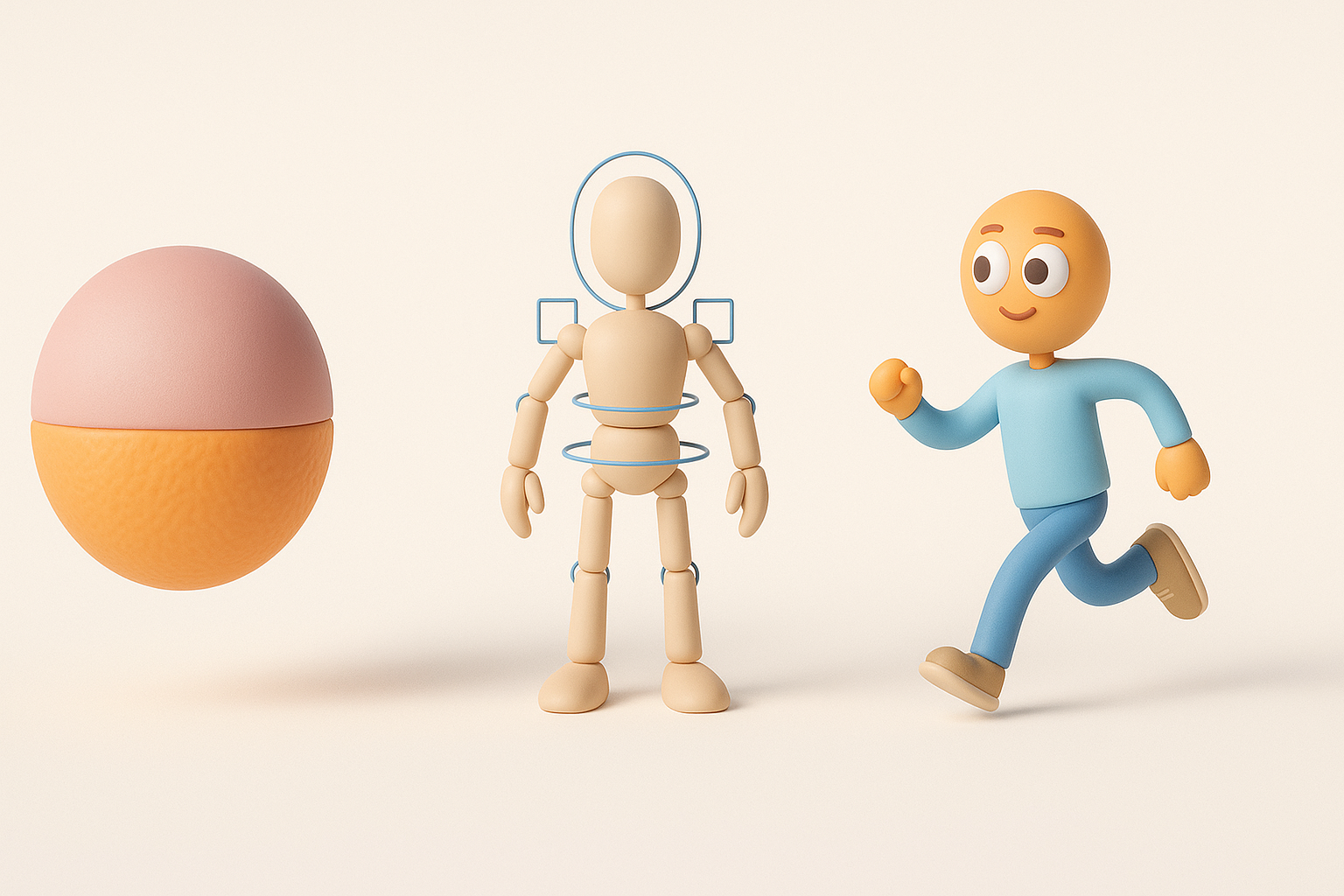
Choosing the Right Tools and References
Before modeling, I gather clear references—official art, screenshots, and orthographic sketches. For tools, I often start with Tripo AI for quick base meshes, then refine in Blender or similar editors.
Checklist:
- Reference images (front, side, back)
- Modeling tool (AI-powered or manual)
- Texture palette (flat, bold colors)
Pitfalls:
- Using inconsistent references—pick one style and stick to it.
- Not planning for rigging early; ensure limbs are separated.
My Workflow: From Concept to Finished Model
- Base Mesh Creation: I generate a base mesh using Tripo AI from a sketch or text prompt. This saves time on proportions and segmentation.
- Manual Refinement: I clean up topology, adjust proportions, and merge or separate geometry as needed.
- UV Unwrapping: I keep UVs simple—one seam along the body, separate islands for visor and backpack.
- Texturing: I apply flat colors and subtle gradients for depth.
- Rigging: I add basic bones for legs, arms, and visor movement.
Tips:
- Always check mesh for non-manifold geometry.
- Test rigging early to avoid rework.
Best Practices for Texturing, Rigging, and Animation
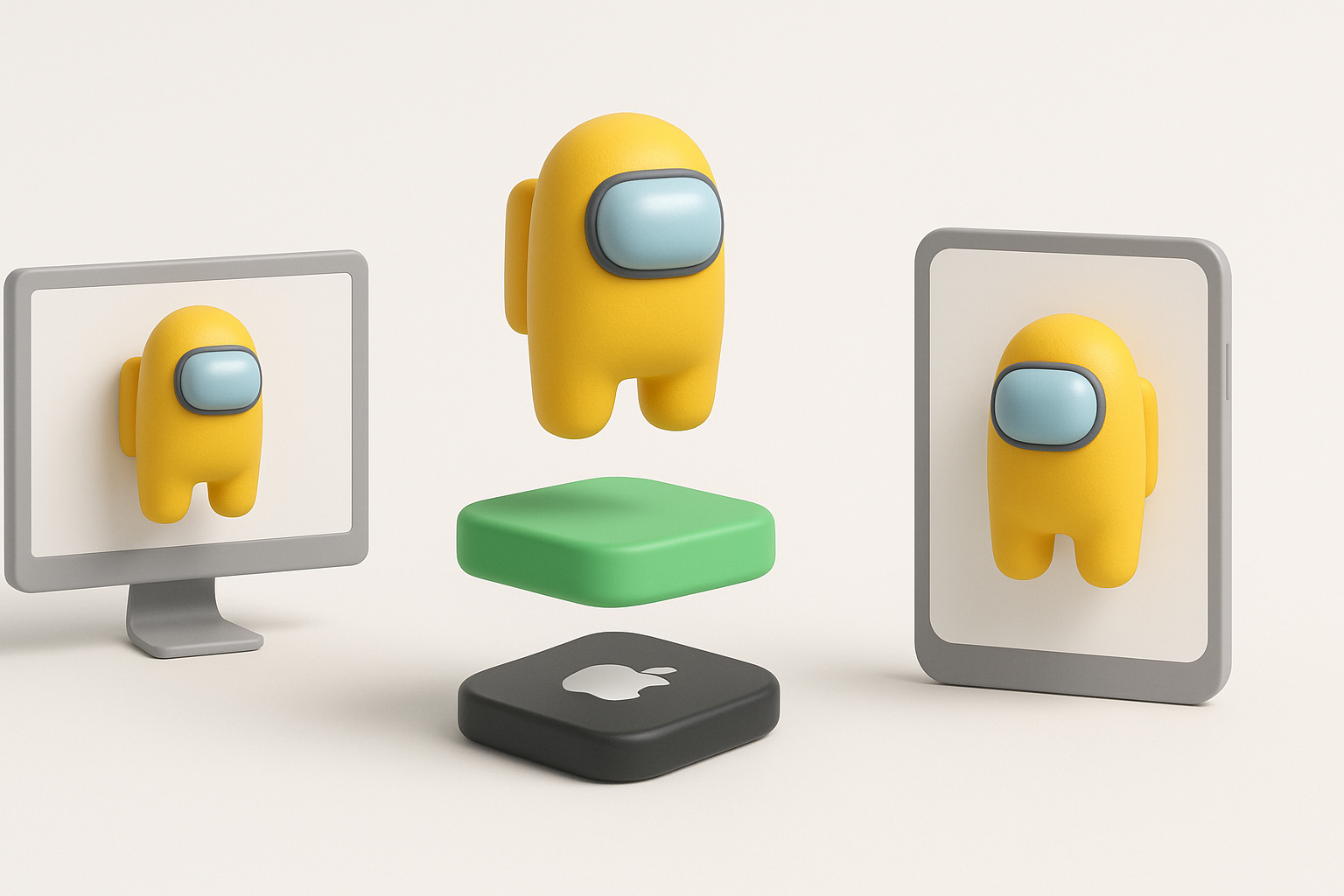
Texturing Tips for Stylized Characters
Among Us models benefit from flat, vivid colors and minimal shading. I use simple diffuse maps, sometimes with a subtle gradient to add visual interest.
Texturing steps:
- Assign base color per material (body, visor, backpack).
- Add soft shadow gradients for depth.
- Avoid complex normal maps.
Pitfalls:
- Overcomplicating materials—keep it simple for stylized look.
- Ignoring UV stretching—check seams.
Rigging and Animating for Games or XR
For rigging, I use a basic skeleton: spine, arms, legs, and a bone for the visor. Animation is straightforward—walk cycles, idle, and simple gestures.
Rigging checklist:
- Separate bones for limbs and visor.
- Test deformations with basic poses.
- Keep weight painting minimal.
Tips:
- For XR, optimize for real-time performance.
- Use animation presets for quick prototyping.
Optimizing Among Us 3D Models for Different Platforms

Retopology and Polycount Management
I always check polycount—Among Us models should stay under 2,000 tris for mobile, up to 5,000 for desktop. Tripo AI’s retopology tools help automate this, but I manually review for clean edge loops.
Steps:
- Run auto-retopology, then manually tweak.
- Remove unnecessary edge loops.
- Check for ngons and triangles in critical areas.
Pitfalls:
- Ignoring platform specs—adapt polycount for target.
- Leaving messy topology—causes issues in animation.
Exporting and Integrating into Game Engines
I export models in FBX or GLTF format, depending on engine requirements. Tripo AI supports direct export, but I always double-check material assignments and scale.
Checklist:
- Match export scale to engine units.
- Verify material and texture links.
- Test import in engine before final delivery.
Tips:
- Use engine-specific presets if available.
- Always review asset in context—lighting and camera matter.
Comparing AI-Powered and Manual 3D Creation Methods
When to Use AI Tools for Speed and Quality
AI-powered tools like Tripo are invaluable for quick iterations, base mesh generation, and automatic segmentation. I use them when deadlines are tight or for rapid prototyping.
Best use cases:
- Early concepting
- Batch asset creation
- Non-critical background props
Pitfalls:
- Over-reliance—manual touch-ups are often needed.
- AI can miss subtle stylization cues.
Lessons Learned from Manual vs. Automated Workflows
Manual workflows offer precision, but are slower. AI tools boost speed, but require careful review and polish. My approach: start with AI for base, finish manually for quality.
Takeaways:
- Combine AI and manual methods for best results.
- Always review topology, UVs, and rigging.
- Don’t skip manual QA—small errors can compound.
In summary: Among Us 3D models are simple but require attention to stylization, topology, and platform-specific optimization. AI tools like Tripo streamline the process, but manual refinement is essential for production quality. By following these workflows and checklists, you can deliver polished, game-ready assets efficiently.


