Creating Alien 3D Models: Expert Workflows and Best Practices
As someone who’s spent years designing and producing 3D alien models for games, XR, and film, I’ve learned that the right workflow is essential for creativity and efficiency. The best alien models stand out through imaginative design and technical polish—especially in segmentation, retopology, and texturing. AI-powered tools, like Tripo, have transformed my process, letting me go from concept to production-ready assets in record time. This guide distills my hands-on experience into actionable steps for artists and developers aiming to create compelling, optimized alien 3D models.
Key takeaways:
- Unique design and clean topology are critical for standout alien models
- Use moodboards and sketches to drive creative direction
- AI-powered platforms can drastically speed up model creation and iteration
- Intelligent segmentation and retopology are musts for complex alien forms
- Automated rigging and animation tools streamline character prep for games and XR
- Export in the right formats for seamless integration into your pipeline
Executive Summary: Key Takeaways for Alien 3D Modeling
What makes an alien 3D model stand out
From my experience, the most memorable alien models combine unexpected shapes, distinctive silhouettes, and thoughtful surface details. Unique anatomy, non-terrestrial color palettes, and imaginative accessories help these characters feel truly otherworldly. Technical quality—especially clean topology and well-managed UVs—ensures that visual impact translates across platforms.
Summary of recommended workflows
I recommend starting with strong concept art, then using AI-assisted tools for rapid prototyping. Intelligent segmentation, automated retopology, and texture generation save hours compared to manual methods. For animation-ready assets, automated rigging and export pipelines are now essential for efficiency.
Conceptualizing Alien Designs: Inspiration and Planning
Sources of creative inspiration
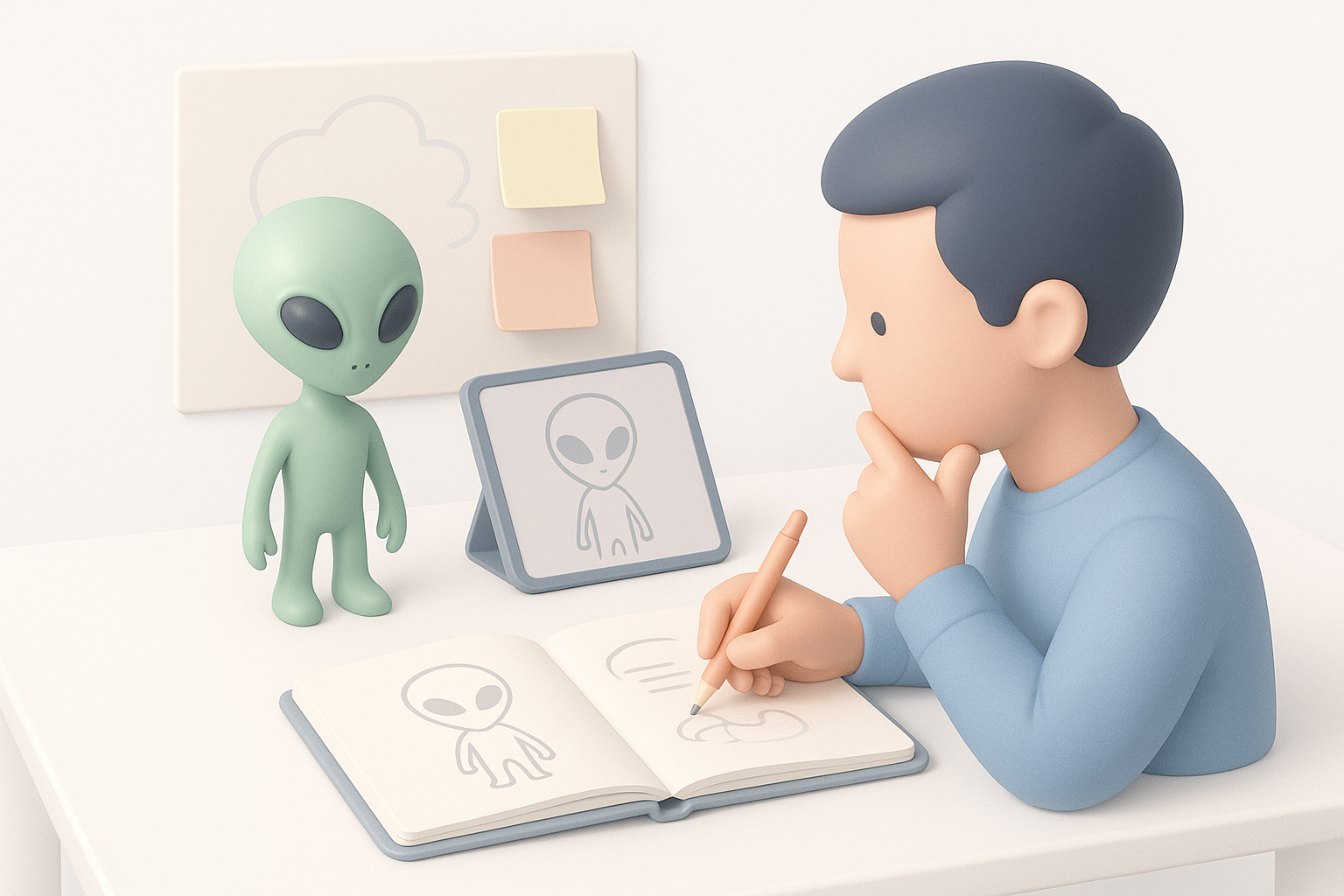
I draw inspiration from nature (deep-sea creatures, insects, fungi), sci-fi films, and concept art books. Real-world biology often yields the most unexpected forms. I keep a reference folder with images ranging from microscopic organisms to abstract sculptures.
Sketching and moodboarding techniques
Before modeling, I sketch silhouettes and key poses—either on paper or digitally. I assemble moodboards using tools like PureRef to explore textures, color schemes, and anatomical ideas. This upfront work keeps my designs cohesive and helps communicate intent to collaborators.
Checklist for concepting:
- Gather 10–20 reference images (nature, art, film)
- Sketch 5+ unique silhouettes
- Define a color and material palette
- Annotate key anatomical features
Generating Alien 3D Models: Tools and Methods
Text, image, and sketch-based generation workflows
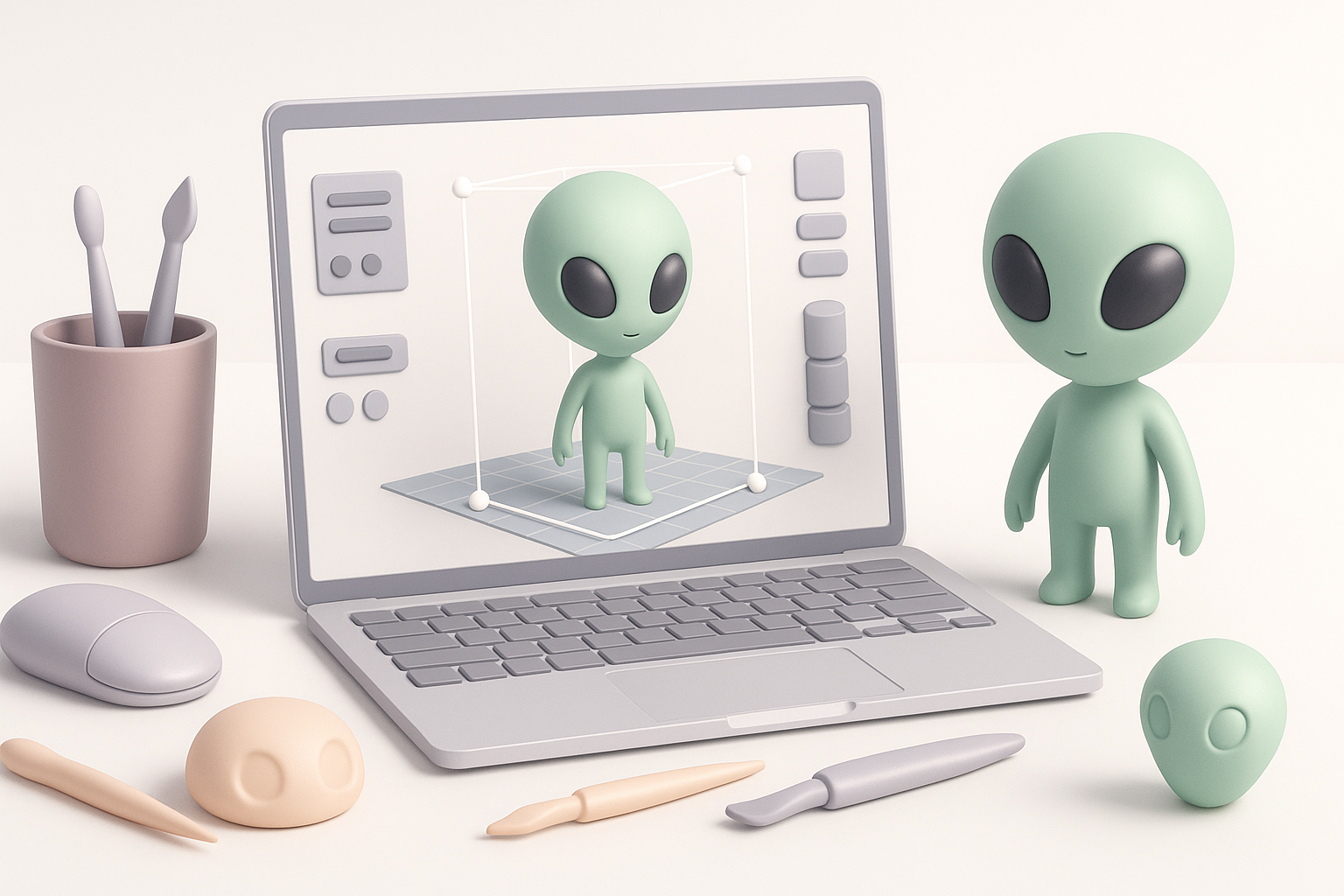
With platforms like Tripo, I can generate base meshes from text prompts, reference images, or quick sketches. This is especially useful for brainstorming variations or iterating on a theme. I usually start with a text description (“bioluminescent insectoid alien with shell armor”) and refine with image inputs as needed.
AI-powered platforms vs. traditional modeling
AI tools drastically accelerate the ideation and prototyping stage. In contrast, traditional modeling (sculpting from scratch) offers more granular control but is much slower. I often blend both: using AI for initial forms, then refining details manually in my 3D software of choice.
Practical steps:
- Input text/image/sketch to generate base mesh
- Review and select promising outputs
- Refine geometry and details as needed
Optimizing Alien Models: Segmentation, Retopology, and Texturing
Intelligent segmentation for complex forms
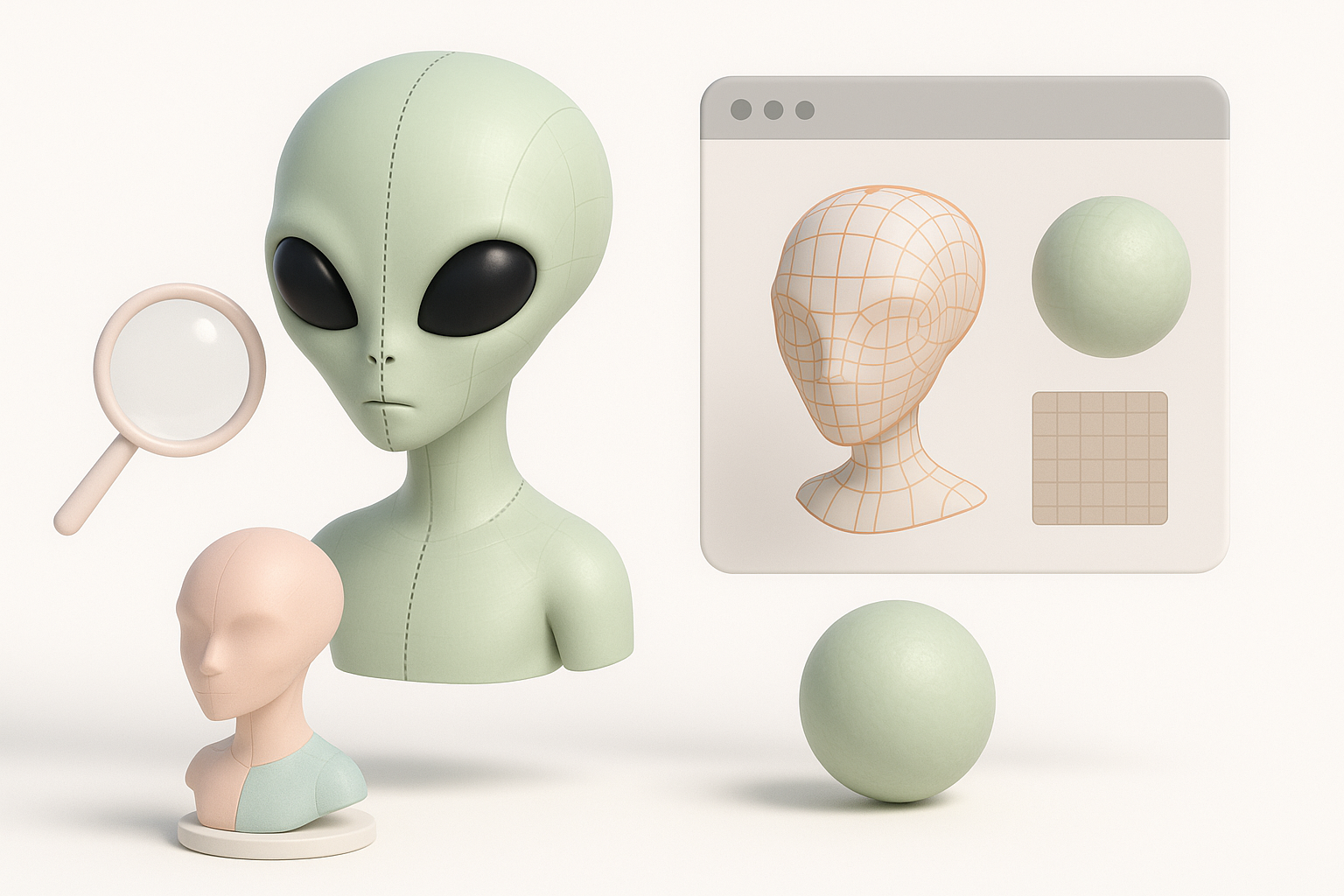
Aliens often have intricate appendages or layered anatomy. I rely on intelligent segmentation tools to separate limbs, armor plates, or organic features for easier texturing and rigging. This saves hours compared to manual masking.
Retopology and UV mapping best practices
Clean topology is essential for animation and efficient rendering. I use automated retopology to convert dense meshes into game-ready assets, then manually tweak edge flow around joints. For UVs, I aim for minimal seams and logical island placement to simplify texturing.
Optimization checklist:
- Segment model into logical parts
- Run automated retopology, then inspect edge flow
- Unwrap UVs with minimal stretching
- Export normal/AO maps for detail preservation
Rigging and Animating Alien Characters
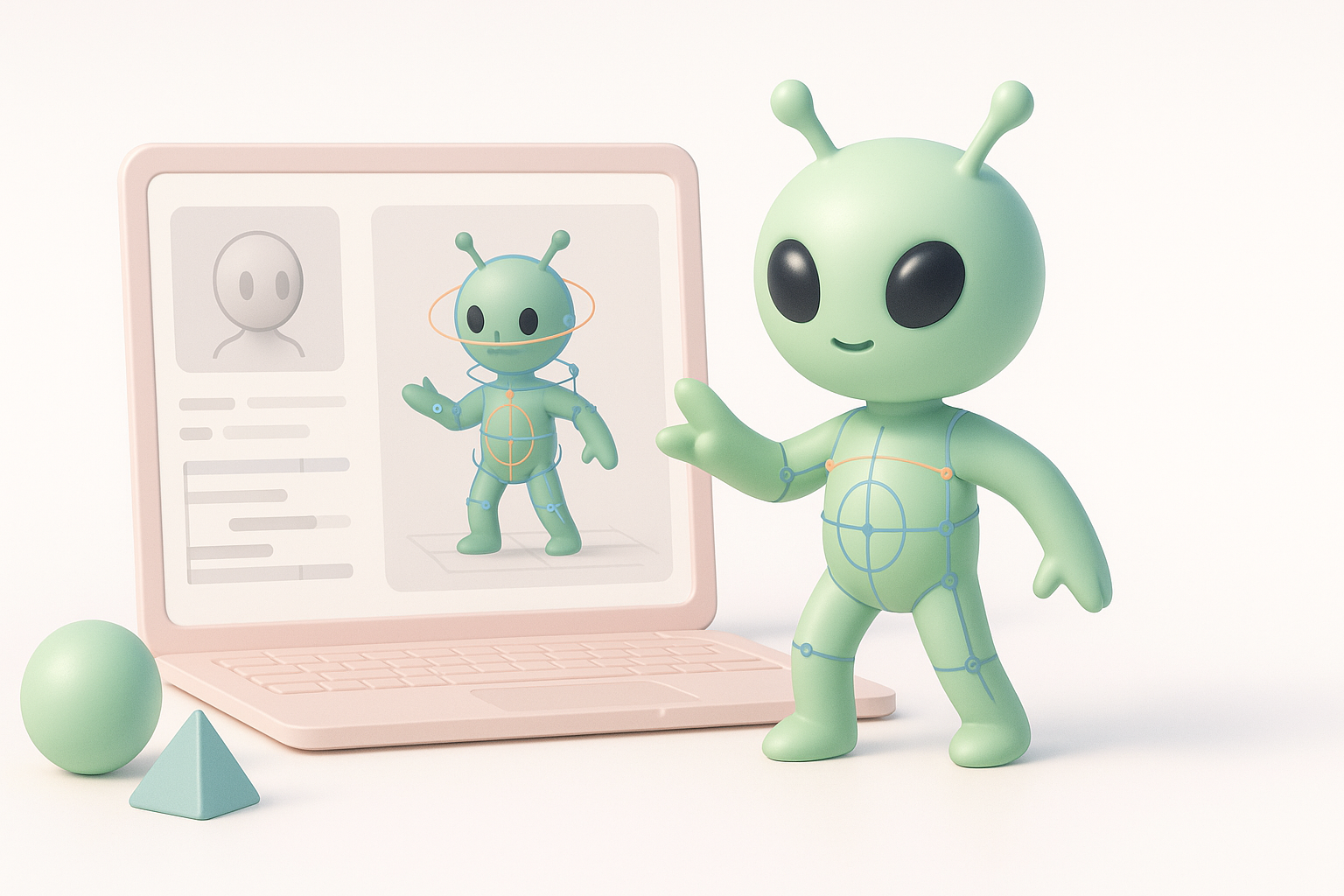
Automated rigging workflows
Automated rigging tools have made alien characters much easier to prep for animation. I usually assign a humanoid or custom skeleton, then adjust weights for unique anatomies (extra arms, tails, etc.). Automated skinning gets me 80% of the way; the rest is manual fine-tuning.
Animating for games, film, and XR
Animation requirements differ by medium. For games, I keep rigs lightweight and test real-time playback. For film/XR, I use higher-res rigs and blendshapes for expressive faces. Motion capture can add realism, but even simple keyframe cycles work for many alien designs.
Rigging tips:
- Use automated rigging for base skeleton/weights
- Manually adjust for non-standard anatomy
- Test with basic walk/idle cycles before export
Exporting and Integrating Alien 3D Models
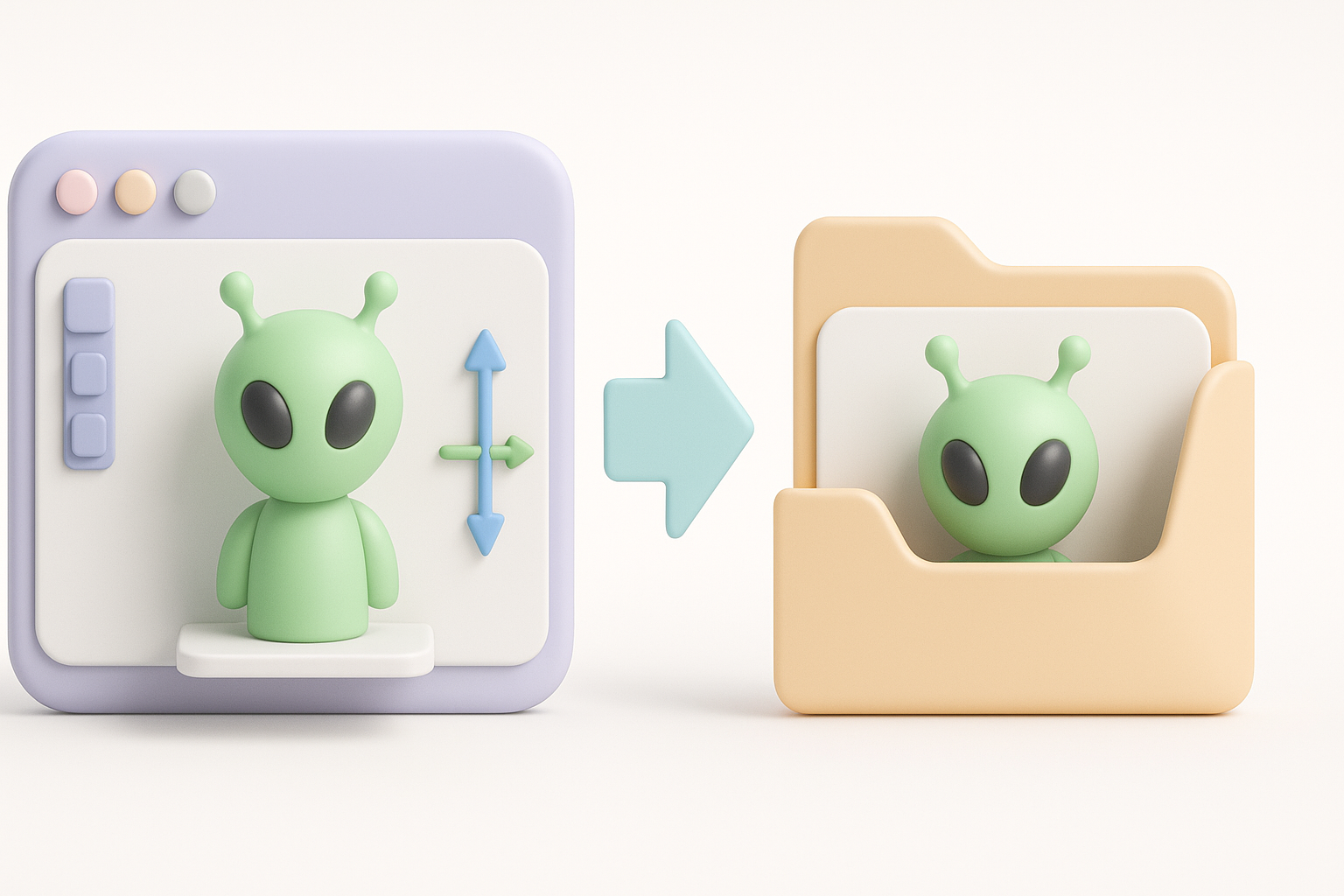
File formats and compatibility tips
I typically export in FBX or GLB/GLTF for broad compatibility. It’s important to check that all textures, normals, and animations are embedded or included. For games, I keep polygon counts and texture sizes optimized; for film, I preserve high-res data.
Integrating models into real-world projects
I test imports in the target engine (Unreal, Unity, etc.) early to catch issues. Naming conventions and clean hierarchy help with downstream integration. For collaborative projects, I include readme files with asset specs and usage notes.
Export checklist:
- Choose FBX or GLB/GLTF as needed
- Verify textures and animations export correctly
- Test import in target software
- Document asset specs for team handoff
Comparing AI-Powered and Traditional 3D Creation Methods
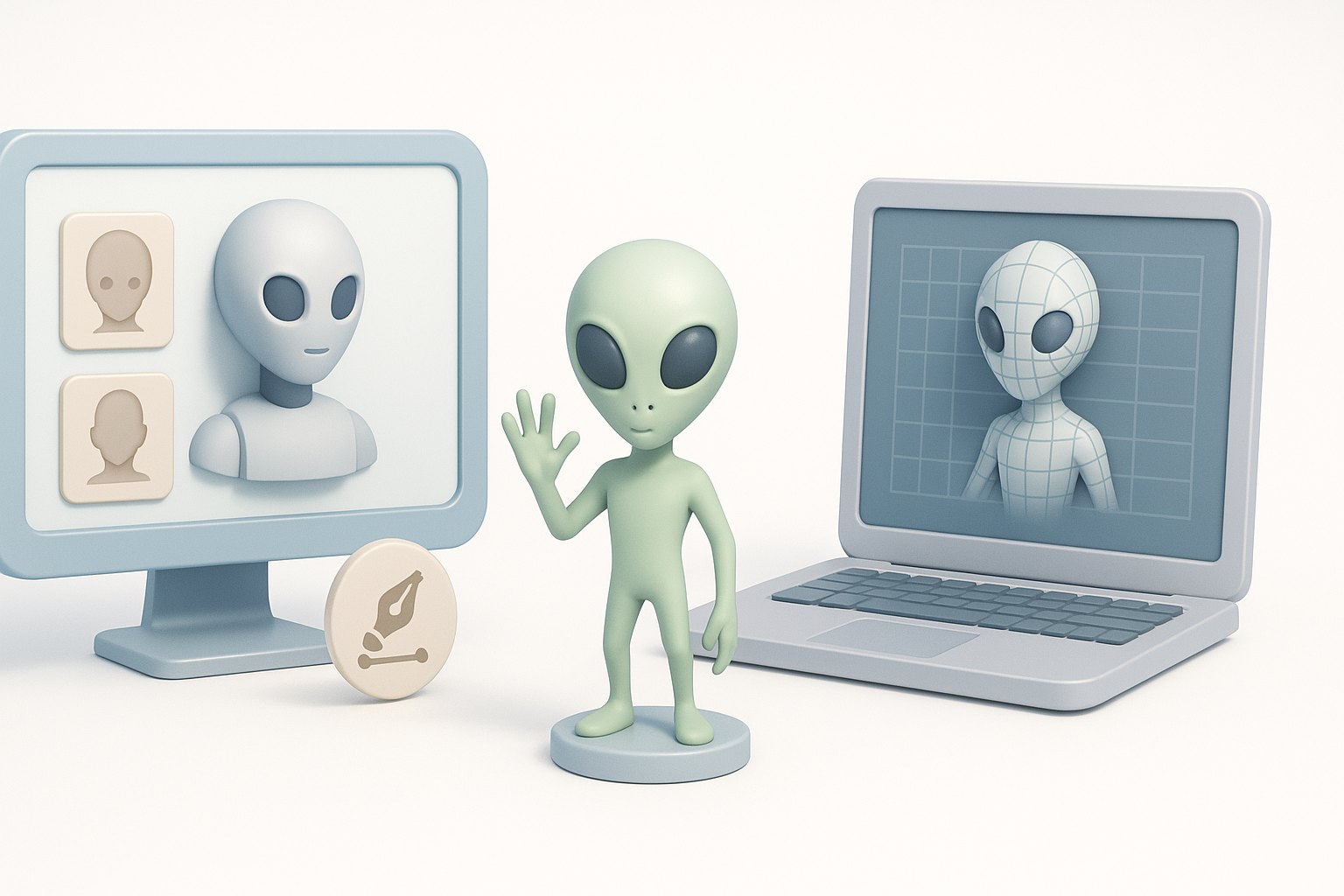
Pros and cons of each approach
AI-powered tools excel at rapid prototyping, generating variations, and automating repetitive tasks like retopology and rigging. Manual modeling remains best for fine control, unique details, and highly stylized work. In my workflow, I start with AI for speed, then switch to manual refinement as needed.
When to use AI tools vs. manual modeling
I use AI tools for:
- Early-stage ideation and base mesh creation
- Projects with tight deadlines
- Iterating on multiple variants
I use manual modeling for:
- Final detailing and polish
- Custom topology for animation
- Highly stylized or specific art direction
Expert Tips: What I’ve Learned Creating Alien 3D Models
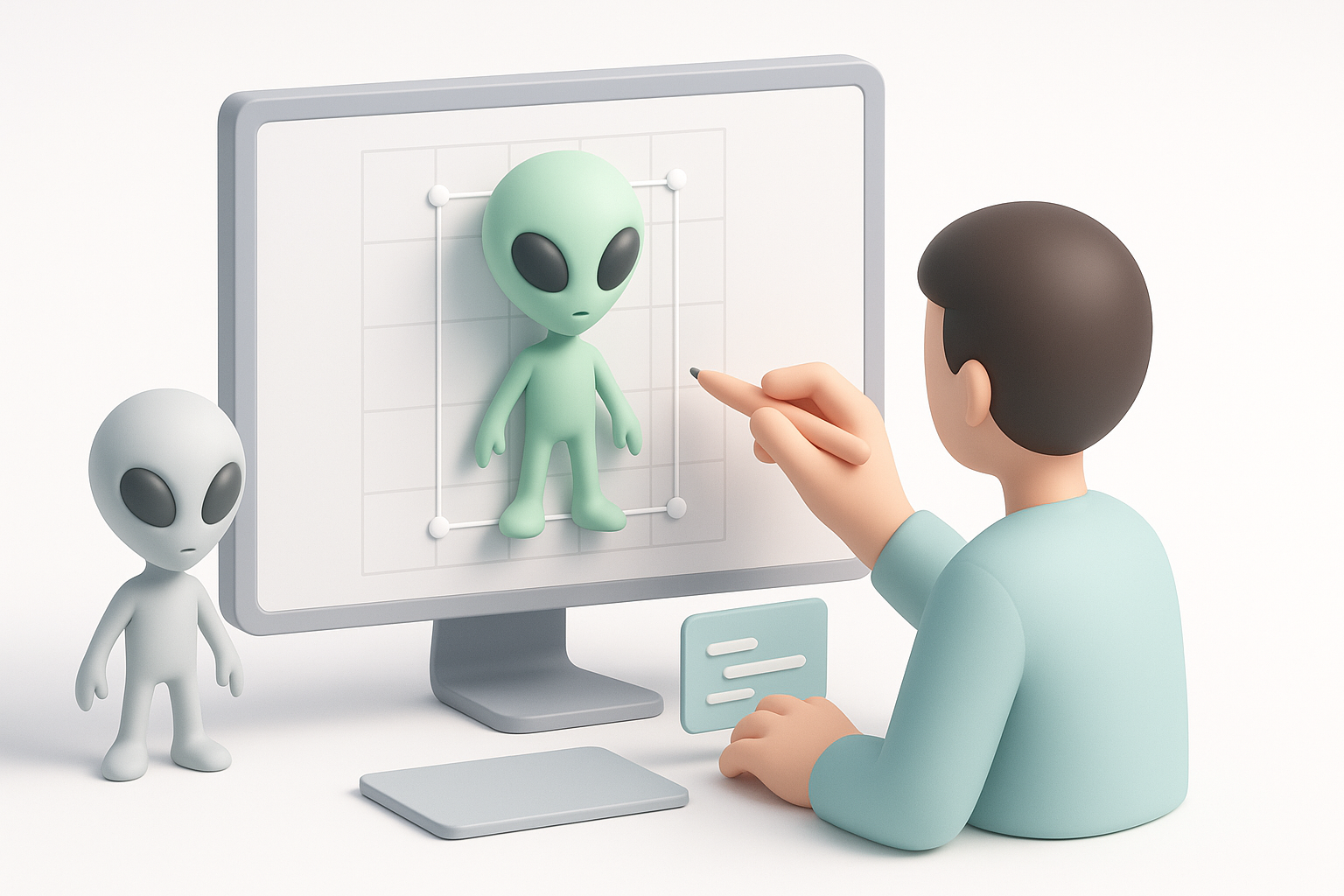
Common challenges and solutions
- Challenge: Overly dense or messy meshes from AI outputs
Solution: Always run automated retopology and inspect geometry before rigging. - Challenge: Unclear silhouettes or weak design
Solution: Spend more time on silhouette sketches and reference gathering. - Challenge: Texture seams or stretching
Solution: Manually tweak UVs and use bake maps for consistency.
Personal workflow recommendations
- Start with clear concepts and moodboards—don’t skip preproduction.
- Use AI-powered generation for base meshes, then refine manually.
- Automate segmentation, retopology, and rigging where possible.
- Test exports early in your target engine to avoid surprises.
- Never neglect topology and UVs—these are the backbone of a production-ready asset.
Whether you’re a solo artist or part of a larger team, these workflows and best practices can help you create alien 3D models that are both visually striking and technically robust. The right blend of creative planning and smart tool usage is what sets professional results apart.
