How to Create and Use Adopt Me 3D Models: Expert Workflow
Creating 3D models for Adopt Me-style games is faster and more accessible than ever thanks to AI-powered tools. In my workflow, I leverage platforms like Tripo AI to rapidly generate production-ready models, then refine them for in-game use. Whether you’re a solo developer, artist, or part of a larger team, this guide covers everything from planning and generation to texturing, rigging, and seamless engine integration. My goal is to help you avoid common pitfalls and deliver polished assets efficiently.
Key takeaways
- Use AI tools to generate base models quickly, then refine for production.
- Gather strong references before modeling—don’t skip concept planning.
- Focus on efficient texturing and clean topology for game performance.
- Rig and animate with playability and engine compatibility in mind.
- Optimize models for your target platform before export.
- Manual and AI workflows both have their place—choose based on project needs.
Understanding Adopt Me 3D Models
What Makes Adopt Me Models Unique
Adopt Me 3D models are characterized by their playful proportions, stylized features, and approachable color palettes. In my experience, these models strike a balance between simplicity and charm—making them ideal for games targeting a broad audience. Key traits include:
- Low to mid polycounts for smooth game performance
- Exaggerated features (large eyes, rounded limbs)
- Simple, readable silhouettes
When creating these assets, I always prioritize clarity and appeal over hyperrealism.
Common Use Cases in Games and XR
Adopt Me-style models are widely used in casual games, virtual worlds, and XR experiences. I’ve integrated them into:
- Character customization systems
- Pet and companion mechanics
- In-game collectibles and decorative props
Their lightweight geometry makes them perfect for mobile and web platforms, where optimization is critical.
My Step-by-Step Workflow for Creating Adopt Me 3D Models
Gathering References and Planning
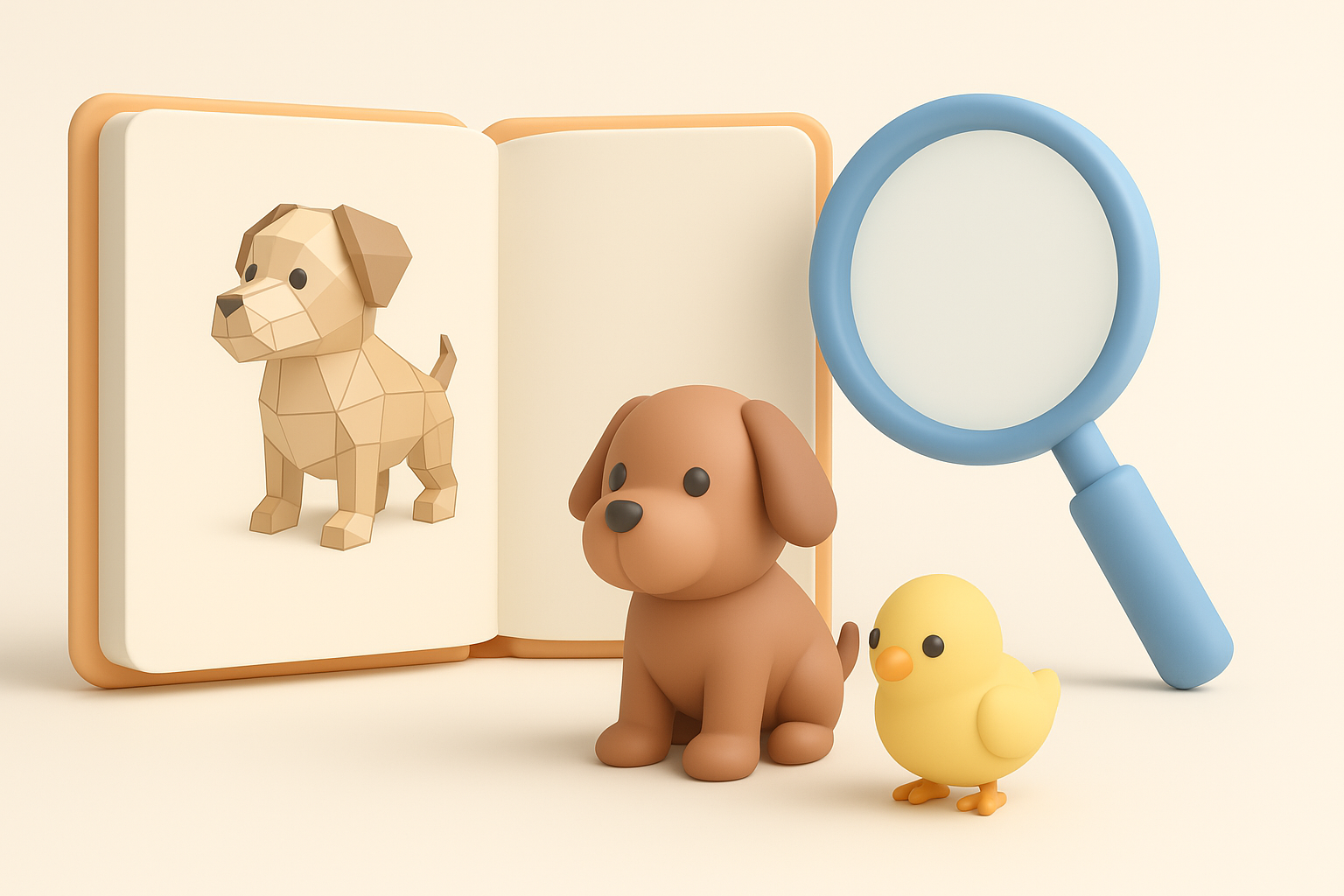
Every successful project starts with solid references. I always collect:
- Screenshots or concept art from Adopt Me and similar titles
- Real-world photo references (for anatomy, colors, etc.)
- A moodboard to guide style consistency
Before modeling, I sketch rough silhouettes to nail down proportions and personality. This step saves time by reducing back-and-forth later.
Checklist:
- Gather at least 5–10 reference images
- Define key features and color scheme
- Sketch or block out main shapes
Using AI Tools for Fast Model Generation
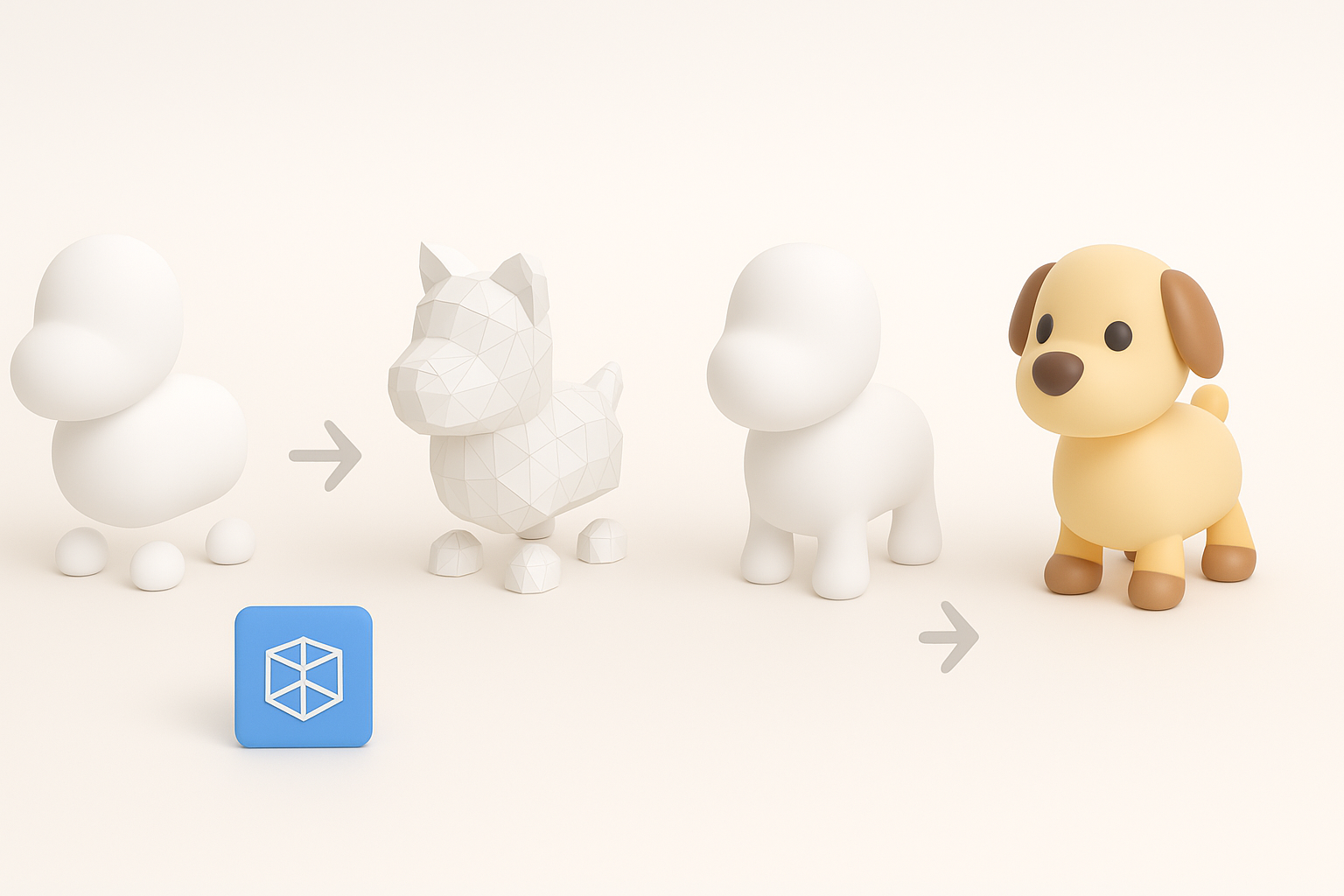
With planning complete, I turn to AI-powered platforms like Tripo AI. My process:
- Input a detailed text prompt or upload a reference sketch.
- Let the tool generate a base mesh with auto-segmentation.
- Review and tweak the model—refining shapes or correcting errors.
I find this shaves hours off the initial modeling phase, allowing me to focus on creative tweaks rather than technical setup.
Tips:
- Use clear, descriptive prompts for best results.
- Always review auto-generated topology before moving forward.
- Save iterations—you might want to revisit earlier versions.
Best Practices for Texturing, Rigging, and Animation

Efficient Texturing Techniques
Texturing stylized models is all about keeping it simple and bold. I typically:
- Use flat colors or subtle gradients for body parts
- Add hand-painted highlights and shadows sparingly
- Keep UV layouts clean and logical for easy edits
AI tools often generate basic textures, but I recommend touching them up in a dedicated paint app for consistency.
Mini-checklist:
- Check for stretching or seams in the UV map
- Optimize texture resolution for your target platform
- Test in-engine to ensure colors read well
Rigging and Animating for Playability
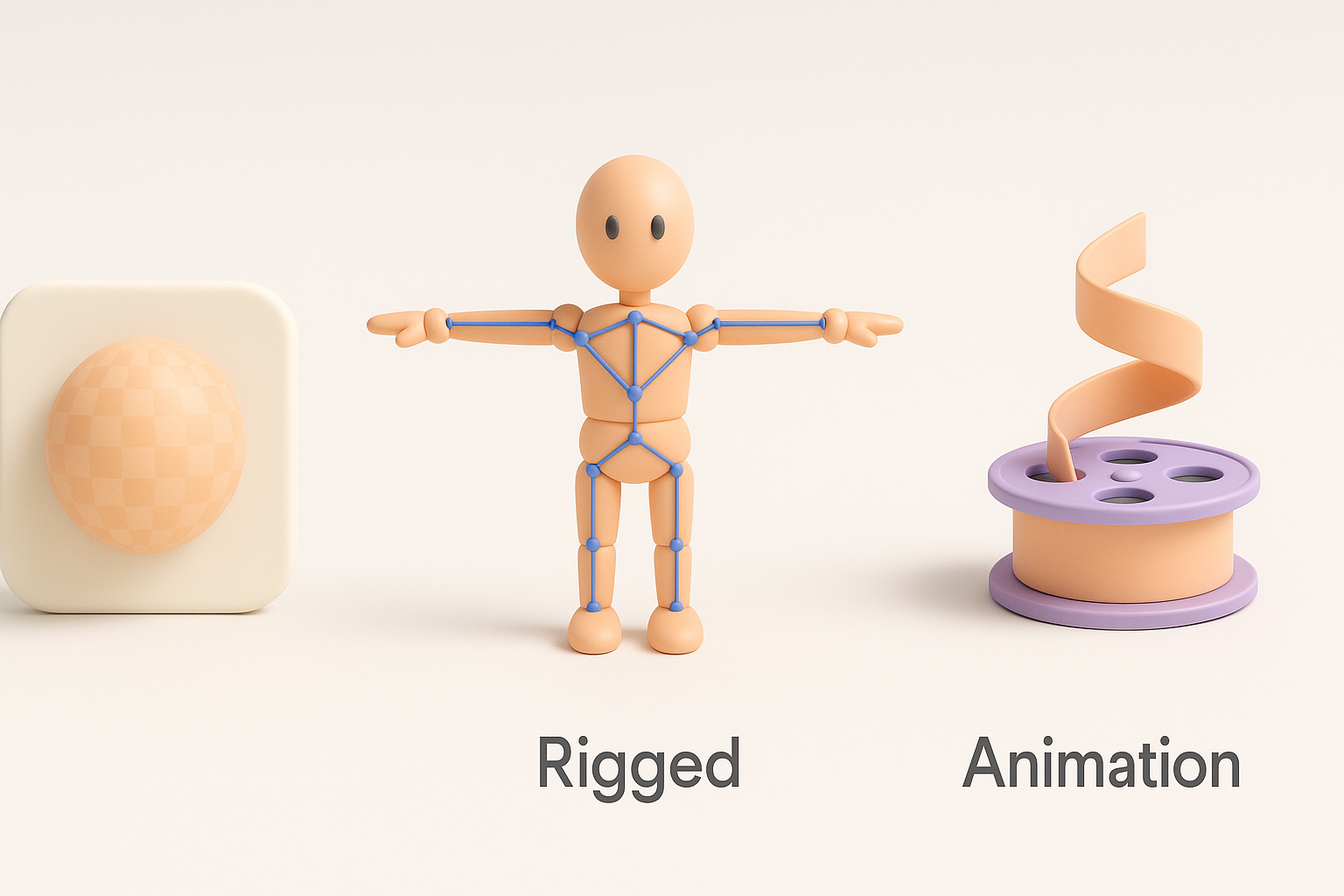
For rigging, I use auto-rigging features in AI platforms when possible, then manually adjust weights for smooth deformations. When animating:
- Focus on broad, readable movements (especially for pets or avatars)
- Test rigs with standard game animations (walk, idle, jump)
- Export skeletons compatible with your target engine
Pitfalls I’ve seen: Overly complex rigs that slow down runtime performance, or missing bone influences causing deformation issues.
Exporting, Optimization, and Integration Tips
Retopology and Polycount Management
Even with good AI-generated models, I always check and clean up topology:
- Remove unnecessary edge loops and vertices
- Target 2–5k triangles for most Adopt Me-style characters
- Use built-in retopology tools to balance detail and performance
This step is crucial for mobile and XR deployment, where every polygon counts.
Pitfalls:
- Ignoring overlapping UVs (causes texturing artifacts)
- Forgetting to triangulate meshes before export (some engines require it)
Importing Models into Game Engines
Importing is usually straightforward, but I always:
- Export in FBX or GLTF format for broad compatibility
- Double-check scale and orientation (meters, Y-up/Z-up)
- Test animations and materials inside the engine
If issues arise, I troubleshoot by re-exporting with different settings or simplifying the model further.
Comparing AI-Powered and Manual 3D Model Creation
Speed and Quality Differences
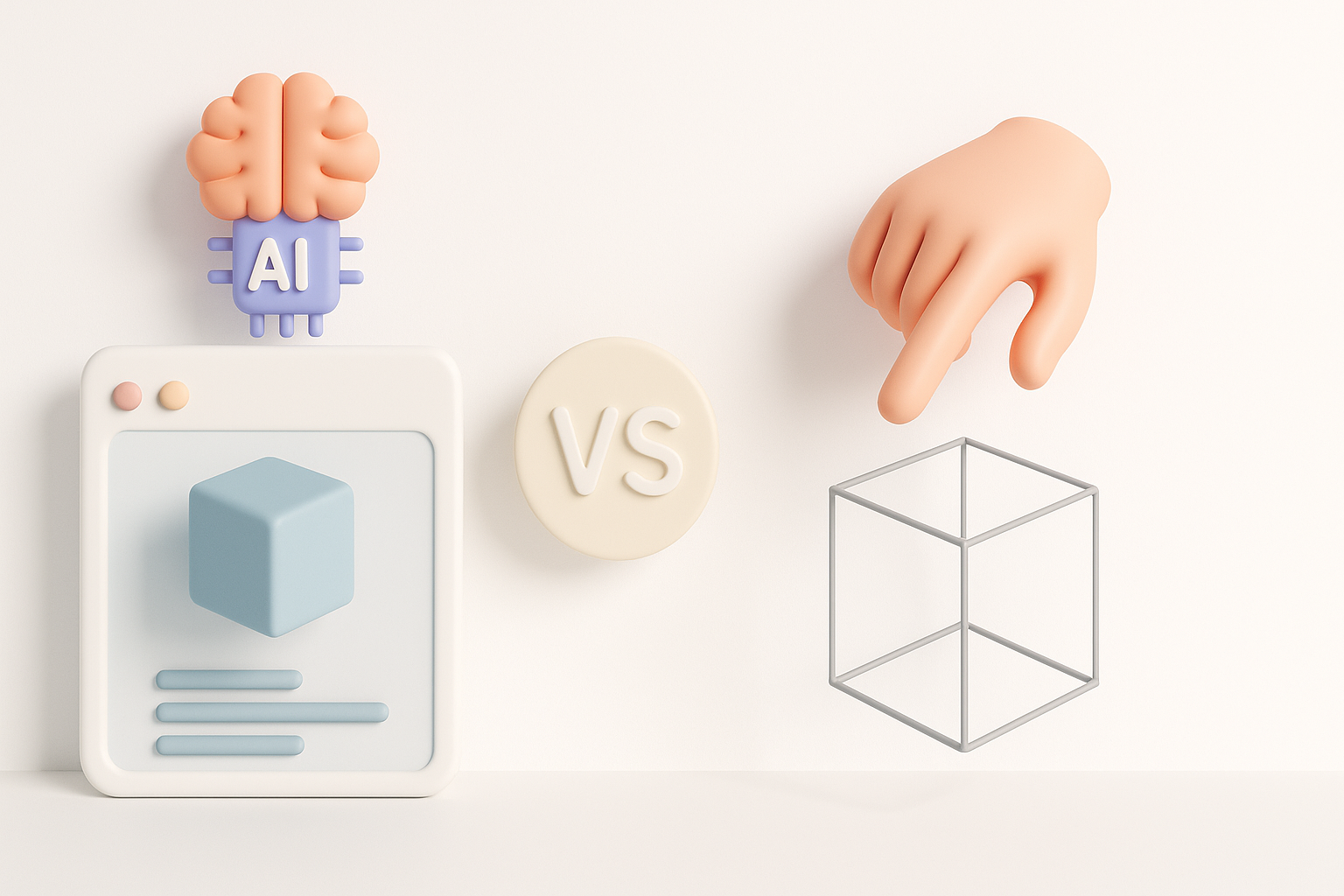
In my experience, AI-powered creation is unmatched for speed—perfect for prototyping and iteration. Manual modeling still excels when I need full artistic control or highly customized details. The sweet spot is often a hybrid approach: generate a base with AI, then refine by hand.
Summary:
- AI: Fast, great for bulk or concept work
- Manual: Precise, best for hero assets or unique features
When to Use Each Approach
I choose AI workflows when:
- Deadlines are tight
- I need lots of variants quickly
- The project style matches what the AI tool excels at
I switch to manual when:
- I need unique silhouettes or intricate details
- There are strict topology or rigging requirements
- The asset is a focal point in the game
My advice: Start with AI for speed, but don’t hesitate to jump into manual refinement when quality matters most.
By following these steps and best practices, you’ll be able to create, texture, and integrate Adopt Me-style 3D models efficiently—without sacrificing quality or creativity.


