Mastering 3D Wireframe Modeling: Techniques and Best Practices
скачать 3d модели для chicken gun
Getting wireframe modeling right is essential for efficient, high-quality 3D work. In my experience, mastering wireframes means faster iteration, fewer downstream issues, and cleaner assets for games, film, or XR. This article breaks down my hands-on workflow, best practices, and the practical reasons to choose wireframe modeling. Whether you’re a solo artist or part of a studio pipeline, these techniques will help you create production-ready models and avoid common pitfalls.
Key takeaways

- Wireframe modeling forms the backbone of efficient, editable 3D assets.
- Clean topology and organized geometry save hours in later stages.
- AI-assisted tools like Tripo AI can automate tedious steps without sacrificing control.
- Manual wireframing is still essential for specific creative or technical requirements.
- Preparing wireframes early for texturing and animation streamlines production.
Understanding 3D Wireframe Modeling
What is wireframe modeling in 3D?
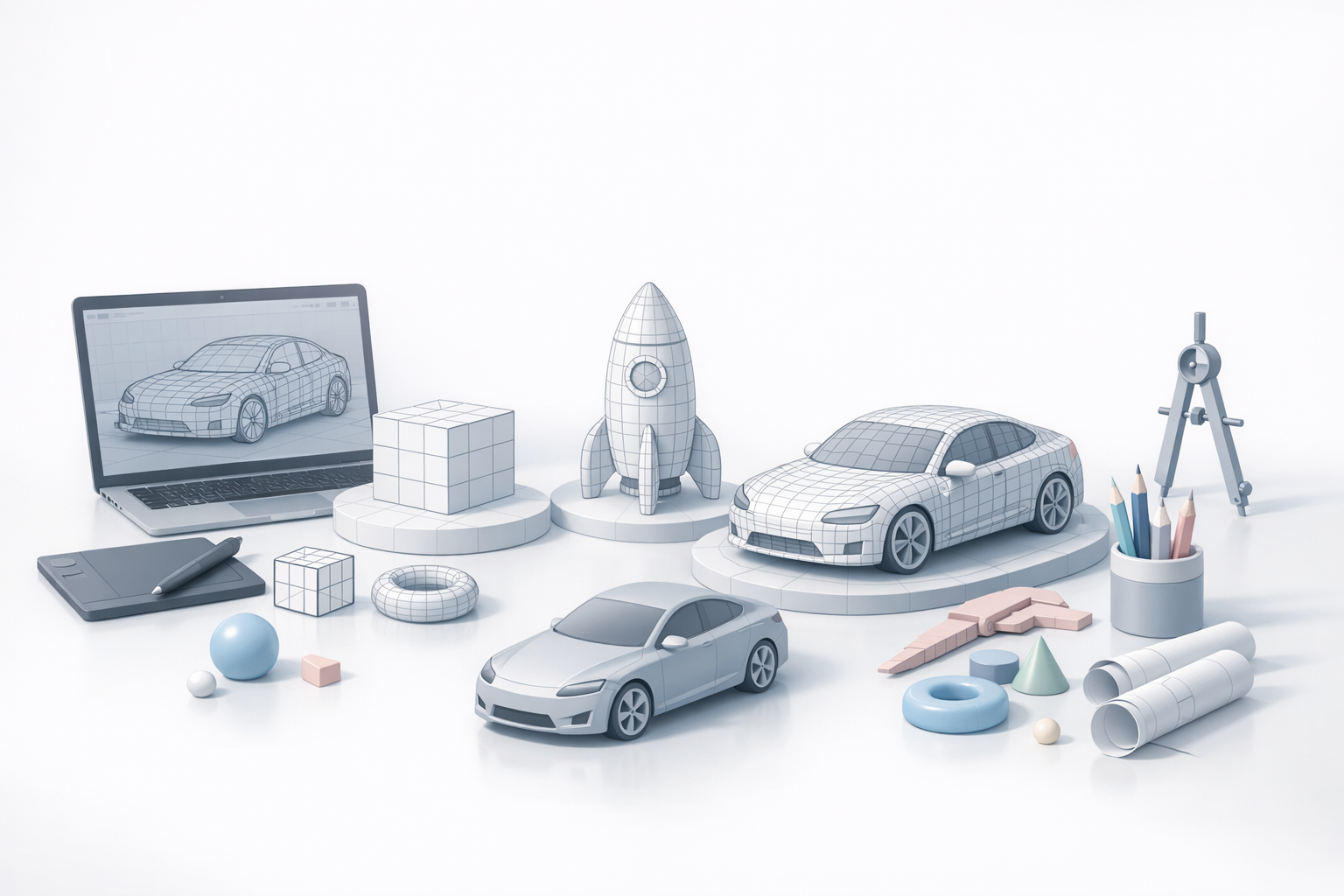
Wireframe modeling is the process of building 3D objects using only their edges and vertices, creating a "skeleton" that outlines the structure. I use wireframes to visualize and edit the underlying geometry before committing to details like textures or lighting. This approach is foundational for everything from rapid prototyping to final production assets.
Wireframes are not just for visualization—they’re crucial for checking proportions, planning topology, and ensuring models deform correctly during animation. In my workflow, a solid wireframe is the difference between quick iterations and time-consuming fixes later.
Key concepts and terminology
- Vertex: A point in 3D space.
- Edge: A straight line connecting two vertices.
- Face/Polygon: A surface defined by three or more edges (not visible in wireframe mode).
- Topology: The arrangement and flow of edges and faces across a model.
- Retopology: The process of refining or rebuilding a mesh for better structure and animation.
Understanding these basics is critical. I always double-check edge flow and vertex placement to avoid issues in later stages like rigging or sculpting.
My Workflow: Creating Wireframe Models
Step-by-step process I follow
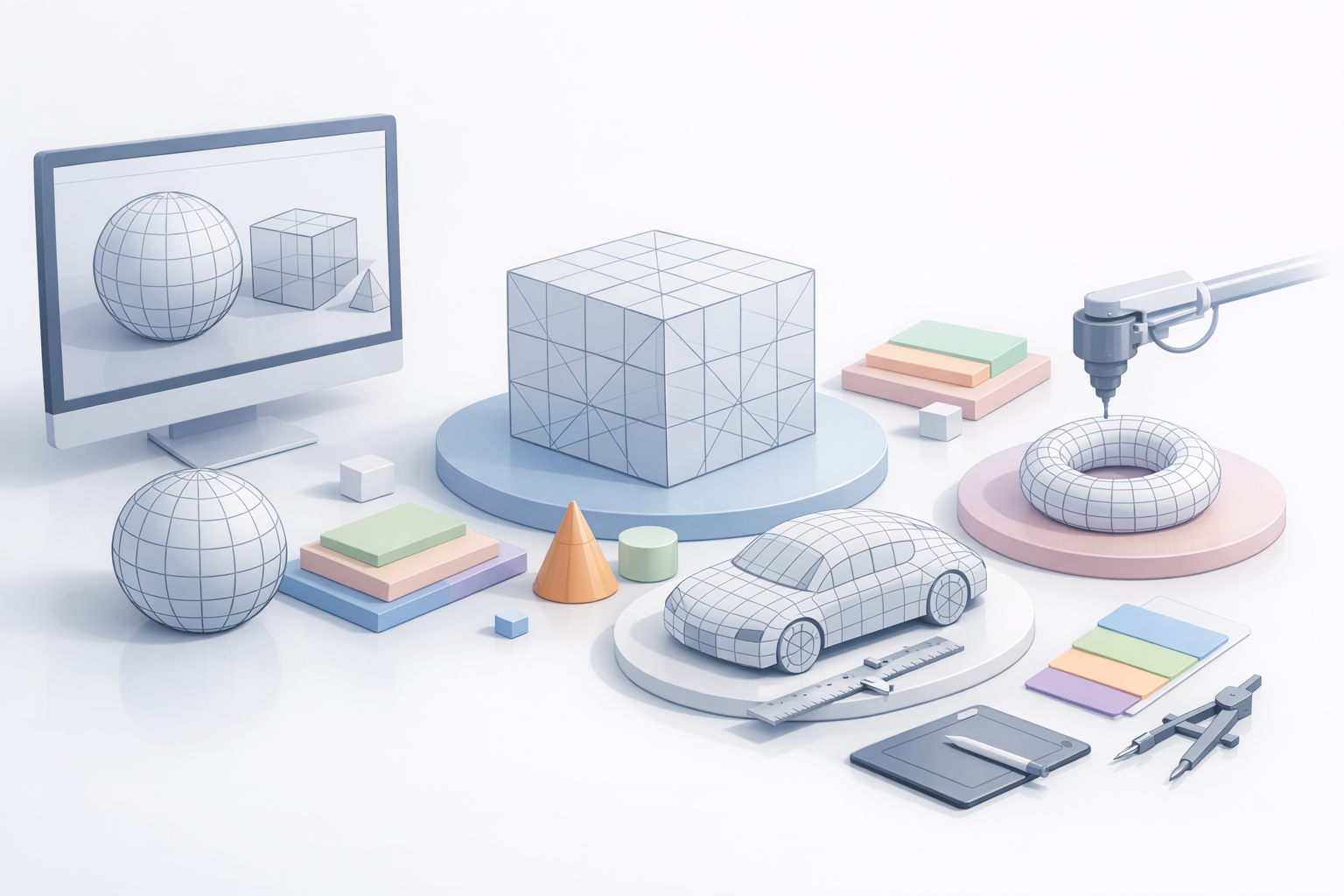
Here’s how I typically approach wireframe modeling:
- Reference Gathering: I start with sketches, reference images, or concept art.
- Base Mesh Creation: Using Tripo AI or manual tools, I block out the main forms with simple geometry.
- Edge Placement: I focus on placing edges where detail or deformation is needed, keeping the mesh as light as possible.
- Topology Cleanup: I use built-in retopology tools to optimize edge flow.
- Iteration: I frequently check the model in wireframe mode, adjusting as needed before moving to texturing.
Checklist for each stage:
- Are the main forms and proportions correct?
- Is the edge flow logical for future animation?
- Have I avoided unnecessary geometry?
Tools and software I use
I rely on a mix of manual and AI-assisted tools. Tripo AI streamlines base mesh generation and retopology, letting me focus on creative adjustments rather than repetitive tasks. For hands-on control, I use standard 3D modeling software with robust wireframe and selection features.
Practical tip: I often export quick wireframes from Tripo AI, tweak them in my main 3D package, and then re-import for further processing or texturing.
Best Practices for Efficient Wireframe Modeling
Tips for clean topology and organization
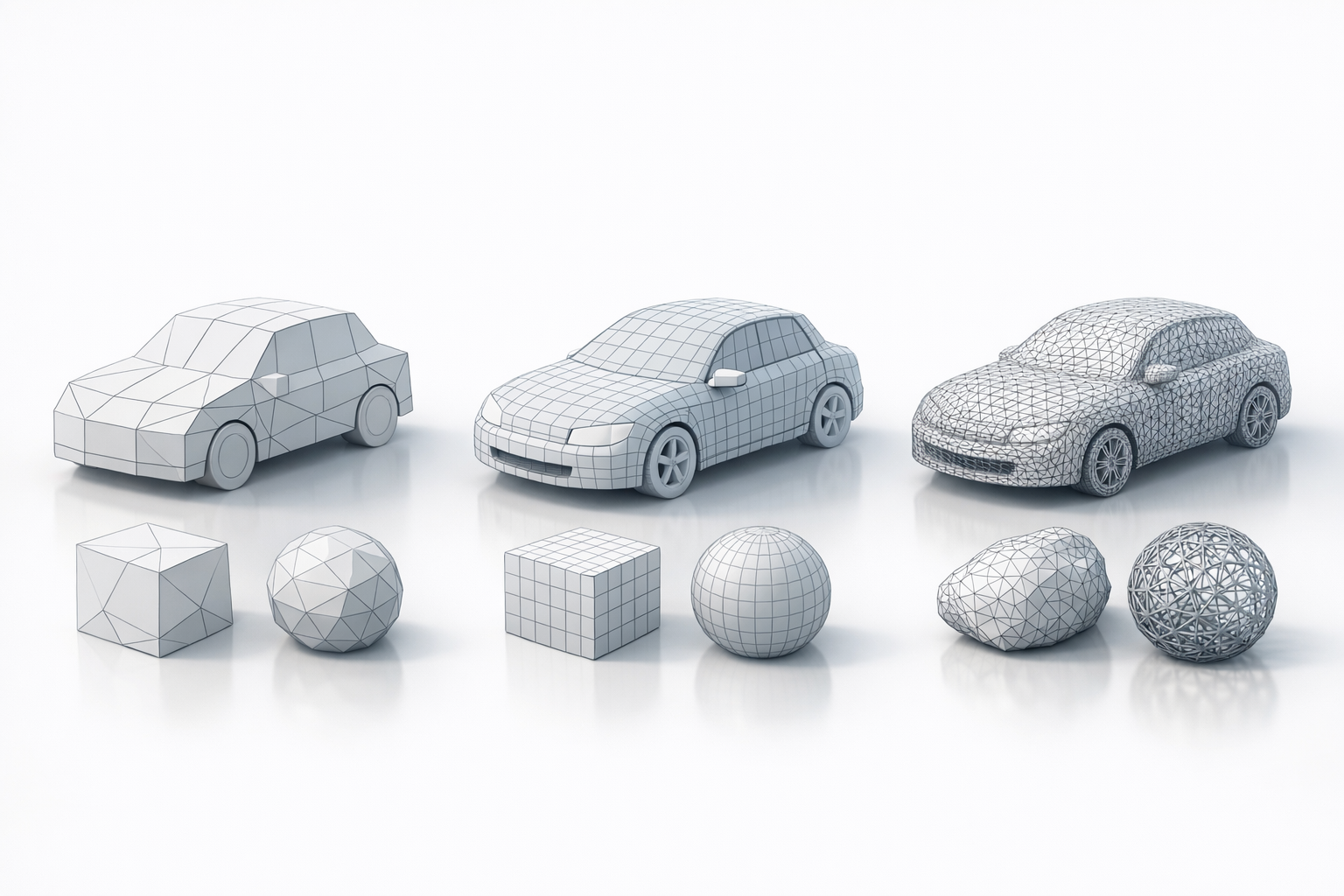
- Keep it simple: Start with as few edges as possible, adding detail only where needed.
- Consistent edge loops: Maintain even, circular edge loops around joints or areas that will deform.
- Label and group: Name layers and groups logically for easy navigation.
Mini-checklist:
- Are all faces quads (four-sided) for better subdivision?
- Have I minimized triangles and n-gons?
- Is the model easy to select and edit?
Avoiding common mistakes
- Over-modeling: Don’t add unnecessary edges or detail early on.
- Ignoring reference: Always check your wireframe against reference images for proportion accuracy.
- Neglecting topology: Poor edge flow can ruin animation and shading—fix it early.
What I’ve found: Fixing topology at the wireframe stage is far faster than after texturing or rigging.
Comparing Wireframe Modeling Techniques
Manual vs AI-assisted workflows
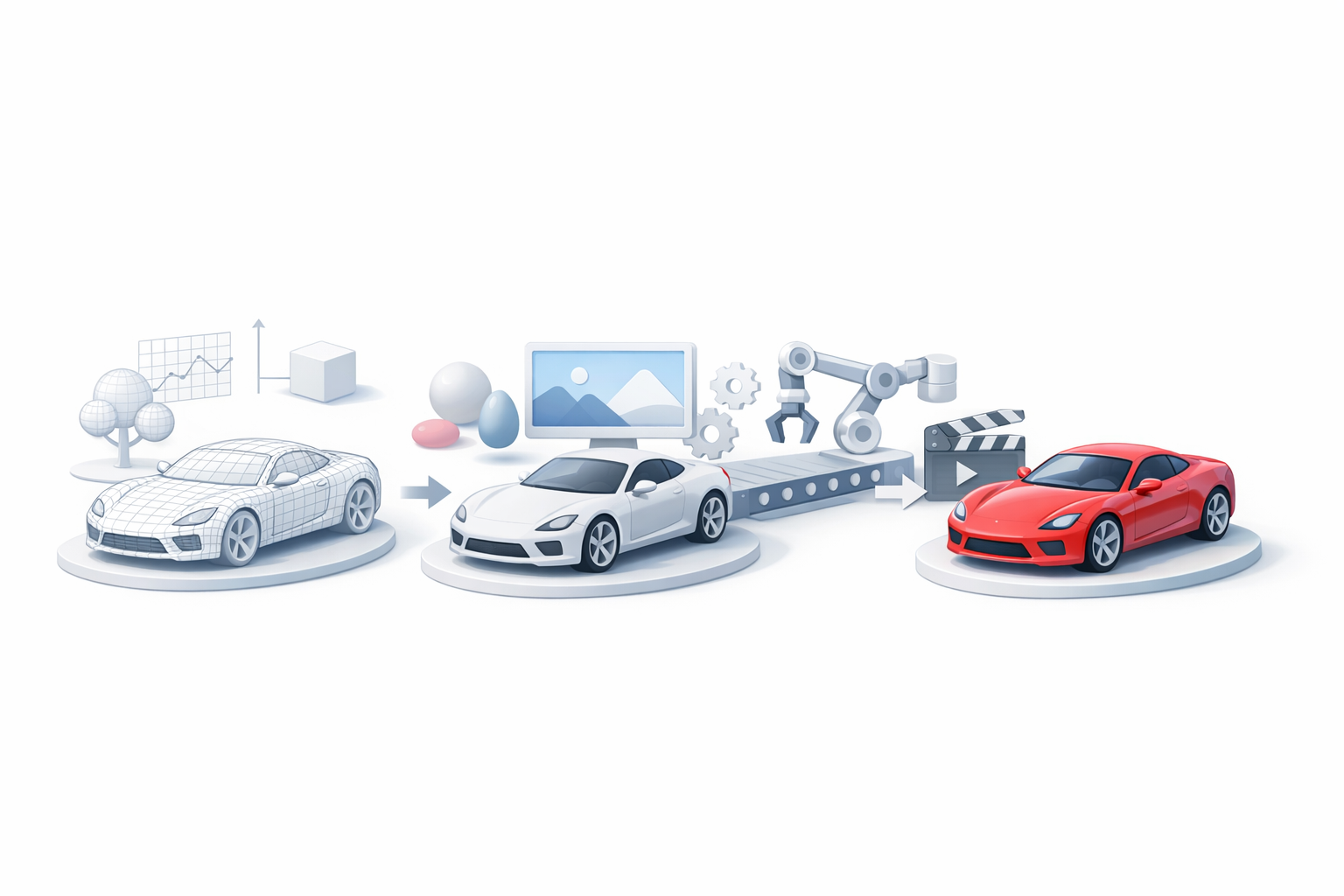
Manual modeling offers full control and is ideal for unique, stylized assets or when topology is critical. AI-assisted workflows, like those in Tripo AI, speed up repetitive or technical tasks, such as retopology or base mesh generation.
When I choose manual:
- Custom topology for animation
- Highly stylized or organic forms
When I use AI tools:
- Fast prototyping
- Cleaning up scanned or imported meshes
When to use wireframe modeling over other methods
Wireframe modeling excels when you need:
- Precise control over geometry and topology
- Models that will be animated or subdivided
- Clean assets for game engines or real-time applications
For sculpting or voxel-based workflows, I usually switch after establishing a solid wireframe foundation.
Integrating Wireframe Models into Production Pipelines
Preparing wireframes for texturing and animation
Before moving on, I always:
- Freeze transformations and reset pivots
- Ensure UV seams align with edge loops
- Check for non-manifold geometry
Tip: Exporting a clean wireframe from Tripo AI minimizes rework when texturing or rigging.
Optimizing for game, film, and XR projects
- For games: Keep polycount low, optimize for real-time performance.
- For film: Prioritize smooth edge flow and subdivision readiness.
- For XR: Balance detail with performance—test on target hardware early.
Pitfalls to avoid:
- Unoptimized wireframes can cause performance bottlenecks.
- Ignoring platform constraints can lead to rework late in production.
By refining your wireframe modeling techniques and leveraging the right tools, you’ll create assets that are not just visually appealing, but also production-ready and easy to integrate into any pipeline.
