How to Create a 3D VTuber Model: Workflow, Tools, and Tips
Creating a 3D VTuber model is more accessible than ever, thanks to streamlined workflows and new AI-powered tools. In this guide, I’ll share the practical steps and decisions I use to go from concept to a production-ready VTuber avatar, covering everything from design planning to export settings. Whether you’re a digital artist, aspiring streamer, or game developer, you’ll find actionable advice to avoid common pitfalls and speed up your process. My focus is on efficiency, quality, and making the technical side as painless as possible.
Key takeaways
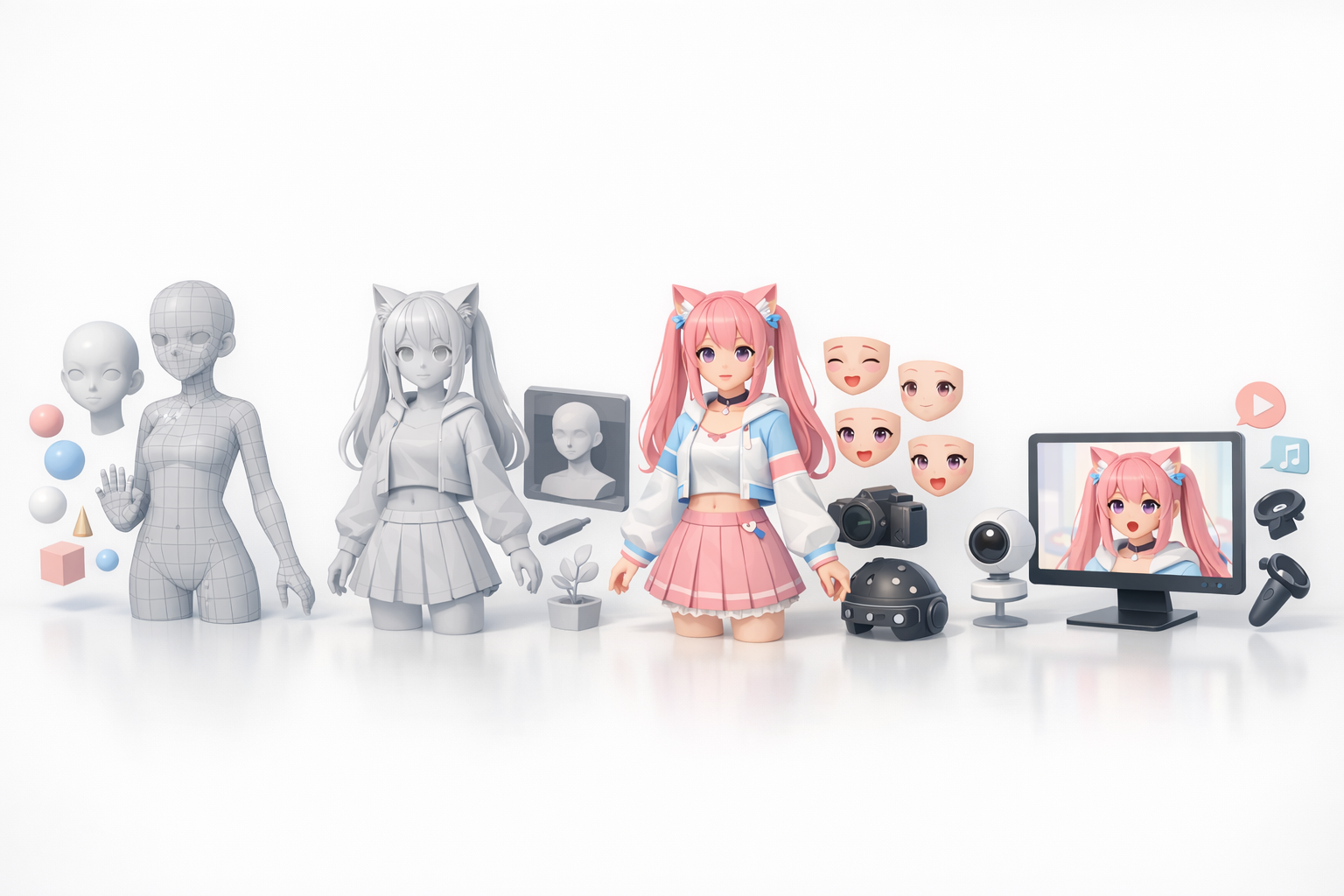
- Define your VTuber’s personality and style early to guide every decision.
- Use AI-powered tools like Tripo to generate base models rapidly, then refine as needed.
- Prioritize clean topology and lightweight textures for real-time performance.
- Always test exports in your target VTubing platform before going live.
- Keep a checklist for common pitfalls—especially rigging and face tracking issues.
- Iterative feedback and references are crucial for a polished, expressive avatar.
Understanding 3D VTuber Models
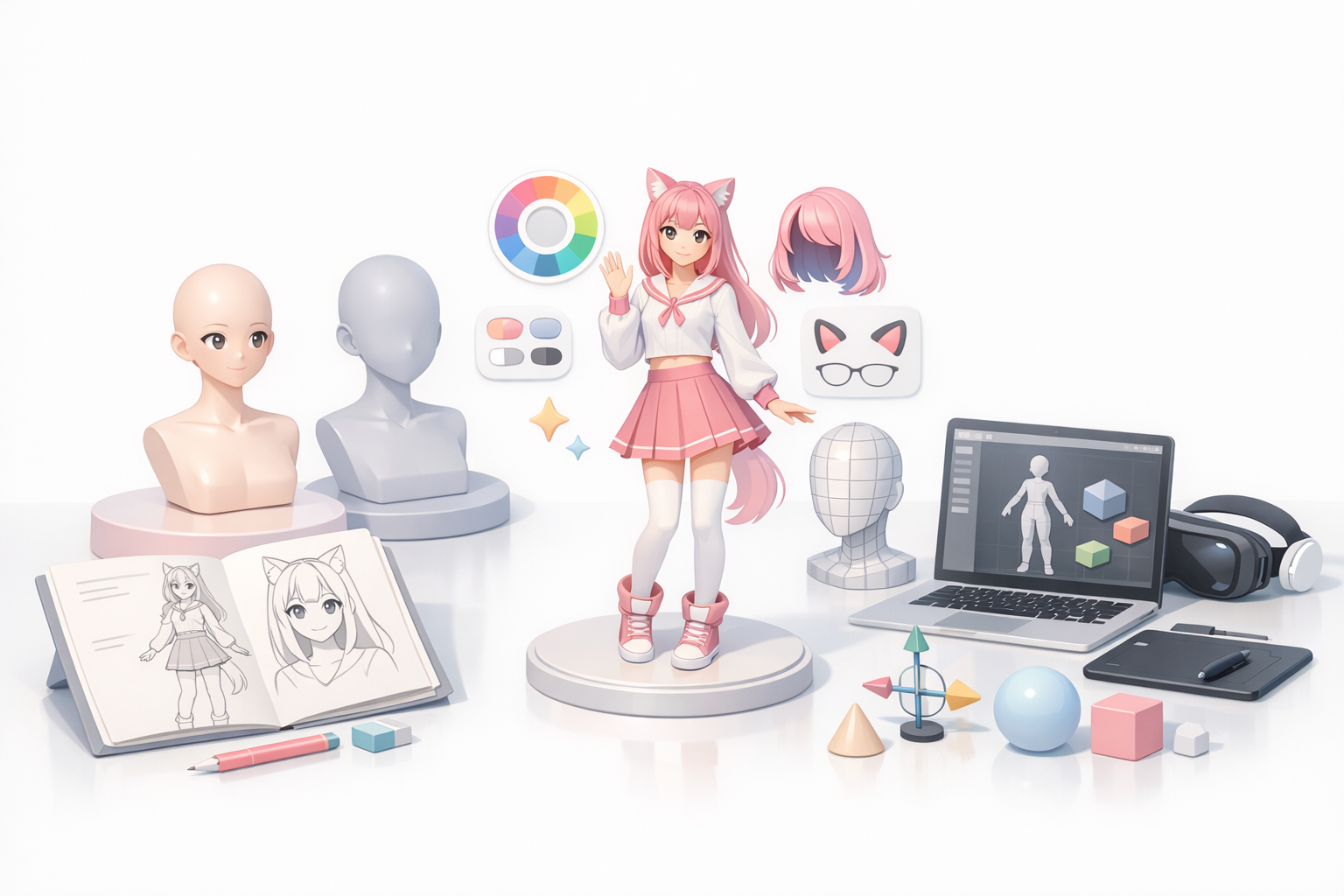
What Makes a VTuber Model Unique
VTuber models are designed for real-time interaction, not just static visuals. The key differences in my workflow compared to standard 3D characters are:
- Expressive facial rigging: VTubers need robust blendshapes or bones for mouth, eyes, and brows.
- Optimized for streaming: Models must run smoothly in real-time, often within game engines or specialized VTuber software.
- Personalization: Each VTuber’s avatar is a core part of their brand, so customization is paramount.
Popular Use Cases and Platforms
Most 3D VTubers stream on platforms like YouTube, Twitch, or use their avatars in XR experiences. The most common use cases I encounter:
- Live streaming: Using face and body tracking to animate the avatar in real-time.
- Content creation: Pre-recorded videos, social media clips, or promotional material.
- Virtual events: Participating in online meetups, concerts, or interactive games.
Planning Your VTuber Avatar
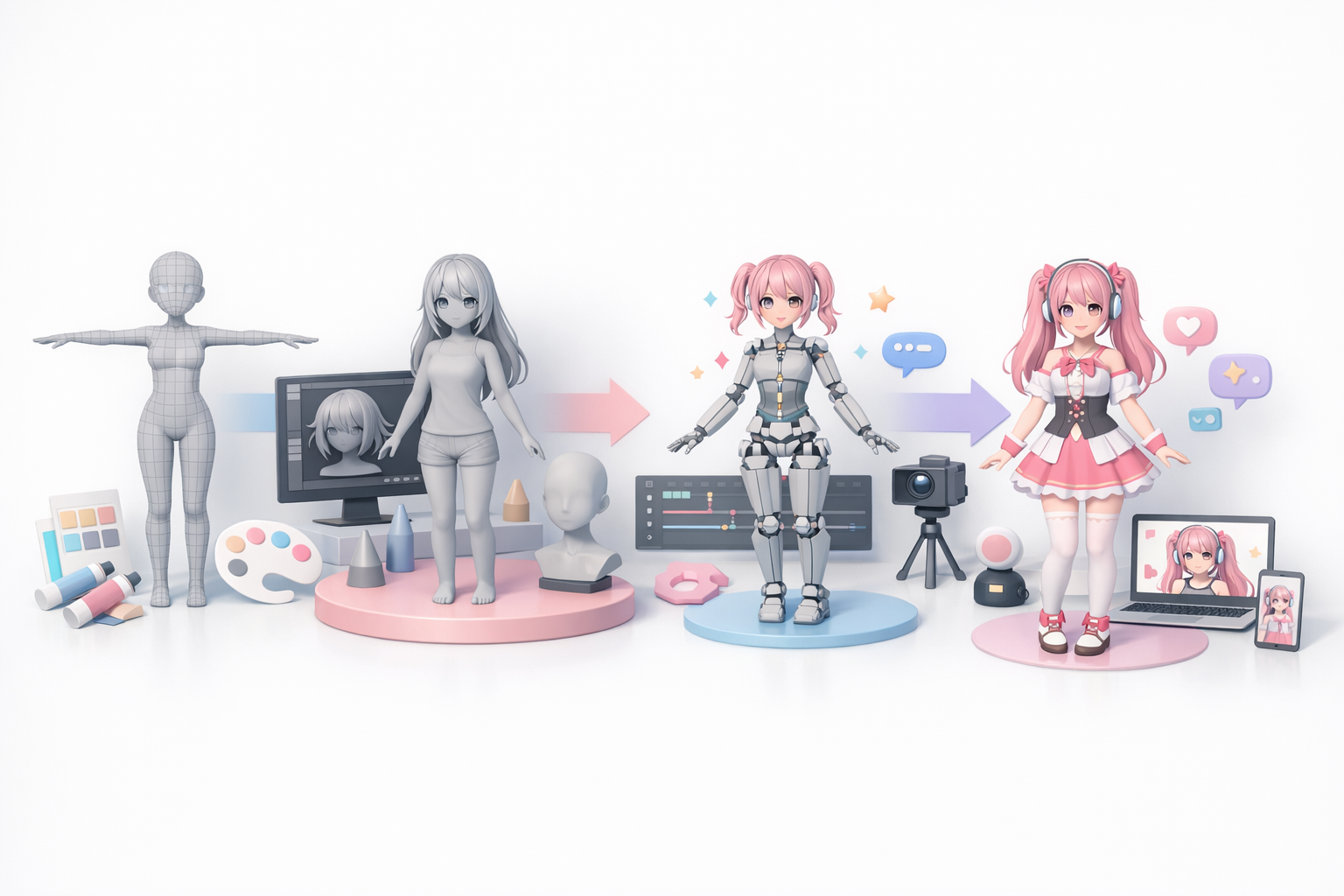
Defining Style and Personality
Before touching any 3D tools, I always clarify:
- Personality traits: Is the avatar energetic, mysterious, or comedic?
- Visual style: Anime-inspired, semi-realistic, or stylized? This impacts topology, texturing, and rigging complexity.
- Signature features: Unique hairstyles, accessories, or color palettes help the avatar stand out.
Tip: Write a short character bio and collect adjectives to guide every design choice.
Gathering References and Sketches
A strong reference folder speeds up the entire process. My checklist:
- Mood boards: Collect images for clothing, hair, facial expressions, and poses.
- Turnarounds: At minimum, front and side sketches; ideally, a full turnaround sheet.
- Expression sheets: Draw or find references for key emotions.
This prep work makes 3D modeling and rigging much smoother, especially if you’re collaborating or using AI input.
Step-by-Step 3D Model Creation Workflow
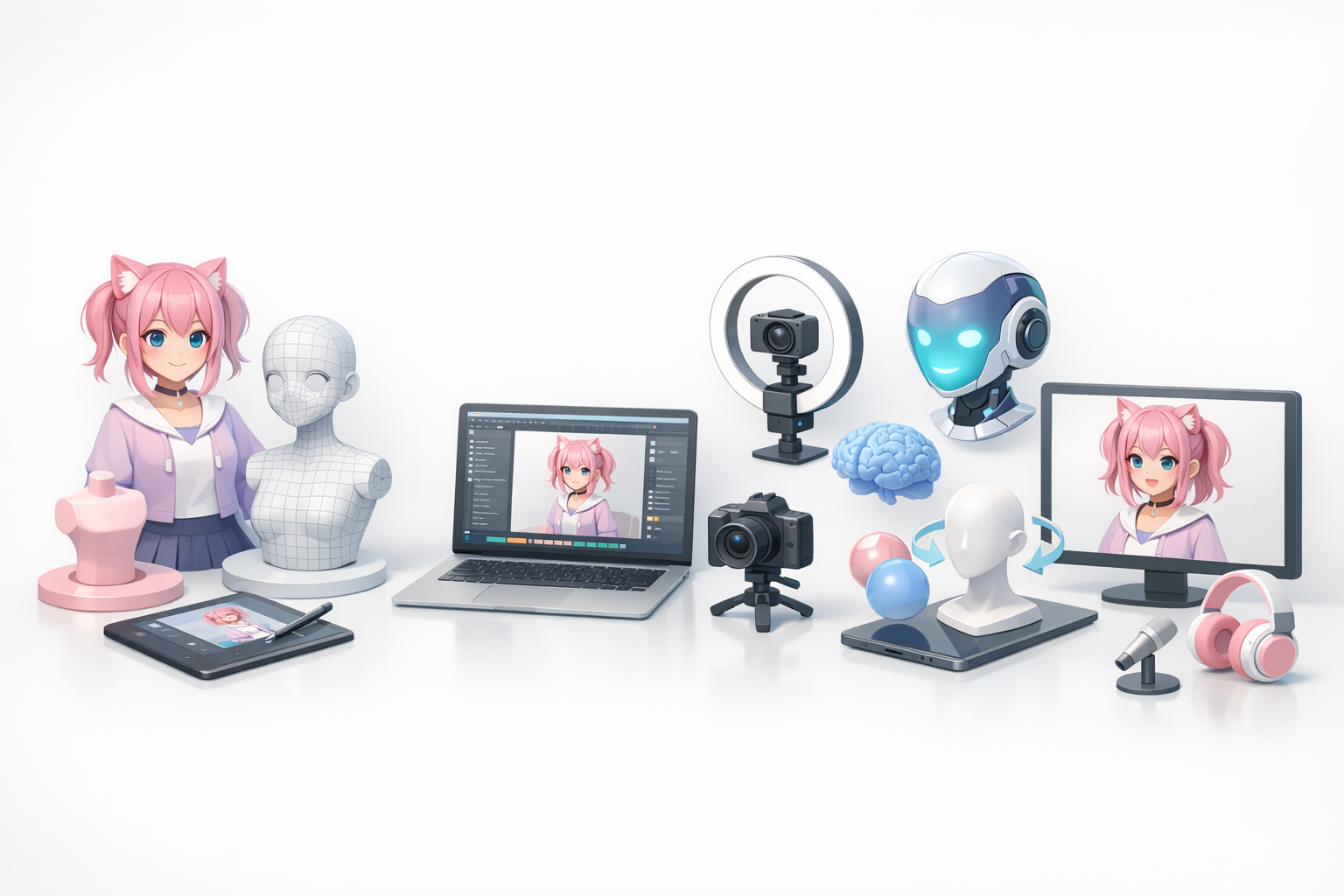
From Concept to Base Mesh
Here’s how I move from idea to a workable 3D base:
- Block out the base mesh: I use AI-powered generators like Tripo for quick drafts, then adjust proportions in my 3D software.
- Refine topology: Clean up loops around the face and joints for smooth deformations.
- Add key details: Sculpt or model hair, clothing, and accessories.
Checklist:
- Symmetry is your friend early on—break it only after the main forms are set.
- Keep polycount manageable for real-time use (usually under 50k tris for the whole model).
Texturing, Rigging, and Animation
Once the mesh is solid, I move on to:
- Texturing: I bake ambient occlusion and use hand-painted or procedural textures. Tripo can generate base textures, but I often tweak them in my painting tool.
- Rigging: Build a skeleton, focusing on the face (jaw, brows, eyelids) and hands.
- Facial blendshapes: Essential for lip-sync and expressions.
- Test animations: Simple idle and talking loops to check deformations.
Tip: Always test rigging with exaggerated poses and expressions to catch issues early.
Best Tools and AI Solutions for VTuber Models
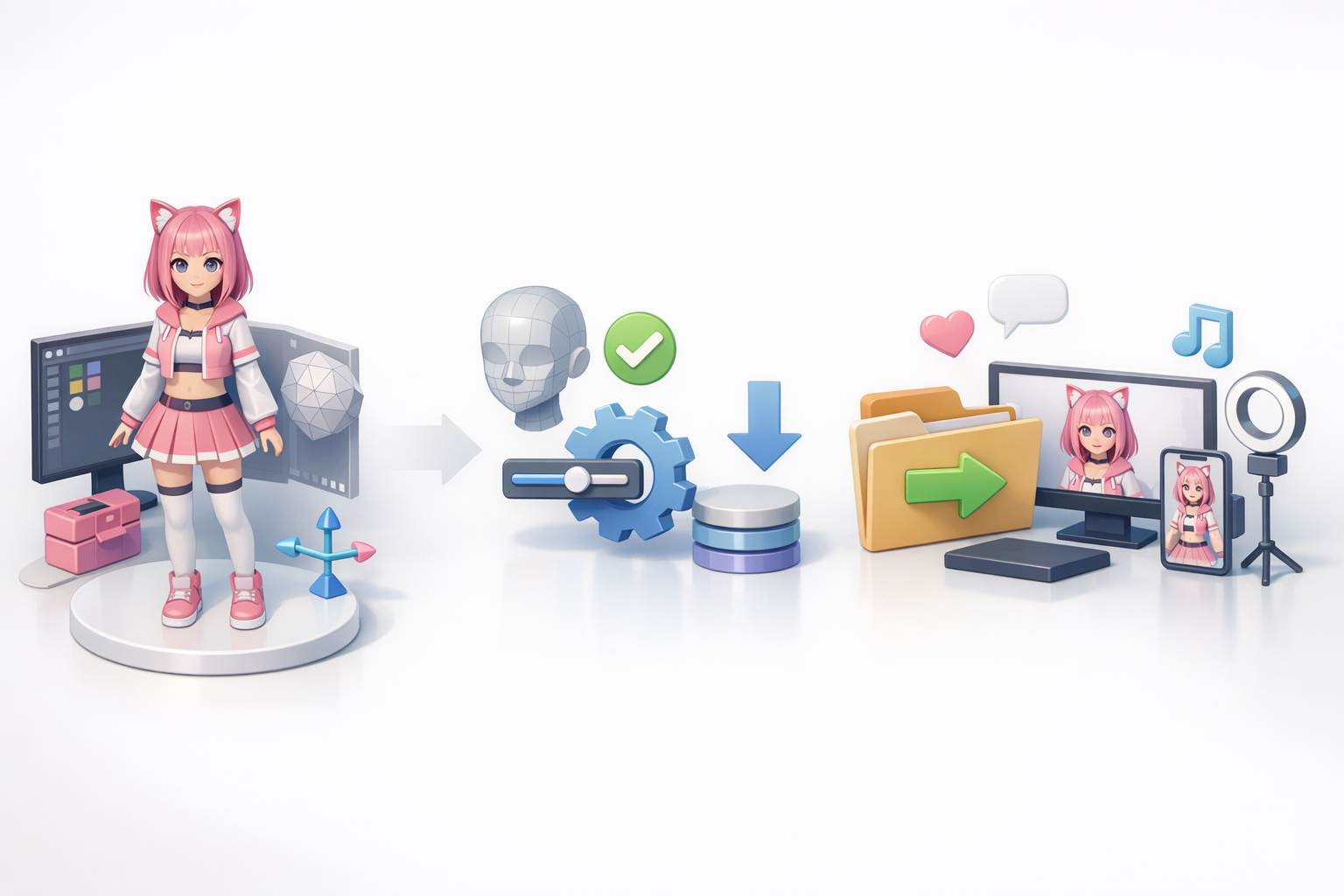
Using Tripo AI for Fast 3D Model Generation
In my workflow, Tripo is a go-to for:
- Rapid prototyping: I input sketches or text prompts to get a base mesh in seconds.
- Automatic retopology and texturing: Saves hours compared to manual cleanup.
- Segmentation: Useful for separating clothing, hair, and accessories for later tweaks.
I often use Tripo for the initial model, then refine details and rigging in my preferred 3D suite.
Alternative Methods and Manual Techniques
When I need more control or unique stylization, I’ll:
- Model from scratch: Using Blender or similar, especially for custom topology or non-standard proportions.
- Manual retopology: For complex outfits or props, hand-retopology ensures clean deformations.
- Texture painting: Sometimes hand-painting is the only way to get the right look.
Tip: Combine AI-generated bases with manual passes for the best of both speed and quality.
Optimization and Export for VTubing Platforms
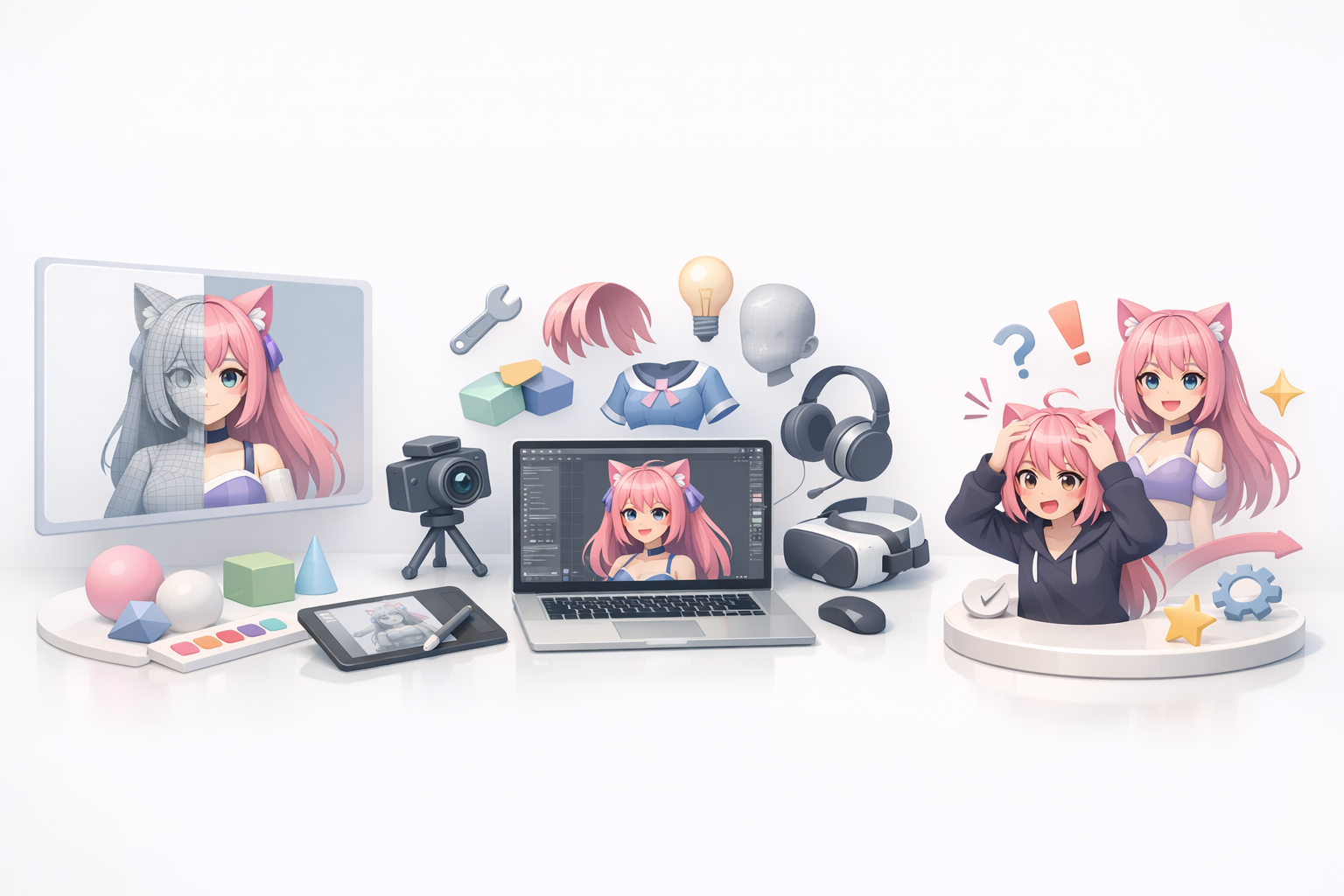
Retopology and Performance Tips
Performance is critical. My optimization checklist:
- Retopology: Ensure even quads, especially on the face and joints.
- Texture atlasing: Combine textures into a single atlas to reduce draw calls.
- LOD models: If your platform supports it, create lower-poly versions for fallback.
Pitfall: Overly dense meshes or 4K textures can tank real-time performance—always test in-engine.
Export Settings for Streaming Software
Each VTubing platform has its quirks, but my general export steps:
- Format: FBX or VRM are the most widely supported.
- Scale: Match the target platform’s unit system (often meters).
- Bone naming: Follow the platform’s conventions for face and body bones.
- Blendshapes: Name them clearly for easy mapping in face tracking software.
Tip: Test the model in the streaming software with your webcam/motion input before finalizing.
What I’ve Learned: Common Pitfalls and Pro Tips
Mistakes to Avoid in VTuber Model Creation
- Ignoring reference material: Leads to inconsistent design and wasted time.
- Skipping topology cleanup: Causes rigging and animation headaches later.
- Overcomplicating textures: Large files slow down real-time performance.
- Neglecting facial rigging: Limits expressiveness, which is vital for VTubers.
My Favorite Shortcuts and Workflow Enhancements
- Leverage AI tools for repetitive tasks: Let Tripo handle base mesh and retopology, then focus on creative tweaks.
- Save template rigs: Reuse skeletons and blendshape setups to speed up new projects.
- Iterate in small steps: Test each stage (model, rig, texture) in-engine before moving on.
- Automate exports: Use scripts or presets for consistent, error-free exports.
Creating a 3D VTuber model is a blend of creativity and technical know-how. By planning carefully, leveraging the right tools, and learning from common mistakes, you can get expressive, performant avatars ready for any platform.
