3D Modeling for Games: Expert Workflows and Best Practices
As a 3D professional working in games, I know the importance of balancing visual quality with real-time performance. My workflow has evolved to prioritize speed, accuracy, and game-engine compatibility—especially as AI-powered tools like Tripo have streamlined many steps. This article is for artists, designers, and developers looking to optimize their 3D pipelines, avoid common pitfalls, and leverage both manual and AI-assisted methods for game-ready models.
Key takeaways:
- Game-ready models require careful optimization for real-time engines.
- AI tools can accelerate concepting, segmentation, and retopology.
- Efficient workflows combine manual skill with smart automation.
- UV mapping and texture management are critical for performance.
- Rigging and animation must be tailored for interactive use.
- Avoid common mistakes by following proven best practices.
Understanding Game-Ready 3D Models
What Makes a Model Game-Ready
Game-ready models are optimized for real-time rendering. In my experience, this means:
- Low to moderate poly count: Enough detail, but not excessive.
- Clean topology: No stray vertices or n-gons; quads preferred.
- Efficient UV layout: Minimal seams, maximized texture space.
- Consistent scale and pivot: Ensures proper placement and animation.
Checklist:
- Model under target poly budget.
- All faces are visible (no hidden geometry).
- Normals are facing outward.
- UVs packed, no overlaps (unless intentional).
Common Requirements Across Game Engines
Most engines (Unity, Unreal, etc.) demand:
- FBX or OBJ formats: Widely supported.
- PBR-compatible materials: Albedo, normal, roughness, metallic.
- Rigging for animation: Skeletons, skin weights.
- Collision meshes: Simple shapes for physics.
I always double-check export settings and test models in-engine before final delivery.
My Step-by-Step 3D Modeling Workflow
Concepting and Reference Gathering
I start every project with clear references:
- Mood boards: Visual style, color, material cues.
- Sketches or text prompts: For AI platforms like Tripo, descriptive text or rough sketches work well.
- Real-world photos: Useful for proportions and details.
Tips:
- Gather at least 5–10 reference images.
- Define silhouette and key features early.
- Use AI to quickly generate base concepts if time is tight.
Blocking Out and Sculpting
Blocking is where I establish form:
- Simple shapes: Cubes, spheres, cylinders.
- Proportions first: Details later.
- Sculpting: Add anatomy, folds, or surface variation.
When using Tripo, I input a sketch or description and refine the generated base mesh. For manual work, I use standard modeling tools and keep the mesh light.
Optimizing Models for Real-Time Performance
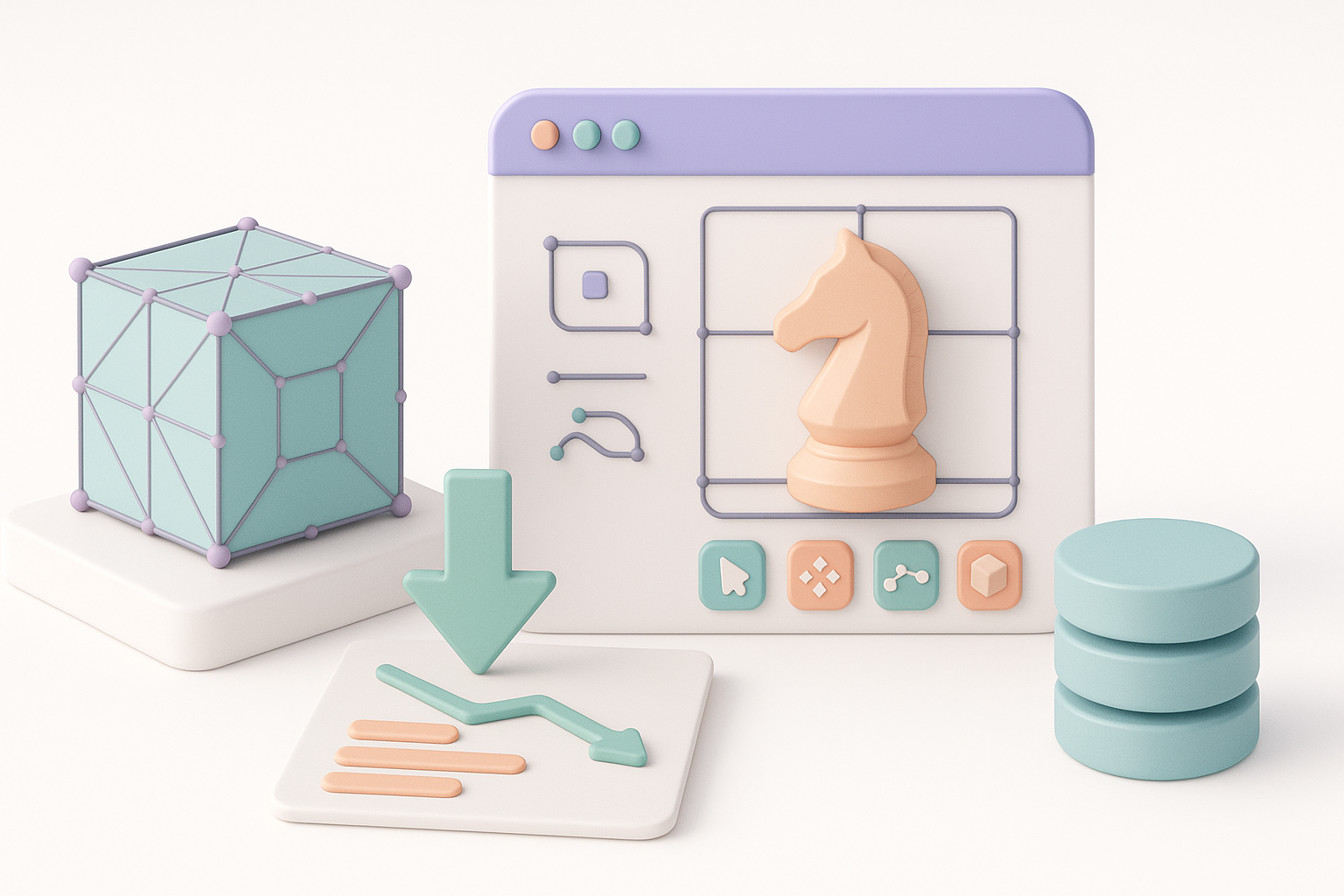
Retopology and Polygon Management
Retopology is crucial:
- Manual retopo: Clean edge loops, minimize triangles.
- AI retopo tools: Fast, but I always review output for errors.
Best practices:
- Keep poly density where needed (face, hands, joints).
- Merge redundant geometry.
- Check for stray vertices or non-manifold edges.
UV Mapping and Texture Efficiency
UVs affect both quality and performance:
- Unwrap efficiently: Avoid stretching, maximize space.
- Pack UVs: Use as much texture area as possible.
- Texture size: Balance resolution vs. memory.
I often use Tripo’s built-in UV tools for quick layouts, then tweak manually for complex assets.
Texturing, Rigging, and Animation Essentials
Texturing Techniques for Games
Game textures need to be crisp and optimized:
- PBR workflow: Albedo, normal, roughness, metallic maps.
- Bake details: High-poly to low-poly for normals.
- Texture atlases: Combine textures for batching.
I use both AI-generated textures and manual painting, depending on asset complexity.
Rigging and Animating for Interactivity
Rigging for games is different from film:
- Simple skeletons: Fewer bones = faster performance.
- Clean skin weights: No unwanted deformations.
- Animation loops: Walk, run, idle, etc.
I often use Tripo’s auto-rigging for quick prototypes, then refine weights and controllers manually.
Choosing the Right Tools and AI Solutions
When I Use AI-Powered Platforms
AI tools are best for:
- Rapid prototyping: Generating base meshes or concepts.
- Automated segmentation and retopo: Saves hours.
- Texture generation: Fast, but always check for artifacts.
I rely on AI when deadlines are tight or when I need to iterate quickly.
Integrating with Traditional 3D Software
AI outputs often need refinement:
- Import into standard software: Blender, Maya, etc.
- Manual tweaks: Fix topology, adjust UVs, polish textures.
- Export for engine: Final checks on scale and materials.
My workflow blends AI speed with manual precision for the best results.
Best Practices and Lessons Learned
Common Pitfalls and How I Avoid Them
Some mistakes I see often:
- Overly dense meshes: Slows down games.
- Bad UVs: Texture artifacts and wasted space.
- Unoptimized textures: Poor performance.
How I avoid them:
- Set poly budgets early.
- Check UVs visually and with test textures.
- Compress textures and use proper formats.
Tips for Faster, Higher-Quality Results
- Use AI for rough work, manual for polish.
- Automate repetitive tasks (retopo, UVs).
- Test assets in-engine early and often.
- Keep reference and feedback loops tight.
Comparing Workflows: Manual vs. AI-Assisted
Speed and Quality Trade-Offs
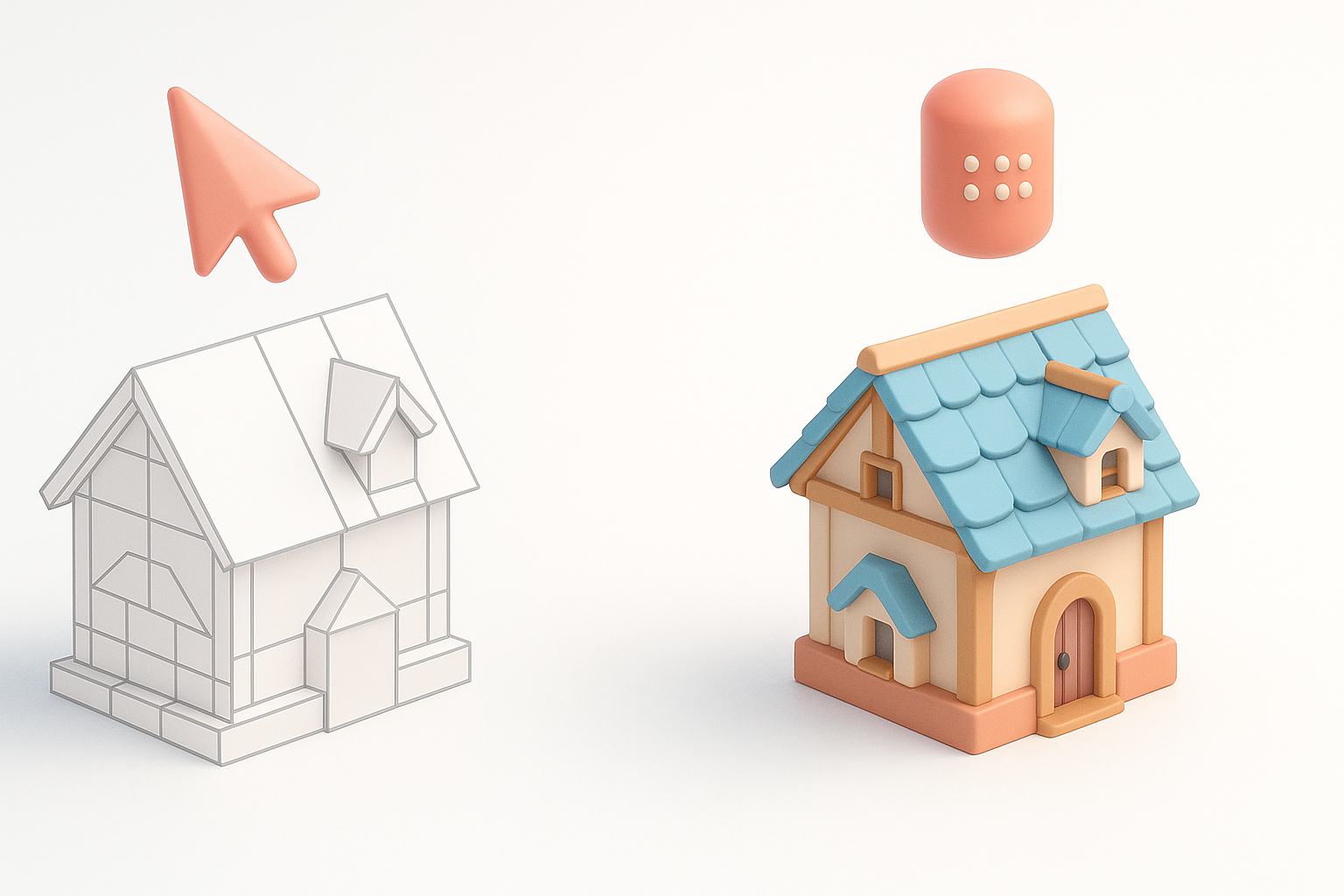
- Manual modeling: Highest control, slower.
- AI-assisted: Much faster, sometimes needs cleanup.
I’ve found AI is best for ideation and base mesh creation, while manual work is essential for hero assets and final polish.
Where AI Makes the Biggest Impact
- Concepting and blocking: Saves hours.
- Retopology and segmentation: Automates tedious steps.
- Texture generation: Fast, but needs manual refinement.
For game production, combining AI and traditional methods yields the best mix of speed and quality.
Conclusion:
Game-ready 3D modeling is a blend of technical optimization and creative artistry. By combining manual skill with AI tools like Tripo, I streamline my workflow, avoid common pitfalls, and deliver assets that look great and perform well in-game.


