Effective Drawing References for 3D Modeling Workflows
As a 3D artist, I’ve learned that strong drawing references are the backbone of accurate and creative modeling. Whether I’m sculpting characters for games or prototyping assets for XR, the right reference can make or break a project. In this guide, I’ll share my strategies for sourcing, organizing, and integrating drawing references into 3D workflows—plus how AI-powered tools like Tripo can accelerate the process. This article is for artists, designers, and developers who want to streamline their modeling pipeline and achieve more consistent, production-ready results.
Key takeaways
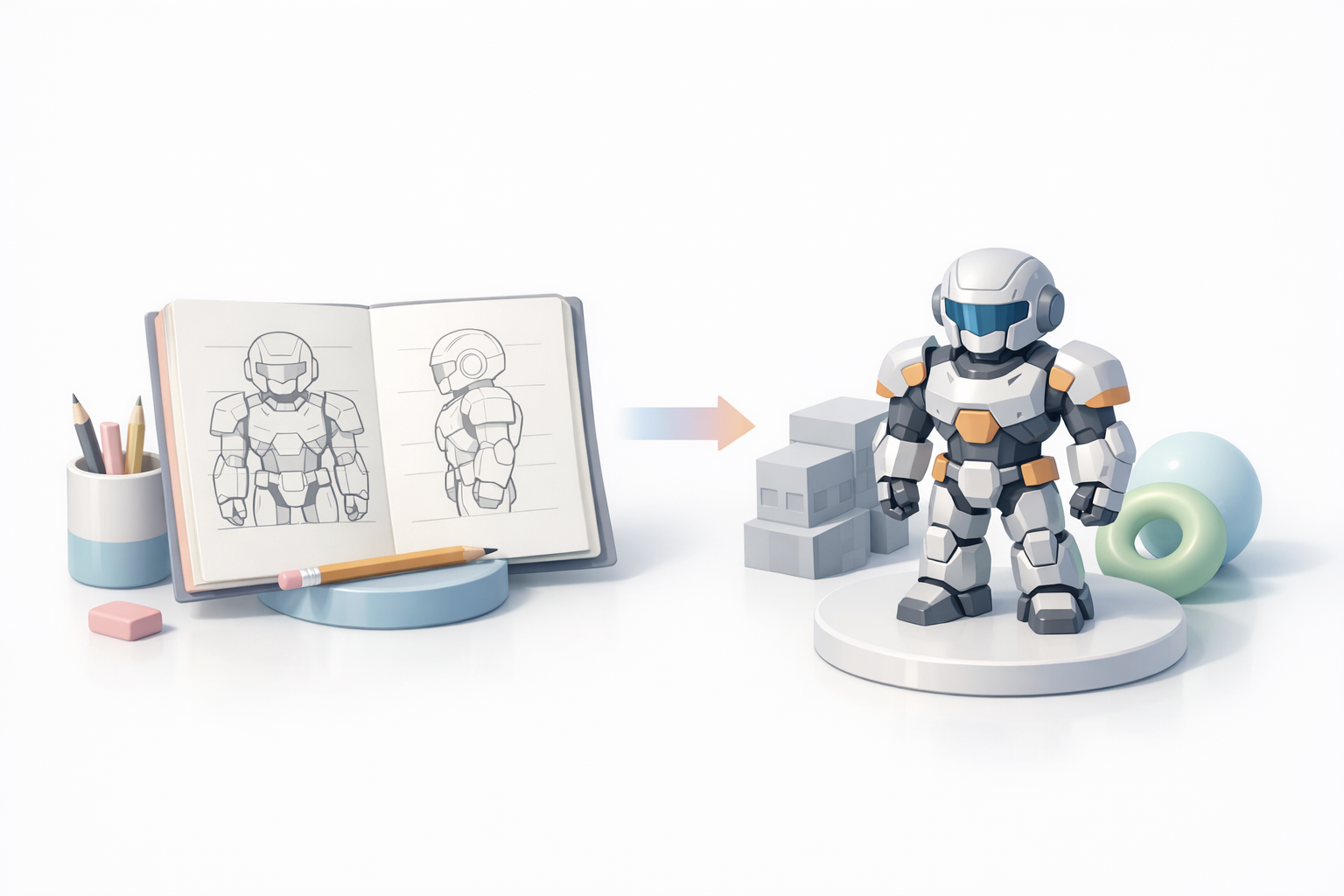
- High-quality references improve both the accuracy and creativity of 3D models.
- Organizing and preparing references saves time and reduces errors.
- AI-assisted tools can automate segmentation and conversion, but manual review remains essential.
- The best reference type depends on your project’s style, complexity, and goals.
- Integrating references directly into your modeling software speeds up iteration and quality checks.
Why Drawing References Matter in 3D Modeling

How references improve accuracy and creativity
From my experience, modeling without references is like navigating without a map—possible, but slow and error-prone. Good references anchor proportions, details, and materials, ensuring that the 3D model matches the intended vision. They also spark creative solutions when facing ambiguous shapes or perspectives. I’ve found that even a rough sketch can clarify complex forms or inspire new design directions.
Practical tip:
Always keep your references visible while modeling. Most 3D software allows image planes or side-by-side views.
Personal experiences with reference-driven workflows
I’ve had projects where a single overlooked detail in the reference led to hours of rework. Conversely, well-curated references have helped me deliver assets faster and with fewer revisions. Reference-driven workflows also make it easier to collaborate—everyone’s on the same page visually, reducing miscommunication.
Pitfall:
Don’t rely solely on memory or imagination, especially for technical or realistic models. Reference gaps often lead to inconsistencies.
Types of Drawing References for 3D Artists
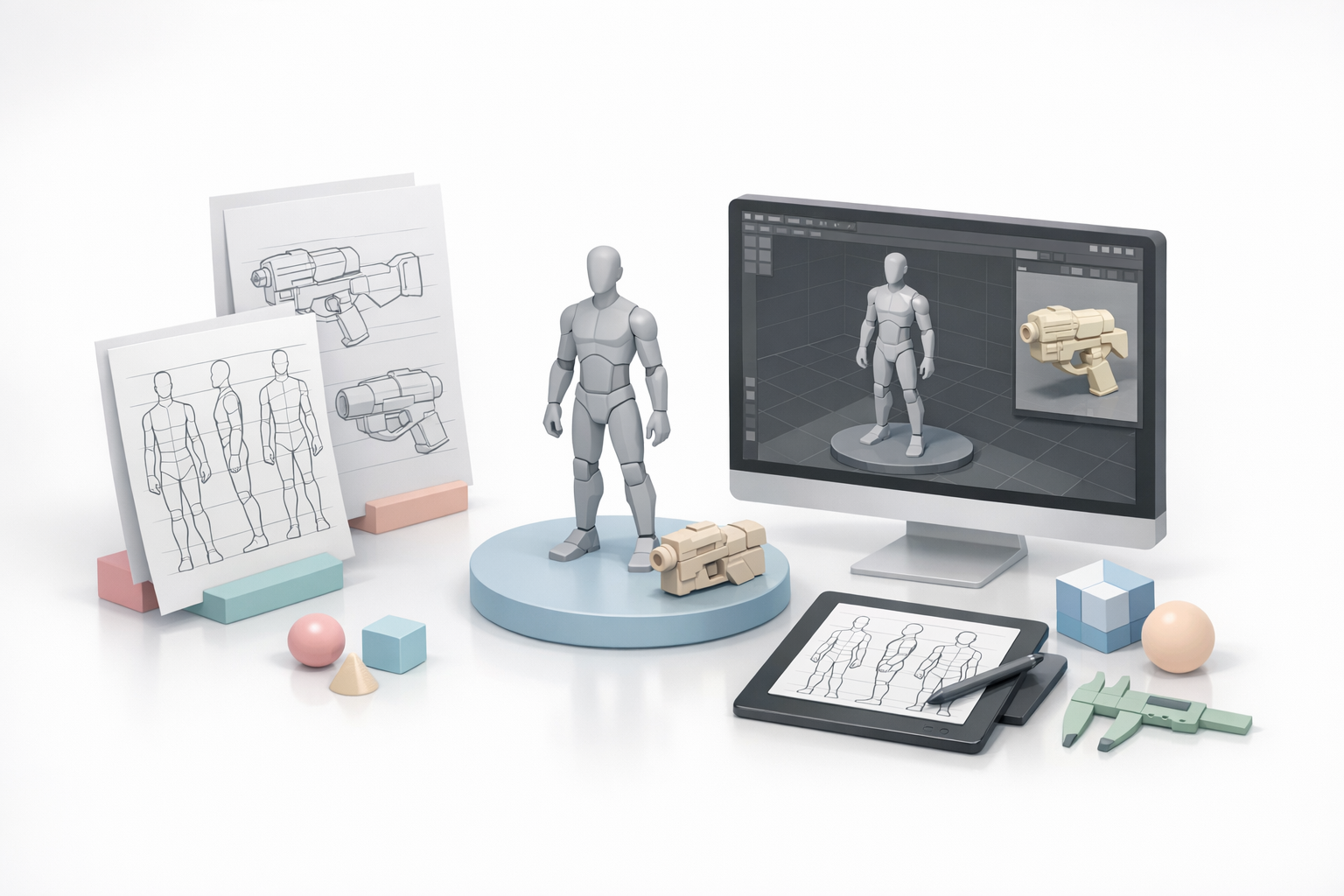
Photo, sketch, and concept art sources
In my workflow, I use a mix of reference types:
- Photos: Real-world accuracy for anatomy, materials, or objects.
- Sketches: Quick ideas, pose exploration, or stylized shapes.
- Concept art: Guides style, color, and mood—especially for game and film assets.
I often combine these, layering sketches over photos or using concept art as a mood board.
Choosing the right reference for your project
The best reference depends on the project:
- Realism: Prioritize high-resolution photos and orthographic views.
- Stylized work: Use concept art or sketches to capture unique proportions.
- Technical assets: Seek blueprints or schematic drawings.
Checklist:
- Is the reference clear and high-quality?
- Does it show multiple angles?
- Is it consistent with project requirements?
Best Practices for Using Drawing References
Organizing and preparing references
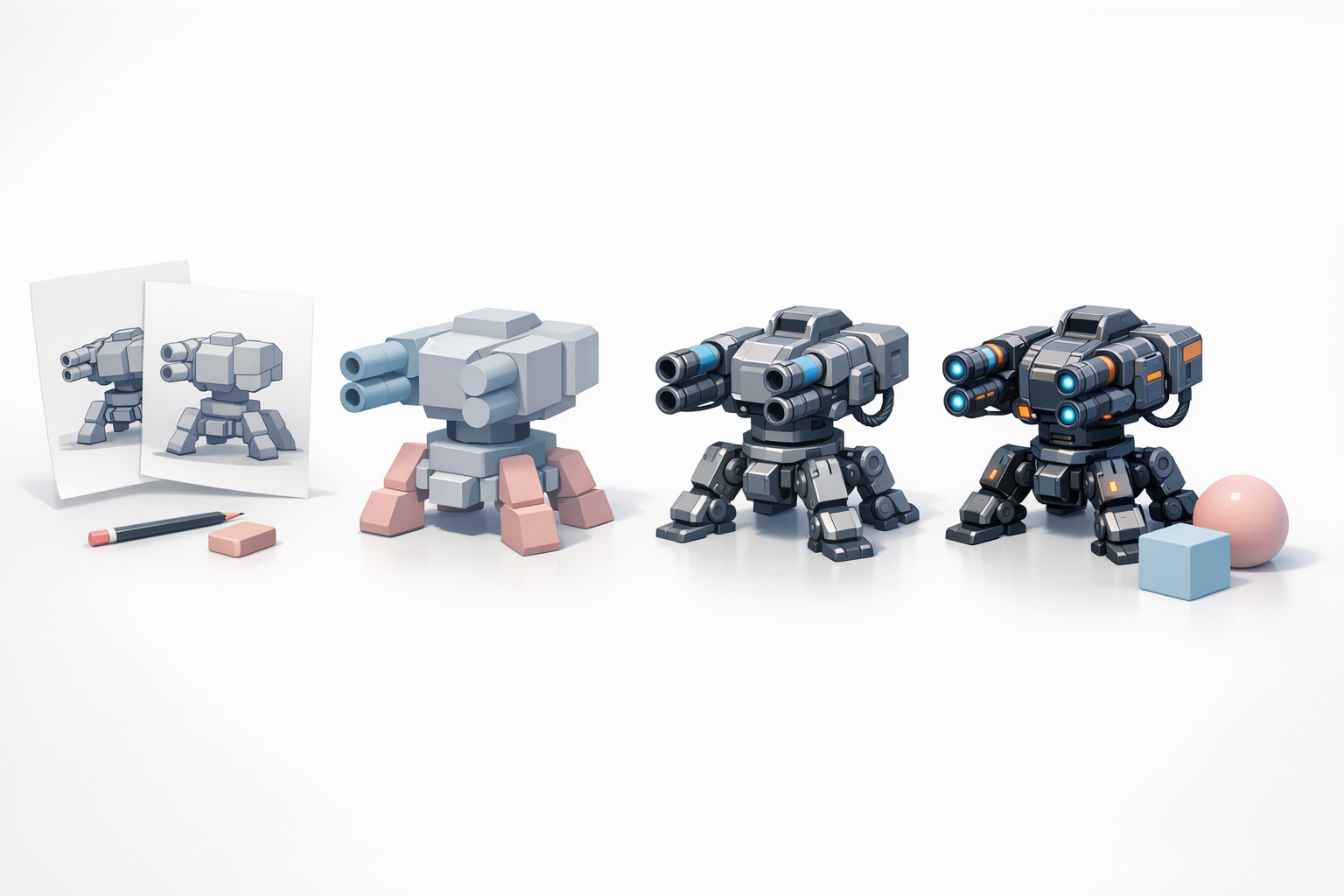
I always start by sorting references into folders by category (e.g., anatomy, props, materials). Naming files descriptively saves time later. For complex projects, I use digital mood boards or reference boards for quick access.
Mini-checklist:
- Gather more references than you think you need.
- Remove duplicates and low-quality images.
- Annotate key areas (e.g., joints, folds, details).
Integrating references into modeling software
Most 3D packages allow you to import references as image planes or background images. I usually set up front, side, and top views for accurate blocking. With Tripo, I can input sketches or images directly and let the AI segment and prepare them for modeling, which speeds up the process.
Practical tip:
Lock reference images in place to avoid accidental movement while modeling.
Step-by-Step Workflow: From Reference to 3D Model
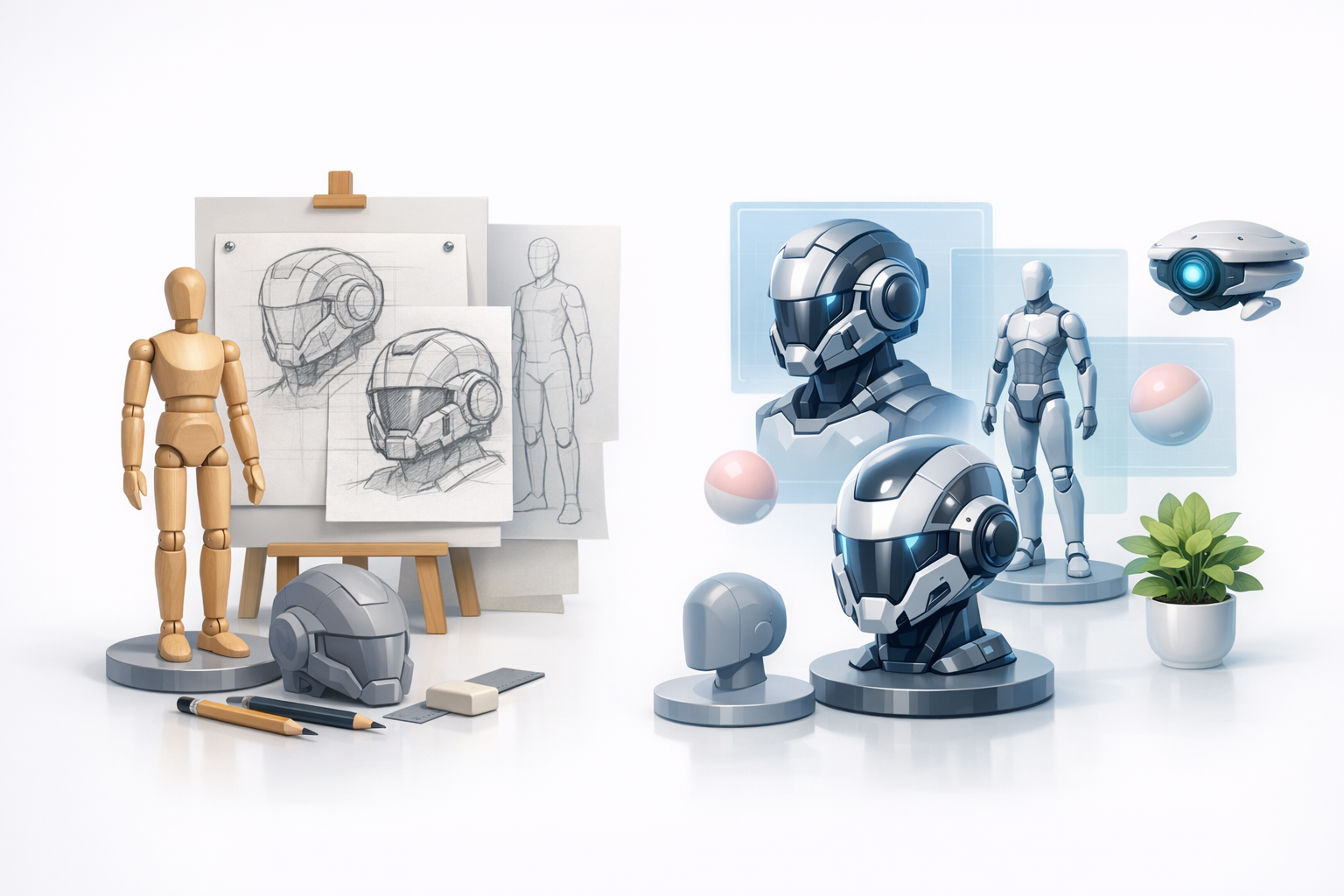
My process for translating 2D drawings into 3D
Here’s how I typically go from a drawing reference to a finished model:
- Import references into the 3D software as image planes.
- Block out basic shapes using the reference as a guide.
- Refine proportions by constantly cross-checking with the reference.
- Add detail once the overall form matches the reference.
- Texture and shade using any material references collected.
Tips for leveraging AI-powered tools and segmentation
When I use AI-powered tools like Tripo, I can upload sketches or photos and let the platform handle segmentation and initial mesh generation. This is especially useful for complex or organic shapes. I always review and clean up the results—AI is fast, but a manual pass ensures fidelity to the original reference.
Pitfall:
Don’t skip manual cleanup after AI processing. Automated results often need refinement for production use.
Comparing Traditional and AI-Assisted Reference Methods
Manual vs. automated workflows
Manual workflows offer full control but can be time-consuming, especially for repetitive or complex assets. AI-assisted methods, like those in Tripo, automate segmentation, retopology, and even initial texturing—freeing me to focus on creative decisions.
Pros of manual:
- Maximum control
- Suited for highly stylized or unique models
Pros of AI-assisted:
- Speed
- Consistency for large batches
When to use AI tools for reference conversion
I reach for AI tools when I need to quickly prototype or generate base meshes from sketches or photos. They’re ideal for early iterations, background assets, or when facing tight deadlines. For hero assets, I combine AI-generated results with careful manual refinement to ensure quality.
Best practice:
Use AI for rapid iteration, but always review and refine before final delivery.
By integrating strong drawing references and leveraging AI where appropriate, I’ve consistently produced higher-quality 3D models in less time. The right workflow depends on your project, but a reference-driven approach is always worth the investment.


