Creating 3D Model Layers of the Earth: Expert Workflow
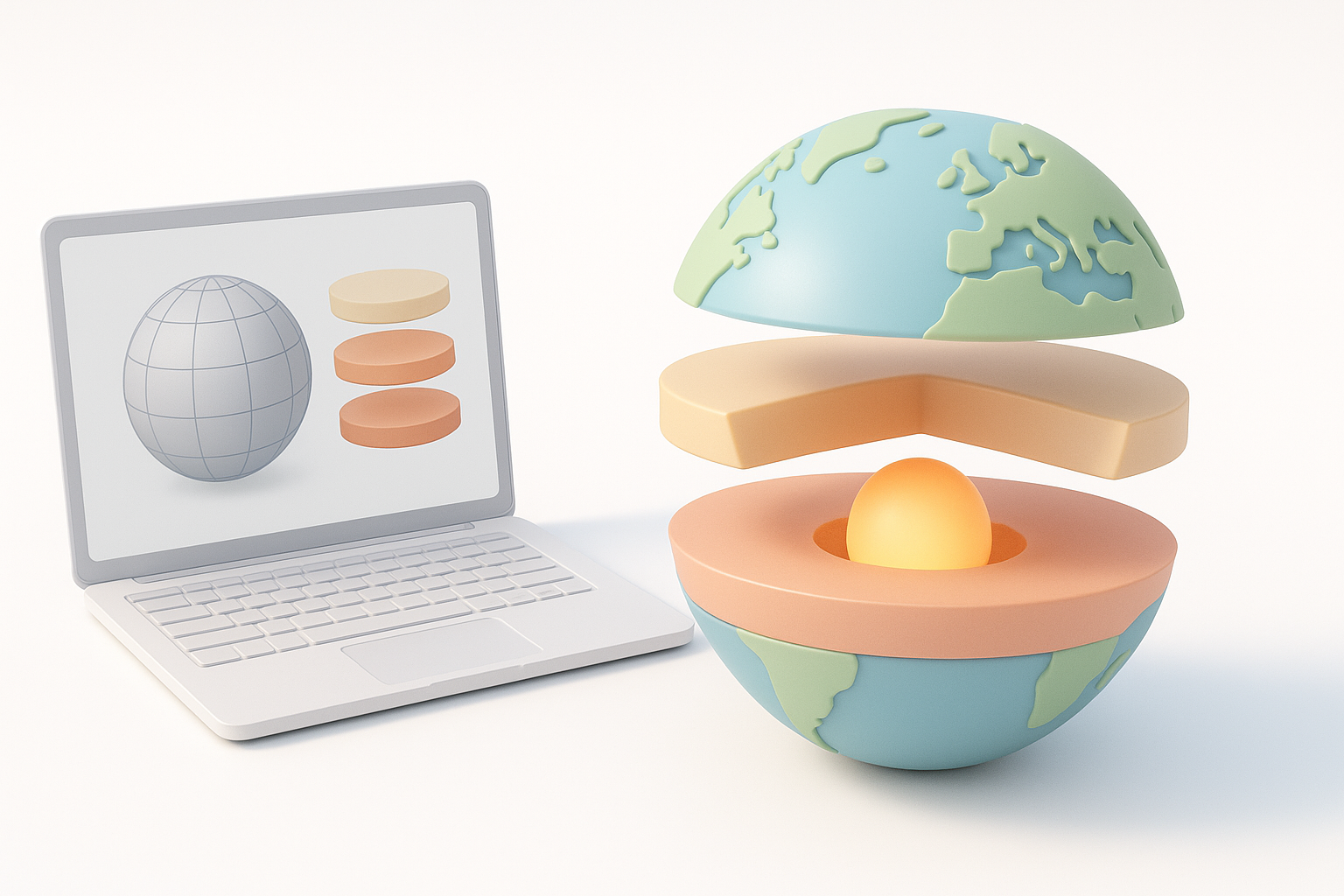
Creating accurate 3D model layers of the Earth is essential for education, games, XR, and scientific visualization. Over the years, I’ve refined my workflow to blend scientific accuracy with efficient production, leveraging AI-powered tools to speed up the process without sacrificing detail. In this article, I’ll walk through my end-to-end approach—from research and planning, to modeling, texturing, and sharing—highlighting practical tips and lessons learned. This guide is for 3D artists, educators, and developers who want to build or use layered Earth models for interactive or educational content.
Key takeaways
- Start with solid scientific references to ensure accuracy and relevance.
- AI-powered platforms drastically reduce modeling time and technical hurdles.
- Layered texturing and clear material choices enhance educational value.
- Optimize models for the intended platform—performance matters.
- AI tools excel for rapid prototyping; manual workflows still have their place for custom detail.
Understanding the Earth's Layered Structure for 3D Modeling
Key geological layers and their characteristics
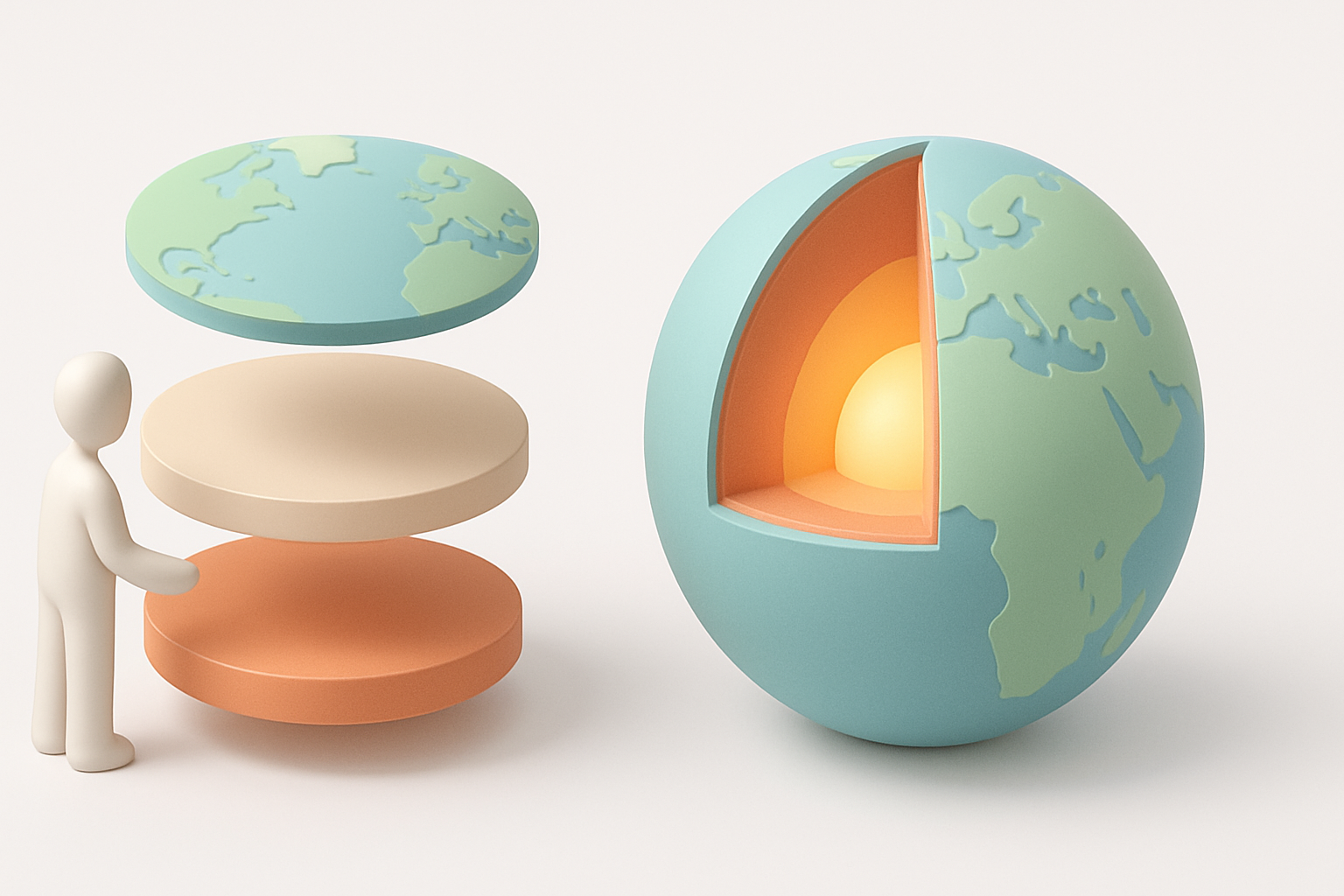
When modeling the Earth, I always begin by breaking down its main layers:
- Crust: Thin, brittle outer shell; varies in thickness (continental vs. oceanic).
- Mantle: Thick, semi-solid layer; convection currents drive plate tectonics.
- Outer core: Liquid iron-nickel; generates Earth's magnetic field.
- Inner core: Solid, dense iron-nickel sphere.
Each layer has distinct physical and visual properties. I focus on their thickness, color, and texture, referencing cross-sectional diagrams and geological data to ensure realism.
How scientific accuracy impacts 3D model design
Scientific fidelity is crucial, especially for educational or research applications. I avoid oversimplifying proportions or omitting important boundaries (like the lithosphere/asthenosphere distinction). In my experience, even stylized models benefit from accurate relative thickness and clear demarcation between layers. I always cross-check with reputable sources—geology textbooks, scientific papers, or NASA datasets—before starting the model.
My Step-by-Step Process for Building Earth Layer Models
Gathering references and planning the model
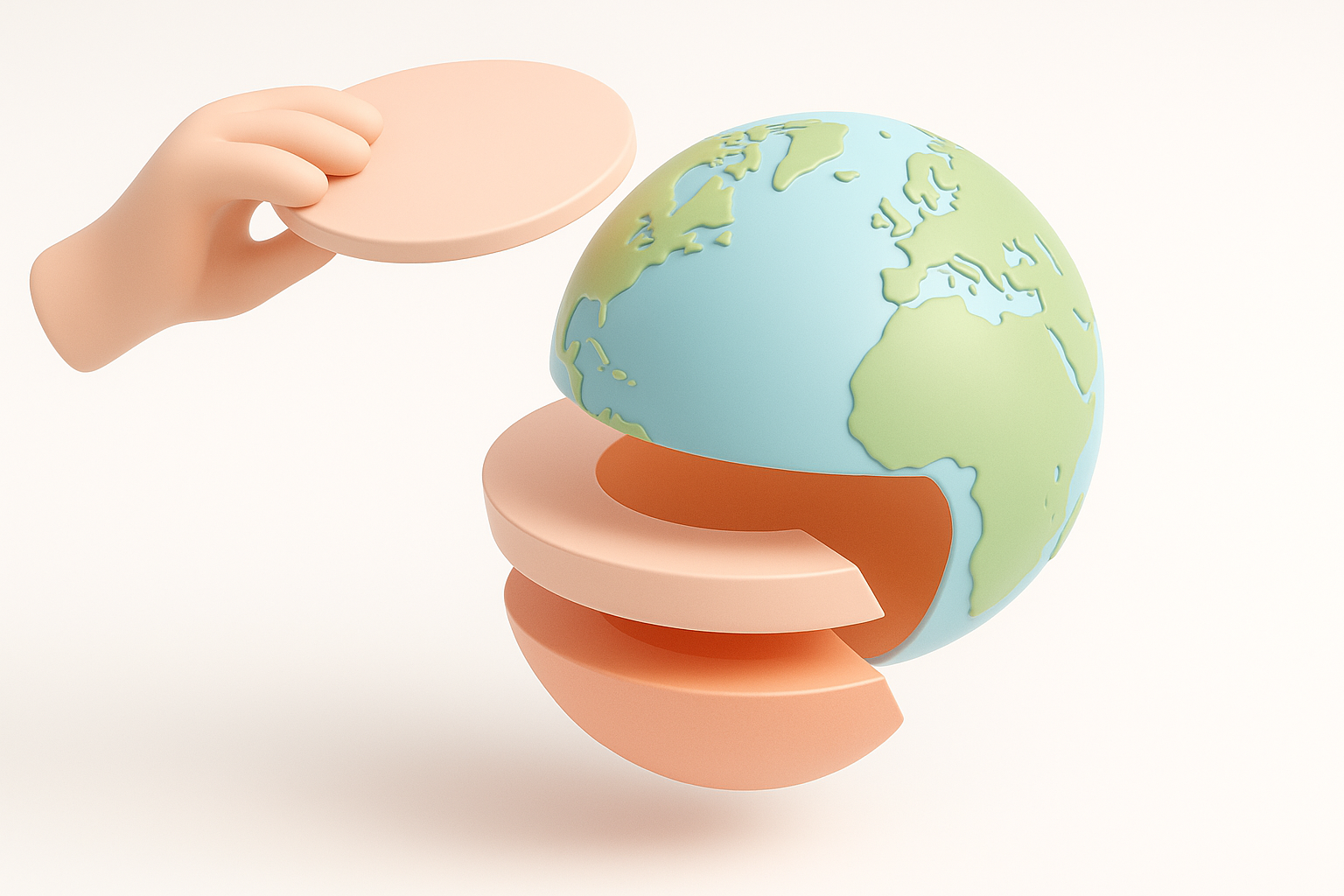
I start every project with a reference folder:
- Collect cross-sectional images, diagrams, and color palettes.
- Note key measurements (e.g., layer thickness in km).
- Sketch a simple plan—how many layers, desired level of detail, and intended use (animation, static, VR).
A clear plan helps avoid rework later. I also decide early whether the model will be cutaway, fully explodable, or animated.
Using AI-powered tools to accelerate model creation
AI-powered platforms like Tripo have changed my workflow:
- Input: I upload reference images or sketches, or describe the model in text.
- Segmentation: The tool automatically detects and separates Earth’s layers.
- Retopology: Clean, production-ready geometry is generated, reducing manual cleanup.
- Texturing: AI suggests or applies basic textures, which I refine as needed.
This approach saves hours compared to manual modeling and sculpting. For customizations, I export the base mesh and tweak in my preferred DCC software.
Best Practices for Texturing and Visualizing Earth’s Layers
Applying realistic materials and textures
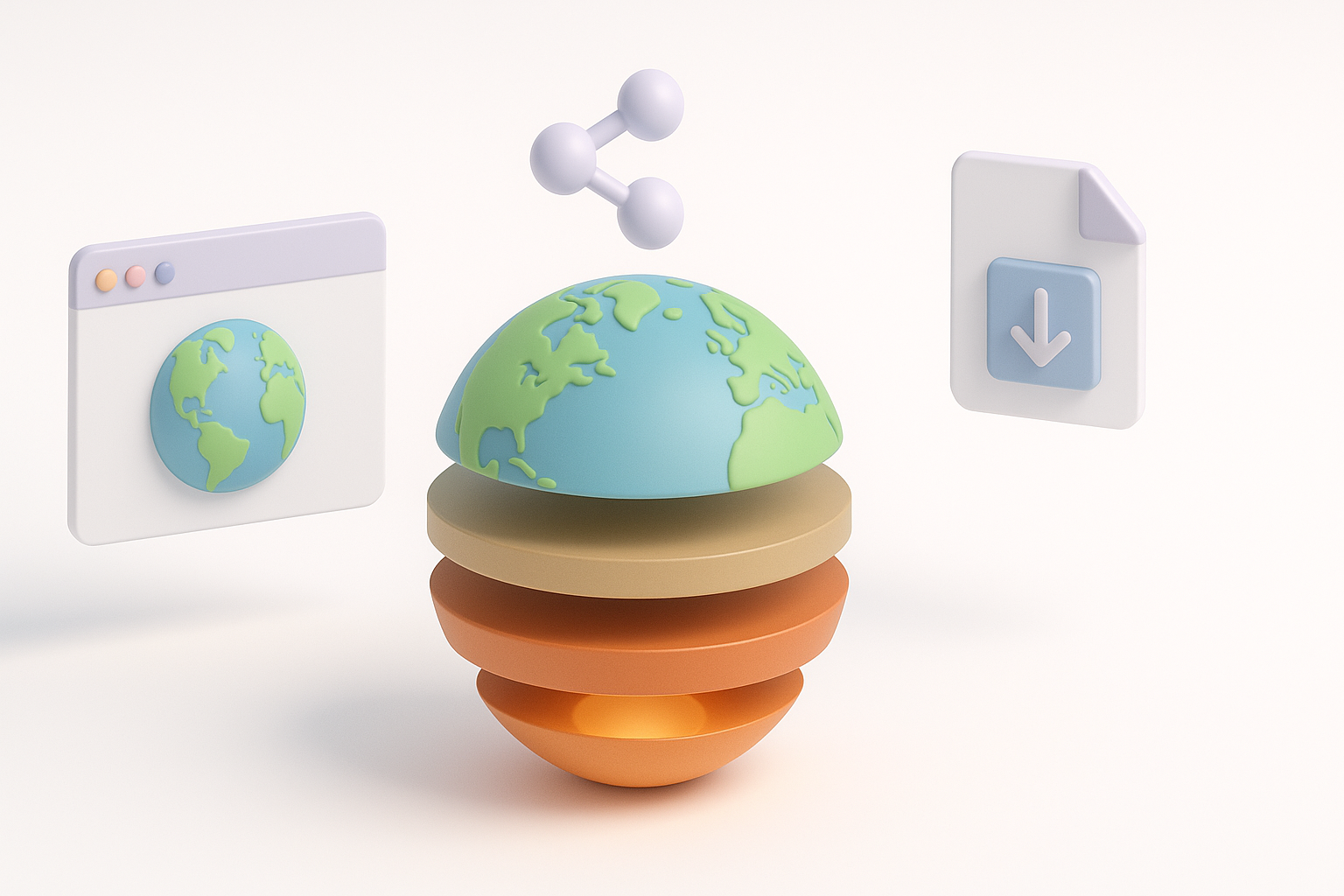
I’ve found that simple, distinct materials work best for clarity:
- Use color coding (e.g., blue for crust, orange for mantle, yellow for core) based on scientific conventions.
- Add subtle bump or noise textures to suggest different materials (rocky crust, viscous mantle).
- Avoid overly complex shaders—clarity beats photorealism for educational use.
I often start with AI-generated textures, then adjust them for contrast and readability in my 3D software.
Tips for visual clarity and educational value
For educational models, I prioritize:
- Clear separation between layers (slight gaps or outlines help).
- Labels or callouts for each layer.
- Optional animation to “peel back” layers or show transitions.
Pitfall: Overlapping or muddy textures confuse viewers. I always test the model with non-expert users to ensure the layers are immediately identifiable.
Exporting, Sharing, and Using 3D Earth Layer Models
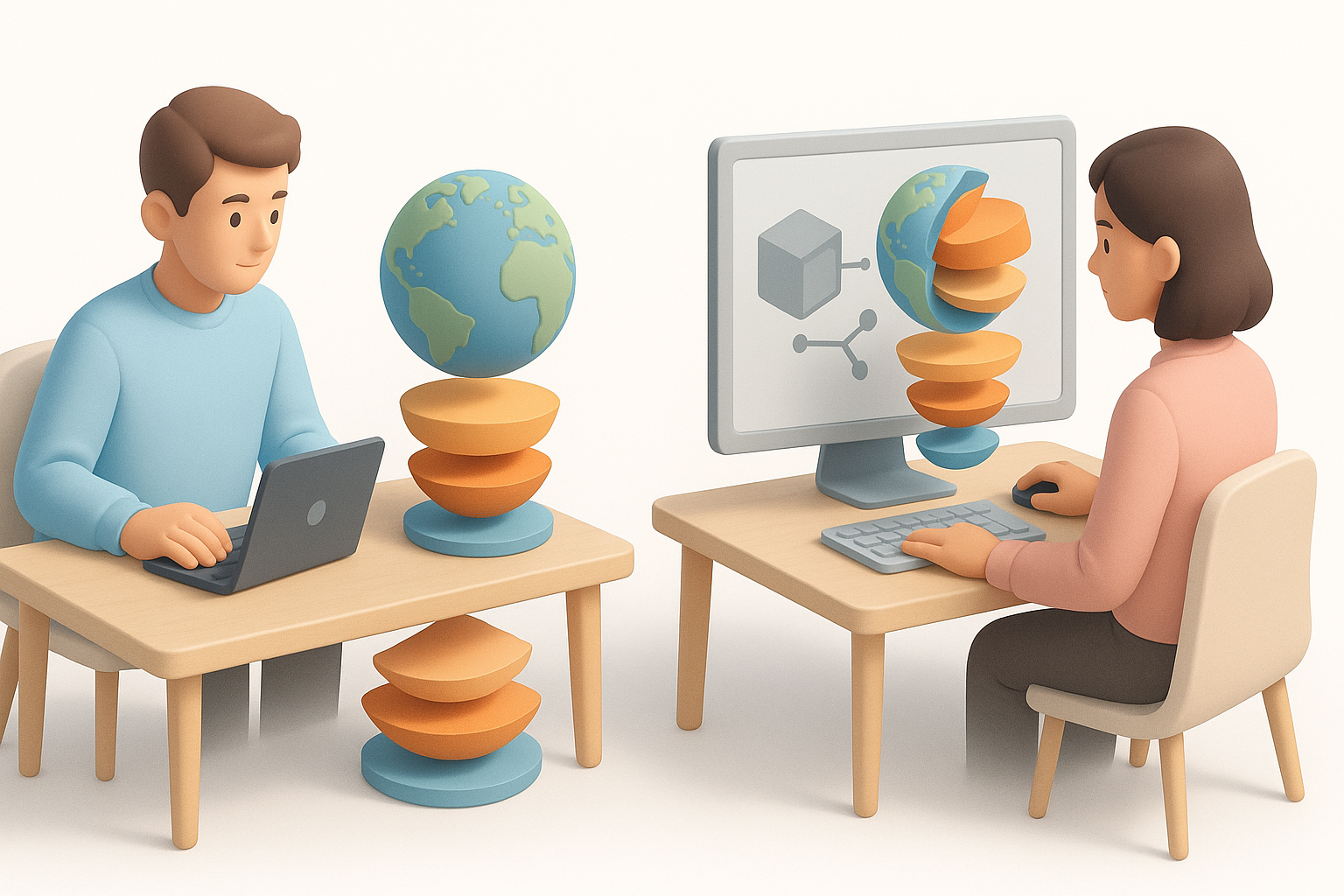
Optimizing models for different platforms
Export settings matter. My checklist:
- Polycount: Decimate or retopologize for mobile/web, keep high-res for film/VR.
- Texture size: 1k–2k for real-time, 4k+ for high-end renders.
- Format: GLTF/GLB for web/XR, FBX/OBJ for DCC pipelines.
I use Tripo’s export presets to quickly switch between optimized outputs.
Integrating models into games, XR, and educational content
For interactive platforms, I:
- Ensure pivot points and layer hierarchies are clean for animation/exploding.
- Bake textures where possible to minimize draw calls.
- Provide metadata (layer names, descriptions) for educational software.
Pitfall: Failing to test in the target environment (e.g., AR app or game engine) leads to surprises—always check performance and appearance in context.
Comparing AI-Driven and Traditional 3D Modeling Approaches
Efficiency and quality differences
AI-driven workflows are a game-changer for speed and accessibility:
- AI tools: Models in minutes, automatic segmentation, and basic texturing.
- Manual workflows: More control, but much slower—ideal for custom, highly detailed models.
In my experience, AI tools handle 80% of typical educational or illustrative needs with minimal manual cleanup.
When to choose AI tools versus manual workflows
I reach for AI-powered platforms when:
- I need quick prototypes or base meshes.
- The model is for visualization, not ultra-closeup hero shots.
- The project requires rapid iteration or multiple variations.
Manual modeling is still my choice for:
- Artistic stylization or extreme detail.
- Complex animations or deformations.
- Projects where every polygon and texture must be hand-tuned.
By combining scientific rigor with modern AI-powered tools, I can create accurate, visually clear, and platform-ready 3D Earth layer models in a fraction of the time. This workflow empowers both solo creators and teams to deliver high-quality results for education, games, and immersive experiences.


