Creating and Optimizing 3D Female Models: Expert Insights
As a 3D artist, I’ve spent years refining workflows for creating female character models that are both visually compelling and technically robust. In this article, I’ll break down proven methods for conceptualizing, sculpting, texturing, rigging, and animating 3D female models—drawing on both traditional and AI-powered tools. Whether you’re working in games, film, or XR, I’ll share the practical steps, pitfalls to avoid, and the best ways to optimize your workflow for production-ready results. This is aimed at artists, technical directors, and anyone seeking to elevate their 3D character modeling.
Key takeaways

- Strong anatomical understanding and reference gathering are essential for convincing female characters.
- Efficient workflows blend manual sculpting with AI-powered tools for rapid prototyping and iteration.
- Texturing, material setup, and optimization must be tailored to the target platform (real-time vs. rendered).
- Rigging and weight painting require careful attention for expressive, deformation-friendly results.
- Exporting and collaboration best practices are crucial for seamless integration into larger projects.
Core Principles of 3D Female Model Design

Understanding Anatomy and Proportions
A deep grasp of human anatomy is non-negotiable. I always start by reviewing anatomical references—skeletal structure, muscle groups, and especially the subtle differences in female proportions. Even stylized characters need a foundation in real anatomy to avoid uncanny results.
Checklist:
- Use high-quality anatomy books or scans for reference.
- Block out the body in basic forms before adding detail.
- Regularly compare your sculpt to references from multiple angles.
Balancing Realism and Stylization
Finding the right balance between realism and stylization is both an art and a science. In my experience, it’s crucial to define the style early—hyper-real, cartoon, or somewhere in between—and stick to those design rules throughout the process.
Pro tips:
- Create a style guide or mood board before modeling.
- Exaggerate or simplify features consistently.
- Test your model in various lighting setups to ensure it reads well.
My Workflow for Building 3D Female Models
Concepting and Reference Gathering
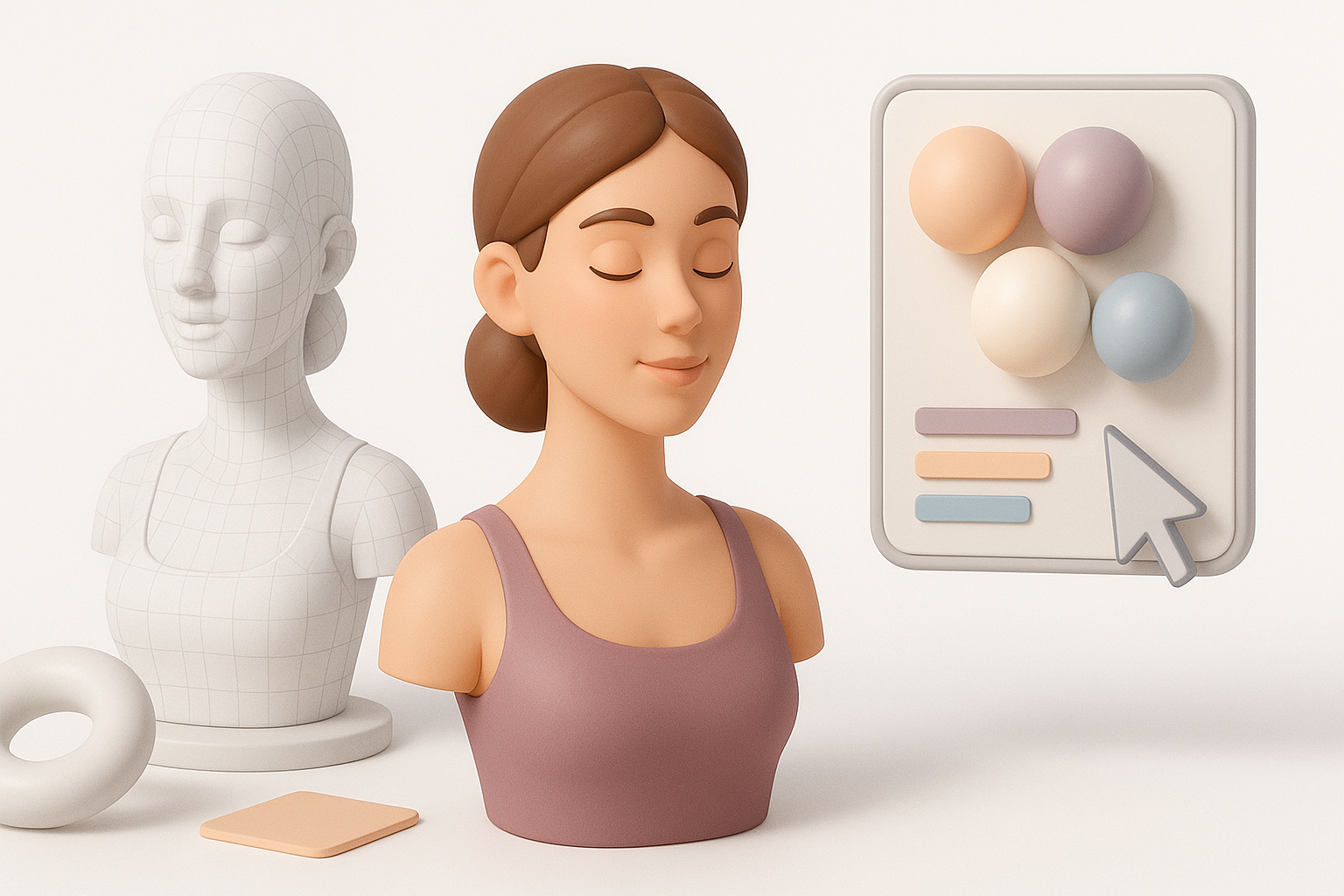
I never skip the concept phase. I gather visual references—photos, sketches, and mood boards—to guide every stage. For original designs, I’ll sketch silhouettes to lock down proportions and pose.
Steps:
- Collect references for anatomy, clothing, and style.
- Sketch or block out silhouettes to explore shapes.
- Define key features and personality traits.
Sculpting, Retopology, and Texturing Steps
I start sculpting with broad forms, refining anatomy before moving to secondary details. Once the high-res sculpt is done, I use retopology tools—sometimes leveraging AI-powered segmentation for speed—then bake details to a lower-res mesh.
Workflow:
- Sculpt in layers: primary forms, then secondary, then tertiary details.
- Retopologize for clean edge flow, especially around joints.
- Bake normal and curvature maps to preserve detail for texturing.
Best Practices for Texturing and Materials
Skin, Hair, and Clothing Techniques
For skin, I use multi-layered texturing: diffuse, subsurface, and detail maps. Hair can be polygonal or cards, depending on the project. Clothing requires careful UV mapping and material separation.
Tips:
- Use high-res skin scans for realism, or hand-paint for stylization.
- Layer subtle color variations and micro-details into skin maps.
- For hair, test both real-time (cards) and rendered (strands) approaches.
Optimizing for Real-Time vs. Rendered Projects
Optimization is project-dependent. For real-time, I keep polycount and texture sizes in check; for film, I prioritize detail.
Checklist:
- Limit texture sets and resolution for games/XR.
- Use efficient UV layouts with minimal seams.
- Test your model in-engine early to catch performance issues.
Rigging and Animating Female Characters
Setting Up Clean Rigs and Weight Painting
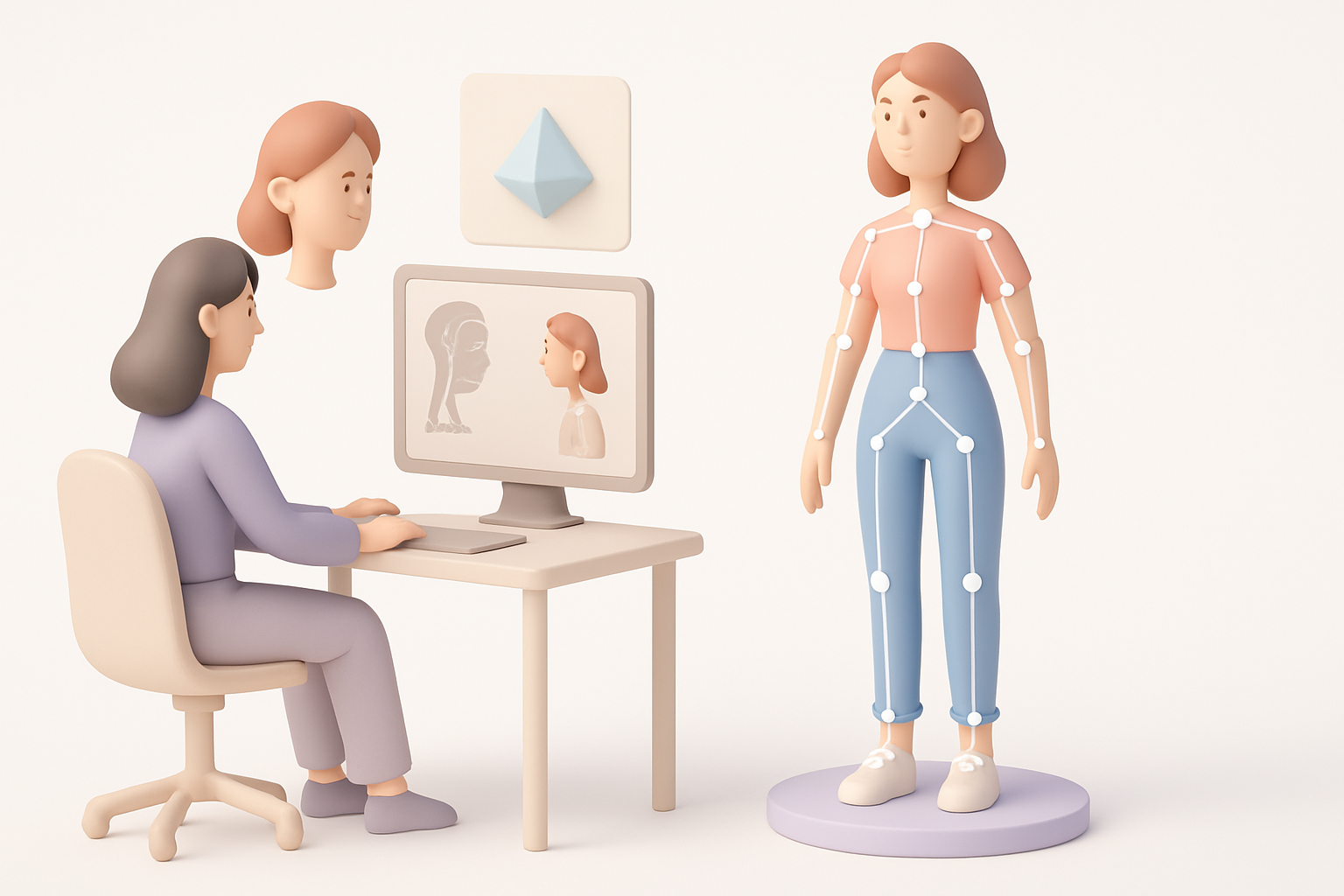
Clean rigs are essential for believable animation. I focus on joint placement and clean weight painting, especially around shoulders and hips, which are common problem areas.
Pitfalls to avoid:
- Overcomplicating the rig with unnecessary bones.
- Ignoring deformation tests—always pose and check joints.
- Neglecting facial rigging for expressiveness.
Tips for Expressive Animation
Expressive animation brings characters to life. I set up blend shapes for facial expressions and ensure the rig supports secondary motion (hair, clothing).
Steps:
- Use reference videos for realistic movement.
- Animate in layers: body, face, then secondary elements.
- Test animations from multiple camera angles.
AI-Powered Tools and Efficient Workflows

How I Use Tripo AI for Rapid Prototyping
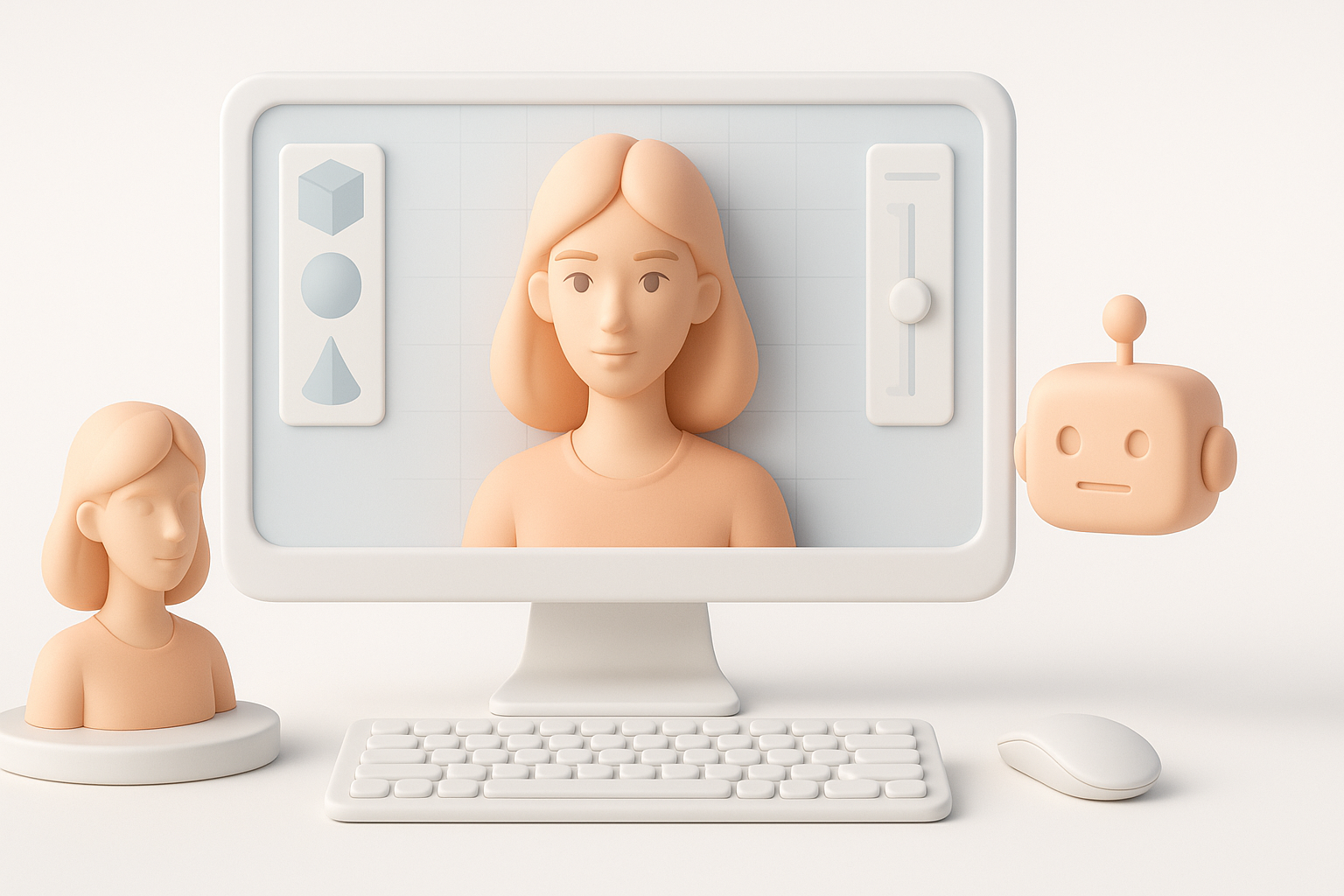
Tripo AI has become a key part of my prototyping process. I often generate base meshes from text or sketches, then refine them manually. This accelerates the concept-to-sculpt phase, especially for quick iterations.
Workflow:
- Input a prompt or sketch to generate a base mesh.
- Use Tripo’s segmentation to separate clothing and accessories.
- Export for further sculpting and detailing.
Integrating AI with Traditional 3D Pipelines
AI tools fit best as accelerators, not replacements. I use them for initial mesh generation, retopology, or texturing, then finish with traditional sculpting, painting, and rigging.
Tips:
- Always review and clean up AI-generated meshes before production use.
- Use AI to handle repetitive or time-consuming tasks.
- Blend AI and manual work for both speed and quality.
Comparing Manual and AI-Assisted Approaches

Strengths and Limitations of Each Method
Manual modeling offers full creative control and precision, but it’s time-consuming. AI-assisted workflows speed up early stages but may require cleanup and lack nuanced detail.
Summary:
- Manual: Best for unique, high-detail projects.
- AI-assisted: Ideal for rapid prototyping and iteration.
Choosing the Right Workflow for Your Project
I choose my approach based on deadlines, project scale, and required fidelity. For large projects or tight timelines, AI tools help me iterate quickly; for hero assets, I rely more on manual sculpting.
Decision factors:
- Project scope and deadlines.
- Required level of detail and uniqueness.
- Team skillset and pipeline compatibility.
Exporting, Sharing, and Using 3D Female Models
Preparing Models for Games, XR, and Film
Export requirements differ by platform. For games and XR, I optimize meshes and textures for performance; for film, I retain as much detail as possible.
Checklist:
- Confirm polycount and texture limits with your engine or renderer.
- Bake all necessary maps (normal, AO, curvature).
- Test exports in the target environment.
Best Practices for File Formats and Collaboration
I use standard formats like FBX or glTF for compatibility. Clear naming conventions and version control are critical for team projects.
Tips:
- Share models with embedded textures when possible.
- Document model structure and material assignments.
- Use cloud storage or asset management tools for collaboration.
By combining strong fundamentals, efficient workflows, and the right blend of manual and AI-powered tools, I consistently deliver production-ready 3D female models tailored to any project’s needs.


