Creating High-Quality 3D Car Models: Expert Workflow & Tips
Creating high-quality 3D car models demands a blend of technical skill, creative vision, and the right tools. Over years of hands-on work, I’ve streamlined my process—leveraging both traditional and AI-powered platforms—to move efficiently from concept to production-ready assets. Whether you’re aiming for game-ready cars or cinematic vehicles, the steps and insights below will help you avoid common pitfalls, iterate faster, and deliver polished results. This guide is for artists, designers, and developers looking to elevate their 3D car modeling workflow.
Key takeaways:
- Start with clear references and production goals to avoid wasted effort.
- AI-powered tools like Tripo drastically reduce modeling and texturing time.
- Intelligent segmentation and retopology are critical for animation and game use.
- Optimize models early for target platforms (games, film, XR) to prevent rework.
- Efficient feedback and iteration cycles save hours in the long run.
Executive Summary: Key Takeaways for 3D Car Modeling
What I’ve learned from real-world projects
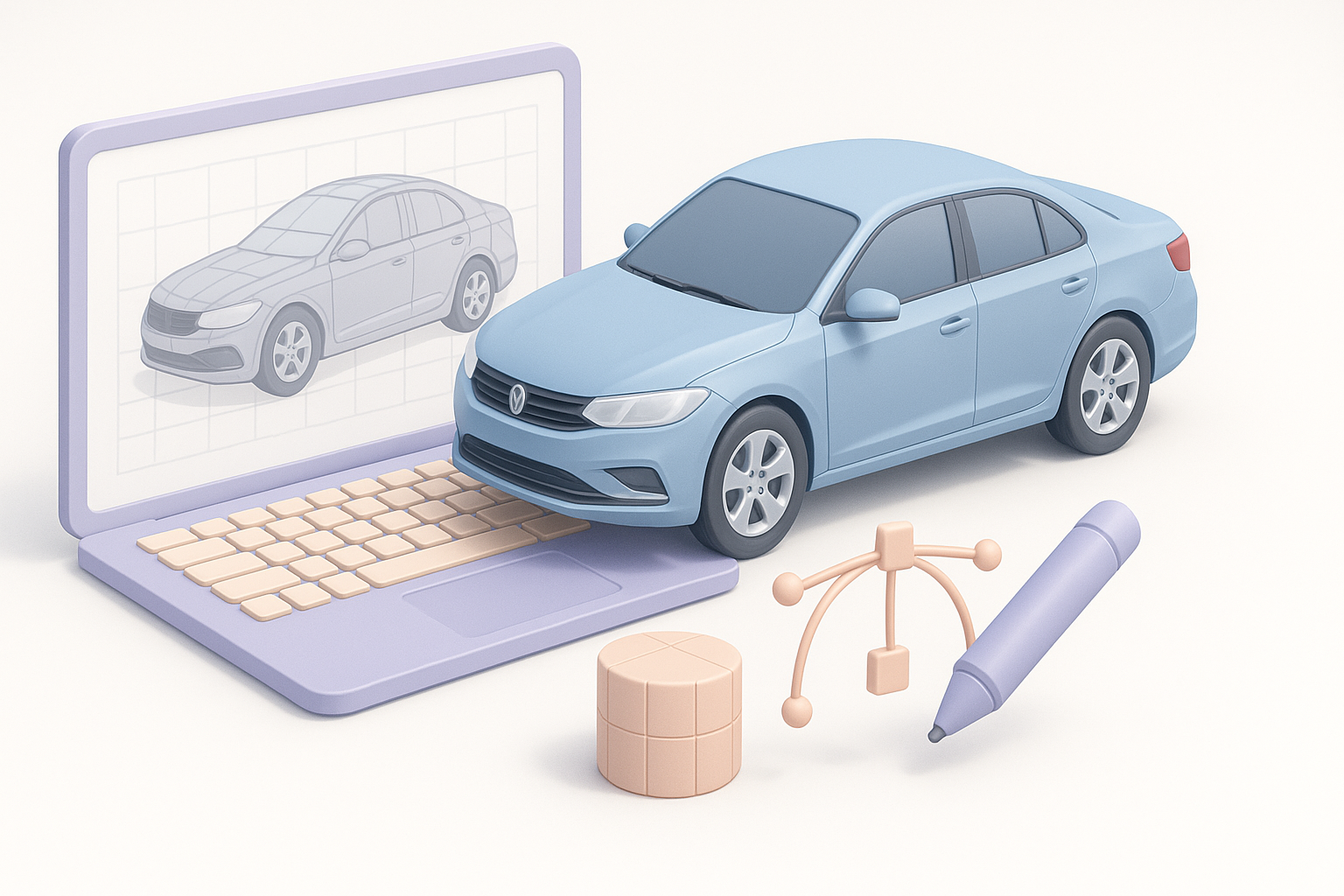
From indie games to commercial film work, I’ve learned that the most successful 3D car models start with strong planning and the right toolset. Rushing into modeling without solid references or a clear scope always costs more time later. I’ve also found that integrating AI platforms early accelerates prototyping and frees up bandwidth for creative refinement.
Essential tools and workflows
My go-to workflow combines AI-powered creation (for rapid base meshes and texturing) with classic DCC tools for refinement. Tripo, in particular, stands out for its segmentation and retopology features, which are invaluable for animation-ready assets. The key is knowing when to automate and when to fine-tune manually.
Planning and Conceptualizing Your 3D Car Model
Gathering references and inspiration
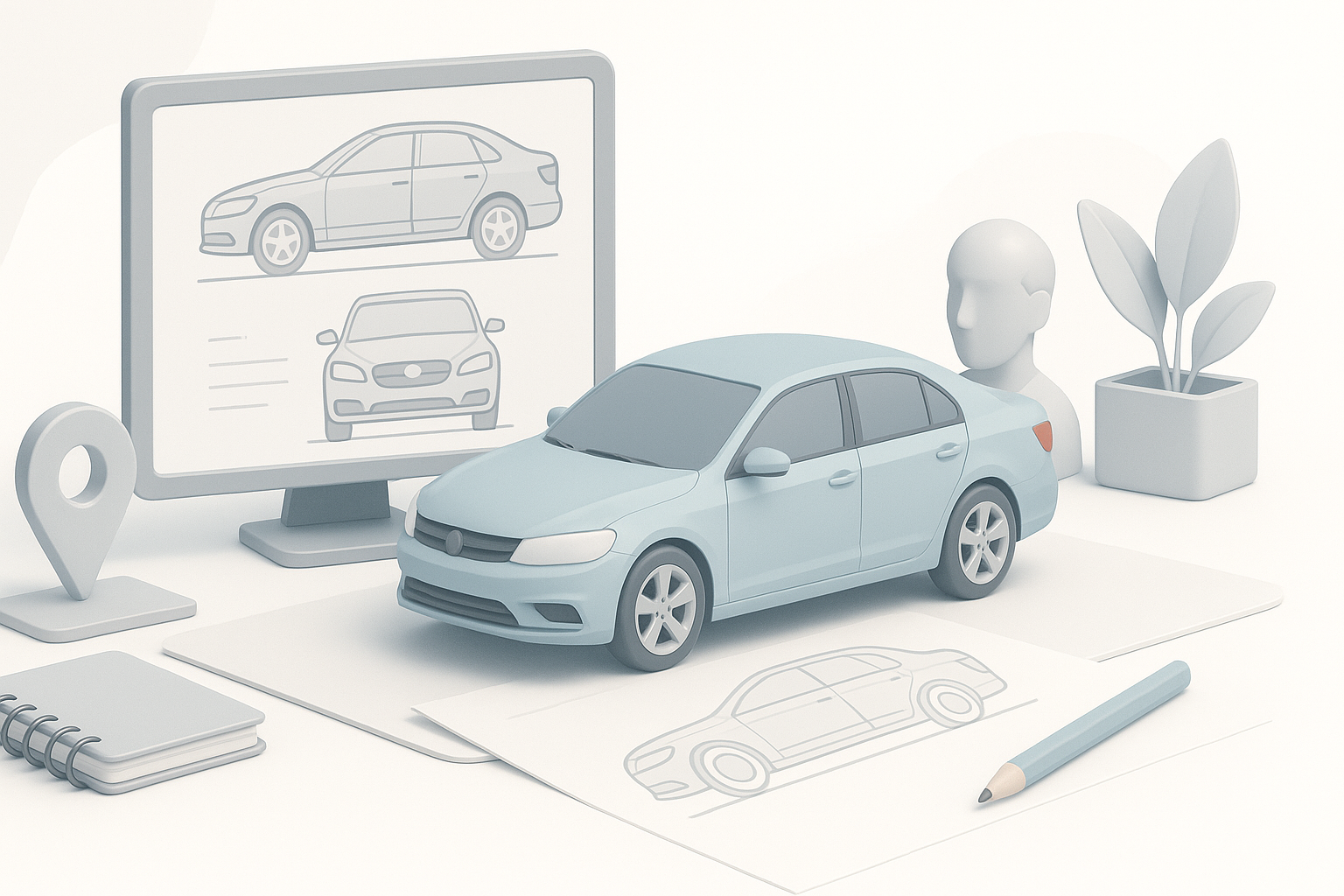
I always start by collecting a comprehensive set of references—photos, blueprints, concept art, and even videos. This not only ensures accuracy but also inspires design details. I recommend using tools like PureRef or a simple folder structure to organize visual material.
Checklist:
- Front, side, and rear views
- Interior and detail shots
- Style inspiration (realistic, stylized, futuristic, etc.)
Defining scope and production goals
Before opening any 3D tool, I clarify the model’s intended use: real-time (games/XR), cinematic, or still renders. This dictates polycount, texture resolution, and rigging needs. Defining these parameters upfront helps avoid scope creep and costly rework.
Pitfall:
Not aligning with the art director or technical lead early can lead to major revisions later.
Choosing the Right Tools and Platforms
AI-powered solutions for rapid prototyping
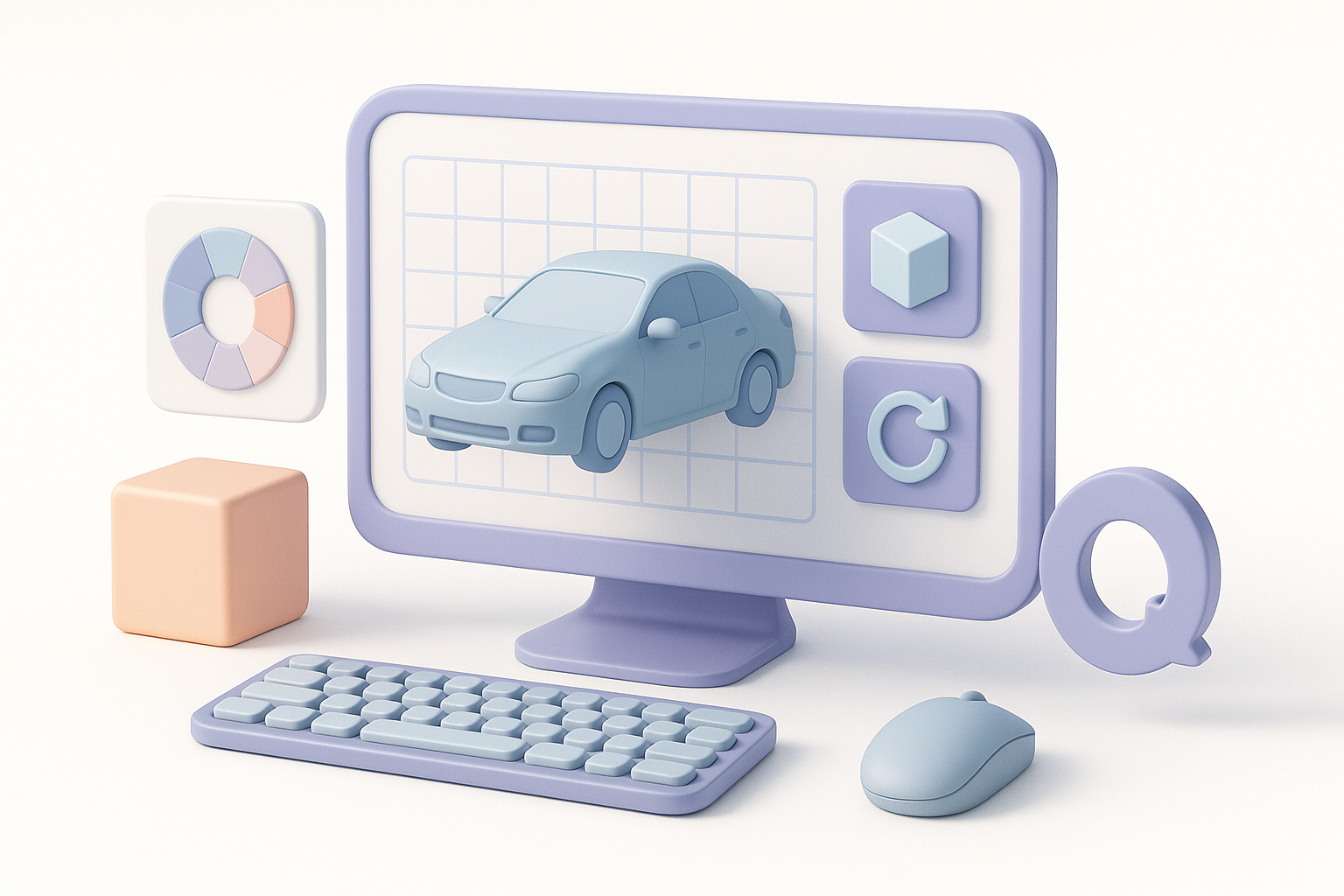
In my workflow, I use Tripo for generating base meshes and textures from sketches or text prompts. This lets me quickly visualize ideas and make changes before committing to detailed modeling. The AI handles segmentation and basic UVs, saving hours.
Tip:
Use AI-generated outputs as starting points, not final assets—refine topology and details for production.
Comparing traditional and modern workflows
Traditional workflows rely heavily on manual box modeling, sculpting, and retopology. While this offers control, it’s time-consuming. Modern AI-enhanced pipelines automate repetitive steps, letting me focus on design and polish. I often blend both: AI for the foundation, manual tools for refinement.
When to use which:
- AI: Early ideation, quick iterations, base mesh generation
- Manual: High-detail modeling, custom topology, precise UVs
Step-by-Step Workflow: From Sketch to Production-Ready Model
Modeling techniques and best practices
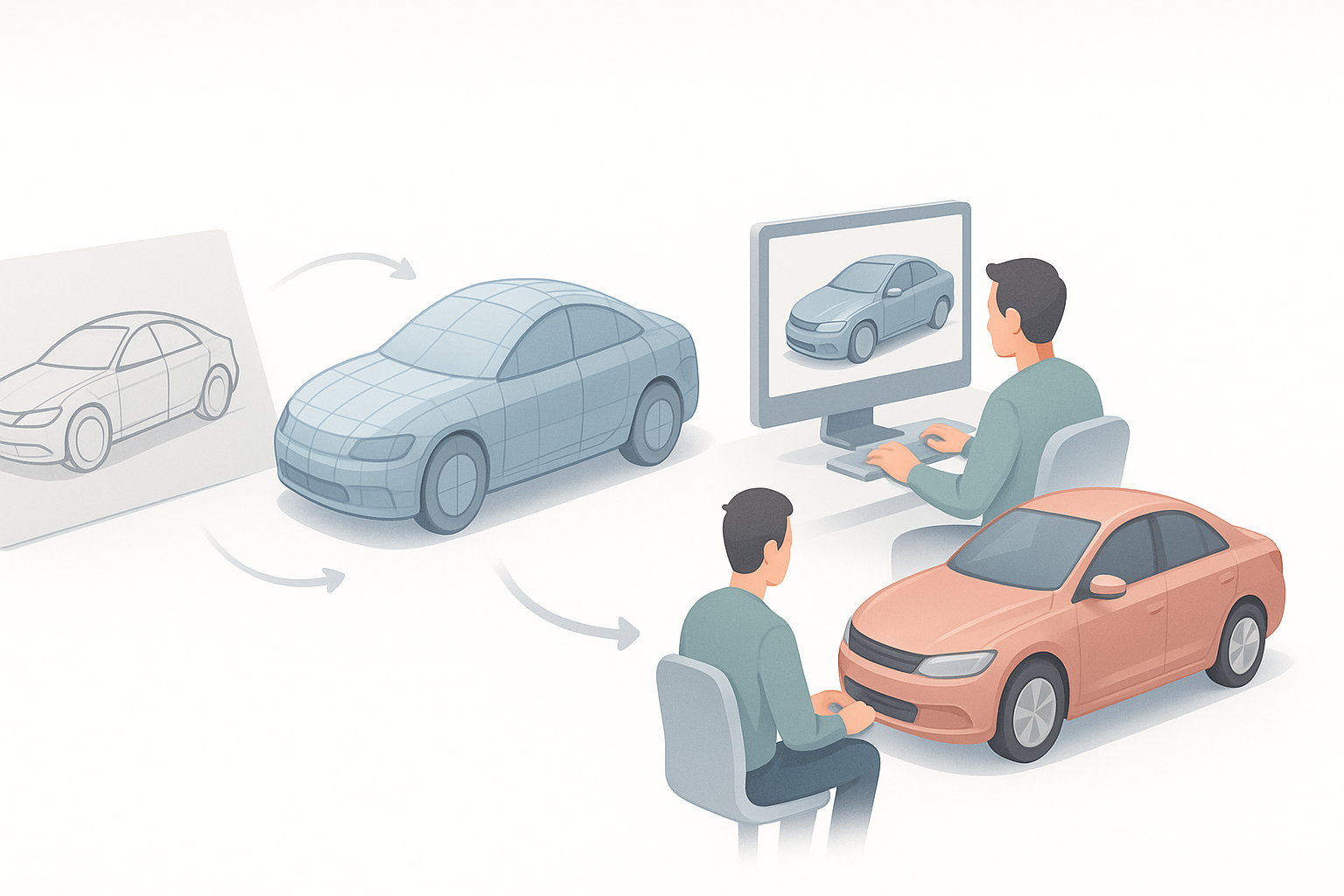
I start with a rough blockout—either manually or via Tripo’s AI generation. Once proportions feel right, I refine the geometry, ensuring clean edge flow for smooth surfaces. For cars, maintaining symmetry and using reference images as image planes is crucial.
Steps:
- Block out main shapes (AI or manual)
- Refine proportions and silhouette
- Add secondary details (grilles, lights, trim)
Intelligent segmentation, retopology, and texturing
Tripo’s segmentation tools help break the model into logical parts (body, wheels, windows), making UV mapping and texturing easier. I always run automated retopology to ensure quad-based, animation-friendly meshes. For texturing, I combine AI-generated base maps with manual painting for realism.
Checklist:
- Segment major components
- Run retopology for clean quads
- Bake and paint textures (base + detail passes)
Rigging, Animation, and Exporting for Different Uses
Preparing models for games, film, and XR
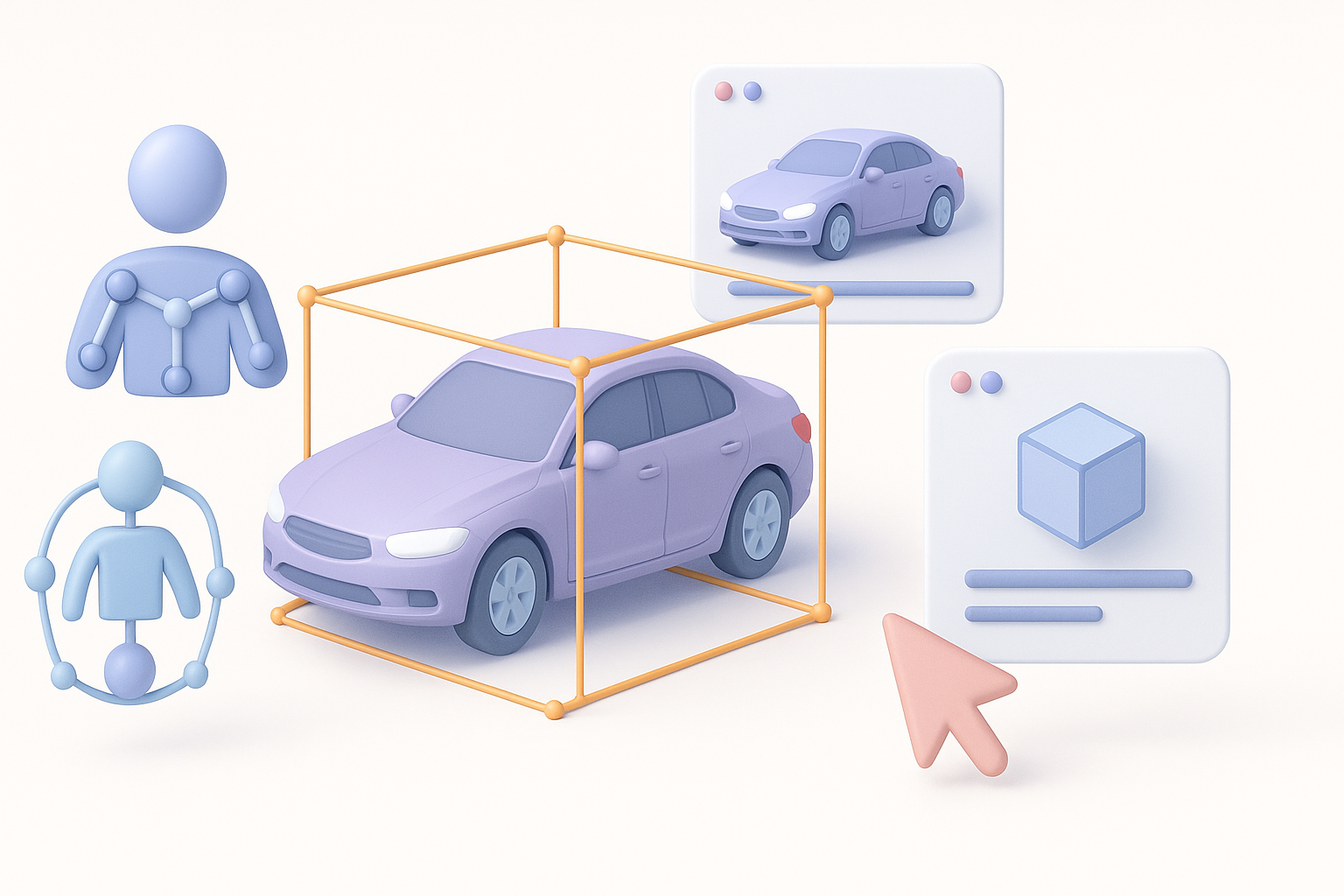
For real-time applications, I optimize the mesh by reducing polycount and baking normal maps. In film, I prioritize detail and higher-res textures. Rigging (for wheels, suspension, doors) is essential for animation—Tripo’s auto-rigging helps set up basic controls quickly.
Tip:
Test the model in the target engine early (Unity, Unreal, etc.) to catch export or shading issues.
Optimizing for performance and compatibility
I always check for non-manifold geometry, flipped normals, and UV overlaps before export. For games/XR, I use LODs (levels of detail) and compress textures. Consistent naming and clean hierarchies prevent import headaches.
Pitfall:
Skipping optimization leads to performance drops and compatibility issues later.
Personal Insights: Lessons Learned and Common Pitfalls
Mistakes I’ve made and how to avoid them
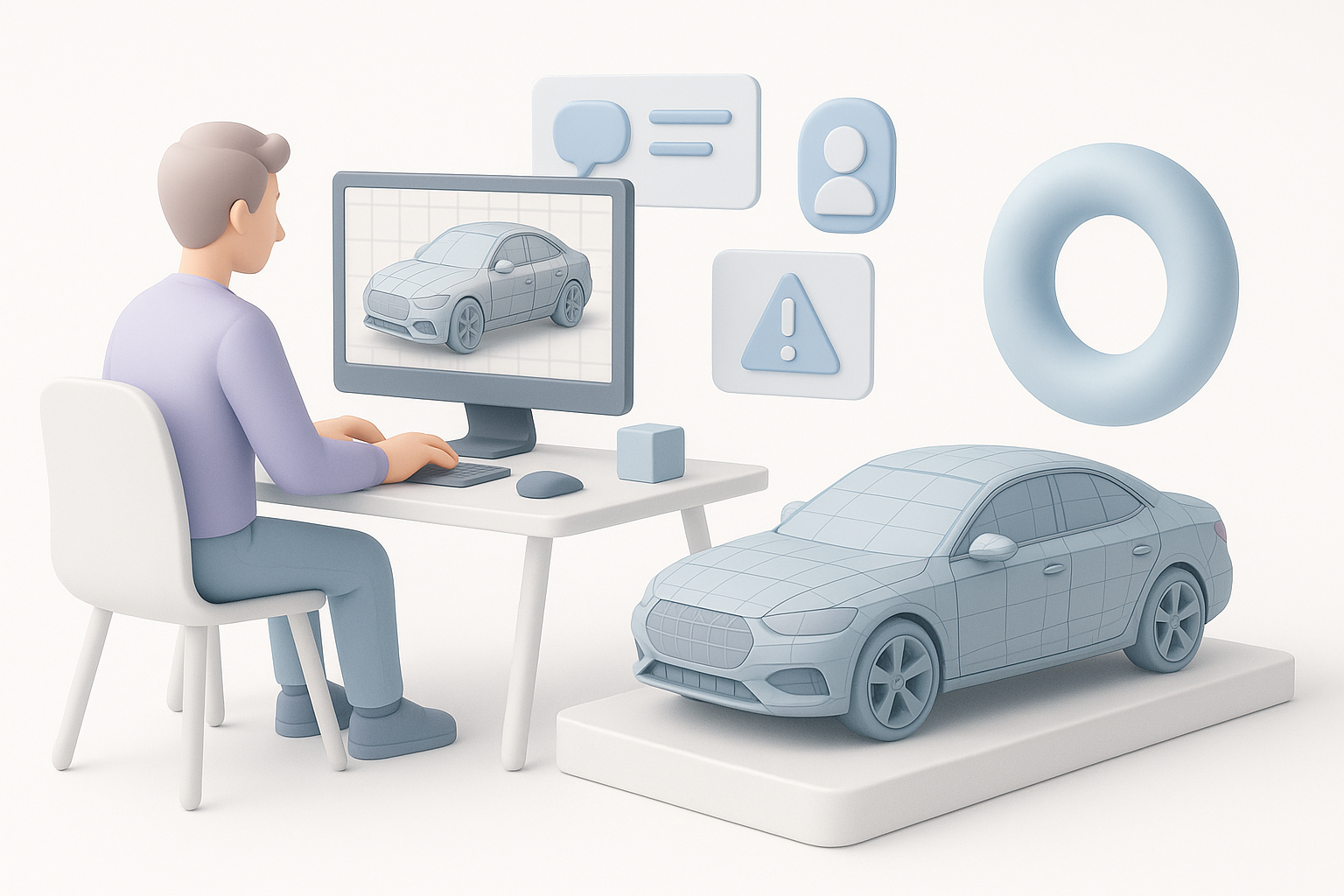
Early in my career, I’d over-model details or neglect topology, leading to animation and shading problems. I’ve learned to keep geometry efficient and always validate with test renders or engine previews. Communication with teammates about requirements is key.
Tips for efficient iteration and feedback
Quick, rough iterations—using AI or simple blockouts—get buy-in faster than polished but misaligned models. I set up regular checkpoints for feedback and use version control to track changes. Don’t be afraid to scrap and restart if the foundation isn’t working.
Checklist:
- Iterate quickly with rough models
- Get early feedback from stakeholders
- Use version control for all files
Alternative Methods and Future Trends in 3D Car Modeling
Emerging AI workflows and automation
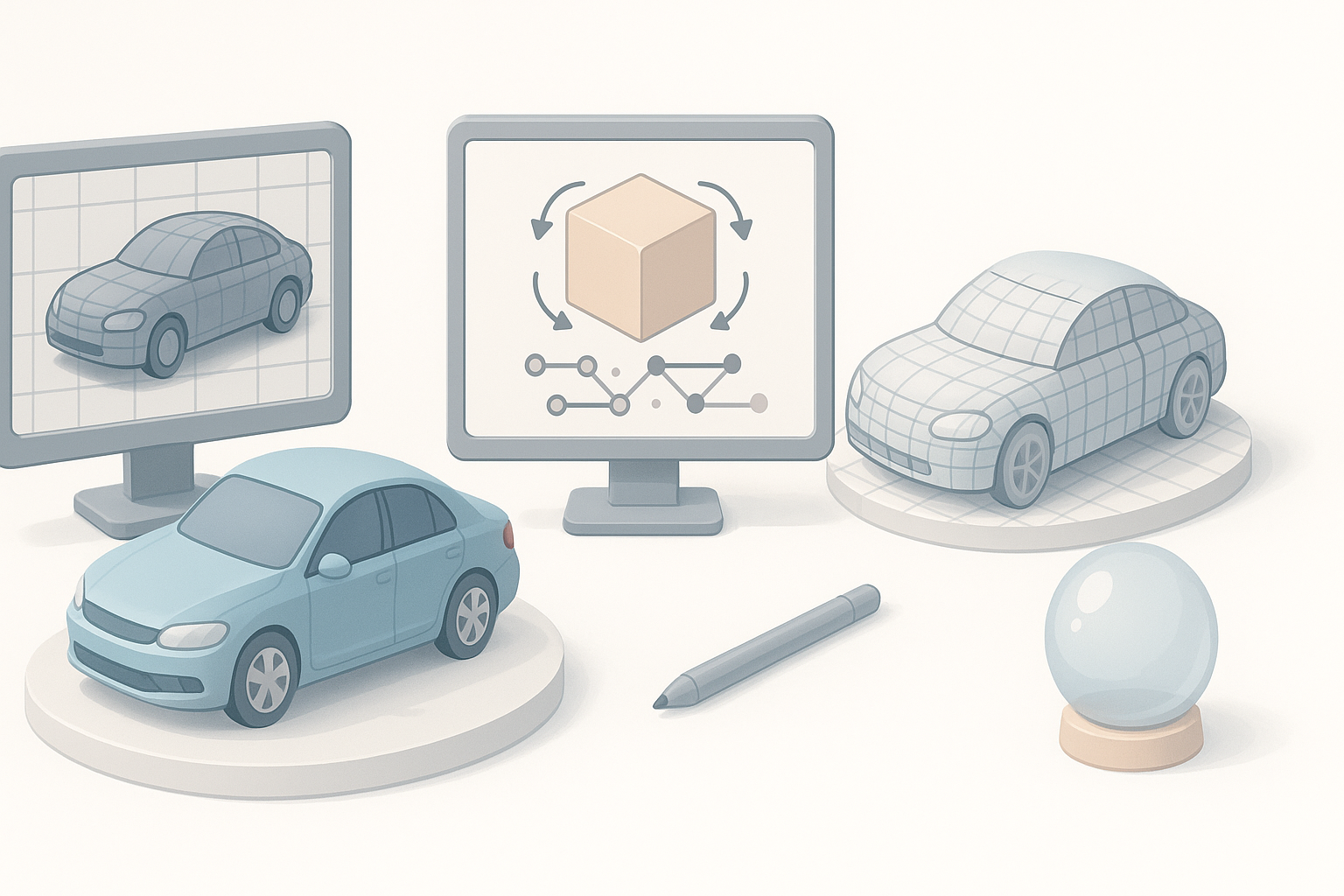
AI is rapidly transforming 3D workflows. I now use AI for concept generation, segmentation, and even initial rigging. This automation frees up time for creative problem-solving and detail work. The future is heading toward even more seamless integration—think text-to-3D pipelines and real-time asset iteration.
Integrating with other creative pipelines
I regularly integrate 3D car models into broader pipelines—game engines, AR/VR platforms, and VFX suites. Compatibility and interchange formats (FBX, GLTF) are crucial. I see AI tools like Tripo becoming standard for bridging concept and production, especially as pipelines become more collaborative and cloud-based.
Tip:
Stay adaptable—new tools and workflows emerge quickly. Embrace automation, but keep core modeling skills sharp for best results.
In summary:
A streamlined, AI-augmented workflow enables faster, higher-quality 3D car modeling—without sacrificing creative control. By planning carefully, leveraging modern tools, and learning from past mistakes, you can deliver production-ready assets efficiently for any industry need.
