Creating a 2019 Movie Sonic 3D Model: Expert Workflow & Tips
Building a 2019 movie-style Sonic 3D model is a challenging but rewarding process that combines art fundamentals, technical skill, and the right tools. In my experience, the keys are understanding Sonic’s unique design, using efficient workflows, and leveraging AI tools like Tripo for speed without sacrificing quality. This guide is for 3D artists, game developers, and hobbyists who want to recreate Sonic with a production-ready finish. Below, I’ll break down my step-by-step process, highlight best practices, and share lessons learned from hands-on projects.
Key takeaways:
- Study Sonic’s proportions and stylized features before modeling.
- Block out the base mesh, then refine with attention to silhouette and anatomy.
- Use AI tools like Tripo for rapid prototyping, but refine details manually for best results.
- Pay special attention to fur texturing and expressive facial features.
- Rig with flexibility for animation, focusing on Sonic’s iconic poses.
- Avoid common pitfalls like over-complicating topology or missing reference details.
Executive Summary: Key Takeaways on 2019 Movie Sonic 3D Modeling
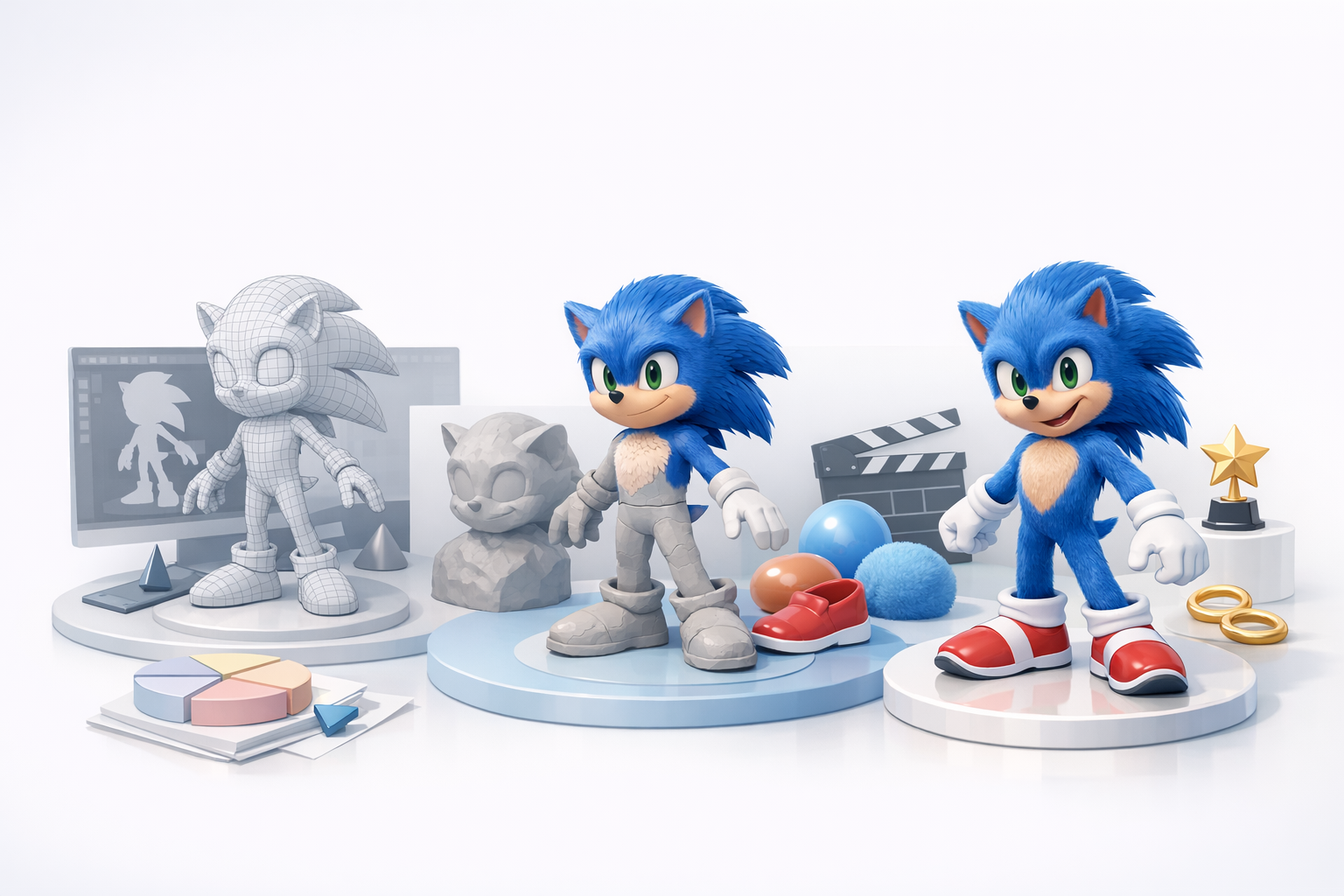
What makes the 2019 Sonic model unique
The 2019 movie Sonic stands out for its blend of cartoonish proportions and semi-realistic details—especially in the eyes, fur, and anatomy. Unlike classic video game Sonic, the movie version features longer limbs, separated eyes, and more detailed textures. Capturing this look requires balancing stylization with believable anatomy.
Summary of best practices and workflow
From my experience, the most effective workflow starts with thorough reference gathering, followed by a clean base mesh, iterative refinement, and careful texturing. AI-powered tools like Tripo can speed up early stages, but manual sculpting and painting are still essential for character and polish.
Analyzing the 2019 Movie Sonic Design

Key features and proportions
When I recreate 2019 Sonic, I focus on:
- Large, expressive eyes with a distinct brow ridge
- A slightly elongated torso and legs for a more athletic look
- Defined, gloved hands and oversized shoes
- Layered fur, especially around the cheeks and chest
Checklist:
- Double-check limb length ratios (legs longer than classic Sonic)
- Ensure eyes are large but not fused
- Emphasize muscle groups subtly under fur
Reference gathering and interpretation
I usually build a reference board with:
- Official movie stills (front, side, 3/4 views)
- Turntables or fan-made 3D breakdowns
- Close-ups of fur, shoes, and gloves
Tip: Don’t rely on a single image—Sonic’s proportions can shift between scenes. Cross-reference multiple angles to avoid mistakes.
My Step-by-Step Workflow for Modeling Sonic in 3D
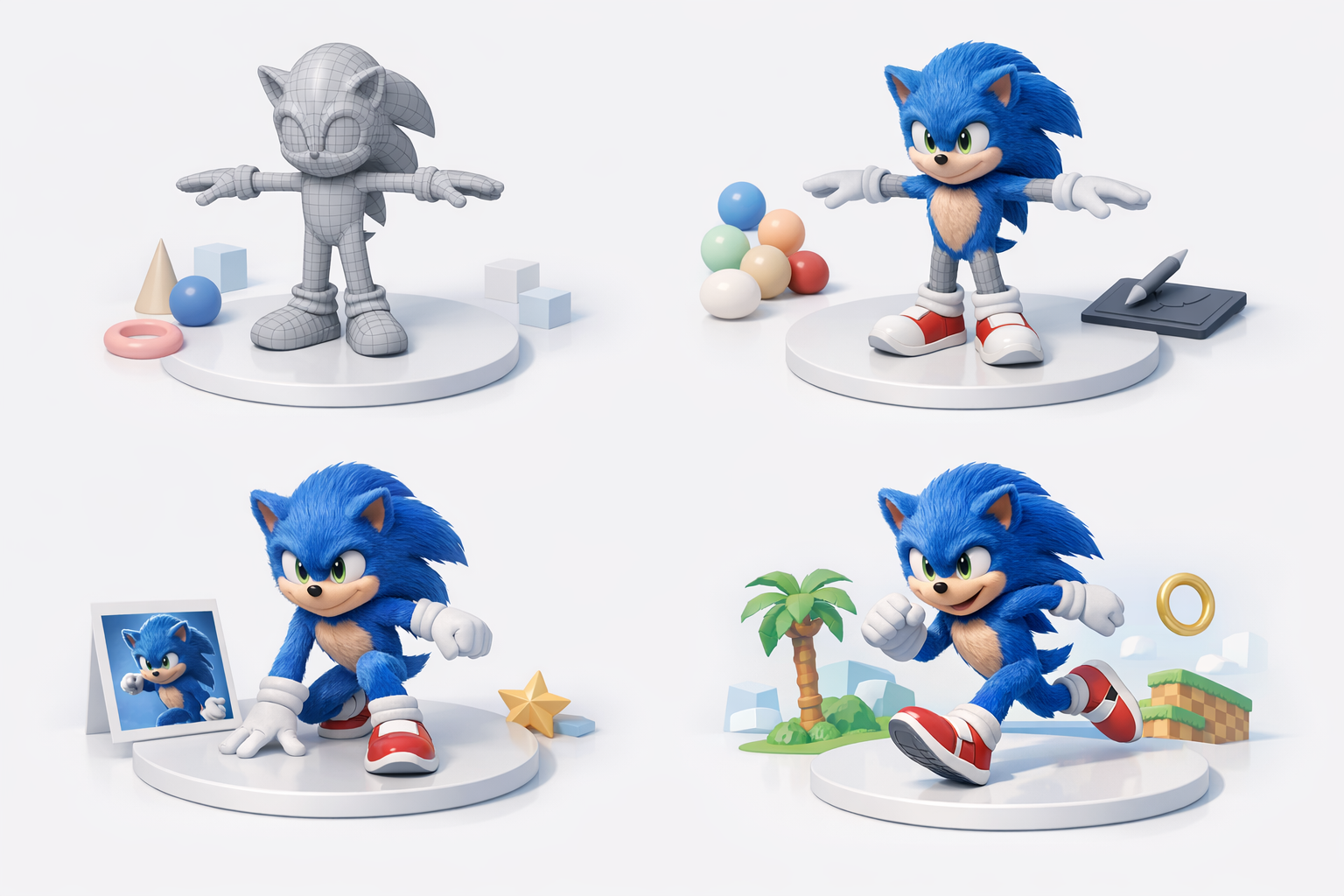
Blocking out the base mesh
I start in a DCC tool or Tripo with basic shapes:
- Sphere for the head
- Cylinders for limbs
- Simple extrusions for ears and spikes
This stage is all about silhouette and proportion. I don’t worry about details—just getting the overall shape and pose right.
Refining shapes and details
Once the blockout looks solid, I:
- Sculpt in muscle definition and facial features
- Separate mesh for eyes, gloves, and shoes
- Add mouth and brow geometry for expressiveness
Mini-checklist:
- Keep topology clean for later rigging
- Use symmetry tools, but break symmetry for realism in final passes
Texturing and Materials: Achieving Sonic’s Look

Choosing colors and materials
For Sonic, I stick to a few key materials:
- Deep blue fur with subtle variation
- White gloves and socks (slightly off-white for realism)
- Red shoes with a glossy finish
I sample colors directly from movie references to stay accurate.
Painting fur and eye details
Fur is a make-or-break detail. I use procedural texturing for base fur, then hand-paint extra highlights and shadows. For the eyes, I:
- Paint a subtle iris gradient
- Add a glossy, reflective cornea layer
Tip: Don’t overdo fur noise—keep it readable at a distance.
Rigging and Animation Considerations

Setting up a flexible rig
Sonic’s expressiveness calls for a robust rig. I:
- Use IK/FK switches for limbs
- Add facial controls for brows, mouth, and cheeks
- Ensure spine and tail have enough joints for dynamic poses
Animating expressive poses
I test the rig with classic Sonic poses—running, jumping, and idle. Key is exaggerating squash and stretch, especially in the legs and hands.
Pitfall: Neglecting facial controls can make Sonic look lifeless. Prioritize eye and brow mobility.
Using AI Tools to Accelerate the Sonic 3D Modeling Process

How I leverage Tripo for rapid prototyping
Tripo lets me generate a base Sonic mesh from text prompts or sketches in seconds. I use it to:
- Quickly explore different body types or poses
- Get a starting point for further sculpting
Integrating AI-generated assets with manual workflows
AI outputs save time, but I always:
- Clean up topology for animation-readiness
- Refine anatomy and details manually
- Retopologize and UV unwrap before texturing
Tip: Use AI for rough drafts, but rely on hand-editing for final polish.
Best Practices, Lessons Learned, and Common Pitfalls

What I’ve learned from recreating Sonic
- Reference is everything—small design errors stand out on iconic characters.
- Simple geometry works best for stylized forms; avoid unnecessary subdivisions.
- Iterative feedback (from peers or AI previews) improves results.
Tips for avoiding common mistakes
- Don’t skip the blockout phase.
- Avoid over-complicating fur or textures.
- Always test the rig with expressive poses before finalizing.
Comparing Manual and AI-Assisted 3D Modeling Approaches
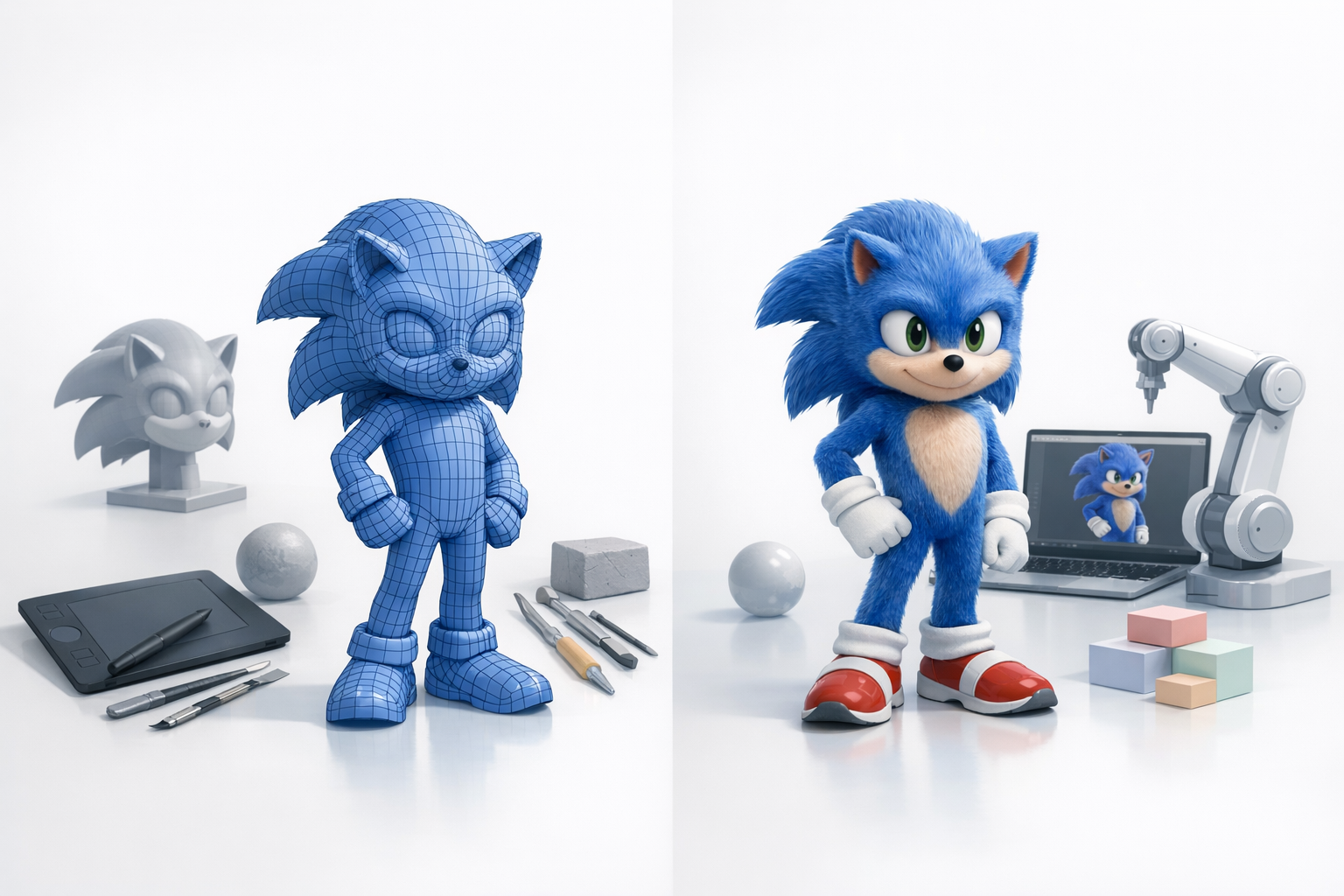
Strengths and weaknesses of each method
Manual modeling:
- Strengths: Full control, best for unique details and stylization.
- Weaknesses: Time-consuming, repetitive for standard shapes.
AI-assisted modeling (e.g., Tripo):
- Strengths: Rapid prototyping, easy iteration, good for base meshes.
- Weaknesses: Requires manual cleanup, may miss fine details or stylization.
When to use AI tools versus traditional workflows
I use AI tools for early ideation and base mesh generation, then switch to manual workflows for refinement, texturing, and rigging. The hybrid approach combines speed with quality, letting me focus on what matters most—bringing Sonic’s character to life.
Meta Description:
Discover expert workflows, best practices, and AI tools for creating a 2019 movie Sonic 3D model. Learn key steps, lessons, and tips from real-world experience.
Keywords:
2019 sonic 3d model, movie sonic workflow, 3d modeling tips, ai 3d tools, sonic character design, tripo ai


