Tripo and Rosebud AI: AI-Powered Gaming Revolution
Tripo and Rosebud AI are teaming up to bring AI 3D games to live. Tripo Studio will provide all the 3D assets for an upcoming AI FPS game, generated using cutting-edge AI technology, including their best free ai 3d model generator generator. This partnership promises to streamline AI game development with high-quality, AI-powered assets integrated seamlessly into Rosebud's no-code game engine.
What's Special About This Collaboration?
- 100% of the 3D assets in the AI game are generated by Tripo Studio
- No traditional coding, modeling, or manual sculpting required
- Assets are ready for use directly inside Rosebud's creation platform
- From characters to props to environments — all created with AI
What Tripo Studio Delivers
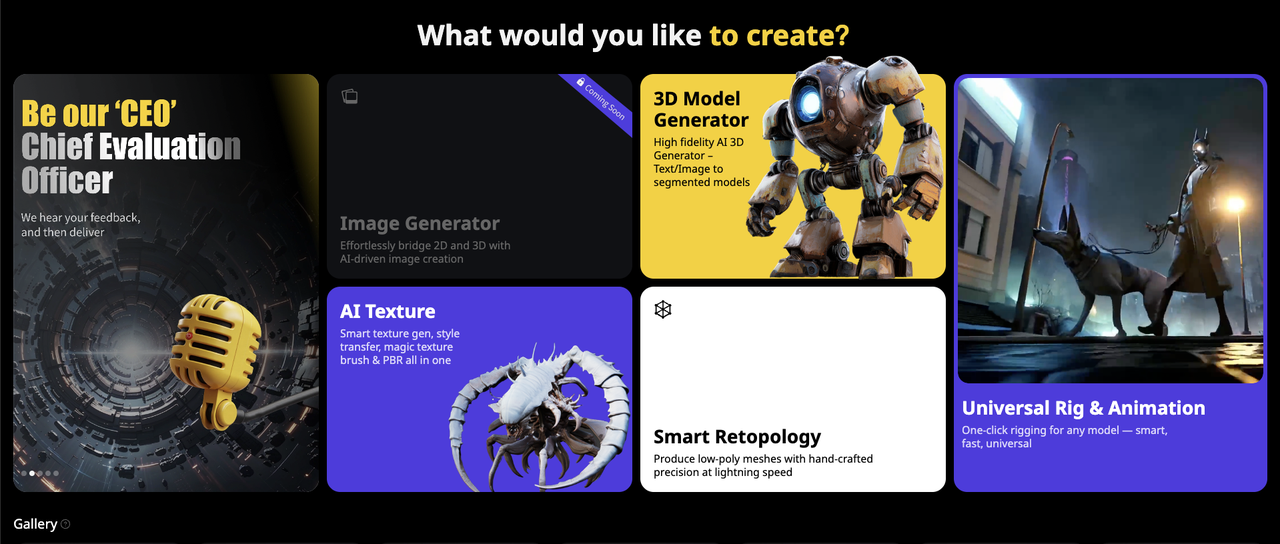
Tripo Studio is an AI-powered platform that turns images or prompts into fully textured 3D models — fast, accurate, and production-ready. In this AI game project, every 3D element is generated using Tripo, ensuring high visual fidelity with minimal manual work.
Here's what you get:
- Quick generation: Turn a single image or prompt into a 3D model in seconds
- Clean formats: Exports in
.GLB— ideal for real-time engines like Rosebud - Plug-and-play: No cleanup needed, with UVs, textures, and mesh data all in place
- Style flexibility: Choose from different styles depending on your creative direction
- Low-poly or high-res ready: Output meshes that work for both fast previews and detailed rendering
- Batch-friendly: Generate multiple models in a single session
New Features
Intelligent Segmentation
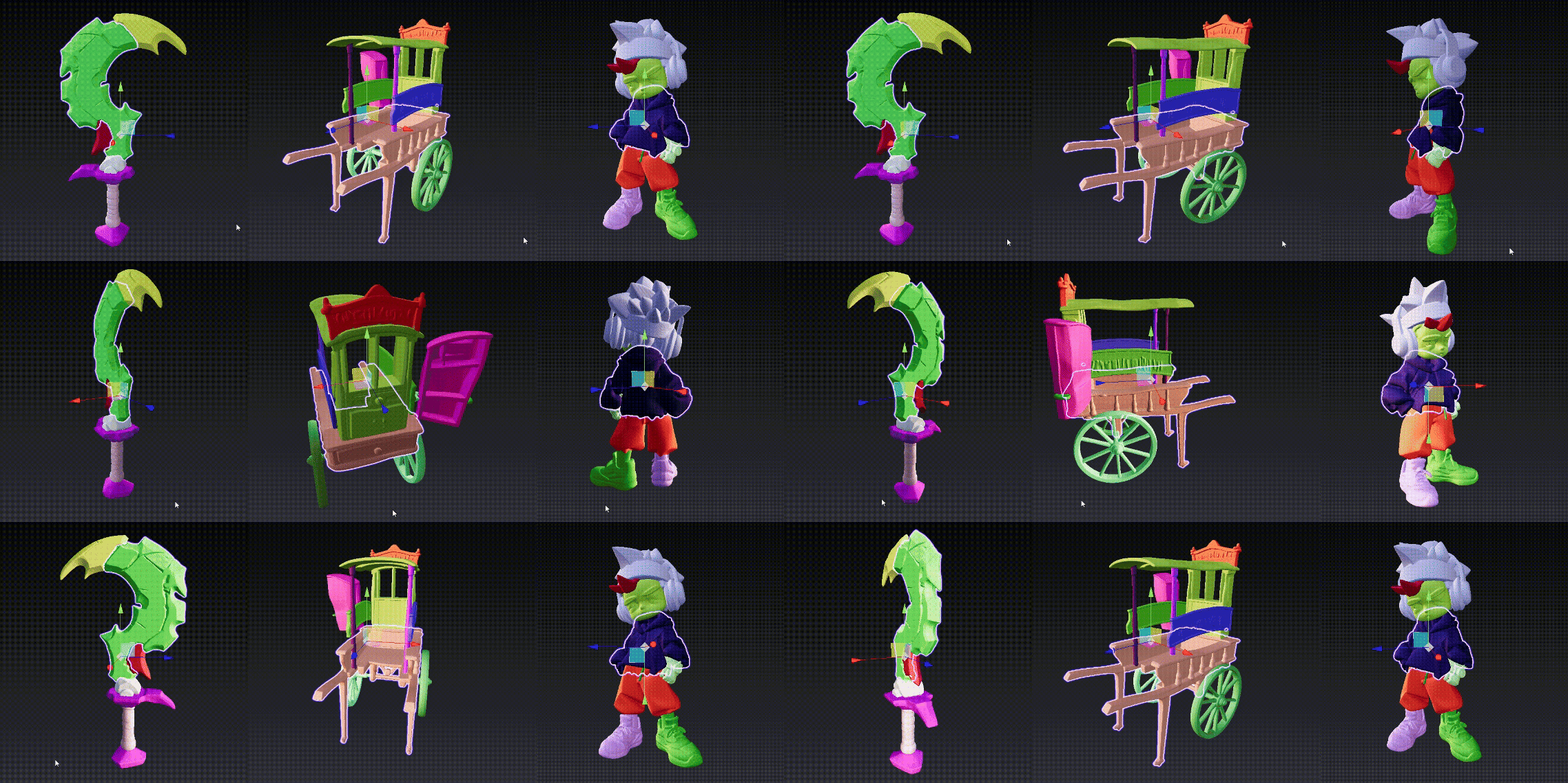
Tripo Studio's Intelligent Segmentation transforms 3D modeling by using AI to analyze and organize your model’s geometry in unprecedented ways. With just one click, complex 3D models are automatically divided into logical components—such as a character broken down into head, torso, limbs, and gear, or a scene separated into individual props.
Smart Low-Poly Generation
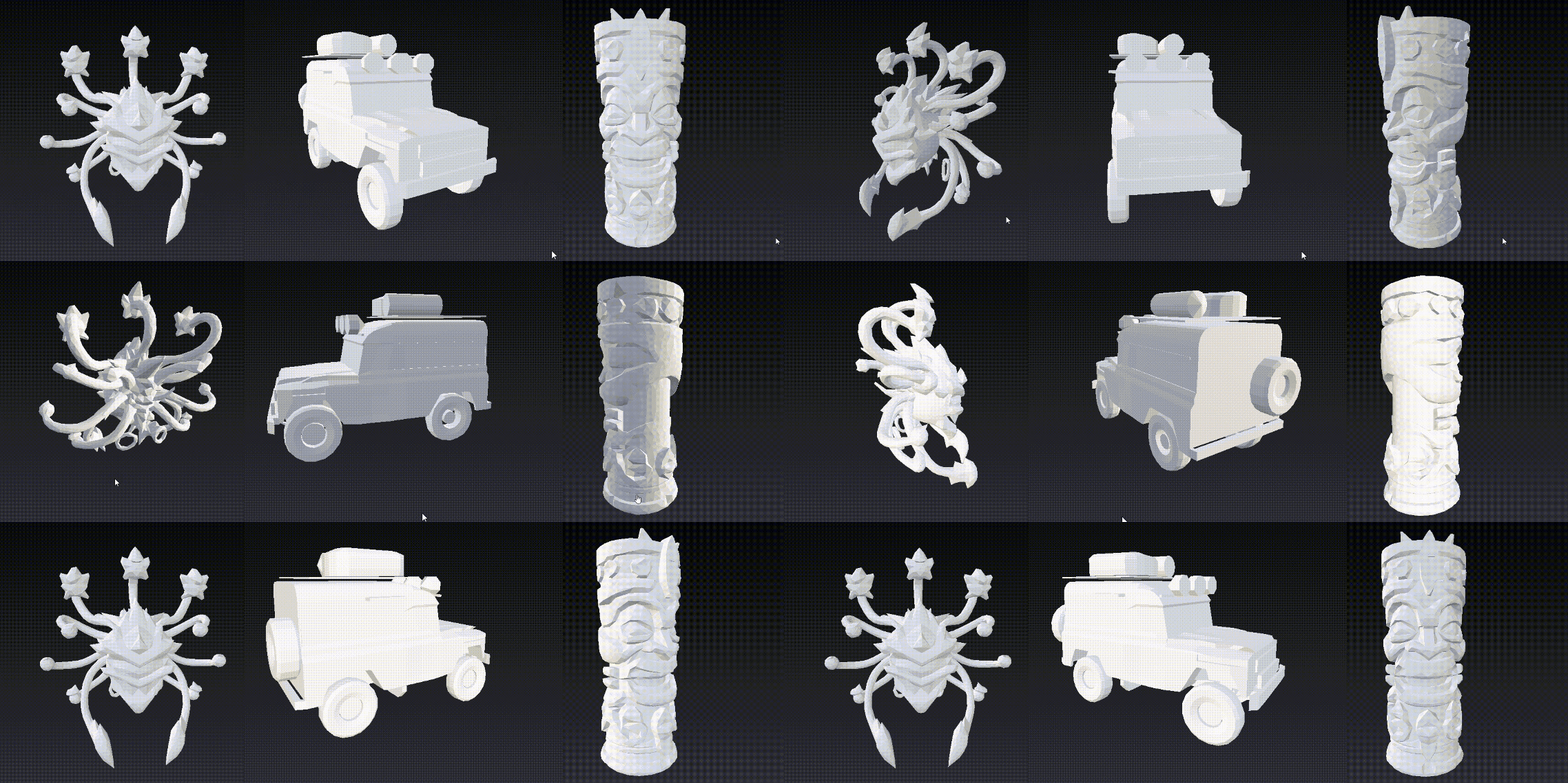
High-poly models look stunning, but optimization is key for smooth rendering workflows.
That's where Smart Low-Poly Generation comes in—creating efficient, performance-optimized assets that maintain key details and silhouettes, making them ideal for games, AR/VR, and real-time applications.
Magic Brush for Texture Generation
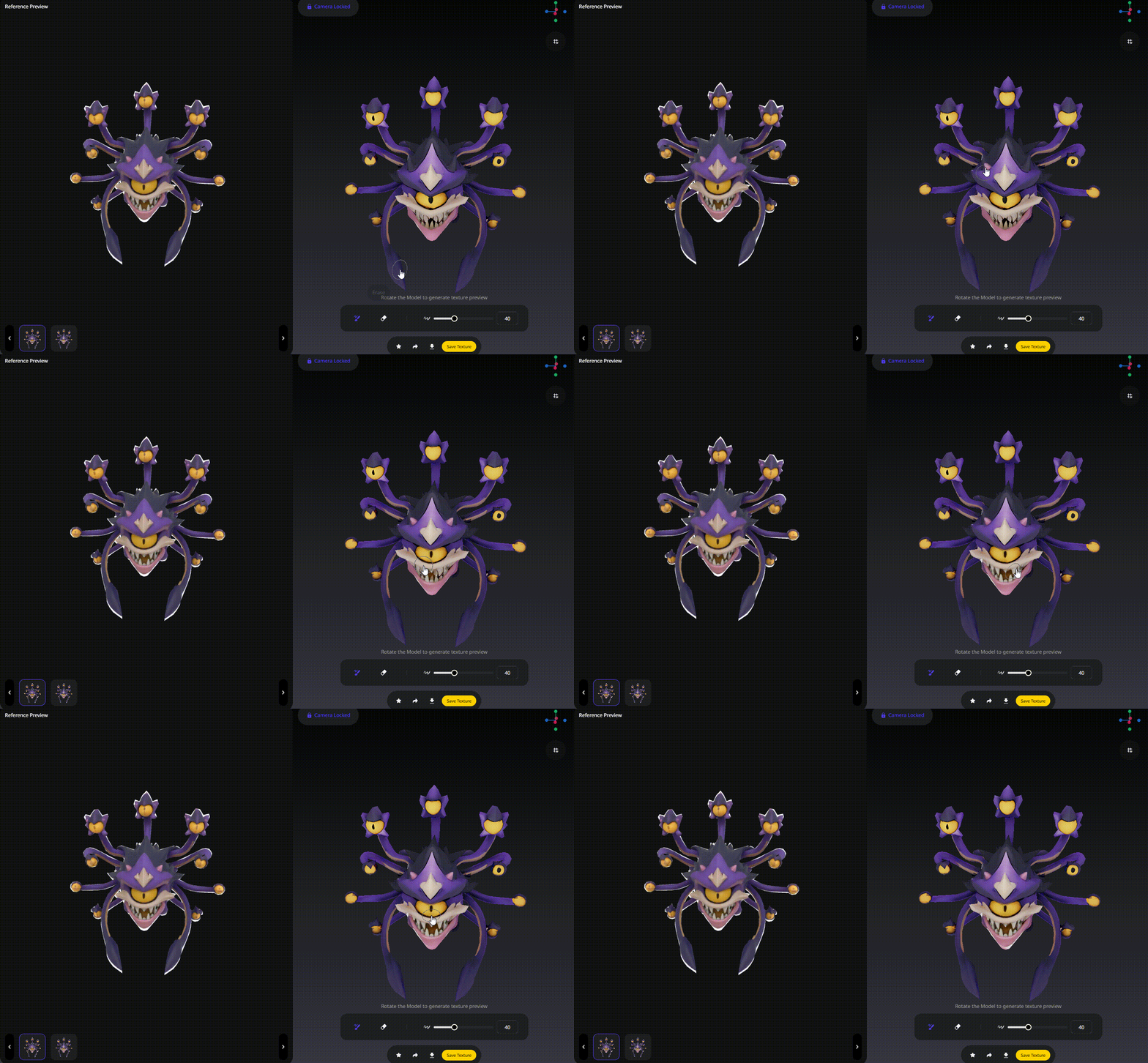
What if painting a 3D model was as simple as waving a magic wand? Magic Brush redefines how you apply color and detail to your models with AI-powered texture generation.
When texture issues arise, Magic Brush puts you in control of the solution. Just lock in your desired viewpoint, generate a texture fix from the side panel, and paint it directly onto your model's surface. It's like having a digital repair toolkit at your disposal.
Uni-Rig for Diverse Characters
Tripo's Uni-Rig instantly applies a skeletal rig to characters of any shape or size—from humans and animals to fantastical creatures.
By fully adapting to your model's proportions and structure, the system eliminates the traditional bottleneck in character rigging, making the process faster and more intuitive than ever.
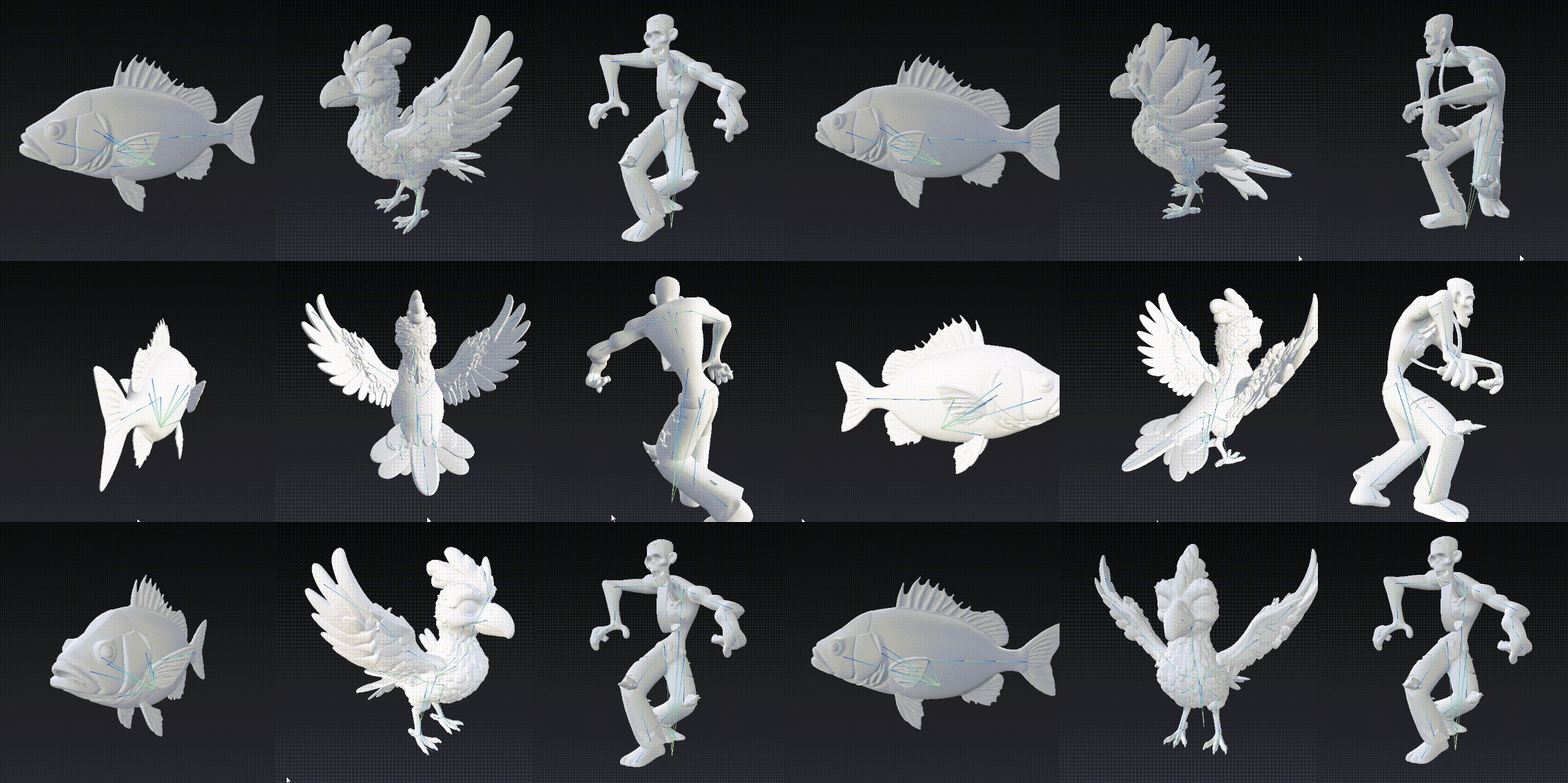
Tripo's goal is simple: cut down 3D production time while keeping creative control in your hands — making it the perfect fit for fast-paced game projects like this one.
Seamless Integration with Rosebud AI's Game Engine
Creating and publishing your AI game just got easier — thanks to Rosebud AI's intuitive, prompt-based engine. Combined with Tripo's 3D assets, building a game is as simple as prompt, publish, and play.
Start from the Homepage
- Type a text prompt or upload an image to generate an 3d model
- Click the purple arrow to instantly generate a playable game
- Browse and remix trending games directly from the homepage
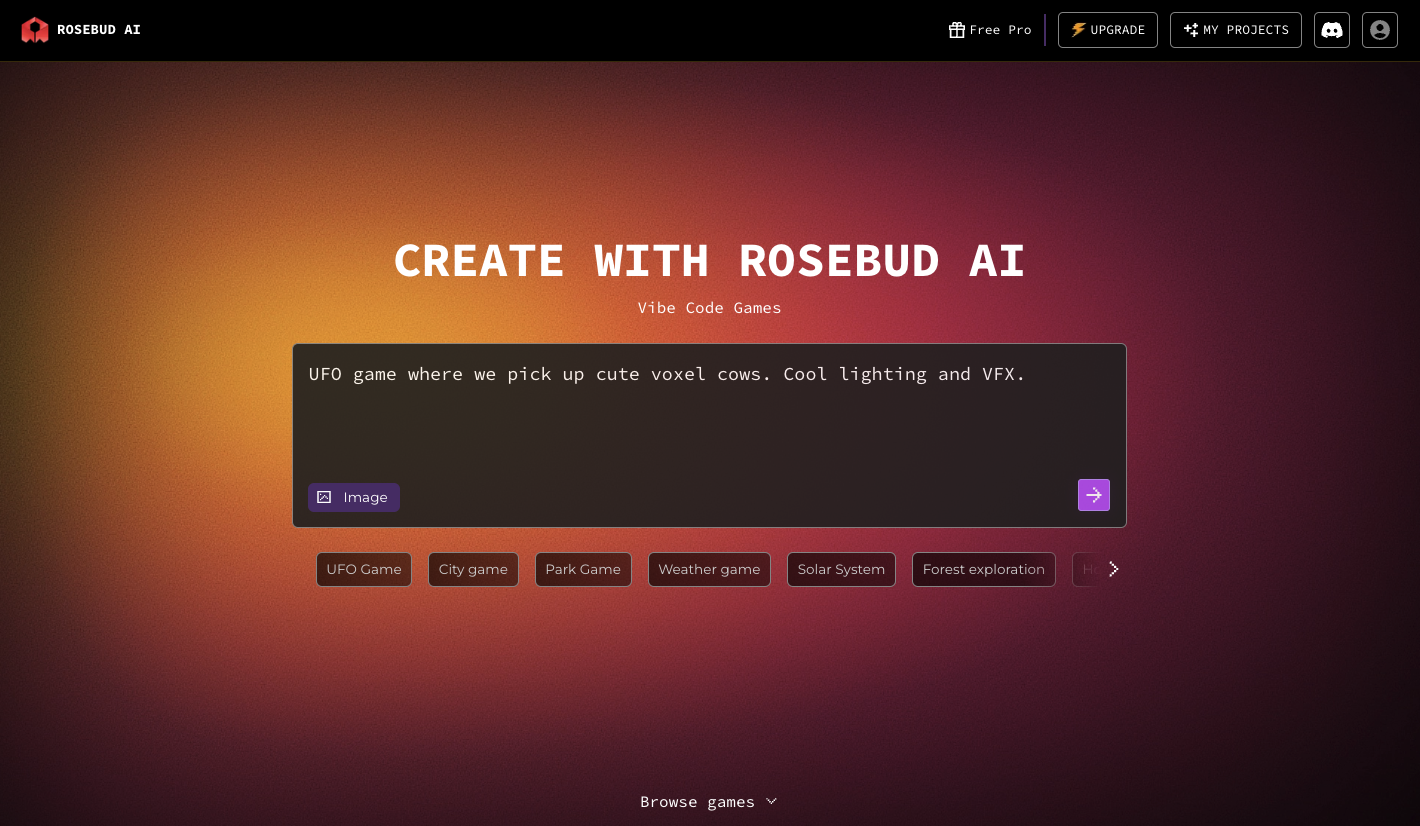
Build with Rosie in the Game Editor
- On the left panel, chat with Rosie, your AI assistant
- Type commands like "add mountains" or "make it night" — Rosie will write and apply the code
- Upload images to influence art style or scene setup
- Use Continue with next step suggestions to iterate quickly
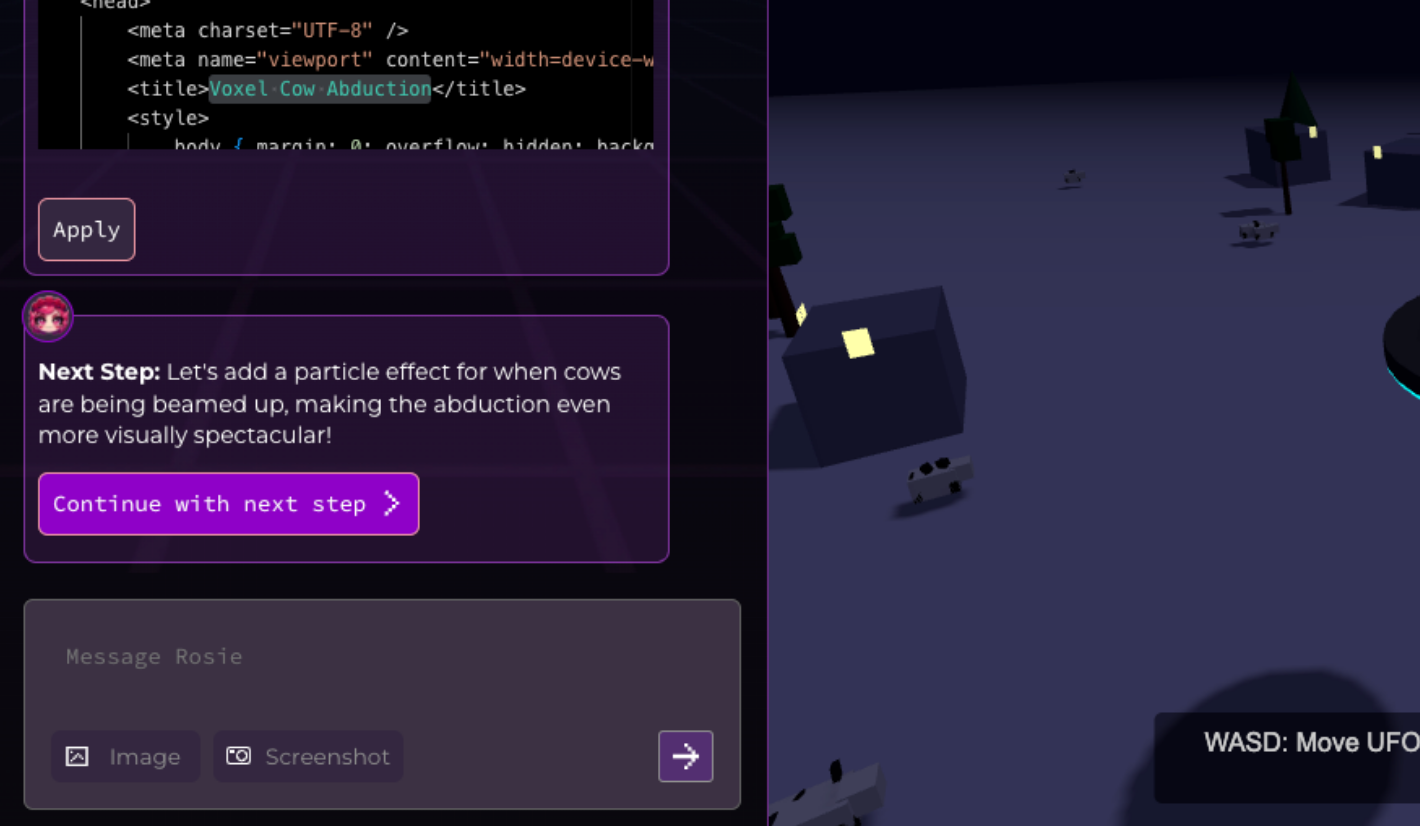
Asset Management Made Easy
- Upload your Tripo-generated models directly to the Assets tab
- Supports
.glb,.gltf,.obj, and more - Drag and drop files or paste URLs
- Filter assets by project or reuse uploads across builds
Top Features You Can Access
- Preview tab: View, refresh, or fullscreen your game instantly
- Code tab (Pro only): Manually tweak and checkpoint your project code
- Supabase: Add login systems, online states, or multiplayer features
- History & Memory: Roll back changes or clear session memory easily
One-Click Publishing
- Hit Publish when you're ready
- Add title, description, and custom thumbnail
- Choose to allow remixing or publish watermark-free (based on plan)
- Get a public URL to instantly share your game
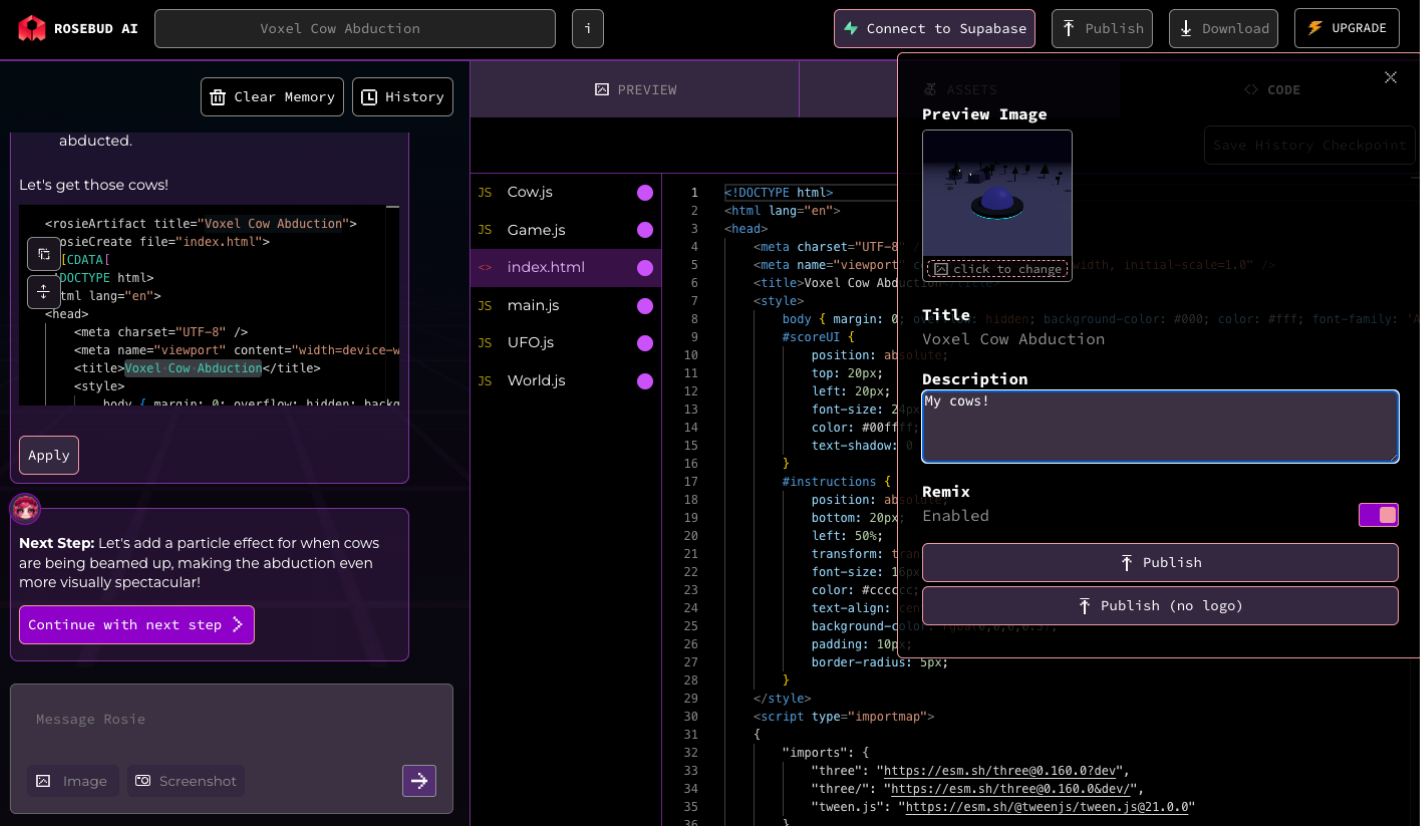
Remix & Share
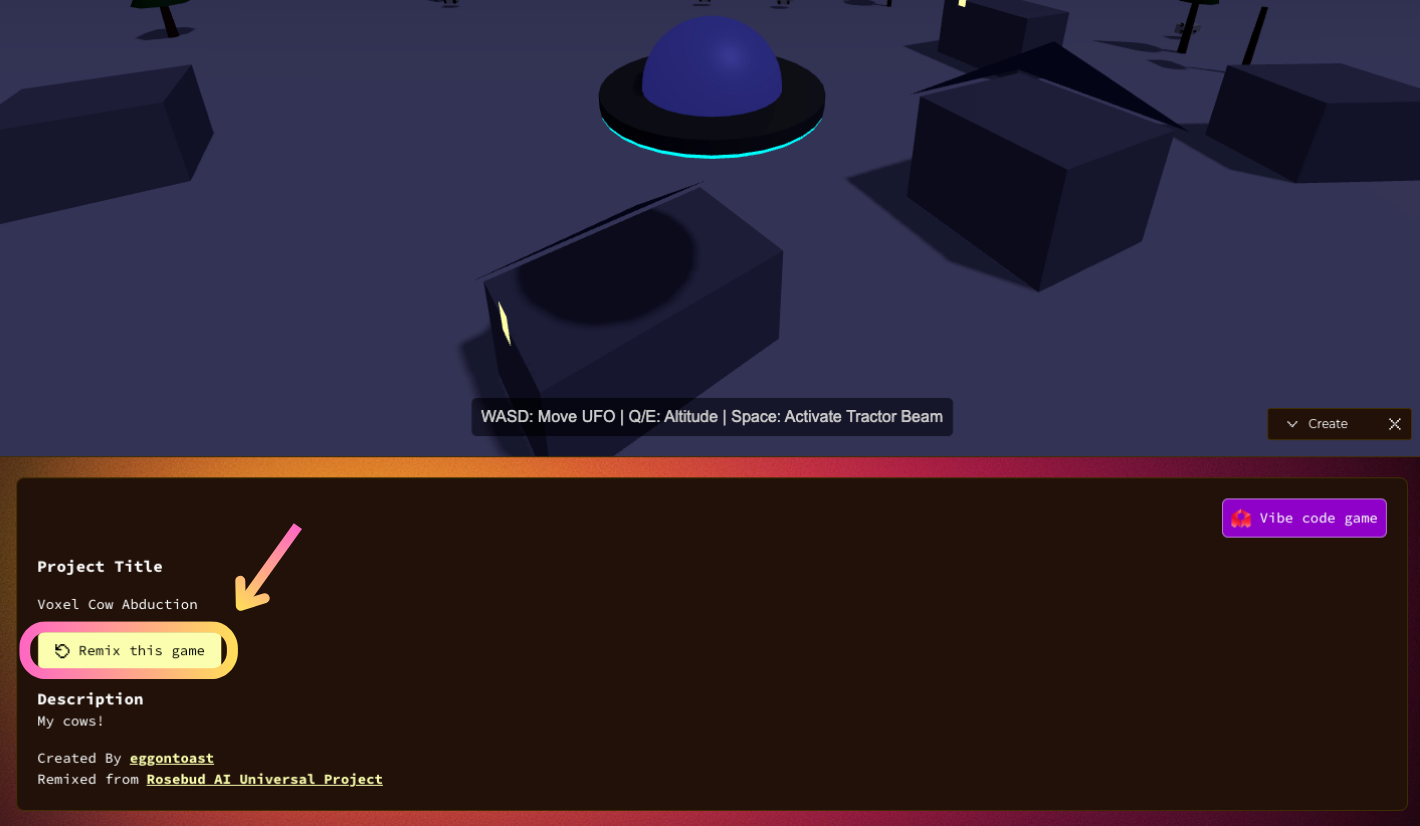
- Click "Remix this game" on any public project to customize your own version
- All remixes appear in your My Projects dashboard
- Share your public profile and discover other creators
The Future of Game Development is Here
This collaboration between Tripo Studio and Rosebud AI unlocks new possibilities for game developers of all levels. Whether you're just starting or are an experienced developer, this partnership provides all the tools you need to create stunning AI games quickly and efficiently.
Join the Community
- Get real-time feedback
- Ask technical questions
- Explore new drops and tutorials
Start Creating Today
Your AI game could be the next big hit. With Tripo's AI-powered 3D assets and Rosebud's easy-to-use game engine, you have all the tools you need to create something amazing.
Advancing 3D generation to new heights
moving at the speed of creativity, achieving the depths of imagination.
 Text & Image to 3D models
 Free Credits Monthly
 High-Fidelity Detail Preservation