3D Modeling Online Free: The Ultimate Guide to Creating 3D Models in Your Browser
The days of downloading bulky software and paying hundreds of dollars for licenses are over. Today, you can do converting image to 3d models free, directly from your browser, without sacrificing quality or creativity. Whether you’re a student dipping your toes into digital design, a game developer prototyping assets, or a product designer testing concepts, online tools have opened up a world of possibilities.
This guide covers everything you need to know: why online 3D modeling is worth trying, the best free platforms, step-by-step workflows, and practical tips to get the most out of these tools.
Why 3D Modeling Online Is a Game-Changer
- Zero Installation Hassle Forget about downloading gigabytes of software. Open your browser, and you're modeling, learning how to turn an image into a 3d model without any complex setup, using a 2d to 3d model ai generator hugging face.
- Works on Almost Any Device From Chromebooks to Macs, as long as you have internet, you can create.
- Free Entry Point Perfect for beginners, students, or anyone not ready to invest in Blender, Maya, or 3ds Max.
- Collaboration in Real-Time Many platforms support shared editing, comments, and cloud storage.
- Export to Popular Formats Even free versions often support OBJ, FBX, STL, and GLTF — compatible with engines like Unity, Unreal, and web viewers.
Top Free Platforms for Online 3D Modeling
Here’s a breakdown of the best free online 3D modeling tools — categorized by use case.
1. Tinkercad – The Beginner’s Playground
- Owned by Autodesk, browser-based.
- Drag-and-drop interface, ideal for kids, schools, and 3D printing hobbyists.
- Limitations: Not suitable for advanced sculpting or complex topology.
Best for: Absolute beginners, education, and 3D printing projects.
2. SculptGL – Quick Digital Sculpting
- Lightweight sculpting tool that runs in your browser.
- Supports symmetry, dynamic topology, and brushes for organic shapes.
- Can export OBJ and PLY for further refinement in Blender or ZBrush.
Best for: Artists wanting to sculpt characters, creatures, or organic objects.
3. Vectary – Collaborative Product Mockups
- Cloud-based modeling with built-in rendering and AR previews.
- Team-friendly: share links, co-edit, and embed models into websites.
- Free tier allows personal projects; paid plans unlock advanced exports.
Best for: Designers, product visualization, and web/AR presentations.
4. Tripo AI – AI-Generated 3D Models
- Generate 3D models from text prompts or images using AI.
- Automatically adds textures and realistic topology.
- Free plan available, with options to export to GLTF/FBX for use in games or AR.
Best for: Speed-focused creators, indie game developers, and marketers who want assets in minutes.
5. Clara.io – Browser-Based Professional Suite
- A full-featured modeling, animation, and rendering tool in the cloud.
- Supports polygonal modeling, materials, lights, and even V-Ray rendering.
- More complex than Tinkercad but not as intuitive as AI-assisted platforms.
Best for: Intermediate users who want a “Blender-lite” experience in the browser.
6. Sketchfab – Explore, Edit, and Publish
- Not strictly a modeling tool, but you can upload, tweak, and showcase models.
- Huge library of free community models you can edit and remix.
- Strong focus on publishing and sharing interactive 3D models online.
Best for: Artists looking to publish, remix, or showcase 3D work globally.
What Can You Do with Free Online 3D Models?
- Game Development: Prototype characters, props, or environments. Export into Unity or Unreal with ease.
- 3D Printing: Create objects and export to STL format for slicing and printing.
- Product Visualization: Quickly mock up furniture, gadgets, or packaging in 3D.
- Web & AR: Embed models into websites or test them in augmented reality.
- Education: Teach design, math, or engineering concepts with interactive modeling.
Step-by-Step Workflow for 3D Modeling Online Free
- Choose Your Platform
- Tinkercad for simple CAD-like objects.
- SculptGL for organic sculpting.
- Tripo AI if you want instant, AI-generated results.
- Start Modeling or Generating
- Drag and drop shapes (Tinkercad).
- Sculpt with brushes (SculptGL).
- Type a text prompt like “futuristic car with sleek body” (Tripo AI).
- Refine Your Model
- Adjust topology if the tool allows.
- Apply textures and materials.
- Export to Standard Formats
- Save as OBJ, FBX, STL, or GLTF.
- Import into Blender, Unity, or Unreal for further editing.
- Showcase or Print
- Upload to Sketchfab for sharing.
- Send STL files to your 3D printer.
Advantages vs. Limitations of Free Online 3D Modeling
✅ Advantages
- No upfront cost.
- Quick to learn.
- Works on low-power devices.
- Perfect for prototyping.
❌ Limitations
- Less powerful than Blender/Maya.
- Some platforms limit exports on free plans.
- Internet connection required.
- Complex models may lag in-browser.
Pro Tips to Get the Most Out of Free Tools
- Combine Platforms: Generate a base mesh in Tripo AI → refine in SculptGL → export to Blender.
- Leverage Free Libraries: Use free textures from sites like Polyhaven or models from Sketchfab.
- Stay Organized: Save exports frequently to avoid browser crashes.
- Learn Keyboard Shortcuts: Even free tools often have Blender-style navigation.
- Experiment with AI: Use AI to speed up tedious parts, then polish manually.
Final Thoughts
The barrier to entry for 3D modeling has never been lower. With today’s tools, anyone can start creating 3D models online for free — no downloads, no steep costs. From AI-powered instant modeling to hands-on sculpting in your browser, the options are vast and powerful enough to fuel education, indie games, product design, and more.
So, whether you’re chasing your first 3D character or prototyping a new product idea, the best time to start experimenting is right now.

Master the art of AI-generated 3D models with Tripo3D. This guide provides step-by-step instructions on setup, model exporting, and troubleshooting, helping you streamline and enhance your 3D workflow.
 Maisie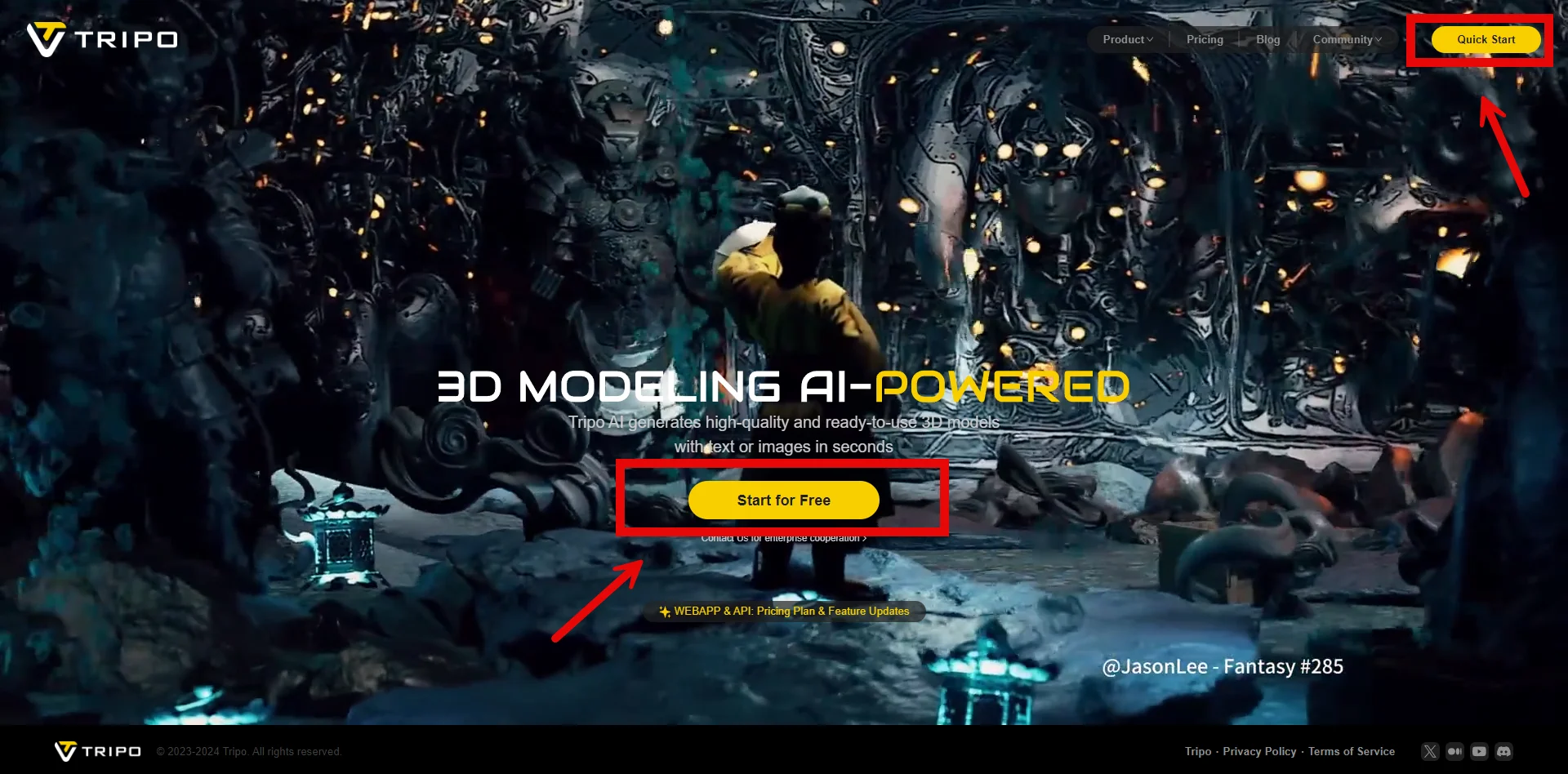
Discover how Tripo, the AI-driven 3D model generator, transforms your photos into highly detailed 3D models effortlessly.
Maisie
Explore how AI technology transforms a simple image into a detailed 3D model. Learn about the tools, techniques, and industries that benefit from this fascinating process.
Maisie