Applying PBR Textures to AI 3D Models for Home Design Workflows
Learn how to optimize topology, map UVs, and apply physically based rendering maps to raw meshes. Master photo-to-PBR workflows to accelerate interior design.
The adoption of machine learning in spatial rendering and interior visualization primarily shortens the initial concept phase. While structural forms generate quickly, converting a basic procedural mesh into a deployable architectural asset depends on accurate material mapping. Physically Based Rendering (PBR) serves as the baseline for photorealism, calculating surface light scattering through measured physical properties.
Integrating PBR pipelines with generated geometry introduces specific pipeline friction. Compared to manual polygonal modeling, generated outputs typically lack edge loops and assigned UV coordinate space. This document details a systematic technical procedure for evaluating raw meshes, restructuring geometry, and mapping multi-channel PBR textures to produce standardized home design assets suitable for production rendering.
Why PBR is Essential for Photorealistic Home Design
Standard image mapping falls short in dynamic interior lighting setups. Implementing a complete PBR workflow resolves specular inconsistencies and provides the micro-surface data required for accurate material representation in architectural visualization.
Diagnosing the Visual Gap in Raw AI Generated Meshes
Many initial generated models default to vertex coloring or single-channel diffuse projection. These methods provide basic volume validation but fail under standard interior lighting setups involving High Dynamic Range Imaging (HDRI) environments or multi-point area lights. The geometry lacks the micro-surface normal data required to calculate localized light bounces.
This deficiency appears as uniform surface shading. Without distinct specular reflection data, a generated leather sofa scatters light at the same rate as a matte painted wall. In residential interiors, where the distinct optical properties of velvet, brushed steel, and treated oak define the spatial quality, basic diffuse mapping causes the asset to look flat. Addressing this requires migrating from localized vertex shading to a multi-map physical material pipeline.
Understanding Core PBR Maps: Albedo, Roughness, and Normals
A standard PBR material assembly requires specific texture channels, each driving an individual optical response parameter:
- Albedo (Base Color): Determines the unlit base color of the surface without ambient occlusion or baked specular highlights. In interior contexts, this defines the exact dye value of upholstery or the base stain of timber.
- Roughness: A single-channel grayscale map controlling microscopic surface scatter. A value of 0.0 results in unhindered reflection, while 1.0 diffuses incoming light rays completely. Standard satin wood finishes usually map at 0.45, whereas polished marble surfaces map within the 0.05 to 0.15 range.
- Normal: A three-channel RGB map calculating simulated surface deflection without increasing the polygon count. The Red, Green, and Blue channels correspond to X, Y, and Z vector modifications, which process the light interaction for fabric weaves or wood grain depth.
Step 1: Preparing AI-Generated Models for Texturing
Applying accurate textures requires resolving raw generated geometry first. Establishing clean, quad-based topology and defining strategic UV seams prevents texture stretching and UV overlap during the rendering phase.
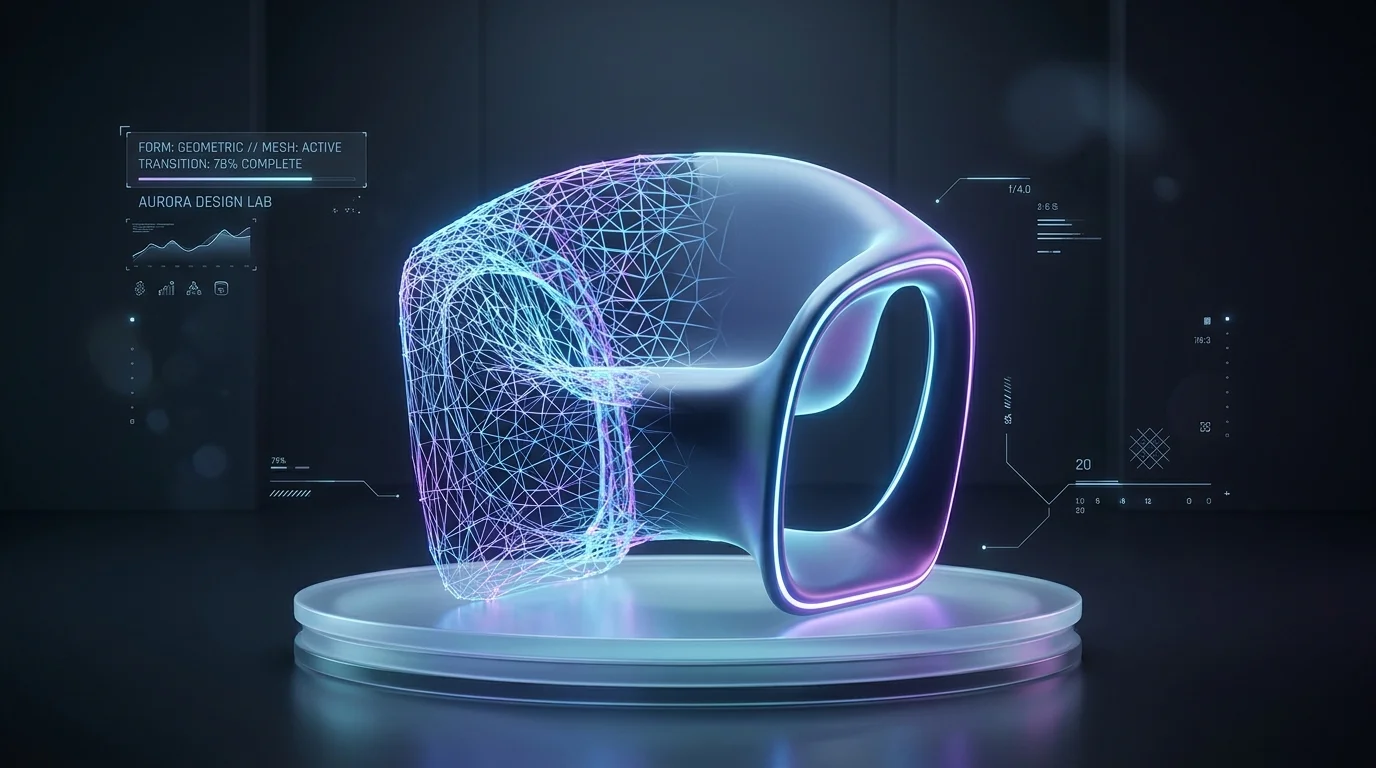
Evaluating Topology: When to Retopologize Furniture Assets
Models processed through Neural Radiance Fields or 3D Gaussian Splatting commonly employ marching cubes algorithms during mesh extraction. This process generates high-density, non-uniform triangulation that disrupts standard UV unwrapping and texture baking procedures.
Prior to mapping PBR channels, inspect the asset's wireframe. Retopology becomes necessary if the furniture item requires localized edge wear tracking or sub-division for fabric folds. Rebuilding the triangulated surface into a quad-dominant mesh ensures subsurface scattering and edge bevel calculations process accurately in the render engine. Using dedicated applications to retopologize and paint PBR textures helps convert high-density generation outputs into manageable architectural components suitable for standard production environments.
Mastering UV Unwrapping for Seamless Material Application
After finalizing the topology, the geometry requires UV unwrapping. The UV map provides a 2D coordinate space for the 3D surface, controlling texture projection alignment. Raw generated outputs rarely include usable UV islands out of the box.
For furniture and interior assets, logical seam placement minimizes mapping errors:
- Sofas and Chairs: Position seams along the physical manufacturing stitching lines. This masks texture stretching and replicates standard upholstery construction.
- Cabinetry and Tables: Apply hard-edge planar projection, aligning the wood grain orientation along the primary axis of the wooden structural members.
- Texel Density: Maintain uniform texel density across all UV islands, targeting an industry standard like 512 pixels per meter. This ensures the material resolution on a chair leg matches the adjacent table surface.
Step 2: Sourcing and Creating Custom Interior Materials
Acquiring the right material data involves balancing procedural libraries with custom generation. Transitioning to algorithmic texture synthesis and photo-based extraction provides specific, tileable maps for bespoke interior elements.
Traditional Material Libraries vs. AI Texture Generators
Standard architectural visualization pipelines generally pull from scanned procedural databases. While these repositories supply high-resolution baseline materials, they introduce limitations when project specifications require a distinct fabric print or an unlisted stone vein.
The application of machine learning in next-generation PBR texture creation adjusts this workflow. Current algorithmic texture generators process text parameters or reference imagery to output tileable PBR maps. This function enables the production of exact terrazzo patterns or custom wallcoverings required by the design spec, outputting aligned normal and roughness channels alongside the diffuse map.
Leveraging Photo-to-PBR Workflows for Unique Fabrics and Woods
Digitizing physical material samples for digital twins requires high baseline accuracy. Photographing a textile swatch or timber veneer under uniform, flat lighting allows specific computational processes to extract the required physical channels.
These processes evaluate pixel luminosity variations to calculate depth for normal maps and specular spread for roughness channels. Employing dedicated photo-to-PBR material tools outputs maps that tile properly without baked-in shadow bias. This ensures the resulting textures apply uniformly across extended architectural surfaces without visible repetition artifacts.
Step 3: How to Apply PBR Textures to AI 3D Models
Loading multi-channel textures into standard render engines requires exact node configurations. Setting correct color spaces and calibrating index of refraction values ensures the asset reacts predictably to interior lighting.
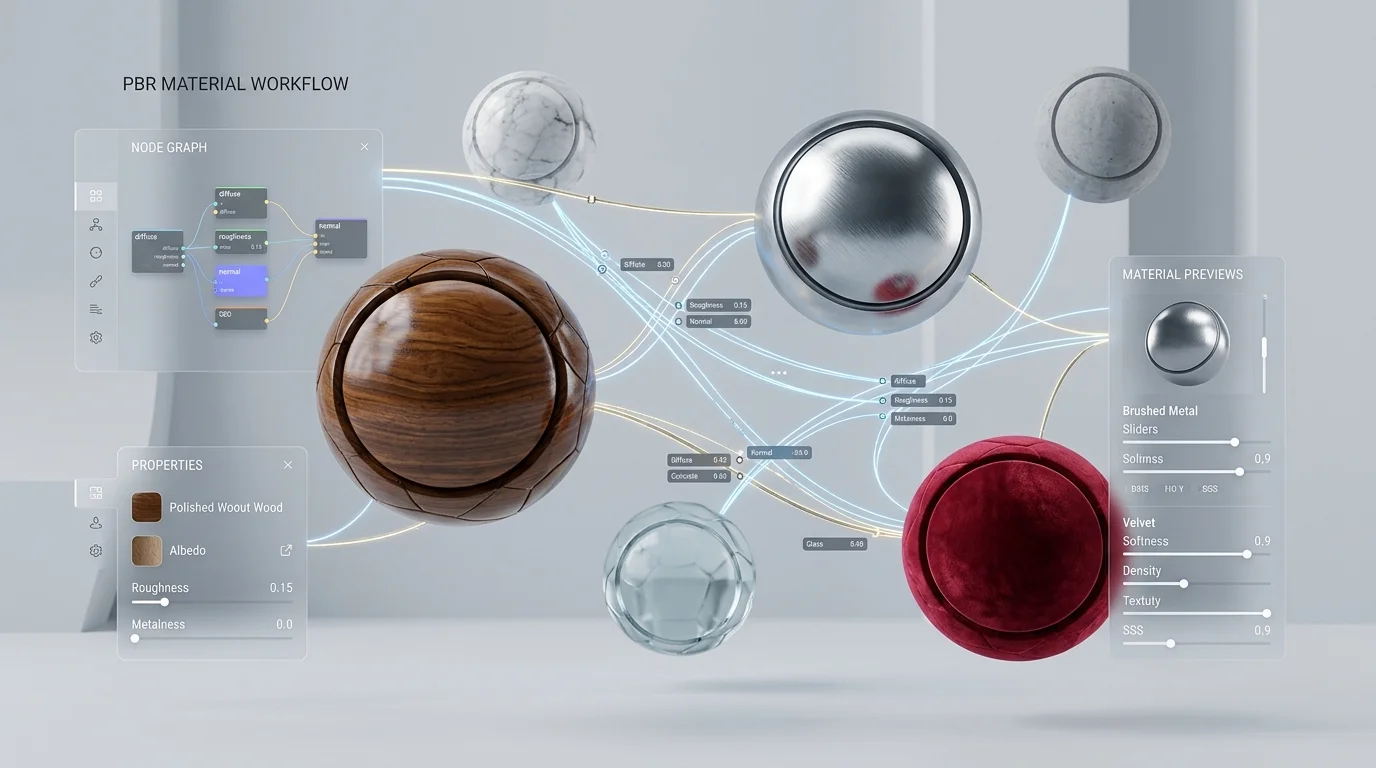
Importing and Assigning Texture Maps in Rendering Engines
When routing materials through standard renderers like Cycles, the Path Tracer in Unreal Engine, or V-Ray, the baseline PBR node assembly follows a standard configuration.
- Initialize a base material and locate the primary shader input, such as the Principled BSDF or standard Material node.
- Import the Albedo, Roughness, Normal, and any auxiliary maps like Ambient Occlusion or Metallic.
- Route the Albedo into the Base Color terminal. Verify the image color space remains set to sRGB.
- Connect the Roughness and Normal maps. It is strictly required to set their color space parameters to linear or non-color data. Processing these maps through an sRGB curve calculates incorrect light scattering.
- Add a Normal Map node between the Normal image texture and the shader normal input to modulate the depth intensity.
Calibrating Material Nodes for Accurate Lighting and Reflections
Implementing mathematically sound PBR maps usually requires local calibration to seat the asset within the targeted interior lighting setup.
Modify the Index of Refraction (IOR) based on the physical properties of the subject. Common interior plastics and clear sealants use an IOR of 1.45, while architectural glass maps at 1.52. For heavy textiles like velvet, integrate a Fresnel node or adjust the sheen parameter to replicate microscopic fiber scattering at grazing viewing angles. If a timber finish reflects too sharply under a specific HDRI setup, insert a color ramp or multiply node on the roughness data path. This globally shifts the roughness values while maintaining the contrast ratios of the wood grain.
Accelerating the Pipeline with Native 3D Generation Tools
Standard topology cleanup and UV mapping create severe pipeline bottlenecks. Native 3D generation engines process geometry and textures concurrently, exporting production-ready architectural assets in standard file formats.
Overcoming the Friction of Fragmented Texturing Workflows
The manual sequence of generating a raw mesh, executing retopology, cutting UV seams, and routing PBR nodes provides granular control but causes significant scheduling delays. In high-volume interior visualization workflows, allocating four hours to rebuild and map a single generated armchair reduces overall project throughput.
This delay results from segmented software pipelines. Transferring data from a generation interface to a sculpting package, then to a dedicated UV packer, and finally into the render engine causes file format degradation and increases the probability of mesh export errors.
Achieving Professional, Fully Textured Outputs in Minutes
To bypass these workflow blocks, production pipelines are adopting unified native generation systems. Tripo structures its generation around Algorithm 3.1, utilizing an over 200 Billion parameter multimodal architecture. This system is trained on extensive datasets of high-quality, non-open-source native 3D assets.
Instead of yielding unorganized point clouds, Tripo natively outputs meshes with established topology and assigned material groups. For interior visualization pipelines, this processes a fully textured draft model in roughly 8 seconds. Applying Tripo AI's refine feature processes a detailed, high-resolution mesh within 5 minutes. These assets export directly in standard industrial formats like FBX or USD, ensuring immediate compatibility with standard render engines. By processing geometry and mapping concurrently, Tripo eliminates the hours required for manual UV cutting and retopology, freeing production time for layout curation and lighting adjustments.
Frequently Asked Questions (FAQ)
Common inquiries regarding the implementation of PBR materials on generated geometry focus on lighting physics, default UV states, and mapping requirements for specific interior finishes.
What makes PBR textures superior to standard image mapping in home design?
PBR structures surface materials using measured data channels to calculate light bounce, scatter, and absorption properties. Standard diffuse mapping only applies static pixel colors. In interior rendering workflows, accurate light physics are required to distinguish between matte wallcoverings, high-gloss ceramics, and brushed steel when processed through the same light source.
Do AI-generated 3D models come with pre-configured UV maps?
The availability of UV data correlates to the underlying generation architecture. Baseline text-to-3D models using basic point cloud conversion yield unmapped, triangulated geometry, mandating manual retopology and seam placement. Advanced systems like Tripo AI output structured geometry with mapped UV coordinates, bypassing manual intervention and allowing immediate texture assignment.
Which specific PBR maps are most critical for realistic wood finishes?
Implementing architectural wood materials relies heavily on accurate Roughness and Normal maps. While Albedo controls the base stain, the Roughness data determines the specular variation between applied sealants and dry timber sections. The Normal map calculates the structural depth of the wood pores, driving accurate light catches along the grain when illuminated by grazing light sources, such as sunlight hitting a hardwood floor.
