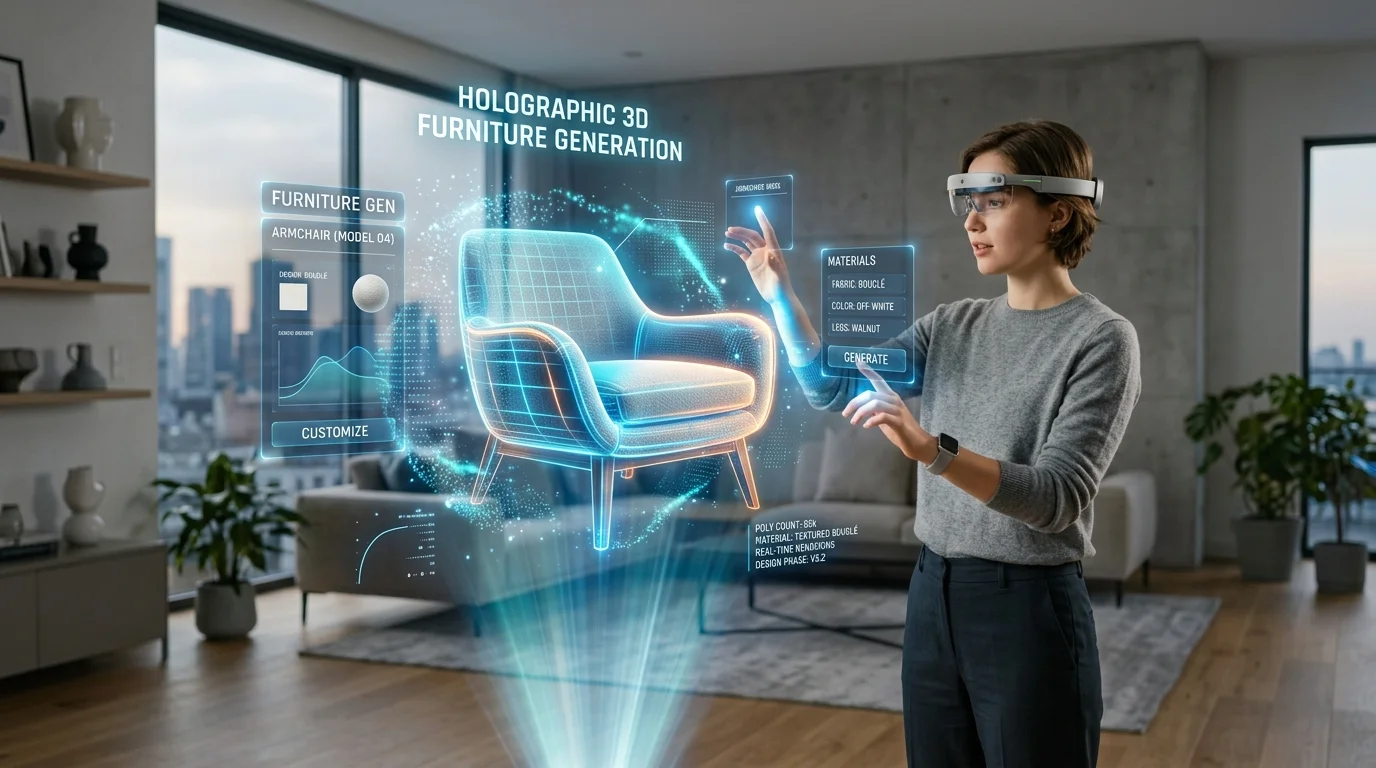
Fast AI 3D Furniture Generator With PBR Texture Export
Accelerating Architectural Visualization with Procedural Generation and Physically Based Rendering
Creating high-fidelity 3D furniture for architectural visualization and media production traditionally requires extensive manual modeling and complex material setup. This slow workflow creates massive friction for interior designers and visual artists who need rapid, photorealistic iterations of bespoke pieces.
Utilizing an advanced AI 3D Model Generator equipped with physically based rendering (PBR) capabilities solves this bottleneck by instantly producing fully textured, render-ready assets.
Key Insights
- PBR texture export ensures materials like wood, metal, and fabric react accurately to complex lighting scenarios in professional rendering engines.
- Automated geometry generation eliminates days of manual topological work for custom sofas, chairs, and tables.
- Industry-standard format support guarantees immediate pipeline integration with professional architectural visualization software.
- Precise descriptive inputs dictate the structural and material accuracy of bespoke virtual furniture, allowing for infinite design variations.
Transforming Home Design with AI Furniture Generation
Utilizing an AI 3D furniture generator with PBR texture export revolutionizes home design workflows. It empowers designers to instantly produce photorealistic, render-ready chairs, tables, and sofas from simple inputs, completely bypassing tedious manual modeling while ensuring high-quality material finishes.
The Importance of PBR Textures in Interior Rendering
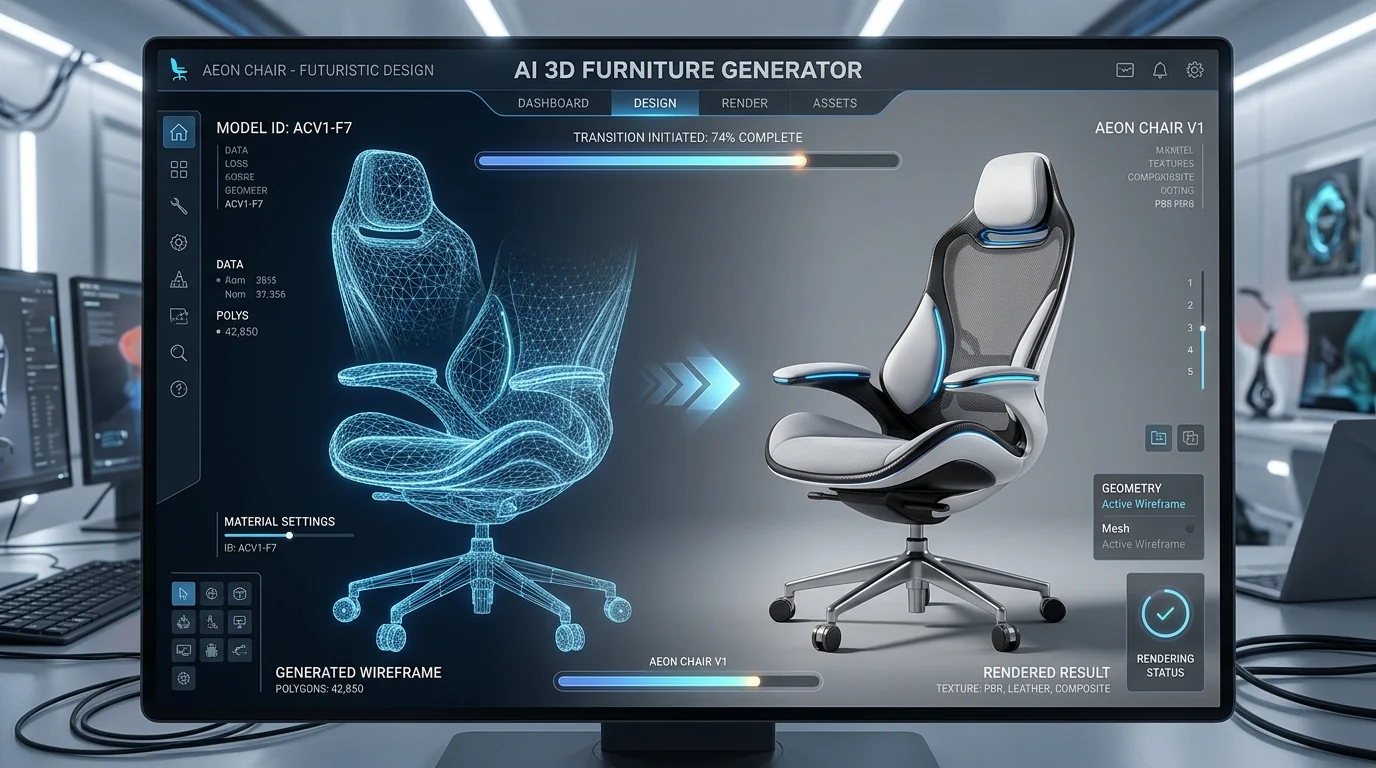
Physically Based Rendering (PBR) is the foundational standard for modern 3D visualization. In the context of interior design, flat color maps are entirely insufficient for conveying the true nature of a space. PBR methodologies rely on a suite of texture maps—typically Albedo, Normal, Roughness, and Metallic—to dictate exactly how light interacts with a specific surface.
When generating 3D furniture, exporting these precise PBR channels is non-negotiable for achieving photorealism. Without them, assets will look artificial and out of place when subjected to the advanced global illumination and ray-tracing systems used in professional architectural renders.
How Tripo AI Streamlines the Asset Creation Workflow
The traditional asset creation workflow involves drafting base meshes, modeling high-resolution details, performing complex UV unwrapping, and manually painting material channels. Tripo AI condenses this timeline into mere seconds.
By interpreting user inputs, the system autonomously constructs the underlying geometry, optimizes the topology for rendering efficiency, and simultaneously synthesizes the corresponding material maps. The core engine is powered by Algorithm 3.1 with over 200 Billion parameters, allowing the system to understand intricate spatial relationships and material behaviors at a granular level.
Seamless Export and Software Integration
Exporting generated assets with complete PBR maps guarantees that wood, metal, and fabric surfaces react realistically to lighting. Tripo seamlessly packages these textures with industry-standard meshes like USD, FBX, OBJ, STL, GLB, and 3MF for immediate use in professional engines.
Supported Formats for Professional Pipelines
Integration into established rendering pipelines requires rigid adherence to industry-standard file types. For instance, Omniverse and modern film pipelines heavily favor the Universal Scene Description (USD) format, while traditional DCC tools often rely on FBX or OBJ. For web-based AR, GLB serves as the optimal container. Sometimes, adapting these files requires 3D format conversion to ensure perfect material node translation.
Designing Custom Furniture Pieces for Virtual Rooms
Crafting bespoke furniture pieces requires precise prompting. A clear breakdown of structural form, material composition, and stylistic context is essential. Effective text to 3D model generation requires specific details; for example, 'Bauhaus-inspired lounge chair featuring a continuous tubular steel frame' provides much better results than 'modern chair'.
Tripo AI handles these complexities by embedding high-frequency detail directly into the Normal and Roughness channels. For agencies, the financial structure is transparent: the Free tier provides 300/mo (NO commercial use), while the Pro tier provides 3000/mo for commercial distribution.
FAQ
Q: How do I export PBR material maps with my generated furniture? A: Users can export as a GLB file to embed Albedo, Roughness, Metallic, and Normal maps into a single file. Alternatively, exporting in FBX format will generate the mesh alongside a folder containing separated PBR texture maps for manual adjustment.
Q: Can the AI generate accurate fabric textures for sofas and chairs? A: Yes, the engine leverages detailed PBR outputs. It generates specific Normal and Roughness maps to simulate complex textiles like velvet (diffused light scatter) or leather (natural creases and distinct sheen).
Q: Which 3D software works best with the exported PBR furniture models? A: Industry-standard applications like Blender, Unreal Engine, Autodesk Maya, and 3ds Max are exceptionally well-suited, as they can automatically read the USD, FBX, and OBJ formats along with accompanying PBR data.
