Convert USDZ 3D Model File with 1 Click: Free, Fast, Detail-Preserved
Convert any image and 3D file file to USDZ for compact & optimized 3D/AR delivery for Apple devices, OR convert 🔄 from .usdz to another 3D format, ready for instant view, edit and production in all 3D use cases.


USDZ Converter Highlights

All Popular 3D Formats Support
All Popular 3D Formats Support
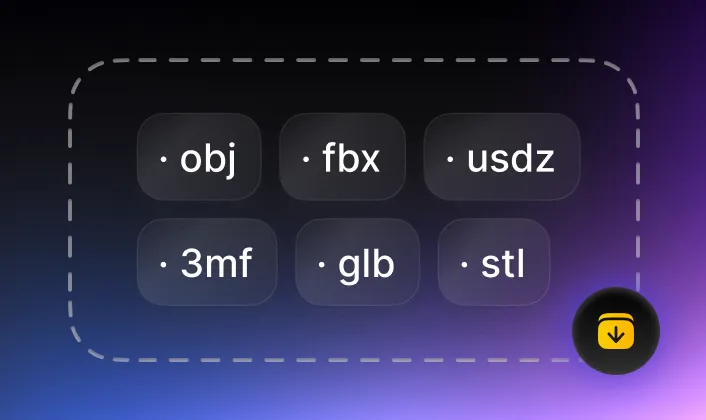
- The USDZ converter supports major 3D file formats widely used in industries: OBJ, FBX, GLB, STL, PLY, 3MF for 3D printing, game development, AR/VR, blender, eCommerce and etc.

Fast, Accurate, AI Powered
Fast, Accurate, AI Powered
- The USDZ file converting job is done in seconds, rich detail preserved, auto cleanup & repair included for production-ready works.

Free, No Login while Privacy Ensured
Free, No Login while Privacy Ensured
- Convert USDZ file by Tripo AI is completely free to use, but rest assured: the convert is done at client side, no personal and design data is uploaded.

Seamless Integrating in 3D Modeling and Production
Seamless Integrating in 3D Modeling and Production
- Tripo AI offers 3D tool to immediately view and edit the 3D model file after converting - make 3D model seamlessly ready from one use case to another.
Why and When to Convert USDZ (.usdz) Format File?
USDZ file is designed for Augmented Reality (AR), best for AR quick look and 3D assets delivery in Apple devices and OS.
Convert To USDZ format file for:

- AR quick look

- Optimized package for 3D model sharing and viewing with Apple ecosystem (iOS, macOS) and devices (iPhone, iPad)
Convert From USDZ file for:
- Common 3D model use cases
- Further 3D editing; (USDZ is read-only)
How to convert USDZ format files?
Convert USDZ format 3D files is easily done with Tripo AI with only 3 steps:
Load source file in USDZ converter
Drag and drop 2D image or 3D model file into the “source” area, Tripo AI’s 3D file converter will automatically detect the file format and ready to convert.

Click "Convert"
Click “convert”, your source 2D image or 3D model file will be converted to USDZ format as you required, the convert process is done at your local device securely, your privacy is ensured.

Download, view or edit new USDZ file
The converted USDZ 3D file will be ready in seconds to download, click “save” button to get new production-ready 3D model file.
All 2D/3D USDZ Converters
Tripo AI provides perfect tools to convert from 2D image or 3D model to USDZ format. Your artworks will be seamlessly moved from one project to another in most 3D software with nearly 0 loss, true-to-design.