PNG to FBX: Convert PNG Image to 3D Mesh FBX File with 1 Click
Easily convert from PNG image to FBX file with 1 click in seconds: accurate, fast, highliy compatible, best for 3D modeling & animation for 3D game, 3D film, character rigs and etc.

Drag, Upload or Paste Image fileMax file size: 100MB

PNG to FBX Converter Highlights

High Quality PNG to FBX Conversion
High Quality PNG to FBX Conversion
- Tripo AI's PNG-to-FBX converter ensures the resulting FBX 3D model features animation-ready, correct materials & textures, well-structured scene data and corss-software compatibility.
Convert Fast, Compatible with Any Devices, Platforms and OS
Convert Fast, Compatible with Any Devices, Platforms and OS
- The easily accessible and lightning-fast PNG to FBX converter transforms any image to a strong FBX in seconds - no software installation required.

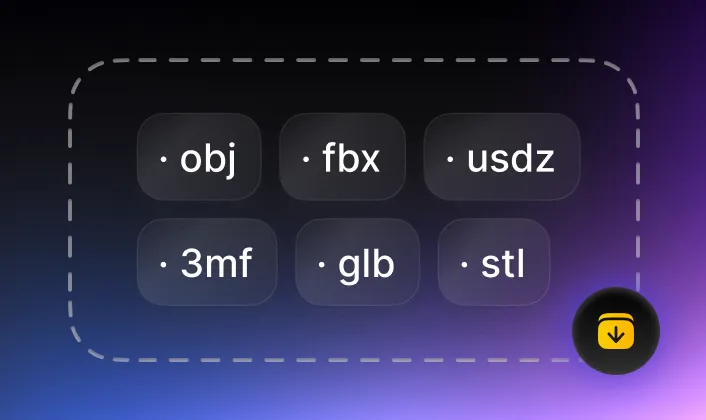
Convert to FBX 3D Model Ready for 3D games, 3D animation, rigging and 3D scene
- Generate production-ready FBX 3D files from PNG file: the converter delivers FBX files for immediate use in 3D pipelines: 3D modeling, game, 3D film, AR/VR and use cases where 3D scene, rigging, animation required.

The PNG to FBX Converter Ensures Security and Privacy
The PNG to FBX Converter Ensures Security and Privacy
- Rest assured, Tripo AI converts your PNG to FBX securely and privately. The converting job is done at your device side, no design nor intellectual data is transferred online or to anywhere else.
Make PNG Image Ready to Wherever FBX Format 3D Files are Required
Easily and accurately convert your design, photo, picture in PNG (.png) format to FBX 3D files, seamlessly integrate you into 3D workflow, accelerate your 3D pipeline.
How to Convert PNG to FBX Files?
Convert PNG to FBX format is easily done with Tripo AI with only 3 steps:
1
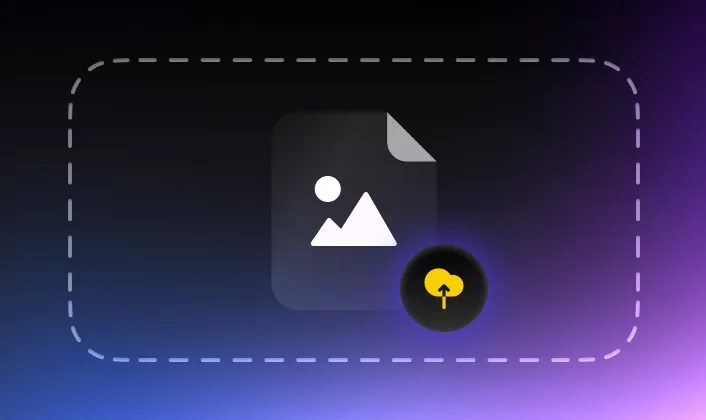
Load source image file
2
Click "Convert"
3
Download converted 3D file