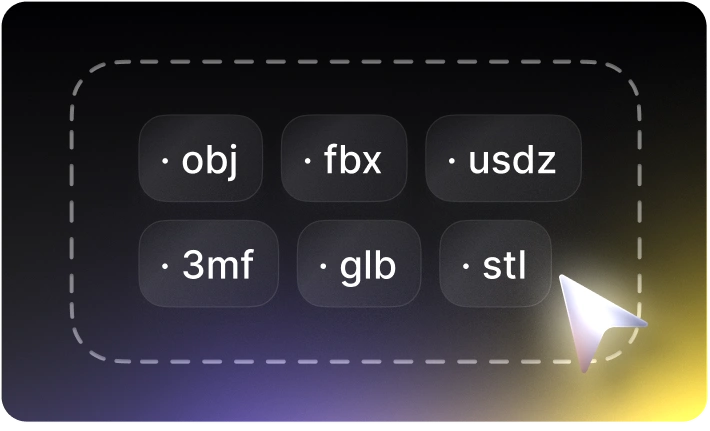
Convert to Any 3D Formats in 1 Click
Choose 2D image or 3D file, the converter auto-detects source format and convert to popular 3D format for all 3D use-cases: further editing in most 3D modeling software, 3D printing, game development, AR/VR and etc.


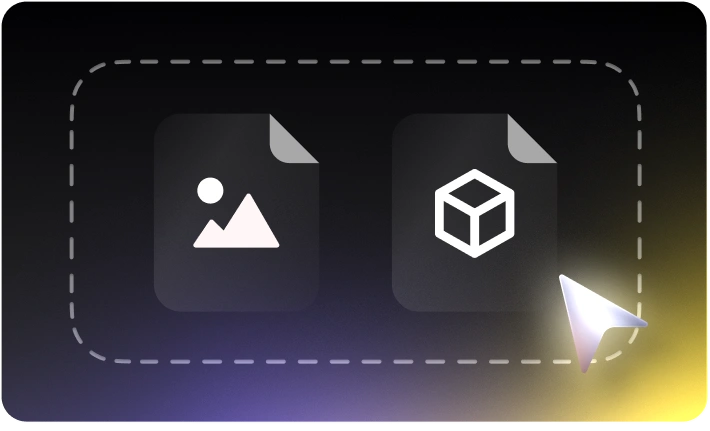
Select 2D Image or 3D Model File
Drag and drop 2D image or 3D model file into the “source” area, Tripo AI’s 3D file converter will automatically detect the file format and ready to convert.
Convert to Target 3D Format
Choose the new format to convert and click “convert”, your source 2D image or 3D model file will be converted to another 3D format as you required, the convert process is done at your local device securely, your privacy is ensured.
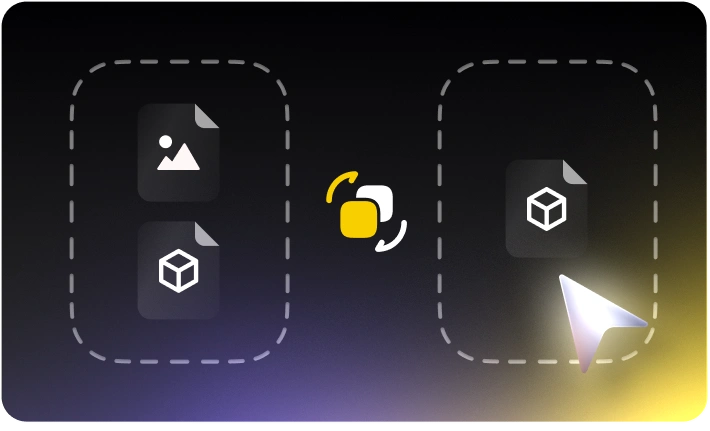
Download 3D Model File (New Format)
The downloadable 3D file in new format will be ready in seconds, click “save” button to get new 3D models with geometry details, materials (PBR), textures, color and meta information.