AI 3D Printable Model Generator Supporting Multi Material Dual Extrusion: A Guide
Streamlining Advanced Dual Extrusion Workflows with Professional AI Generation
The demand for complex, functional, and visually striking 3D printing objects has outpaced traditional manual modeling capabilities, particularly when designing for advanced hardware. Creating intricate designs optimized for specific hardware requires significant time, technical expertise, and precise structural planning. A professional AI 3D printable model generator supporting multi-material dual extrusion provides a comprehensive solution, converting text or image inputs into production-ready assets instantly. Utilizing advanced platforms like Tripo AI streamlines the entire workflow from ideation to slice-ready export, empowering industries to scale production efficiently in 2026.
Key Insights
- Advanced AI generators leverage massive parameter scales to produce geometrically precise models suitable for complex manufacturing processes.
- Intelligent segmentation features allow for the easy separation of model components, a prerequisite for assigning different filaments in slicer software.
- Native optimization tools, including smart retopology and mesh repair, ensure that generated assets meet the strict manifold requirements of physical fabrication.
- Independent product lines, such as Tripo Studio, provide flexible integration for both individual creators and enterprise-level production systems.
Understanding Multi-Material Dual Extrusion in 3D Printing
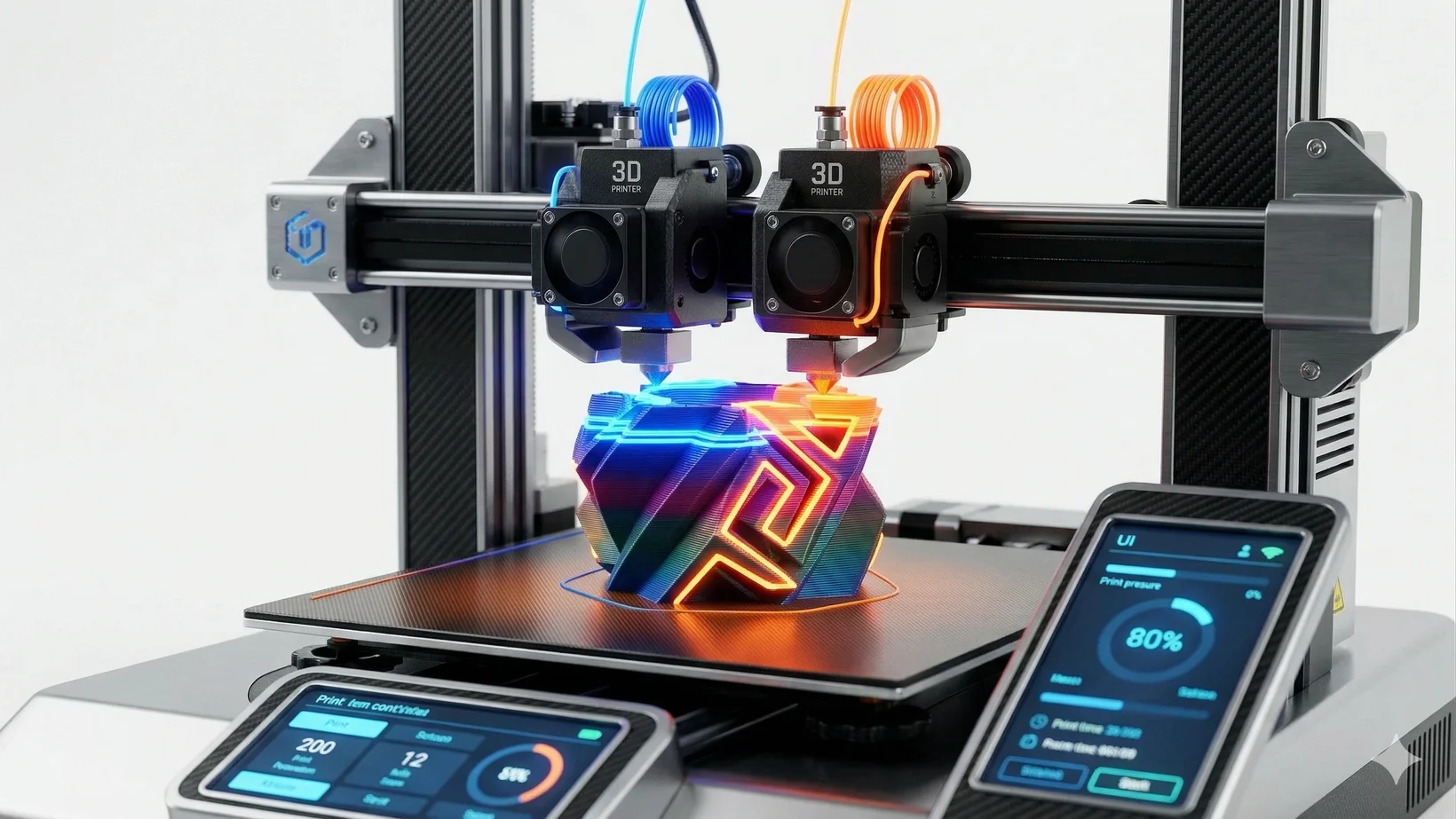
Multi-material dual extrusion is an advanced 3D printing technique that utilizes two separate nozzles to deposit different materials or colors within a single print job, enabling the creation of complex parts with soluble supports or integrated aesthetic features. Dual extrusion technology fundamentally expands the capabilities of fused deposition modeling (FDM) and similar processes. By employing two distinct extrusion pathways, a printer can seamlessly switch between materials layer by layer or even within the same layer. This process is highly beneficial for manufacturing parts with complex overhangs or internal cavities. In such cases, one extruder can deposit the primary structural material (like PLA or ABS), while the second extruder lays down a dissolvable support material (such as PVA or HIPS). Once the print is complete, the object is submerged in a solvent, dissolving the supports and leaving behind a pristine, complex geometry that would be impossible to achieve with a single extruder. Beyond structural supports, this technology allows for the creation of composite objects with varying mechanical properties. For example, a rigid casing can be printed simultaneously with a flexible TPU hinge or grip, resulting in a fully assembled functional prototype straight off the build plate. Additionally, dual extrusion enables multi-color printing without the need to manually pause the machine and swap filaments. To utilize this hardware effectively, the digital asset must be meticulously designed and separated into distinct components, a task that is significantly streamlined by using an AI 3D printable model generator supporting multi-material dual extrusion.
The Role of an AI 3D Printable Model Generator Supporting Multi-Material Dual Extrusion
An AI 3D printable model generator supporting multi-material dual extrusion accelerates production by translating simple inputs into structurally sound, segmented 3D meshes that are pre-optimized for slicing and assigning multiple material profiles. The traditional workflow for designing complex, multi-part objects requires extensive manual labor in CAD or digital sculpting environments. Designers must ensure watertight geometry, calculate proper clearances, and manually separate the model into shells that correspond to different materials. An AI 3D printable model generator supporting multi-material dual extrusion automates these critical steps. Tripo AI, a professional solution in this space, utilizes Algorithm 3.1, a foundational model built on over 200 billion parameters. This massive computational scale ensures exceptional accuracy in geometric structures, allowing the system to understand the physical constraints required for successful fabrication. When utilizing an AI 3D printable model generator supporting multi-material dual extrusion, users can input natural language prompts via text to 3D model or reference images to rapidly generate base models. The system achieves this with remarkable speed, generating a point cloud in approximately 10 seconds and a full model in just 5 seconds. Because the generator understands volume and topology, the resulting meshes are inherently manifold—meaning they are watertight and lack non-manifold edges, which is essential for any slicing software to interpret the geometry correctly. This rapid generation phase allows designers to iterate on concepts quickly, testing various forms and structural approaches before committing to the final optimization phase for hardware deployment.
Key Features to Look for in an AI Generator for Complex Prints
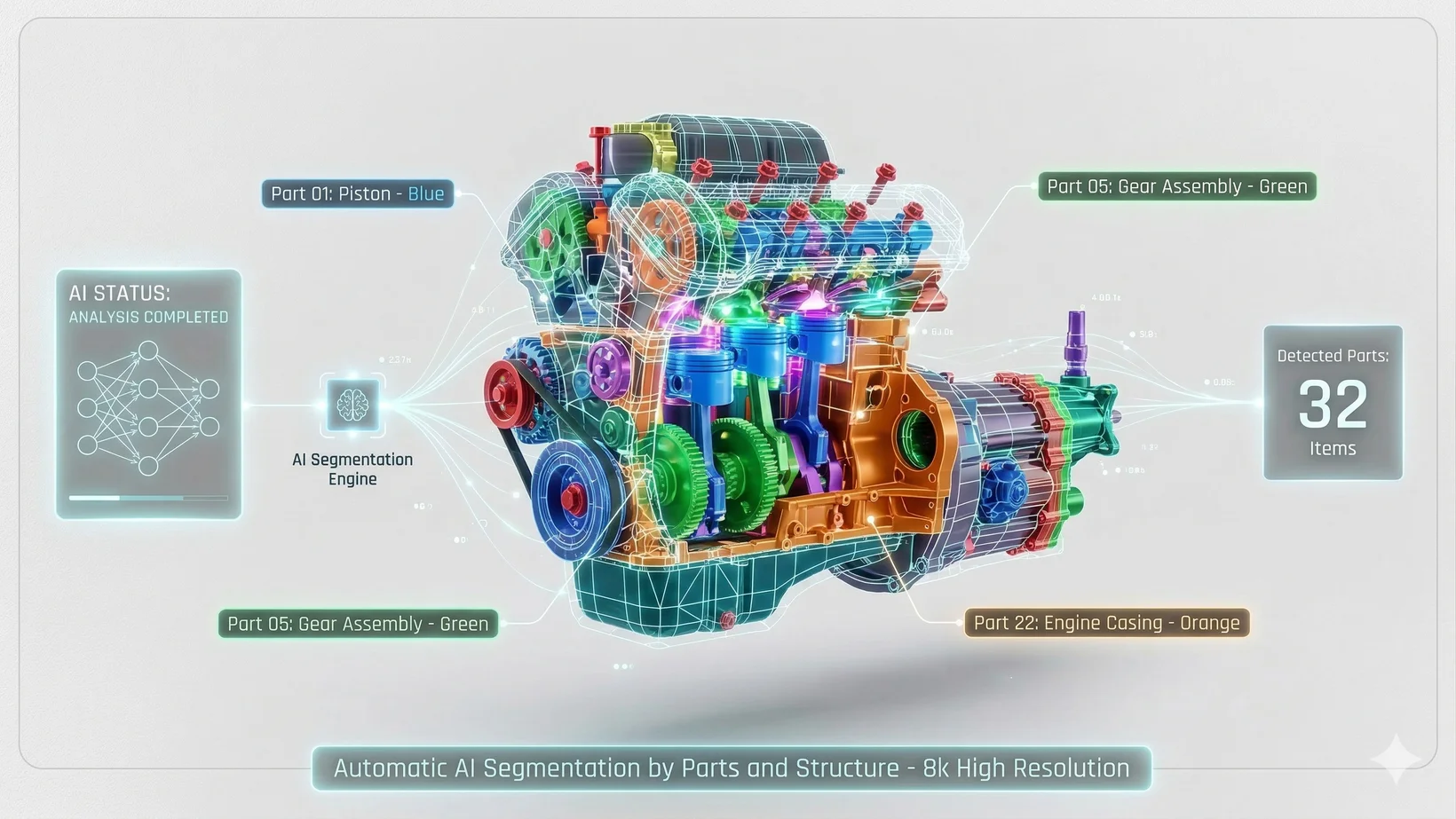
A robust AI 3D printable model generator supporting multi-material dual extrusion must feature intelligent part segmentation, smart retopology for poly-count reduction, and comprehensive export options to ensure compatibility with advanced slicing software. To effectively prepare a model for a multi-material print, the software must offer more than just basic shape generation. The most critical feature within the AI 3D editor is Intelligent Segmentation. Generative models historically struggle with editability, but the platform uses AI to analyze the model's geometry and automatically split it into meaningful, discrete parts with a single click. For instance, a character can be separated into its head, torso, and gear. This segmentation is absolutely vital for an AI 3D printable model generator supporting multi-material dual extrusion, as these distinct parts can then be exported as individual shells or combined assemblies, allowing the user to assign different extruders (e.g., Extruder 1 for the body, Extruder 2 for the gear) in their slicer software. Furthermore, models generated from image or text often possess excessively high polygon counts. The system includes Smart Low-Poly Generation (Smart Retopology), a proprietary algorithm that reduces the polygon count by up to 90% while preserving silhouettes and critical details. Clean, quad-dominant topology not only speeds up the slicing process but also ensures smoother toolpaths for the print head. Finally, the platform must support industry-standard export formats. The platform enables seamless export via 3D format conversion to USD, FBX, OBJ, STL, GLB, 3MF formats. The 3MF format is particularly relevant, as it acts as a comprehensive archive that can bundle mesh data, color, and material information into a single file, preserving the design intent from the AI 3D printable model generator supporting multi-material dual extrusion directly to the slicing environment.
Preparing AI-Generated Models for Multi-Material Dual Extrusion
Preparing assets from an AI 3D printable model generator supporting multi-material dual extrusion involves exporting the segmented mesh, importing it into a slicer, aligning the components accurately, and assigning specific extruder profiles for materials and supports. Once the model has been generated, segmented, and optimized using the web platform, the preparation phase shifts to the slicing software (such as Ultimaker Cura or PrusaSlicer). The workflow requires exporting the distinct parts created by the Intelligent Segmentation tool. When importing these files into the slicer, it is critical that they are imported simultaneously or grouped so that their spatial relationship is maintained. If the parts become misaligned on the virtual build plate, the resulting dual-extrusion print will fail. After alignment, the user must assign each component to the appropriate extruder. For a visual print, this might mean assigning Extruder 1 to PLA and Extruder 2 to a contrasting color. For a functional print, Extruder 1 might handle a rigid PETG structure, while Extruder 2 is assigned to a water-soluble PVA filament specifically for generating support structures. Slicer settings must be finely tuned for both materials. This includes setting specific print temperatures, speeds, and cooling parameters for each extruder independently. Retraction settings are especially critical when using an AI 3D printable model generator supporting multi-material dual extrusion; proper retraction distance and speed prevent the inactive nozzle from oozing material onto the active print layer, which causes stringing and color contamination.
Solutions for Professional and Enterprise Use
The platform offers independent product lines—Tripo Studio for web-based creation and the API for backend integration—with tiered subscription plans that manage generation credits and determine commercial usage rights. The provider offers tailored solutions to meet the needs of individual creators, professional studios, and enterprise-level developers. It is crucial to note that Tripo Studio (the web platform) and the Tripo API are completely independent product lines. They feature separate billing systems, meaning API access is not an add-on feature of Studio subscriptions. For creators using the web platform, the pricing model is structured around a monthly allocation of credits. The Free plan provides 300 credits per month. However, 3D models generated under Tripo's Free plan do not support commercial use. The Pro plan ($19.90/month) provides 3,000 credits per month. This tier unlocks concurrent tasks and grants the necessary commercial rights for the generated assets. For detailed information, visit the Pricing page. For developers and enterprises seeking to integrate generative capabilities into their own applications, the API provides programmatic access to the underlying foundation models. The API enables businesses to build custom workflows, automate asset production, and scale operations seamlessly, independent of the consumer-facing web interface.
Overcoming Common Challenges in Multi-Material 3D Printing
Successful multi-material printing requires meticulous calibration to resolve common issues such as poor layer adhesion between different plastics, nozzle oozing, and precise X/Y offset alignment. While an AI 3D printable model generator supporting multi-material dual extrusion simplifies the design phase, the physical printing process presents distinct mechanical challenges. The most prevalent issue is material contamination or "oozing." Because both nozzles are heated, the idle nozzle may leak filament while the active nozzle is printing. To combat this, slicer software must be configured to utilize an "ooze shield" (a sacrificial wall built around the model) or a "prime tower" (a separate block where the nozzles purge material before resuming the print on the main object). Additionally, retraction settings (typically 2-6mm distance at 25-60mm/s speed) must be dialed in perfectly to pull filament away from the melt zone during travel moves. Another significant challenge is material compatibility and adhesion. If printing a composite object (e.g., rigid plastic with flexible hinges), the two materials must bond adequately at their interface. Not all polymers adhere to one another; for instance, TPU generally bonds well to PLA, but ABS and PLA have poor interfacial adhesion. Furthermore, the physical hardware must be perfectly calibrated. A slight misalignment in the X or Y offsets between the two nozzles will result in segmented parts overlapping or leaving gaps. Using a high-quality AI 3D printable model generator supporting multi-material dual extrusion ensures the digital files are flawless, leaving the operator to focus entirely on hardware calibration and slicer optimization to achieve a perfect final product.
