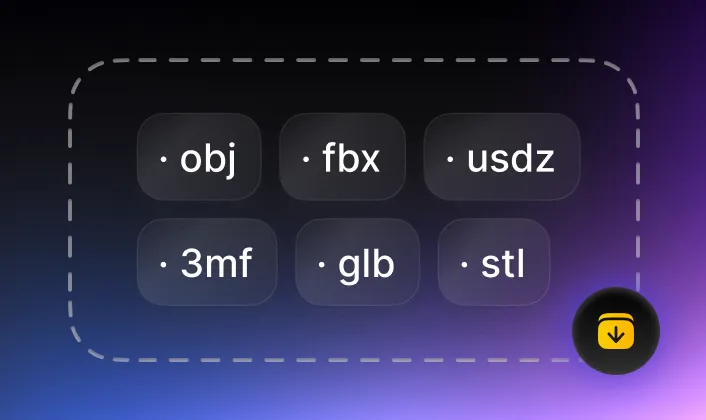
Convert 3D Model/Object from GLB (.glb) file to FBX (.fbx) format
Convert from GLB (.glb) to production-ready FBX file: accurate, fast, highliy compatible, best for 3D modeling & animation for 3D game, 3D film, character rigs and etc.

Upload GLBMax file size: 100MB

GLB to FBX Converter Highlights

Fast, Accurate, AI Powered
Fast, Accurate, AI Powered
- Accurately convert mesh, topology, full PBR material + texture
- Upgrade the web-based 3D format into a high-fidelity, animation-ready production asset for any major 3D pipeline

Lightweight, No installation Required
Lightweight, No installation Required
- The online GLB to FBX converter is lightweight and powerful to convert large and complex 3D model files but no heavy resource & hardware required.

Free, No Login while Privacy Ensured
- Convert GLB to FBX file by Tripo AI is completely free to use, but rest assured: the convert is done at client side, no personal and design data is uploaded.
GLB vs. FBX: Which to Use? Understand the Differences
Both GLB (.glb) and FBX (.fbx) are formats of 3D modeling, however, the different features between GLB and FBX file make the .glb and .fbx are best for each own use-cases.
Compare GLB to FBX - Technical Features

- GLB format is smaller size with essential mesh, PBR, texture and simple animation

- GLB format is lightweight for fast loading
- FBX format supports full 3D scene hierarchies, rigging, IK, custom cameras/lights, and PBR materials
Compare GLB to FBX - Best Use Cases
- GLB format is best for web 3D, AR on the web, eCommerce, and real-time viewer experiences
- FBX format 3D file is best used for 3D game developing, 3D film, animation, AR/VR
How to convert 3D model file from GLB to FBX?
Convert gLTF 3D files to FBX format is easily done with Tripo AI with only 3 steps:
1
Load source GLB file
2
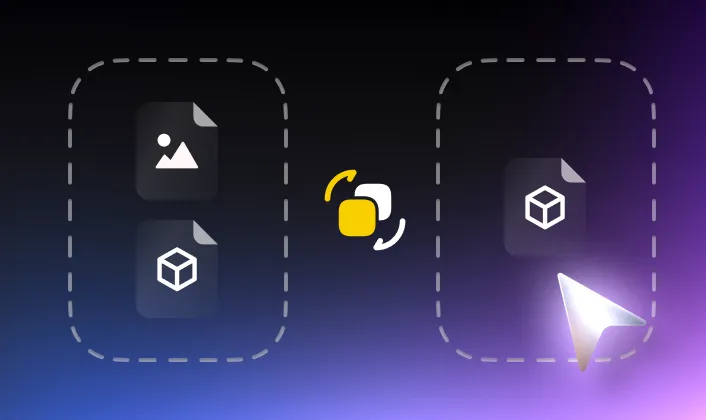
Click "Convert"
3
Download converted FBX file