Image to 3D Furniture: Convert Catalog Images Accurately
Furniture DigitizationAI 3D ModelingRetail Tech

Image to 3D Furniture: Convert Catalog Images Accurately

A Comprehensive Guide to Digitizing Retail Catalogs into Spatial Assets

Tripo Team
2026-04-08
5 min

Furniture retailers and interior designers face a significant bottleneck when translating flat product photography into spatial assets. Traditional manual modeling workflows drain resources, delay time-to-market, and struggle to scale across massive inventory lists. By utilizing modern technology for converting 2D catalog images to accurate 3D furniture models, professionals can transform standard photography into dimensionally precise spatial assets, streamlining the entire ai 3d home design visualization pipeline.

Key Insights:

  • Lighting variations and focal lengths in standard photography often corrupt spatial mapping during generation.
  • Proper image pre-processing, including background isolation and shadow removal, significantly improves geometry output.
  • Handling complex materials like velvet and glass demands specific generation parameters and post-processing adjustments.
  • Modern workflows require seamless exportation into industry-standard formats for DCC software and web viewers.

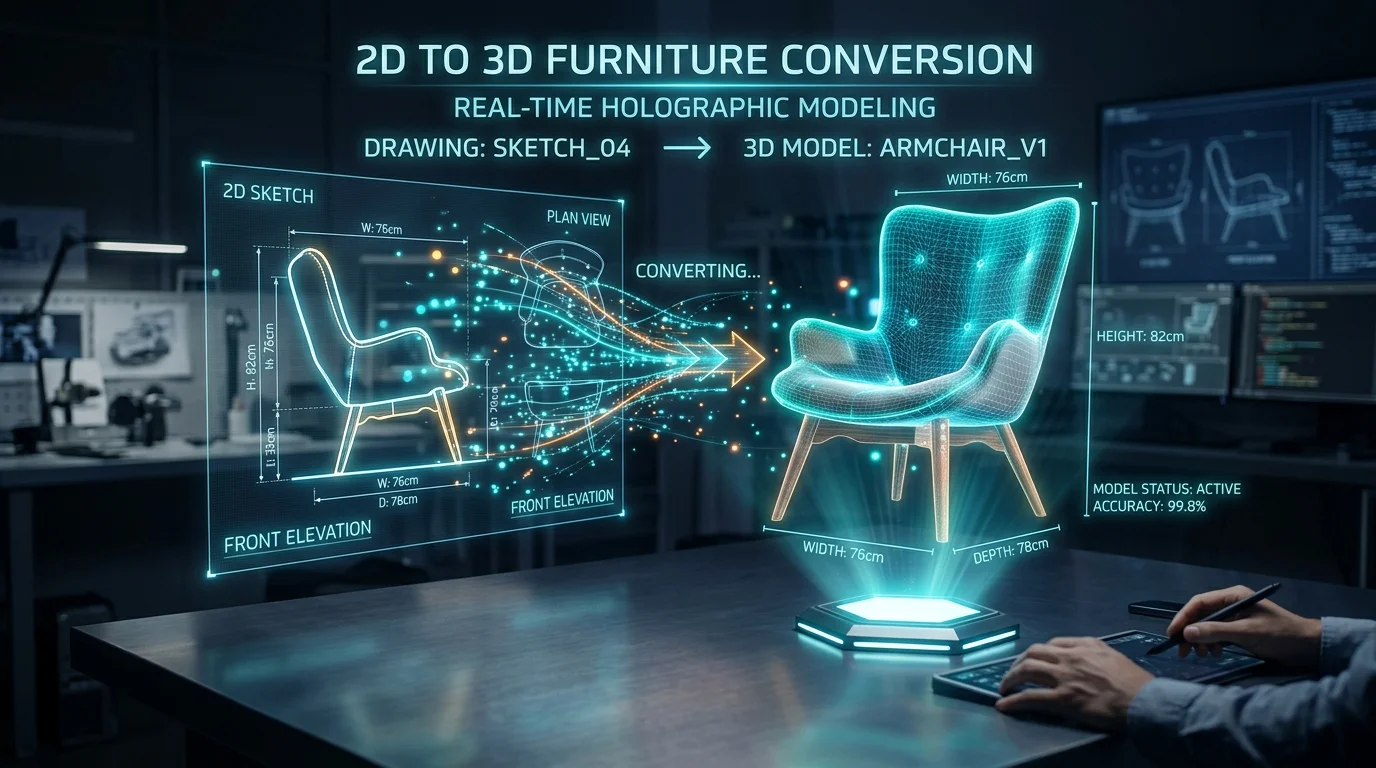
2D to 3D furniture conversion hologram

The Challenge of Accurate Image to 3D Furniture Conversion

Converting flat catalog photos into spatial furniture models presents unique challenges. Lighting variations, camera perspectives, and intricate upholstery materials often disrupt spatial mapping algorithms.

Common Distortions in 2D Catalog Photography

The foundational issue in spatial conversion stems from the inherent nature of two-dimensional photography. A standard catalog image captures a subject from a singular vantage point, compressing depth and scale into a flat plane. Camera lenses introduce focal distortion; a wide-angle lens used in a lifestyle shot will elongate the arms of a chair or warp the rectangular surface of a dining table. When artificial intelligence attempts to reconstruct depth from these distorted pixels, the resulting mesh often inherits the optical illusions present in the source file.

Why Precision Matters for AI 3D Home Design

In the context of interior planning and virtual staging, dimensional accuracy is non-negotiable. A spatial asset must serve as an exact digital twin of the physical product. Precision ensures that when an interior architect places a digital sofa into a virtual living room, the clearances and traffic flow accurately reflect real-world constraints.

How Tripo AI Ensures Accurate 3D Furniture Models

Tripo AI streamlines the conversion process by intelligently analyzing standard catalog images to reconstruct true-to-life geometry and complex materials.

Pre-processing Your Catalog Images for Optimal Results

The quality of a generated spatial asset is directly proportional to the clarity of the input data. Extracting the furniture piece and placing it on a pure, neutral background—preferably flat white or mid-grey—forces the system to focus entirely on the product's silhouette and internal details. The system utilizes advanced models with over 200 Billion parameters to process the complex visual information and construct a highly detailed mesh.

Handling Complex Textures: Wood Grain, Velvet, and Glass

Reconstructing the physical shape is only half the battle; accurately simulating material properties is equally vital. Textiles like velvet exhibit strong anisotropic properties, and the generation process must assign appropriate roughness values to simulate its light-absorbing qualities. Conversely, materials like glass require specialized handling to ensure light passes through the digital asset correctly.

Exporting and Integrating Furniture Models into Design Workflows

Once a spatial asset is generated, integrating it into broader staging pipelines via industry-standard formats is the final crucial step.

Supported Formats: USD, FBX, OBJ, STL, GLB, and 3MF

For broad compatibility, exporting files in USD, FBX, OBJ, STL, GLB, 3MF formats covers the vast majority of industry needs. For web-based applications and augmented reality experiences, the GLB format is the standard. If a specific pipeline requires a different extension, utilizing a dedicated 3D file converter ensures a smooth transition.

Importing into Unreal Engine, Blender, and WebAR Viewers

The asset output from an AI 3D model generator serves as a high-quality base that integrates smoothly into professional environments. In Unreal Engine, artists can fine-tune PBR textures, while for WebAR deployment, the focus shifts to aggressive optimization for rapid load times on mobile devices.

FAQ

Q: How can I fix warped table legs when converting a single 2D catalog image?

A: To prevent warped geometry, it is highly advised to use a straight-on camera angle without extreme perspective distortion. Correcting lens distortion in a photo editing application prior to generation will significantly improve the results.

Q: Does the AI capture the exact real-world scale of the furniture from the photograph?

A: While the system excels at proportions, a flat photograph lacks absolute scale data. The generated models require a quick bounding-box scale adjustment in your 3D software by referencing the manufacturer's physical specifications.

Q: Can I generate an accurate 3D model of a sofa with distinct front and back patterns?

A: Yes. Professionals should utilize multi-view image inputs in Tripo. By supplying orthographic views of the front, back, and sides, the system can synthesize the complete 360-degree surface with professional texture alignment.

Ready to digitize your furniture catalog into 3D?