
Skizze zu 3D-Modell — Von Concept Art zum Produktions-Asset
Laden Sie eine Konzeptzeichnung, Line Illustration oder grobe Skizze hoch und erhalten Sie ein strukturiertes 3D-Modell mit organisierter Topologie — bereit zum Riggen, Animieren oder Verfeinern in dem Tool Ihrer Wahl.








3D-Modelle aus Concept Art und Skizzen
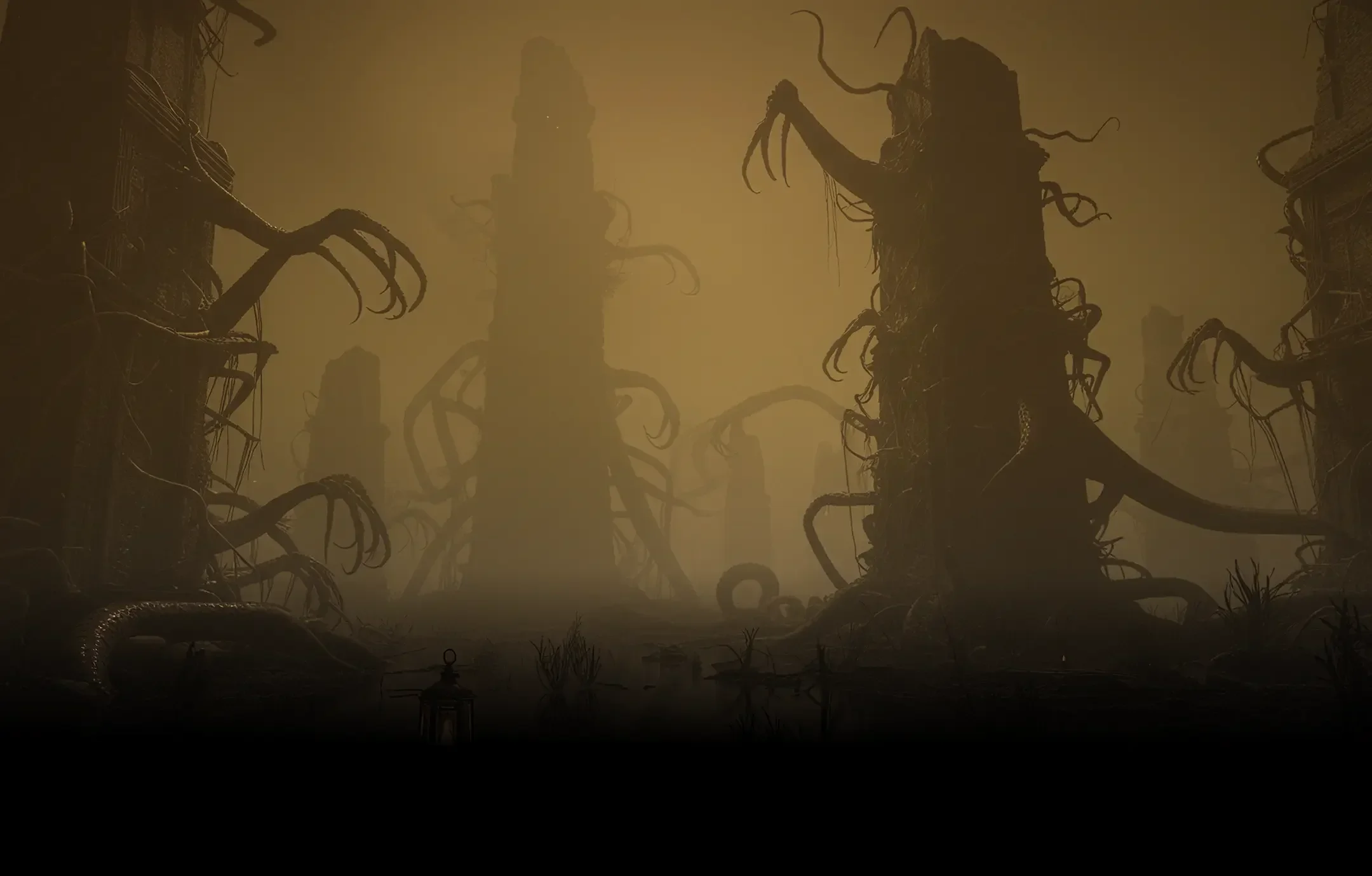
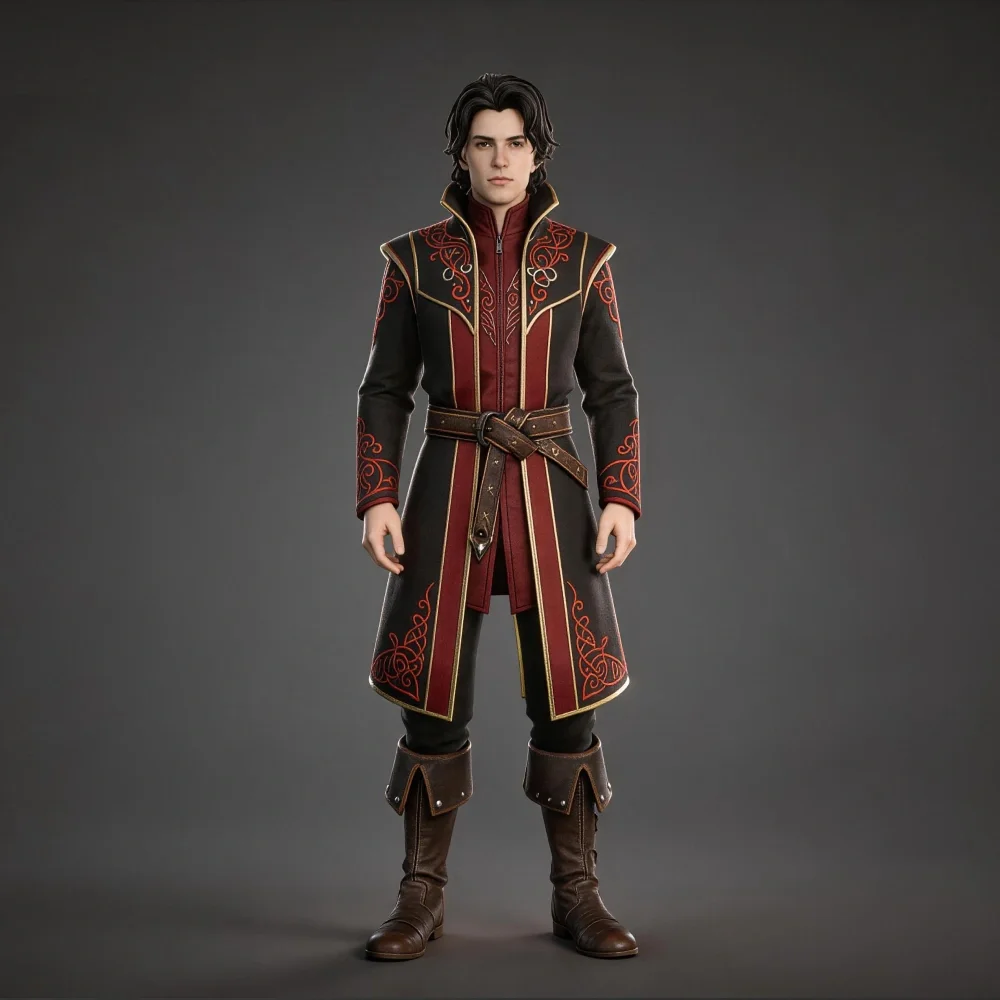
Tripo interpretiert Form und Silhouette aus Ihren Skizzeneingaben und erzeugt 3D-Geometrie, die Ihre Designabsicht widerspiegelt — präzise genug für Iterationen, sauber genug für die Produktion.
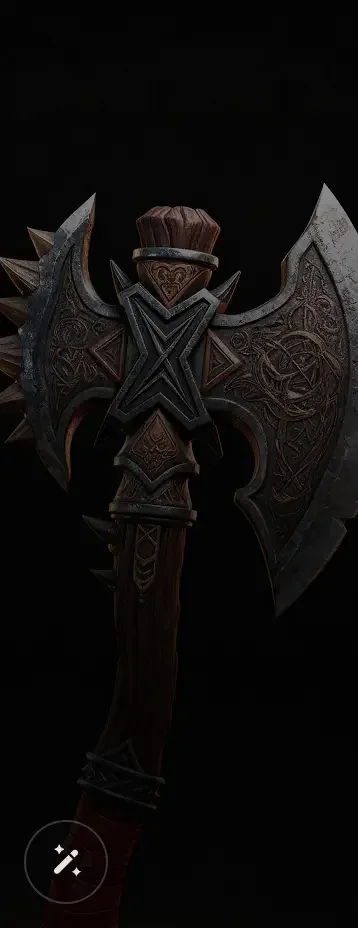
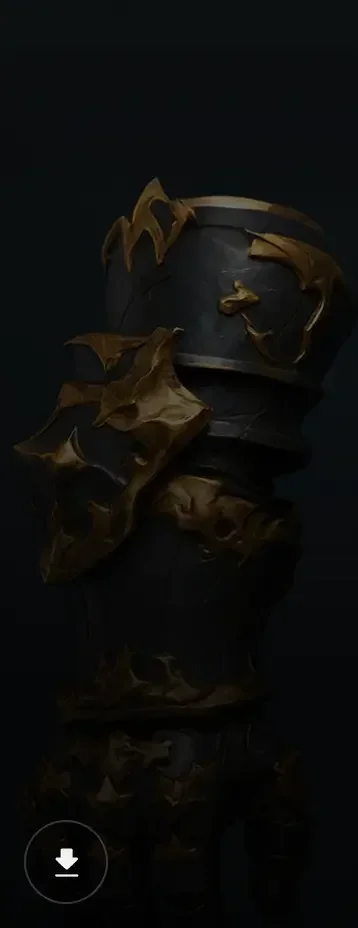
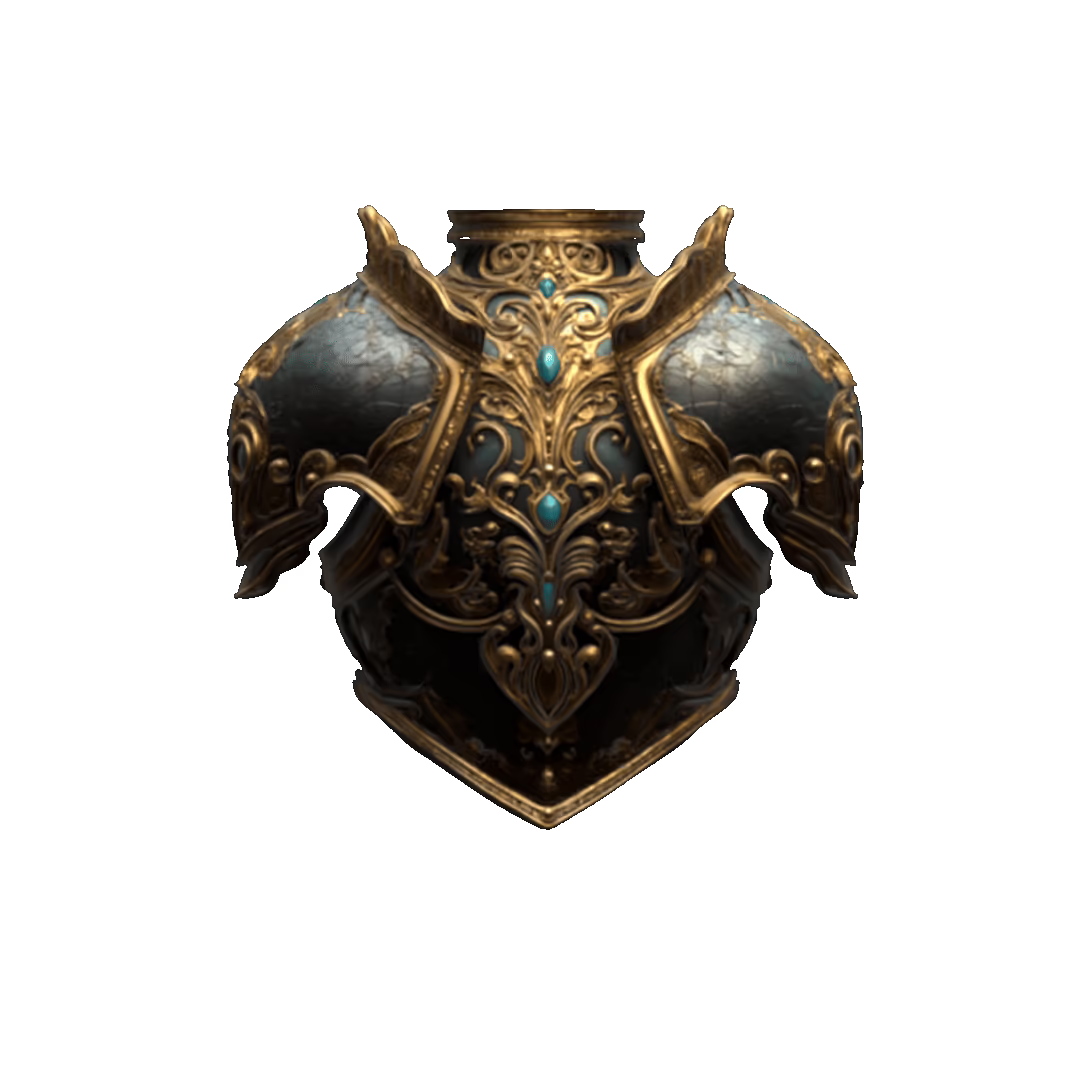
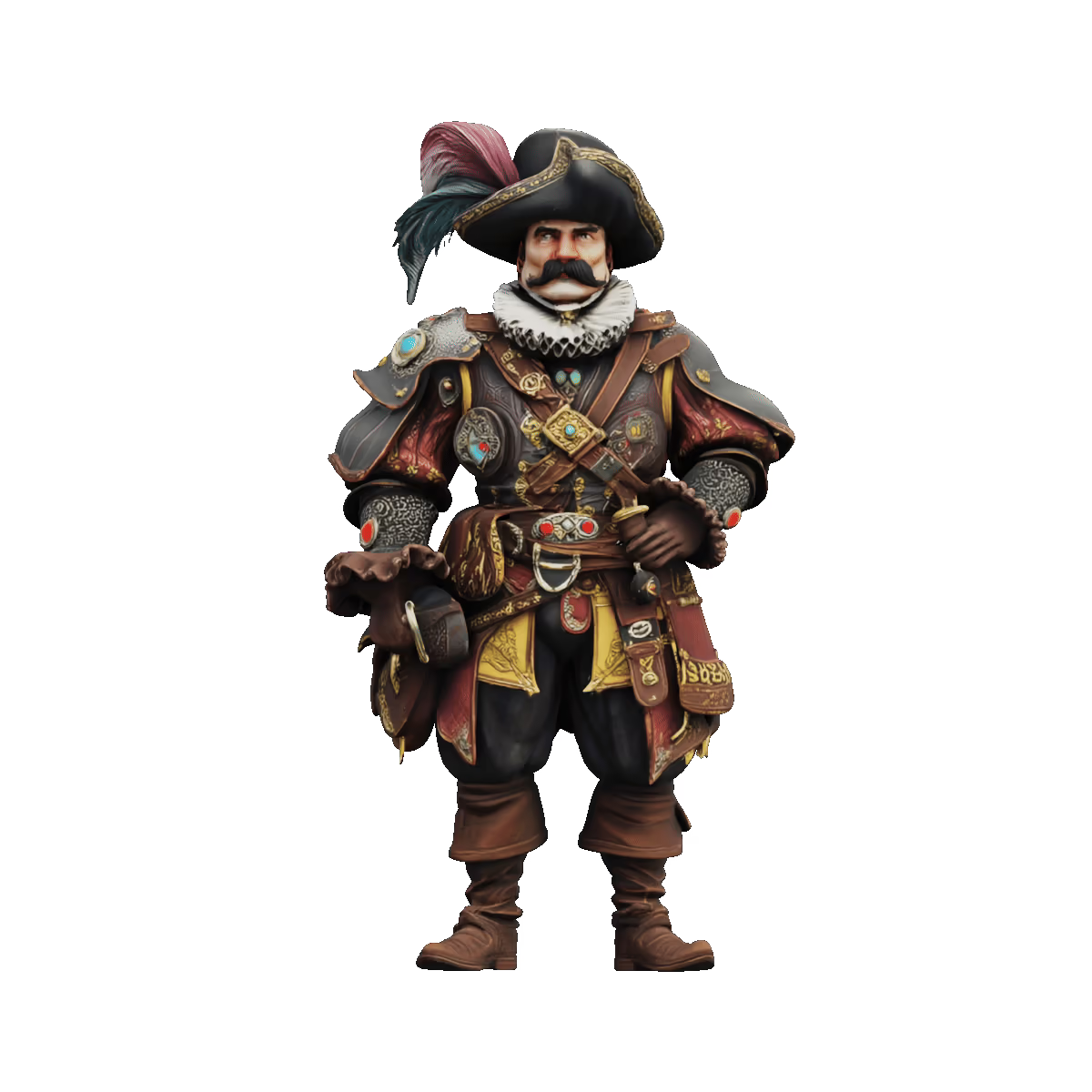
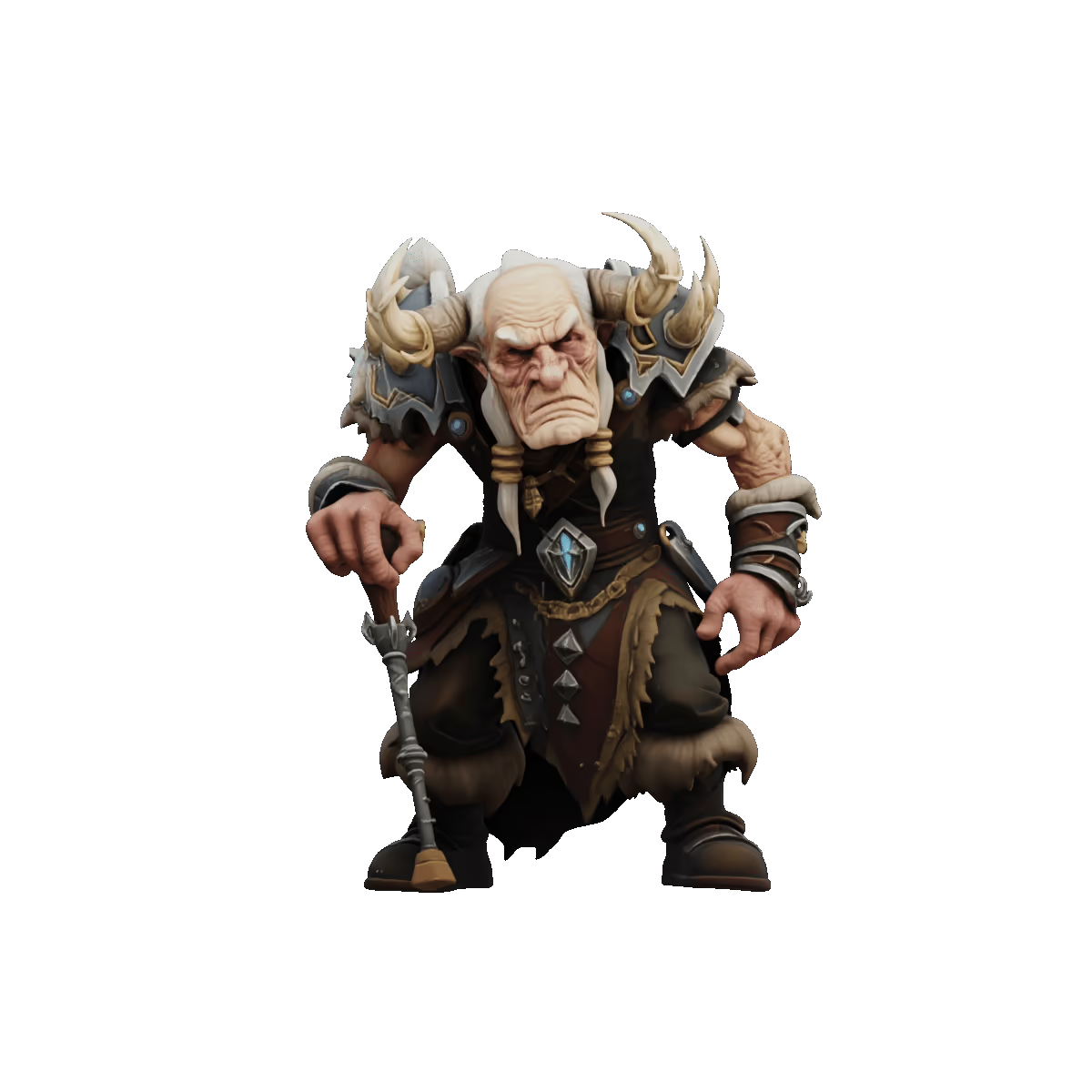
Showcases zur Umwandlung von Skizze zu 3D
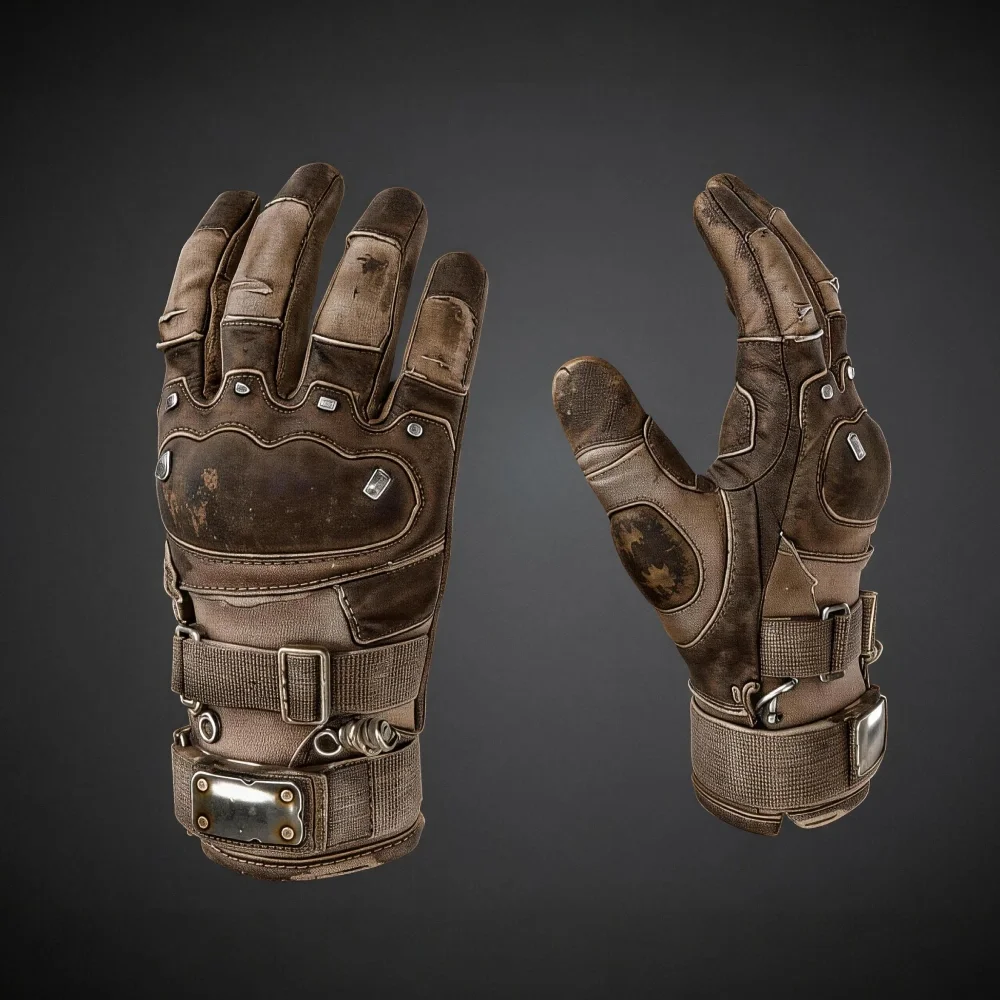
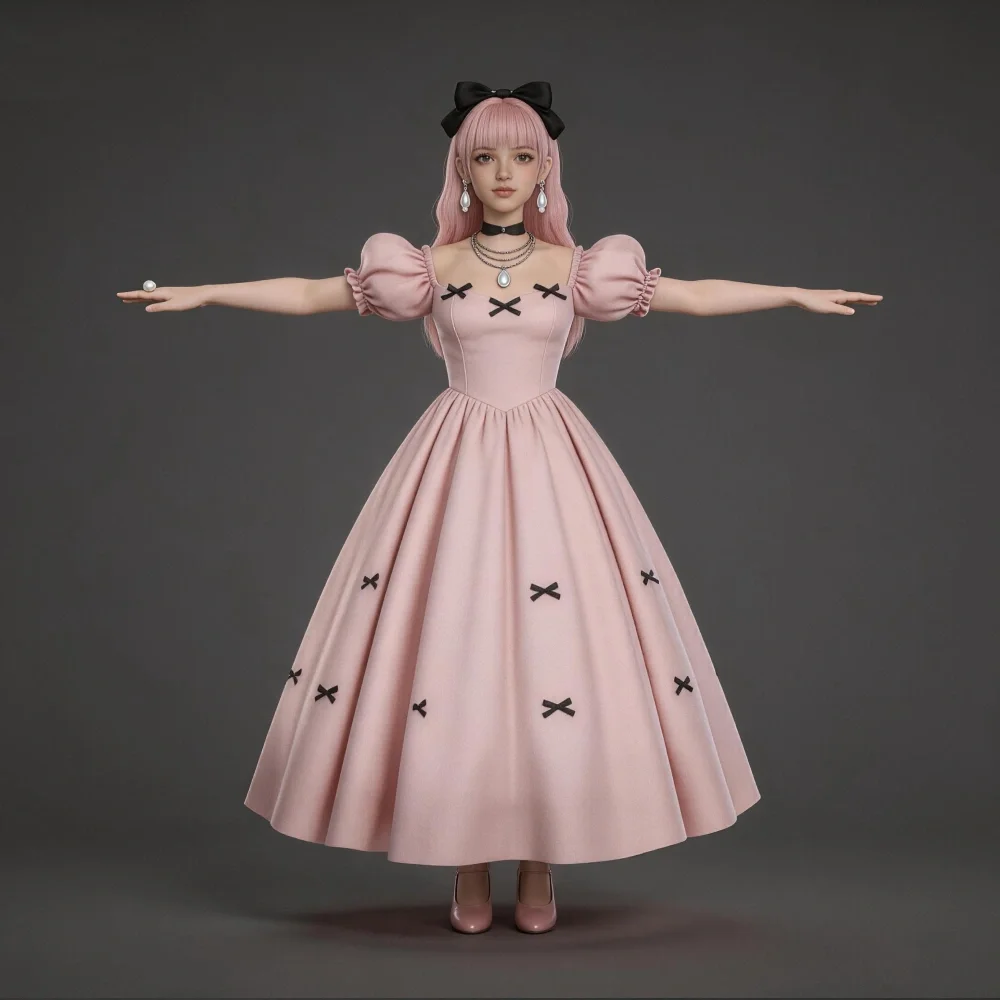
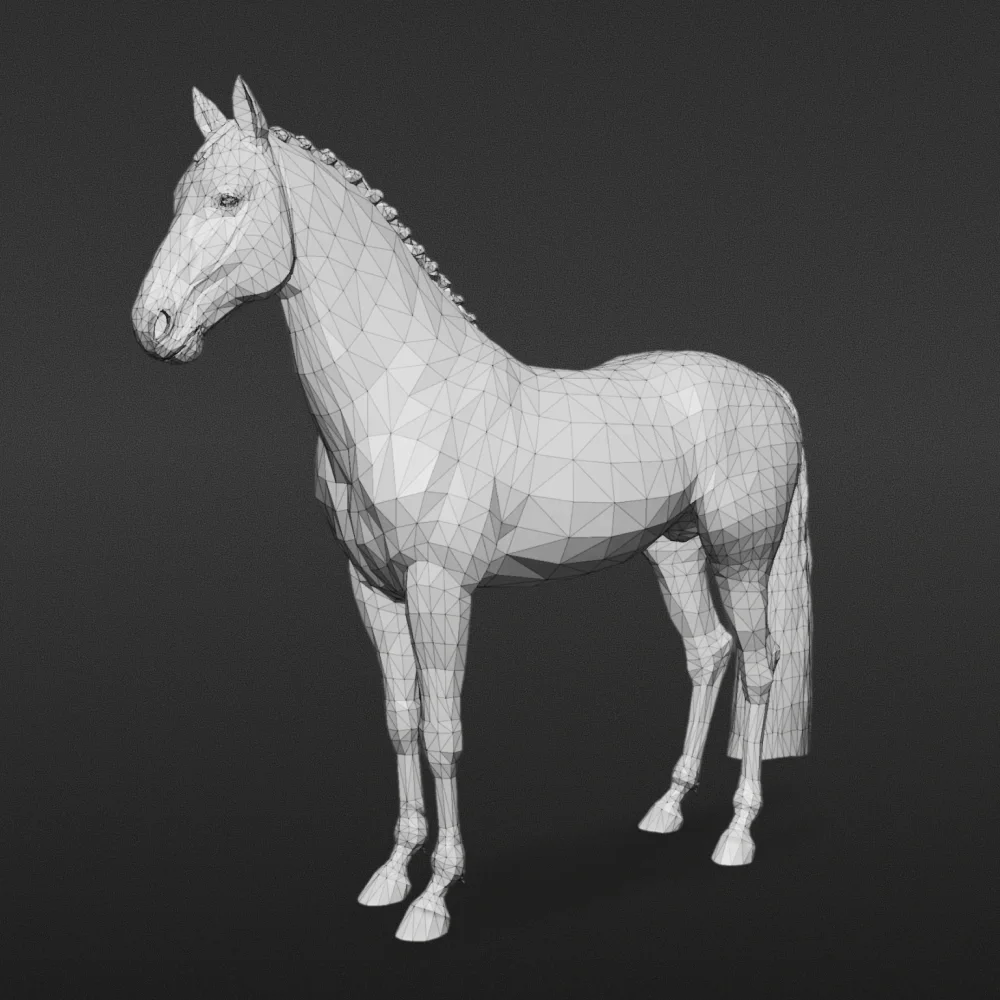

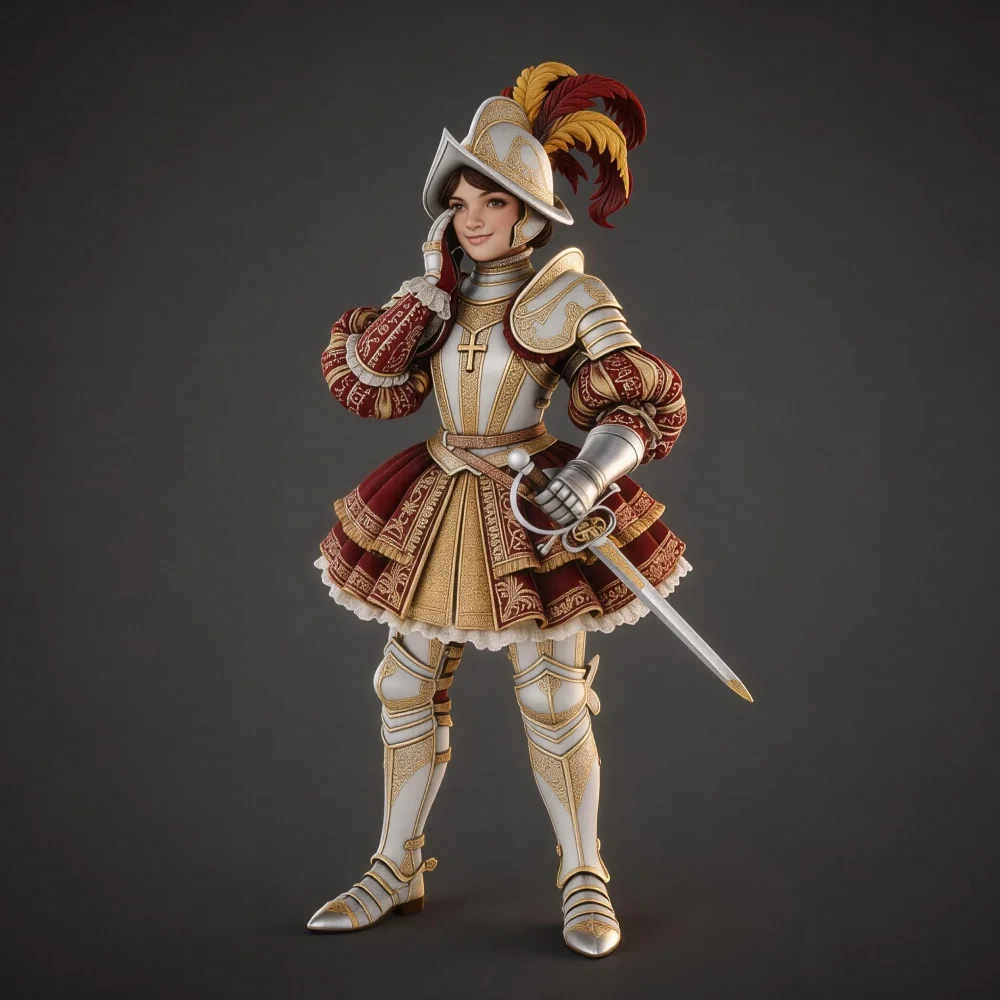
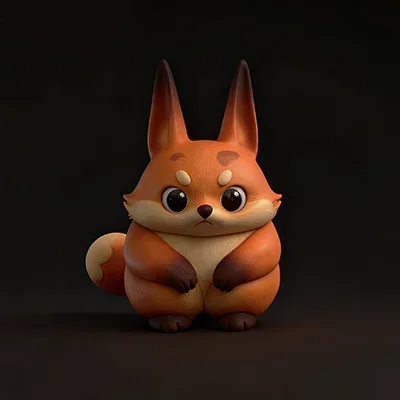

Entwickelt für den Workflow von der Idee bis zur Produktion
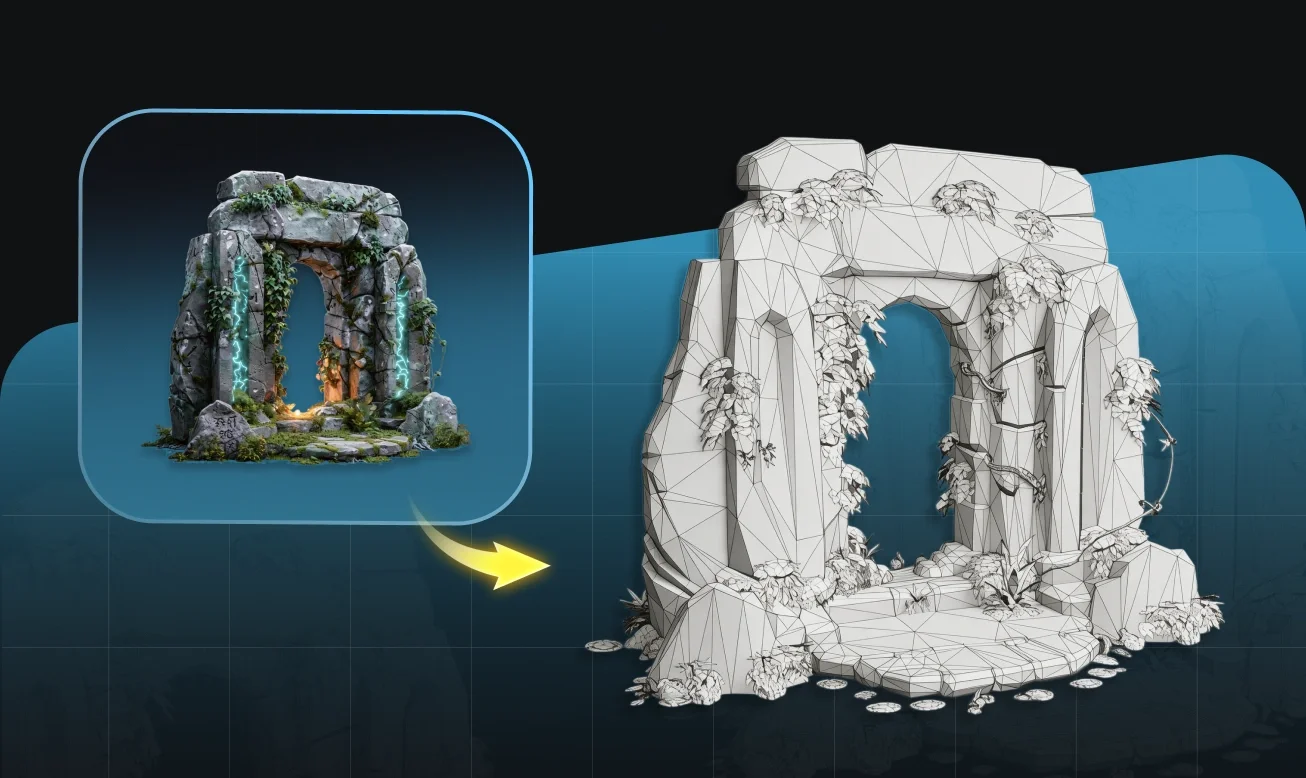
Geometrie, die Ihre Designabsicht bewahrt
Tripo extrahiert Form und Silhouette aus Ihrer Skizze und erzeugt 3D-Geometrie, die Ihren ursprünglichen Proportionen treu bleibt — selbst bei lockeren oder groben Eingaben.
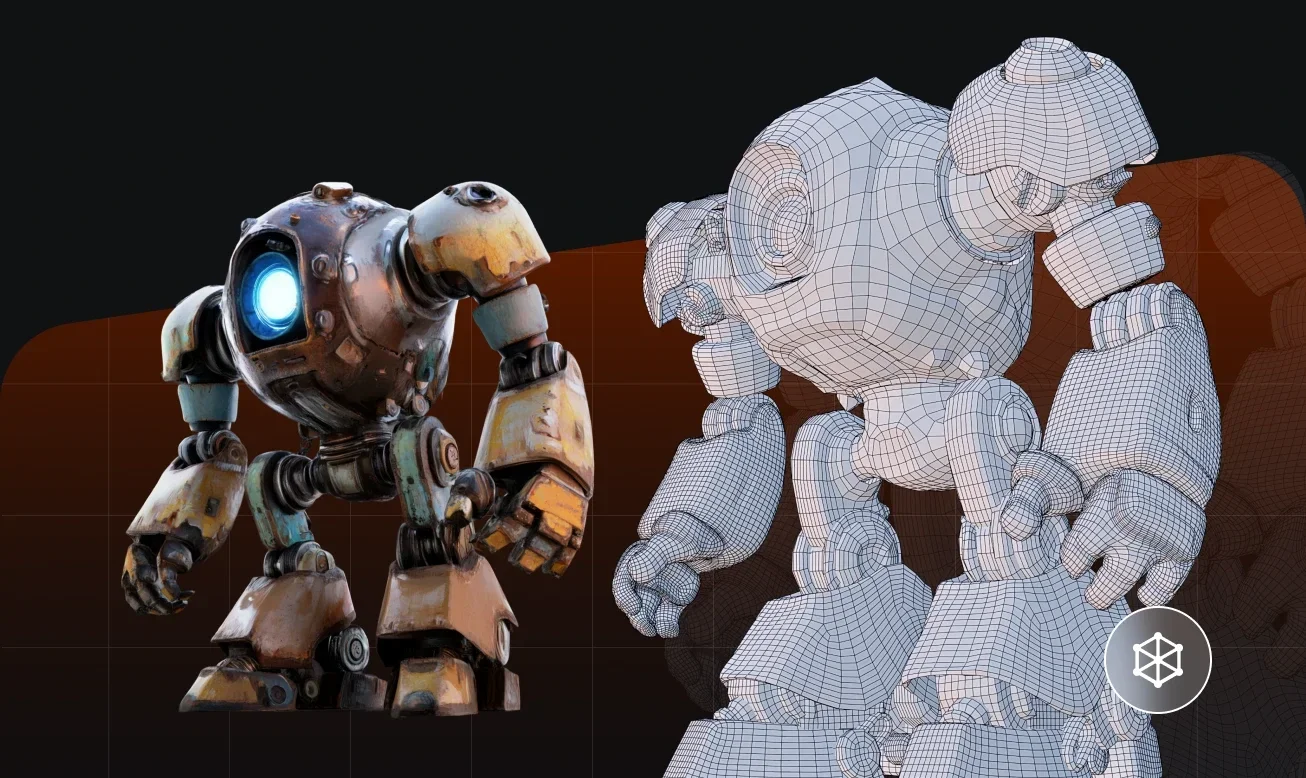
Saubere Topologie, bereit für Rigging und Animation
Generierte Modelle haben eine organisierte Mesh-Topologie an Gelenken und Extremitäten und bieten Ihnen damit einen soliden Ausgangspunkt für Rigging in Blender, Maya oder Ihrem bevorzugten Tool.
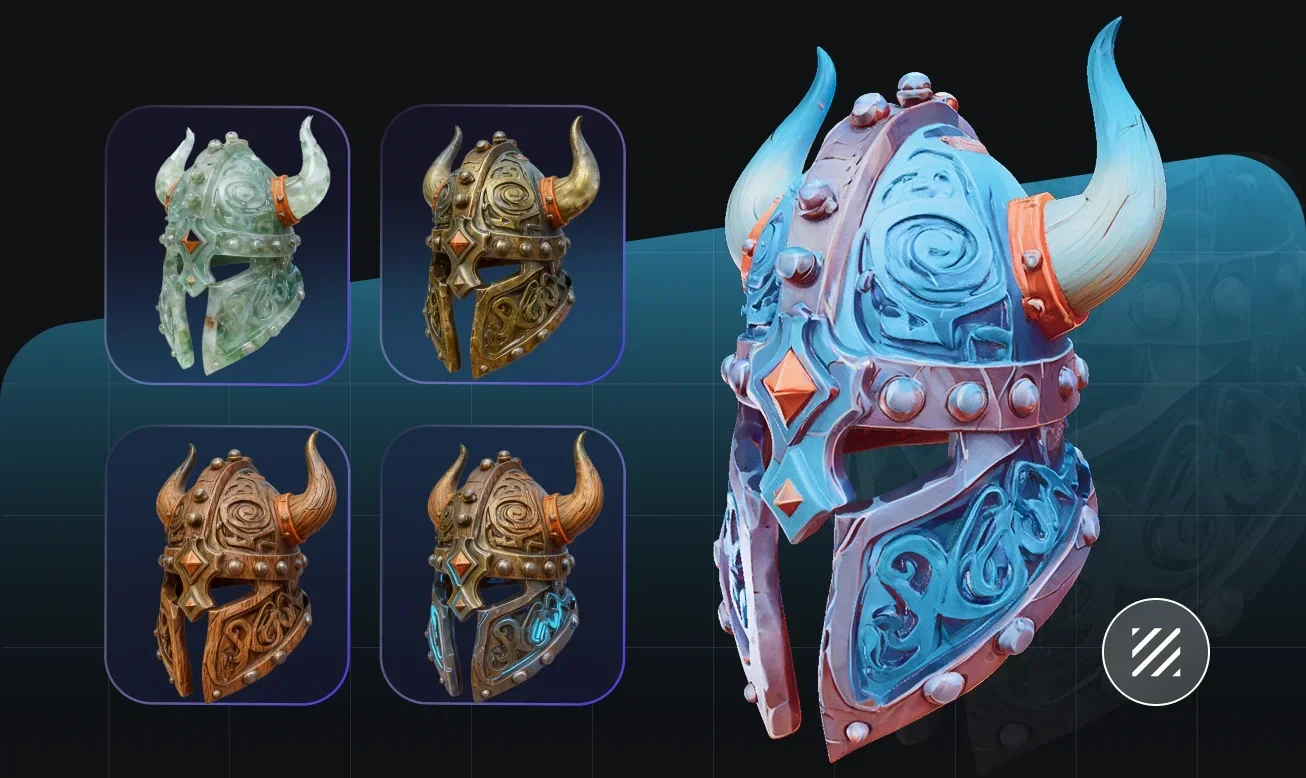
Automatische Texturierung aus visueller Eingabe
Farb- und Oberflächeninformationen aus Ihrer Skizze werden interpretiert und als Texturen angewendet, wodurch das generierte Modell eine realistische oder stilisierte Oberflächenabdeckung erhält.
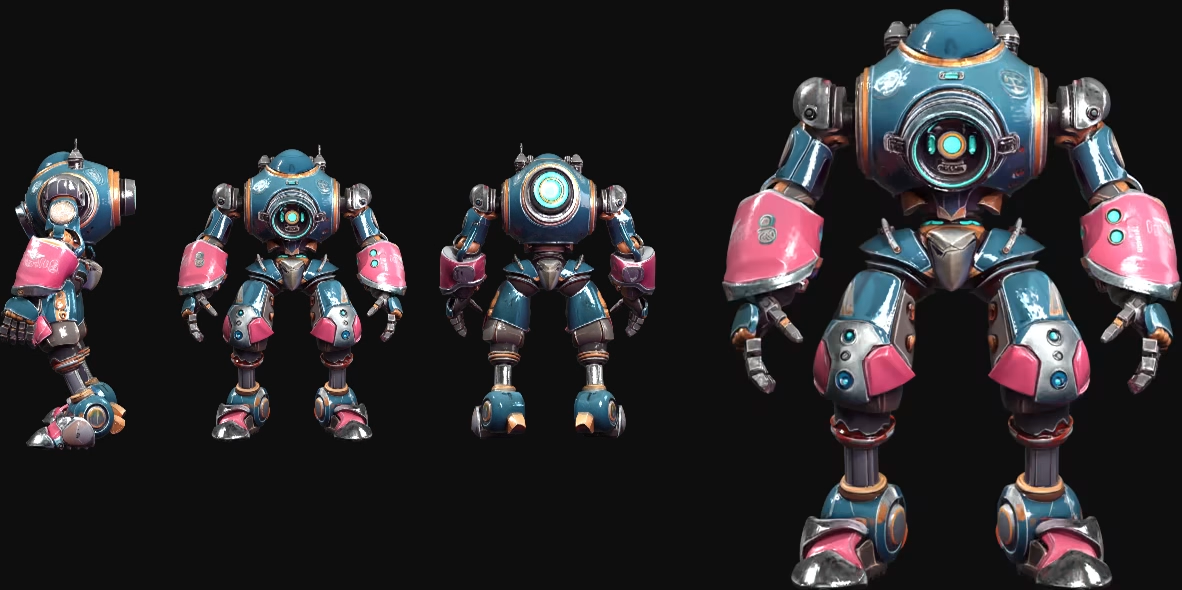
Beschleunigen Sie die Pipeline von der Idee zum Asset
Traditionelle Workflows von Concept Art zu 3D erfordern Stunden manueller Rekonstruktion von Geometrie aus Line Art. Tripo wandelt Skizzeneingaben in Sekunden in strukturierte 3D-Assets um — schnell genug für Iterationen, präzise genug für die Produktion.
So verwandeln Sie eine Skizze in ein 3D-Modell
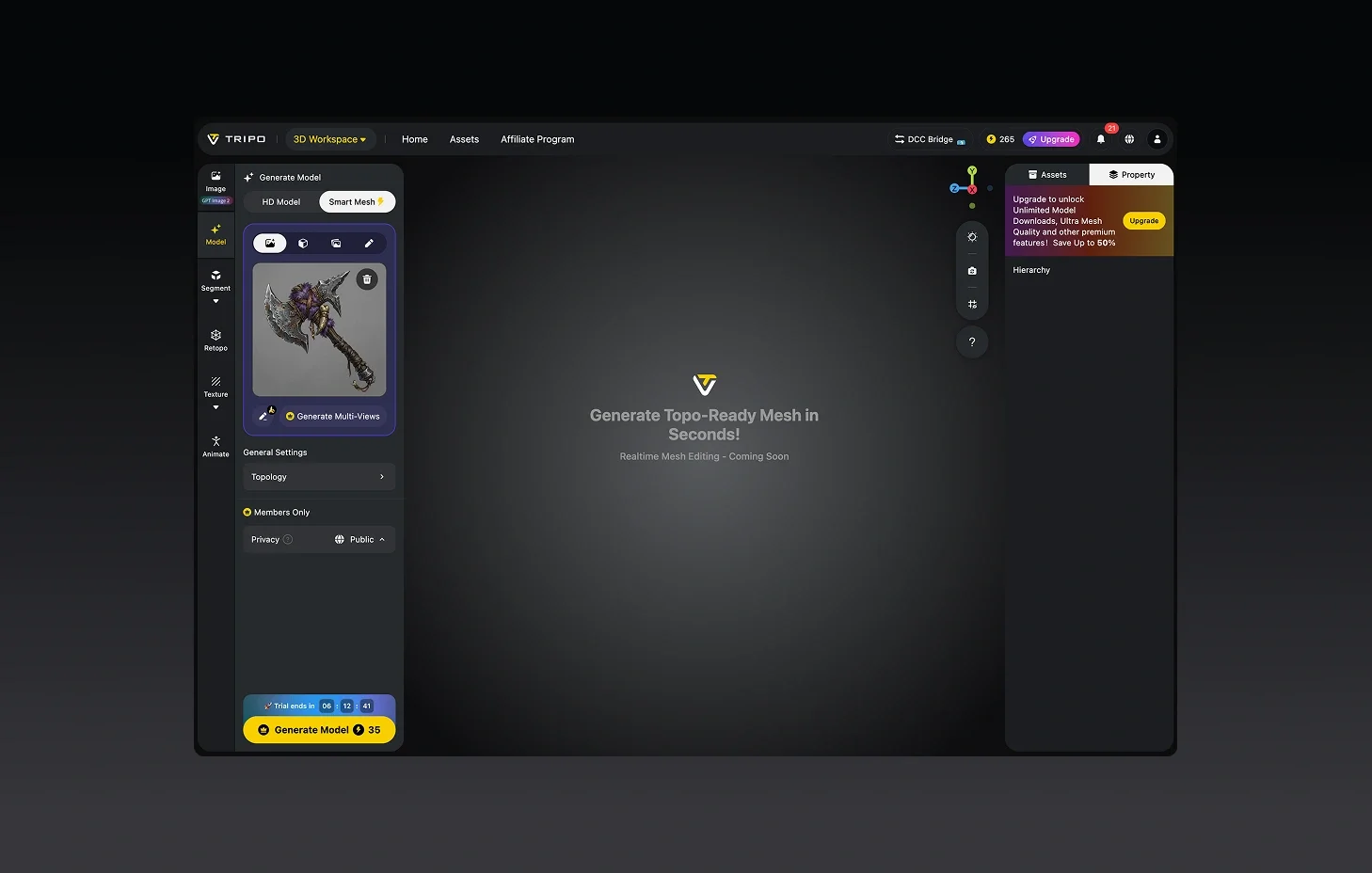
Laden Sie Ihre Skizze hoch
Scannen oder fotografieren Sie Ihre Zeichnung oder laden Sie eine digitale Illustration hoch. PNG und JPG funktionieren gut — saubere Hintergründe verbessern die Ergebnisse.
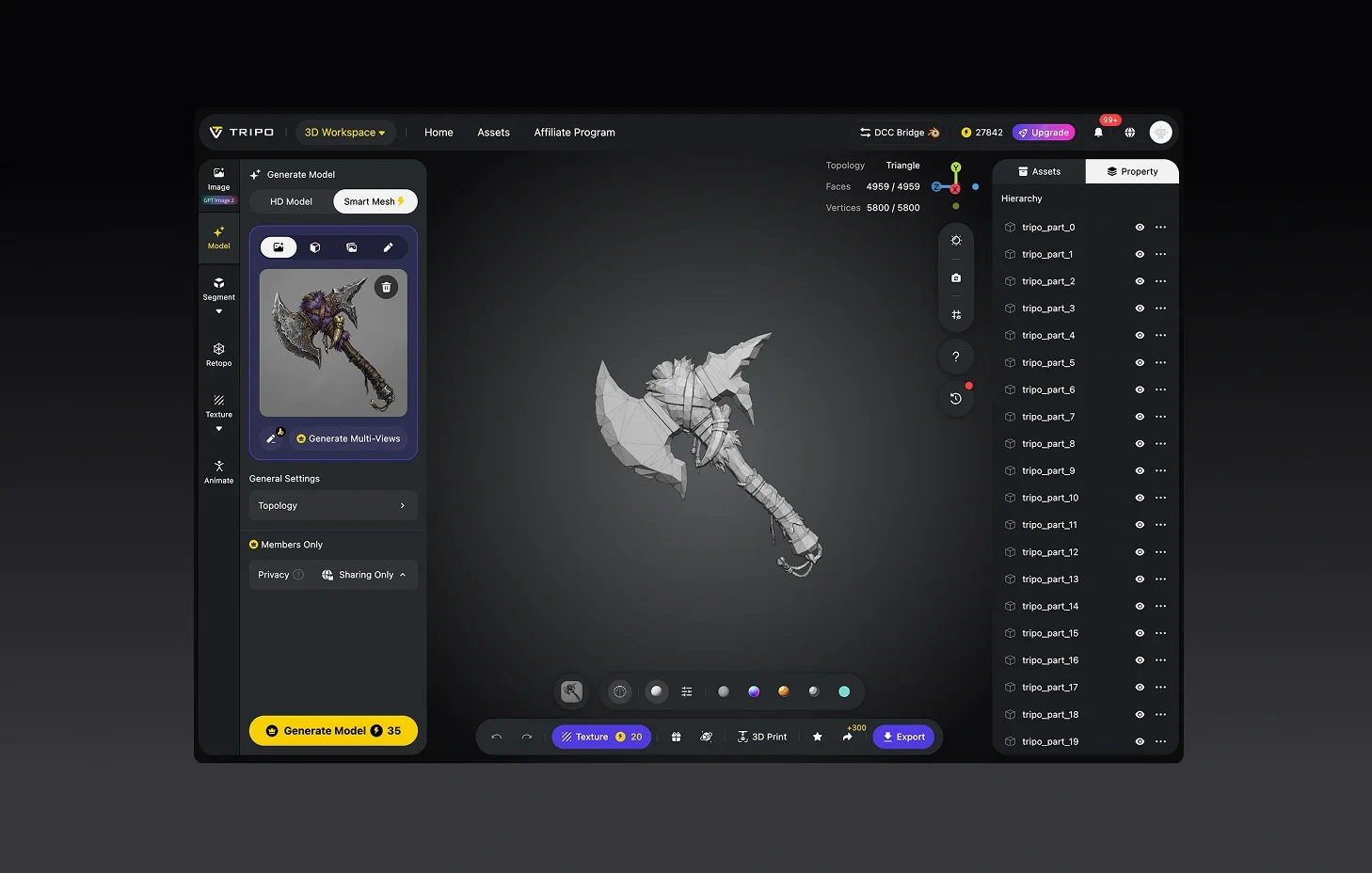
Generieren Sie das 3D-Modell
Tripo interpretiert die Form Ihrer Skizze und erstellt automatisch ein 3D-Modell. Keine Erfahrung im 3D-Modelling erforderlich.
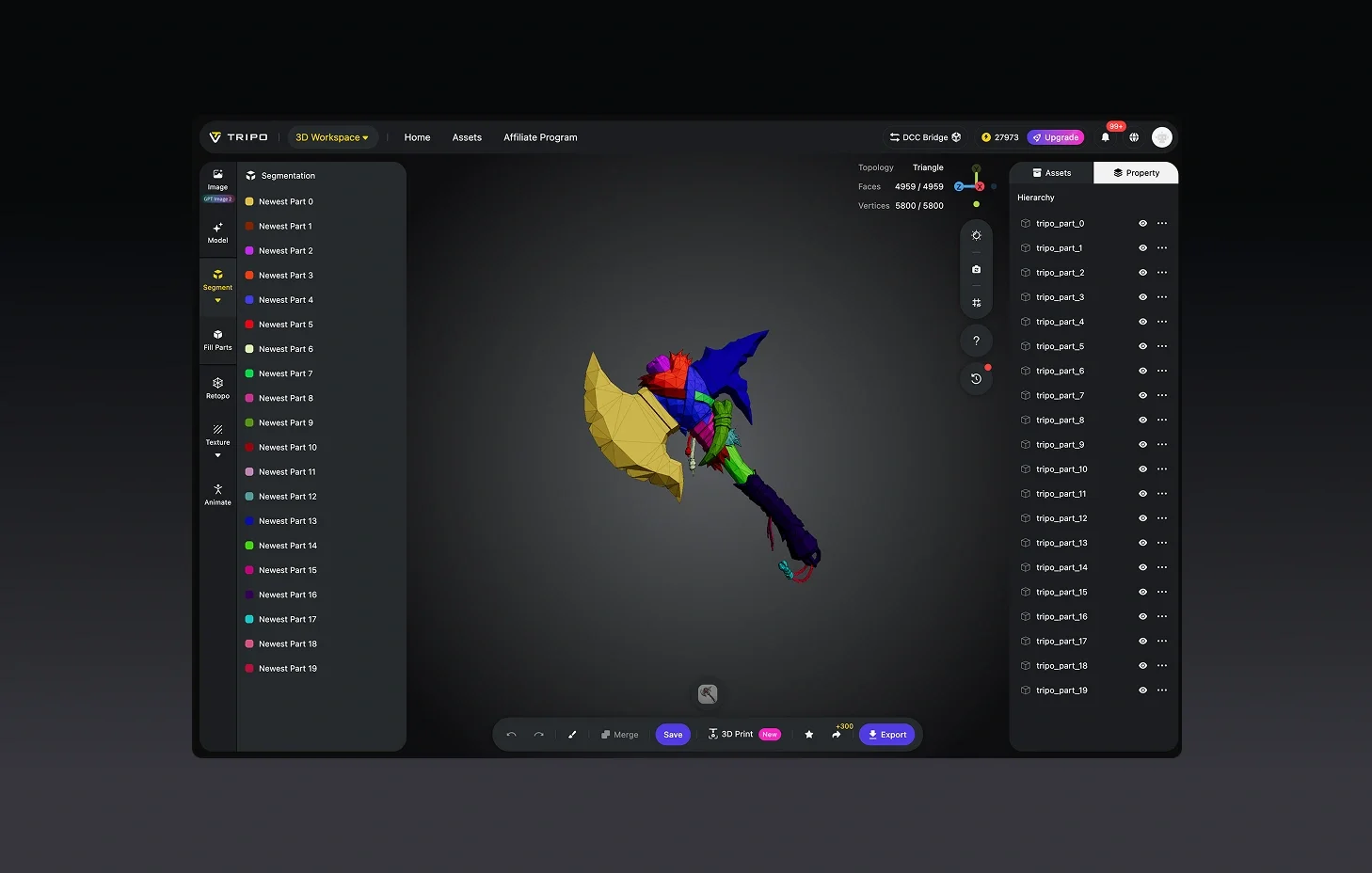
(Optional) Verfeinern und detaillieren
Wenden Sie Texturen an, verfeinern Sie die Geometrie oder fügen Sie Rigging-Punkte für Ihren Animations-Workflow hinzu.
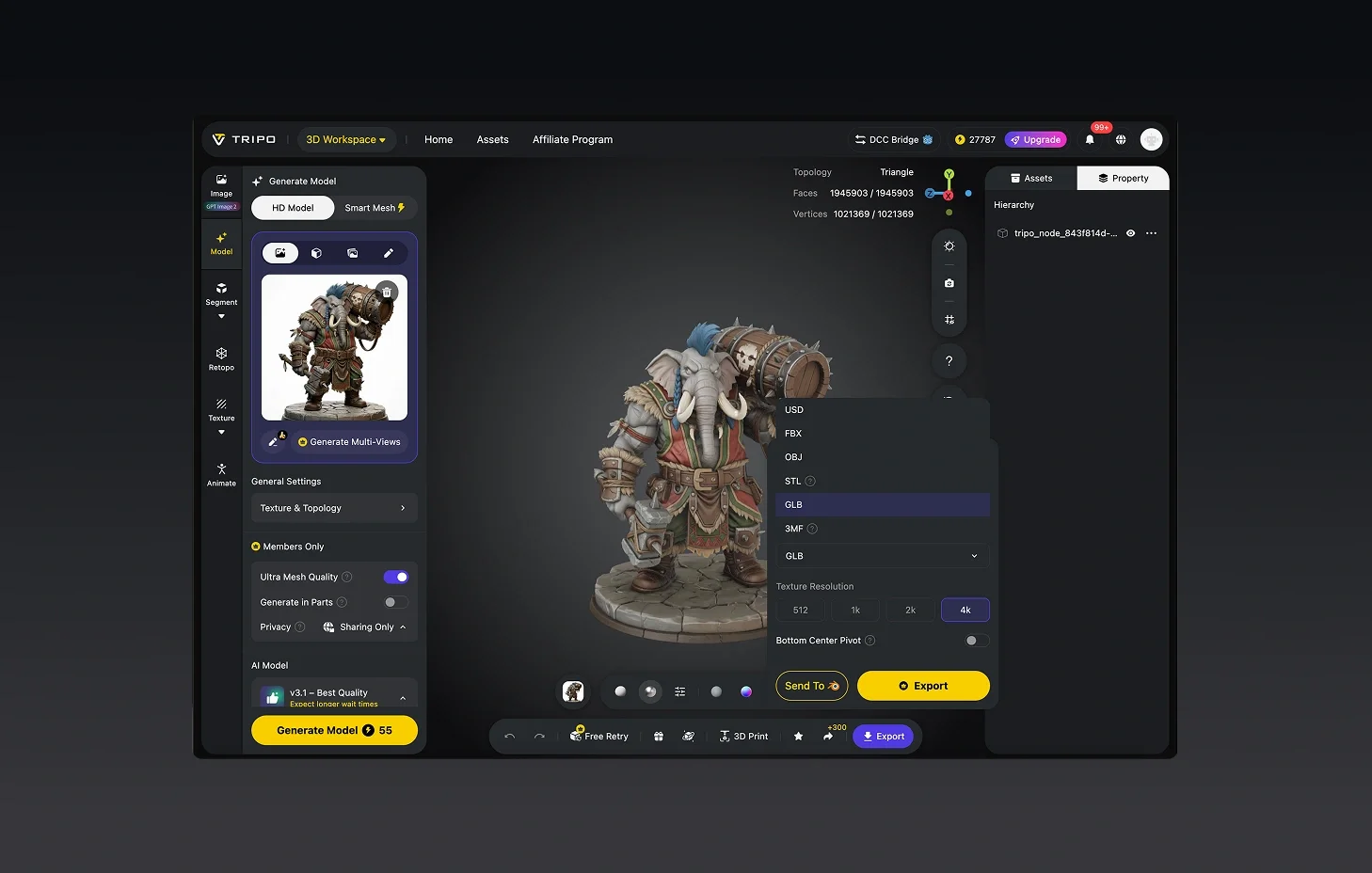
Exportieren Sie für Ihre Pipeline
Laden Sie im Format FBX, OBJ oder STL herunter — bereit für Game Engines, Animationssoftware oder 3D-Druck.


Beliebt bei Artists und Designern
Die Einzelansicht hält es einfach. Schnelle Durchlaufzeiten für Concept Art.
Die Mehrfachansicht sorgt für zusätzliche Tiefe. Hilft sehr beim Character Design.
Ich nutze es für Kundenpräsentationen, die Modelle sehen ohne viel Nachbearbeitung hochwertig aus.
Ich skizziere schnell und grob. Tripo macht daraus solide 3D-Ausgangspunkte.
Concept-to-3D in unter einer Minute hat meinen gesamten Prototyping-Workflow verändert.
Früher habe ich den Modelling-Schritt gefürchtet. Jetzt lade ich einfach meine Skizze hoch und iteriere.
Sogar meine gröbsten Thumbnails kommen als erkennbare 3D-Formen heraus.
Großartig für Game Design. Ich gehe in einer Session von der Papierskizze zum Engine-Asset.
FAQ: Skizze zu 3D-Modell
Bleiben Sie den neuesten Trends voraus
Entdecken Sie Trendthemen im 3D-Modelling, AI-Tools und in der Welt der 3D-Kreation.
Einführung von Tripo H3.1: High-Detail-Modell für produktionsreife Assets
Tripo H3.1 erzeugt hochauflösende 3D-Modelle mit dichter Geometrie und Details auf Produktionsniveau, ideal für Hero Assets, Marketing-Visuals, Rendering und 3D-Druck.
Mehr lesenImage-to-3D vs. Text-to-3D: Wann Sie welches in Ihrem Workflow verwenden sollten
Dieser Artikel vergleicht Image-to-3D- und Text-to-3D-Generierungs-Workflows und hilft Ihnen dabei, die richtige Methode für eine schnellere und intelligentere Erstellung von 3D-Modellen mit Tripo AI zu wählen.
Mehr lesenTripo 3D Tutorial Center
Beherrschen Sie systematisch die End-to-End-Workflows von Tripo 3D vom Anfänger- bis zum Fortgeschrittenenniveau und lernen Sie, wie Sie produktionsreife 3D-Assets mit höherer Geschwindigkeit und Kontrolle erstellen.
Mehr lesenEinführung von Tripo Smart Mesh P1.0: Saubere Low-Poly-Topologie in 2 Sekunden
Erzeugen Sie mit Tripo Smart Mesh in Sekundenschnelle saubere, optimierte Topologie-Meshes. Erstellen Sie leichte, spielbereite 3D-Modelle für Engines, Web und Echtzeit-Workflows.
Mehr lesenVerwandte Funktionen
Entdecke mehr auf Tripo AI
Image to 3D Model
Upload any image and generate a high-quality 3D model in seconds with Tripo AI. Supports single-view and multi-view inputs.
Mehr erfahren2D to 3D Conversion
Convert any flat 2D image into a full 3D model with Tripo AI. AI-powered depth estimation and geometry generation.
Mehr erfahrenFree Image to 3D Model
Generate 3D models from images for free with Tripo AI. No signup required, instant access to production-quality output.
Mehr erfahrenImage to 3D Model API
Scalable 3D generation API for developers. Integrate Tripo AI image-to-3D into your pipeline with a few lines of code.
Mehr erfahrenBereit, Skizzen in 3D-Assets zu verwandeln?
Von der groben Skizze bis zum exportbereiten Asset — der gesamte Schritt vom Konzept zu 3D, automatisiert.