

2D-zu-3D-Konvertierung — Präzise Geometrie aus jedem flachen Input
Lade flache Grafiken, Illustrationen oder Referenzbilder hoch und erhalte ein strukturiertes 3D-Modell, das bereit für Bearbeitung, Rigging oder Export ist. Einzelansicht und Mehransicht-Eingaben werden unterstützt.








Strukturierte 3D-Modelle aus 2D-Eingaben
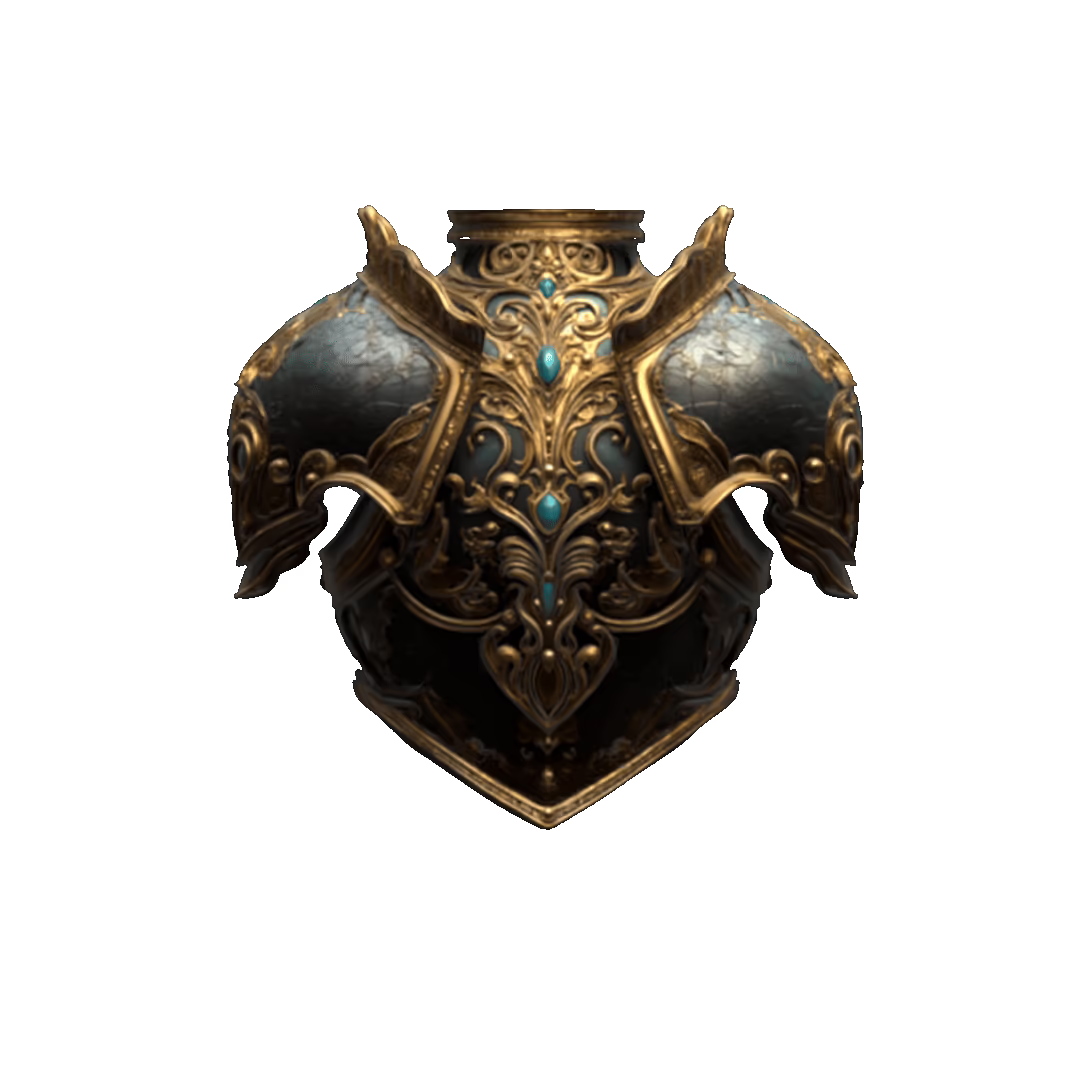
Von Produktreferenzen bis zu stilisierten Illustrationen rekonstruiert Tripo kohärente 3D-Geometrie mit organisierter Topologie — bereit für die Verfeinerung oder den direkten Einsatz in deiner Pipeline.
KI-Showcases zur 2D-zu-3D-Konvertierung


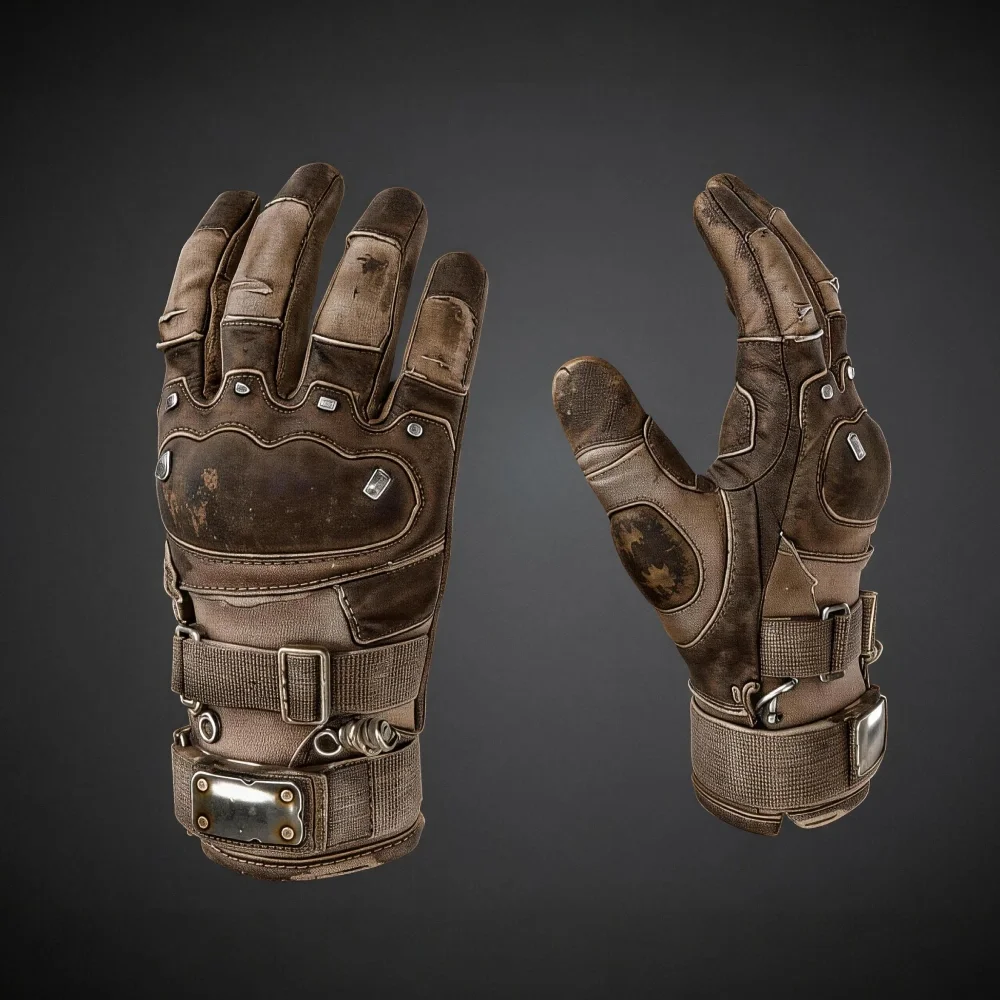
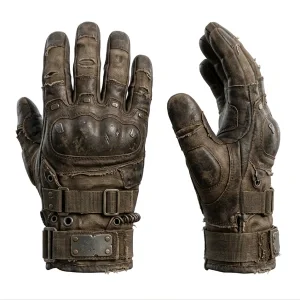


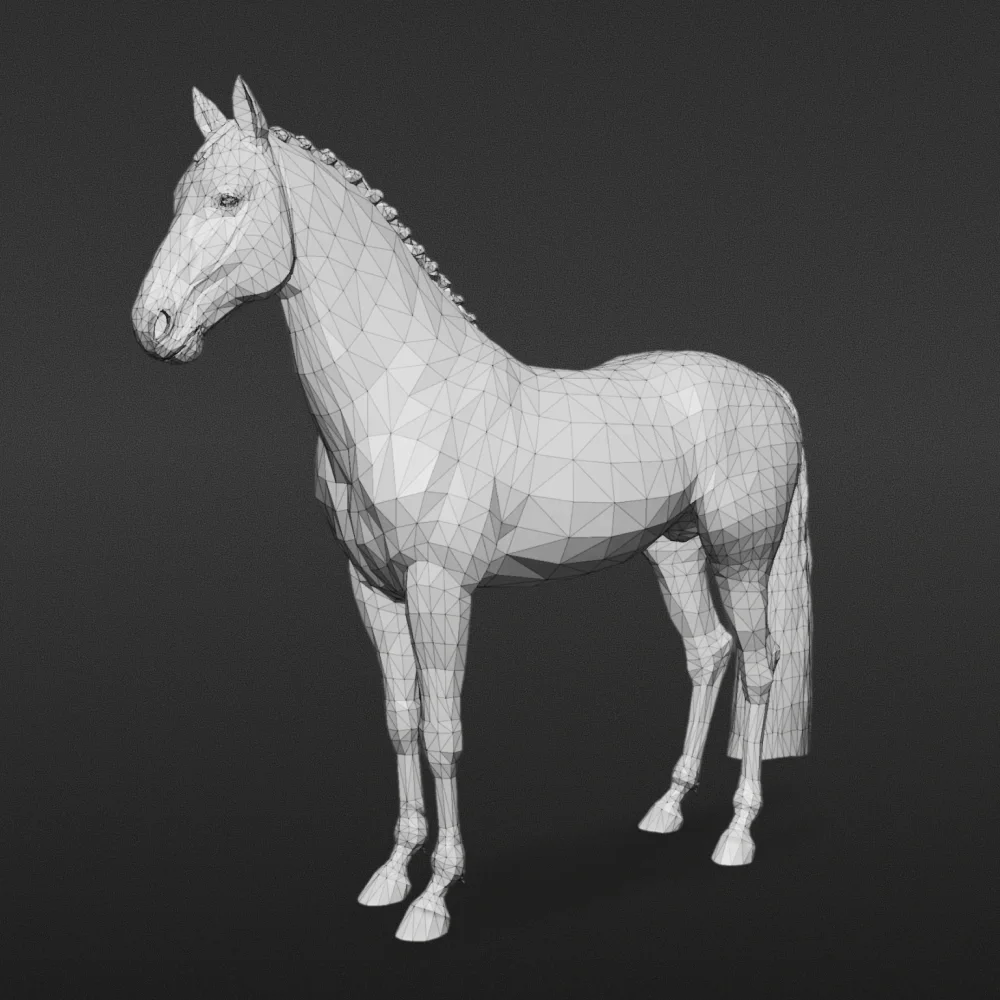

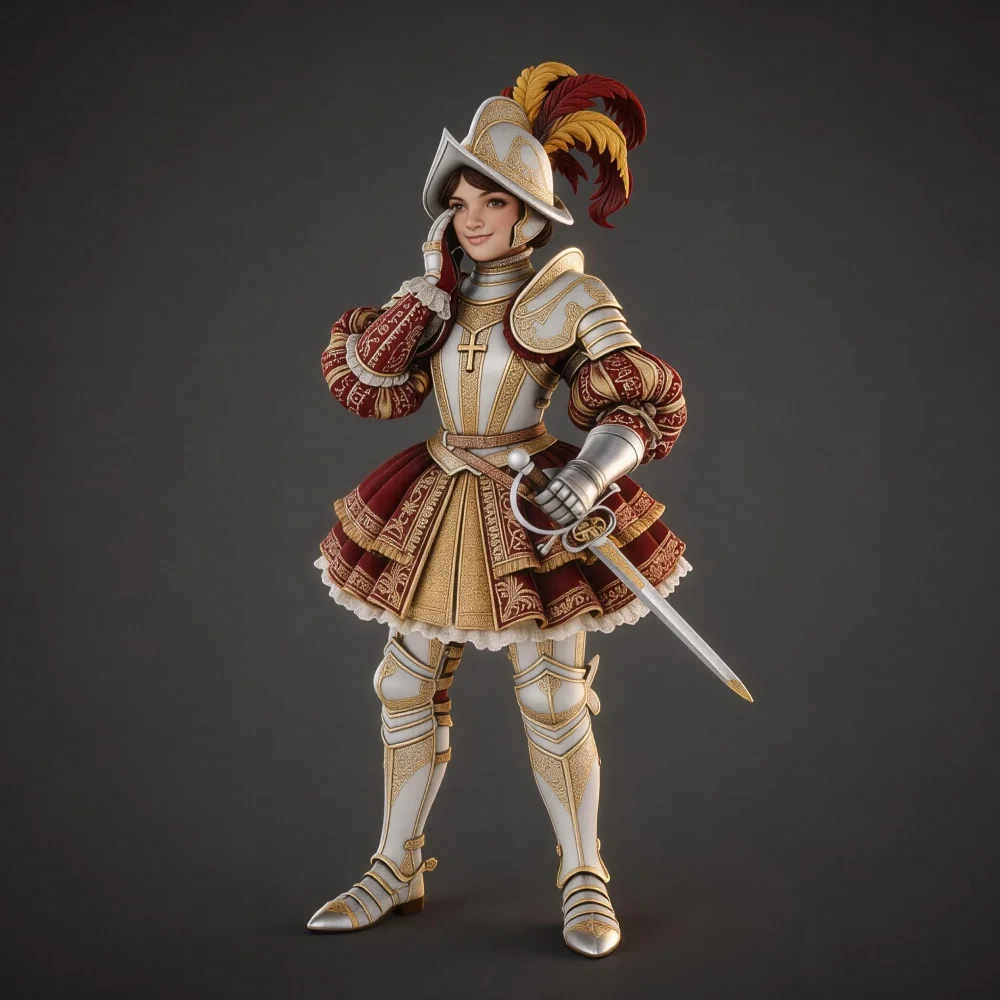
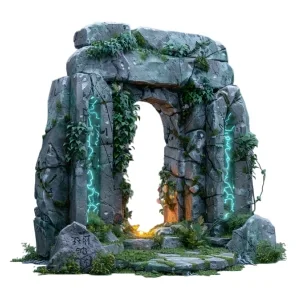


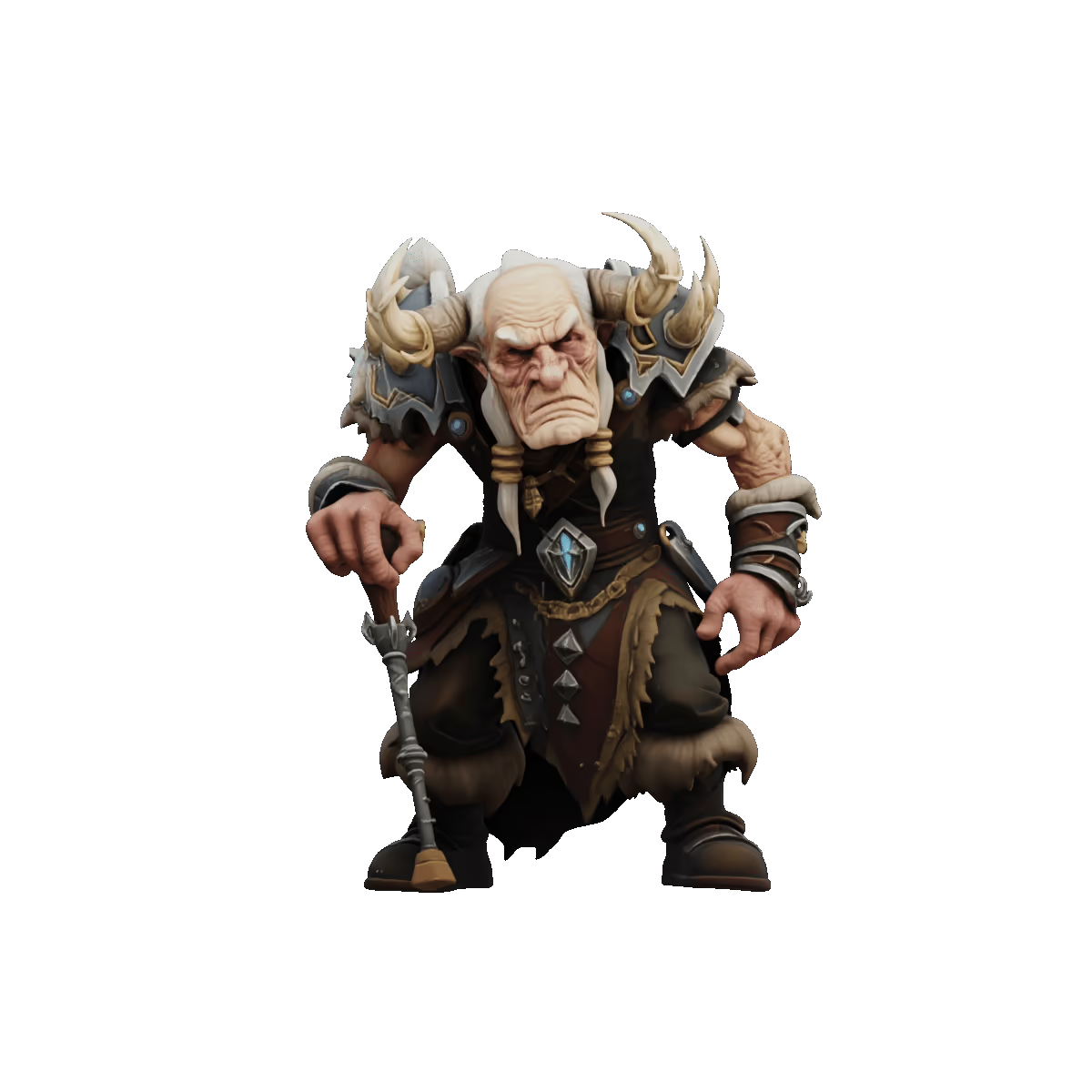
Zuverlässige 3D-Rekonstruktion aus flachen Eingaben
Kohärente Geometrie aus einer einzigen Ansicht abgeleitet
Tripo analysiert Tiefe, Struktur und Form aus deiner 2D-Eingabe und erzeugt saubere 3D-Geometrie, die Proportionen und Absicht des Originalbilds bewahrt.
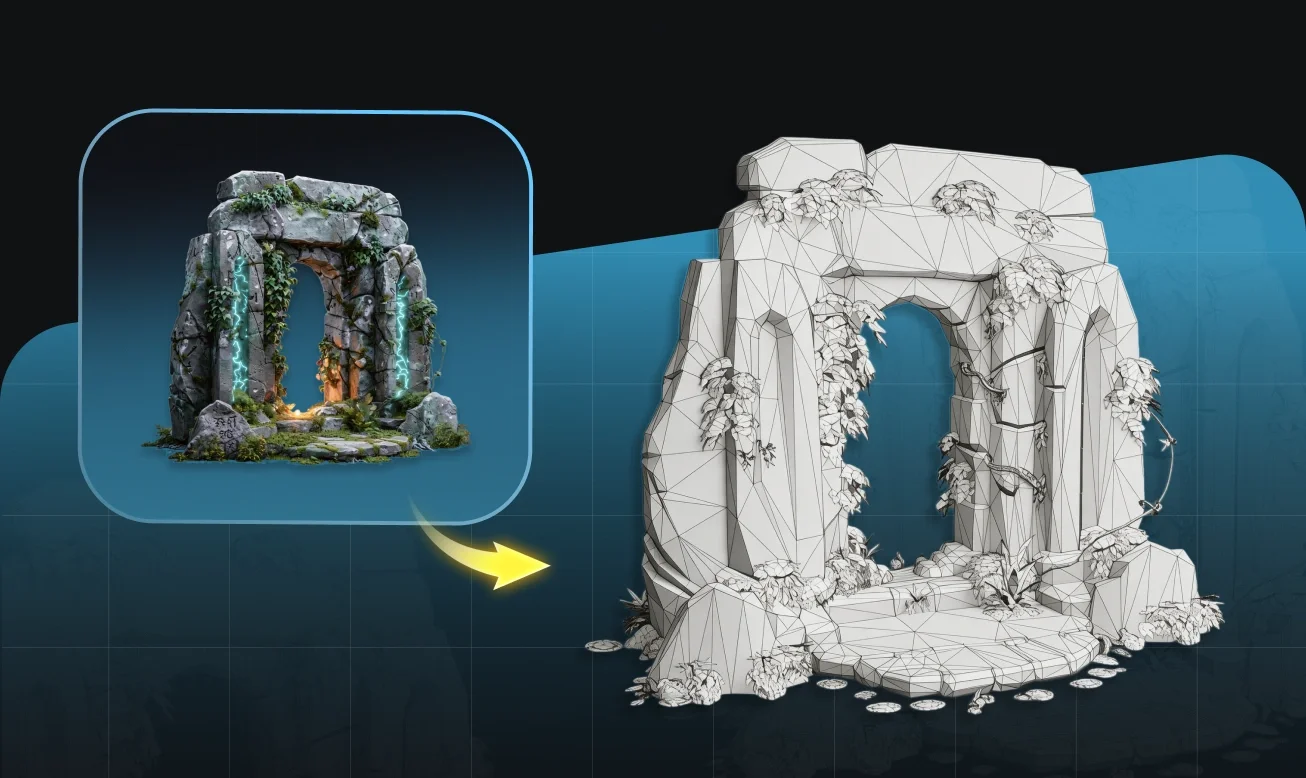
Flexible Eingaben — Fotos, Illustrationen, Concept Art
Funktioniert mit Produktfotografie, flachen Illustrationen, Concept Art und technischen Zeichnungen. Das Modell passt sich deinem Eingabetyp ohne manuelle Konfiguration an.
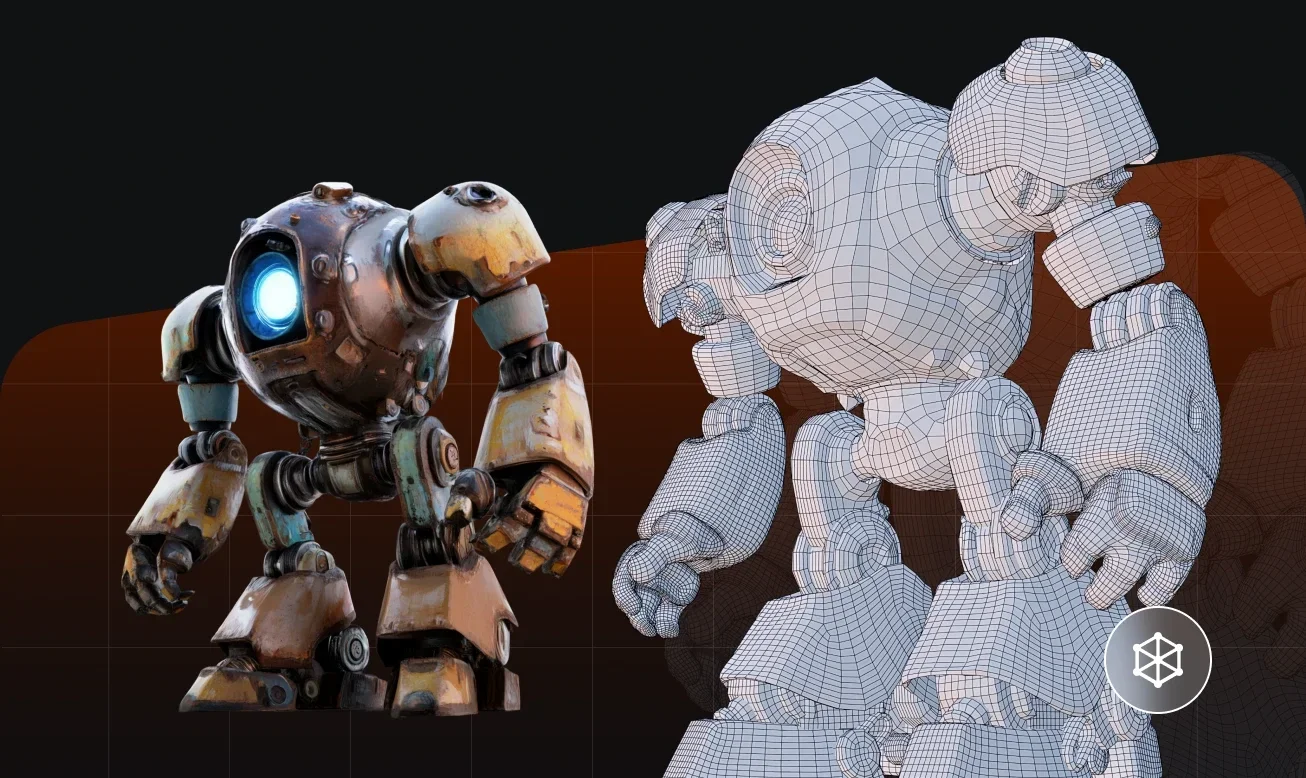
Mehransichts-Eingabe für höhere strukturelle Genauigkeit
Stelle 2–6 Ansichten desselben Objekts bereit, um die Oberflächenabdeckung zu verbessern, Verdeckungen zu reduzieren und ein vollständigeres sowie strukturell konsistenteres Mesh zu erzeugen.
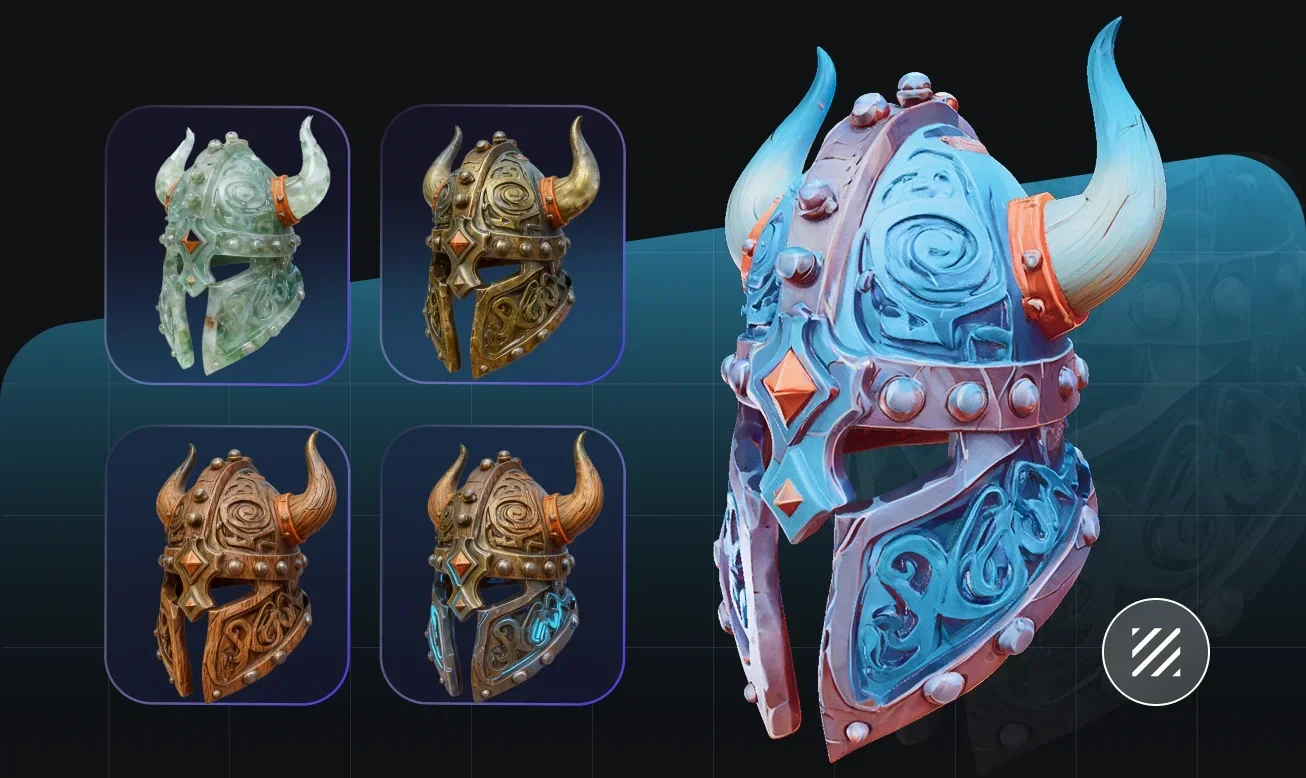
Konsistente Ergebnisse über verschiedene Eingabetypen hinweg
Von klarer Produktfotografie bis zu groben Concept-Skizzen verarbeitet Tripo's Konvertierungs-Engine eine breite Palette visueller Eingaben und erzeugt strukturierte, bearbeitbare 3D-Geometrie. Keine 3D-Erfahrung erforderlich.
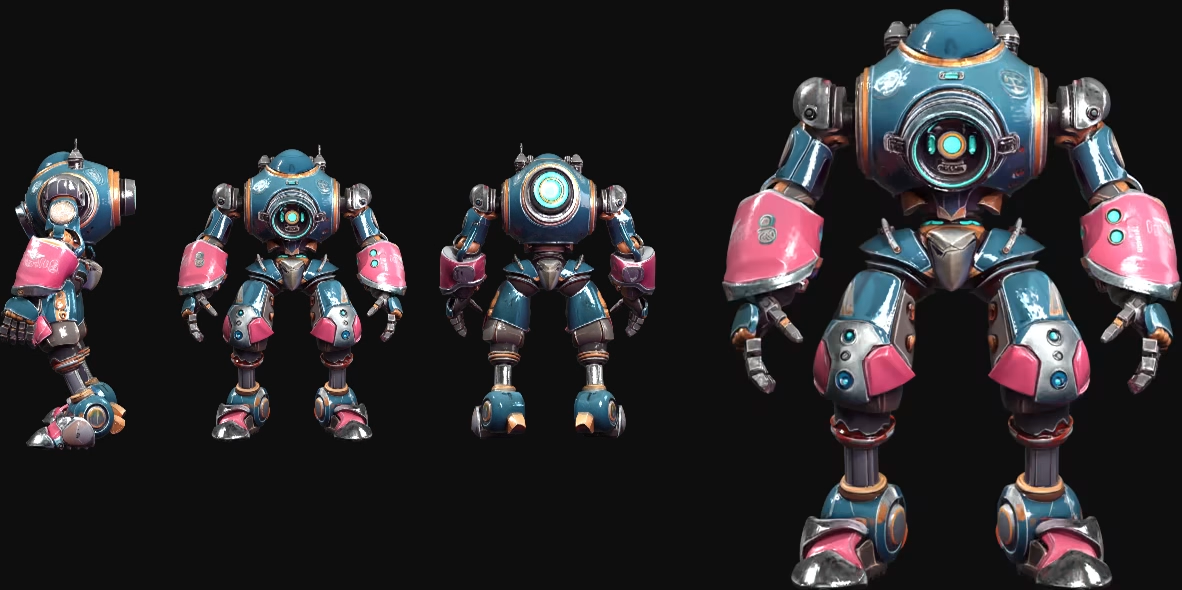
So konvertierst du 2D mit Tripo in 3D
Lade dein 2D-Bild hoch
Starte mit einem Bild oder mehreren Ansichten. Die gängigsten Formate werden unterstützt — Fotos, Illustrationen oder digitale Kunstwerke.
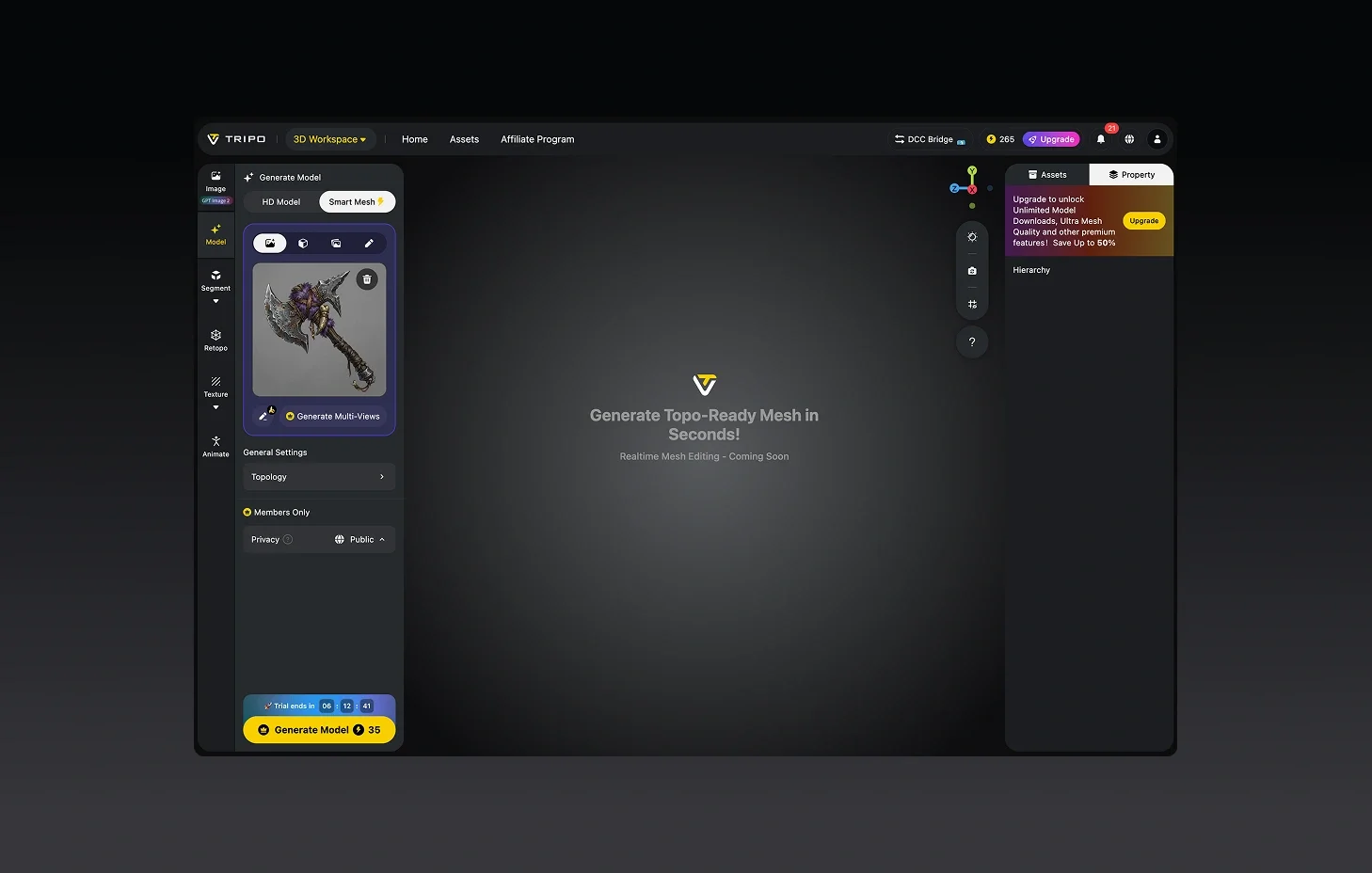
Automatische 3D-Rekonstruktion
Tripo liest deine 2D-Eingabe und erzeugt in Sekunden ein vollständiges 3D-Modell.
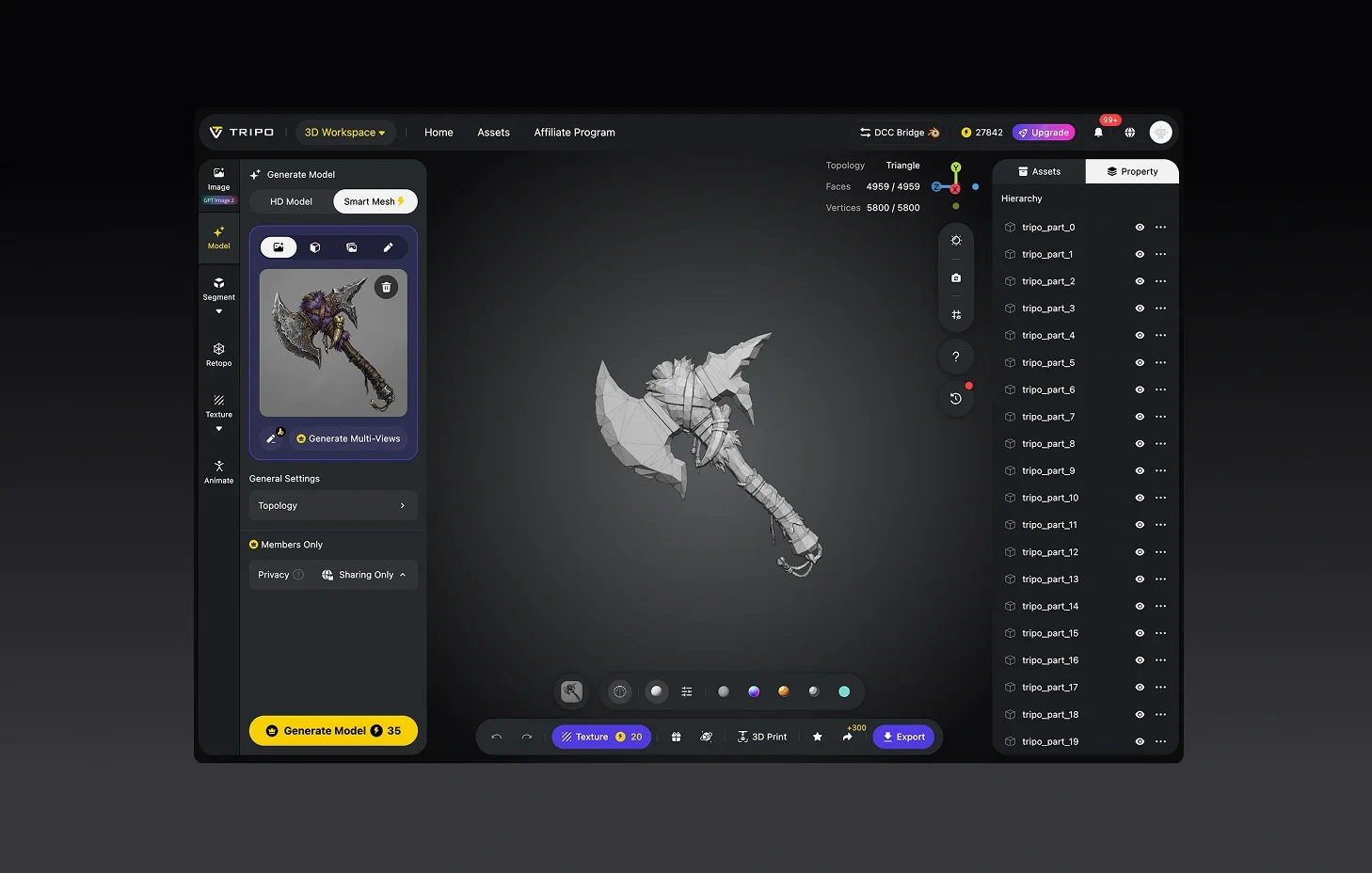
(Optional) Verfeinere dein Modell
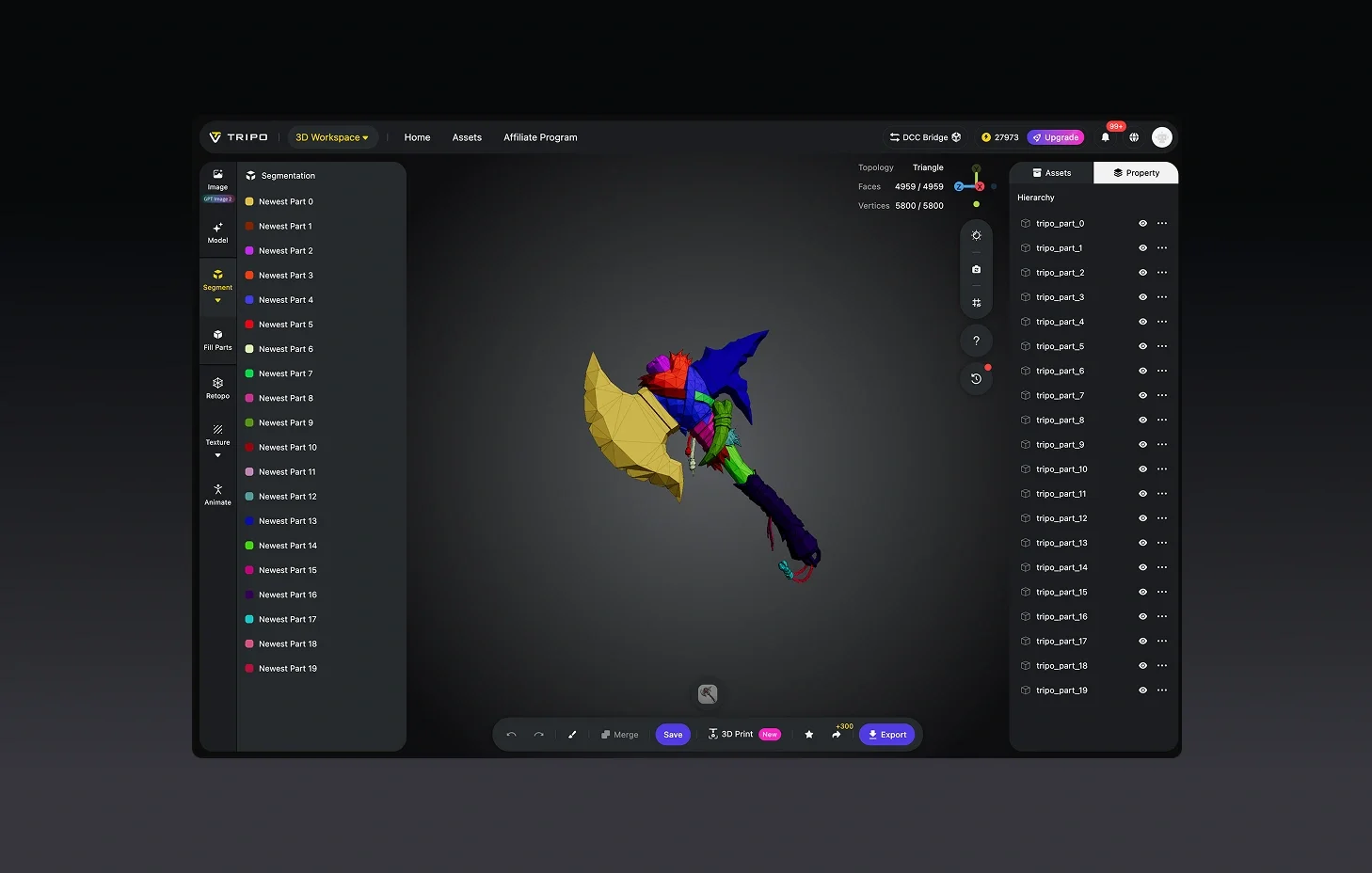
Verbessere Texturen, passe die Geometrie an oder zerlege Komponenten für die weitere Verwendung.
Exportieren und bereitstellen
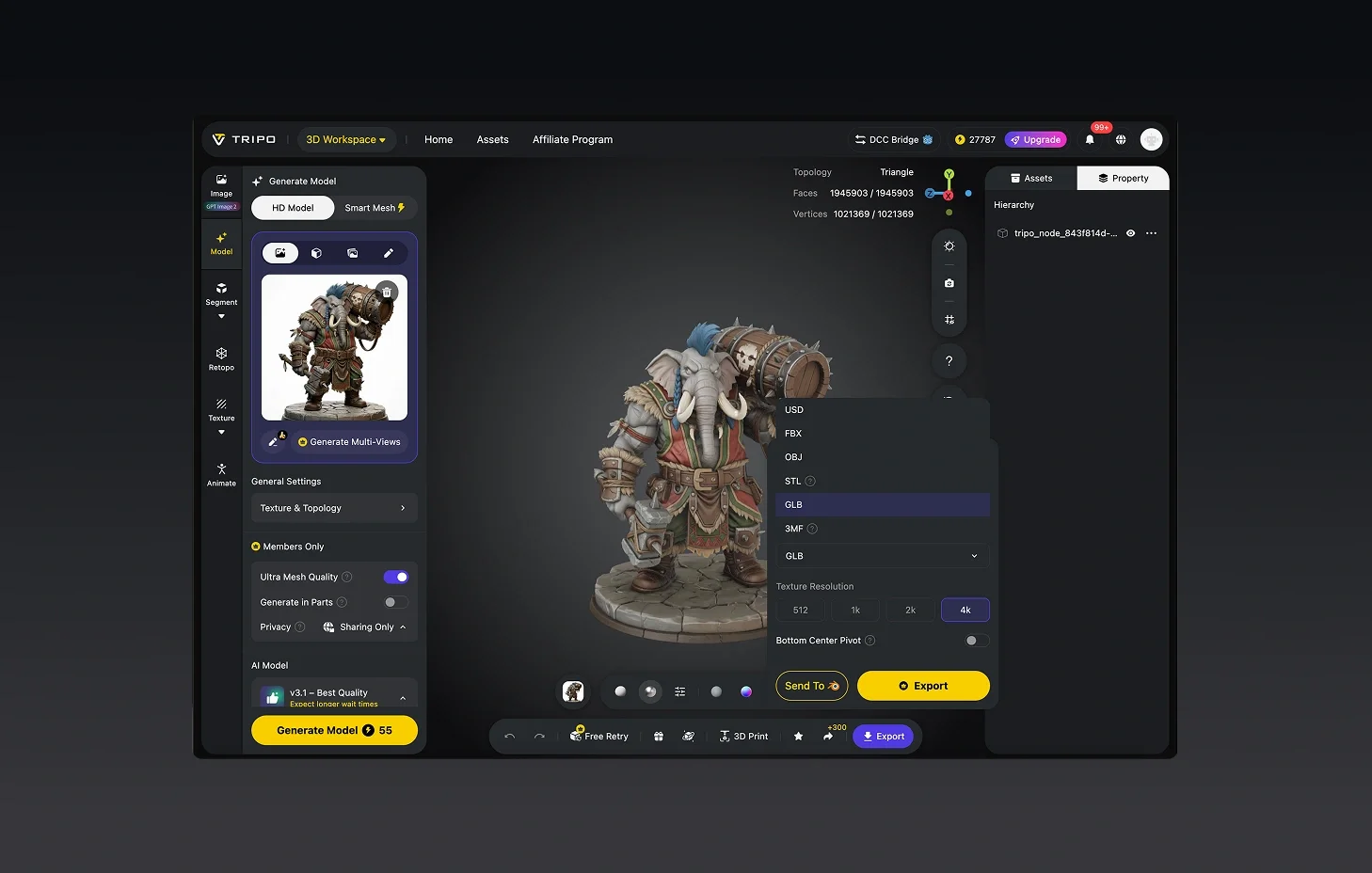
Lade es als STL, OBJ, FBX oder in anderen von großen 3D-Tools unterstützten Formaten herunter.



Von Kreativen weltweit geliebt
Ich hätte nicht erwartet, dass ein Foto so gut funktioniert. Mein Modell sah in Sekunden fertig aus.
Perfekt für mein Designprojekt. Alle dachten, ich hätte Tage in Blender verbracht.
Der Mehransichtsmodus dauert länger, liefert aber Details, die ich sonst nirgendwo bekomme.
Die UI ist einfach, nichts Besonderes, aber die Modelle exportieren jedes Mal sauber.
Der Schmuck-Prototyp kam überraschend klar heraus, sogar die winzigen Teile.
Als Indie-Entwickler habe ich Tage an Arbeit gespart. Die Assets passten direkt in mein Spiel.
Die Rigging-Funktion ist flüssiger als erwartet. Mixamo hat mein Modell problemlos akzeptiert.
Zum ersten Mal KI für 3D ausprobiert. Ehrlich gesagt schockiert, wie schnell es liefert.

FAQ: 2D-zu-3D-Konvertierung
Bleib mit den neuesten Trends vorn
Entdecke aktuelle Themen rund um 3D-Modellierung, KI-Tools und die Welt der 3D-Erstellung.
Vorstellung von Tripo H3.1: High-Detail-Modell für produktionsreife Assets
Tripo H3.1 erzeugt hochpräzise 3D-Modelle mit dichter Geometrie und Produktionsniveau an Details — ideal für Hero-Assets, Marketing-Visuals, Rendering und 3D-Druck.
Mehr lesenImage-to-3D vs. Text-to-3D: Wann du welches in deinem Workflow einsetzen solltest
Dieser Artikel vergleicht Image-to-3D- und Text-to-3D-Generierungs-Workflows und hilft dir, die richtige Methode für eine schnellere und intelligentere 3D-Modellerstellung mit Tripo AI zu wählen.
Mehr lesenTripo 3D Tutorial Center
Beherrschen Sie die End-to-End-Workflows von Tripo 3D systematisch – vom Anfänger- bis zum Fortgeschrittenenlevel – und lernen Sie, wie Sie produktionsreife 3D-Assets schneller und mit mehr Kontrolle erstellen.
Mehr lesenVorstellung von Tripo Smart Mesh P1.0: Saubere Low-Poly-Topologie in 2 Sekunden
Erstellen Sie in Sekundenschnelle saubere, optimierte Topologie-Meshes mit Tripo Smart Mesh. Erzeugen Sie leichte, einsatzbereite 3D-Modelle für Engines, Web und Echtzeit-Workflows.
Mehr lesenVerwandte Funktionen
Entdecke mehr auf Tripo AI
Image to 3D Model
Upload any image and generate a high-quality 3D model in seconds with Tripo AI. Supports single-view and multi-view inputs.
Mehr erfahrenFree Image to 3D Model
Generate 3D models from images for free with Tripo AI. No signup required, instant access to production-quality output.
Mehr erfahrenImage to 3D Model API
Scalable 3D generation API for developers. Integrate Tripo AI image-to-3D into your pipeline with a few lines of code.
Mehr erfahrenPhoto to 3D Model
Turn any photo into a detailed 3D model with Tripo AI. Preserves shape, texture, and depth from your original image.
Mehr erfahrenBereit, Ihre 2D-Bilder in 3D umzuwandeln?
Einzelbild- oder Multiview-Eingabe — strukturierte 3D-Geometrie, in jedem Fall bereit für Ihre Pipeline.