Accelerating Spatial Layouts and Camera Blocking in Media Production
| 版本 | 动作 | 责任人 |
|---|---|---|
| 1.0 | 文档创建 | 王磊 |
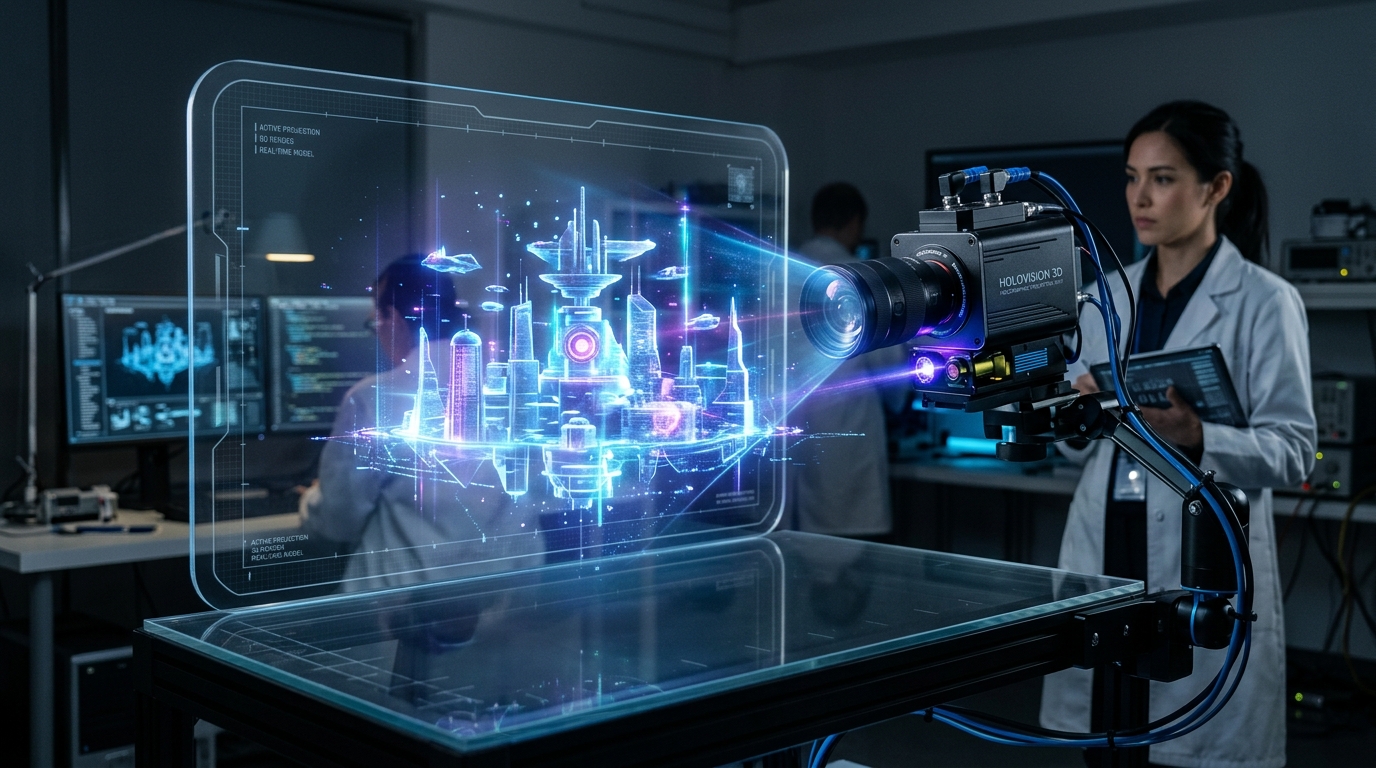
Media production timelines are historically constrained by the slow, manual creation of proxy assets during the pre-visualization phase. Utilizing an AI 3D model generator instantly converts concept art into workable geometry, eliminating this production friction and allowing immediate iterative scene assembly.
Utilizing AI 3D generation for rapid cinematic pre-visualization and layout planning fundamentally shifts media production timelines. By using Tripo AI, directors can instantly convert concept art into 3D proxy models.

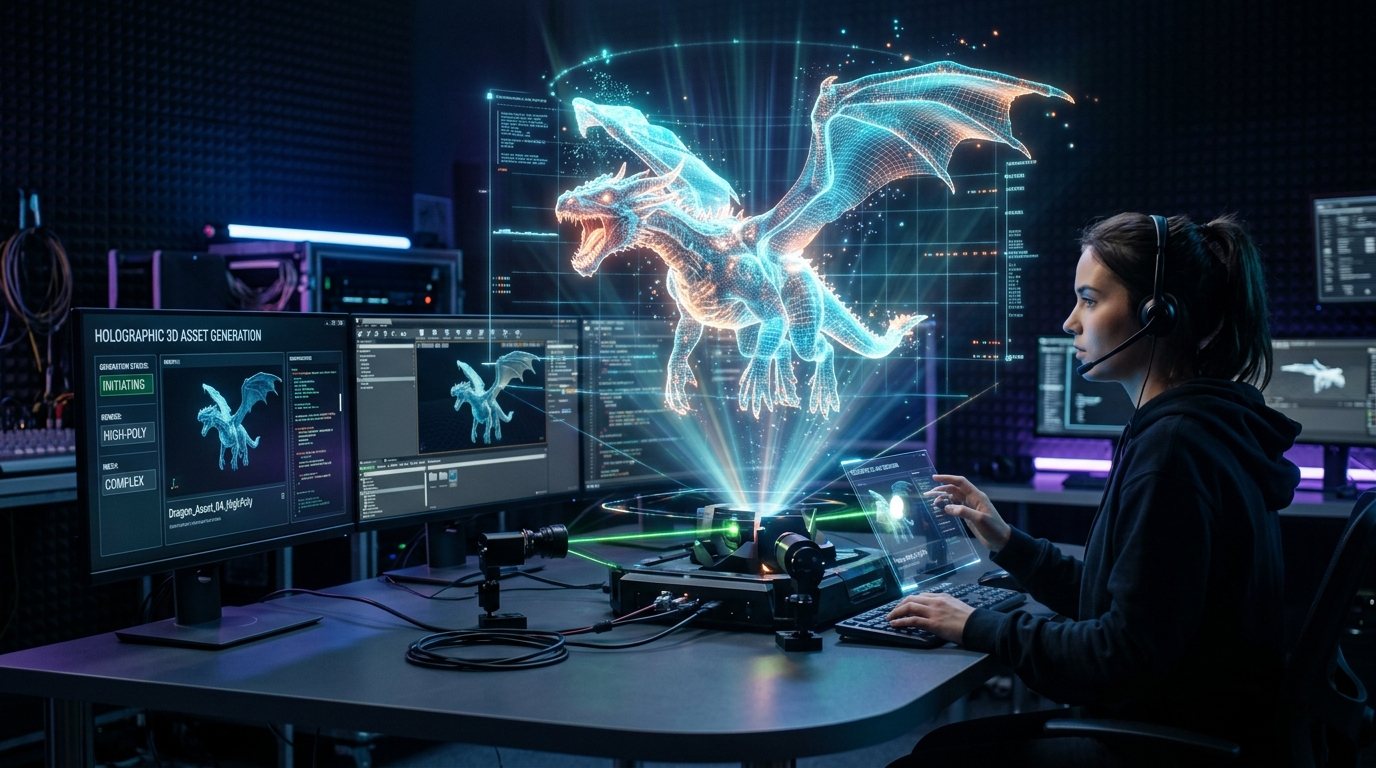
Modern integrated platforms compress early-stage workflows by executing direct image to 3D model conversion. By generating detailed base models in seconds, production teams can skip the manual technical construction phase entirely during pre-visualization. This allows visual effects supervisors to interact with spatial layouts almost immediately after the concept art is approved.
AI-assisted generation provides the agility to rapidly prototype new elements on demand. Cinematographers can test complex camera moves around newly generated assets in real-time. If a digitally generated pillar blocks a crucial camera angle, the team can instantly generate a narrower variation rather than waiting for a modeler to adjust the geometry.
Art departments can rapidly generate necessary props and environmental stand-ins, exporting them in optimal formats like USD, FBX, or OBJ to establish accurate lighting and camera tracking in Unreal Engine.
When extracting generated assets, operators have access to standard formats including USD, FBX, OBJ, STL, GLB, and 3MF. For modern cinematic workflows, selecting USD or FBX ensures that the structural integrity of the proxy model is maintained. The Universal Scene Description (USD) format has become the backbone of collaborative film pipelines, allowing multiple departments to reference and update assets non-destructively.
Generated assets serve as highly effective volumetric stand-ins that cast realistic shadows and occlude light sources. By importing these structural proxies into the layout, lighting technical directors can begin designing illumination schemes much earlier. This methodology reduces manual technical work, letting artists focus on the creative direction of the scene's mood.
Instead of spending days modeling temporary assets, production teams can use Tripo to test multiple spatial relationships in real-time, accelerating art department approvals.
In practical studio applications, leveraging advanced generation tools enables creators to increase the speed of the entire production pipeline by up to fifty percent. For example, total retopology time for complex organic proxies can be compressed from six hours to under forty-five minutes while maintaining professional quality.
Operating on a scalable infrastructure allows studios to manage pre-visualization costs effectively. The platform utilizes a structured currency system: for preliminary testing, teams can utilize a free allocation of 300 credits per month. Scaling to a Pro tier provides 3000 credits per month for extensive commercial asset generation.
A: Maintain precise spatial relationships by utilizing reference bounding boxes within your DCC tools. Uniformly scale the raw FBX or OBJ geometry to match these pre-defined boxes inside your primary layout software.
A: Yes. By utilizing precise text to 3D model prompts, operators can specify distinct environmental components like pillars or archways to construct expansive background sets.
A: For real-time engine integration, USD and FBX formats are highly recommended as they retain optimal geometry, structural hierarchy, and basic material assignments.