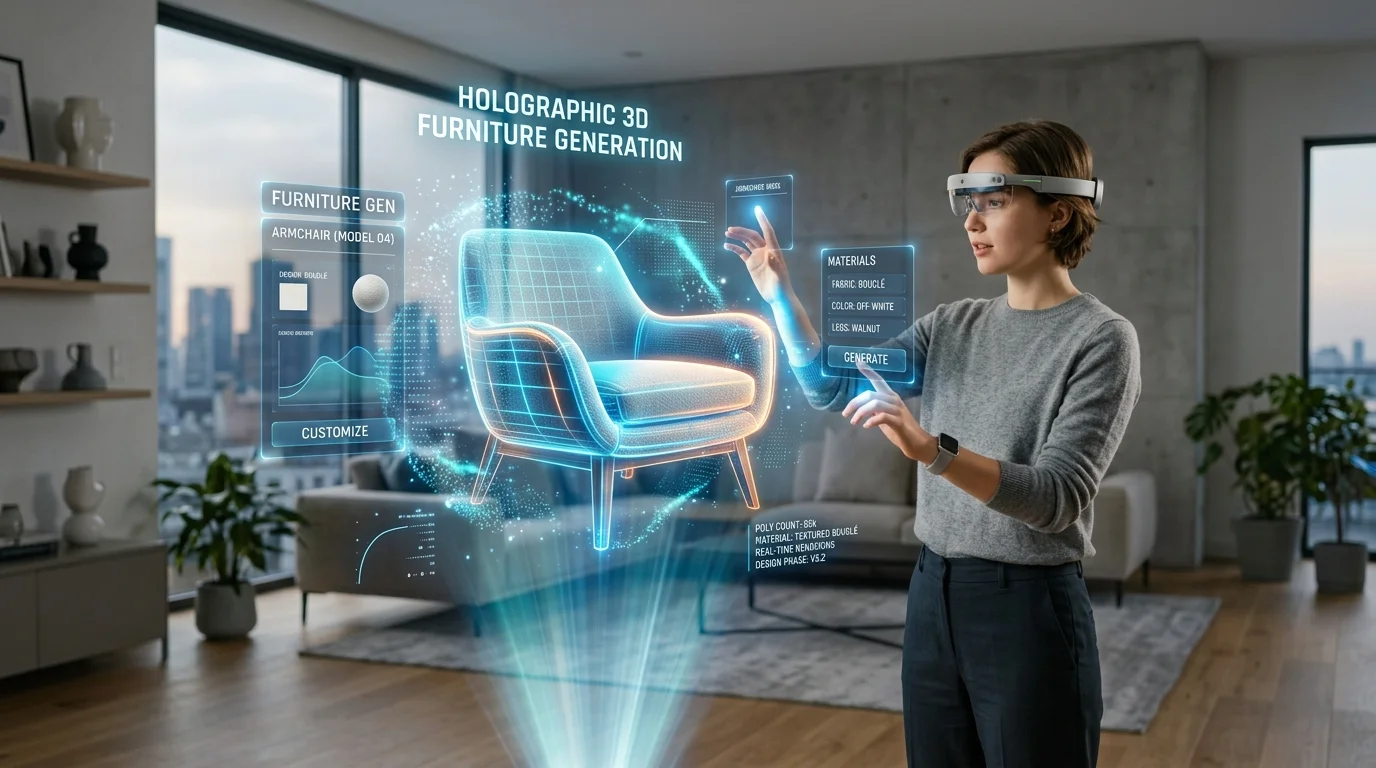
전문가 워크플로우에 3D 인테리어 디자인 AI 통합하기
자동화된 공간 모델링 및 에셋 정교화를 통한 건축 시각화 가속화
전통적인 건축 시각화는 초기 모델링 단계에서 심각한 병목 현상을 겪으며, 디자이너들은 기본적인 구조 에셋을 제도하는 데 수많은 시간을 소비합니다cite: 392. 이러한 마찰은 촉박한 클라이언트 마감 기한과 까다로운 수정 주기에 대응하기 어렵게 만듭니다cite: 393. 3D 생성형 AI를 파이프라인에 도입함으로써 전문가들은 지루한 수동 제도 과정을 건너뛰고, 고급 정교화 작업에 바로 사용할 수 있는 기본 메시를 즉시 생성할 수 있습니다cite: 394. 전문적인 응용 분야를 더 깊이 탐구하고 싶다면 AI 3D 홈 디자인 도구를 살펴보는 것이 공간 계획을 위한 전용 시작점이 될 수 있습니다 cite: 395.
주요 인사이트
- 신속한 에셋 생성은 빈 캔버스에서 구조화된 개념 초안으로 전환함으로써 초기 모델링 시간을 단축합니다.
- 현대적인 신경망 아키텍처는 정밀한 공간 정렬을 가능하게 하여 생성된 에셋이 전문적인 평면도에 맞게 조정되도록 합니다.
- 원활한 통합은 표준화된 내보내기 형식을 사용하여 소프트웨어 제품군 전반에서 형상 및 재질의 충실도를 유지하는 데 의존합니다.
- 기존 모델링 환경에서의 생성 후 정교화는 엄격한 건축 시각화 표준을 달성하는 데 여전히 필수적입니다.
2026년 3D 인테리어 디자인 AI의 진화
2026년, 3D 인테리어 디자인 AI는 전문가 워크플로우의 강력한 촉매제 역할을 하며, 개념적 프롬프트를 즉시 실질적인 3D 공간 에셋으로 변환합니다. 이는 초기 모델링 시간을 획기적으로 줄여 디자이너가 고급 건축 시각화 및 클라이언트 협업에 완전히 집중할 수 있도록 지원합니다.
건축 시각화의 발전은 역사적으로 장면을 폴리곤 단위로 구성해야 하는 수동 노동에 의해 제한되어 왔습니다. 현재의 공간 도구 세대가 등장하기 전에는, 맞춤형 미드센추리 모던 의자나 특정 조명 기구를 만드는 데 수많은 참조, 블로킹, 스무딩, 정점 조작 시간이 필요했습니다. 자동 생성으로의 전환은 이러한 역학 관계를 근본적으로 변화시켜 초기 제도 단계의 기계적 마찰을 제거했습니다.
이러한 변화를 주도하는 신경망 아키텍처를 분석해 보면, 생성 알고리즘은 엄청나게 확장되었습니다. 현재 표준은 2,000억 개 이상의 매개변수를 가진 알고리즘 3.1을 활용하며, 이를 통해 시스템은 공간 논리, 구조적 무결성 및 복잡한 재질 상호 작용에 대한 고급 이해도를 갖추게 되었습니다.
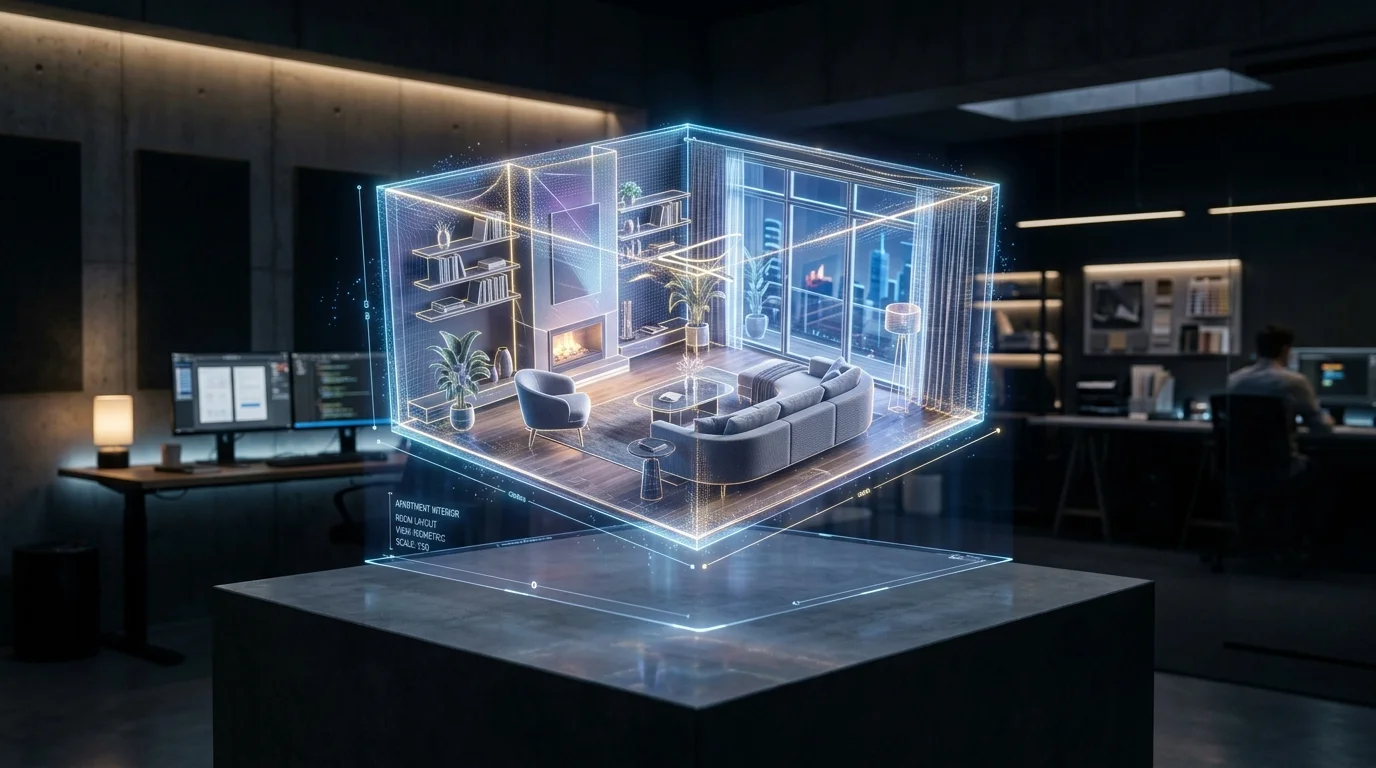
전문가 워크플로우에 3D 인테리어 디자인 AI를 통합하는 방법
3D 인테리어 디자인 AI를 전문가 워크플로우에 효과적으로 통합하려면, 디자이너는 신속한 AI 생성에서 기존 3D 소프트웨어로 이어지는 원활한 파이프라인을 구축해야 합니다.
Tripo AI를 활용한 신속한 프로토타이핑 및 에셋 생성
통합의 초기 단계는 클라이언트의 요구 사항을 물리적 공간으로 번역하는 것입니다. 텍스트 투 3D 모델 프레임워크를 활용하여 특정 클라이언트 요청을 기본 메시로 변환하면 승인 프로세스가 가속화됩니다. 이 신속한 프로토타이핑 단계는 무거운 계산 렌더링이 발생하기 전에 클라이언트의 비전이 정확하게 포착되었는지 확인합니다.
Tripo AI에 설명 프롬프트를 입력함으로써 아티스트는 맞춤형 장식 아이템, 조명 기구, 좌석 배치 등의 방대한 라이브러리를 생성할 수 있습니다. 전문 스튜디오의 경우, 상업적 권리 관리는 적절한 구독 플랜을 통해 처리되며, 생성된 모든 에셋이 클라이언트 결과물로 사용될 수 있도록 보장합니다.
상호 운용성 보장: USD, FBX, OBJ, STL, GLB 및 3MF로 내보내기
고품질 에셋을 생성하는 것은 첫 번째 단계일 뿐이며, 진정한 가치는 해당 에셋이 기존 건축 시각화 파이프라인과 얼마나 원활하게 통합되는지에 있습니다. 완벽한 상호 운용성을 보장하기 위해 전문가는 Tripo AI에서 보조 플랫폼으로 파일을 전송할 때 USD, FBX, OBJ, STL, GLB 또는 3MF 형식을 사용해야 합니다. 올바른 내보내기 형식을 선택하면 전환 과정에서 구조 데이터가 손실되지 않아 생성된 디자인의 무결성이 유지됩니다.
건축 시각화 표준을 위한 AI 생성 에셋 정교화
AI를 통해 인테리어 에셋이 생성되면, 전문가는 이를 엄격한 건축 시각화 표준에 맞게 정교화해야 합니다. 이 단계에서는 모델을 Blender나 3ds Max와 같은 주요 제품군으로 가져와 토폴로지를 조정하고, 사용자 지정 PBR 재질을 적용하며, 정확한 평면도에 맞게 정렬하는 작업이 포함됩니다.
원시 생성 모델은 훌륭한 구조적 기반을 제공하지만, 즉시 고품질 건축 렌더링의 엄격한 토폴로지 요구 사항을 충족하는 경우는 드뭅니다. 정교화의 첫 번째 단계는 지오메트리 최적화입니다. 3D 아티스트는 일반적으로 이러한 모델을 자동화된 쿼드 리메싱 알고리즘을 통해 실행하거나 수동 리토폴로지를 수행하여 깨끗하고 엣지 루프 기반의 표면을 만듭니다.
토폴로지 정교화 후, 사실적인 표현을 달성하기 위해서는 물리 기반 렌더링(PBR) 재질 적용이 필수적입니다. 아티스트는 새로 최적화된 표면에 상세한 거칠기, 금속성, 노멀 및 디스플레이스먼트 맵을 적용합니다. 마지막으로, 정교화된 에셋은 마스터 장면 파일에 배치되어 전역 조명 및 레이트레이싱에 정확하게 반응하며, 럭셔리 부동산 개발업체가 기대하는 시각적 충실도를 충족하게 됩니다.
자주 묻는 질문(FAQ)
Q: AI로 생성된 가구가 실제 방 크기와 일치하는지 어떻게 확인하나요? A: 표준 관행은 바운딩 박스 데이터를 포함하는 FBX 또는 OBJ 형식으로 모델을 내보내는 것입니다. 3ds Max나 Blender와 같은 소프트웨어로 에셋을 가져온 후, 아티스트는 애플리케이션의 절대 변환 도구를 사용하여 정확한 실제 치수(예: 테이블 높이를 76cm로 설정)를 지정해야 합니다.
Q: Tripo AI 장식물을 Unreal Engine으로 가져오는 데 최적의 내보내기 형식은 무엇인가요? A: 실시간 가상 스테이징의 경우, 전문가는 USD 또는 FBX 형식을 사용해야 합니다. FBX는 Unreal Engine의 Datasmith 파이프라인에서 범용적으로 지원되며, USD는 협업 환경을 위한 강력한 프레임워크를 제공합니다.
Q: 고해상도 렌더링을 위해 AI 생성 인테리어 에셋의 토폴로지를 편집할 수 있나요? A: 네, 가능합니다. 아티스트는 일반적으로 원시 에셋을 OBJ 파일로 내보내고 Blender나 ZBrush와 같은 도구를 사용하여 리토폴로지(예: Quad Remesher)를 수행함으로써, 밀도가 높은 삼각형을 고해상도 세분화 렌더링에 적합한 최적화된 쿼드로 변환합니다.
