Design a Character's Voice with Noiz, Then Build the Body with Tripo
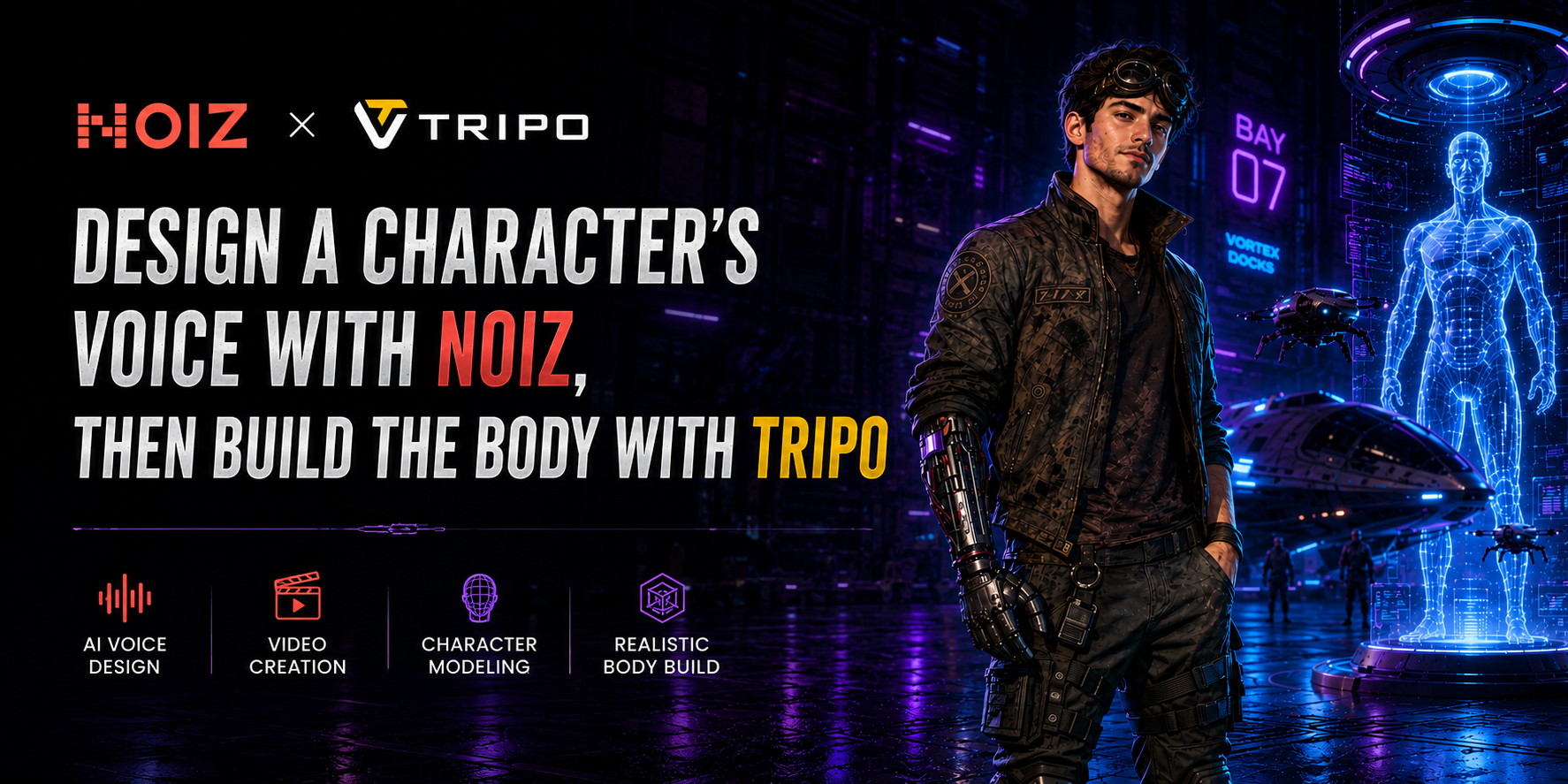
The voice is the fastest way a player forms an opinion about a character — often faster than art does. A raspy, unhurried line of dialogue tells you more about a mercenary's temperament in three seconds than a full turnaround render does in thirty. So this time, we flipped the pipeline: voice first, visuals second.
In this guide, we'll flip the pipeline: voice first, visuals second. You'll design the character's personality in Noiz (voice + audio), translate that personality into a visual brief, then generate a game-ready character in Tripo (Image-to-3D, rigging, and quick animations). Finally, you'll assemble a short reveal teaser with Noiz AI Video creation.
What is Noiz?
Noiz is an AI voice creation platform built to give creators fine-grained control over how voices sound — not just what they say. Beyond text-to-speech, Noiz also covers sound design and short-form AI video, carrying a character from a single voice line to a finished audio-visual moment. In this workflow, Noiz comes first — the voice is what the rest of the character gets built around.
What Is Tripo?
Tripo is an AI-powered 3D creation platform that turns a 2D reference — a sketch, photo, or AI-generated portrait — into a production-ready 3D asset. It supports Image-to-3D generation, Smart Mesh for fast, game-ready topology, HD Model generation for higher-fidelity renders, plus auto-rigging, animation, and export to engines like Unity, Unreal, and Godot.
In this workflow, Tripo takes over once the voice is locked, giving a physical form to a character whose personality has already been defined.
Why Start With Voice?
Concept art can be gorgeous and still feel generic — there are only so many ways to draw "grizzled warrior" before it blurs together. A voice, on the other hand, is much harder to genericize. Cadence, breath, the way someone hesitates before a threat — these details carry personality in a way that's difficult to fake and easy to recognize.
Starting with voice also solves a production problem. Teams often build a model, hand it to a voice actor, and discover the two don't match — the character looks thirty and sounds sixty. Locking the voice concept early gives everyone downstream — 3D artists, animators, writers — a single reference to design toward, instead of everyone guessing independently and reconciling later.
Step 1: Write the Character Brief
In this walkthrough, we'll build Kai — a fast-talking dock fixer on a neon space station. We lock his voice in Noiz first, then shape the 3D character in Tripo to match.
- Male, late 20s, lean and restless energy
- Speaks fast but clearly — like he's always half a step ahead
- Default tone: cocky, playful, street-smart
- When stakes rise: voice drops, pace slows, jokes stop
- Never shouts; confidence does the work
- Slight station-accent vibe (optional), but keep it readable
This brief is doing real work: it's the thing you'll feed into Noiz for the voice, and later reuse — almost word for word — as the image prompt for Tripo.
Step 2: Design the Voice in Noiz
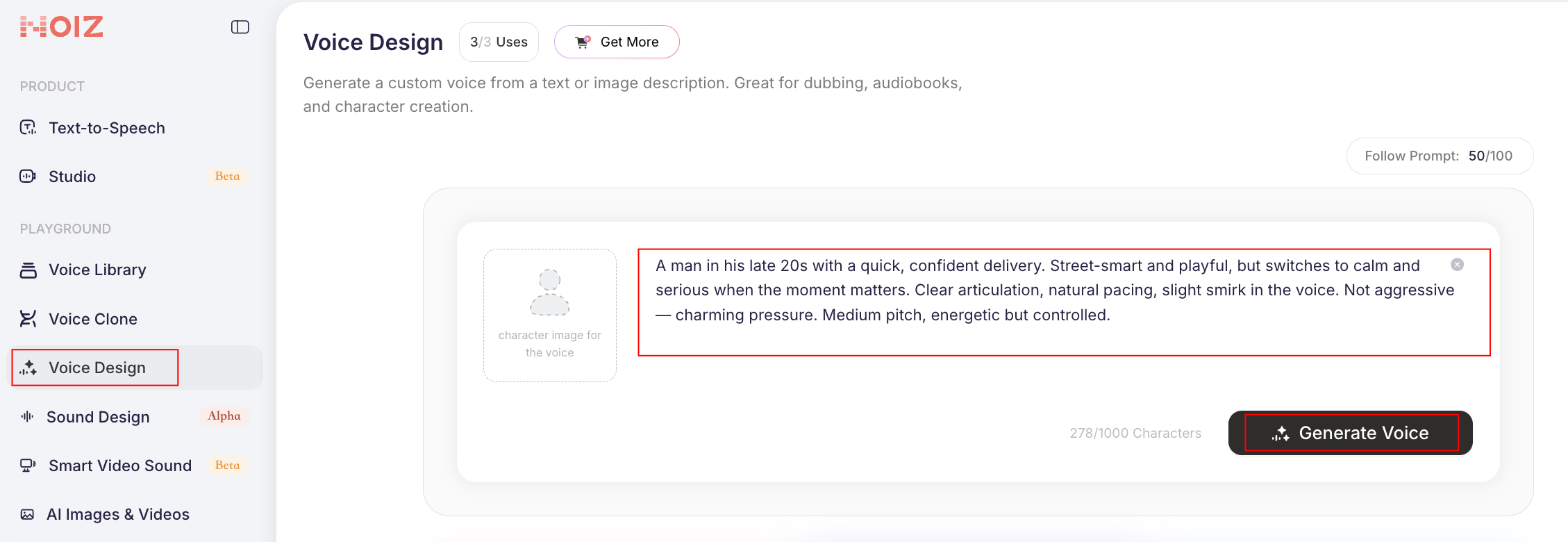
Open Voice Design inside Noiz and describe the character the same way you'd brief a casting director.
Noiz will generate a handful of voice candidates from that description. Then, you can adjust emotion, pacing, intensity, and emphasis until the delivery matches the character.
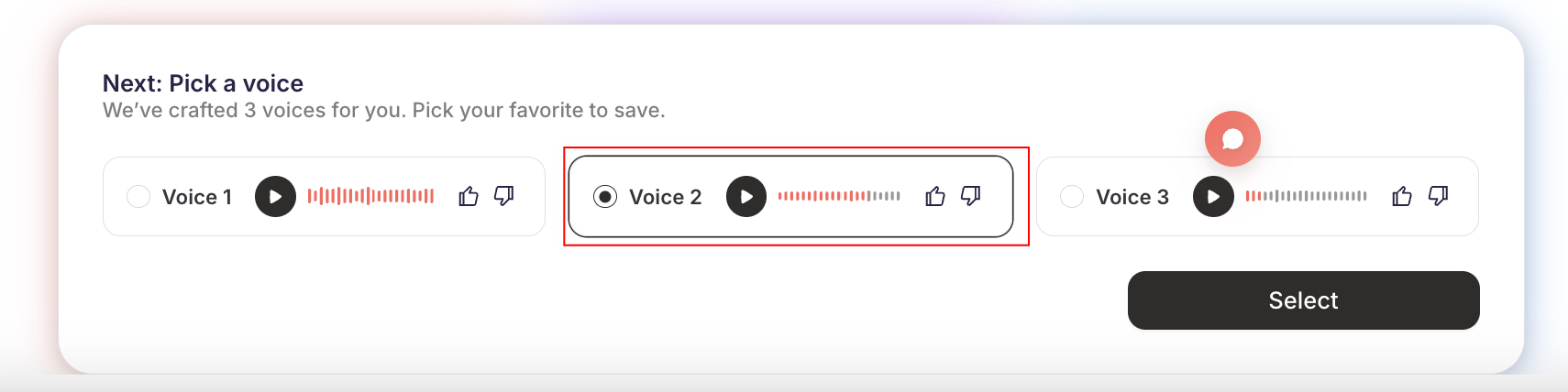
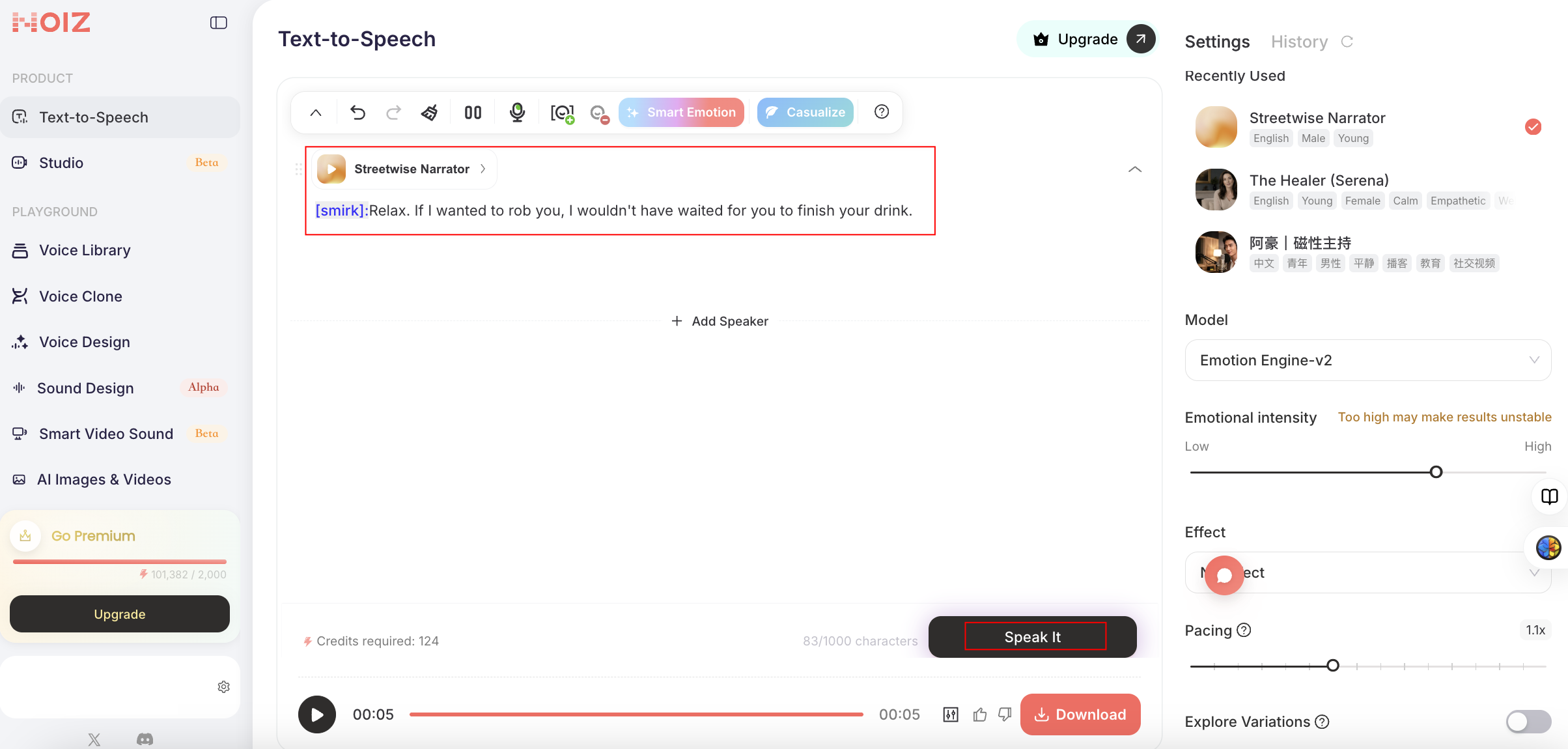
Once you've picked a voice, write two or three lines of actual dialogue and run them through Noiz's emotional text-to-speech — the emoji-tagged emotion controls let you push a line toward weary, amused, or sharp without rewriting the text itself. This is also where you'll notice whether the voice actually holds up across different emotional registers, which a single sample never tells you.
Step 3: Translate the Voice Into a Visual Brief
Now ask one question: what does someone who sounds like this actually look like?
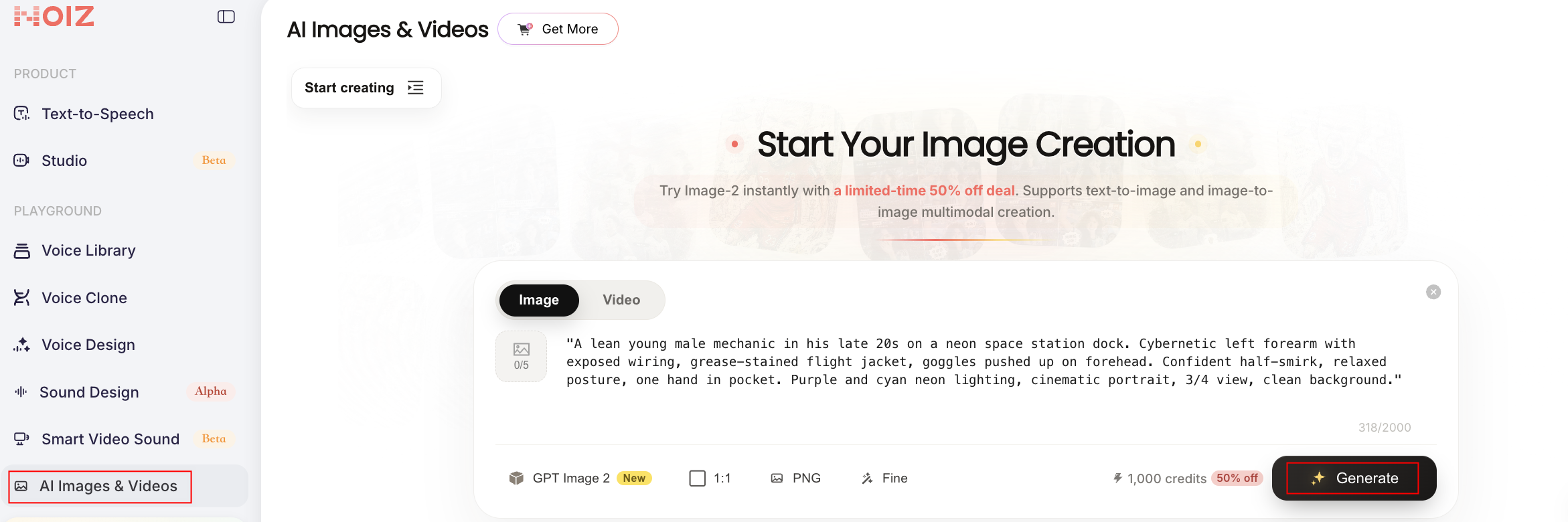
Kai isn't a generic "cool guy in a jacket." He's a mechanic who talks fast, reads a room, and carries the energy of someone who used to race and now sells parts to people he doesn't fully trust. Use your prompt to create an AI image for your character.
Visual prompt for your concept portrait:
This portrait becomes your Tripo Image-to-3D reference. Keep it disciplined — you're not chasing a finished illustration. You need a clear silhouette and readable facial expression.
Step 4: Build the 3D Model in Tripo
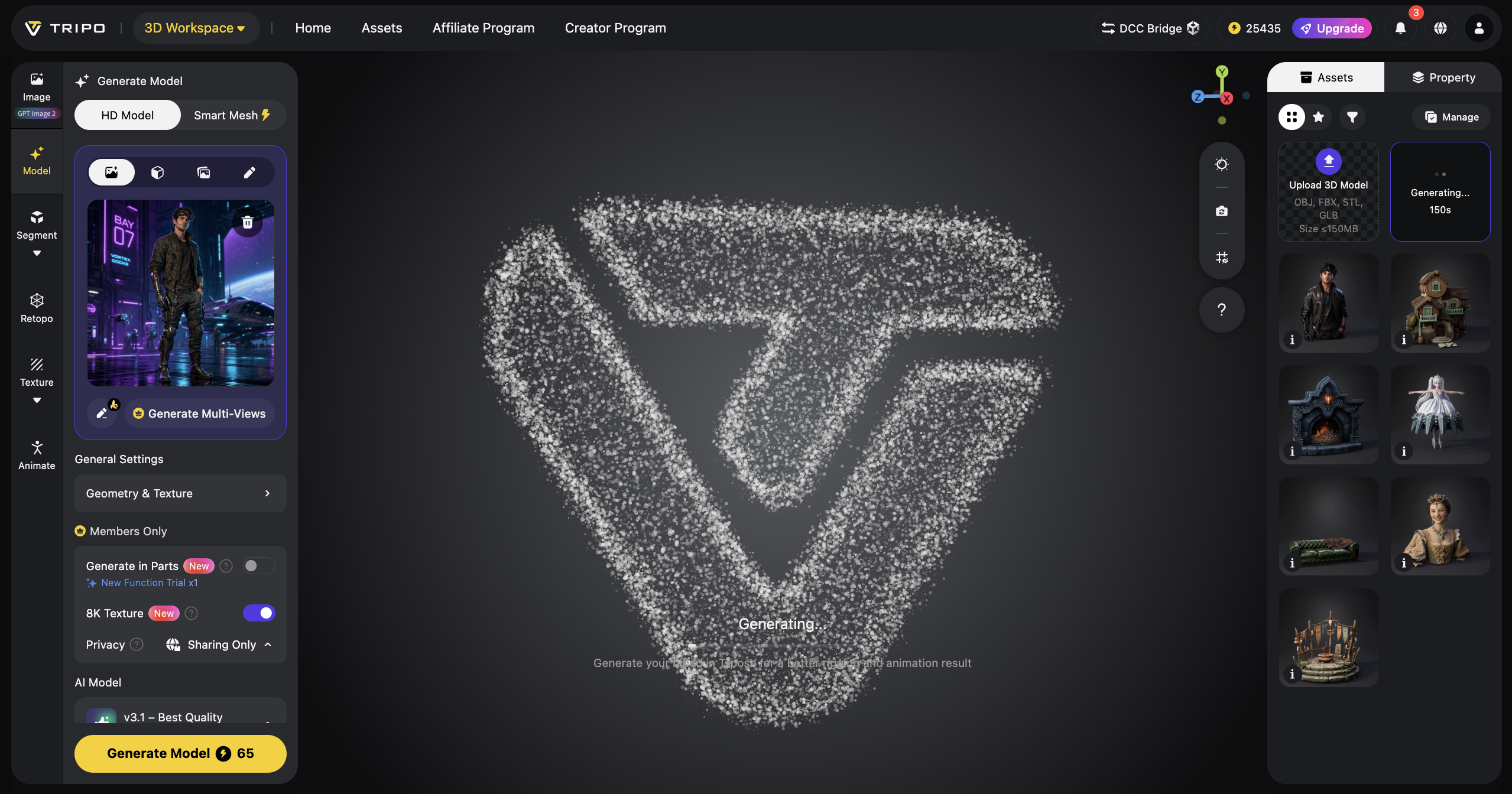
Upload the portrait to Tripo's Image-to-3D workflow.
Choose generation mode based on your goal:
- Smart Mesh for fast prototyping and game-ready topology
- HD Model for richer geometry and detail if you're aiming at marketing renders or hero shots
Then:
- Generate the base 3D model.
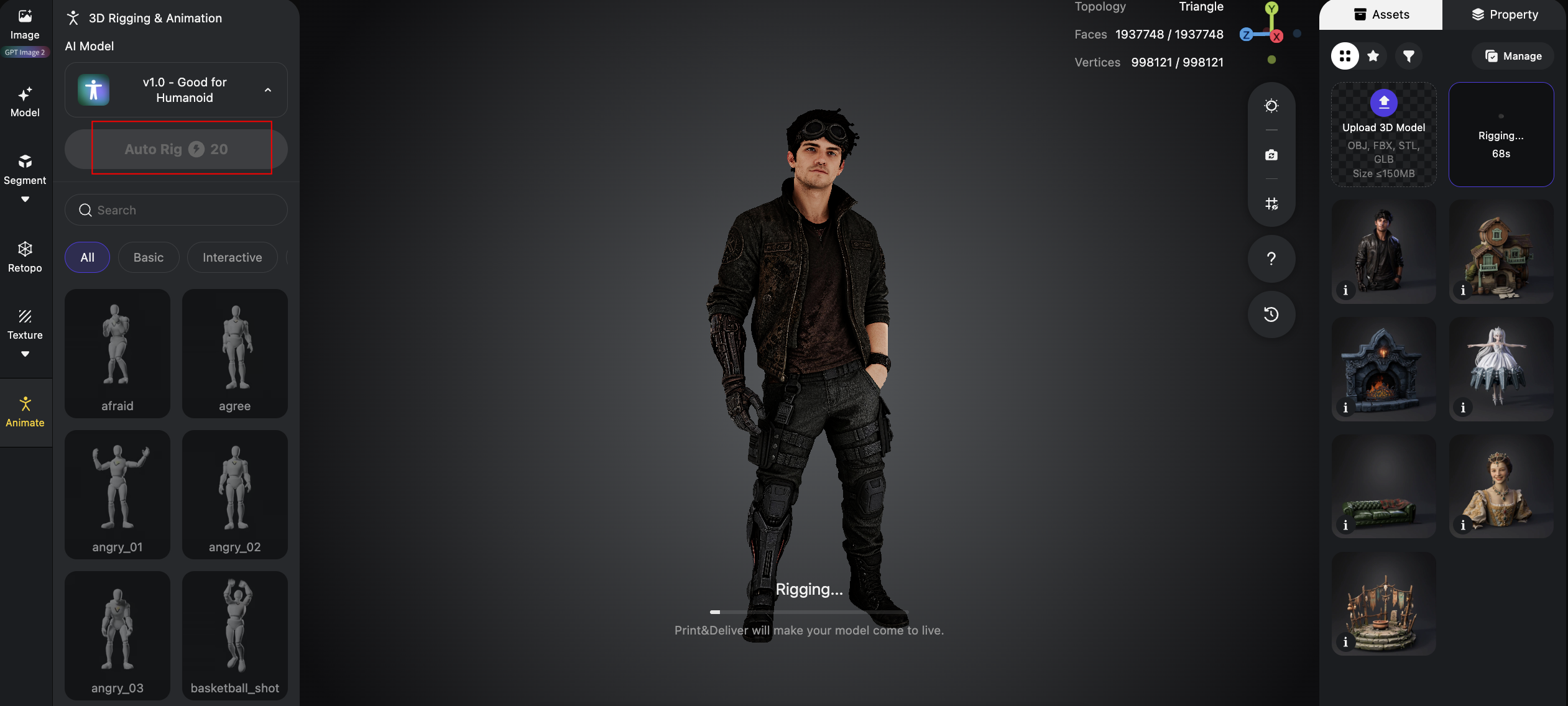
- Run auto-rigging.
- Apply quick animation presets — at minimum idle and walk.
- Export a turntable render or short clip for testing.
For engine integration, Tripo supports export into common game development workflows including Unity, Unreal Engine, and Godot.
Step 5: Rig and Animate
Once the model's topology is clean, run Tripo's auto-rigging to generate a skeleton, then apply a basic animation set — idle, walk, a couple of combat or reaction poses. You don't need a full animation library yet; you just need enough movement to see whether the model's physical performance matches the voice's vocal performance. A character who sounds unhurried but moves twitchy in her idle animation is a mismatch worth catching now, not after the whole set is animated.
Step 6: Bring Voice and Model Together
Play the Noiz dialogue lines against the rigged model — even without full lip-sync, hearing the voice while looking at the finished character is the real test of whether the two halves of this workflow actually agree with each other. If something feels off, it's usually easier to adjust a Noiz prompt (pacing, tone, breathiness) than to remodel a character, which is part of why voice-first pays off.
Step 7: Generate a Reveal Clip With Noiz AI Video
With the model and voice lines ready, use Noiz AI Video Generator to assemble a short scene that sells Kai's personality.
Write a prompt that covers camera, lighting, mood, and action — then pair it with the voiceover you already generated.
Prompt to paste into Noiz AI Video:
Generate, preview, and download the finished teaser.
Where This Workflow Fits
- Narrative-heavy games and RPGs — when a character's dialogue carries as much weight as their design, locking the voice early keeps the two in sync instead of forcing a rewrite later.
- Pitch decks and vertical slices — a fully voiced, animated character reads as far more finished to a publisher or investor than a static render, and this workflow gets you there without booking a recording session.
- Small teams without a dedicated audio department — you get a defensible, consistent character voice without hiring a voice actor for early prototyping, and you can always bring in a professional VO later once the character direction is proven.
- Live-service games adding new characters mid-cycle — starting from voice keeps new additions consistent with a game's existing cast, since it's easier to match a tone than to match hand-drawn concept art.
Final Thoughts
Building a character in this order won't suit every project. Sometimes the visual design really does need to lead. But for character-driven games, flipping the pipeline is worth trying at least once: it forces you to answer who is this character before you answer what do they look like, and the visual design usually gets stronger, not weaker, for having that constraint.
Tripo turns a concept image into a rigged, animated, game-ready model in minutes. Noiz turns a paragraph of character description into a voice you can direct like an actor. Used together — in either order — they close most of the gap between "idea" and "playable prototype."