IMAGE 轉 STL 轉換器亮點

High Quality Image to STL Conversion
High Quality Image to STL Conversion
- Tripo AI's image-to-STL converter ensures the resulting STL 3D model features high-fidelity, watertight geometry, clean normals, enough details and mesh resolution, optimized triangle topoplogy.

Convert Fast, Compatible with Any Devices, Platforms and OS
Convert Fast, Compatible with Any Devices, Platforms and OS
- The easily accessible and lightning-fast image to STL converter transforms any image to a high-fidility STL file in seconds - no software installation required.

Convert to STL 3D Model Ready for 3D Printing, CNC, CAD, Rapid Protopying
- Generate production-ready STL 3D files from 2D image: the converter delivers STL files for immediate use in 3D pipelines: 3D printing, rapid protopying and other use-cases.

Multiple Image Formats Supporting
Multiple Image Formats Supporting
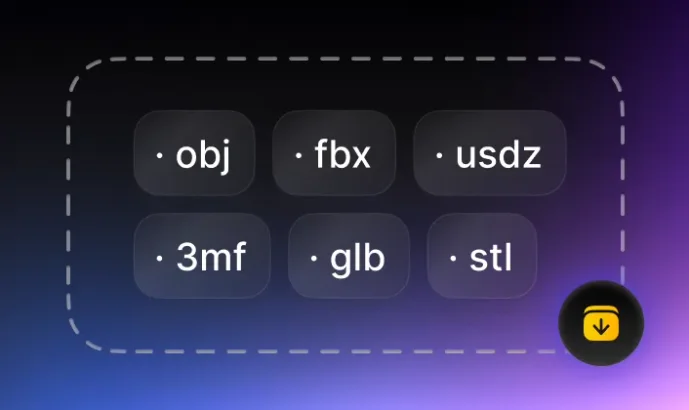
- The image to STL converter supports major formats for 2D image, photo, pictures such as PNG, JPG, JPEG, WEBP, just choose source image file, the converter automatcially detects the format and convert to 3D STL file.
Make 2D Image Ready to Wherever STL Format 3D Files are Required
Easily and accurately convert your design, photo, picture in any 2D image formats to STL 3D files, seamlessly integrate you into 3D workflow, accelerate your 3D pipeline.

如何將 3D 模型檔案從 IMAGE 轉換為 STL?
透過 Tripo AI 只需 3 步即可輕鬆將 IMAGE 3D 檔案轉換為 STL 格式:
1
載入來源 IMAGE 檔案
2
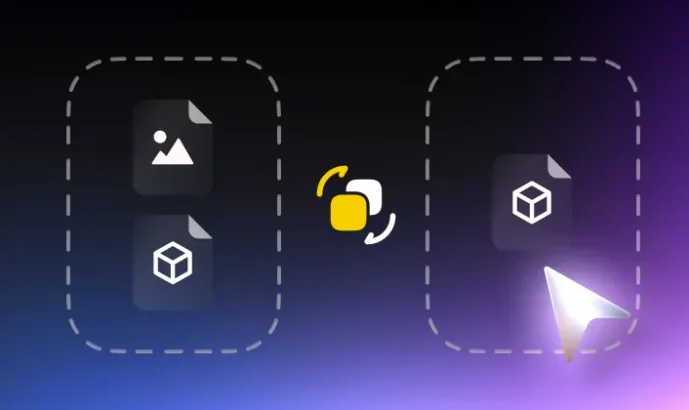
點擊「轉換」
3
下載已轉換的 STL 檔案