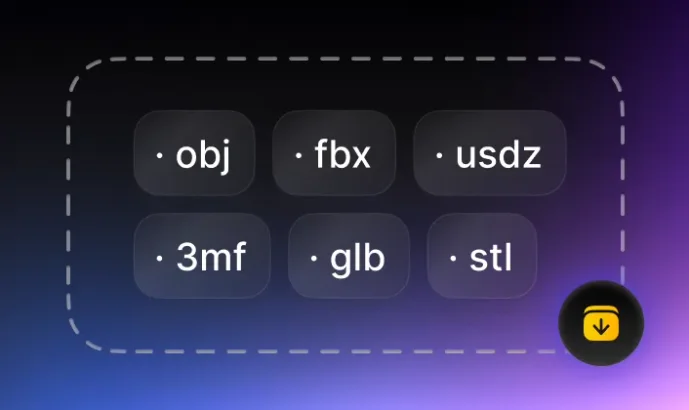
GLTF 轉 FBX 轉換器亮點

Purpose-Built GLTF to FBX Conversion
Purpose-Built GLTF to FBX Conversion
- Convert GLTF files into FBX format for downstream 3D workflows.
- Use the exported FBX file in modeling, preview, game, AR, web 3D, or 3D printing pipelines.

Browser-Based Workflow
Browser-Based Workflow
- Use the online converter directly in the browser for quick format changes.
- Where supported, conversion runs locally on your device to keep the workflow lightweight.

Simple Upload, Convert, Download Flow
- Choose the source and target formats, upload your file, convert, and download the result.
- The same structure supports related converter pages, helping users and search engines discover the right format path.
GLTF 與 FBX:何時使用哪種格式
GLTF 和 FBX 解決不同的 3D 工作流程問題。選擇最符合檔案下一步編輯、檢視、列印或分享需求的格式。
GLTF 轉 FBX 格式說明

- Autodesk FBX files used for 3D assets with scene data, materials, animation, and rigging.

- FBX is useful when your next tool, platform, printer, game engine, or AR workflow expects this file type.
GLTF 轉 FBX 使用場景
- glTF scene files used for real-time 3D delivery across web, game, and AR pipelines.
- GLTF is often used as the source format when a model, image, or asset needs to move into a different production workflow.
如何將 3D 模型檔案從 GLTF 轉換為 FBX?
透過 Tripo AI 只需 3 步即可輕鬆將 GLTF 3D 檔案轉換為 FBX 格式:
1
Upload GLTF file
Start with your source asset.
2
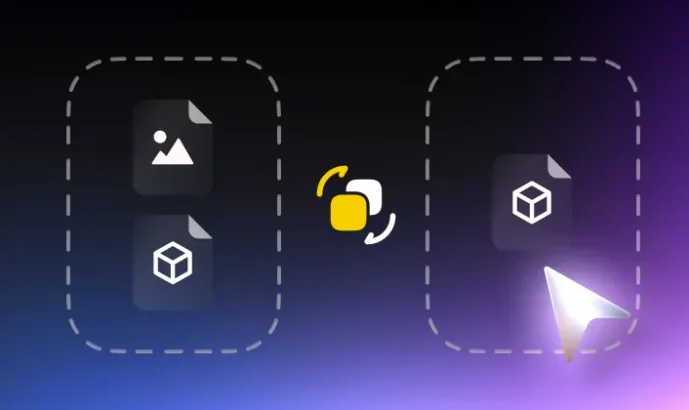
Convert to FBX
Choose the target format and run conversion.
3
Download FBX file
Save the converted model for your next tool.