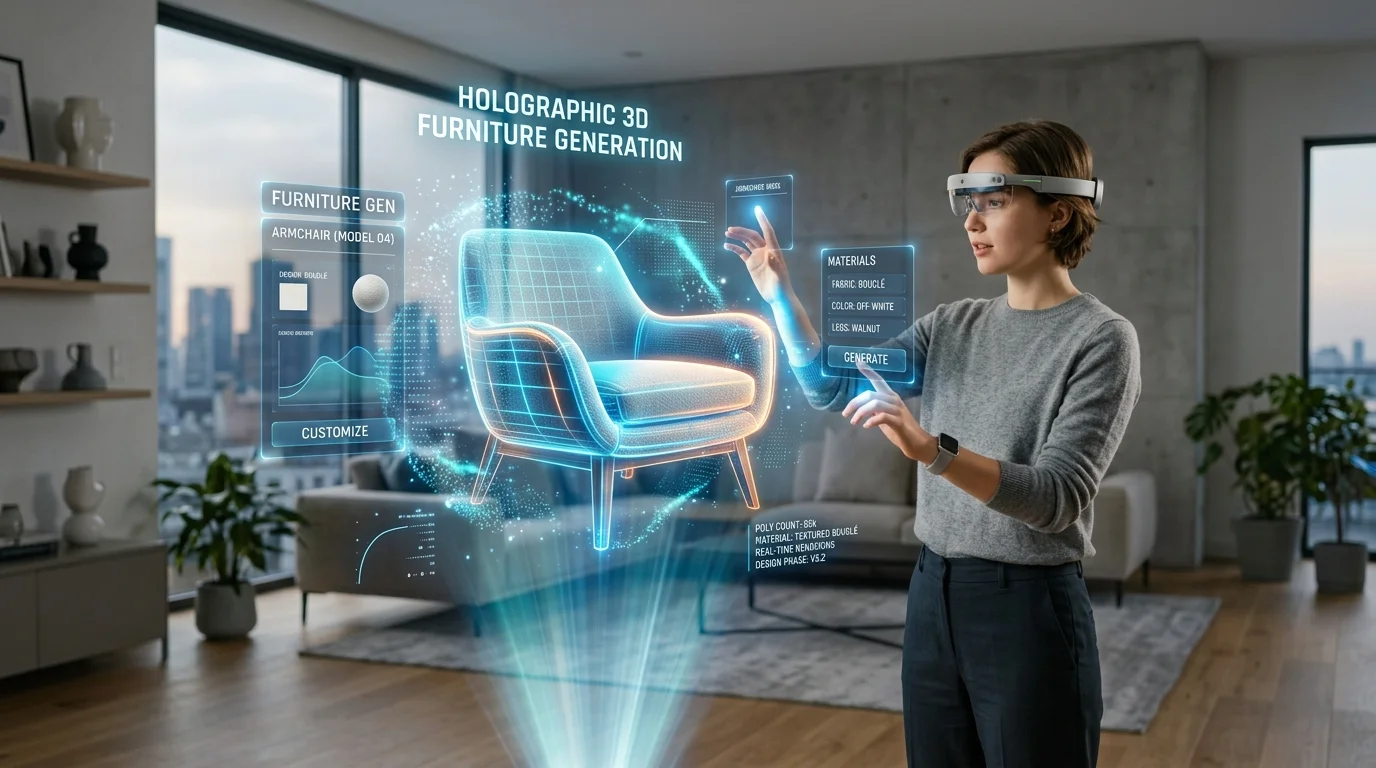
Domine Técnicas de Renderização Fotorrealista de Interiores 3D com IA
Técnicas abrangentes para alcançar o realismo na visualização arquitetônica com IA
A prototipagem rápida de espaços interiores frequentemente encontra atritos significativos ao transitar da idealização conceitual para a apresentação final ao cliente. Esteja você trabalhando em projetos comerciais ou design de interiores 3D com IA, alcançar a precisão espacial é crucial. Saídas estruturais brutas frequentemente carecem da precisão física necessária para uma visualização espacial convincente, deixando os profissionais com materiais planos e iluminação pouco realista que não conseguem comunicar o design arquitetônico pretendido. Ao dominar um pipeline de renderização avançado e implementar metodologias precisas de conversão de 2D para 3D, os visualizadores arquitetônicos podem preencher a lacuna entre a idealização rápida e experiências espaciais hiper-realistas.
Principais Insights
- O refinamento estratégico da geometria das malhas base geradas é inegociável para eliminar artefatos topológicos que interrompem o reflexo preciso da luz.
- Fluxos de trabalho de Renderização Baseada em Física (PBR) exigem manipulação meticulosa de mapas de rugosidade e especularidade para alcançar o realismo autêntico dos materiais.
- A iluminação global e o ray tracing devem ser equilibrados com fontes de luz locais direcionadas, usando perfis IES precisos para uma visualização arquitetônica correta.
- O pós-processamento rigoroso, incluindo ajustes de profundidade de campo e gradação de cores no espaço de cor ACEScg, fornece a camada final crucial de autenticidade fotográfica.
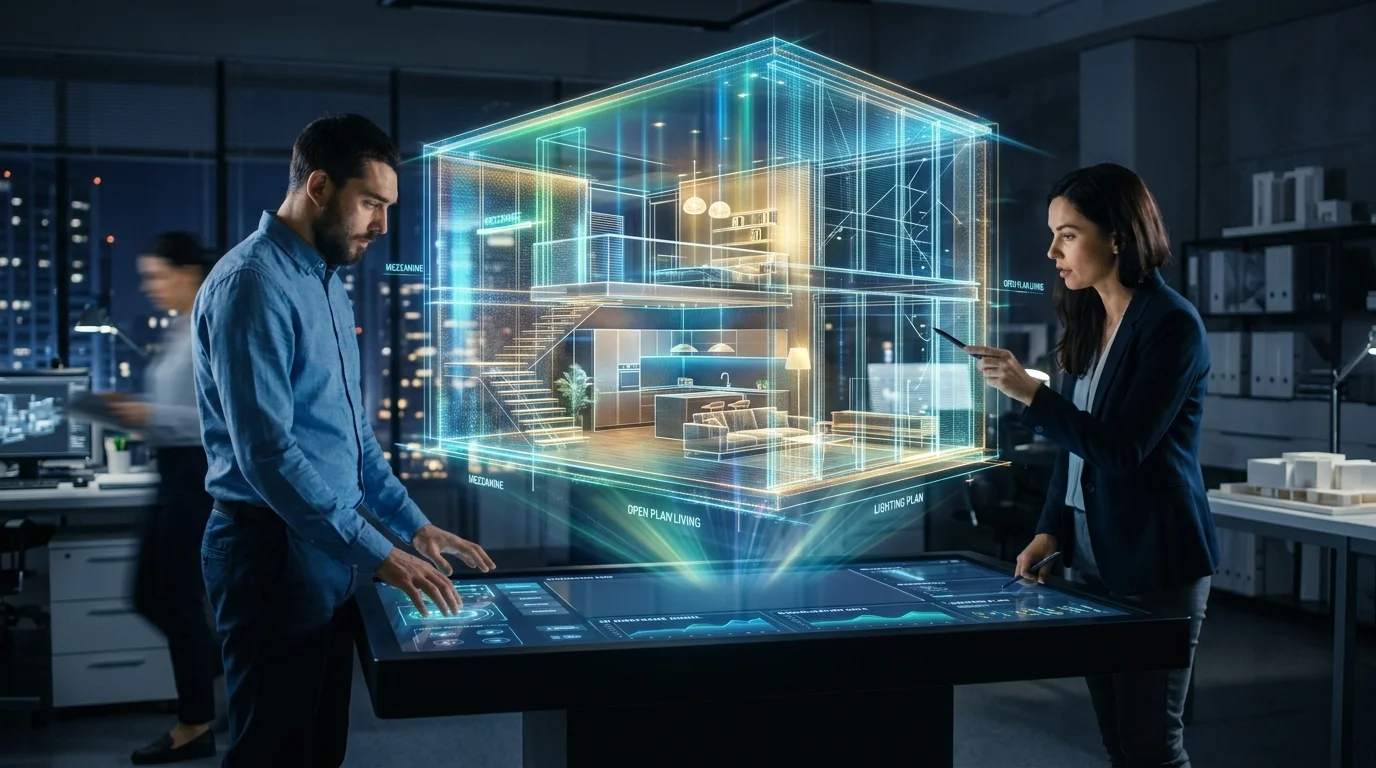
Elevando as Saídas de IA ao Fotorrealismo no Design de Interiores
Alcançar o fotorrealismo com modelos de interiores 3D gerados por IA requer iluminação estratégica, mapeamento de materiais de alta resolução e pós-processamento preciso. Ao refinar as malhas base do Tripo AI e aplicar técnicas avançadas de renderização, os designers podem transformar conceitos rápidos de IA em visualizações arquitetônicas hiper-realistas que cativam os clientes.
Otimizando Malhas Base do Tripo AI para Renderização
A base de qualquer renderização de interiores fotorrealista reside na integridade estrutural da geometria subjacente. Ao utilizar geradores estruturais avançados alimentados pelo Algoritmo 3.1, que processa mais de 200 bilhões de parâmetros para prever e montar geometrias espaciais complexas, as malhas resultantes possuem detalhes imensos. No entanto, essa saída de alta densidade requer otimização sistemática antes de entrar em um motor de renderização profissional. O fluxo de arestas deve ser analisado meticulosamente para garantir que a luz interaja naturalmente com as superfícies. Uma topologia desorganizada pode levar a erros de sombreamento, especialmente quando modificadores de superfície de subdivisão são aplicados para suavizar peças de mobiliário curvas, como sofás ou cadeiras modernas. Os profissionais devem empregar técnicas de retopologia para converter malhas densas e trianguladas em geometria baseada em quads sempre que possível. Isso é particularmente crítico para elementos arquitetônicos planos, como paredes, pisos e tetos, onde superfícies perfeitamente planas são necessárias para evitar vazamentos de luz e artefatos de renderização. Além disso, verificar se todas as normais da superfície estão voltadas para fora garante que o motor de renderização calcule os reflexos de luz e a projeção de sombras com precisão. Ao estabelecer uma malha base matematicamente limpa, os estágios subsequentes de texturização e iluminação podem ter um desempenho ideal sem compensar falhas geométricas.
Refinamento de Materiais e Texturas para Realismo Espacial
Embora a geometria estrutural forme o esqueleto de uma cena de interior, os materiais fornecem a força vital do fotorrealismo. Depender apenas de mapas difusos básicos resulta em uma aparência plana e artificial. O verdadeiro realismo espacial requer um fluxo de trabalho rigoroso de Renderização Baseada em Física (PBR). Incorporar soluções de texturização por IA permite que os designers gerem rapidamente mapas difusos e normais fundamentais, mas esses ativos devem ser refinados para ditar exatamente como a luz se espalha, reflete e absorve em diferentes superfícies. Cada material em um espaço interior possui valores únicos de especularidade e rugosidade. Por exemplo, uma ilha de cozinha de mármore polido requer um valor de rugosidade muito baixo para obter reflexos nítidos e claros do ambiente, enquanto uma poltrona de veludo exige alta rugosidade e um mapa de brilho especializado para simular as fibras microscópicas captando a luz em ângulos rasos. Mapas de deslocamento também são essenciais para adicionar profundidade física a paredes de tijolos, tapetes tecidos ou pisos de madeira, permitindo que a geometria projete sombras reais. Ao ajustar esses detalhes de micro-superfície, o motor de renderização pode simular a física do mundo real, resultando em materiais que possuem peso e autenticidade tangíveis.
Técnicas Avançadas de Iluminação para Espaços Interiores 3D
A iluminação dita o clima e o realismo de qualquer espaço interior. Utilizar ambientes de alta faixa dinâmica (HDR) combinados com configurações de renderização baseadas em física garante que os móveis e layouts de sala gerados por IA projetem sombras precisas, reflitam a luz ambiente de forma realista e imitem lindamente a luz solar natural para os clientes.
Implementando Iluminação Global e Ray Tracing
A Iluminação Global (GI) é o motor computacional por trás da iluminação arquitetônica realista. Ao contrário da iluminação direta, que apenas ilumina superfícies na linha de visão imediata de uma fonte de luz, a GI simula o comportamento complexo da luz ricocheteando em múltiplas superfícies. Em uma cena de interior, isso significa que a luz solar atingindo um piso de madeira ricocheteará para cima, projetando um brilho ambiente quente e colorido no teto e nas paredes adjacentes. Algoritmos de path tracing calculam esses reflexos secundários e terciários, criando as sombras suaves e graduais que definem a iluminação interior natural. Para alcançar um alto nível de fidelidade, as configurações de renderização devem ser otimizadas para lidar com caminhos de luz extensos sem introduzir ruído excessivo. Aumentar a contagem de amostras para iluminação indireta garante que o cache de luz e os mapas de irradiância sejam resolvidos com precisão, especialmente em cantos e áreas rebaixadas onde a oclusão de ambiente é proeminente. Embora contagens altas de amostras aumentem os tempos de cálculo, elas são absolutamente necessárias para capturar a interação sutil de luz e sombra em móveis gerados complexos e detalhes arquitetônicos, evitando que a cena pareça estéril ou calculada matematicamente.
Equilibrando Fontes de Luz Artificiais e Naturais
Visualizações de interiores convincentes dependem de uma mistura sofisticada de luz natural do dia e iluminação interior artificial. Cúpulas de céu com Imagens de Alta Faixa Dinâmica (HDRI) fornecem uma fonte precisa de luz natural, oferecendo iluminação ambiental de 360 graus que carrega valores de exposição do mundo real. Posicionar o HDRI para direcionar a luz solar através das janelas cria sombras dramáticas e rígidas que estabelecem a hora do dia e o clima atmosférico da sala. No entanto, a luz do dia por si só raramente é suficiente para iluminar um espaço interior profundo uniformemente. Fontes de luz artificiais devem ser estratificadas estrategicamente. Utilizar perfis de luz da Illuminating Engineering Society (IES) é uma prática padrão para simular luminárias específicas do mundo real. Os perfis IES ditam a forma exata, a intensidade e a queda do cone de luz, adicionando uma camada inegável de precisão de engenharia a luzes de teto embutidas, arandelas de parede ou luminárias de chão. A temperatura de cor dessas luzes artificiais, medida em Kelvin, deve ser cuidadosamente equilibrada com a luz natural do dia. Misturar luzes interiores quentes (cerca de 3000K) com luz do dia mais fria (cerca de 6500K) cria um contraste de cor dinâmico que aumenta significativamente o interesse visual e o realismo da renderização final.
Fluxos de Trabalho de Exportação e Integração Perfeitos
Para aplicar técnicas de renderização de alto nível, os modelos de IA devem ser transferidos perfeitamente para softwares arquitetônicos profissionais. O Tripo AI suporta a exportação de ativos de interiores nos formatos USD, FBX, OBJ, STL, GLB e 3MF, permitindo uma integração perfeita em motores de renderização padrão da indústria para o polimento visual final.
Escolhendo o Formato Certo: FBX vs. USD para Interiores
A escolha do formato de exportação influencia fortemente a eficiência do pipeline de renderização. O formato FBX permanece um pilar na visualização arquitetônica tradicional. Ele empacota eficientemente geometria, coordenadas UV e atribuições de material em um único arquivo, tornando-o altamente compatível com motores estabelecidos como V-Ray, Corona e aplicações DCC (Criação de Conteúdo Digital) padrão, como 3ds Max ou Maya. Para cenas de interiores independentes onde a hierarquia de ativos é relativamente estática, o FBX fornece um mecanismo de transferência estável e previsível. Por outro lado, o formato Universal Scene Description (USD) representa o padrão moderno para pipelines complexos e colaborativos. O USD é altamente vantajoso quando modelos de interiores precisam ser integrados em projetos arquitetônicos maiores ou ambientes Omniverse. Ele suporta edição não destrutiva, permitindo que artistas de iluminação e especialistas em materiais substituam propriedades específicas do modelo sem alterar a geometria base. Selecionar o formato apropriado depende inteiramente dos requisitos específicos do fluxo de trabalho pós-geração e do software de renderização escolhido.
Preparando Geometria e Normais para Motores Externos
Antes de executar uma exportação, é necessária uma preparação rigorosa do modelo para evitar erros dentro do motor de renderização externo. A escala é uma preocupação principal. A renderização arquitetônica depende de unidades do mundo real para calcular a queda de luz e a profundidade de campo com precisão. Utilizar protocolos de conversão de formato 3D garante que as escalas das unidades sejam traduzidas matematicamente de forma correta, evitando que uma mesa de centro pareça enorme ou microscópica na importação. Grupos de suavização e normais de vértice também devem ser definidos explicitamente. Se um modelo for exportado com grupos de suavização unificados, arestas arquitetônicas nítidas, como os cantos de uma sala ou as linhas nítidas de armários modernos, parecerão incorretamente arredondadas e sombreadas. Ao atribuir explicitamente arestas rígidas e exportar as normais personalizadas, a integridade do design é preservada. Além disso, garantir que todos os mapas UV estejam colapsados e limpos evita o desalinhamento da textura quando os materiais PBR são religados no software de renderização final.
Pós-processamento de Saídas de Design de Interiores 3D com IA
O pós-processamento é a etapa final crucial para preencher a lacuna entre uma renderização 3D bruta e uma obra-prima fotorrealista. Ajustar a profundidade de campo, a gradação de cores avançada e adicionar imperfeições sutis na superfície garante que o interior gerado por IA pareça autenticamente habitado, em vez de artificialmente perfeito.
Profundidade de Campo e Composição de Câmera
Mesmo a renderização matematicamente precisa pode parecer computação gráfica se a câmera virtual se comportar de forma não natural. A fotografia arquitetônica do mundo real utiliza lentes e configurações de abertura específicas. Empregar distâncias focais entre 35mm e 50mm evita a distorção de perspectiva não natural comumente vista em renderizações amadoras, mantendo linhas verticais paralelas em toda a estrutura arquitetônica. Implementar Profundidade de Campo (DoF) é essencial para guiar a atenção do espectador e adicionar realismo fotográfico. Ao ajustar o f-stop da câmera virtual, os visualizadores podem manter o assunto principal — como uma poltrona gerada com detalhes bonitos — em foco nítido, enquanto permitem que a cozinha ou o corredor ao fundo caiam em um desfoque suave e natural. Essa imitação do comportamento físico da lente quebra a nitidez infinita inerente ao software 3D, elevando instantaneamente a imagem de uma saída técnica para uma fotografia curada.
Gradação de Cores para Visualização Arquitetônica
A saída bruta de um motor de renderização raramente representa o produto final. A gradação de cores é necessária para unificar a iluminação e estabelecer o tom estético final. Trabalhar dentro de um espaço de cor de alta faixa dinâmica, como o ACEScg, fornece a latitude máxima para ajustar a exposição, o contraste e o equilíbrio de cores sem degradar os dados da imagem. Aplicar Tabelas de Pesquisa (LUTs) especializadas pode emular filmes específicos, adicionando uma qualidade cinematográfica ao espaço interior. Além disso, introduzir imperfeições fotográficas sutis é crítico para o realismo. Adicionar uma pequena quantidade de aberração cromática nas bordas de áreas de alto contraste, introduzir uma camada fina de granulação de filme e aplicar uma vinheta suave ajuda a eliminar a perfeição estéril e clínica das imagens CG. Esses microajustes convencem o olho humano de que a imagem foi capturada através de uma lente física, solidificando a ilusão de realidade.
FAQ
1. Como corrijo o estiramento de textura em modelos de móveis gerados por IA?
O estiramento de textura ocorre quando as coordenadas UV da malha gerada são distribuídas de forma desigual, fazendo com que a textura 2D aplicada se deforme na superfície 3D. Para resolver isso, o modelo deve ser importado para uma aplicação 3D dedicada para o desdobramento UV (unwrapping). Os profissionais devem definir manualmente as costuras ao longo das arestas lógicas da peça de mobiliário — semelhante a como o tecido é cortado e costurado na vida real. Uma vez que as ilhas UV são relaxadas e compactadas com densidade de texel uniforme, as texturas PBR podem ser reprojetadas perfeitamente na malha gerada pelo Tripo, garantindo que veios de madeira, tramas de tecido e poros de couro pareçam fisicamente precisos e completamente sem distorções em todas as curvaturas complexas.
2. Qual é a configuração de iluminação ideal para uma sala 3D de interior sem janelas gerada por IA?
Iluminar um interior sem janelas requer uma abordagem meticulosa para simular uma iluminação ambiente realista sem depender de uma fonte de luz natural dominante. Uma configuração eficaz envolve uma abordagem em camadas usando luzes de área e perfis IES precisos. Luzes de área grandes devem ser colocadas logo fora da visão da câmera ou atrás de peças de mobiliário principais para atuar como luzes de reflexo suaves, simulando o brilho ambiente que ocorreria naturalmente em uma sala bem iluminada. Para iluminação direta, atribuir perfis IES a luminárias de teto embutidas garante que a luz projete padrões recortados realistas nas paredes. Misturar temperaturas de cor é crucial aqui; utilizar uma temperatura ligeiramente mais fria para as luzes de área ambiente e uma temperatura mais quente para a iluminação de tarefa direta cria profundidade e evita que o espaço sem janelas pareça claustrofóbico ou artificialmente plano.
3. Como posso reduzir o ruído de renderização ao fazer ray tracing de cenas de interiores complexas com IA?
O ruído de renderização é um subproduto comum do path tracing, particularmente em cenas de interiores onde a luz deve ricochetear várias vezes para iluminar fendas sombreadas e detalhes geométricos complexos. Um método altamente eficaz para redução de ruído é a implementação de algoritmos de denoise (remoção de ruído) orientados por IA, como OptiX ou Intel OIDN, diretamente dentro do pipeline de renderização. Esses denoisers analisam a imagem ruidosa junto com os passes de renderização de albedo e normais para suavizar inteligentemente os artefatos, preservando os detalhes finos da malha. Além disso, otimizar a contagem de amostras é essencial; em vez de aumentar uniformemente as amostras globais, os visualizadores devem utilizar amostragem adaptativa, que concentra o poder computacional nas áreas mais ruidosas da imagem. Limitar valores extremos de destaque (fireflies) também evita que caminhos de luz errantes corrompam a renderização, resultando em uma imagem final impecável e sem ruído, sem exigir tempos de renderização exponencialmente mais longos.
