Les meilleurs logiciels VTuber pour créer des modèles 3D : mon flux de travail
La création de modèles 3D VTuber est devenue plus rapide et plus accessible grâce aux outils modernes et aux plateformes basées sur l'IA. D'après mon expérience, la bonne combinaison de logiciels et de flux de travail peut vous faire passer d'un concept à un avatar prêt pour la production en quelques heures plutôt qu'en quelques semaines. Ce guide présente les meilleurs programmes VTuber, mon flux de travail étape par étape et des conseils pratiques pour intégrer les outils d'IA afin de simplifier le processus. Si vous êtes un créateur, un streamer ou un développeur cherchant à produire efficacement des modèles VTuber de haute qualité, cet article vous aidera à faire des choix éclairés et à éviter les pièges courants.
Points clés à retenir :
- La création rapide et de haute qualité de modèles 3D VTuber est possible avec les bons outils et le bon flux de travail.
- Les plateformes basées sur l'IA peuvent automatiser la segmentation, la retopologie, la texturation et le rigging.
- Le choix d'un outil dépend de votre niveau de compétence, des besoins du projet et de la qualité finale souhaitée.
- Des flux de travail efficaces permettent de gagner du temps et d'éviter les tracas techniques.
- Les pièges courants incluent une mauvaise topologie, des textures incohérentes et un rigging inefficace.
Comprendre la création de modèles 3D VTuber
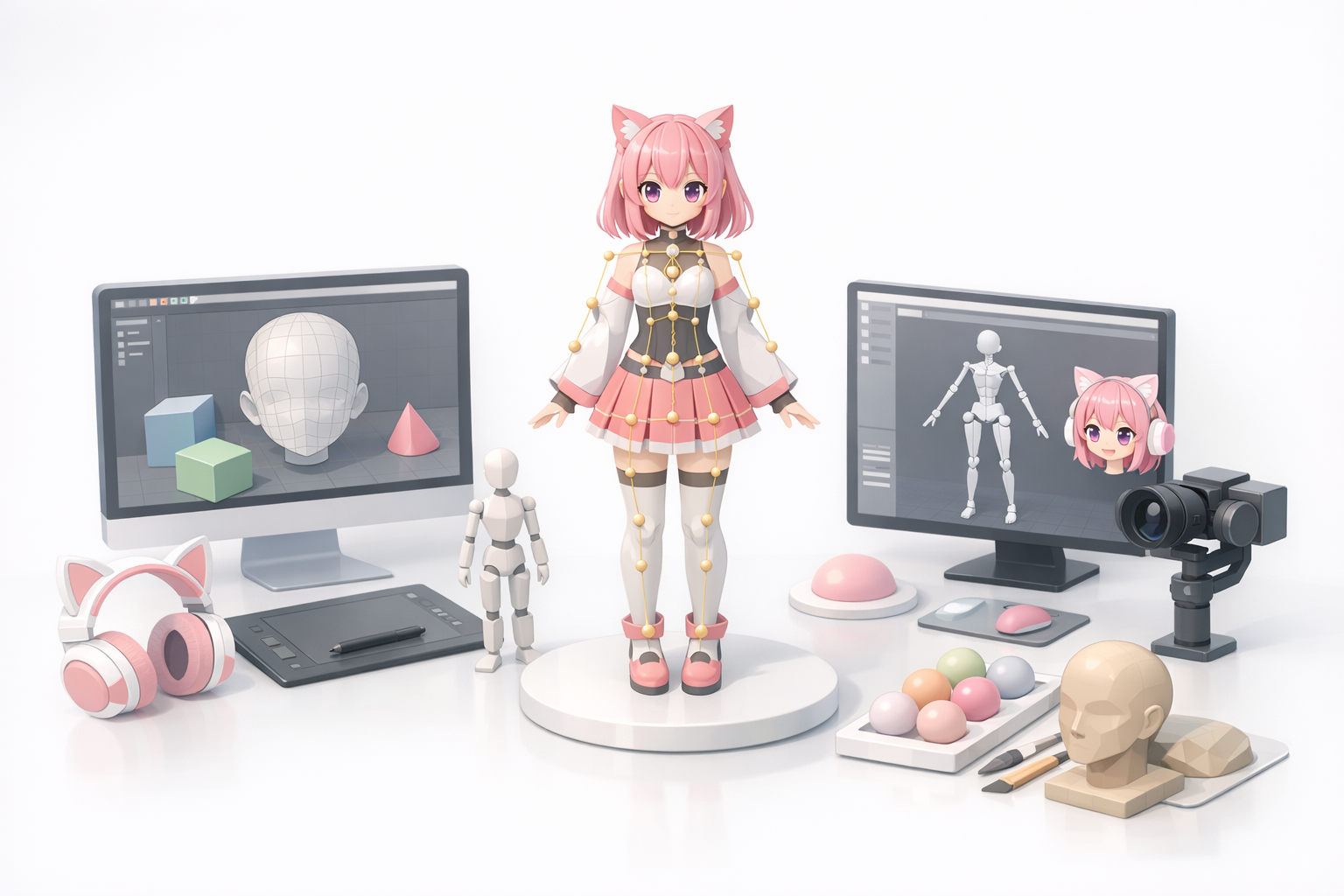
Qu'est-ce qui fait un bon modèle 3D VTuber ?
Un bon modèle 3D VTuber équilibre l'attrait visuel, les performances techniques et l'expressivité. Dans mon flux de travail, je privilégie :
- Une topologie propre pour une animation fluide.
- Un rigging facial précis pour un streaming expressif.
- Des textures optimisées pour le rendu en temps réel.
Les modèles doivent être suffisamment légers pour le streaming en direct, mais assez détaillés pour se démarquer. Si le maillage est trop dense ou si le rigging est bâclé, vous constaterez des latences ou des mouvements maladroits.
Les fonctionnalités essentielles à rechercher
Lorsque j'évalue les outils de modélisation VTuber, je recherche :
- Des options d'importation/exportation faciles (OBJ, FBX, GLTF).
- Un support intégré pour le rigging et l'animation.
- Des flux de travail de texturation flexibles.
- Une segmentation et une retopologie assistées par l'IA pour plus de rapidité.
Aide-mémoire :
- L'outil prend-il en charge les blendshapes faciaux ?
- Un aperçu en temps réel est-il disponible ?
- Pouvez-vous mettre à jour rapidement les textures ou les accessoires ?
Les meilleurs programmes VTuber pour la création de modèles 3D
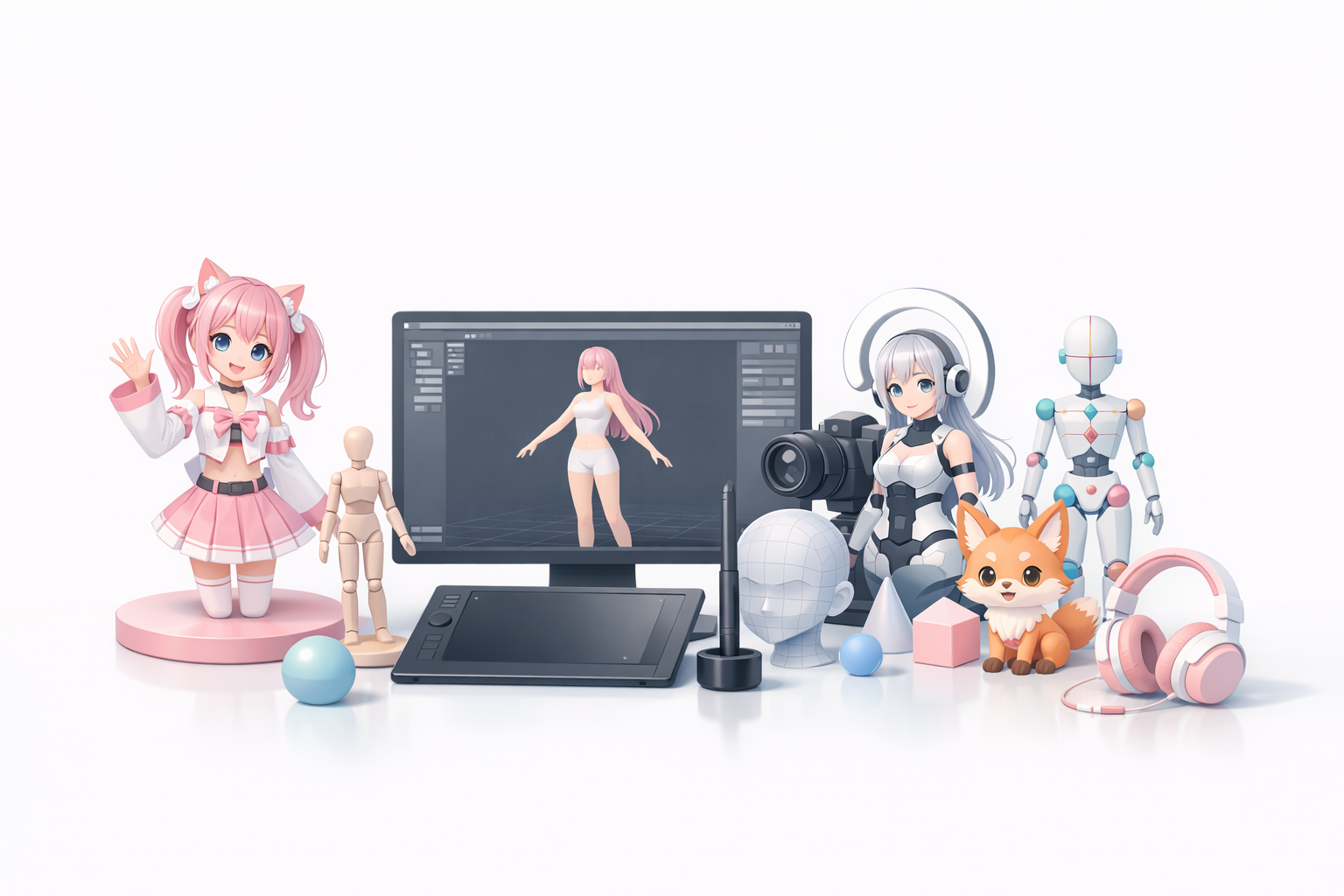
Aperçu des principaux outils 3D pour VTuber
Le marché du VTubing propose un mélange de logiciels 3D traditionnels et de plateformes plus récentes basées sur l'IA. J'ai utilisé les deux, et chacun a ses forces :
- Les outils conventionnels offrent un contrôle granulaire mais nécessitent une configuration manuelle.
- Les plateformes basées sur l'IA automatisent les étapes de routine (segmentation, retopologie, texturation).
Tripo AI, par exemple, me permet de générer des modèles prêts pour la production à partir de croquis ou de photos, puis de les affiner avec des outils intégrés de retopologie et de rigging.
Avantages et inconvénients basés sur mon expérience
Avantages :
- Outils d'IA : Gain de temps, réduction du travail manuel et barrières de compétences plus faibles.
- Outils traditionnels : Offrent un contrôle et une personnalisation complets.
Inconvénients :
- Les plateformes d'IA peuvent manquer de fonctionnalités d'édition avancées pour des besoins spécifiques.
- Les logiciels conventionnels peuvent être lents et complexes pour les débutants.
Pièges :
- Une dépendance excessive à l'égard de l'automatisation peut conduire à des résultats génériques.
- Les flux de travail manuels risquent d'entraîner une topologie incohérente et une itération lente.
Flux de travail étape par étape pour modèle 3D VTuber
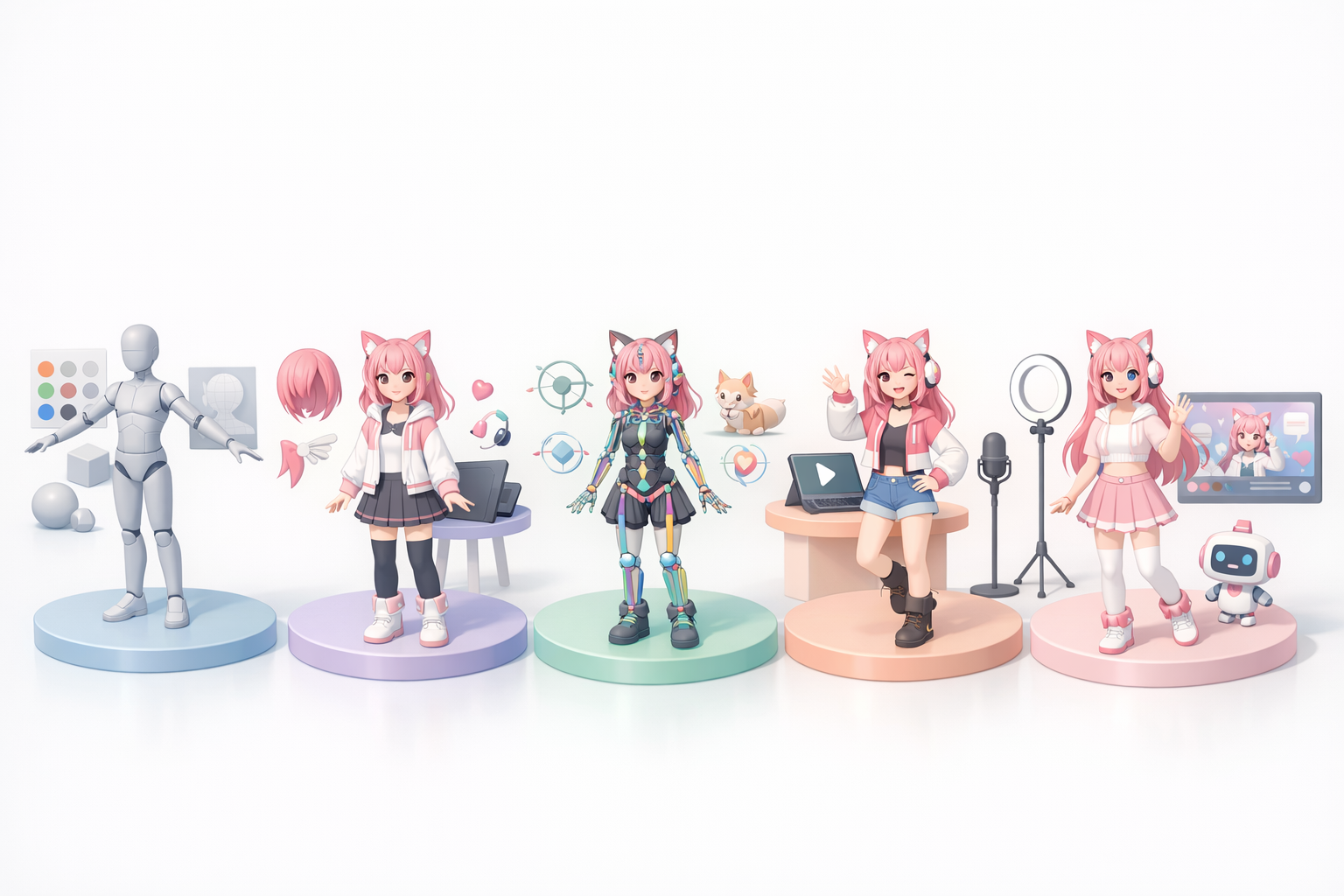
Du concept au modèle fini : mon processus
Voici mon flux de travail typique pour les modèles VTuber :
- Concept Art : Commencez par des croquis ou des images de référence.
- Génération de modèle par l'IA : Utilisez Tripo AI pour convertir les concepts en maillages 3D de base.
- Segmentation et retopologie : Laissez la plateforme optimiser le maillage pour l'animation.
- Texturation : Appliquez ou ajustez les textures, en vous concentrant sur les détails du visage.
- Rigging et animation : Ajoutez le squelette, les blendshapes faciaux et les animations de base.
- Exportation et test : Vérifiez les performances dans un logiciel VTuber (par exemple, les plateformes de streaming).
Conseils pour une création de modèle efficace
- Tirez parti de l'IA pour la génération initiale du maillage et des textures.
- Révisez et ajustez toujours manuellement le rigging, en particulier les contrôles faciaux.
- Testez les modèles dans votre configuration de streaming avant de finaliser.
Mini aide-mémoire :
- Le maillage est-il optimisé pour le temps réel ?
- Les textures sont-elles correctement mappées ?
- Le rigging est-il réactif et expressif ?
Intégration d'outils basés sur l'IA dans les flux de travail VTuber
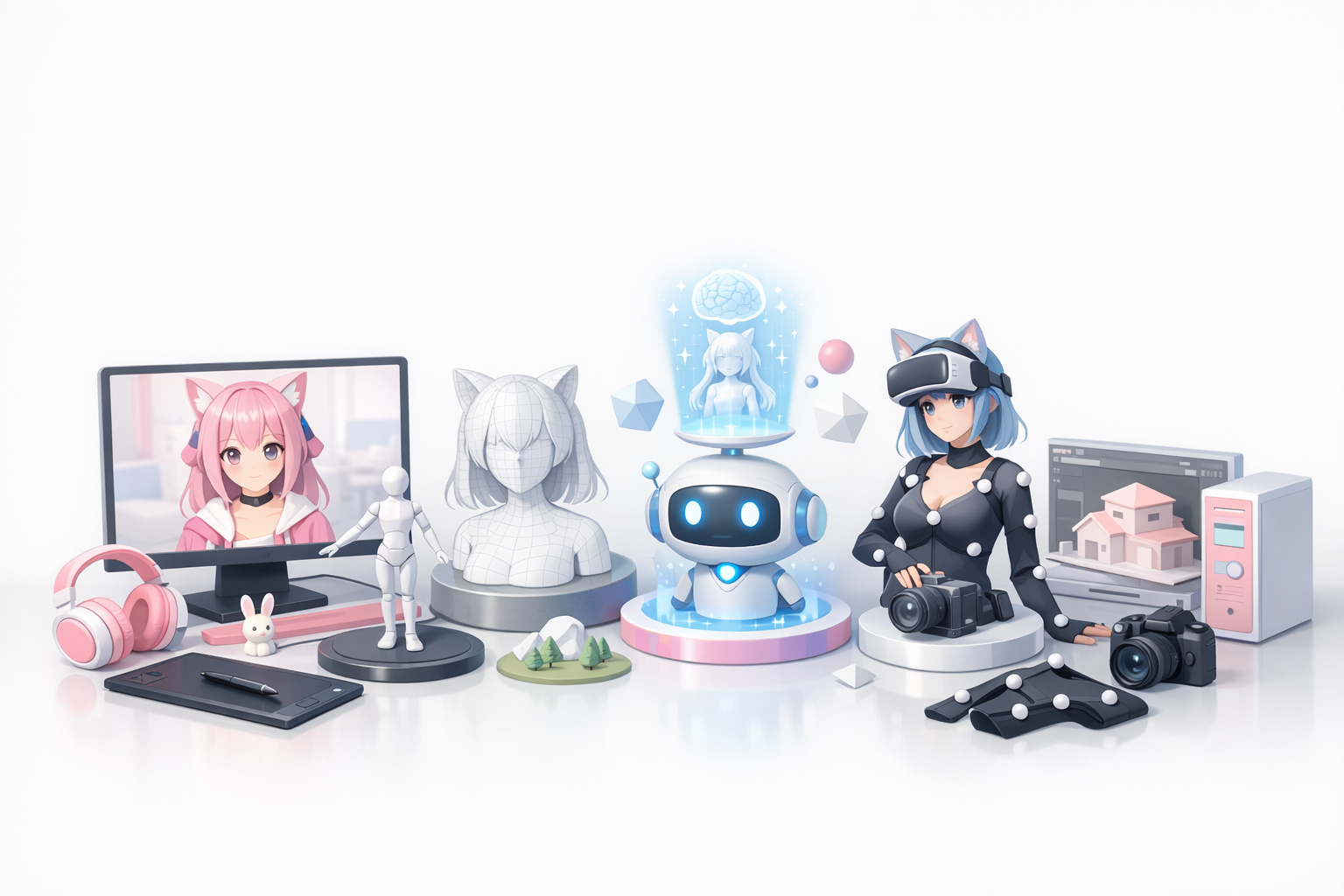
Comment j'utilise l'IA pour générer des modèles 3D plus rapidement
Les plateformes d'IA ont radicalement changé mon flux de travail. Avec des outils comme Tripo AI, je peux :
- Générer des maillages de base à partir de textes, d'images ou de croquis.
- Segmenter et retopologiser automatiquement pour l'animation.
- Réduire le temps de modélisation de quelques jours à quelques minutes.
Cela me permet de me concentrer sur les ajustements créatifs plutôt que sur la configuration technique.
Simplification de la texturation, du rigging et de l'animation
La texturation et le rigging assistés par l'IA permettent de gagner des heures. J'utilise les outils intégrés pour :
- Mapper automatiquement les textures sur les UV.
- Générer des rigs faciaux et des blendshapes.
- Prévisualiser les animations avant l'exportation.
Conseils pratiques :
- Utilisez l'IA pour les tâches de masse, mais affinez manuellement les fonctionnalités clés.
- Testez toujours le rigging avec des poses expressives pour détecter rapidement les erreurs.
Bonnes pratiques et pièges courants
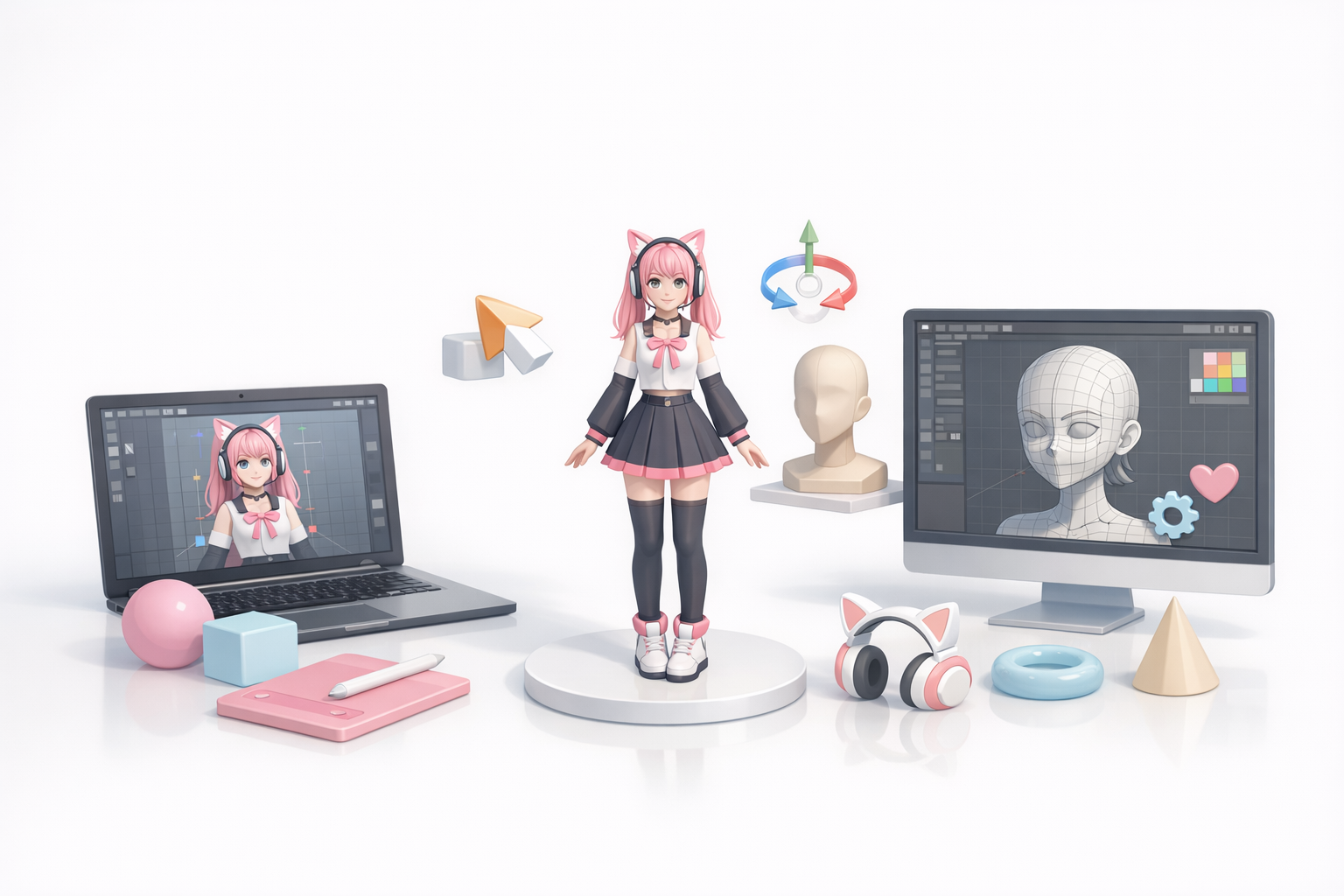
Ce que j'ai appris des projets réels
Après des dizaines de projets VTuber, j'ai appris :
- Commencez simple ; faites des itérations sur les détails une fois que le modèle de base fonctionne.
- Gardez les modèles légers pour le streaming en temps réel.
- Ne faites pas l'impasse sur les vérifications manuelles : l'IA n'est pas parfaite.
Conseils de dépannage et d'optimisation
Pièges courants :
- Une topologie non optimisée ralentit le streaming.
- Un mauvais mappage de texture provoque des bugs visuels.
- Un rigging incomplet entraîne des expressions figées.
Étapes de dépannage :
- Vérifiez la densité du maillage et simplifiez-la si nécessaire.
- Remappez les textures si des coutures apparaissent.
- Testez tous les contrôles du rig avant de lancer le direct.
Comparaison des programmes de modèles 3D VTuber
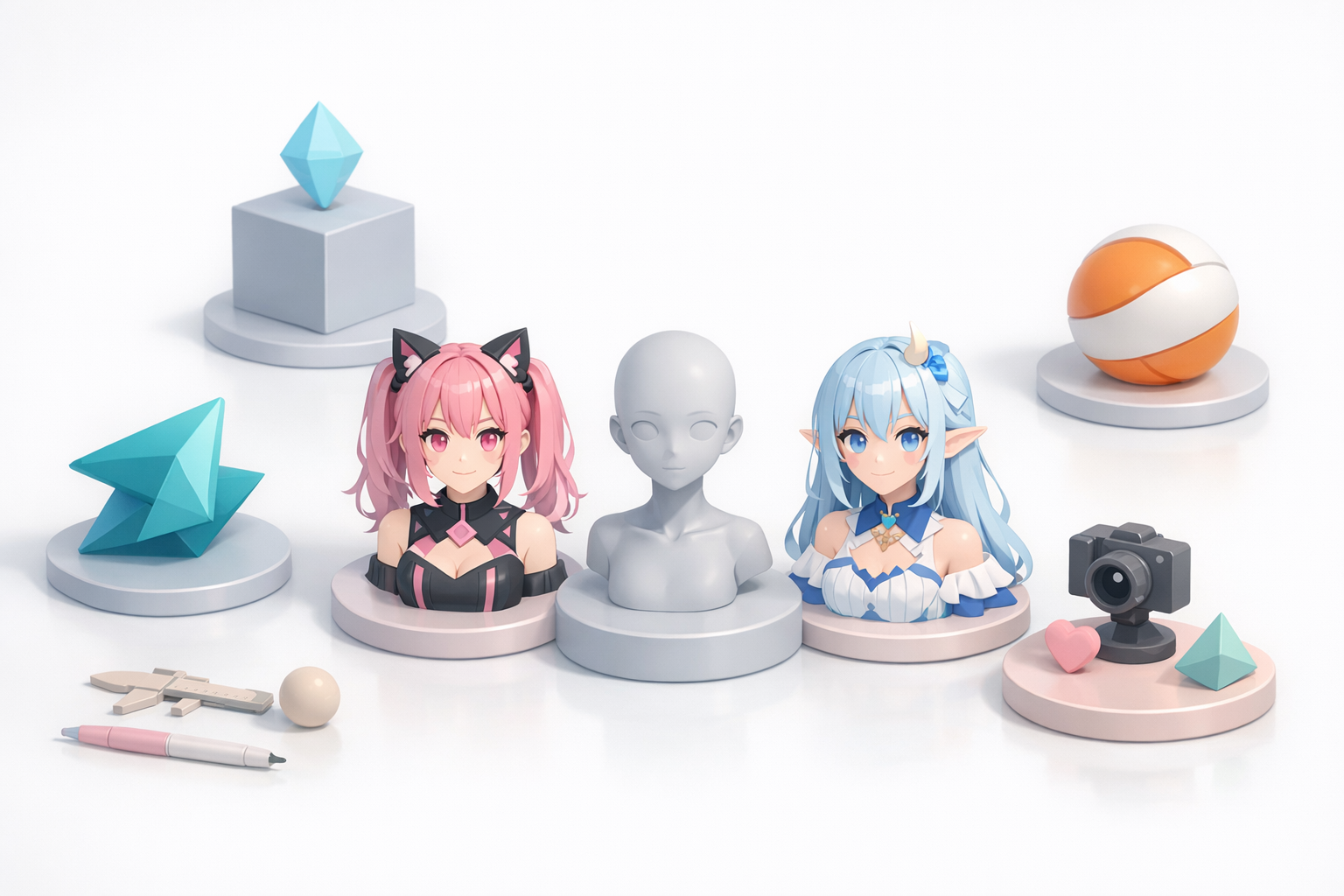
Tableau comparatif des fonctionnalités
| Fonctionnalité | Outils basés sur l'IA | Logiciels 3D traditionnels |
|---|---|---|
| Génération de maillage | Automatisée | Manuelle |
| Segmentation/Retopologie | Automatisée | Manuelle |
| Texturation | Assistée | Manuelle |
| Rigging/Animation | Assisté | Manuelle |
| Édition/Personnalisation | Modérée | Avancée |
| Courbe d'apprentissage | Faible | Élevée |
| Qualité de sortie | Élevée (avec ajustements) | Élevée |
Choisir le bon outil pour vos besoins
- Si vous êtes débutant ou avez besoin de résultats rapides, les plateformes basées sur l'IA sont idéales.
- Pour une personnalisation avancée ou des projets de niche, les logiciels traditionnels restent précieux.
- Les flux de travail hybrides — commencer avec l'IA, puis affiner dans un logiciel conventionnel — offrent le meilleur des deux mondes.
Dernier conseil : Adaptez le choix de votre outil à votre niveau de compétence et aux exigences de votre projet. N'ayez pas peur d'expérimenter et d'itérer.
Méta description :
Découvrez les meilleurs programmes VTuber pour la création de modèles 3D, des flux de travail pratiques, des outils basés sur l'IA et des conseils d'experts pour simplifier votre processus de production VTuber.
