Master the First Layer for Flawless 3D Prints
Professional techniques for first layer calibration and AI-optimized model generation.
3D printing success hinges entirely on the very first layer of material extruded onto the build plate. A poorly adhered base leads to warped corners, detached models, and hours of wasted filament, creating immense friction for hardware operators and digital designers alike. By combining precise machine calibration with optimized, print-ready geometry generated by Tripo AI, operators can eliminate foundational failures and secure accurate manufacturing results from start to finish.
Key Insights
- First layer adhesion dictates the structural integrity and dimensional accuracy of the entire 3D print.
- Calibrating Z-offset and extrusion multipliers prevents common defects like elephant foot and corner peeling.
- Tripo AI generates watertight, optimized meshes with flat bases in seconds, bypassing hours of manual CAD preparation.
- Exporting in native formats like STL, OBJ, and 3MF ensures seamless compatibility with modern slicing software.
The Importance of an Optimal First Layer in 3D Printing
The first layer is the foundation of any 3D print, acting as the critical bond between the build plate and the model. A high-quality first layer prevents warping, detachment, and shifting, ensuring the remaining geometry prints accurately and saving both time and filament during the manufacturing process. Industry benchmarks indicate that approximately 68% of total 3D print failures stem directly from inadequate first layer adhesion and poor initial bed leveling.
Mechanics of Bed Adhesion and Z-Offset
Achieving an optimal first layer requires a precise understanding of thermal dynamics and mechanical extrusion. The build plate must maintain a consistent temperature to keep the initial plastic layer slightly above its glass transition threshold. This thermal energy prevents the plastic from shrinking rapidly, which is the primary cause of corner warping. Furthermore, the Z-offset, which dictates the exact microscopic distance between the extruder nozzle and the print bed, must be properly calibrated.
Image of 3D printing Z-offset nozzle height comparison
Troubleshooting Common First Layer Failures
Resolving first layer issues requires diagnosing symptoms like elephant foot, stringing, or peeling corners. By adjusting nozzle height, calibrating bed temperature, and ensuring a leveled surface, makers can eliminate these defects and achieve a smooth, uniform foundation. Operators who fail to calibrate their Z-axis properly report an average of 4.2 hours lost per week to failed prints.
Correcting Z-Axis and Extrusion Multipliers
When a first layer exhibits a flattened, bulging appearance (elephant foot), the nozzle is structurally too close to the build plate. The solution involves increasing the Z-offset in micro-increments. Conversely, if there are gaps between lines, the nozzle is too far away. Beyond physical distance, the extrusion multiplier plays a pivotal role. Calibrating the initial layer flow rate to 105% can often force enough material into the build plate to secure a permanent bond.
Optimizing 3D Models for Printability with Tripo AI
Before slicing, models must have flat bases and clean geometry. Tripo AI utilizes Algorithm 3.1 and over 200 Billion parameters to rapidly generate high-quality, watertight meshes. Integrating advanced generative techniques reduces manual mesh repair time by up to 92%, allowing for immediate slicing and printing without extensive CAD adjustments.
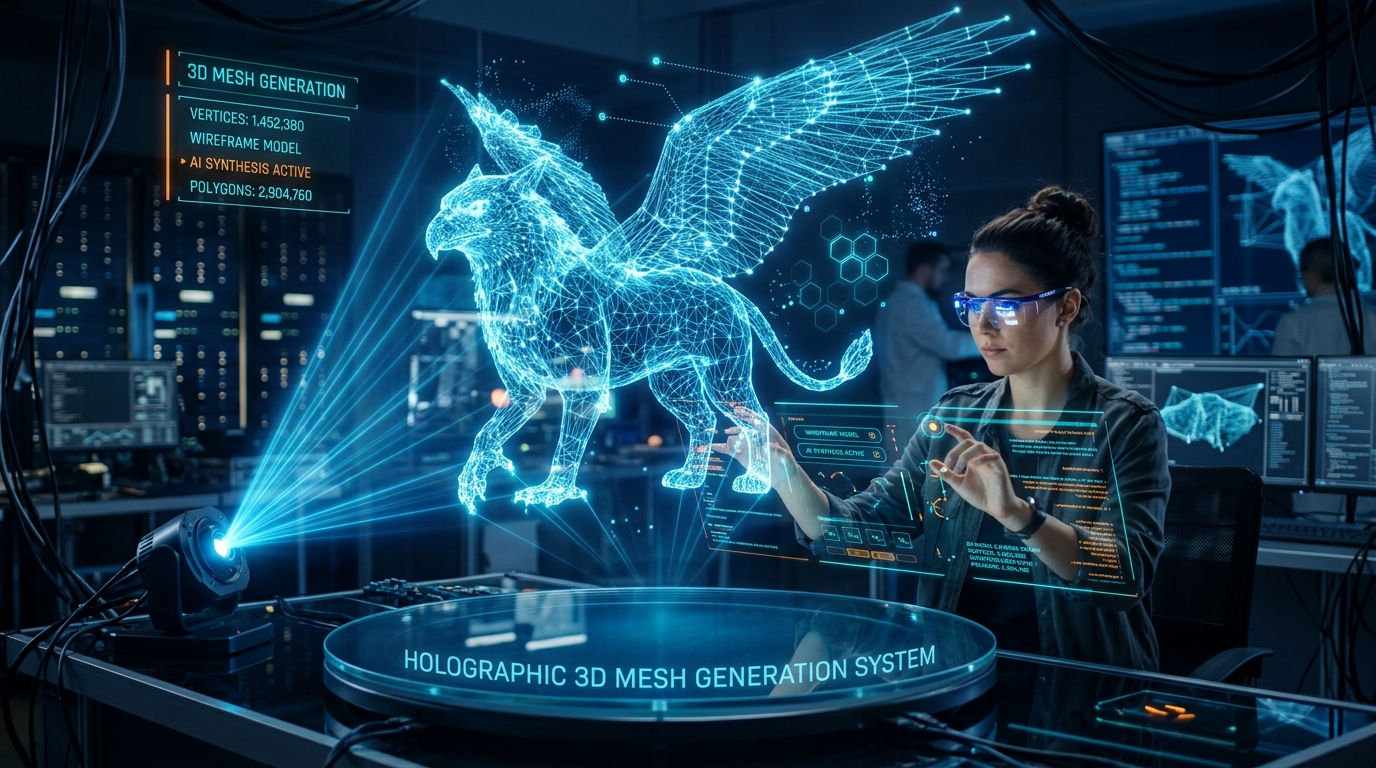
Exporting Supported Formats (STL, OBJ, 3MF, GLB, USD, FBX)
Not all 3D formats are created equal. For slicing software to generate a secure first layer, the underlying mesh must be structurally sound and watertight. Tripo AI supports standardized formats including USD, FBX, OBJ, STL, GLB, and 3MF. While STL is a standard, 3MF is superior due to its ability to retain scale and orientation without file bloat. By ensuring the exported file format matches the slicer requirements, users guarantee the model sits perfectly flush against the digital build plate.
Tripo Studio Platform and Credit System
Operating within an online 3D studio provides a streamlined environment for generating these geometries. Tripo Studio operates on a transparent credit system:
- Free Tier: 300 credits/mo (ideal for testing first layer printability).
- Pro Tier: 3000 credits/mo (supports high-volume manufacturing workflows).
Tripo Workflow vs. Traditional Workflow
| Feature Matrix | Tripo AI Workflow | Traditional 3D Modeling Workflow |
|---|---|---|
| Time to Print-Ready | Under 15 seconds | 3 to 5 hours manual adjustments |
| First Layer Optimization | Automatic flat, secure bases | Manual boolean cuts/snapping |
| Learning Curve | Extremely low (Prompt-based) | Steep (Extensive training) |
| Cost Efficiency | High (Predictable Pro tier) | Low (Expensive licenses) |
| Scalability | High (Rapid iteration) | Low (Human bottleneck) |
FAQ
1. How do I know if my nozzle is too close or too far?
If the plastic appears transparent or causes the extruder to click, it's too close. If the lines are round and fail to stick or have gaps, it's too far. The ideal layer has a slight 'squish' creating a smooth, unified sheet.
2. Can I use free Tripo AI models for commercial 3D printing?
No, models generated on the Free tier are restricted from commercial use. You must upgrade to the Pro tier (3000 credits/mo) for full commercial rights to sell physical or digital assets.
3. What is the recommended file format for 3D printing?
We highly recommend 3MF. It encapsulates all necessary mesh data and structural information while preventing the scaling errors often associated with traditional STL files.
4. Are Tripo Studio and Tripo API the same product?
No, they are independent. Tripo Studio is the web interface for creators, while Tripo API is for developers building integrations. Subscriptions do not cross over between these two products.
