Creating and Optimizing Uma Musume 3D Models: Expert Insights
скачать 3d модель для chicken gun
As a 3D practitioner, I’ve worked extensively with character models for games and animation, including Uma Musume. In this article, I’ll share my workflow for generating and optimizing Uma Musume 3D models using both AI-powered and traditional methods. The focus is on practical steps, best practices, and troubleshooting tips for creators who want high-quality, production-ready assets—whether you’re in game development, animation, or interactive design. If you’re looking to streamline your 3D pipeline and boost creativity, this guide will help you choose the right tools and avoid common pitfalls.
Key takeaways
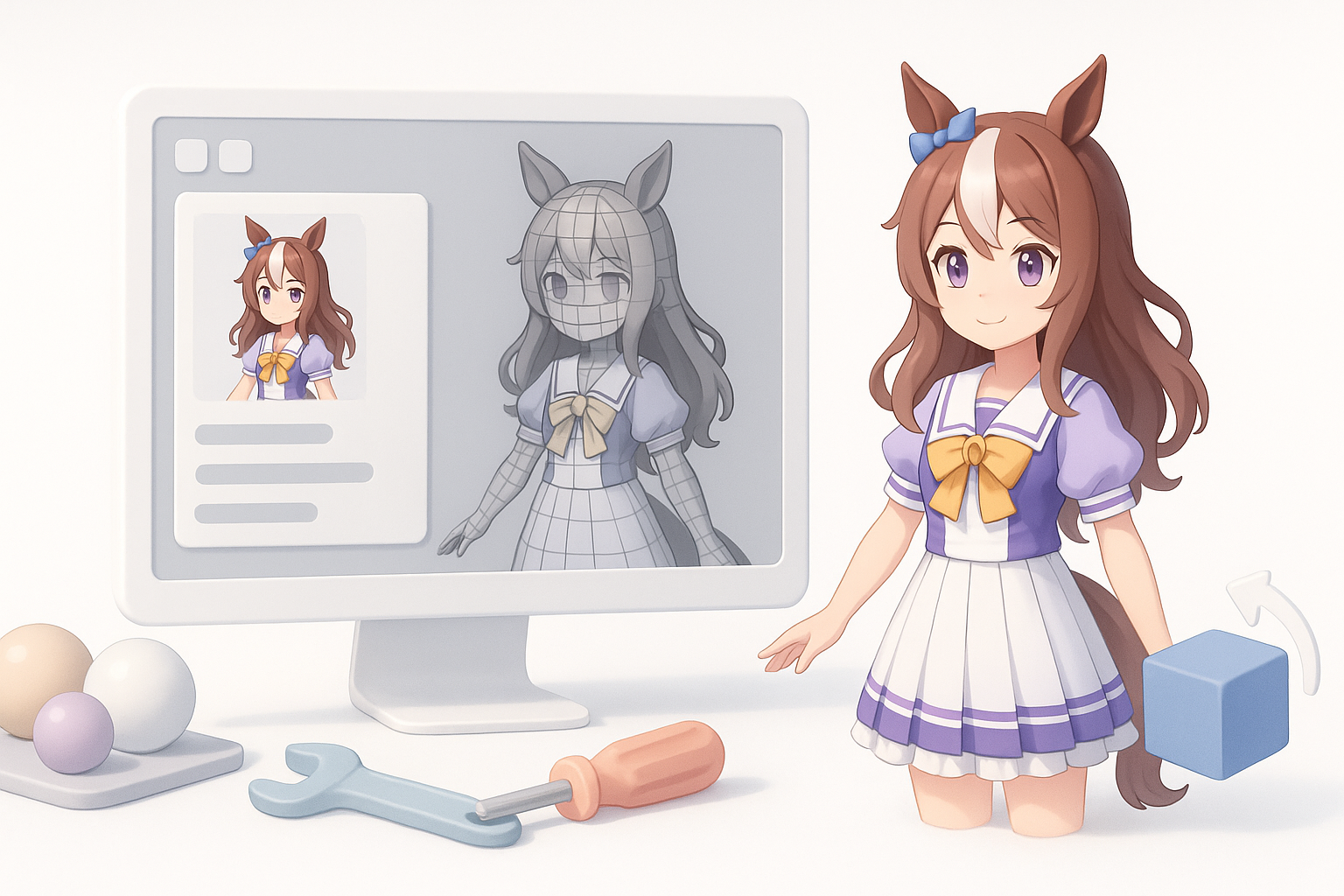
- AI-powered workflows can drastically speed up Uma Musume model creation without sacrificing quality.
- Intelligent segmentation, retopology, and texturing are essential for game-ready assets.
- Rigging and animation require careful attention to character-specific features.
- Traditional methods offer more control, but AI tools are ideal for rapid prototyping and iteration.
- Compatibility checks and artifact fixes are vital for cross-platform deployment.
- Choosing the right toolset depends on project scope, deadlines, and desired fidelity.
Overview of Uma Musume 3D Models
What Makes Uma Musume Models Unique
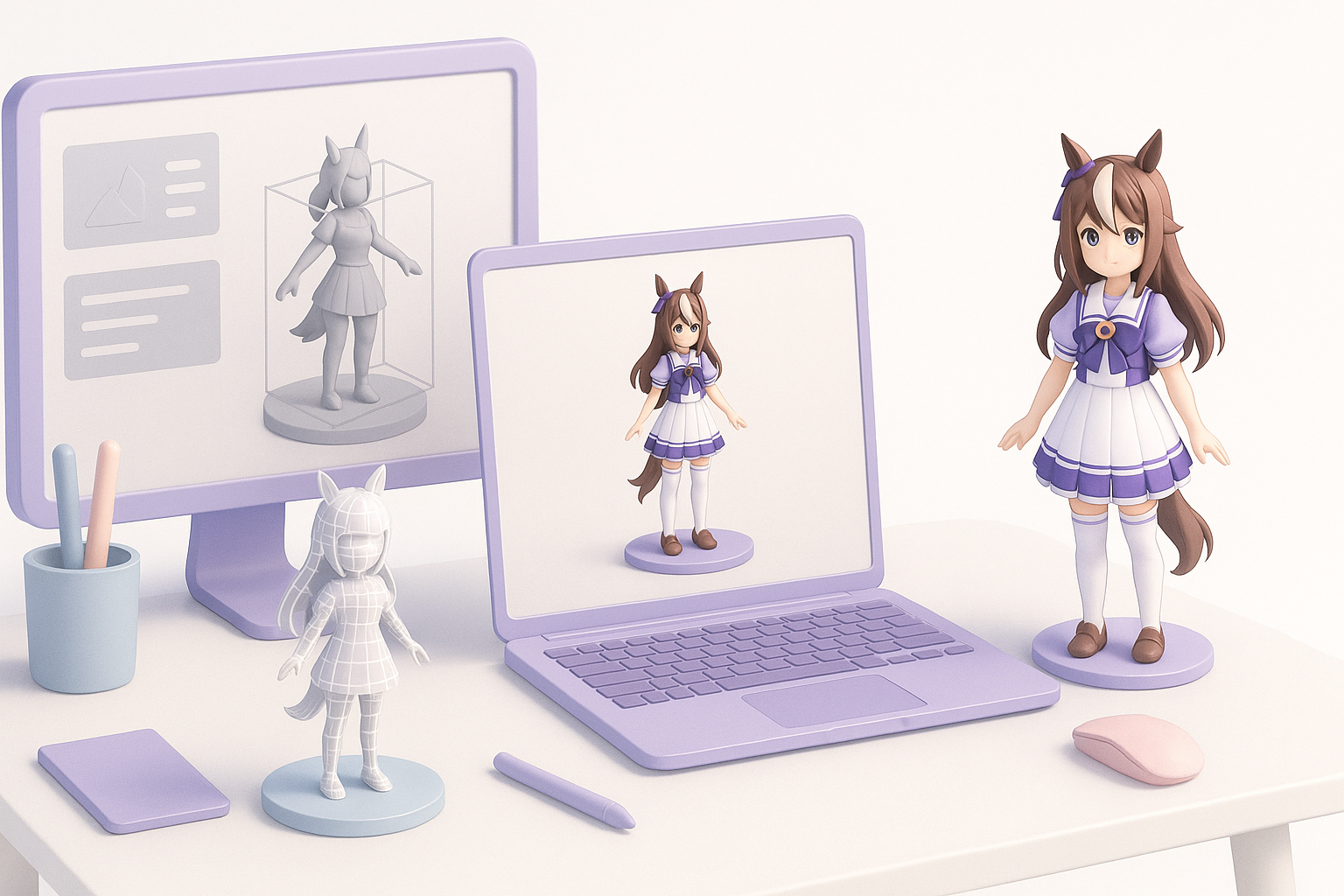
Uma Musume characters blend stylized anime aesthetics with equine features, making their models distinct from typical humanoid assets. The challenge lies in balancing expressive faces, hair, and costumes with accurate horse-like elements. In my experience, this requires custom topology and rigging to support unique animations—especially for tail, ears, and running poses.
Common Use Cases in Games and Animation
Most Uma Musume 3D models are used in mobile games, cinematic sequences, and promotional XR content. I often see requirements for lightweight assets (for real-time rendering) and high-detail versions (for cutscenes). Key use cases:
- Game avatars with dynamic animations
- Cinematic character shots
- VR/AR experiences featuring interactive characters
My Workflow for Generating Uma Musume 3D Models
Text, Image, and Sketch-Based Creation
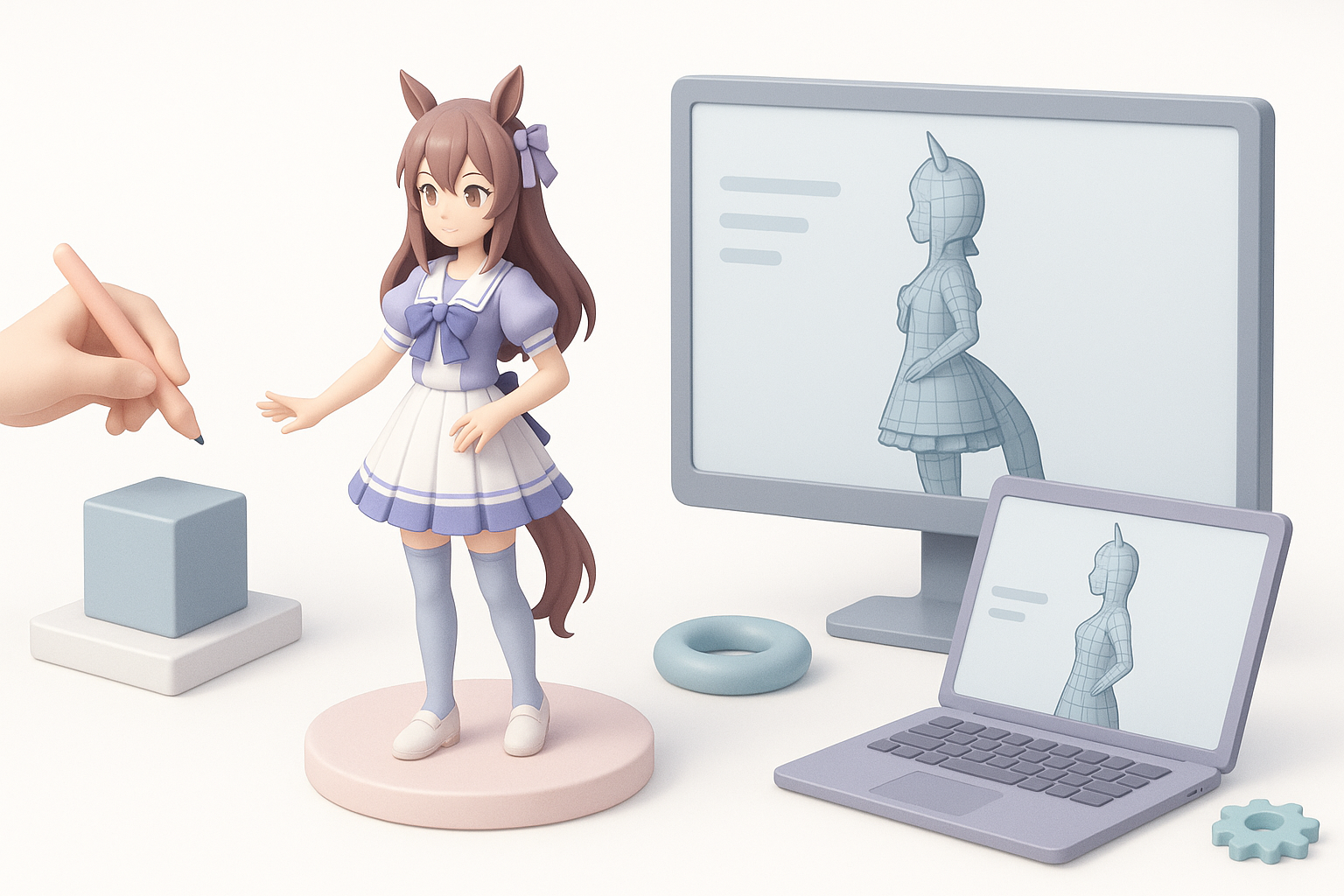
I start by gathering reference images, concept art, or even text descriptions. With AI-powered platforms like Tripo, I can quickly generate a base mesh from these inputs. My workflow:
- Upload reference images or sketches.
- Use text prompts to specify character traits (e.g., hair color, costume details).
- Review AI-generated base mesh for accuracy.
This approach saves hours compared to manual sculpting, especially when iterating on design variations.
Integrating AI Tools for Speed and Quality
AI tools accelerate segmentation, topology, and initial texturing. What I’ve found:
- Automated segmentation separates costume, skin, and accessories for easier editing.
- AI-driven retopology ensures clean, animation-ready meshes.
- Initial textures are generated from references, then refined manually.
I always double-check AI output for anatomical correctness and stylization, since Uma Musume models demand both.
Best Practices for Model Optimization and Production
Intelligent Segmentation and Retopology
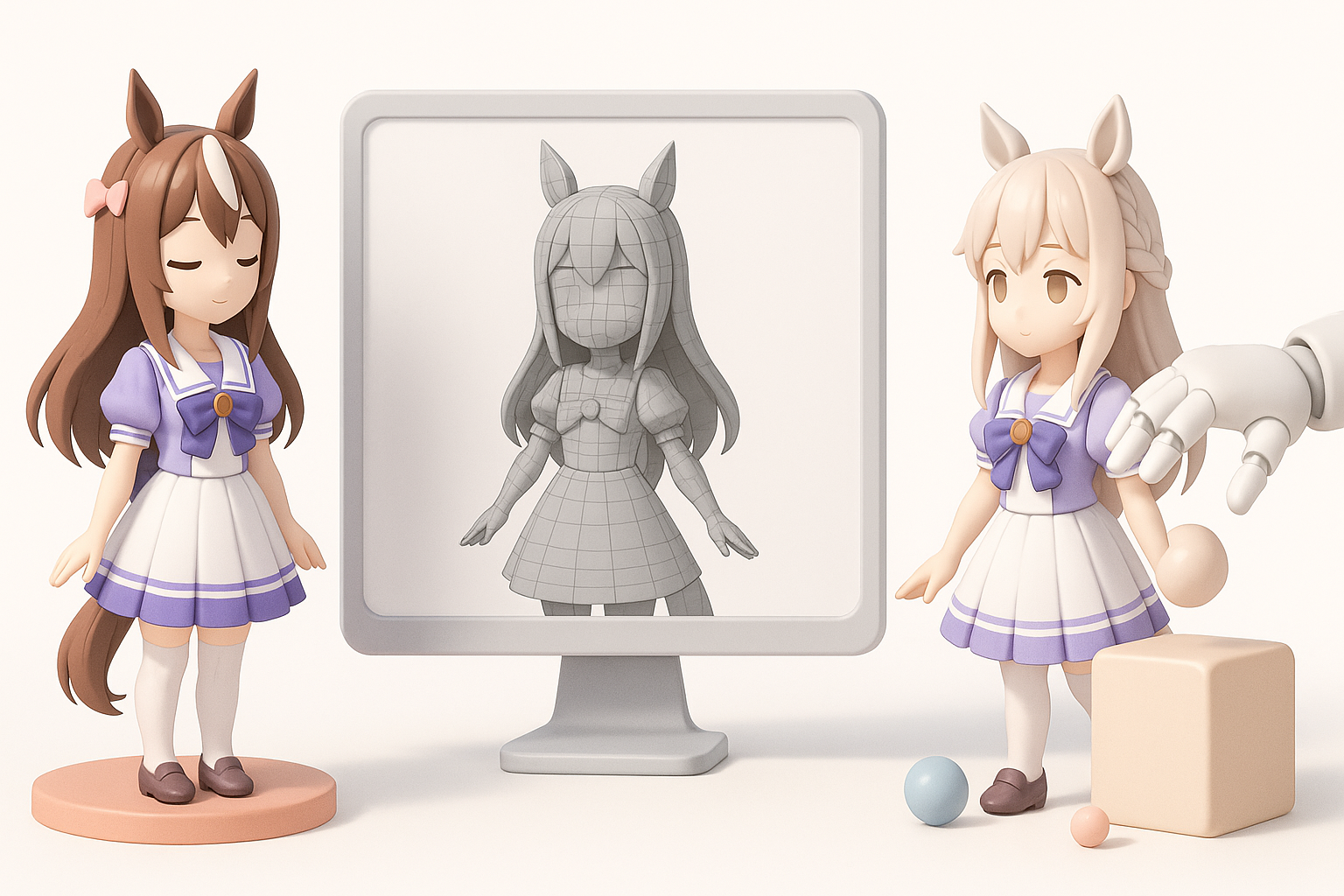
Proper segmentation is crucial for modularity and animation. In my workflow:
- Segment hair, tail, and accessories as separate meshes.
- Use AI retopology tools for clean edge flows, especially around joints.
- Manually adjust topology in areas needing deformation (e.g., knees, elbows, tail base).
Pitfalls: Avoid overly dense meshes—these slow down real-time rendering and complicate rigging.
Texturing, Rigging, and Animation Tips
For texturing, I recommend:
- Start with AI-generated UVs and base textures, then hand-paint details for faces and costumes.
- Use layered materials for hair and accessories.
Rigging and animation:
- Add extra bones for ears, tail, and mane.
- Test deformation with running and idle poses.
- Use animation retargeting to speed up motion creation.
Checklist:
- Clean topology for deformation
- Accurate UVs for stylized textures
- Modular rig for expressive animations
Comparing AI-Powered and Traditional 3D Creation Methods
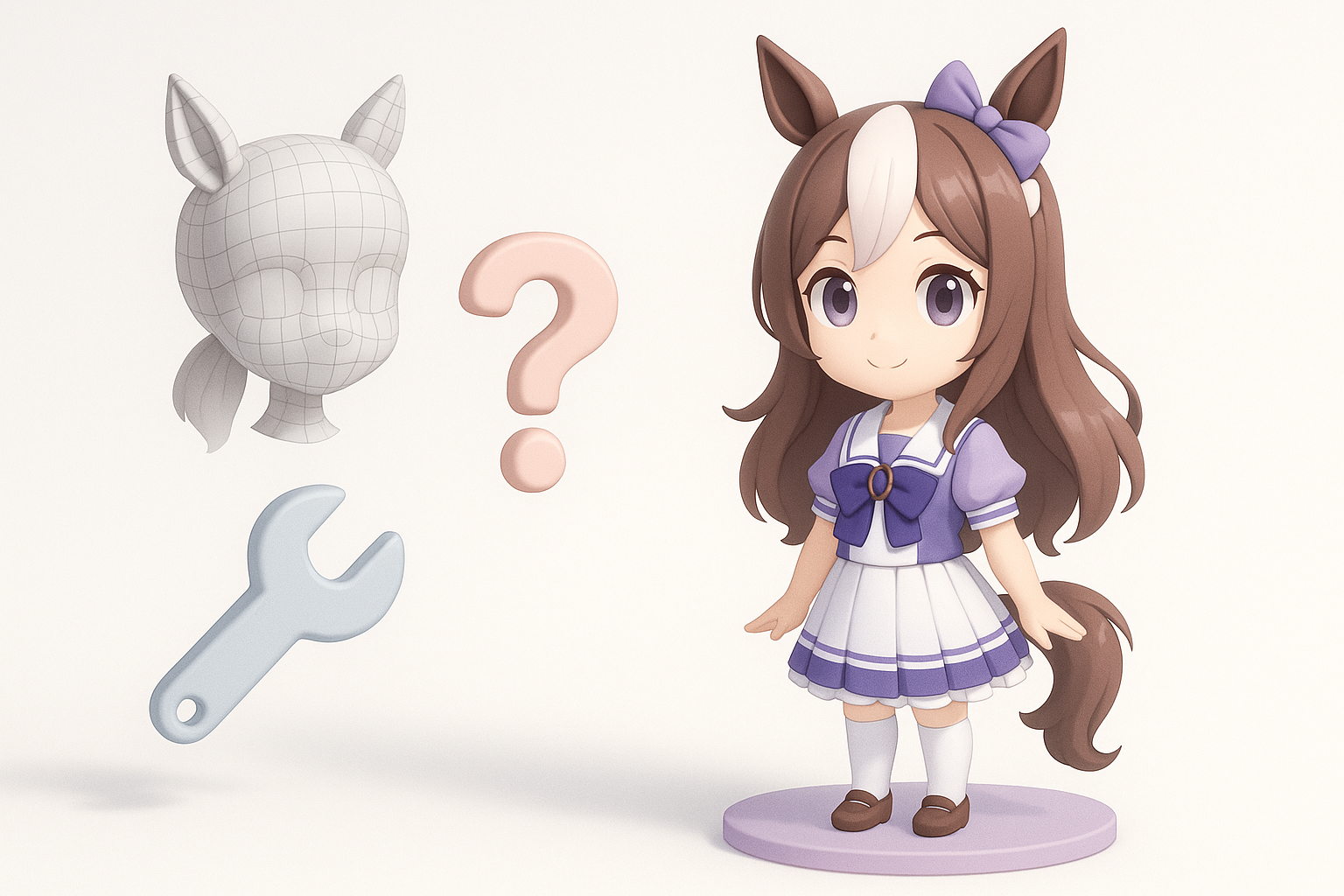
Efficiency and Quality Differences
AI-powered workflows are faster and reduce repetitive tasks, especially for base mesh generation and segmentation. In my experience:
- AI tools handle bulk work; manual tweaks ensure character fidelity.
- Traditional sculpting and modeling offer more control for complex features (e.g., unique costumes).
Quality is comparable for most game assets, but high-end cinematic models still benefit from manual refinement.
When to Use AI Tools vs. Manual Techniques
I use AI tools for:
- Rapid prototyping
- Iterating on multiple character variations
- Generating base meshes and textures
Manual techniques are best for:
- Custom facial expressions
- Unique costume details
- High-poly sculpting for promotional renders
Troubleshooting and Common Challenges
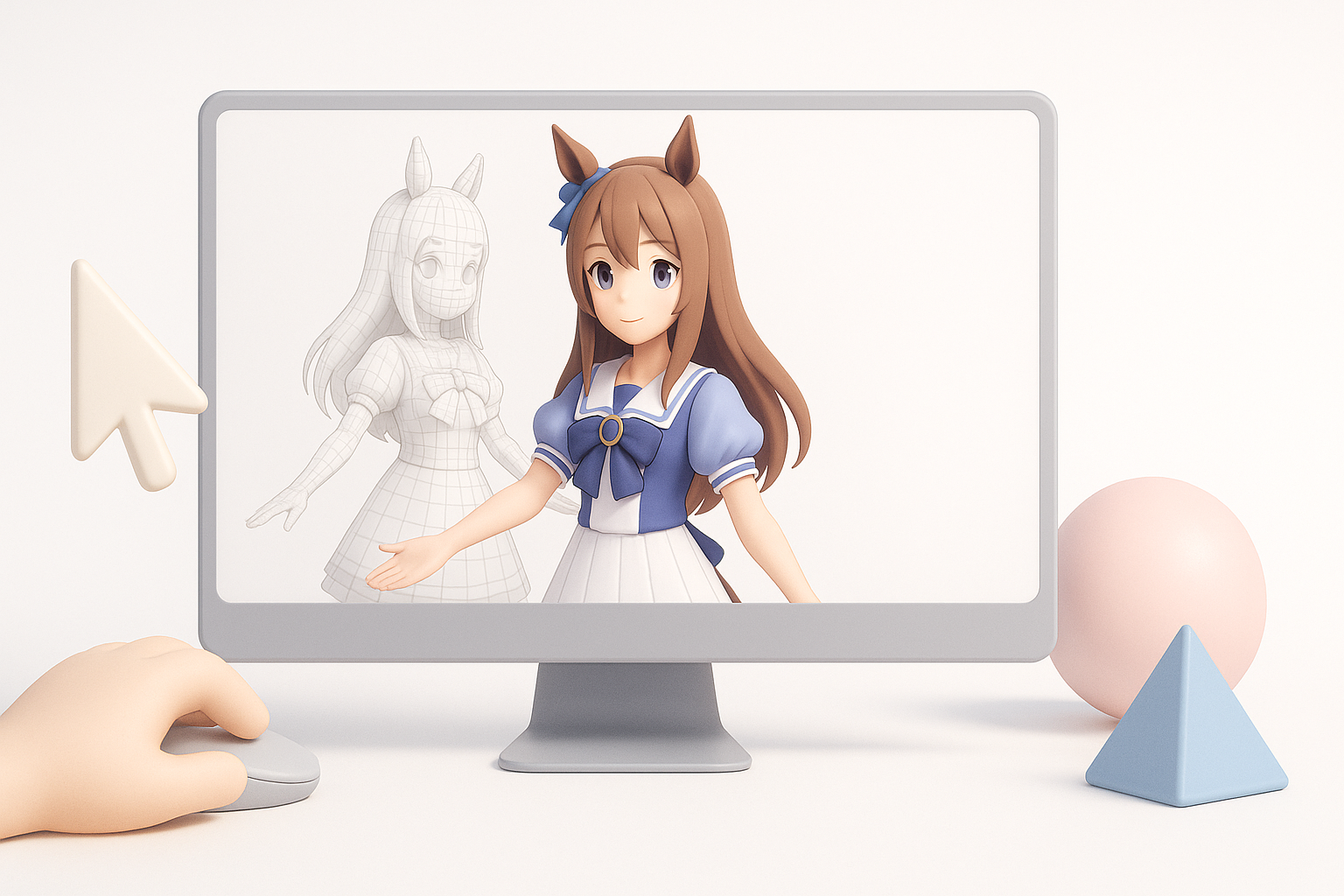
Fixing Model Artifacts and Errors
Common issues include mesh artifacts, texture stretching, and rigging errors. My fixes:
- Use mesh cleanup tools to remove non-manifold geometry.
- Manually adjust UV seams to fix texture artifacts.
- Re-weight problematic bones in the rig.
Tip: Always review models in the target engine for real-time issues.
Ensuring Compatibility Across Platforms
Ensuring models work across game engines and XR platforms is crucial. I usually:
- Export in standard formats (FBX, GLTF)
- Test animations and shaders in multiple engines
- Optimize polycount and texture sizes for mobile targets
Pitfall: Don’t rely solely on AI export settings—always verify compatibility manually.
My Recommendations for Uma Musume 3D Model Projects
Choosing the Right Tools for Your Needs
Select tools based on project requirements:
- AI-powered platforms for fast iteration and asset generation
- Traditional software for detailed sculpting and custom animation
Consider workflow integration—choose tools that support your target engine and asset pipeline.
Tips for Streamlining Your Workflow
- Batch process base meshes with AI, then refine manually.
- Use intelligent segmentation for modular asset creation.
- Set up reusable rig templates for similar characters.
- Regularly check models in the target environment for performance and visual quality.
By combining AI and manual techniques, I consistently deliver high-quality Uma Musume 3D models while minimizing production bottlenecks.