Creating No Man’s Sky-Inspired 3D Models: My Workflow & Tips
Designing 3D models inspired by No Man’s Sky is both a creative challenge and a technical exercise. In my experience, the secret to capturing the game’s distinctive look is a blend of stylized artistry and practical workflow choices—especially when using AI tools like Tripo for rapid prototyping and production. This article is for artists, game developers, and designers looking to efficiently create game-ready assets that echo No Man’s Sky’s vibrant, whimsical aesthetic. I’ll share my step-by-step process, key technical considerations, and tips for leveraging AI tools to streamline the journey from concept to completion.
Key takeaways:
- No Man’s Sky models rely on stylized, bold shapes and vibrant palettes.
- Reference gathering and concepting are crucial for consistency.
- AI tools (like Tripo) accelerate prototyping and asset generation.
- Texturing, retopology, and optimization are essential for game-readiness.
- Rigging and animation need careful preparation for engine integration.
- Balancing manual and AI-assisted workflows delivers best results.
Executive Summary: Key Takeaways for No Man’s Sky 3D Modeling
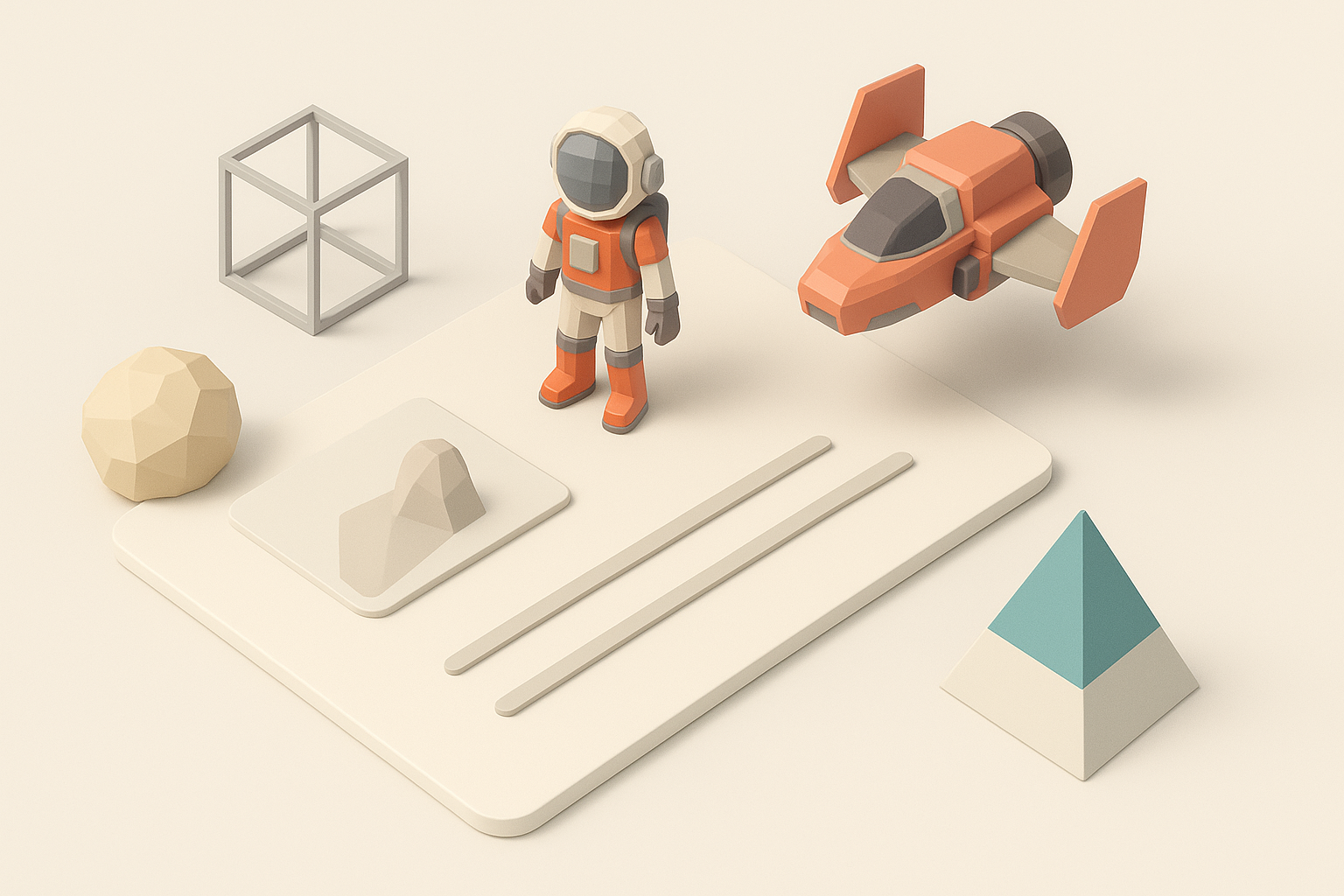
What makes No Man’s Sky models unique
No Man’s Sky assets stand out due to their exaggerated proportions, saturated colors, and clean, stylized surfaces. Instead of photorealism, the game leans into a whimsical, sci-fi look with organic forms and bold silhouettes. From alien flora to spaceships, everything feels hand-crafted yet approachable.
Summary of my recommended workflow
I usually start with reference gathering, then block out shapes in 3D. AI tools like Tripo help me generate base meshes quickly, which I refine, retopologize, and texture for stylized appeal. Final steps include optimization, rigging, and exporting for game engines. This approach saves time and keeps assets consistent with the No Man’s Sky aesthetic.
Understanding No Man’s Sky Art Style and Model Requirements
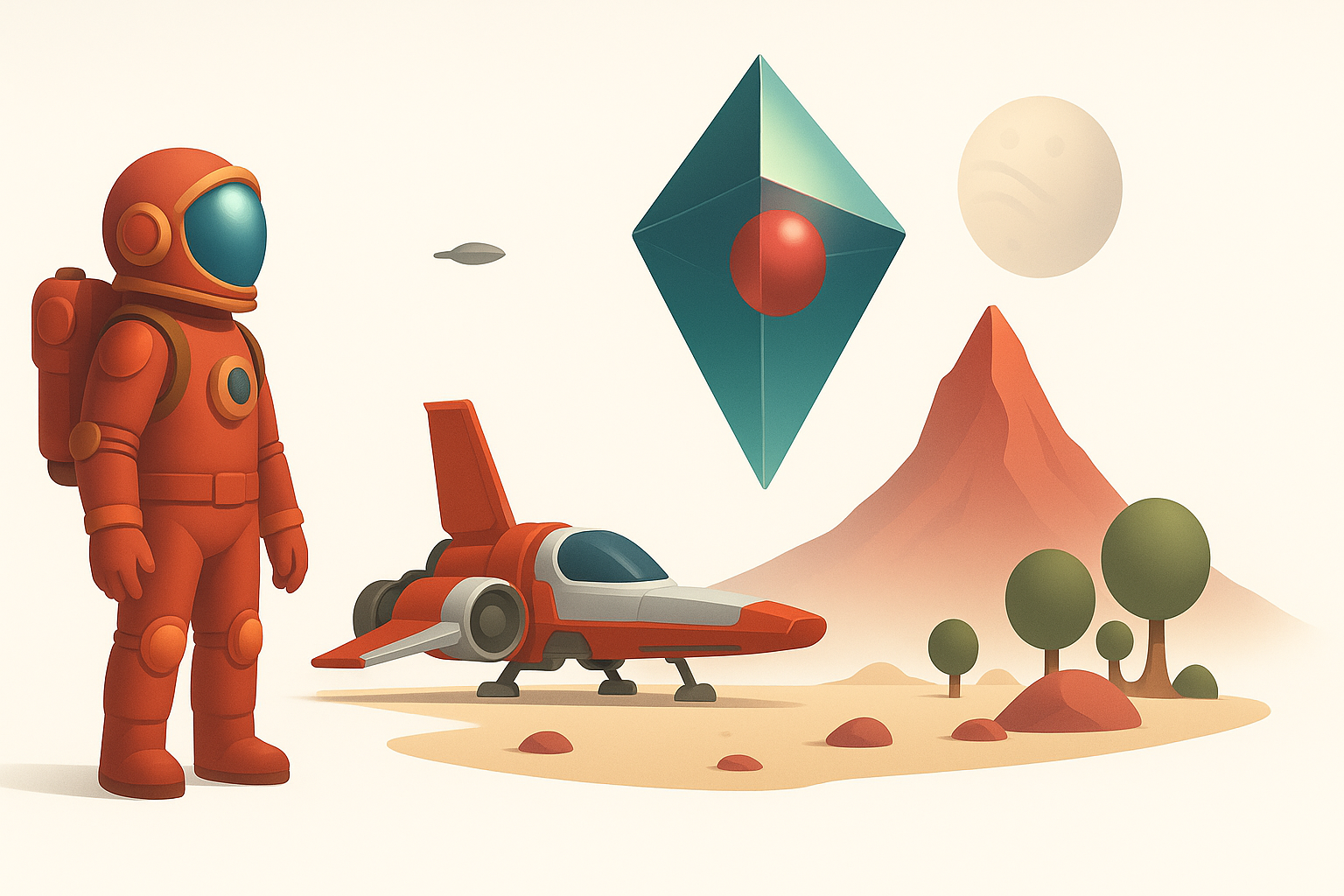
Visual characteristics and design language
The art style is defined by:
- Soft, rounded shapes and exaggerated forms
- Bright, contrasting color schemes
- Minimal surface detail (few scratches or grunge)
- Simple, readable silhouettes
When designing, I prioritize boldness and clarity. I avoid overly complex geometry or realistic textures.
Technical considerations for game-ready assets
Game assets must be:
- Low to mid-poly for performance
- UV-mapped efficiently
- Optimized for real-time rendering
Checklist:
- Keep poly count within engine guidelines
- Use single, well-packed UV layouts
- Test assets in-engine for shading and performance
My Step-by-Step Workflow for Creating No Man’s Sky-Inspired 3D Models
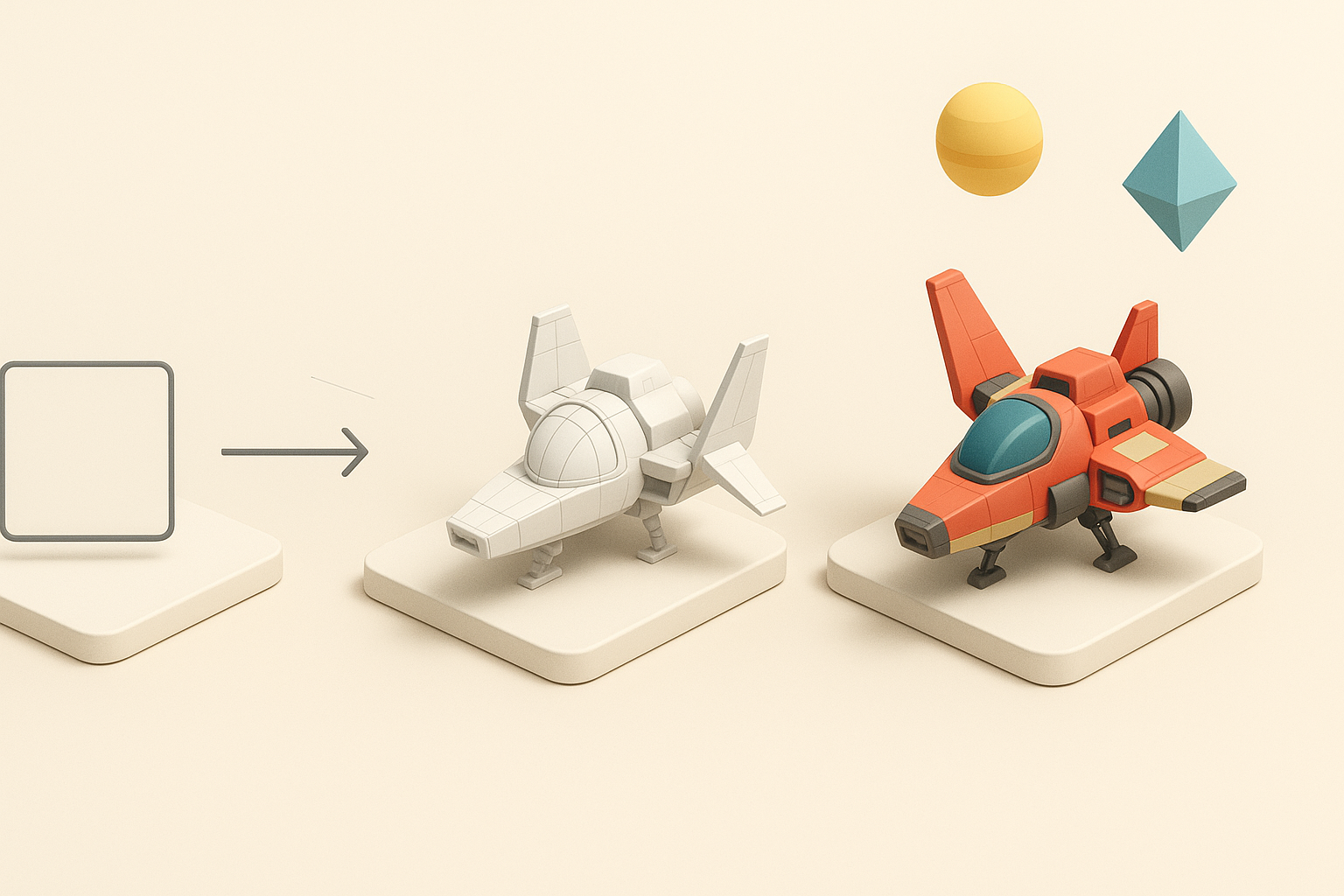
Concepting and reference gathering
I start by:
- Collecting screenshots and concept art from No Man’s Sky
- Sketching thumbnails to explore proportions and shapes
Tips:
- Focus on silhouette before details
- Build a mood board for color inspiration
Blocking out forms and proportions
In 3D, I:
- Rough out the main shapes using basic primitives
- Adjust proportions to exaggerate features
Pitfalls:
- Over-complicating early geometry—keep it simple at first
- Losing the bold silhouette in pursuit of detail
Leveraging AI Tools for Efficient 3D Model Generation
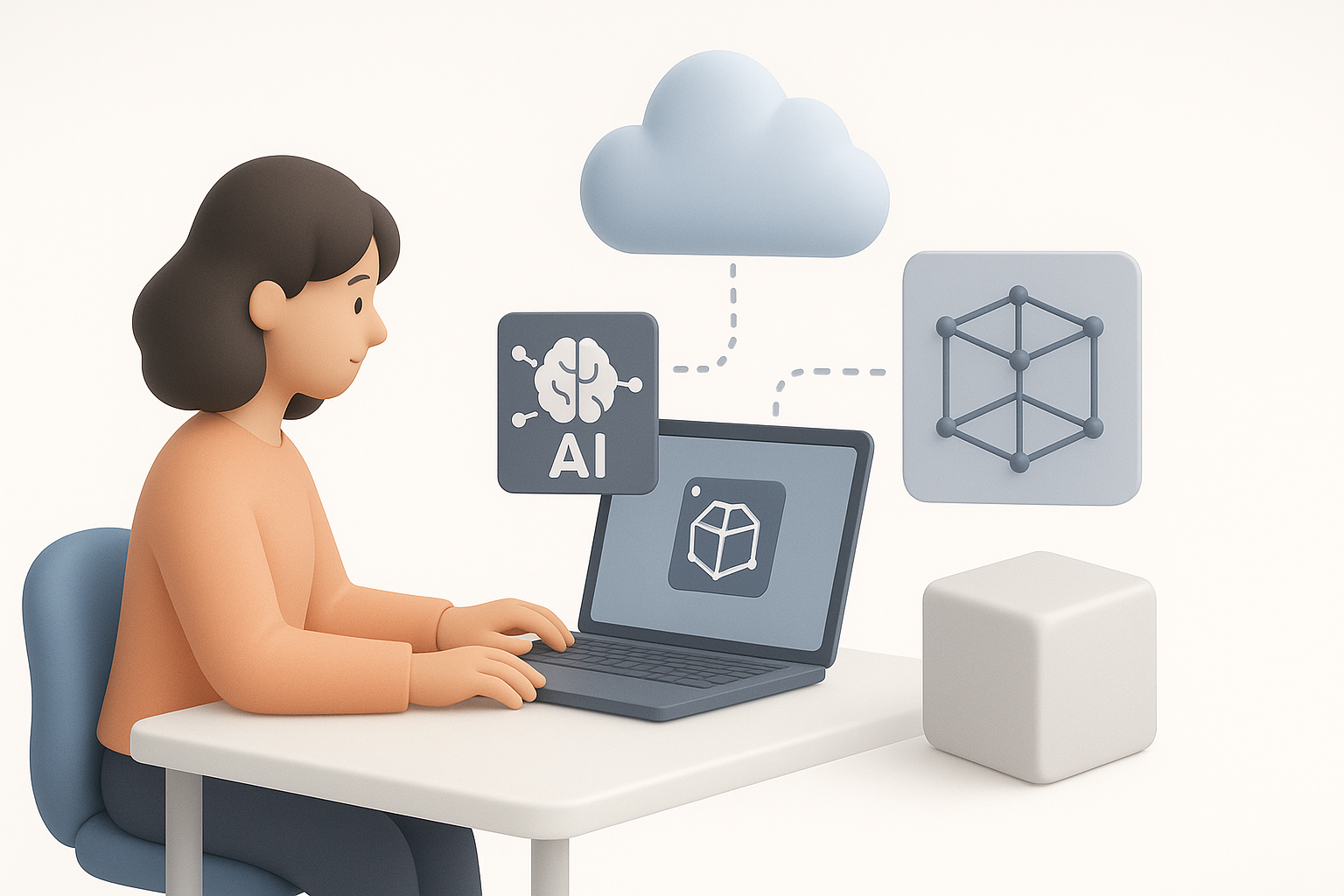
Using Tripo for rapid prototyping
Tripo lets me:
- Generate base meshes from text prompts, images, or sketches
- Quickly iterate on concepts without manual modeling
Workflow:
- Input reference or description into Tripo
- Review and edit generated mesh for accuracy
Integrating AI-generated assets into my pipeline
After generating with Tripo, I:
- Refine geometry in my preferred 3D software
- Check topology and UVs for game-readiness
Tips:
- Don’t rely solely on AI output—always review and tweak
- Use AI for speed, manual tools for polish
Best Practices for Texturing, Retopology, and Optimization
Achieving stylized textures
I use:
- Hand-painted or procedural textures with bold colors
- Minimal gradients and clear color blocking
Checklist:
- Avoid photo-based or noisy textures
- Keep materials simple and readable
Ensuring game-ready topology and performance
I always:
- Retopologize AI-generated meshes for clean edge flow
- Remove unnecessary faces and optimize UVs
Pitfalls:
- Skipping retopology—can cause shading and performance issues
- Overlapping UVs—leads to texture artifacts
Exporting, Rigging, and Animating for Game Engines
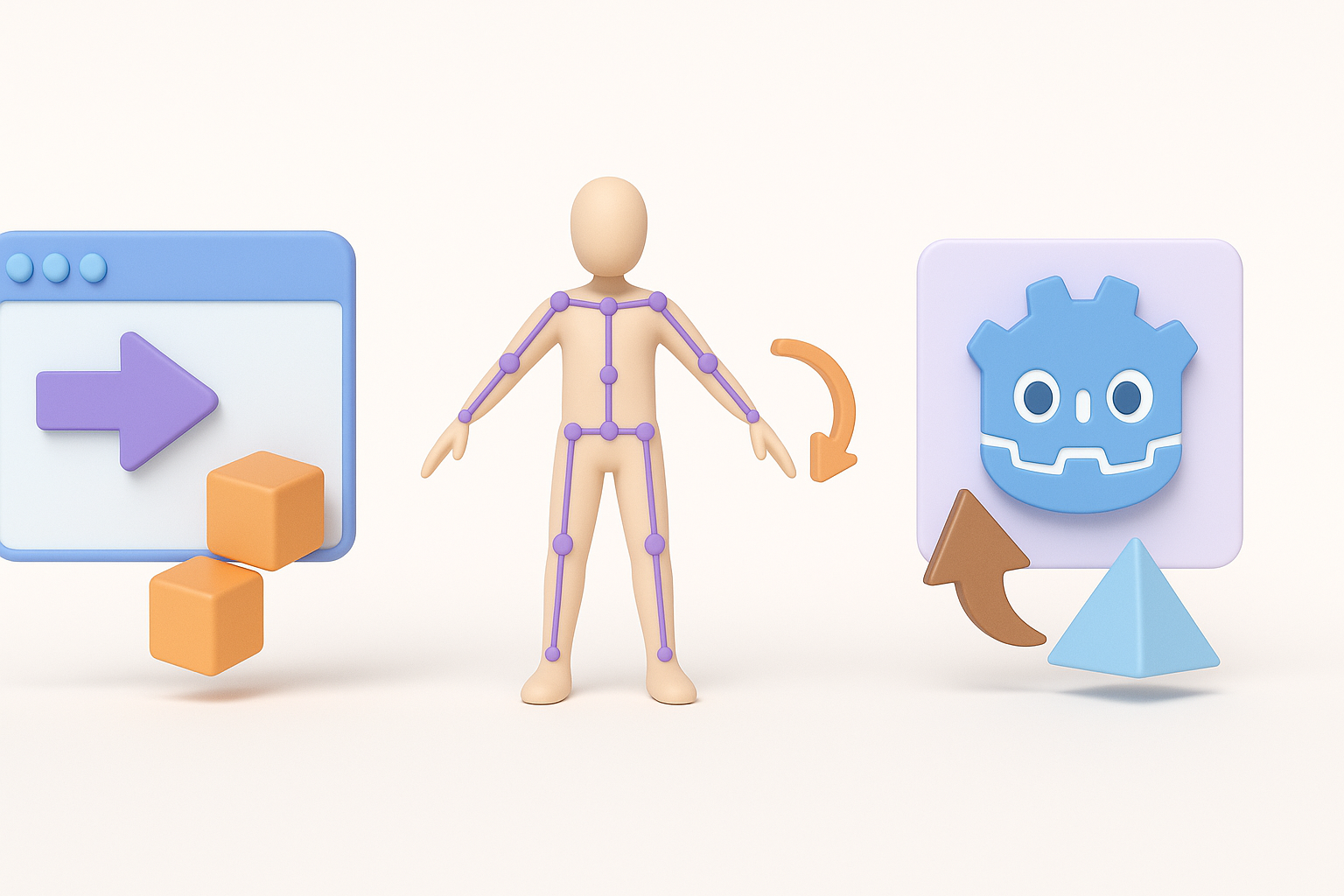
Preparing models for import
Before export, I:
- Apply transforms and check scale
- Export in engine-friendly formats (FBX, OBJ)
Tips:
- Name objects and materials clearly
- Test import in-engine early
Rigging and basic animation tips
For organic assets:
- Use simple rigs with minimal bones
- Animate exaggerated, readable movements
Checklist:
- Weight paint carefully for smooth deformations
- Keep animation loops tight and efficient
Comparing Manual and AI-Assisted Workflows

Pros and cons from my experience
AI-assisted workflows:
- Pros: Faster prototyping, less manual labor, good for ideation
- Cons: Requires manual cleanup, sometimes lacks stylistic nuance
Manual workflows:
- Pros: Full control, better for complex or unique assets
- Cons: Slower, more technical skill needed
When to choose each approach
I use AI tools for:
- Early-stage concepting and base mesh generation
- Rapid iteration
I switch to manual methods for:
- Final polish
- Unique or highly stylized assets
Common Challenges and How I Overcome Them
Troubleshooting model accuracy
Issues I encounter:
- AI-generated meshes sometimes miss key details
- Topology can be messy
Solutions:
- Always review and edit AI output
- Use manual retopology and sculpting for fixes
Maintaining consistency with the No Man’s Sky aesthetic
To stay consistent:
- Regularly compare my models to official references
- Stick to established color palettes and shape language
Tips:
- Build a reusable asset library for recurring elements
- Share models with peers for feedback
Conclusion:
By blending stylized artistry with efficient AI tools like Tripo, I can quickly create No Man’s Sky-inspired 3D models that are game-ready and visually consistent. The workflow I use balances speed, creativity, and technical rigor—ideal for artists and developers aiming to bring vibrant sci-fi worlds to life.