How I Use TurboSquid 3D Models: Best Practices & Workflow
скачать 3d модели для chicken gun
When I need high-quality 3D assets fast, TurboSquid’s marketplace is one of my go-to resources. Over the years, I’ve honed a workflow for selecting, customizing, and integrating these models into games, films, and XR projects—while sidestepping common pitfalls. In this article, I’ll share my best practices for evaluating models, prepping them for production, and leveraging AI tools like Tripo to streamline customization. Whether you’re a solo creator or part of a larger studio, these tips will help you get the most from purchased assets and keep your pipeline efficient.
Key takeaways

- Vet models for topology, licensing, and compatibility before purchase.
- Always optimize and prep assets for your target platform (game, film, XR, etc.).
- Use AI tools like Tripo to accelerate retopology, texturing, and rigging.
- Customize marketplace models for uniqueness and technical fit.
- Know when to buy, generate, or build assets from scratch.
What Are TurboSquid 3D Models?

Overview of TurboSquid’s Marketplace
TurboSquid is a well-established online marketplace for 3D models. I use it when I need ready-made assets for rapid prototyping, client work, or when building out large environments. The platform hosts models from thousands of artists, offering a wide range of styles, formats, and price points.
It’s especially useful for filling asset gaps without the time or cost of custom modeling. However, the sheer variety means careful selection is key—quality and technical standards can vary widely.
Types of 3D Models Available
On TurboSquid, I routinely find:
- Characters, vehicles, props, and environments
- Models optimized for real-time (games, XR) or high-res (film, VFX)
- Formats like FBX, OBJ, MAX, C4D, and more
- Both textured and untextured assets
Before downloading, I always check the polycount, texture resolution, and included extras (like rigs or animation clips) to ensure the asset fits my project’s needs.
How I Search and Select Quality 3D Models

Evaluating Model Quality and Compatibility
My first step is always to scrutinize the model preview and technical details. Here’s what I look for:
- Topology: Clean, quad-based geometry is a must for animation or further editing.
- UVs and Textures: I check for non-overlapping UVs and high-res, PBR-ready maps.
- Format: I only download formats compatible with my DCC tools (e.g., Blender, Maya, Unity, Unreal).
- Rigging/Animation: If I need a rigged model, I review sample animations and bone structure.
Pitfall: Don’t assume all models are production-ready—even “game-ready” tags can be misleading.
Tips for Filtering and Licensing
TurboSquid’s filters help narrow choices:
- Filter by polycount, format, and license type.
- Read the license carefully; I avoid models with restrictive or unclear terms for commercial use.
- Check for user reviews and artist responsiveness for support.
Mini-checklist before purchase:
- Confirm format and compatibility
- Review wireframes and texture maps
- Check licensing for intended use
- Read recent reviews
Integrating TurboSquid Models Into My Workflow
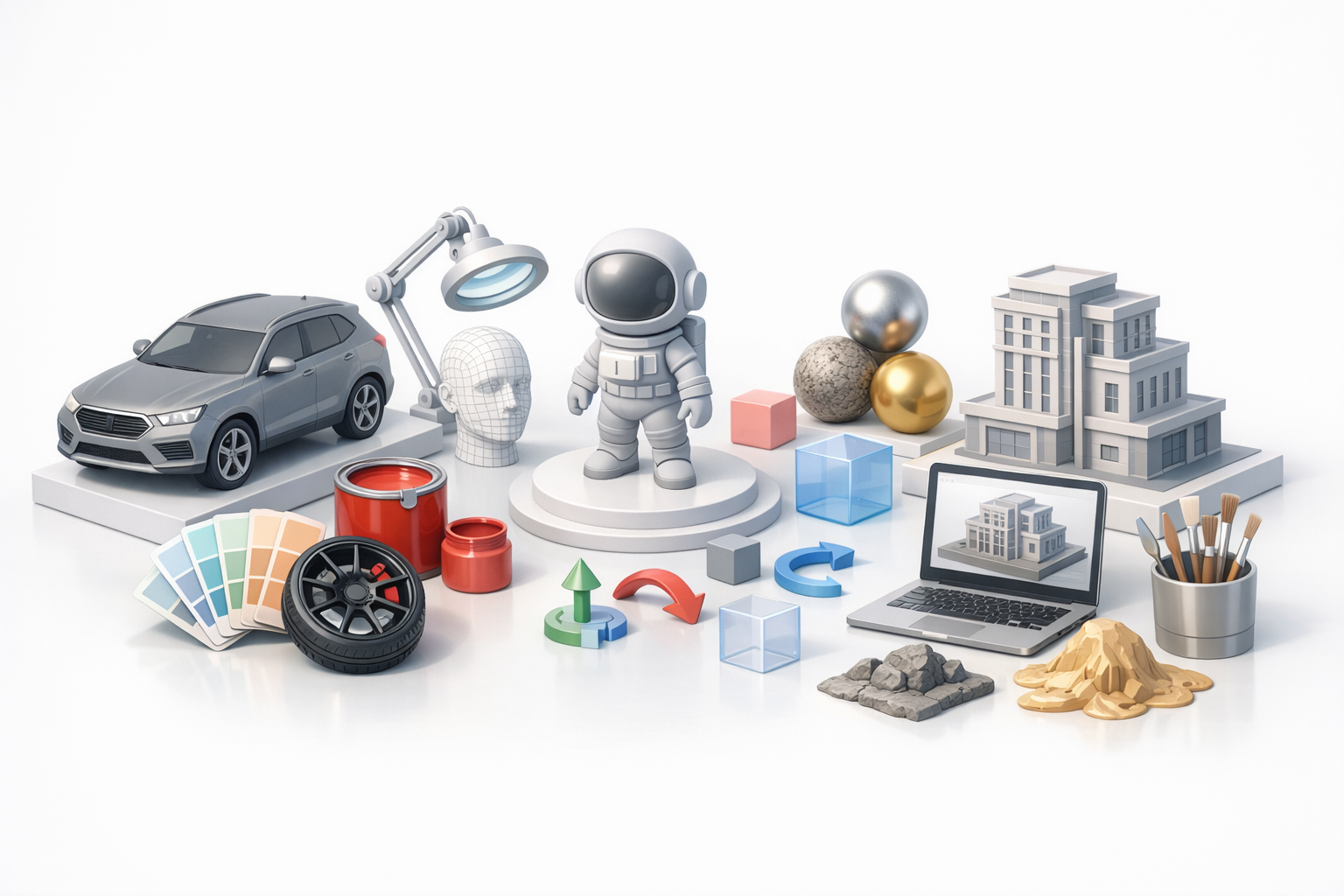
Importing and Preparing Models
After downloading, I import the model into my DCC software (usually Blender or Maya). Preparation steps:
- Inspect and clean up the hierarchy, materials, and transforms.
- Reassign or relink missing textures.
- Test the asset in a simple scene for scale and orientation.
If there are issues—like flipped normals, missing UVs, or messy materials—I address them before moving forward.
Optimizing for Game, Film, and XR Projects
Depending on the target platform, I may need to:
- Games/XR: Reduce polycount, bake normal maps, and compress textures.
- Film/VFX: Increase texture resolution, add displacement, or refine shaders.
I often use Tripo to automate retopology, generate optimized UVs, or create quick LODs. This saves hours compared to manual cleanup, especially when prepping assets for real-time engines.
Best Practices for Customizing and Enhancing Models

Retopology, Texturing, and Rigging Tips
Even high-quality assets often need tweaks:
- Retopology: For animation, I use Tripo’s retopology to ensure clean edge loops and manageable polycount.
- Texturing: I may re-bake or repaint textures to match my project’s style. Consistent texel density is key.
- Rigging: If rigging isn’t included or is incompatible, I use my preferred tools to build a new skeleton and weight maps.
Tip: Always keep a backup of the original asset in case edits go sideways.
Using AI Tools Like Tripo for Streamlined Editing
AI-powered tools have become essential in my pipeline. With Tripo, I can:
- Instantly retopologize dense meshes for animation or real-time use.
- Auto-generate PBR textures from reference images or sketches.
- Segment and reassemble model parts for kitbashing or customization.
Workflow example:
- Import the TurboSquid model into Tripo.
- Run automated retopology and UV unwrapping.
- Apply new textures or rigging as needed.
- Export the optimized asset back to my DCC or game engine.
This approach drastically reduces manual labor and lets me focus on creative decisions.
Alternatives and When to Create Custom 3D Assets
Comparing Marketplace Models vs. AI Generation
While marketplaces like TurboSquid are great for speed and variety, AI generation tools (like Tripo) offer:
- Quick creation of unique assets from text, images, or sketches
- Customization without starting from scratch
- Seamless integration with existing workflows
I use marketplace models when I need something specific and time is tight, and AI tools when I want more control or can’t find the exact asset I need.
Deciding When to Build From Scratch
Some scenarios call for custom modeling:
- Highly unique or proprietary designs
- Strict topology, style, or rigging requirements
- When marketplace or AI-generated assets don’t meet technical standards
My rule: If an asset is core to the project’s identity or needs heavy customization, I build it myself or commission it. Otherwise, I leverage existing models and AI tools to save time and budget.
In summary: By combining careful asset selection, smart optimization, and AI-powered enhancements, I maximize the value of TurboSquid 3D models in my workflow—delivering production-ready results faster and with less hassle.
