Creating a Realistic Tropeognathus 3D Model: My Workflow & Tips
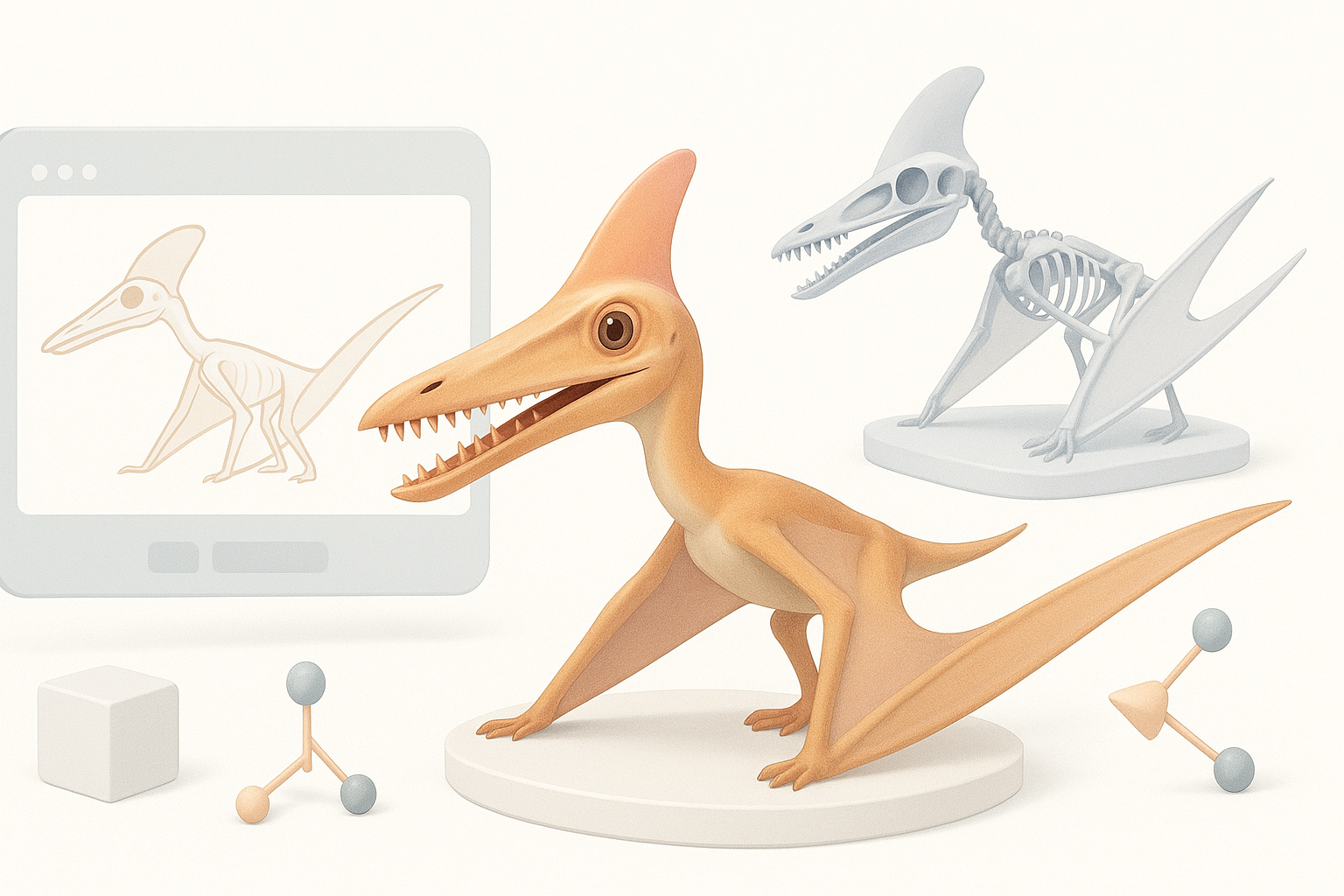
Creating a realistic Tropeognathus 3D model is a rewarding challenge that blends paleontological accuracy with creative artistry. In my workflow, I rely on a mix of AI-powered tools and traditional techniques to streamline the process—from research and sculpting to texturing, rigging, and final export. This guide is tailored for 3D artists, game developers, and XR creators looking to produce production-ready prehistoric creatures efficiently. My approach emphasizes thorough anatomical research, smart tool choices, and practical shortcuts that consistently deliver high-quality results.
Key takeaways
- Start with deep anatomical research and robust references for accuracy.
- AI-powered platforms like Tripo can accelerate base mesh creation and segmentation.
- Prioritize efficient retopology and clean UVs for animation and texturing.
- Realistic textures and materials elevate the final model—don’t rush this step.
- Optimize models for your target platform and present them professionally.
Understanding Tropeognathus Anatomy for 3D Modeling
Key anatomical features to capture
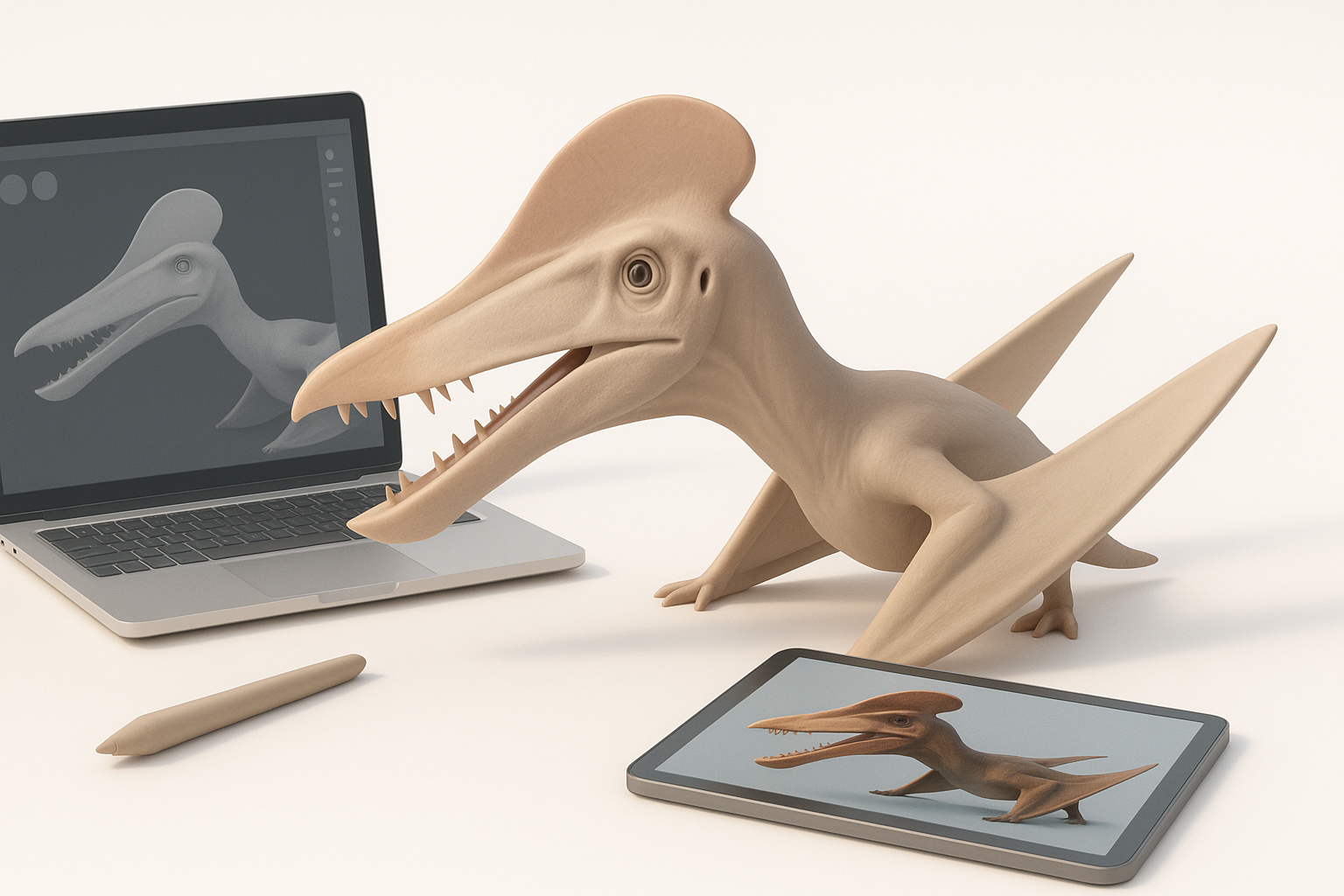
To create a believable Tropeognathus, I focus on its defining features: the elongated jaws with a prominent crest, wing structure, and the unique proportions of its limbs. The head’s silhouette, tooth arrangement, and the membrane details of the wings are especially important for realism.
Checklist:
- Long, narrow skull with cranial crest
- Large, forward-pointing teeth
- Extended wing fingers and membrane texture
- Distinctive body-to-wing ratio
Reference gathering and research tips
I always begin by collecting high-resolution fossil images, scientific reconstructions, and skeletal diagrams. Museum databases, paleontology journals, and reputable paleoartists are my go-to sources. I supplement these with modern analogs (like bird and bat wings) for musculature and posing cues.
Tips:
- Cross-reference multiple sources for anatomical accuracy.
- Build a reference board in your modeling software for quick access.
- Watch out for outdated reconstructions—stick to recent research.
Choosing the Right Tools for Tropeognathus 3D Creation
Why I use AI-powered platforms
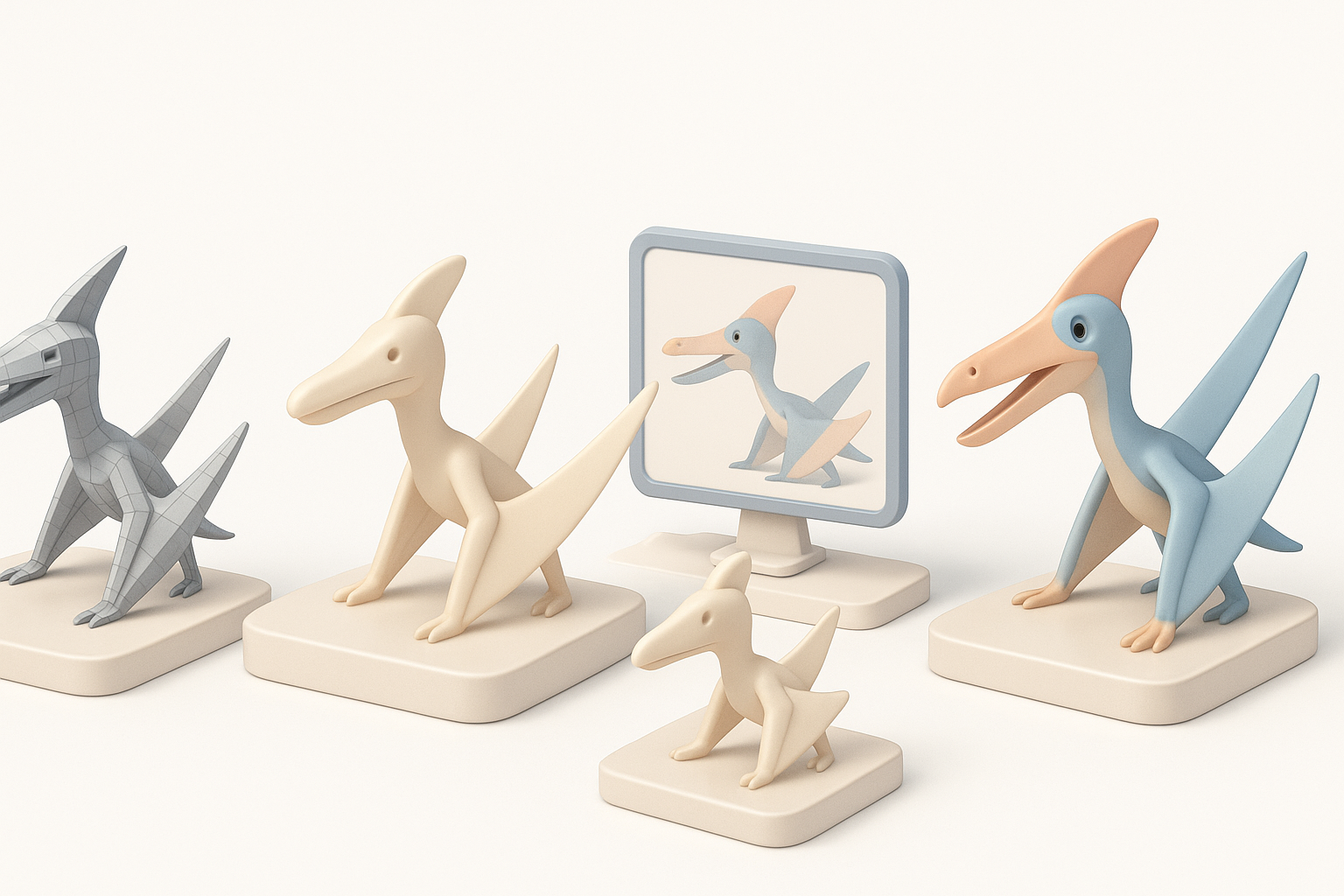
AI-powered tools like Tripo have transformed my workflow, especially for blocking out complex organic shapes. With text or image prompts, I can generate a solid base mesh in seconds, letting me focus more on refinement and less on repetitive manual tasks.
Benefits I notice:
- Fast base mesh generation from references or sketches
- Built-in segmentation for easier detailing
- Direct export to common formats for immediate iteration
Comparing traditional and AI-assisted workflows
In traditional workflows, sculpting and retopology can eat up hours. AI-assisted platforms automate these steps without sacrificing quality, especially when paired with manual touch-ups. I still use sculpting software for fine detailing, but starting with an AI-generated mesh gives me a huge head start.
My approach:
- Use AI for initial mesh and segmentation
- Refine and detail in sculpting tools
- Retopologize and UV in-platform or with external tools if needed
Step-by-Step: My Tropeognathus 3D Modeling Process
Blocking out the base mesh
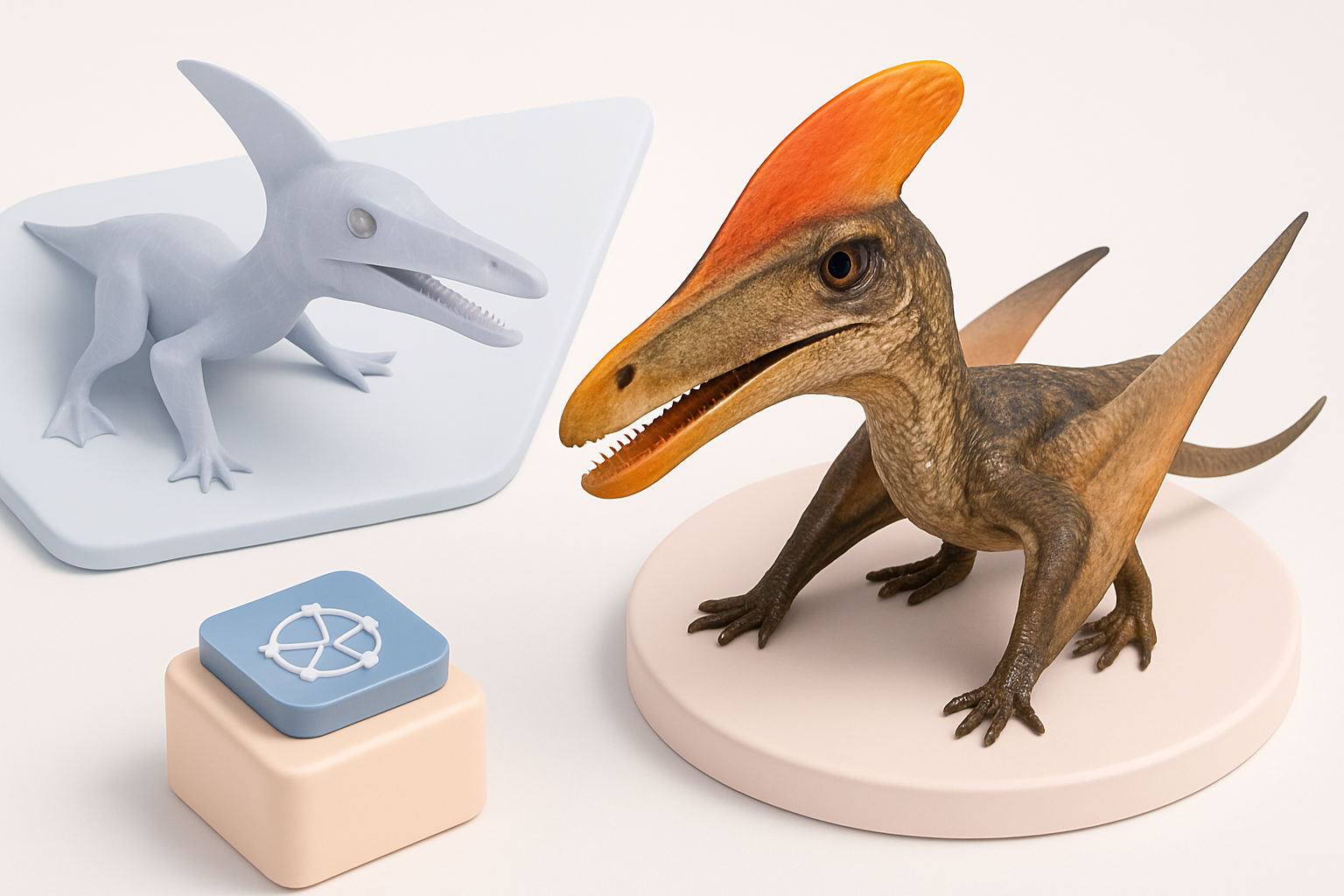
I usually start with a text prompt or annotated sketch in Tripo to generate the initial mesh. This gives me a proportional starting point, with basic segmentation for body, wings, and head.
Steps:
- Input reference images or descriptive text.
- Review the auto-generated mesh and make quick adjustments.
- Export to my sculpting software for further refinement.
Refining details and proportions
After blocking in the main forms, I focus on anatomical accuracy—adjusting the crest, jaw shape, and wing structure. I use digital sculpting brushes to define muscle groups and add subtle asymmetry for realism.
What I’ve found works:
- Constantly reference anatomical diagrams while sculpting.
- Use symmetry tools initially, then break symmetry for a natural look.
- Zoom in on the mouth and wing membrane for extra detail.
Texturing and Detailing for Realism
Approaches to realistic skin and wing textures
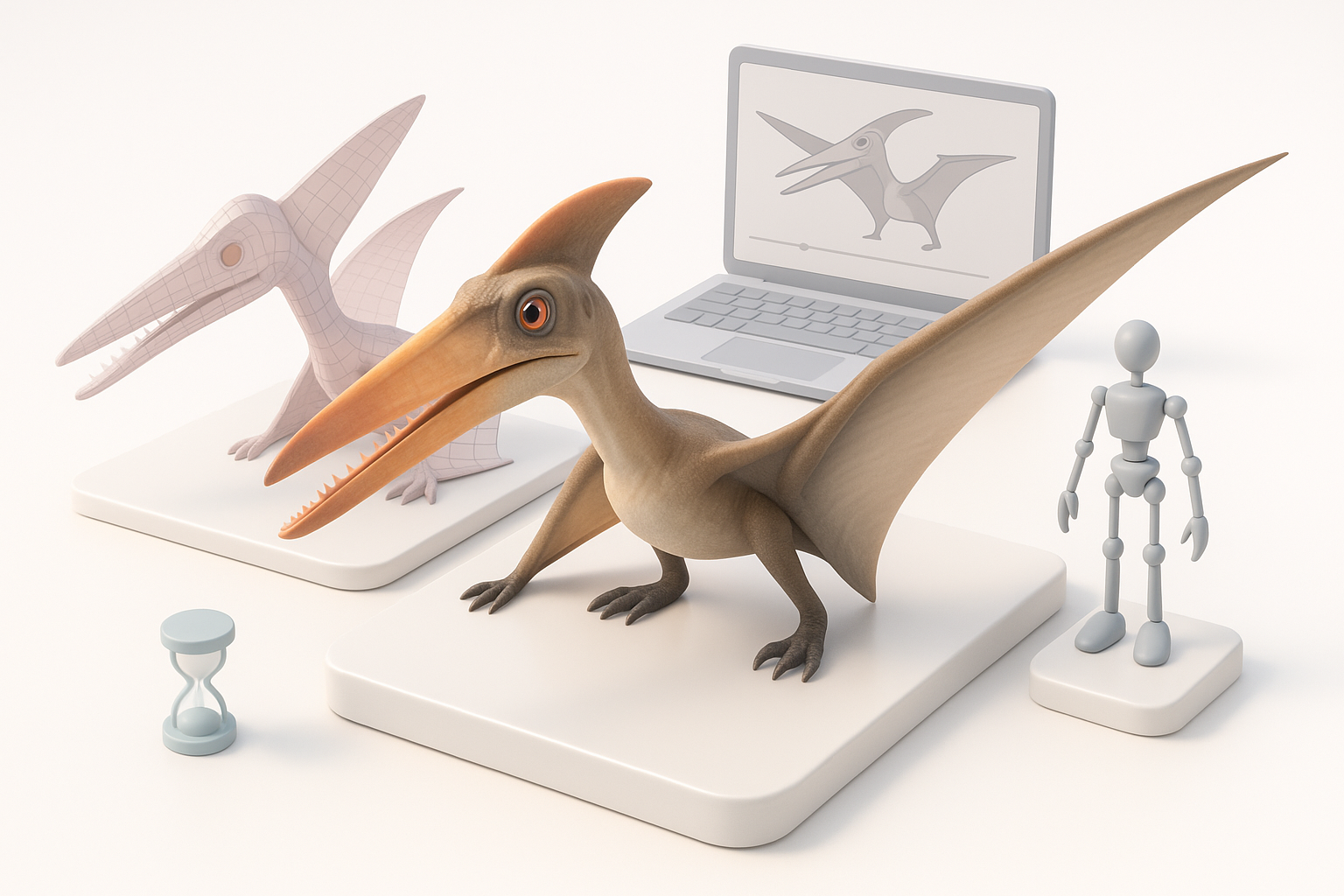
For Tropeognathus, realistic skin and wing textures are essential. I start with high-res scans or photo textures of reptilian and avian skin, blending them for a believable surface. For wings, I layer subtle veins and translucency effects.
My process:
- Bake normal and displacement maps for fine detail.
- Use hand-painting for color variation and wear.
- Add subsurface scattering to thin wing areas.
Best practices for UV mapping and materials
Clean UVs are crucial for seamless texturing. I use auto-unwrap features, then manually tweak seams to minimize stretching on visible areas like the head and wings.
Tips:
- Pack UVs efficiently to maximize texture resolution.
- Test materials under different lighting setups.
- Use PBR materials for realistic shading in game or XR engines.
Retopology, Rigging, and Animation Essentials
Efficient retopology for animation
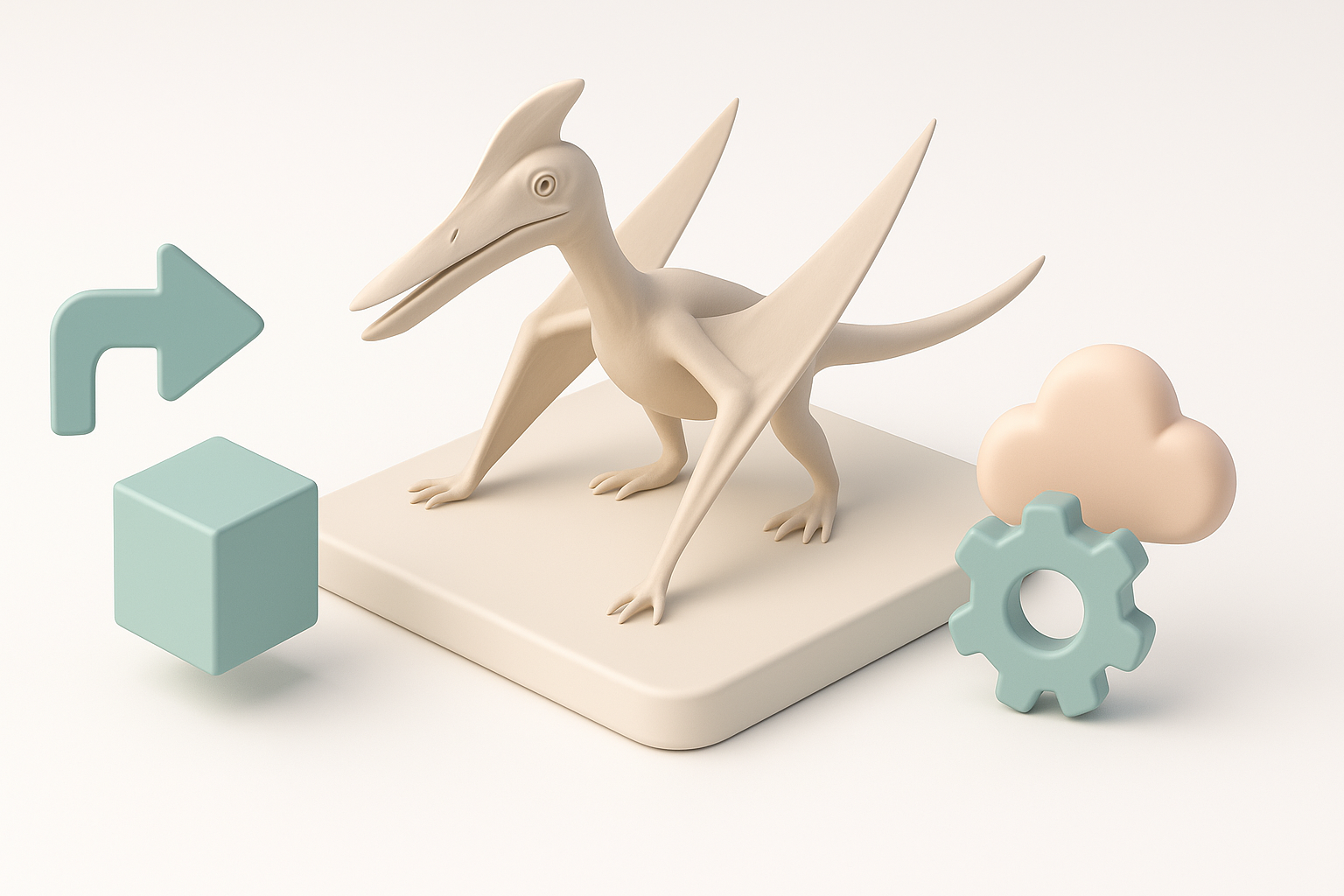
A clean, low-poly mesh with good edge flow is key for animation. I use auto-retopology tools in Tripo, then manually adjust loops around joints and wings to prevent deformation.
Checklist:
- Place edge loops at joints (shoulders, jaw, wing fingers).
- Keep polycount suitable for your target platform.
- Test deformations early with simple rigging.
Setting up basic rigs and posing
For rigging, I use built-in skeleton generation, then fine-tune the weights for smooth posing. For a Tropeognathus, I pay extra attention to wing folding and jaw opening.
What I do:
- Set up IK chains for limbs and wings.
- Test extreme poses to catch weight issues.
- Save base poses for animation cycles or portfolio renders.
Exporting, Optimizing, and Sharing Your Model
Preparing models for games, XR, or film
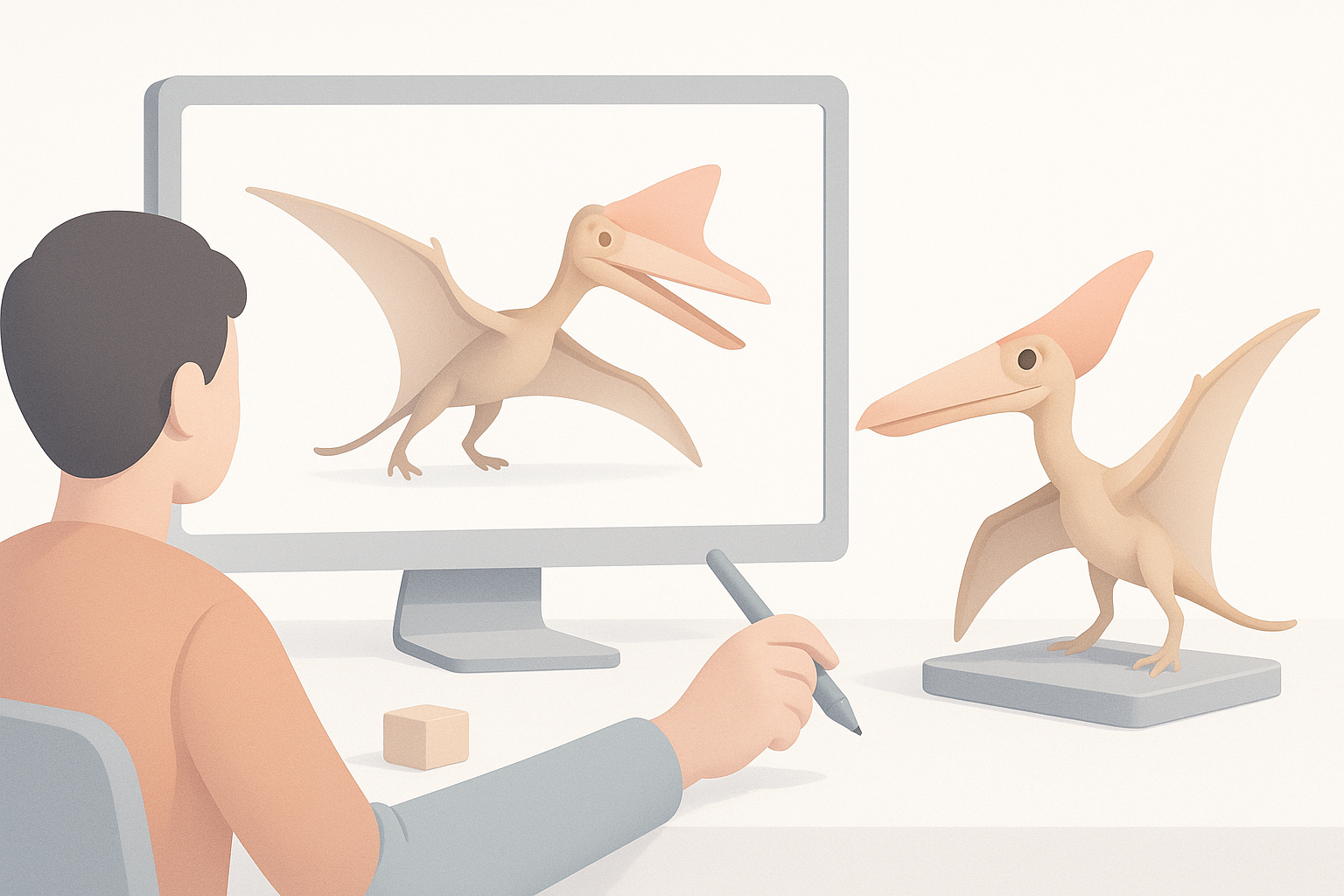
I tailor exports based on the final use—optimizing polycount for games, baking all maps for XR, or exporting high-res meshes for film. Tripo’s export options make this straightforward.
Steps:
- Choose the right file format (FBX, GLB, etc.).
- Bake and pack textures efficiently.
- Test import in the target engine before final delivery.
Tips for showcasing and portfolio presentation
Presentation matters. I render the model in a neutral environment, using three-point lighting and simple backgrounds. Adding a turntable animation or wireframe overlay helps showcase the topology and detail.
My checklist:
- Render from multiple angles, including close-ups.
- Annotate key features or anatomical points.
- Include breakdowns (sculpt, wireframe, texture maps) in your portfolio.
Lessons Learned and Expert Tips
Common pitfalls and how I avoid them
Some common mistakes I’ve made (and now avoid) include over-relying on auto-generated details, skipping reference checks, and neglecting UVs until too late. I always review anatomical accuracy and test deformations before finalizing.
Pitfall avoidance:
- Double-check references at every stage.
- Don’t skip manual tweaks after AI steps.
- Test animations early to catch mesh issues.
My favorite shortcuts and workflow enhancements
Speed comes from smart tool use and batching repetitive tasks. I set up custom hotkeys for common actions and use batch export features for texture maps. Leveraging AI for repetitive sculpting and retopology frees me up for creative detailing.
My go-tos:
- Use AI platforms for base mesh and segmentation.
- Automate repetitive exports and map bakes.
- Keep a versioned file workflow for easy rollback.
By combining deep anatomical research, AI-assisted modeling, and careful manual refinement, I consistently deliver realistic and production-ready Tropeognathus models—ready for games, XR, or film.