Creating and Using Street Fighter 6 3D Models: Expert Workflow
Creating Street Fighter 6-style 3D models requires a blend of artistic vision, technical skill, and the right workflow. Over years of hands-on experience, I’ve refined a process that balances speed, fidelity, and production-readiness—whether you’re working for games, XR, or cinematic projects. This guide covers my end-to-end workflow, from concepting to optimization, with practical tips for leveraging AI-powered platforms like Tripo alongside traditional techniques. If you’re aiming for high-quality, stylized character models that fit modern pipelines, this article is for you.
Key takeaways
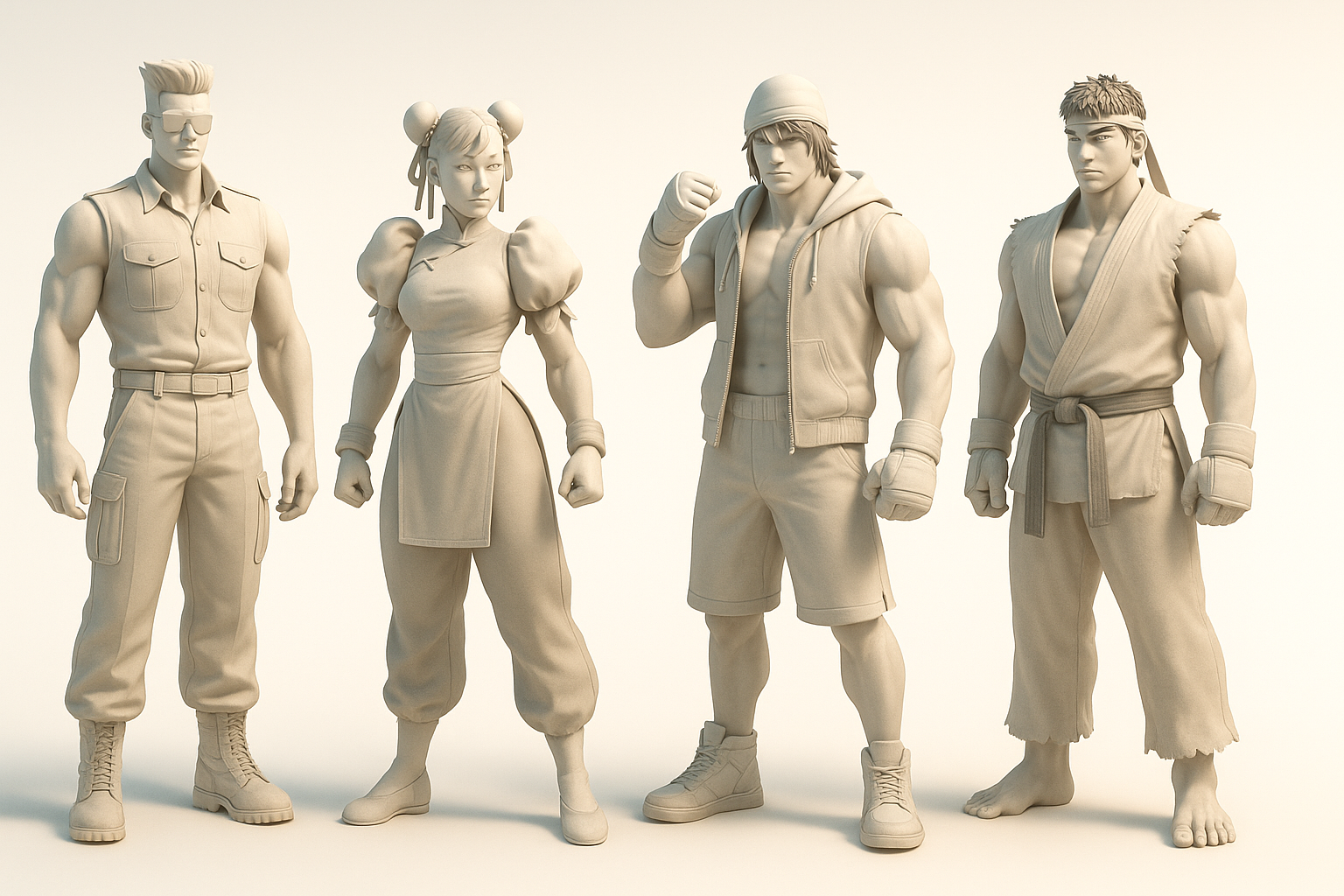
- Reference and concept work are critical for capturing Street Fighter 6’s unique style.
- Efficient modeling and texturing techniques save time and reduce rework.
- AI-powered tools like Tripo can accelerate asset creation without sacrificing quality.
- Proper retopology and export settings are essential for game/XR integration.
- Avoiding common pitfalls ensures models are production-ready from the start.
Overview of Street Fighter 6 3D Models
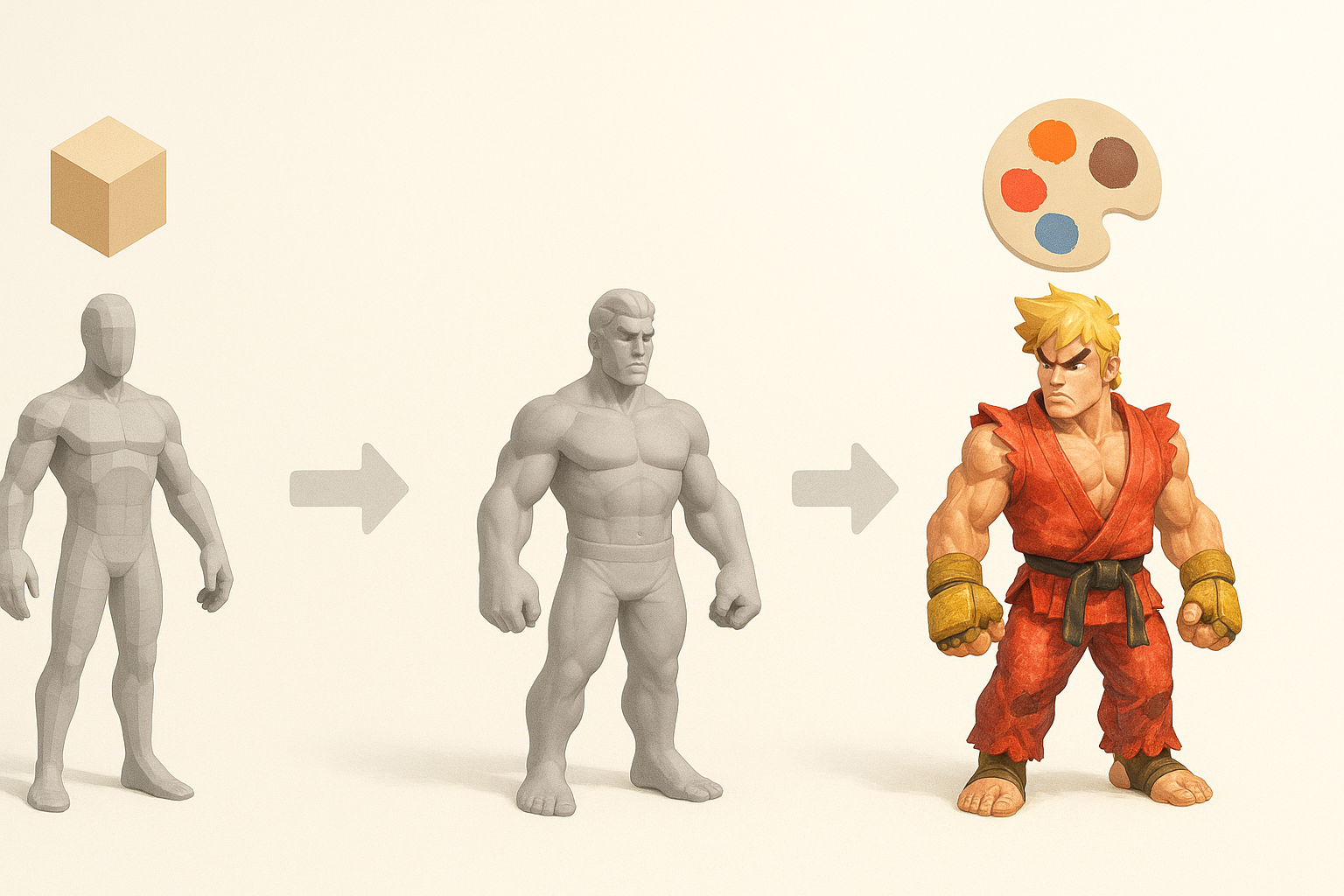
Key features and visual style
Street Fighter 6 models stand out with bold proportions, exaggerated anatomy, and highly stylized textures. The visual style blends realism with comic-like flair—muscles are defined, faces expressive, and costumes detailed with layered materials. I always study official art and in-game screenshots to internalize these traits before starting any project.
Common use cases in games and media
These models aren’t just for fighting games. I’ve used similar assets for XR experiences, cinematics, and even marketing materials. Their iconic look draws attention, but it also means models must be optimized for real-time performance and flexible enough for animation or AR/VR integration.
My Workflow for Creating Street Fighter 6-Style 3D Models
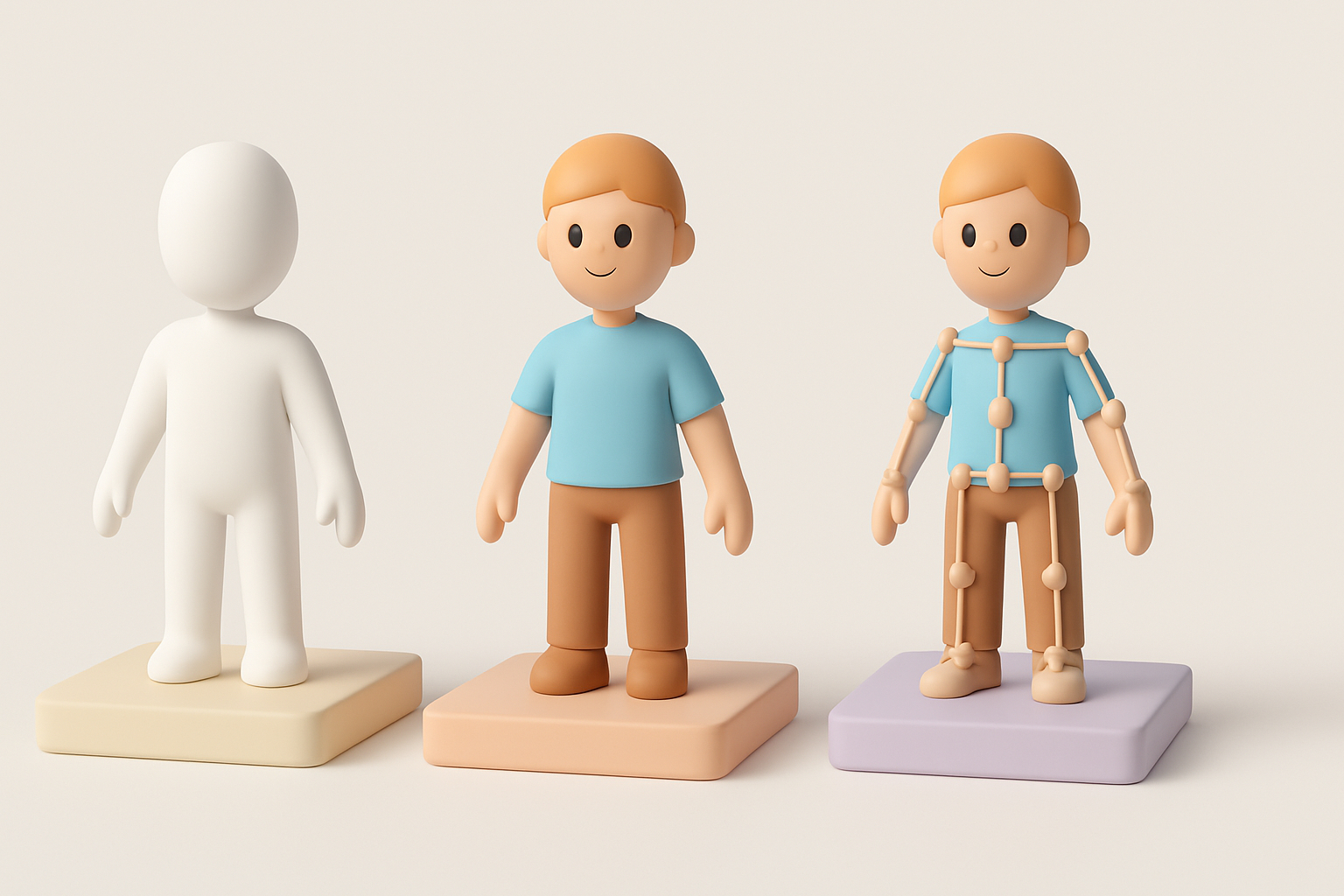
Concepting and reference gathering
I start every project by collecting references—official character sheets, gameplay captures, and fan art. For complex costumes or poses, I sketch variations or use 3D blockouts to nail the silhouette. A focused reference board helps maintain consistency and avoid “style drift.”
Checklist:
- Gather high-res character images from multiple angles.
- Note key color palettes and material types.
- Identify any unique features (tattoos, accessories, effects).
Choosing the right tools and platforms
For modeling, I use a combination of traditional DCC software and AI-driven platforms like Tripo. The choice depends on the deadline and asset complexity. Tripo is especially useful for quickly generating base meshes or textured variants, which I then refine in my primary 3D toolset.
Tip:
Mixing AI-generated outputs with manual sculpting often yields the best results—AI for speed, manual tweaks for style accuracy.
Step-by-Step Guide: Modeling, Texturing, and Rigging
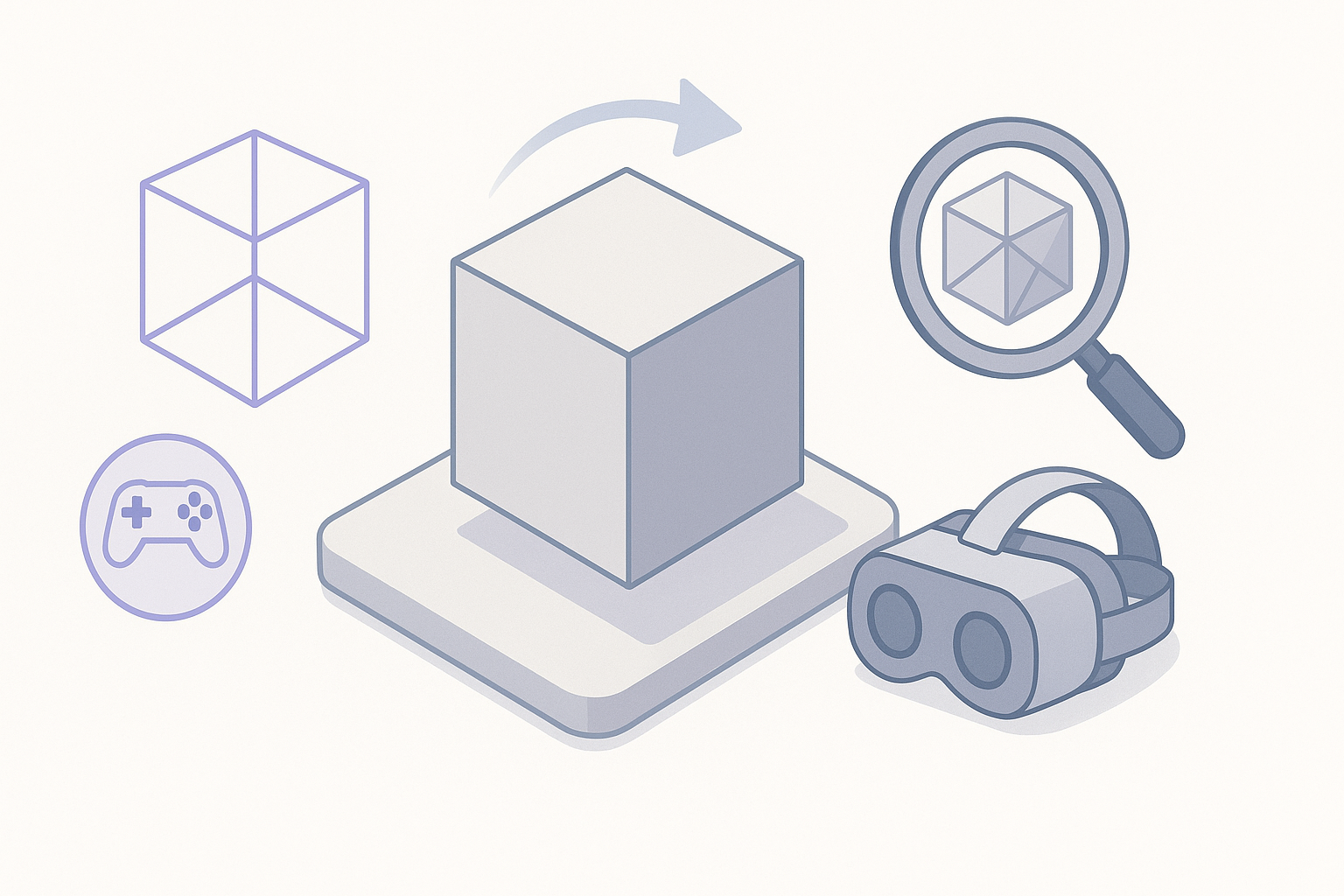
Efficient modeling techniques for character accuracy
I block out the main forms using simple geometry, focusing on silhouette and proportion. Once satisfied, I sculpt secondary details—muscle definition, facial features, and costume elements. For Street Fighter 6, exaggeration is key: don’t be afraid to push anatomy or pose for dramatic effect.
Steps:
- Start with a low-poly base mesh.
- Sculpt primary and secondary forms.
- Use symmetry for efficiency, then break it for realism.
Texturing and material best practices
Texturing brings the model to life. I bake normal and ambient occlusion maps early, then hand-paint or use smart materials for stylized effects. Layering is crucial—skin, fabric, metal, and effects each get their own pass. Tripo’s intelligent texturing tools can speed up this process, especially for complex materials.
Pitfalls:
- Avoid over-reliance on photo textures; hand-painting ensures style consistency.
- Check maps in both neutral and in-game lighting.
Optimizing 3D Models for Games and XR
Retopology and polygon management
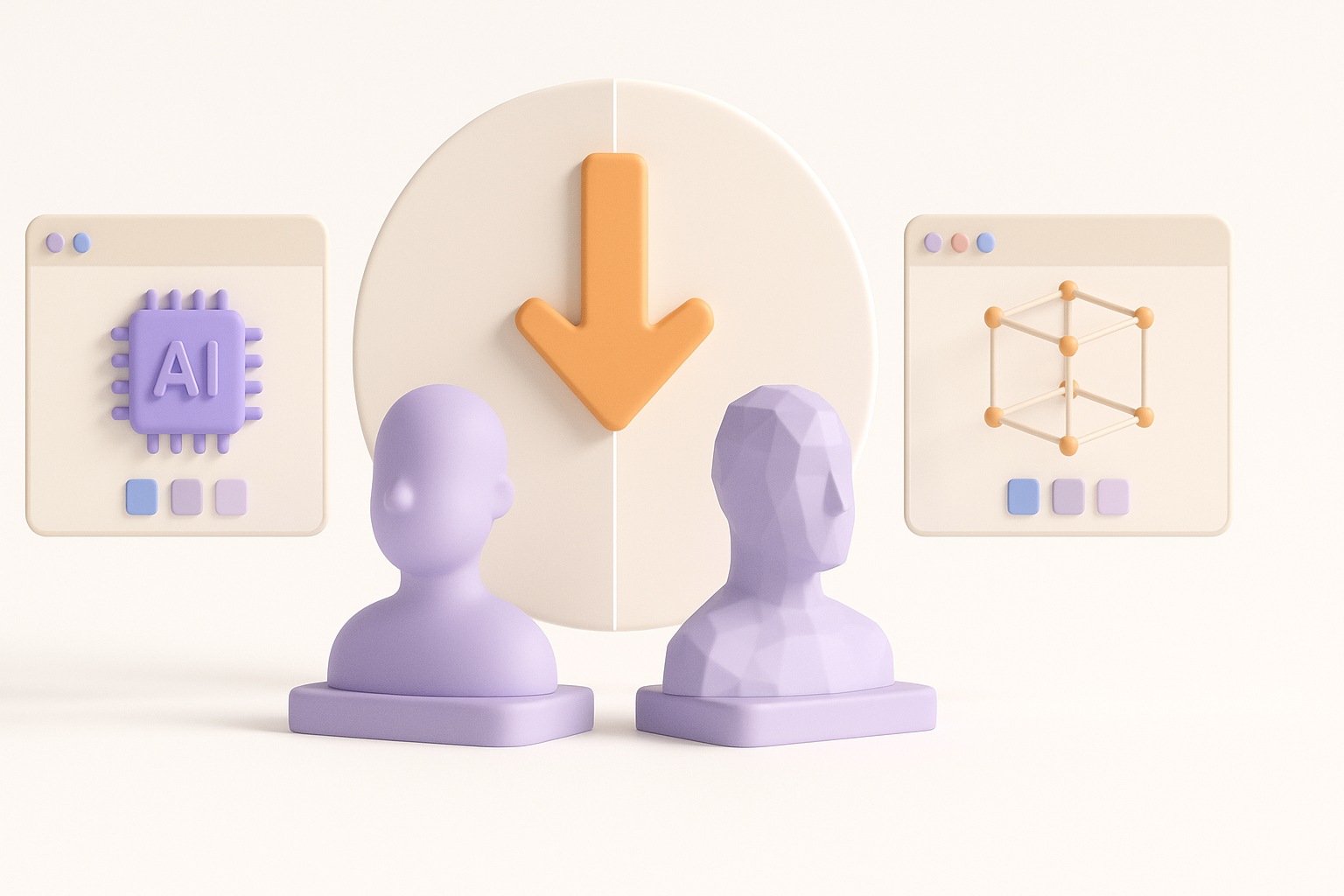
Clean topology is essential for animation and real-time performance. I retopologize after sculpting, targeting a polygon count appropriate for the platform (usually 10–30k for characters). Automated tools can help, but I always review edge flow around joints and facial features.
Mini-checklist:
- Edge loops around elbows, knees, and mouth.
- Even quad distribution.
- Remove hidden geometry.
Exporting and integration tips
I export models in the required format (FBX or GLTF for most engines). Before export, I freeze transforms, apply scale, and check texture packing. Tripo’s export presets can simplify this, especially for XR or AR platforms.
Tips:
- Test imports in the target engine early.
- Include a basic rig and test deformations.
- Keep naming conventions clean for pipeline compatibility.
Comparing AI-Powered and Traditional 3D Workflows

Speed and quality differences
AI-powered platforms like Tripo can generate base meshes, textures, and even rigs in minutes—what used to take days. In my experience, this is invaluable for rapid prototyping or when deadlines are tight. However, manual refinement is still necessary to match specific art styles or ensure technical compliance.
When to use AI-driven platforms
I turn to AI tools for:
- Quick iterations during concepting.
- Generating variants for A/B testing.
- Filling out background assets or NPCs.
For hero characters or highly stylized assets, I use AI as a starting point and finish with traditional sculpting and texturing.
Best Practices and Lessons Learned
What I do to ensure production-readiness
- Validate scale and proportions early.
- Use consistent naming and layer structures.
- Test rigs and deformations in-engine.
- Document all material and texture settings for handoff.
Common pitfalls and how to avoid them
- Pitfall: Overlooking topology around joints.
- Solution: Always test animation deformations.
- Pitfall: Ignoring engine-specific requirements.
- Solution: Export and test in the target engine throughout the process.
- Pitfall: Over-detailing at the sculpt stage.
- Solution: Focus on silhouette and primary forms first; details can be added with normal maps.
By combining AI-powered tools with proven manual techniques, I consistently deliver Street Fighter 6-style 3D models that are both visually striking and technically robust. The key is to leverage each tool’s strengths, stay organized, and always test in context.