Creating Sea of Thieves 3D Models: My Workflow & Tips
Creating production-ready 3D models for a stylized game like Sea of Thieves is both a creative and technical challenge. Over the years, I’ve honed a workflow that blends manual artistry with AI-powered tools, letting me deliver game-ready assets quickly without sacrificing quality. In this article, I’ll walk through my process—from concepting and reference gathering to using AI for rapid asset creation, and finally, importing optimized models into the game environment. Whether you’re a solo artist, part of a studio, or new to stylized 3D modeling, you’ll find actionable tips and lessons to streamline your pipeline.
Key takeaways:
- Stylized 3D models for Sea of Thieves require a balance of hand-crafted detail and technical optimization.
- Leveraging AI tools like Tripo can dramatically speed up modeling and texturing without losing creative control.
- Reference gathering and concepting up front save time and headaches later.
- Export settings, polycount, and texture guidelines are crucial for in-game performance.
- Testing and iterating in the game engine is essential—expect to troubleshoot.
- Knowing when to use manual vs. AI-assisted workflows improves efficiency and final quality.
Overview: 3D Modeling for Sea of Thieves
What Makes Sea of Thieves Models Unique
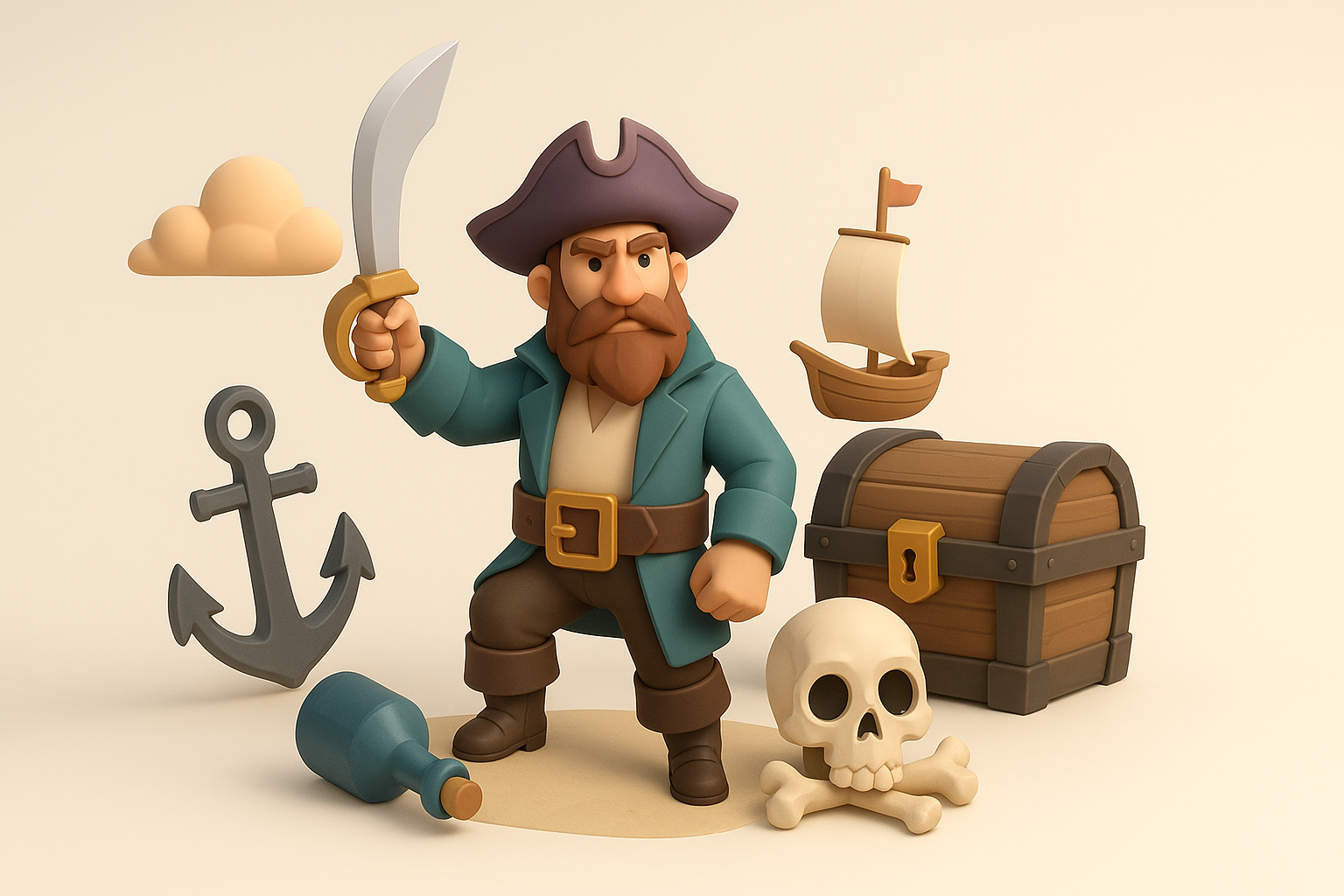
Sea of Thieves stands out for its painterly, exaggerated style—think chunky silhouettes, vibrant colors, and hand-painted textures. Models must fit seamlessly into this world, which means focusing on bold forms and avoiding photorealistic detail. In my experience, nailing that “Sea of Thieves look” is about exaggerating proportions, simplifying shapes, and keeping surface detail intentional.
Key Art Styles and Technical Requirements
The technical side is just as important. Models must be optimized for real-time performance, with low to mid polycounts and efficient UV layouts. Textures are usually hand-painted, often in the 512–2048 px range. I always check the game’s shader and material requirements—Sea of Thieves favors stylized normals, subtle gradients, and minimal PBR effects.
Checklist:
- Exaggerated, stylized proportions
- Clean, low-to-mid poly topology
- Hand-painted or stylized textures
- Consistent scale and orientation
- Optimized UVs, minimal seams
My Step-by-Step Workflow for Sea of Thieves 3D Models
Concepting and Reference Gathering
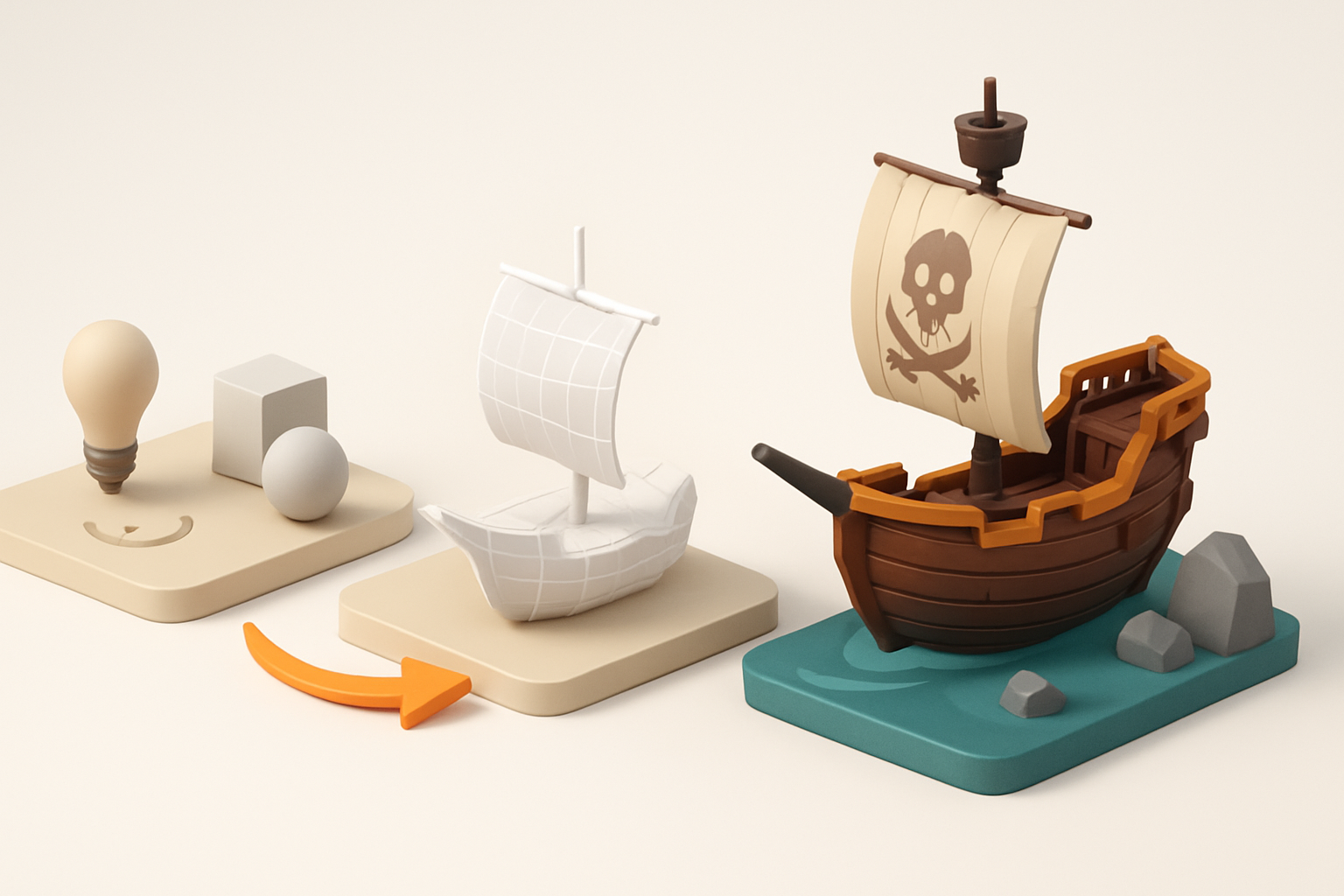
Every successful model starts with strong references. I gather official Sea of Thieves art, in-game screenshots, and concept sketches. Sometimes, I sketch my own concepts to clarify the silhouette or key details.
My steps:
- Collect references: official art, fan art, in-game captures.
- Sketch or block out the main forms.
- Identify the most important shapes and details.
Tip: Don’t skip this step. The better your reference, the smoother the rest of the process.
Modeling, Retopology, and Texturing Techniques
I usually block out the model in a DCC tool, focusing on the silhouette and proportions first. For Sea of Thieves, I keep geometry simple and avoid unnecessary loops. Once the blockout is solid, I retopologize for clean, game-ready topology.
Texturing is mostly hand-painted. I use stylized brushes and avoid photo textures. When using AI tools, I let them handle base textures and then paint over for polish.
My workflow:
- Blockout → Retopology → UV unwrap
- Bake normals/ambient occlusion if needed
- Hand-paint or AI-generate base textures, then refine manually
Pitfall: Over-detailing at the modeling stage wastes time—save detail for textures.
Using AI Tools for Fast, Production-Ready Models
How I Integrate AI Platforms into My Pipeline
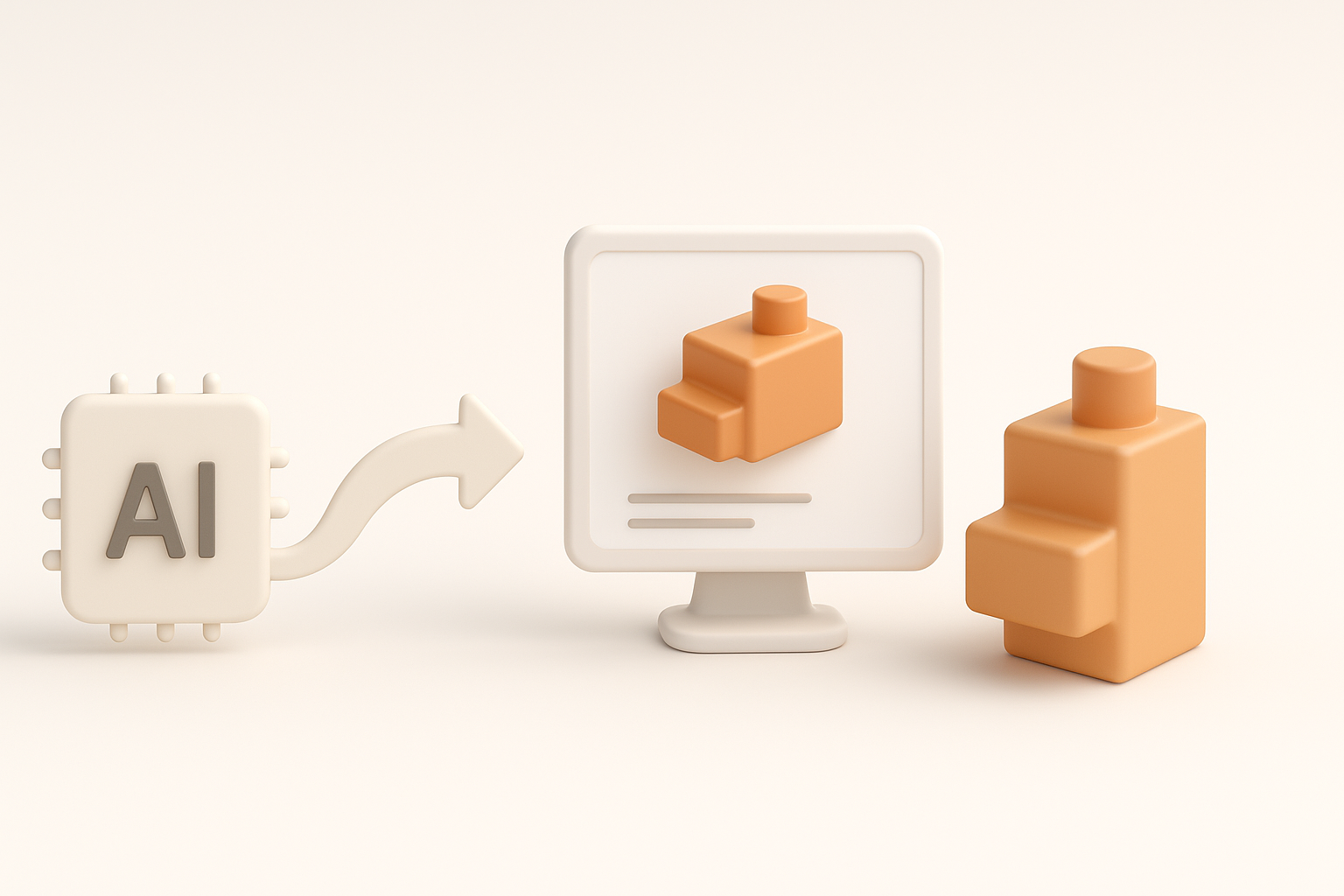
AI platforms like Tripo have become essential for speeding up repetitive or complex tasks. I use Tripo to generate base meshes from sketches or reference images, and for quick retopology and texturing.
How I use AI:
- Generate a base mesh from a sketch or photo
- Use AI segmentation to separate model parts
- Auto-retopology for clean, game-ready geometry
- Generate stylized base textures, then tweak manually
This lets me focus on creative tweaks and final polish, rather than repetitive technical steps.
Best Practices for Efficient Asset Creation
The key is to treat AI output as a starting point, not the final product. I always review and adjust geometry, UVs, and textures after AI processing.
Best practices:
- Provide clear, high-quality input (sketches, references)
- Always check and clean up AI-generated geometry
- Hand-paint details to match the Sea of Thieves style
- Test assets in the target engine early and often
Pitfall: Relying entirely on AI can result in off-style or technically flawed assets.
Exporting, Optimizing, and Importing Models into Sea of Thieves
File Formats, Polycount, and Texture Guidelines
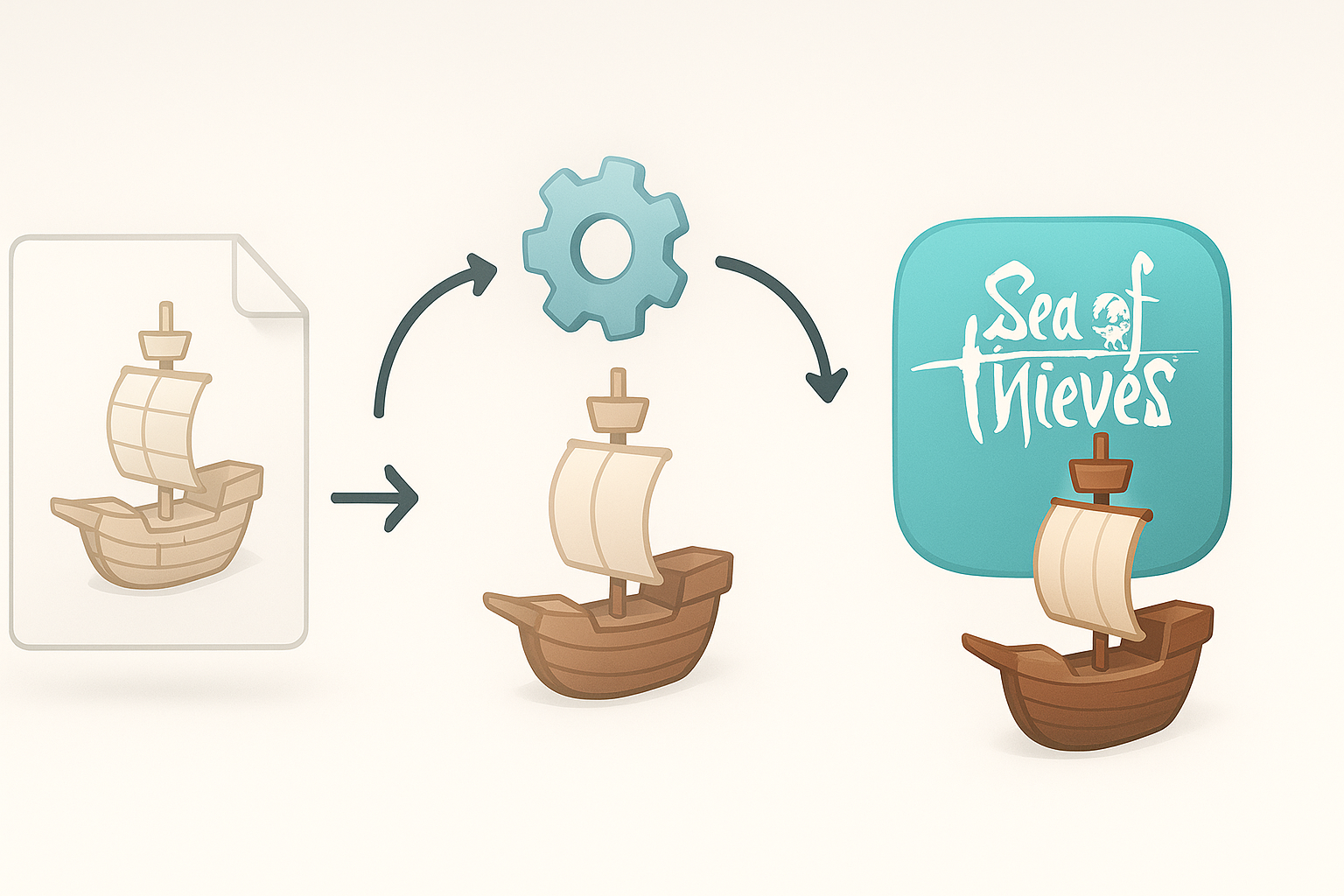
For Sea of Thieves, I export models as FBX or OBJ, with textures in PNG or TGA. I keep polycounts within the game’s guidelines—usually under 10k for props, lower for smaller items. Textures are optimized for size and clarity.
Checklist:
- Export as FBX/OBJ with correct scale
- Polycount: under 10k for props, less for small assets
- Texture size: 512–2048 px, PNG/TGA format
- Tightly packed, non-overlapping UVs
Testing and Troubleshooting in the Game Environment
After importing, I always test the model in the game engine. I look for shading errors, scale mismatches, and texture issues. Iteration is normal—expect to tweak and re-export.
Tips:
- Check model orientation and pivot points
- Test animations if applicable
- Look for lighting and shading artifacts
- Fix and re-import as needed
Pitfall: Skipping in-engine testing leads to surprises later—always verify in context.
Comparing Manual and AI-Assisted Workflows

Pros and Cons from My Experience
Manual workflows offer full creative control but are time-consuming, especially for retopology and base texturing. AI-assisted workflows (with tools like Tripo) are much faster, especially for repetitive or technical steps, but sometimes require more cleanup to match the stylized look.
Manual:
- Pros: Total control, perfect for hero assets
- Cons: Slow, repetitive tasks can bottleneck
AI-assisted:
- Pros: Rapid iteration, great for base meshes and bulk assets
- Cons: Needs manual polish, occasional style mismatches
When to Choose Each Approach
I use manual methods for key assets and when precise style is critical. For background props or when time is tight, I rely on AI-assisted workflows, always finishing with a manual pass for polish.
Guidelines:
- Manual for hero assets or unique pieces
- AI-assisted for bulk or repetitive assets
- Always review and refine AI output
Tips, Lessons Learned, and Common Pitfalls
What I Wish I Knew Starting Out
When I started, I underestimated the value of reference and overcomplicated my models. Now, I keep forms simple and let textures do the heavy lifting. I also wish I’d learned to integrate AI tools sooner—they save a ton of time.
Advice:
- Invest time in reference and planning
- Don’t over-model—stylized games reward simplicity
- Learn your AI tools’ strengths and limitations
Avoiding Common Mistakes in Stylized Game Modeling
The most common mistakes I see:
- Overly complex geometry
- Inconsistent art style
- Ignoring optimization and UV layout
- Not testing in-engine early
Checklist for success:
- Keep it simple and stylized
- Optimize for performance from the start
- Use AI tools as helpers, not replacements
- Always test assets in the target environment
By blending manual artistry with AI-powered tools, I’ve been able to produce Sea of Thieves-style models that are both visually striking and technically sound. With careful planning, smart use of technology, and a focus on the essentials, anyone can streamline their 3D asset workflow for stylized games.