Creating Jujutsu Kaisen Cursed Clash 3D Models: Workflow & Tips
скачать 3d модели для chicken gun
Creating production-ready 3D models inspired by Jujutsu Kaisen Cursed Clash demands a blend of anime artistry, technical precision, and smart use of AI tools. In my experience, the key is balancing stylized aesthetics with game-ready optimization, all while streamlining the workflow with intelligent platforms like Tripo AI. Whether you're an artist, game developer, or XR designer, this guide will walk you through my practical process—from reference gathering to engine integration—while sharing actionable tips and pitfalls to avoid.
Key takeaways
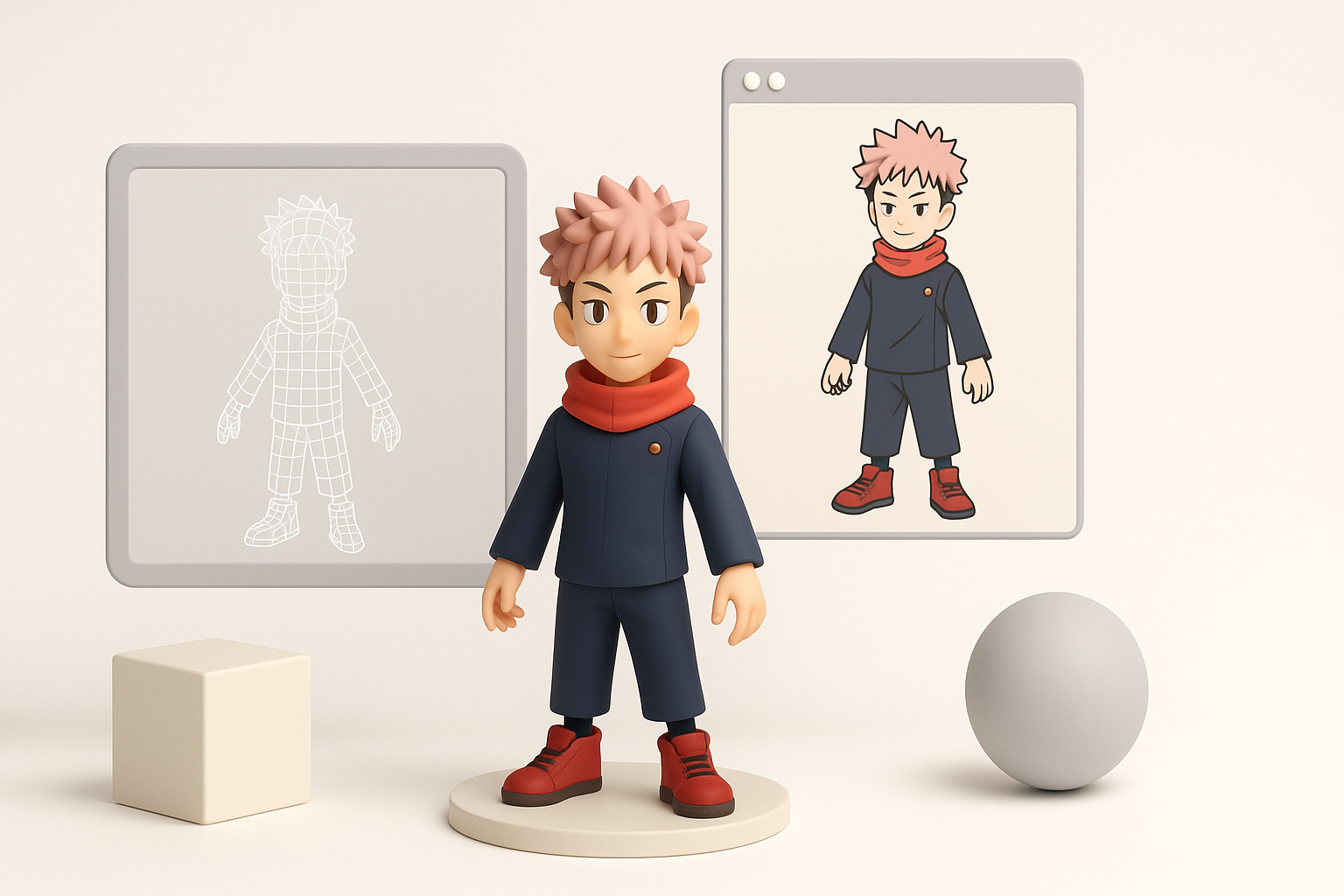
- Anime-style 3D modeling requires careful reference gathering and stylization.
- Efficient workflows combine manual artistry with AI-powered automation.
- Texturing and rigging are critical for expressive, game-ready characters.
- Retopology and polycount management are essential for performance.
- Always test models in your game engine early to catch issues.
- Tripo AI can accelerate segmentation, retopology, and texturing steps.
Overview of Jujutsu Kaisen Cursed Clash 3D Model Creation
What Makes Cursed Clash Models Unique
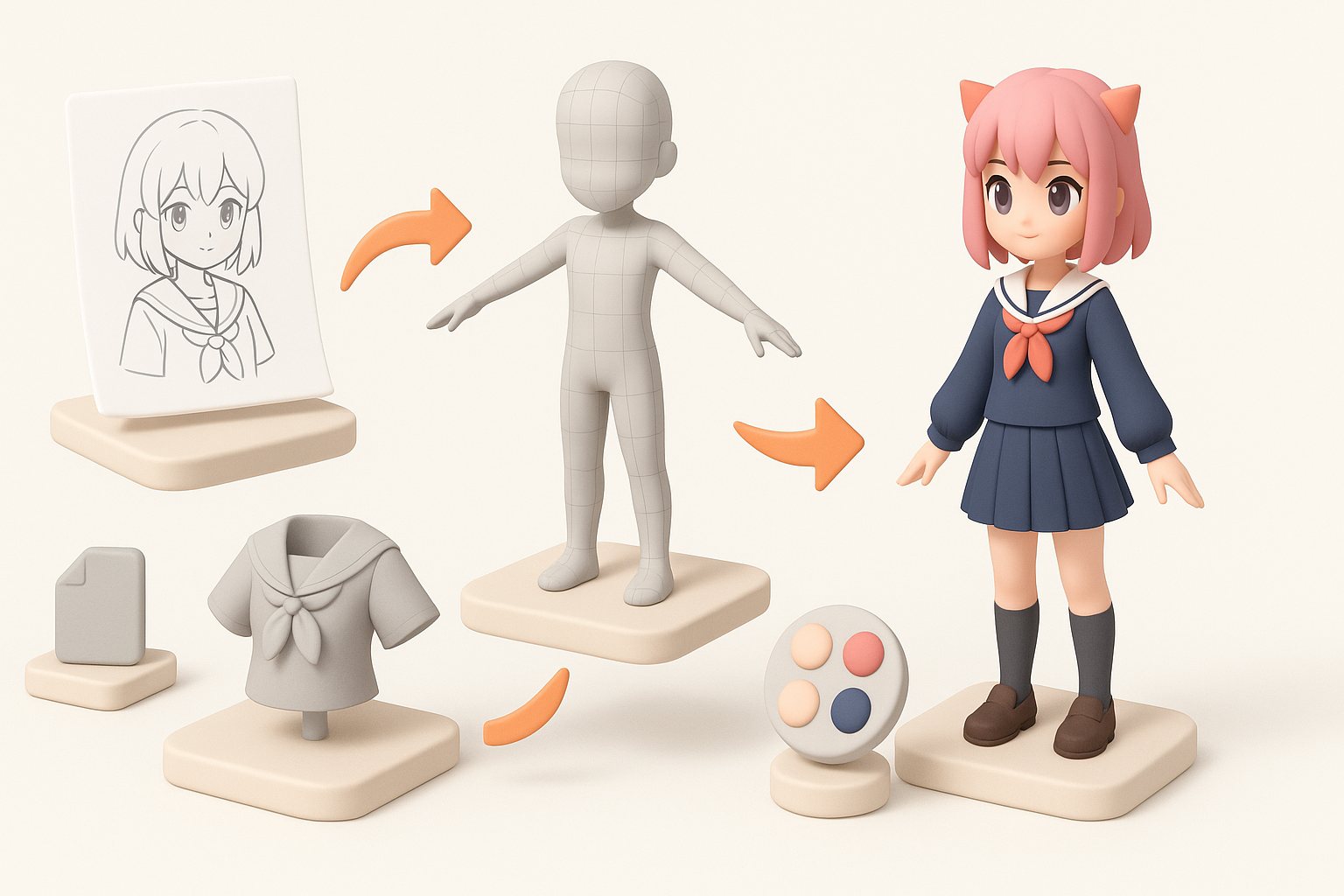
Jujutsu Kaisen Cursed Clash models stand out for their stylized anime look, exaggerated features, and dynamic poses. Unlike photorealistic assets, these require sharp silhouettes, expressive faces, and clean, bold textures. The challenge is maintaining the "2D anime feel" in a 3D environment, which means focusing on cel-shading, strong edge lines, and simplified geometry.
Key Challenges in Anime-Style 3D Modeling
Anime 3D modeling brings unique hurdles:
- Translating flat 2D designs into believable 3D forms without losing style.
- Managing facial rigging for exaggerated expressions.
- Creating textures that mimic hand-painted or cel-shaded looks.
In my workflow, I pay extra attention to edge flow and UV mapping, since poorly planned topology can ruin stylized shading and deformation.
Step-by-Step Workflow for Building Anime-Inspired 3D Characters
Gathering References and Planning
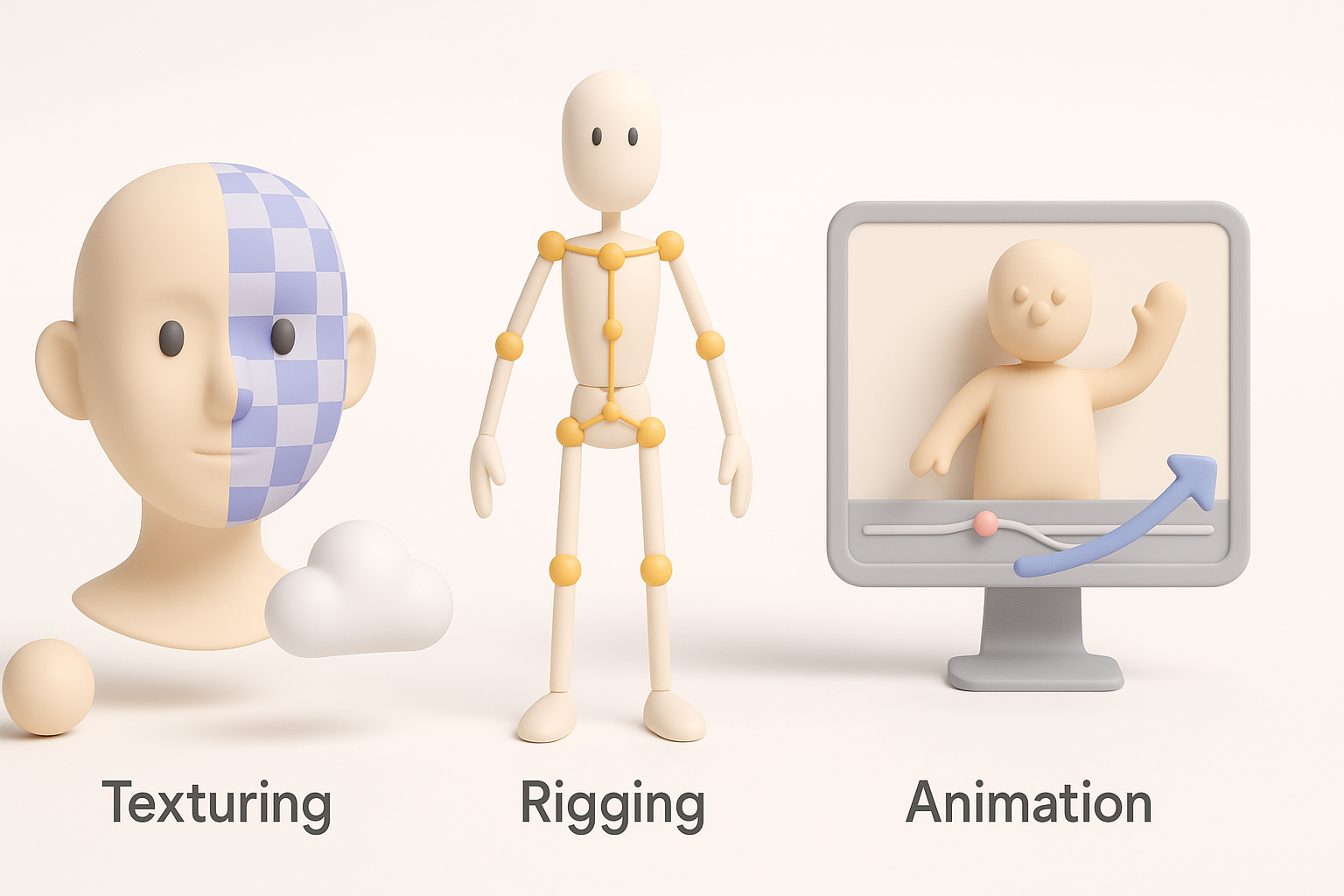
I start by collecting high-quality references—screenshots, concept art, and character sheets. For anime-style projects, I focus on:
- Front, side, and 3/4 views
- Color palettes and shading examples
- Signature poses and expressions
Checklist:
- Organize references in a mood board
- Identify key visual traits (hair shapes, clothing folds)
- Sketch rough turnarounds if official art is limited
Blocking Out the Base Mesh
Blocking is where I define proportions and silhouette. I usually:
- Use basic shapes (cubes, spheres) for head, torso, limbs
- Work in low-res to stay flexible
- Adjust for stylized exaggerations (big eyes, sharp jawlines)
Tripo AI speeds up segmentation and mesh generation, letting me iterate quickly. Once satisfied, I refine edge loops for animation-friendly topology.
Texturing, Rigging, and Animation Best Practices
Achieving Stylized Textures
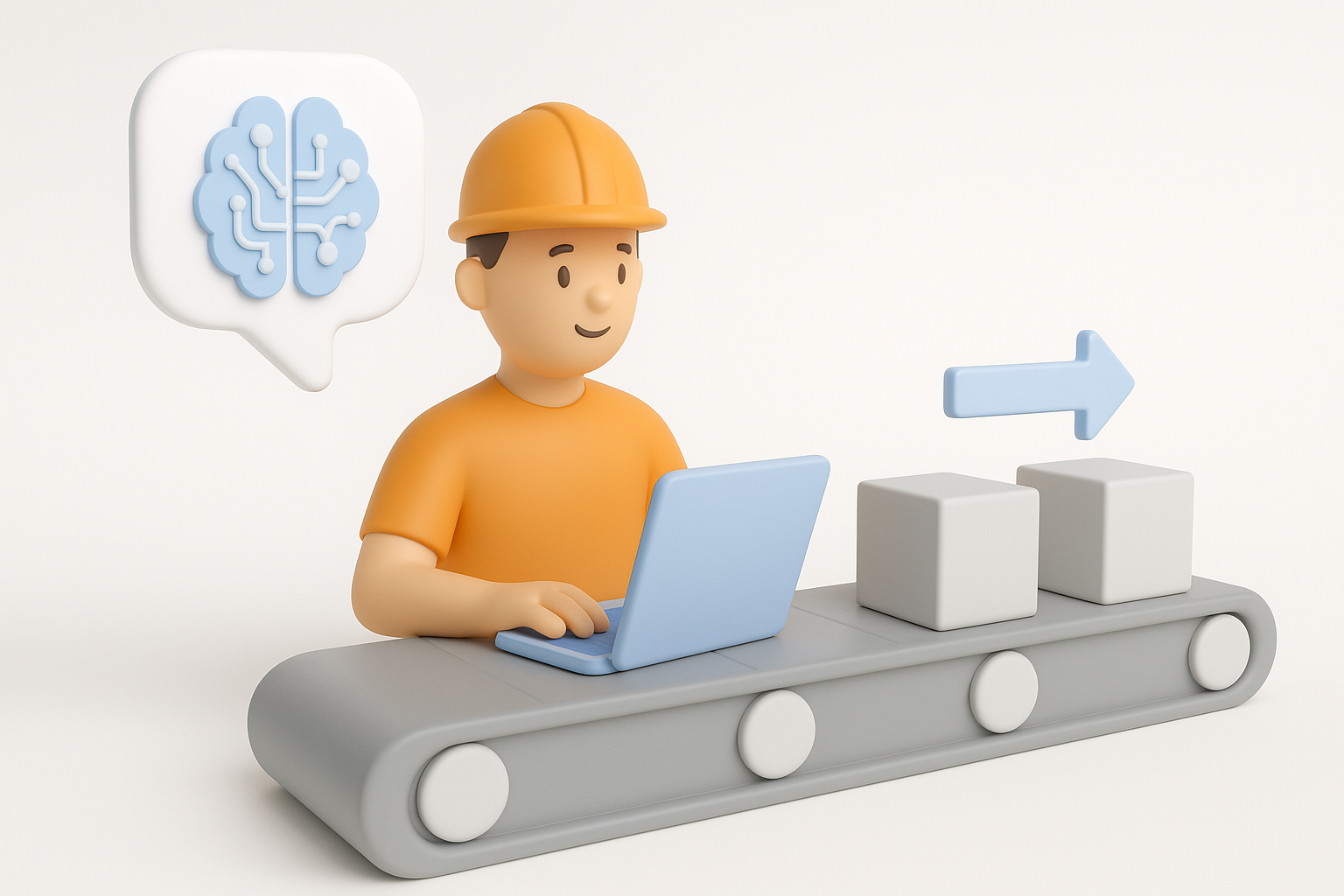
Anime textures require a mix of flat colors and subtle gradients. I prefer:
- Painting directly in 3D with layers for shadows/highlights
- Using smart UV layouts to avoid stretching
- Applying cel-shading shaders in-engine
Tripo AI’s auto-texturing tools can generate base layers, which I tweak for custom highlights and linework.
Tips:
- Keep color palettes tight and consistent
- Use hand-painted lines for facial features
Rigging for Expressive Anime Animation
Expressive rigging is crucial for anime characters. I focus on:
- Facial rigs with blendshapes for wide emotion range
- Flexible spine and neck controls for dynamic poses
- Clean weight painting to avoid mesh distortion
Tripo AI’s auto-rigging helps set up basic skeletons, which I refine for custom control rigs.
Pitfalls:
- Overcomplicating rigs can slow down animation
- Neglecting facial controls leads to stiff expressions
Using AI-Powered Tools for Faster Production

How I Integrate AI Platforms into My Pipeline
AI tools like Tripo AI streamline repetitive steps:
- Segmenting character parts from concept art or sketches
- Generating base meshes and textures
- Auto-retopology for clean, animation-ready geometry
I use AI for initial passes, then manually refine details to ensure style consistency.
Tips for Balancing Automation and Artistic Control
Automation is a time-saver, but I always:
- Review AI outputs for errors (e.g., mesh artifacts, texture seams)
- Customize materials and shaders for unique looks
- Use AI as a starting point—not a finished product
Checklist:
- Validate topology and UVs before moving to rigging
- Adjust AI-generated textures for personal touch
Exporting, Optimization, and Game Engine Integration
Retopology and Polycount Management
Optimizing for games means keeping polycounts reasonable. I:
- Run auto-retopology, then manually clean up edge loops
- Target 10–20k tris for main characters, depending on platform
- Bake normal maps for detail without extra geometry
Tripo AI’s retopology tools help maintain animation-friendly topology.
Tips:
- Check mesh density in joints and face
- Test deformations early
Importing Models into Popular Engines
I export models in FBX or GLTF formats, ensuring:
- Clean naming conventions
- Proper pivot placement
- All textures packed and linked
In engines like Unreal or Unity, I:
- Apply cel-shading shaders
- Test animations and materials
- Adjust lighting for anime-style highlights
Pitfalls:
- Forgetting to check scale leads to mismatched assets
- Skipping import tests can hide rigging errors
Lessons Learned and Common Pitfalls
What I Wish I Knew Starting Out
Early on, I underestimated the importance of stylized topology and UVs. Now, I always:
- Plan edge flows for animation and shading
- Test in-engine as soon as possible
Advice:
- Don’t rush reference gathering—style is everything
- Use AI tools to accelerate, not replace, your artistry
Troubleshooting Common Issues
Common problems include:
- Mesh artifacts from auto-retopology
- Texture seams or stretching
- Rigging errors causing facial distortion
Troubleshooting steps:
- Inspect mesh in wireframe mode
- Repaint UVs and textures as needed
- Adjust rig weights and controls
By combining smart planning, stylized artistry, and AI-powered workflows, I consistently deliver game-ready anime 3D models that capture the spirit of Jujutsu Kaisen Cursed Clash. With practice and the right tools, anyone can streamline their pipeline and focus on creativity.