How to Create and Use Free Fire 3D Models: Expert Workflow
Creating and utilizing Free Fire 3D models is now faster and more accessible than ever, thanks to AI-powered tools and streamlined workflows. In my experience, combining these innovations with solid traditional practices ensures high-quality, game-ready assets with minimal friction. This guide is for artists, game developers, and designers looking to generate, optimize, and share Free Fire-inspired models effectively. I’ll break down my expert workflow, highlight best practices, and point out common pitfalls to avoid.
Key takeaways
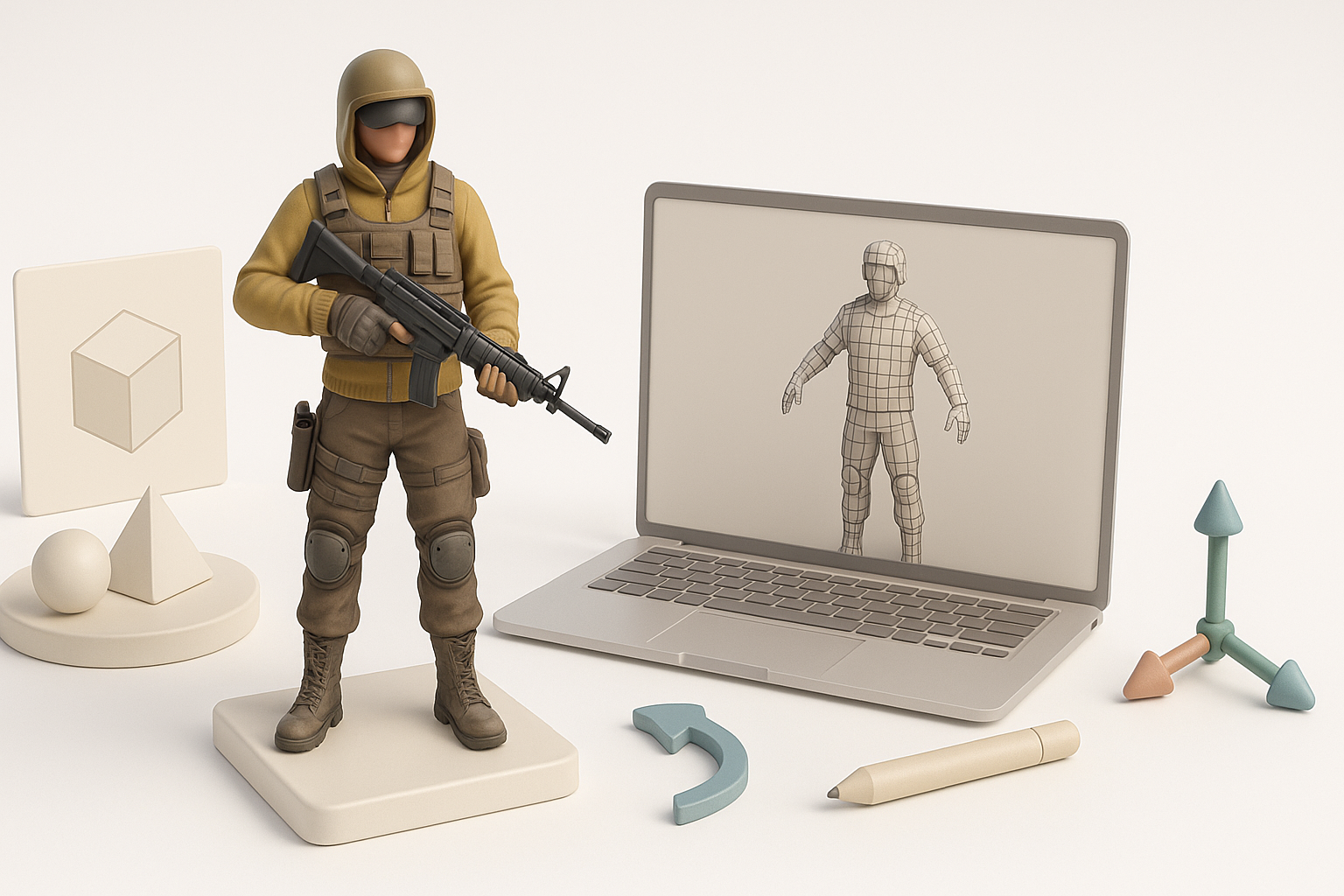
- AI tools can generate production-ready Free Fire 3D models in seconds, but refinement is still crucial.
- Intelligent segmentation, retopology, and automated texturing save significant time.
- Optimizing models for game engines requires attention to polycount, UVs, and rigging.
- Understanding licensing is essential when sharing or using third-party assets.
- Community platforms are great for sourcing and distributing Free Fire 3D models.
Understanding Free Fire 3D Models
What Makes a Free Fire 3D Model Unique
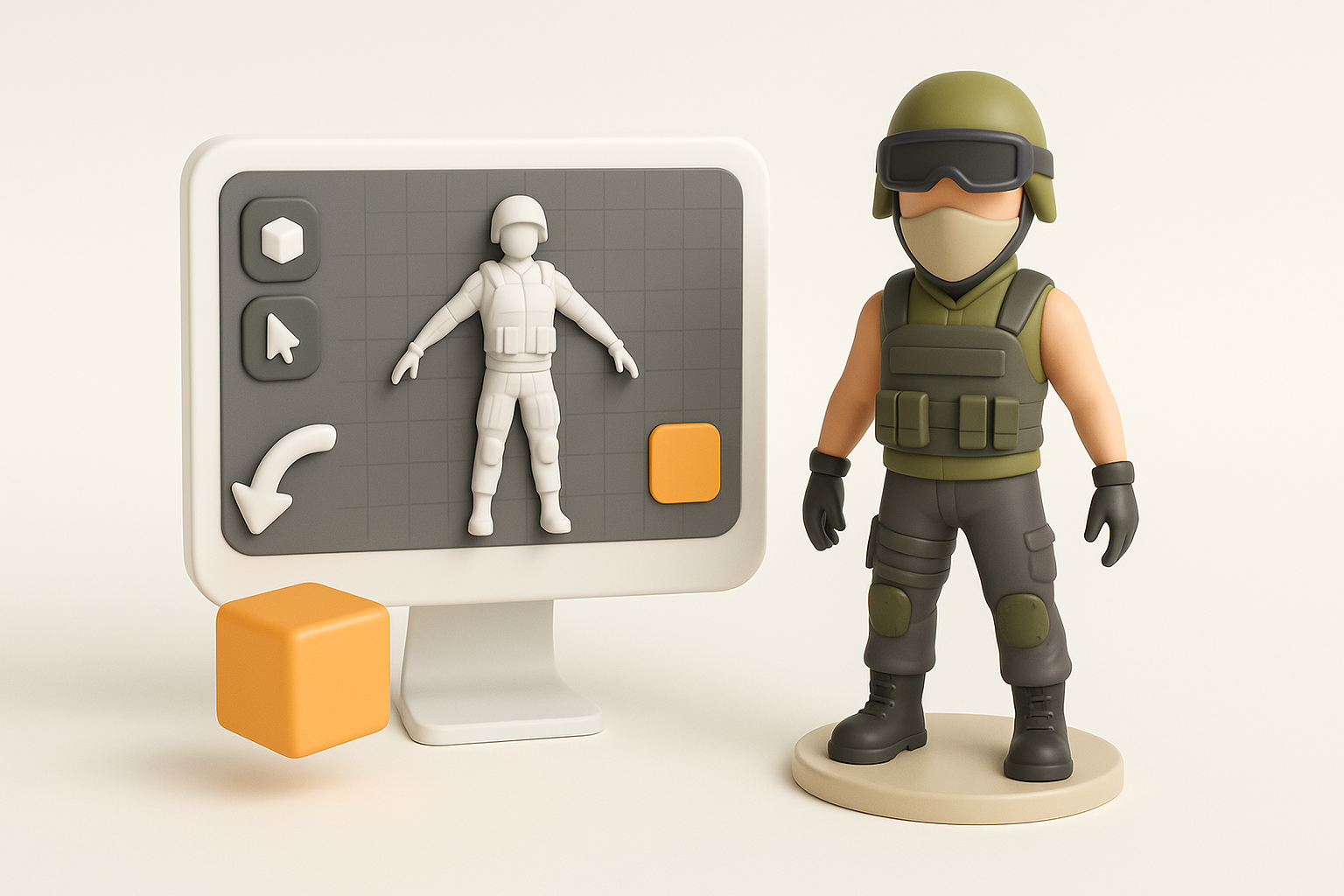
From my hands-on work, Free Fire 3D models stand out due to their stylized proportions, vibrant textures, and optimized geometry for mobile performance. These models typically feature bold silhouettes, exaggerated accessories, and eye-catching color palettes to match the game's fast-paced, visually distinct style.
Key characteristics:
- Low to mid polycount for real-time rendering
- Clean topology for animation and skinning
- Textures that pop, even at lower resolutions
Common Use Cases in Gaming and Design
I use Free Fire-style 3D models primarily for character prototyping, game asset creation, and XR experiences. Their lightweight nature makes them ideal for mobile games, mods, machinima, and quick design iterations. They’re also popular for fan art, animation shorts, and virtual social platforms.
Common scenarios:
- Rapid prototyping for gameplay testing
- Custom avatars for XR and social apps
- Modding and skin creation for community content
How I Generate Free Fire 3D Models
Step-by-Step Workflow with AI Tools
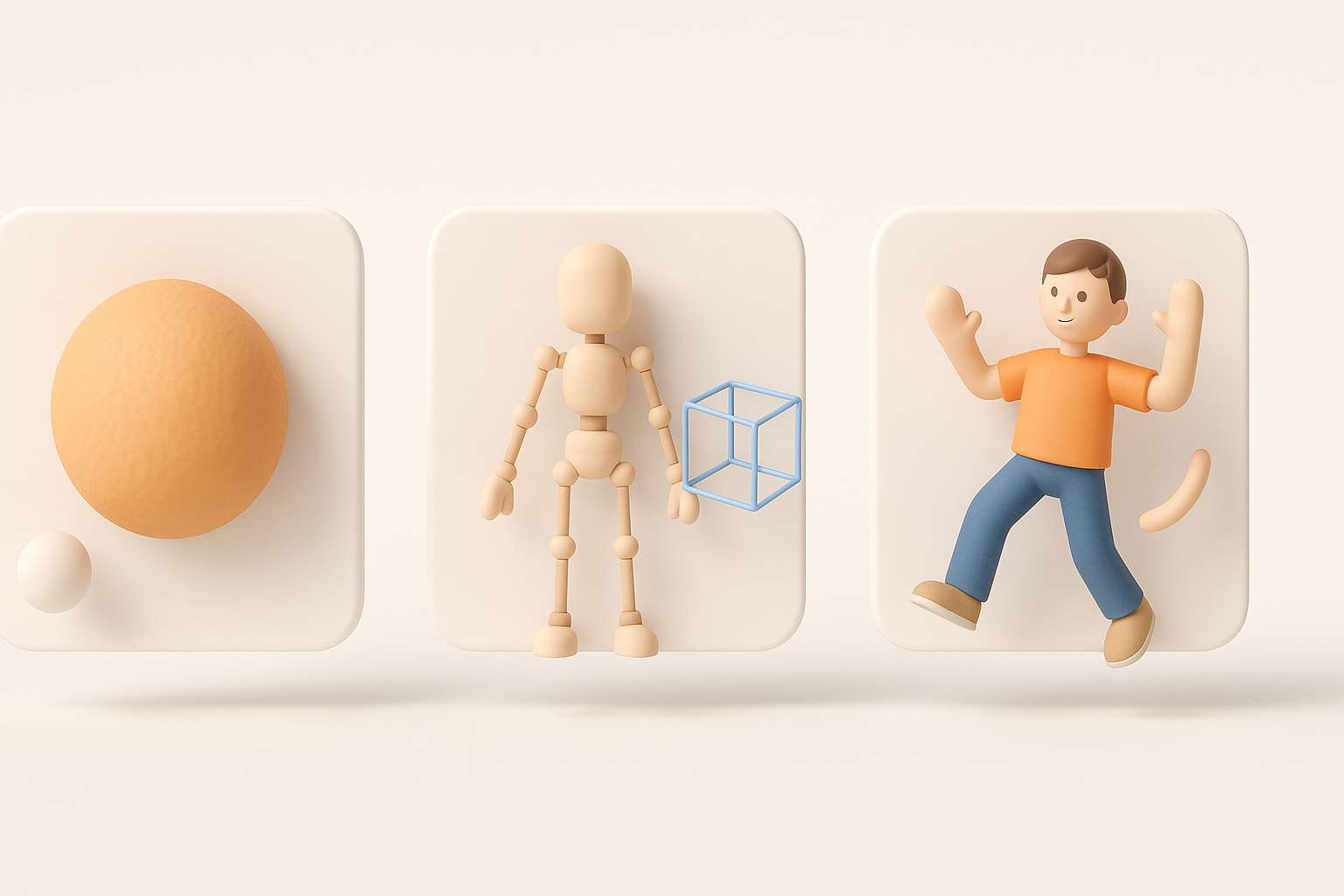
My workflow starts with a clear concept—either a text prompt, reference image, or hand-drawn sketch. I use Tripo AI to translate these inputs into a base 3D model, leveraging built-in segmentation and retopology to jumpstart the process.
My typical steps:
- Define the model’s purpose (game, animation, etc.).
- Prepare reference material (text, images, or sketches).
- Input references into Tripo AI and generate a base mesh.
- Review the output, then use built-in tools for quick segmentation and UV unwrapping.
- Export the model for further refinement or direct use.
Pitfall: Don’t skip manual review—AI-generated meshes often need cleanup for edge flow, symmetry, or detail accuracy.
Tips for Achieving Production-Ready Results
What I’ve found: AI can get you 80% of the way, but that last 20%—polishing topology, adjusting proportions, and refining textures—makes all the difference for production use.
Checklist for production readiness:
- Inspect and fix topology (no stray vertices, n-gons, or non-manifold edges)
- Ensure UVs are clean and non-overlapping
- Test textures under different lighting
- Validate scale and orientation for your target engine
Best Practices for Texturing, Rigging, and Animation
My Approach to Intelligent Segmentation
I rely on intelligent segmentation to separate clothing, accessories, and body parts for easier texturing and rigging. Tripo AI’s segmentation tool is especially useful for auto-detecting logical mesh regions, but I always double-check and manually tweak segments for animation-readiness.
Segmentation steps:
- Run auto-segmentation.
- Manually adjust seams for joints and articulation points.
- Assign materials per segment for quick texture iteration.
Optimizing Models for Game Engines
Optimization is crucial. I keep polycount low, bake details into normal maps, and ensure skeletons are compatible with standard animation rigs. I also run test imports into my target engine (Unity, Unreal, etc.) to catch any issues early.
My optimization tips:
- Limit texture sizes (e.g., 1024x1024 for mobile)
- Remove hidden faces and unused vertices
- Use LODs for complex assets
- Test rigging with sample animations before final export
Comparing AI-Powered and Traditional 3D Creation Methods
Pros and Cons Based on My Experience
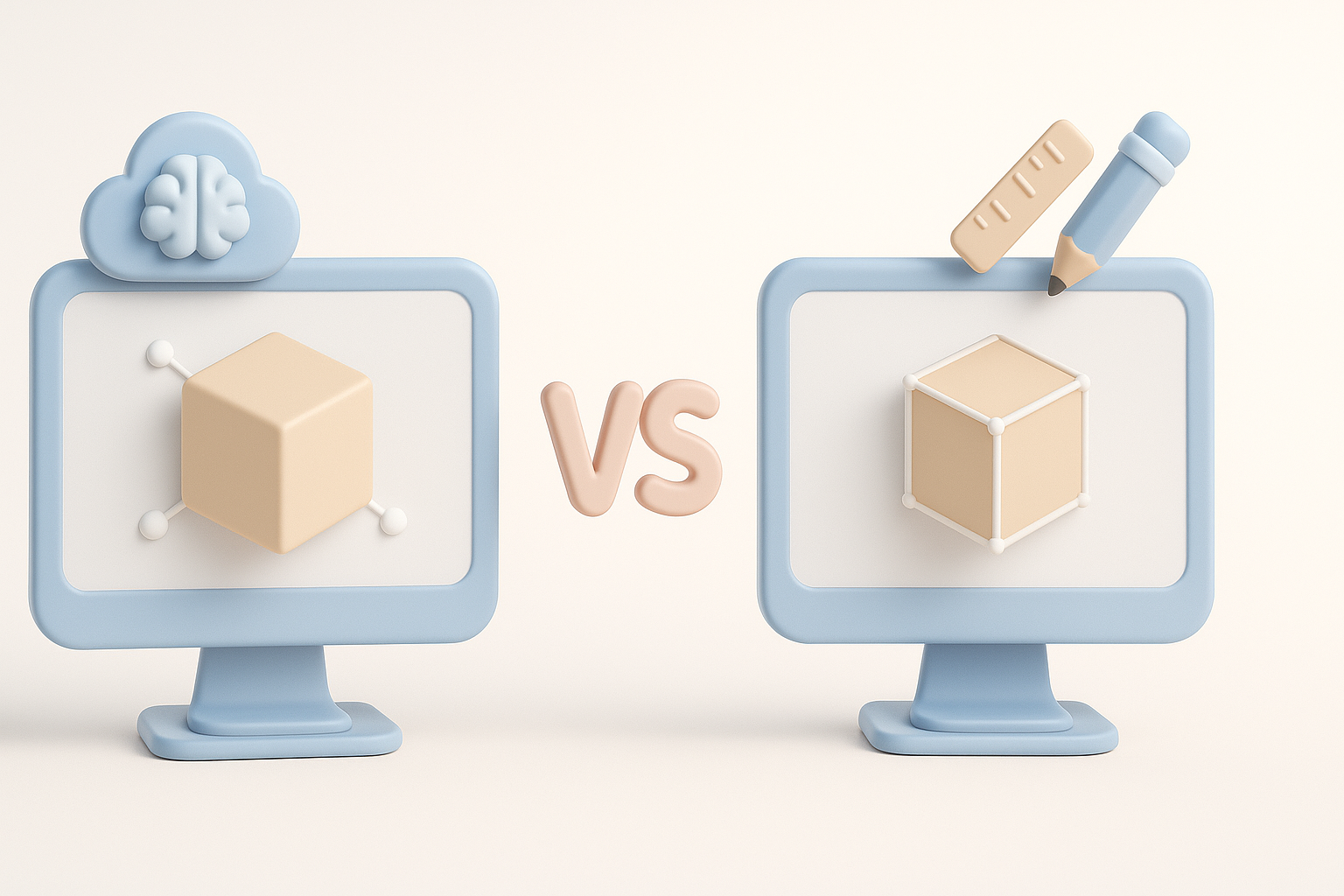
AI-powered tools like Tripo have revolutionized my workflow—speeding up ideation and reducing repetitive tasks. However, traditional modeling is still unmatched for custom, highly detailed, or technical assets.
AI-powered method pros:
- Rapid iteration and prototyping
- Automated retopology and UVs
- Accessible for non-experts
Cons:
- Output sometimes lacks nuance or precision
- Manual cleanup often required
When to Use AI Tools vs. Manual Techniques
From experience, I use AI tools for early-stage concepts, background assets, or when time is tight. For hero models, animation-critical assets, or when I need full control, I revert to manual modeling and sculpting.
When to choose each:
- AI tools: Fast drafts, bulk asset generation, non-critical elements
- Manual: Main characters, custom rigs, highly specific requirements
Where to Find and Share Free Fire 3D Models
Recommended Platforms and Communities
I source and share Free Fire-style 3D models on specialized asset repositories, forums, and creator communities. Look for platforms with strong moderation and clear licensing terms.
My go-to options:
- 3D asset platforms with gaming categories
- Community Discords and forums focused on mobile games
- XR and VR asset sharing hubs
Tip: Always check model descriptions for usage rights and attribution requirements.
Legal Considerations and Licensing Tips
It’s critical to respect intellectual property. Free Fire is a trademarked franchise, so I avoid distributing direct copies or infringing assets. For personal or educational use, I stick to original creations or assets with clear open licenses (e.g., CC0, CC-BY).
Licensing checklist:
- Review asset license before use or sharing
- Attribute creators when required
- Avoid commercial use without explicit permission
- When in doubt, create your own models or use public domain assets
By combining AI-driven workflows with hands-on refinement and responsible sharing, I consistently achieve high-quality, game-ready Free Fire 3D models that are both efficient and legally compliant.