Creating a Bee Swarm Simulator 3D Model: Expert Workflow
Designing a bee swarm simulator 3D model requires a balance of realism, performance, and adaptability for various platforms. In my experience, the key is to streamline every stage—from initial planning and modeling, to animation and integration—using a mix of AI-powered tools and hands-on techniques. This guide breaks down my proven workflow, highlighting practical steps, common pitfalls, and specific tips for artists, game developers, and XR creators aiming for production-ready results.
Key Takeaways:
- Start with clear simulation goals and solid visual references.
- Use AI-powered modeling tools to rapidly generate base bee models and iterate efficiently.
- Focus on modular rigs and procedural animation for convincing swarm behavior.
- Optimize UVs and materials early for seamless real-time performance.
- Test export settings and integration in your target simulation engine to avoid late-stage surprises.
- Leverage AI for repetitive or complex tasks, but refine details manually for best results.
Executive Summary and Key Takeaways

What to Expect from This Guide
This guide is a practical walkthrough of my end-to-end workflow for creating a 3D bee swarm simulator. I cover everything from scoping and reference gathering, to modeling, texturing, rigging, animation, and integration into game or XR engines. Each section includes actionable steps and checklists, with insights drawn from real projects.
Summary of Best Practices
- Define your simulation’s technical and artistic scope before modeling.
- Gather reference images and create quick sketches to guide the modeling process.
- Use AI-powered tools like Tripo for rapid prototyping and clean topology.
- Prioritize efficient UV layouts and lightweight materials for swarm performance.
- Build modular rigs and use procedural animation for organic swarm movement.
- Test exports early in your target engine to catch compatibility issues.
Planning a Realistic Bee Swarm Simulator Model
Defining Simulation Goals and Scope
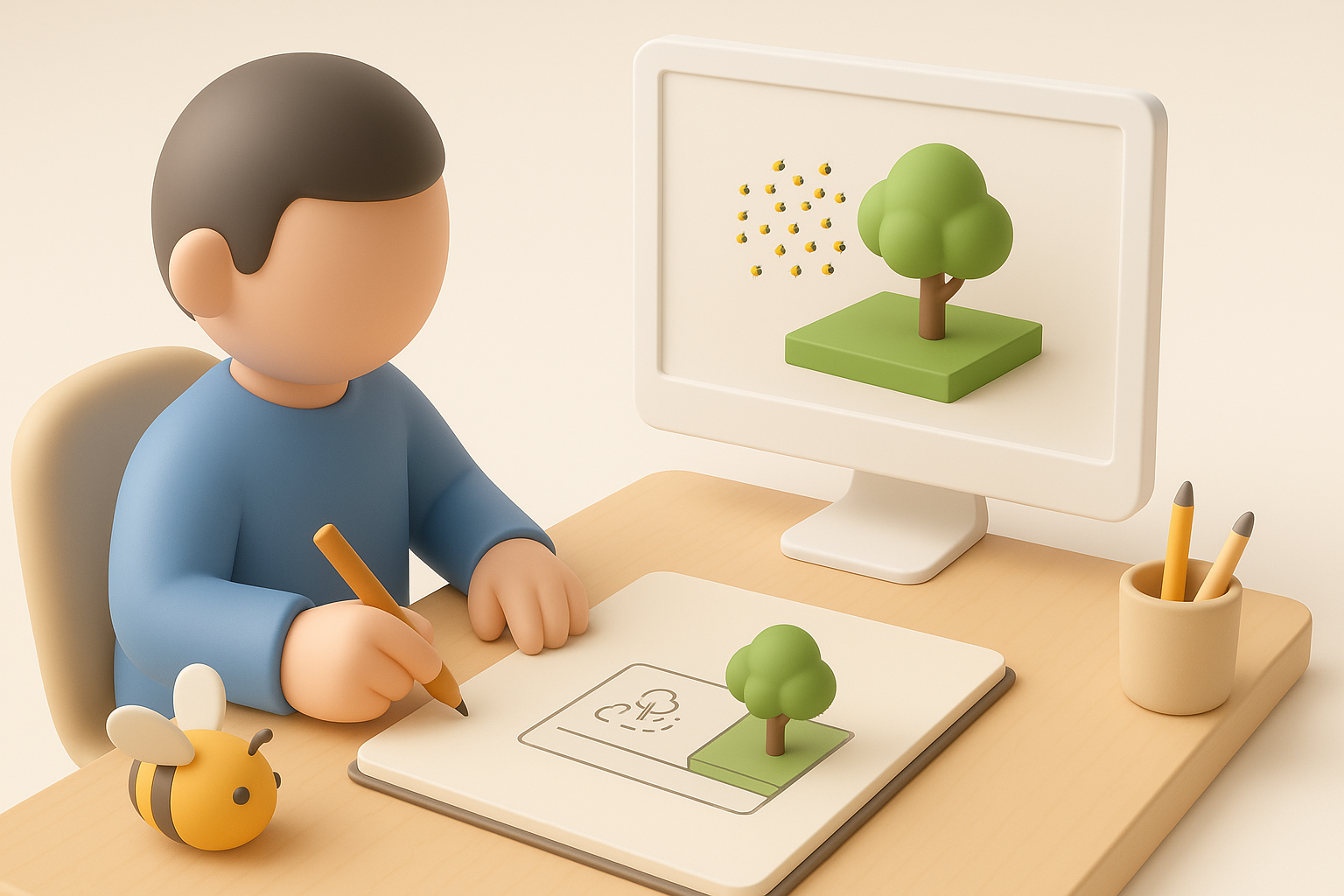
Before opening any 3D tool, I clarify the purpose of the simulator: Is it for scientific visualization, a stylized game, or an AR experience? This determines the polycount, texture resolution, and animation complexity.
Checklist:
- Define target platform (desktop, mobile, XR).
- Set performance targets (max bees on screen, FPS goals).
- Decide on realism vs. stylization.
Reference Gathering and Concept Sketching
I collect high-resolution photos and videos of bees and swarms, focusing on body proportions, wing structure, and swarm patterns. Quick concept sketches help communicate the intended style and behavior.
Pitfalls to avoid:
- Relying solely on memory—subtle anatomical details matter.
- Skipping sketches—leads to inconsistent models.
3D Modeling Workflow for Bee Swarms
Efficient Creation of Bee Models
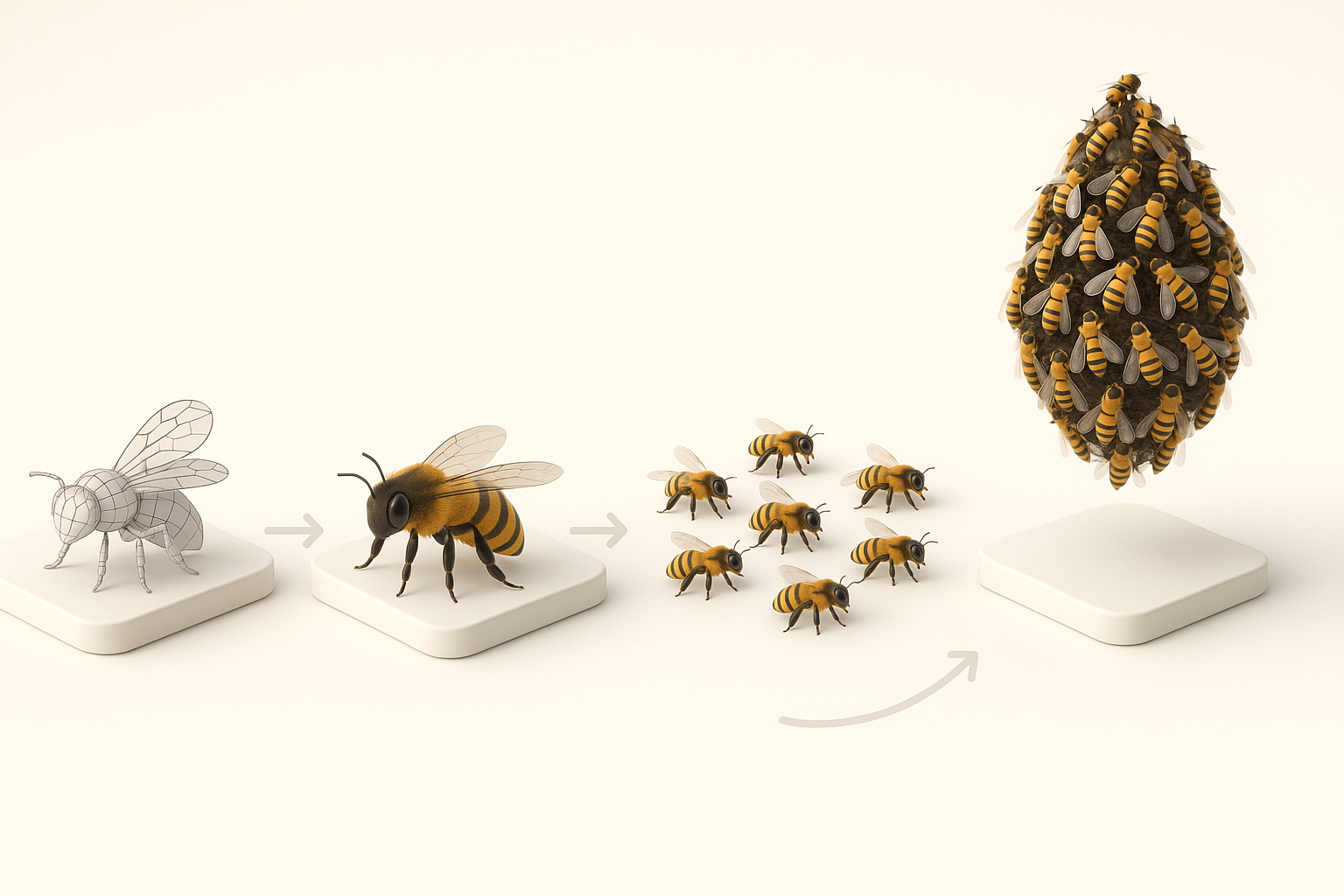
I start with a single bee model. Using Tripo, I generate a base mesh from a text description or reference photo, then refine proportions and details in my DCC (digital content creation) tool.
Steps:
- Use AI to block out the main shapes.
- Manually sculpt details (antennae, wings, legs).
- Keep geometry clean for easy rigging.
Swarm Arrangement and Animation Techniques
For swarms, I avoid duplicating high-poly bees. Instead, I use instancing or particle systems, referencing the base bee mesh. This keeps the scene lightweight and flexible.
Tips:
- Randomize scale, rotation, and pose for realism.
- Use splines or procedural animation to define flight paths.
Texturing and Material Best Practices

UV Mapping and Texture Painting
I unwrap the bee model with minimal seams and prioritize the wings and abdomen for detail. Tripo’s auto-unwrap and base texture generation save me time, but I always hand-paint or tweak key areas for clarity.
Checklist:
- Overlap UVs for symmetrical parts (legs, wings).
- Use 2K textures unless the project demands higher resolution.
Optimizing Materials for Real-Time Simulation
I use a single material with an atlas for all bee variations, minimizing draw calls. For wings, I use alpha-masked textures and simple shaders.
Pitfalls:
- Avoid complex materials—transparency and refraction can tank performance in large swarms.
- Test in-engine for lighting and shader compatibility.
Rigging and Animation for Swarm Behavior
Setting Up Bee Rigs for Movement
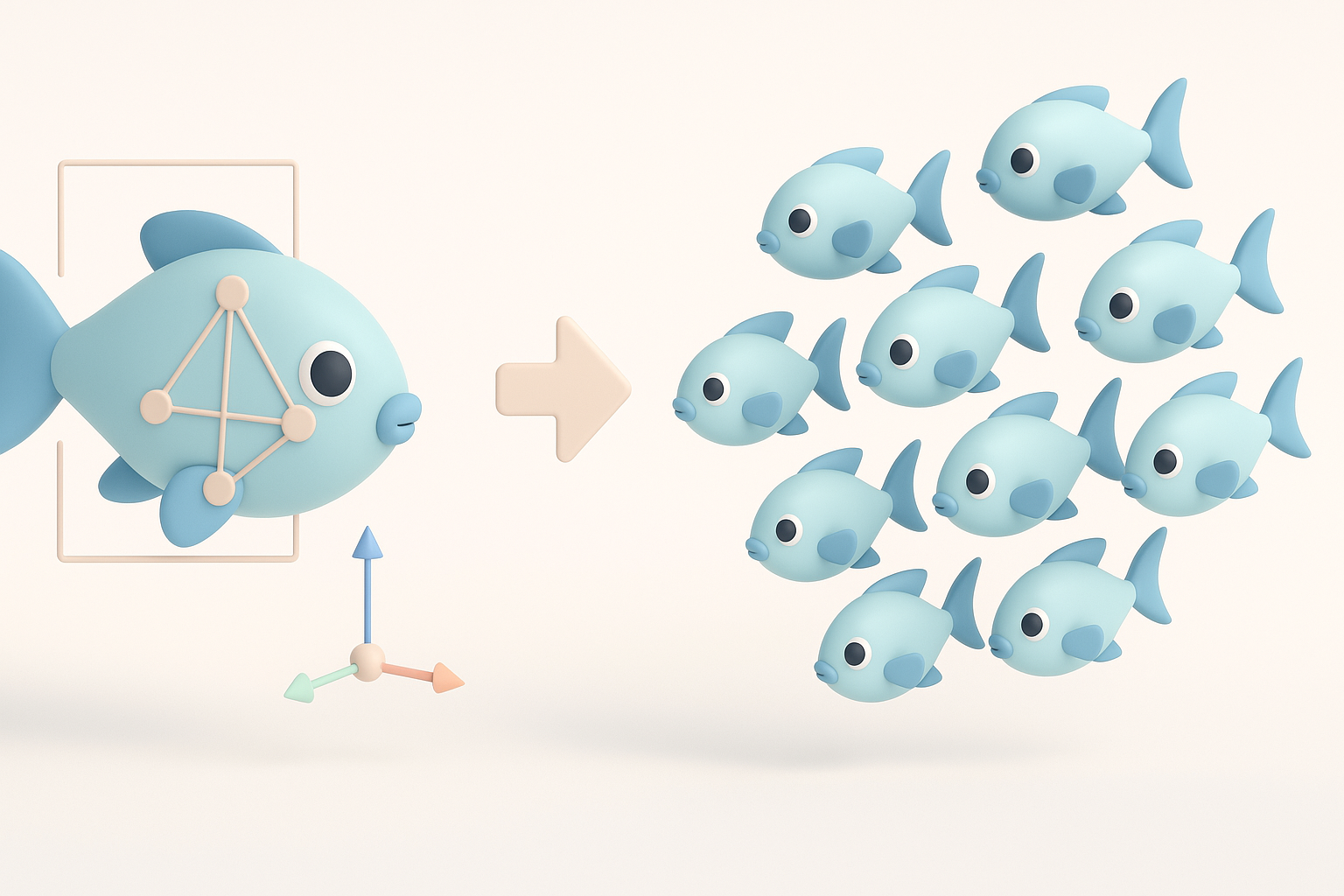
I create a minimal skeleton: spine, legs, wings. Tripo’s auto-rigging helps, but I adjust joint placement for natural wing flapping and body bending.
Tips:
- Keep rigs simple—complex rigs slow down swarms.
- Use constraints for synchronized wing movement.
Animating Swarm Dynamics with AI Tools
For swarm behavior, I rely on procedural animation and AI-assisted tools. I generate a few looping flight cycles, then use engine-side scripts or animation blueprints for flocking, avoidance, and randomization.
Checklist:
- Bake core animations (idle, flap, turn).
- Layer procedural noise for organic movement.
Exporting and Integrating into Simulation Engines
Export Settings for Game and XR Platforms
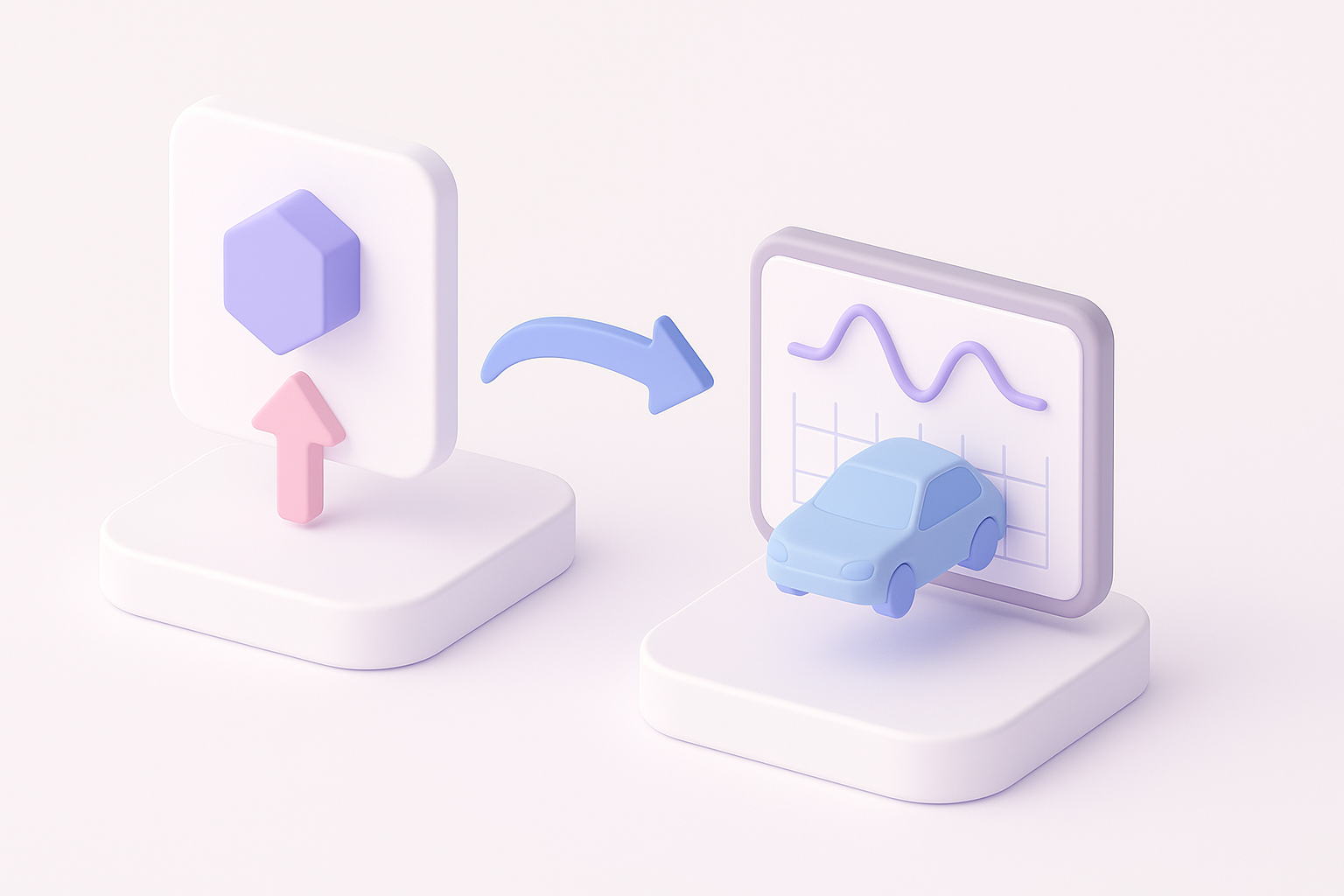
I export bee models as FBX or GLTF, using settings optimized for my target engine. I ensure scale, pivot orientation, and animation clips are engine-ready.
Checklist:
- Apply transforms before export.
- Test import in a blank engine scene.
- Use LODs for distant bees if needed.
Troubleshooting Common Integration Issues
Common issues I encounter: broken skeletons, flipped normals, or missing materials. I always check the model in the engine’s asset viewer, not just in my DCC tool.
Tips:
- Check for non-uniform scale (causes rig issues).
- Re-link textures if paths break on import.
Comparing AI-Powered and Manual 3D Workflows
When to Use AI Tools for Bee Swarm Models
AI tools like Tripo excel at rapid prototyping, auto-retopology, and batch texture generation. I use them for base mesh creation and repetitive tasks, then switch to manual refinement for animation and material tweaks.
Best practices:
- Use AI for speed, manual for polish.
- Don’t skip manual QA—AI outputs can have artifacts.
Lessons Learned from Real-World Projects
In my projects, blending AI and manual workflows saves time without sacrificing quality. The biggest gains come from automating mundane steps (like UVs and base textures), freeing me to focus on animation and integration.
Takeaways:
- Early planning and reference gathering prevent costly rework.
- AI accelerates iteration but doesn’t replace artistic judgment.
- Always test models in the target engine before final delivery.
This workflow distills what’s worked best for me in creating efficient, realistic bee swarm simulators—adapt as needed for your own project’s scope and style.