Creating Assassin’s Creed Shadows 3D Models: Expert Workflow & Tips
скачать 3d модели для chicken gun
Creating 3D models for a title like Assassin’s Creed Shadows demands a sharp eye for style, technical precision, and a streamlined workflow. Having built models for similar high-profile projects, I’ve learned that nailing the game’s unique visual language is just as important as efficient production. In this article, I’ll break down my workflow from reference gathering to game-ready assets, compare manual vs. AI-assisted methods, and share practical tips for using tools like Tripo AI to speed up and enhance the process. Whether you’re a game artist, indie dev, or studio lead, these insights will help you deliver authentic, optimized models that fit seamlessly into modern pipelines.
Key takeaways:
- Authenticity starts with deep reference analysis and understanding the franchise’s style.
- Blocking, detail, and retopology are best handled in clear, iterative stages.
- AI tools like Tripo AI can dramatically speed up prototyping and asset generation.
- Manual refinement is still crucial for hero assets and nuanced details.
- Always optimize meshes and textures for real-time performance.
- Rigging and export settings must match the requirements of your game engine.
Executive Summary: Key Insights for Assassin’s Creed Shadows 3D Models
What sets Assassin’s Creed Shadows models apart
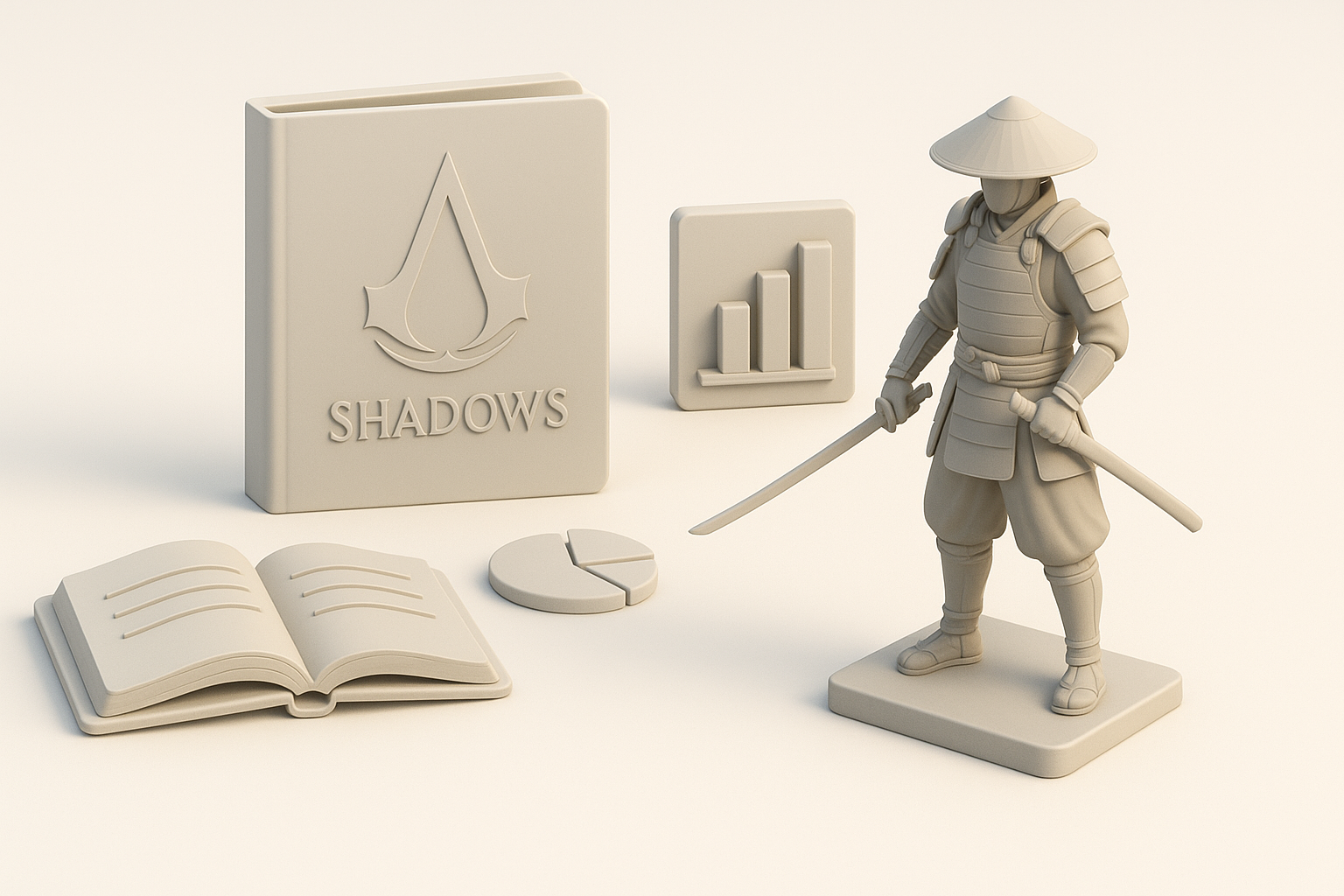
Assassin’s Creed Shadows models stand out due to their blend of historical accuracy and stylized realism. The franchise’s art direction favors believable proportions, intricate surface detail, and materials that evoke a sense of place and era. In my experience, it’s the subtle storytelling in every asset—through wear, ornamentation, and silhouette—that defines the look.
Top takeaways from my 3D modeling experience
- Always start with a strong foundation: get proportions and forms right before adding detail.
- Use AI tools for rapid iteration, but don’t skip manual passes for polish.
- Consistency in style and scale is critical for large environments and character sets.
- Keep performance in mind from the start—optimize as you go, not just at the end.
Understanding the Unique Style of Assassin’s Creed Shadows
Analyzing reference materials and art direction
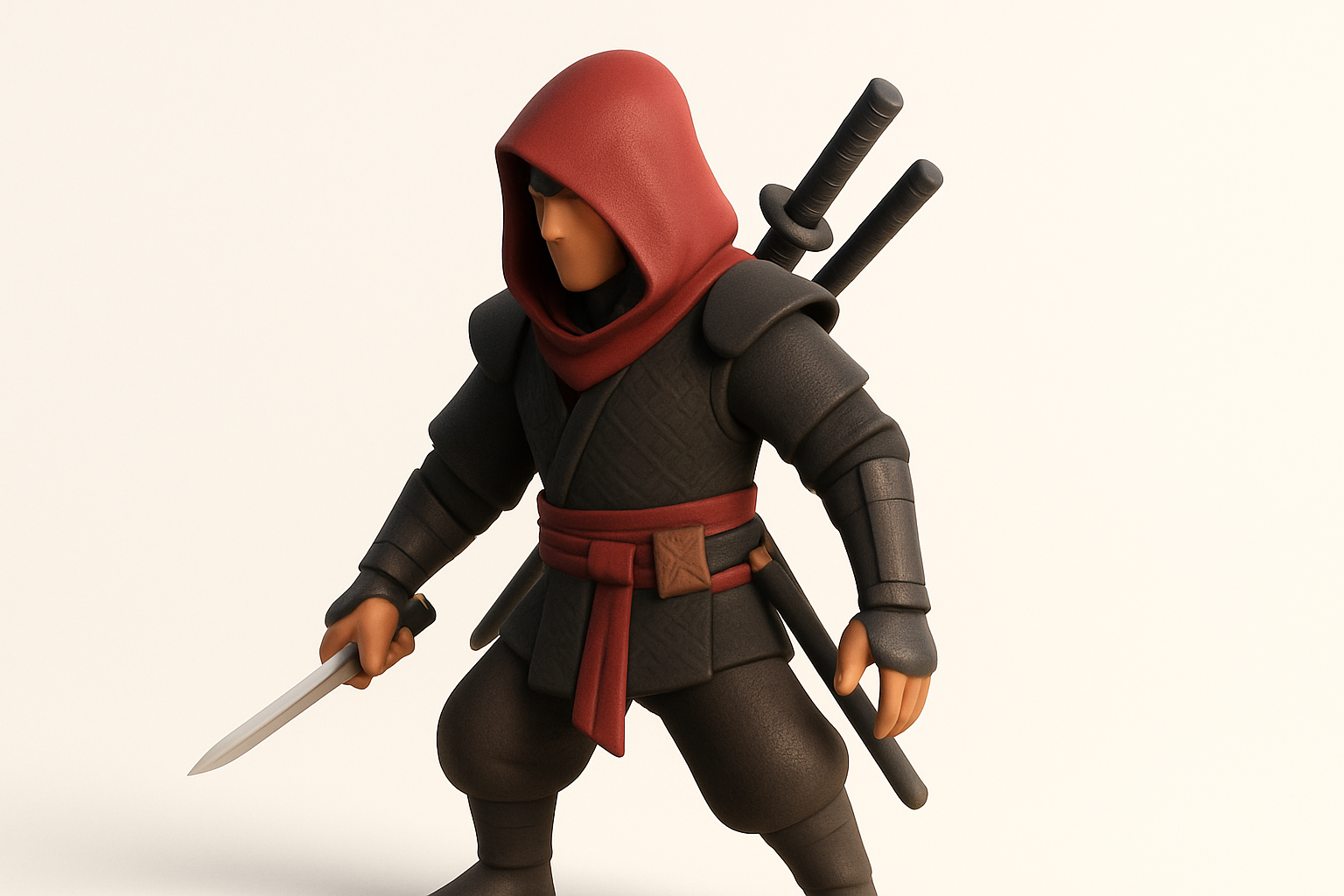
I begin every project with a deep dive into official concept art, gameplay trailers, and any available behind-the-scenes material. For Assassin’s Creed Shadows, I pay close attention to the use of color, material finishes, and how light interacts with surfaces. I also gather real-world references from the historical period to ground my models in authenticity.
Checklist:
- Collect official and fan-made references.
- Study clothing, armor, and architecture details.
- Note recurring motifs, edge wear, and dirt placement.
Translating visual style into 3D assets
Once I have a solid reference board, I translate 2D style cues into 3D forms. This means exaggerating silhouettes where needed, carefully layering detail, and using material definition to reinforce the setting. For Shadows, I focus on subtle asymmetry, realistic fabric simulation, and period-specific ornamentation.
Tips:
- Block out large shapes before diving into details.
- Use sculpting to add organic imperfections.
- Test materials under different lighting scenarios.
Step-by-Step Workflow: From Concept to Production-Ready Model
Blocking out forms and proportions
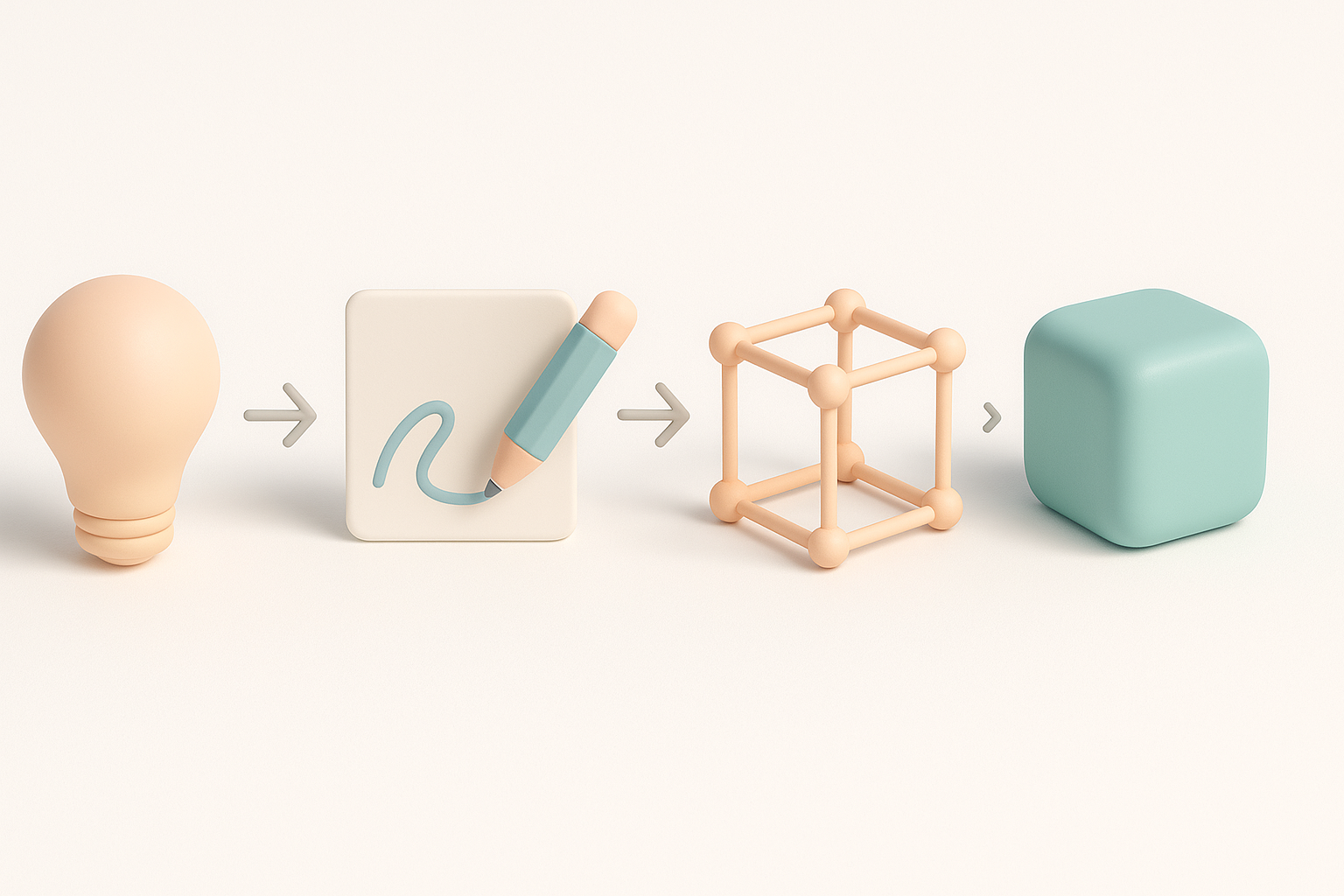
My workflow always starts with rough blocking—either from scratch or using AI-generated base meshes as a starting point. I prioritize proportion, gesture, and overall silhouette at this stage. Quick iterations are key; I often use Tripo AI to generate multiple blockouts from sketches or text prompts, then refine the best candidate in my DCC tool.
Steps:
- Gather and organize references.
- Block main shapes in low-poly.
- Validate silhouette from all angles.
Detailing, retopology, and texturing best practices
Once the blockout is approved, I move to high-frequency detail using sculpting tools. I retopologize the mesh for animation and game engine constraints, then bake normal and AO maps. For texturing, I rely on a mix of procedural and hand-painted techniques, always matching the franchise’s material language.
Pitfalls to avoid:
- Over-detailing early; keep the mesh manageable.
- Ignoring topology flow—plan for deformation and LODs.
- Forgetting to check texel density across the model.
Leveraging AI Tools for Efficient 3D Model Creation

How I use Tripo AI for rapid prototyping
Tripo AI is now a core part of my early-stage workflow, especially for generating base meshes or quick props. I input text descriptions, sketches, or photos, and use the outputs as starting points. This lets me iterate on ideas faster and focus my manual efforts on refinement and storytelling.
Mini-checklist:
- Prepare clear, descriptive prompts.
- Review and select the most promising AI outputs.
- Clean up geometry and integrate into main scene.
Integrating AI-generated assets into my pipeline
After generating assets with Tripo AI, I import them into my main DCC tool for further sculpting, retopology, and texturing. I always check for topology issues and optimize before moving to the next stage. AI tools are best for speeding up repetitive or generic asset creation, but I still rely on manual work for hero pieces.
Tips:
- Use AI for props, background elements, or early blockouts.
- Always check and fix UVs, normals, and mesh integrity.
- Blend AI assets with hand-modeled elements for consistency.
Comparing Manual and AI-Assisted 3D Modeling Approaches
Strengths and limitations of each method
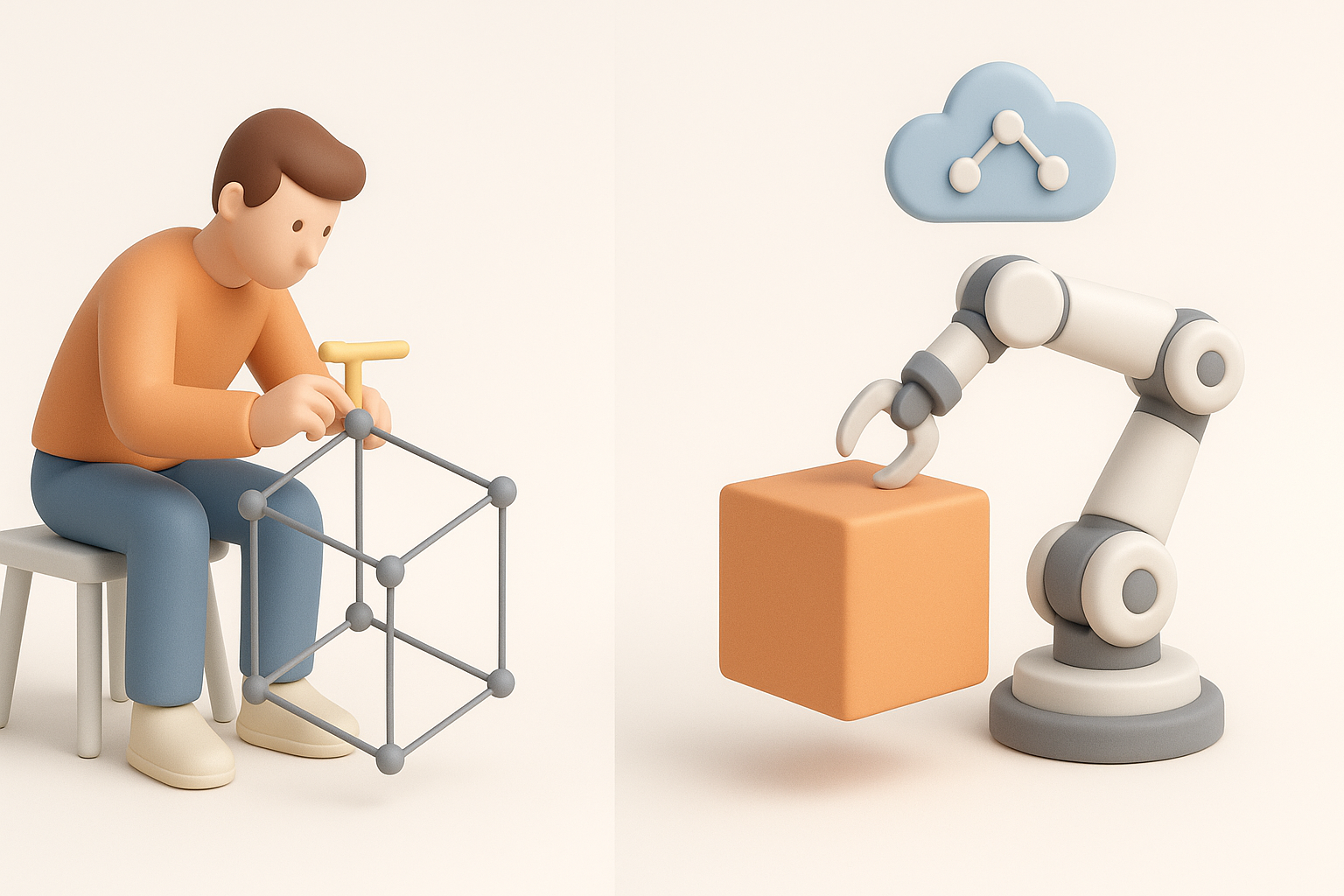
Manual modeling gives me total control over style, topology, and detail—ideal for unique or hero assets. However, it’s time-consuming for large asset lists. AI-assisted modeling, on the other hand, accelerates ideation and fills out environments quickly, but often needs manual cleanup and style matching.
Strengths:
- Manual: Precision, custom detail, full artistic control.
- AI-assisted: Speed, iteration, bulk asset generation.
Limitations:
- Manual: Labor-intensive, slower for large projects.
- AI-assisted: May require significant cleanup, less nuanced.
When to choose manual vs. AI-assisted workflows
I typically use AI-assisted methods for props, environmental assets, and early blockouts—anything that benefits from speed and iteration. For main characters, hero props, or anything requiring narrative detail, I stick with manual modeling and texturing.
Decision points:
- Is the asset a focal point? Go manual.
- Is it background or repetitive? Use AI to save time.
- Always review AI outputs for style consistency.
Optimization, Rigging, and Preparing for Game Engines
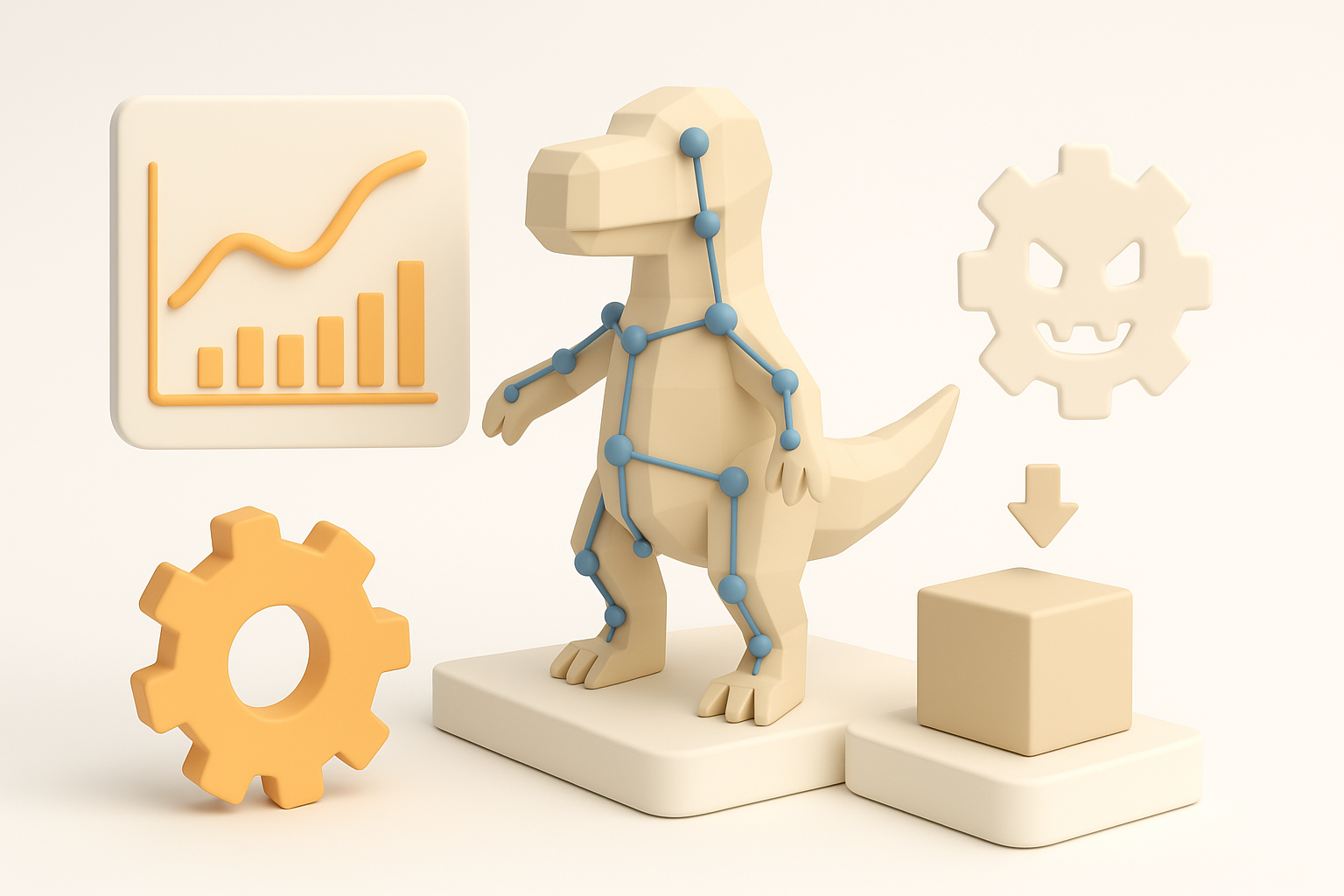
Ensuring models are game-ready
Optimization is non-negotiable for game assets. I always check polycount, bake efficient maps, and verify LODs before export. Keeping texel density consistent and using packed UVs helps maintain visual quality without wasting resources.
Checklist:
- Target engine-specific polycount and texture limits.
- Bake normal, AO, and roughness maps.
- Optimize UVs and check for overlaps.
Rigging and animation considerations
For characters and animated props, I ensure clean topology and logical joint placement. I test deformation with simple rigs before finalizing weights. Export settings must match the target engine’s requirements (e.g., FBX with correct scale and axis orientation).
Tips:
- Name bones and mesh parts clearly.
- Test animations in the engine early.
- Keep rig complexity in line with gameplay needs.
My Lessons Learned and Best Practices

Common pitfalls and how I avoid them
I’ve seen projects derailed by inconsistent style, overcomplicated meshes, and last-minute optimization. To avoid these, I set clear style guides, keep meshes clean from the start, and review assets regularly in engine.
Pitfalls:
- Ignoring reference consistency.
- Skipping early optimization.
- Overcomplicating materials or shaders.
Tips for achieving authentic Assassin’s Creed Shadows results
- Always work from strong, curated references.
- Use AI tools to speed up, not replace, your creative judgment.
- Prioritize silhouette and material authenticity.
- Test assets under game lighting and camera angles.
- Review with the team or art director at key milestones.
By combining reference-driven artistry, structured workflows, and the smart use of AI tools like Tripo AI, I consistently deliver high-quality, game-ready 3D models that fit the Assassin’s Creed Shadows aesthetic. The key is balancing efficiency with attention to detail, and always keeping the end-user experience in mind.